Trend erfolgreicher InferenzenAktivität
Noch nicht genug Daten

GPT Image 2 ist das OpenAI-Bildmodell im Flatkey-Bildgenerierungsfluss. Verwende /v1/images/generations und konfiguriere Anzahl, Größe, Qualität, Format, Hintergrund und Moderation vor dem Senden.
Nur Vorschau. Melden Sie sich an, um diese Anfrage an Flatkey zu senden.
{
  "model": "gpt-image-2",
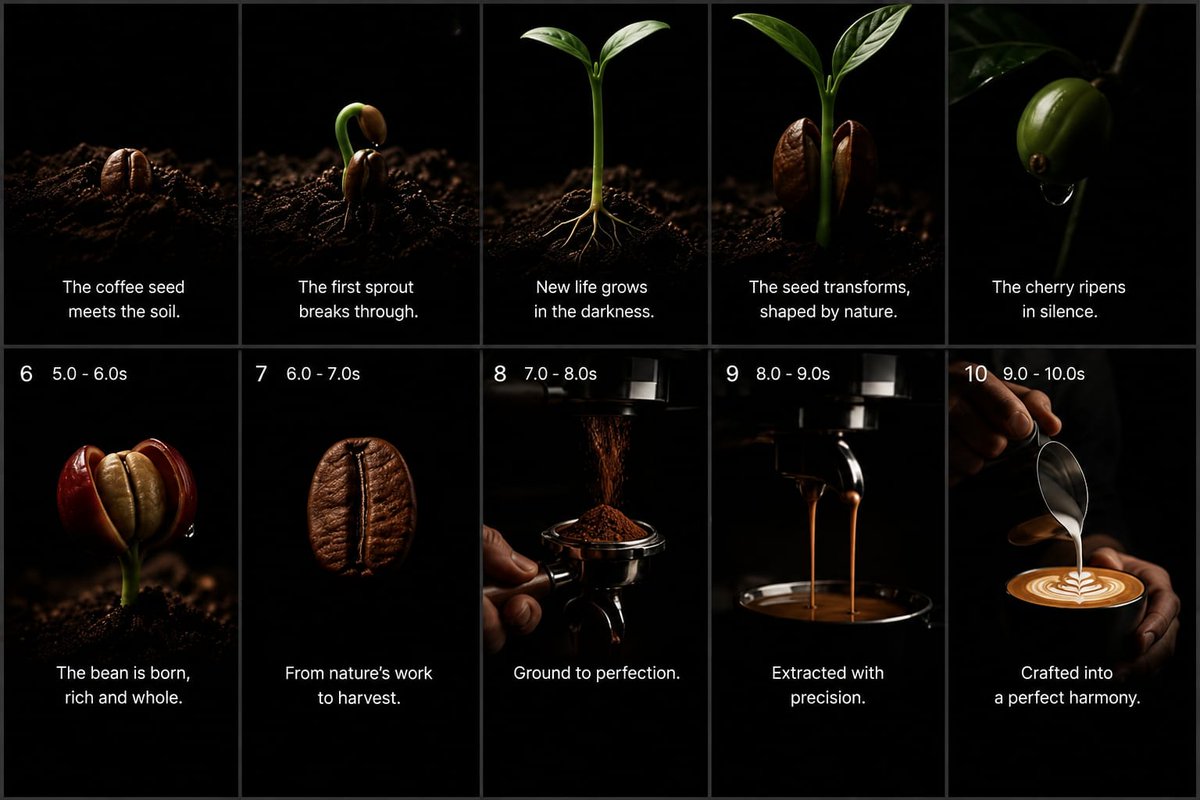
  "prompt": "Goal: Create a premium cinematic coffee commercial storyboard as a single static image, showing the full journey from coffee seed to finished latte. Use a dark minimalist studio look with pure black backgrounds, dramatic low-key lighting, shallow depth of field, macro photography realism, rich brown coffee tones, glossy highlights, and elegant white captions.\n\nCanvas: 16:9 widescreen storyboard sheet, divided into exactly 10 vertical panels arranged in a 2-row by 5-column grid. Use thin dark gray dividers between panels. Each panel should feel like a high-end commercial still frame, with black negative space and a subject lit by a narrow soft spotlight.\n\nLayout: Top row contains panels 1–5 with centered white caption text near the lower third but no visible numbers. Bottom row contains panels 6–10 with small white timing labels at the top left of each panel and centered white caption text near the bottom. Keep all typography clean, modern, sans-serif, white, and unobtrusive.\n\nStoryboard panels, exactly 10:\n1. A roasted-looking coffee seed partly embedded in dark soil, lit from the side, caption: “The coffee seed meets the soil.”\n2. A coffee seed cracking open with a curved green sprout emerging upward from dark soil, caption: “The first sprout breaks through.”\n3. A young coffee seedling with two fresh green leaves and thin pale roots visible in the soil, caption: “New life grows in the darkness.”\n4. A taller green coffee sprout flanked by two split brown seed halves, caption: “The seed transforms, shaped by nature.”\n5. A glossy green coffee cherry hanging from a thin branch in darkness, with a small droplet beneath it, caption: “The cherry ripens in silence.”\n6. Bottom-left panel with top-left label “6   5.0 - 6.0s”; show a ripe red coffee cherry split open to reveal a pale bean inside, growing from dark soil, caption: “The bean is born, rich and whole.”\n7. Top-left label “7   6.0 - 7.0s”; show a single roasted coffee bean floating or isolated against black, very close macro detail, caption: “From nature’s work to harvest.”\n8. Top-left label “8   7.0 - 8.0s”; show finely ground coffee falling from a grinder into a portafilter held by a hand, caption: “Ground to perfection.”\n9. Top-left label “9   8.0 - 9.0s”; show espresso extraction with two thin streams pouring from a portafilter into a dark cup below, caption: “Extracted with precision.”\n10. Top-left label “10   9.0 - 10.0s”; show a barista hand pouring steamed milk from a metal pitcher into a cup of espresso, forming clean latte art, caption: “Crafted into a perfect harmony.”\n\nText customization: Use {argument name=\"brand mood\" default=\"premium cinematic coffee commercial\"} styling. The main caption tone should be poetic and minimal. Optionally replace the final caption with {argument name=\"final caption\" default=\"Crafted into a perfect harmony.\"} while preserving the same placement.\n\nVisual constraints: Keep exactly 10 panels, exactly 5 panels per row, and preserve the numbered timing labels only on panels 6 through 10. Do not add logos, watermarks, extra icons, extra panels, decorative borders, or unrelated text. Maintain realistic coffee textures, dark soil particles, deep blacks, warm highlights, and a luxurious commercial atmosphere.",
  "n": 1,
  "size": "1024x1024",
  "quality": "high",
  "output_format": "png",
  "background": "opaque",
  "moderation": "auto"
}
Funktionen
Die Live-Anfrage-Telemetrie von Flatkey für GPT Image 2 wird bei ausreichendem Traffic angezeigt; daraus wird kein Benchmark oder Qualitätswert abgeleitet.
API
Dieser Abschnitt zeigt echte Flatkey-Anfragen für GPT Image 2; Daten werden erst veröffentlicht, wenn genügend Traffic gesammelt wurde.
Preise
GPT-image-2 nutzt die aktuelle Einheit des Flatkey-Katalogs, nicht den OpenAI-Direkttarif. Wähle Größe, Qualität und Anzahl. Für Bearbeitungen sind Referenzbilder und Angaben zu unveränderten Elementen nötig.
Verwenden Sie dasselbe Flatkey-Guthaben und denselben API-Schlüssel für Bild-, Video-, Audio- und Textmodelle.
Unten stehen dokumentierte Integrationsfelder; Benchmark- oder Qualitätsversprechen werden nicht abgeleitet.
Erzeuge neue Bilder oder bearbeite vorhandene über /v1/images/generations und /v1/images/edits.
Nutze Bildkontext, um Motive und Komposition in Produkt-, Editorial- und Kampagnenarbeit zu erhalten.
Leite aus einem Brief quadratische, Hoch- oder Querformat-Assets für verschiedene Kanäle ab.
Bereite Ergebnisse nach dem dokumentierten Verhalten von Qualität, Format, Hintergrund und Moderation vor.
Vergleichen
Unten stehen dokumentierte Integrationsfelder; Benchmark- oder Qualitätsversprechen werden nicht abgeleitet.
| Fähigkeit | GPT Image 1 | GPT Image 2 |
|---|---|---|
| API-Endpunkt | Hier unbekannt | /v1/images/generations; /v1/images/edits |
| Größen | Hier unbekannt | 1024x1024, 1536x1024, 1024x1536, auto |
| Formate | Hier unbekannt | PNG, JPEG, WebP |
| Qualität/Hintergrund/Moderation | Hier unbekannt | Oben dokumentiert |
| Bildqualitäts-Ranking | Nicht behauptet | Nicht behauptet |
Prüfen Sie Workflows, aktuelle Kosten und den exakten Flatkey-Parametervertrag.
Berechnet aus den aktuellen Einstellungen und dem Live-Katalogpreis, sofern ein fester Stückpreis vorliegt.
Die Endabrechnung folgt Anfrage und Kontogruppe; Token- oder Staffelpreise ergeben keinen festen Schätzwert.
Nur verfügbare Workflows verwenden. Flatkey behält eine öffentliche ID; der Body wählt den Eingang.
Neues Bild aus Text erzeugen.
gpt-image-2/v1/images/generationsReferenzen für Bearbeitung und Varianten nutzen.
gpt-image-2/v1/images/generationsWerte aus derselben Konfiguration wie im Playground.
nBilder1–10
Standard: 1sizeGröße1024x1024 · 1536x1024 · 1024x1536 · auto
Standard: 1024x1024qualityQualitätauto · high · medium · low
Standard: highoutput_formatAusgabeformatpng · jpeg · webp
Standard: pngbackgroundHintergrundopaque · auto
Standard: opaquemoderationModerationauto · low
Standard: autoimageReferenzlimit4 Dateien
Endpoint: /v1/images/generationsNutzen Sie denselben Vertrag in Playground und API und behandeln Sie Validierung, Guthaben, Status und Ergebnis explizit.
Modell, Prompt, Referenzen und Ausgabe prüfen.
Bildanfrage senden.
Ergebnis oder asynchronen Task lesen.
Datei und Metadaten speichern.
Nicht unterstützte Werte und Referenzen vorab blockieren.
Schlüssel, Guthaben, Limits und Gruppenpreise getrennt behandeln.
Zu ersetzenden Prompt oder Inhalt klar benennen.
Task-ID behalten, Wiederholungen begrenzen und Timeout nicht als Erfolg werten.
Prompt-Bibliothek
Beginne mit einem konkreten Motiv, einer Aktion, Kamera oder Komposition und einer klaren Ausgabeeinstellung; Anfragefelder getrennt vom Prompt setzen.
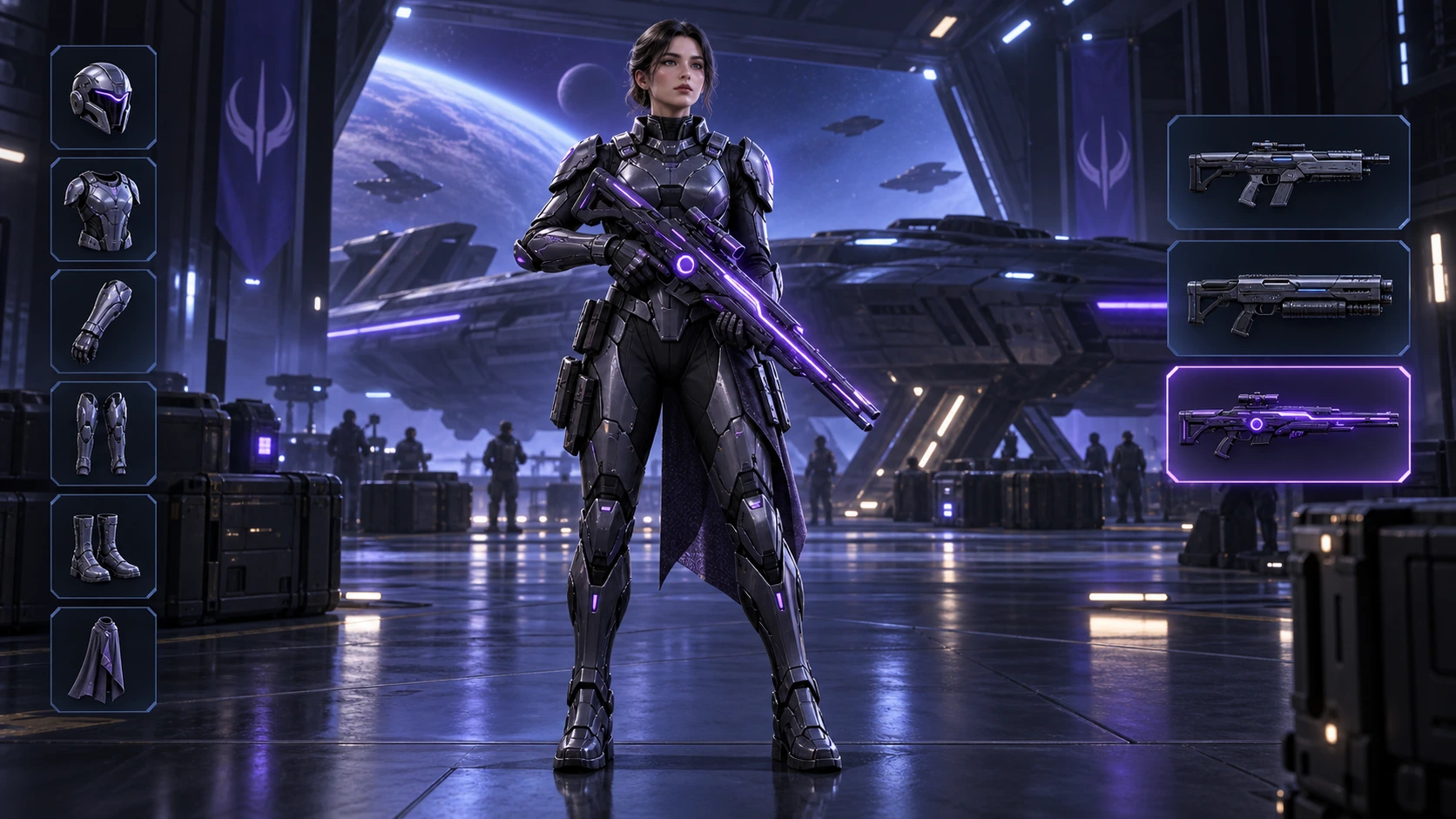
Generiert mit Image 2
Scene: A 16:9 sci-fi game loadout screen in a blue-purple spaceship hangar. A female armored character stands centered with a glowing violet rifle; armor slots line the left, three weapon slots line the right, and the lower slot is highlighted. Keep the HUD hierarchy, pose, lighting, and equipment geometry fixed for an exact equipment-switch frame. No readable words, logos, invented stats, or watermark. Composition and rendering: Deliver one 16:9 game-interface keyframe. Separate the character, held equipment and HUD into clear depth layers; keep slot spacing and icon scale consistent, with the selected item visually dominant. Preserve the scene-specific game art style. Let material edges catch the existing light without letting interface glow obscure the silhouette. Keep all equipment fully inside the frame. Avoid: warped perspective, malformed anatomy, merged objects, inconsistent shadows, excessive sharpening and watermarks. Follow the scene-specific text and branding restrictions above.
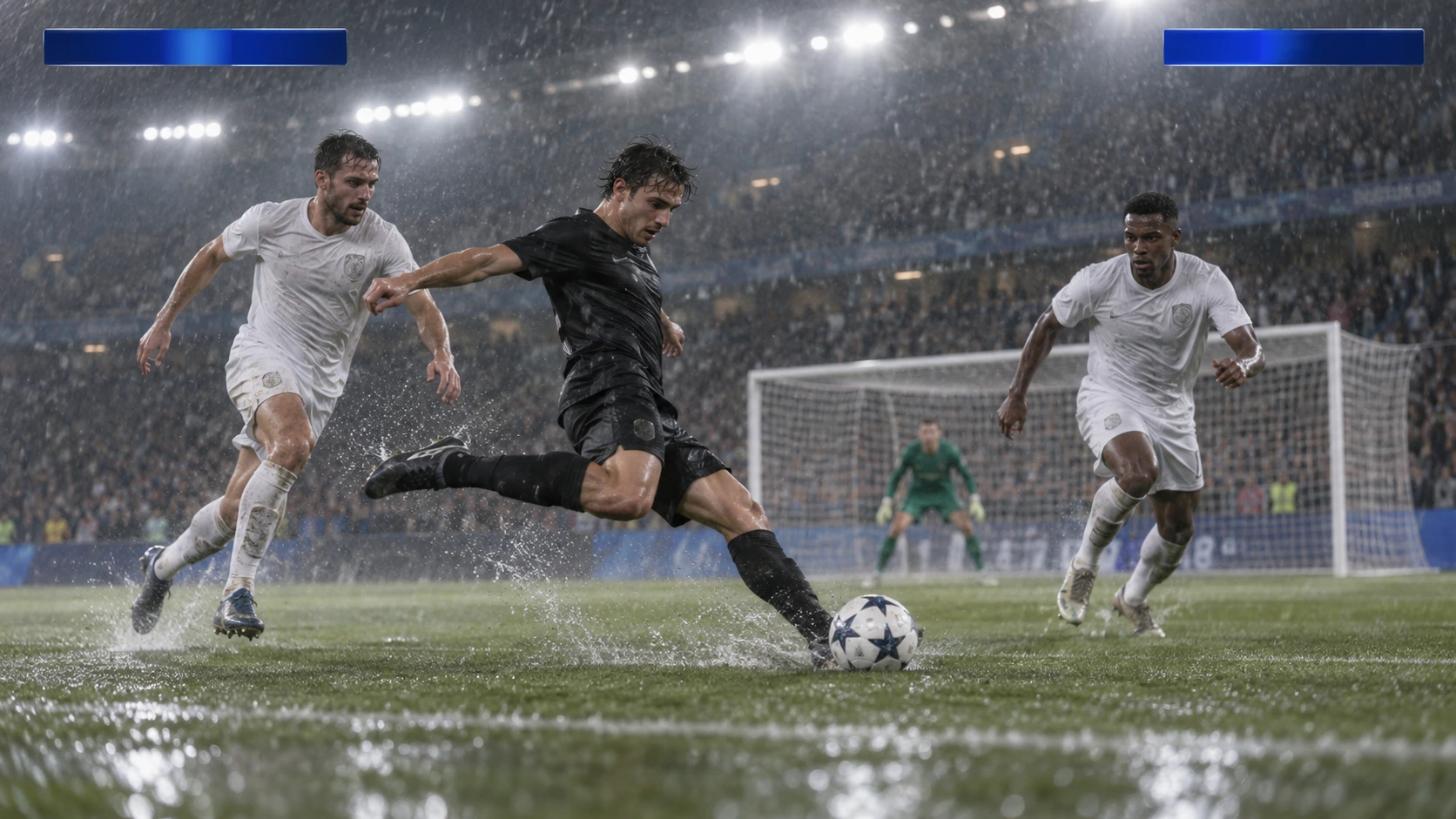
Generiert mit Image 2
Scene: A rainy night soccer broadcast frame under bright stadium floodlights. A black-uniform player strikes the ball while two white-uniform defenders close in, with the goal and a blurred crowd behind. Keep the broadcast camera angle, blank blue score bars, spray, and motion blur consistent; leave overlays abstract and text-free. No real teams, athletes, logos, or watermark. Composition and rendering: Deliver one 16:9 broadcast still at the decisive instant. Use coherent perspective for the playing surface and equipment, readable separation between competitors, and a softer crowd behind the action. Keep the principal subject sharp, with directional blur limited to fast extremities and spray. Preserve the specified broadcast angle and reserve overlay areas clear of the action. Avoid: warped perspective, malformed anatomy, merged objects, inconsistent shadows, excessive sharpening and watermarks. Follow the scene-specific text and branding restrictions above.
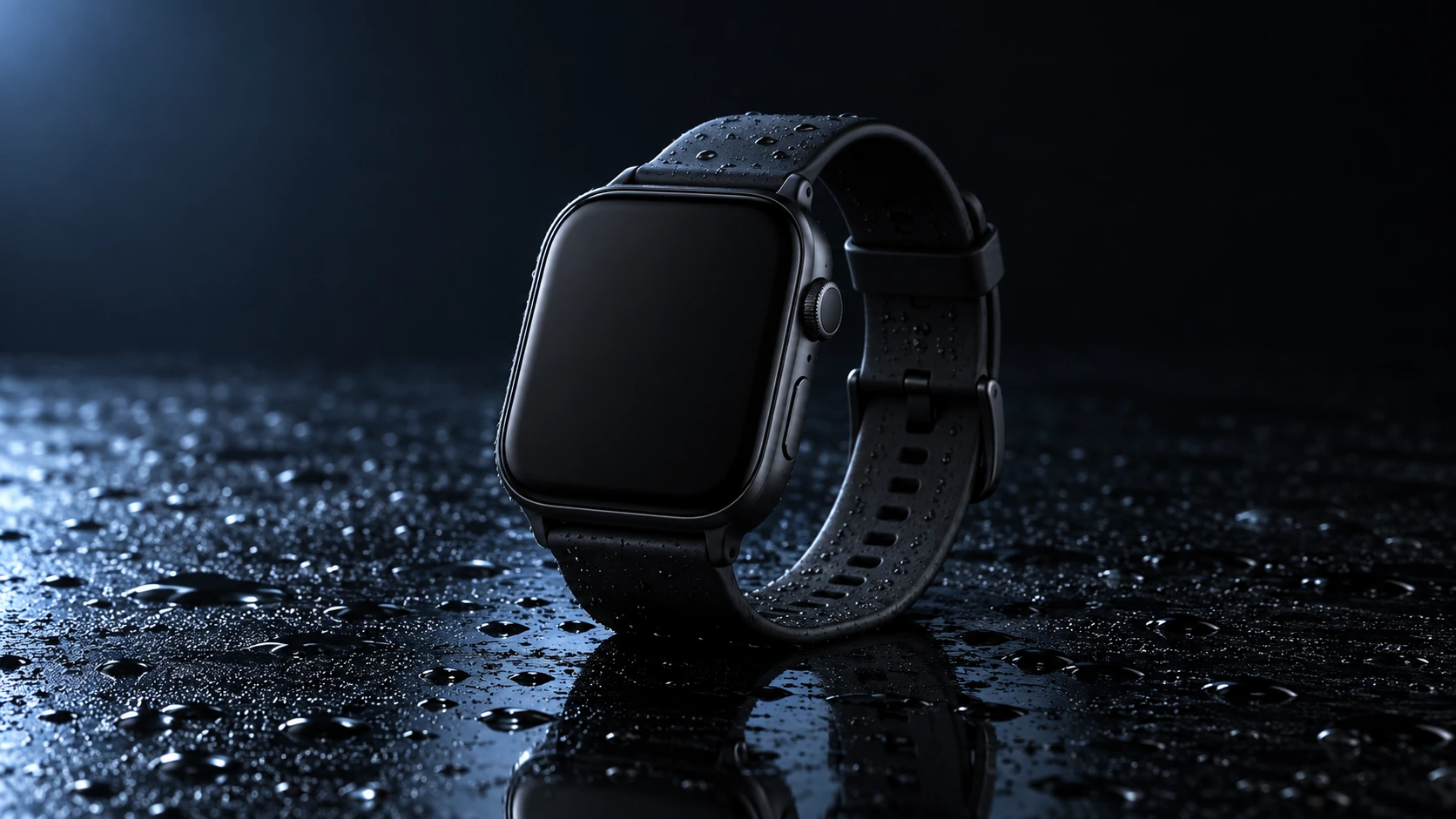
Generiert mit Image 2
Scene: A closed matte-black square smartwatch with a black strap rests on a wet glossy black tabletop. Water droplets catch a cool blue rim light and a soft reflection sits beneath the watch. Use a low three-quarter product camera and preserve the case, strap, highlights, and empty dark background. No readable branding, extra products, hands, or watermark. Composition and rendering: Deliver one 16:9 commercial product still. Keep the complete product silhouette inside generous crop-safe margins. Resolve edges, seams and material transitions precisely; shape highlights to describe volume without clipping bright surfaces or crushing dark details. Align reflections with the object and light source. Retain the stated camera angle and existing negative space; add no decorative props. Avoid: warped perspective, malformed anatomy, merged objects, inconsistent shadows, excessive sharpening and watermarks. Follow the scene-specific text and branding restrictions above.
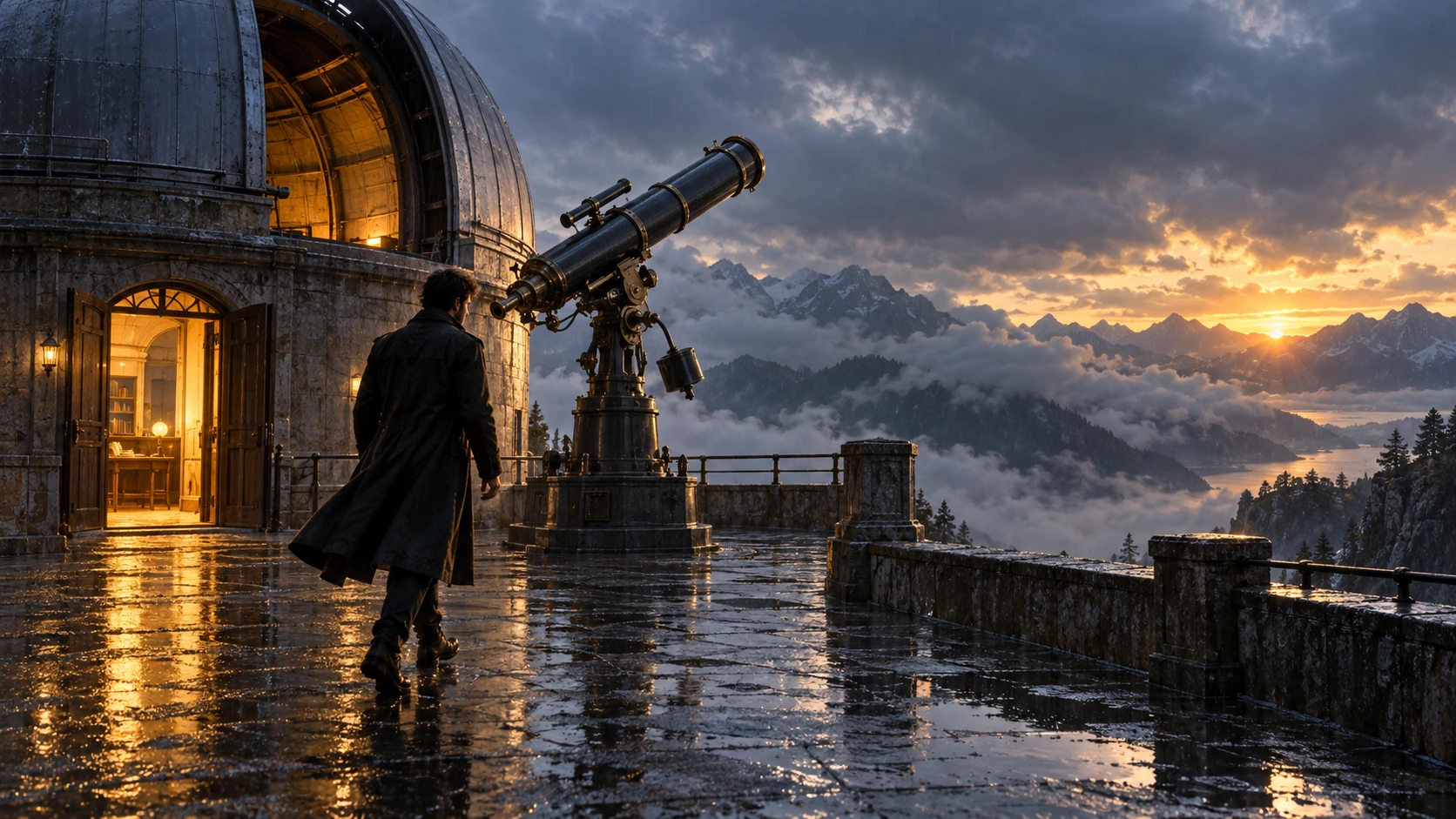
Generiert mit Image 2
Scene: On a rain-soaked observatory roof at sunrise, a lone figure in a long dark coat walks toward a large telescope beside an open dome. Wet stone reflects the warm doorway light; cloud-covered mountains sit beyond. Hold the screen direction and end on the telescope and figure in the same wide composition. No readable text, logos, or watermark. Composition and rendering: Deliver one 16:9 storyboard keyframe, not a collage or an action sequence. Separate foreground, character plane and background through the existing light and atmospheric depth. Keep the stated pose and eyelines readable, and retain environmental landmarks for continuity. Match the described photographic, illustrated or puppet medium; give fabric and surfaces texture appropriate to that medium. Avoid: warped perspective, malformed anatomy, merged objects, inconsistent shadows, excessive sharpening and watermarks. Follow the scene-specific text and branding restrictions above.
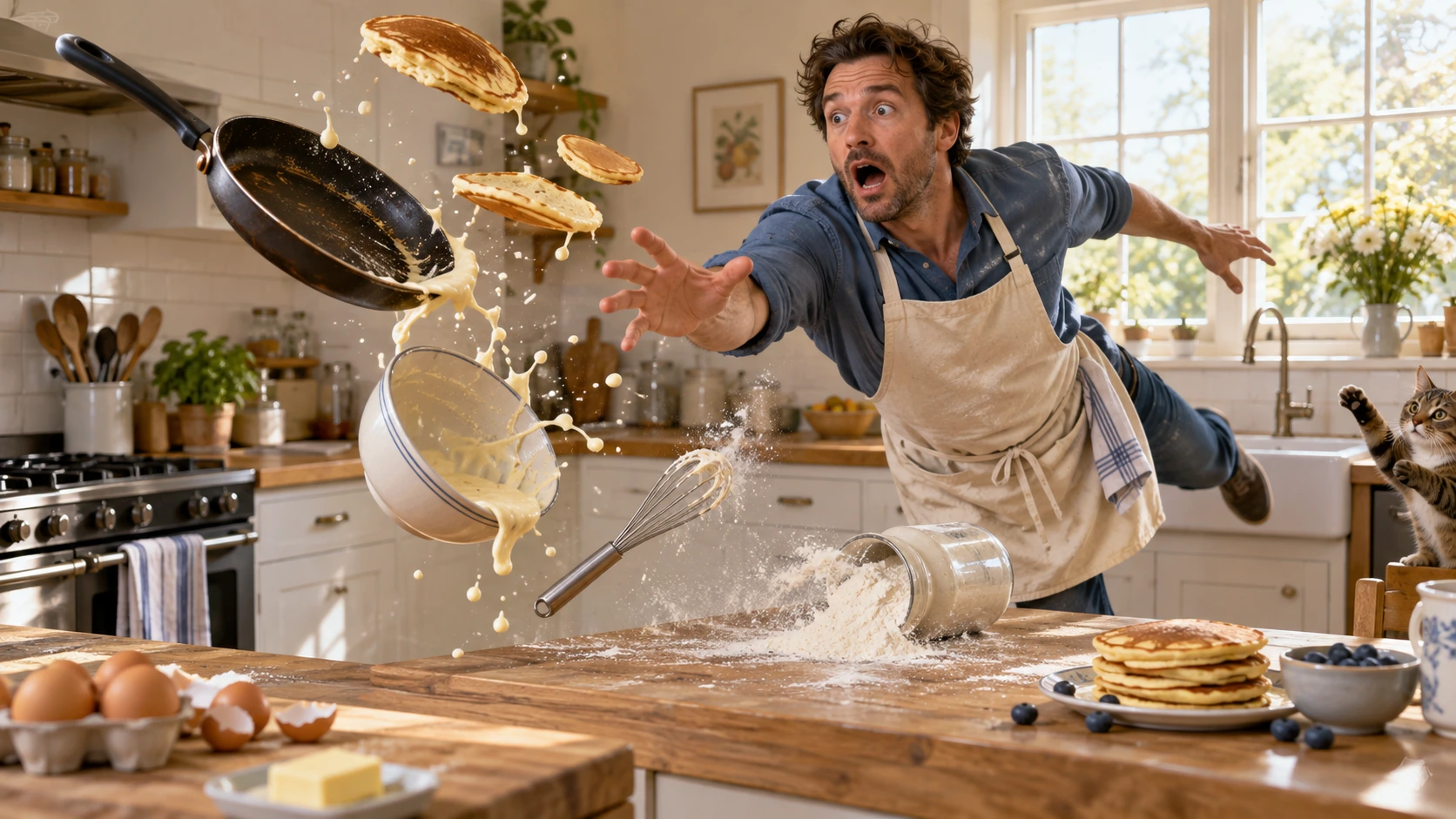
Generiert mit Image 2
Scene: In a bright home kitchen, a surprised cook in a blue shirt and cream apron reaches toward pancakes, a frying pan, flour, bowl, and whisk suspended midair. Freeze the comic cause-and-effect moment with believable weight, warm daylight, and a clear path for each object. No injury, logos, readable words, or watermark. Composition and rendering: Deliver one 16:9 physical-comedy still at the described instant. Make the cause of the gag readable through body balance, grip and object spacing. Separate the reaction from the airborne props; retain believable gravity and contact points. Keep the face and important props sharp, with only restrained directional blur on fast edges. Preserve the stated lighting and room or stage layout. Avoid: warped perspective, malformed anatomy, merged objects, inconsistent shadows, excessive sharpening and watermarks. Follow the scene-specific text and branding restrictions above.
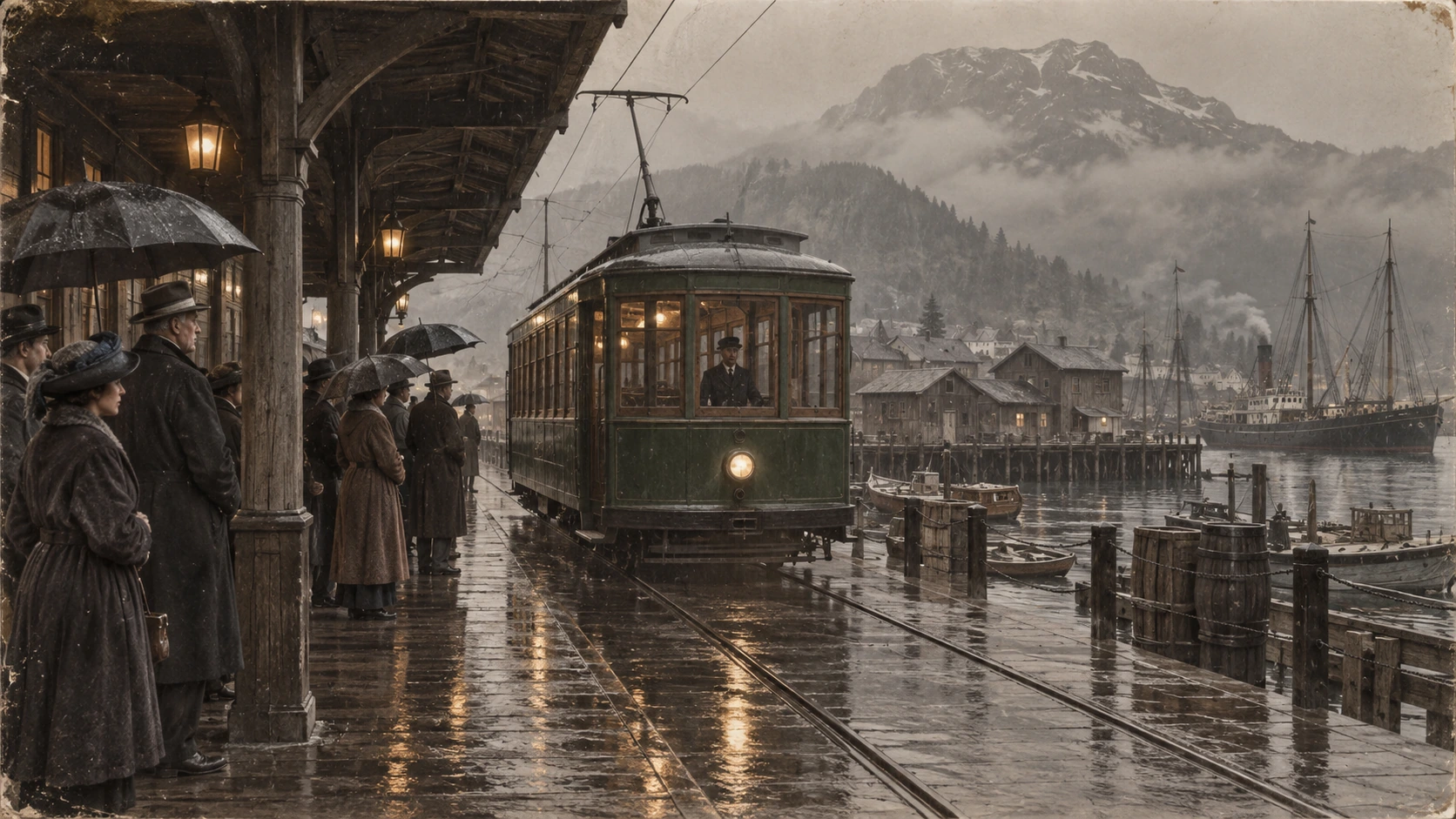
Generiert mit Image 2
Scene: A rainy period harbor platform shelters people in era-appropriate coats and umbrellas as a vintage green tram arrives on wet tracks. Wooden waterfront buildings and misty mountains sit behind the reflections. Preserve the historical clothing, tram shape, rain direction, and stable wide composition; no readable signage, logos, or watermark. Composition and restoration: Deliver one 16:9 archival-style still. Preserve the original framing, period-specific construction and restrained tonal range; retain monochrome, sepia or faded color as described. Recover modest detail in faces, clothing and architecture without synthetic sharpening. Keep fine grain and authentic aging consistent across the frame; repair damage without replacing historical features. Avoid: warped perspective, malformed anatomy, merged objects, inconsistent shadows, excessive sharpening and watermarks. Follow the scene-specific text and branding restrictions above.
Warum Flatkey
Halte Fakten, Anfragefelder und Preisgrenzen von GPT Image 2 sichtbar, wenn du vom Test in den Produktivbetrieb wechselst.
Setze n, size, quality, output format, background und moderation, bevor du die Anfrage an die Konsole übergibst.
Prüfe jede dokumentierte Eingabe-, Ausgabe- und Cache-Dimension von GPT Image 2, statt einen Einzelpreis als universell zu behandeln.
Nutze Produkt-, Werbe- und Storyboard-Beispiele als editierbare Prompts.
Die Seite verspricht keine Transparenz, kostenlose Generierung oder einen festen Bildpreis, wenn diese Fakten nicht verifiziert sind.
API
Vier Wege mit demselben Schlüssel und Katalog. Wählen Sie einen ausführbaren Beispielweg.
curl https://router.flatkey.ai/v1/images/generations \
  -H "Content-Type: application/json" \
  -H "Authorization: Bearer sk-***" \
  -d '{"model":"gpt-image-2","prompt":"Erstelle mit GPT-image-2 ein hochwertiges Produktbild: klare Komposition, präzises Licht, starker Motivfokus und realistische Details.","n":1,"size":"1024x1024","quality":"high","output_format":"png","background":"opaque","moderation":"auto"}'
Häufige Fragen
Preise, Kompatibilität, Limits und modellspezifische Anfrageinformationen.