Successful inference trendActivity
Flatkey price
Live catalog modelPrice / image
$0.040 / image
Price / image
$0.040 / image$0.050 / image

xAI grok-imagine-image-pro for image generation; Flatkey routes this model through /v1/images/generations. $0.04 per image
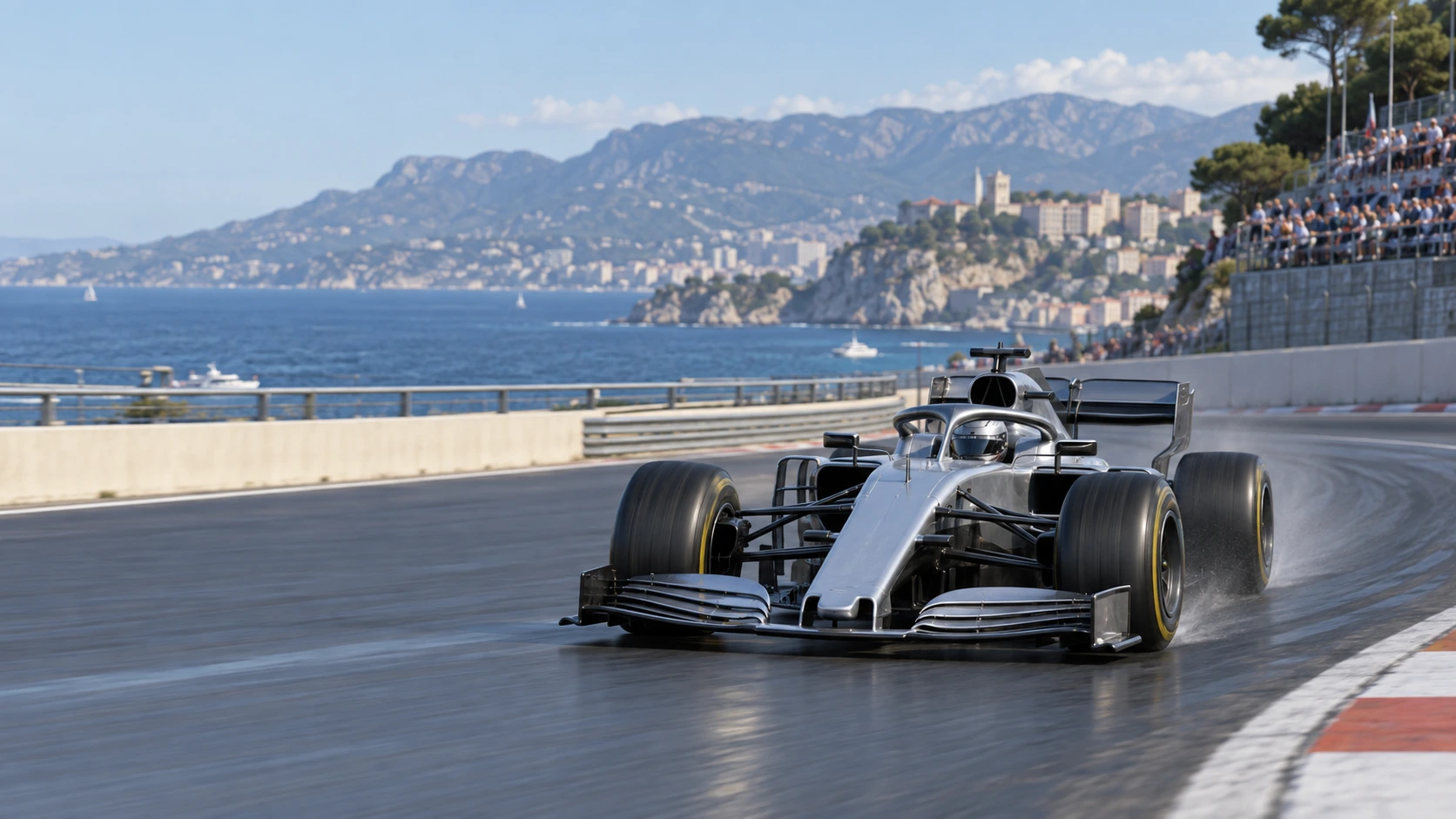
Generated with Image 2
Preview only. Sign in to submit this request to Flatkey.
{
  "model": "grok-imagine-image-pro",
  "prompt": "Scene: A motorsport broadcast frame shows a silver open-wheel race car sweeping around a coastal circuit, with pale mountains and ocean beyond. Leave a clean blank scoreboard area at the left and use realistic track reflections and speed perspective. Keep the car proportions, camera height, road curve, and horizon stable; no real teams, drivers, logos, or watermark.\n\nComposition and rendering: Deliver one 16:9 broadcast still at the decisive instant. Use coherent perspective for the playing surface and equipment, readable separation between competitors, and a softer crowd behind the action. Keep the principal subject sharp, with directional blur limited to fast extremities and spray. Preserve the specified broadcast angle and reserve overlay areas clear of the action.\n\nAvoid: warped perspective, malformed anatomy, merged objects, inconsistent shadows, excessive sharpening and watermarks. Follow the scene-specific text and branding restrictions above.",
  "n": 1,
  "resolution": "1k",
  "quality": "medium",
  "aspect_ratio": "16:9",
  "response_format": "url"
}
grok-imagine-image-pro API performance
Live Flatkey request telemetry for grok-imagine-image-pro appears here when enough production traffic is available.
grok-imagine-image-pro API activity
Track request volume and successful inference activity for grok-imagine-image-pro over the latest reporting window.
grok-imagine-image-pro pricing
Prices below are calculated from Flatkey pricing data for this model and the visible groups currently returned by our pricing API.
Use the same Flatkey balance and API key across image, video, audio, and text models.
xAI's grok-imagine-image-pro route supports text · image. Catalog categories: Marketing.
Turn a written brief into product, editorial, or campaign imagery through /v1/images/generations.
Use an existing image as creative direction for revisions and consistent visual variants when the route accepts references.
Adapt one concept into the image compositions your storefront, campaign, or content pipeline needs.
Move an approved visual from prompt exploration into a repeatable Flatkey generation workflow.
Compare
Compare the catalog facts for grok-imagine-image-pro with the previous-generation baseline before changing your integration.
| Capability | Previous generation | grok-imagine-image-pro |
|---|---|---|
| Provider | Not verified in this catalog snapshot | xAI |
| Modalities | Not verified in this catalog snapshot | text · image |
| Context | Not verified in this catalog snapshot | Context window not listed in the catalog |
| Endpoint | Not verified in this catalog snapshot | /v1/images/generations |
| Billing | Not verified in this catalog snapshot | $0.04 per image |
Review the supported workflows, live cost for the current setup, and the exact parameter contract used by Flatkey.
Calculated from the current Playground settings and the live catalog rate when a fixed unit price is available.
The final charge follows the submitted request and your account group. Token-priced or tiered requests cannot be reduced to one fixed estimate.
Use only the workflows marked available. Flatkey keeps one public model ID while the request body selects the input workflow.
Generate a new image from a text prompt and output controls.
grok-imagine-image-pro/v1/images/generationsUse reference images for edits, variations, or identity and composition guidance.
grok-imagine-image-pro/v1/images/generationsThese values come from the same model configuration used by the Playground and request preview.
nImages1–10
Default: 1resolutionResolution1k · 2k
Default: 1kqualityQualitylow · medium
Default: mediumaspect_ratioAspect ratioauto · 1:1 · 16:9 · 9:16 · 4:3 · 3:4 · 3:2 · 2:3 · 2:1 · 1:2 · 19.5:9 · 9:19.5 · 20:9 · 9:20
Default: autoresponse_formatOutput formaturl · b64_json
Default: urlimageReference limit3 files
Endpoint: /v1/images/generationsUse the same request contract in the Playground and API, then handle validation, balance, task state, and output retrieval explicitly.
Validate the model, prompt, references, and output settings.
POST the image request with the documented fields.
Read the generated output or asynchronous task result returned by the route.
Store the generated file and request metadata in your own workflow.
Reject unsupported sizes, durations, ratios, formats, or reference counts before submitting.
Handle invalid keys, insufficient balance, rate limits, and account-group pricing separately.
Surface the rejected prompt or asset clearly so the user can replace only the failing input.
Keep the task ID, use bounded retries, and never treat a timeout as a successful generation.
Prompt library
Start with a grok-imagine-image-pro prompt for product and ecommerce images, then adjust the request fields shown in the playground.
Scene: A 16:9 desert game equipment screen shows a large rusted mech in a sunlit hangar. A physical hammer stands beside it while a holographic drill-arm replacement and blueprint equipment panel occupy the workbench and right side. Lock the mech silhouette, replacement part positions, warm dust light, and panel hierarchy for a clear equipment swap. No readable words, logos, invented stats, or watermark. Composition and rendering: Deliver one 16:9 game-interface keyframe. Separate the character, held equipment and HUD into clear depth layers; keep slot spacing and icon scale consistent, with the selected item visually dominant. Preserve the scene-specific game art style. Let material edges catch the existing light without letting interface glow obscure the silhouette. Keep all equipment fully inside the frame. Avoid: warped perspective, malformed anatomy, merged objects, inconsistent shadows, excessive sharpening and watermarks. Follow the scene-specific text and branding restrictions above.
Generated with Image 2
Scene: A motorsport broadcast frame shows a silver open-wheel race car sweeping around a coastal circuit, with pale mountains and ocean beyond. Leave a clean blank scoreboard area at the left and use realistic track reflections and speed perspective. Keep the car proportions, camera height, road curve, and horizon stable; no real teams, drivers, logos, or watermark. Composition and rendering: Deliver one 16:9 broadcast still at the decisive instant. Use coherent perspective for the playing surface and equipment, readable separation between competitors, and a softer crowd behind the action. Keep the principal subject sharp, with directional blur limited to fast extremities and spray. Preserve the specified broadcast angle and reserve overlay areas clear of the action. Avoid: warped perspective, malformed anatomy, merged objects, inconsistent shadows, excessive sharpening and watermarks. Follow the scene-specific text and branding restrictions above.
Generated with Image 2
Scene: A clear rectangular perfume bottle with a black cap stands on rippled black satin. A warm amber key light outlines the glass edges and liquid while the background falls into deep shadow. Preserve the square bottle, cap, satin folds, reflections, and generous dark copy space. No readable branding, extra products, hands, or watermark. Composition and rendering: Deliver one 16:9 commercial product still. Keep the complete product silhouette inside generous crop-safe margins. Resolve edges, seams and material transitions precisely; shape highlights to describe volume without clipping bright surfaces or crushing dark details. Align reflections with the object and light source. Retain the stated camera angle and existing negative space; add no decorative props. Avoid: warped perspective, malformed anatomy, merged objects, inconsistent shadows, excessive sharpening and watermarks. Follow the scene-specific text and branding restrictions above.
Generated with Image 2
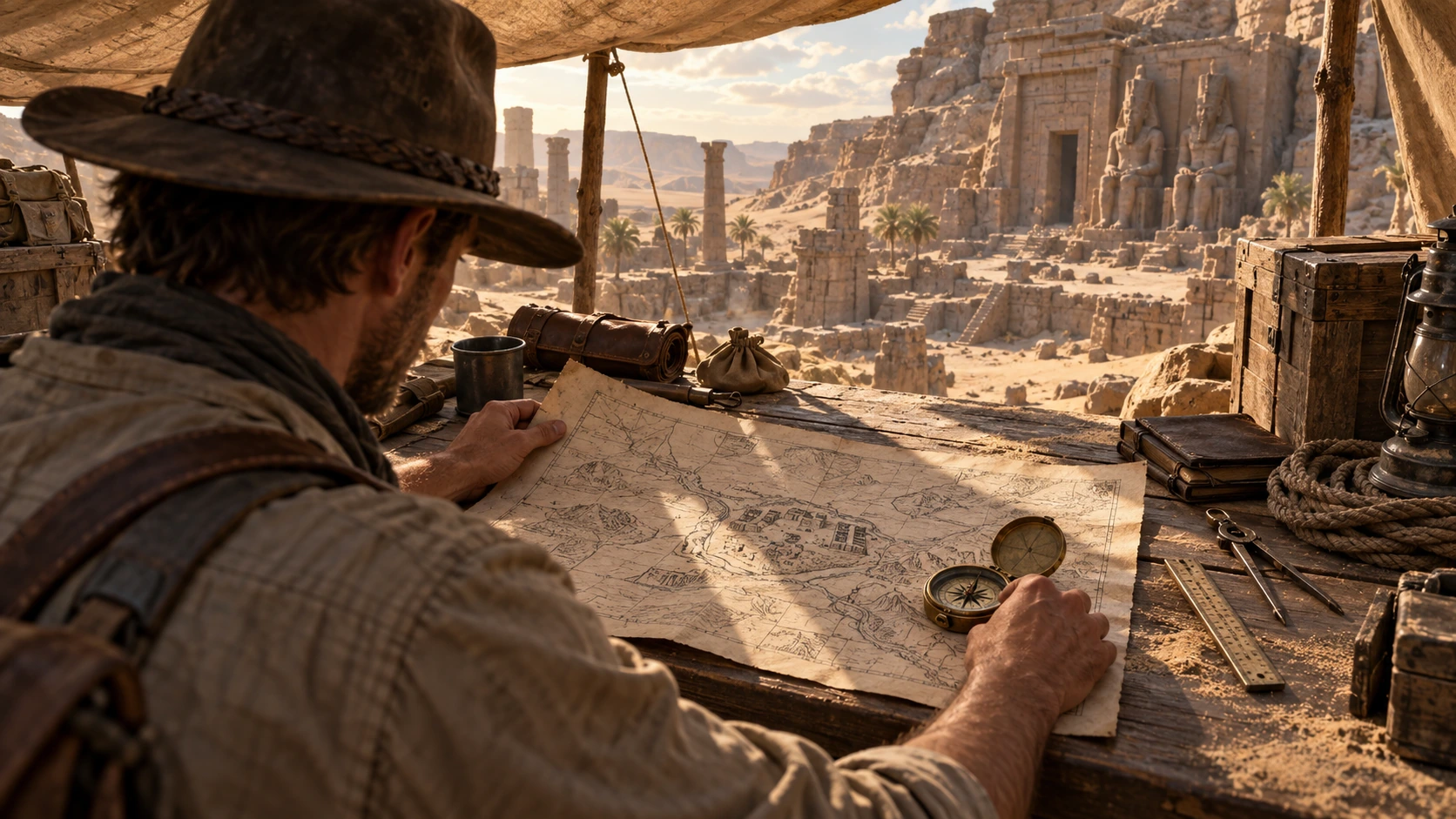
Scene: Under a canvas camp in a desert ruin, an explorer studies a large hand-drawn map with a brass compass while carved stone structures sit beyond the table. Use an over-shoulder composition with tools, crates, sand, and hard afternoon light. Hold the explorer's hands, map orientation, ruins, and camera angle for a storyboard keyframe. No readable labels, logos, or watermark. Composition and rendering: Deliver one 16:9 storyboard keyframe, not a collage or an action sequence. Separate foreground, character plane and background through the existing light and atmospheric depth. Keep the stated pose and eyelines readable, and retain environmental landmarks for continuity. Match the described photographic, illustrated or puppet medium; give fabric and surfaces texture appropriate to that medium. Avoid: warped perspective, malformed anatomy, merged objects, inconsistent shadows, excessive sharpening and watermarks. Follow the scene-specific text and branding restrictions above.
Generated with Image 2
Scene: In a warm apartment, a startled man in a blue shirt tries to balance a tall stack of taped cardboard boxes while more boxes sit open around him. Freeze the harmless tipping moment with clear weight, contact points, soft window light, and a stable wide camera. No injury, readable shipping text, logos, or watermark. Composition and rendering: Deliver one 16:9 physical-comedy still at the described instant. Make the cause of the gag readable through body balance, grip and object spacing. Separate the reaction from the airborne props; retain believable gravity and contact points. Keep the face and important props sharp, with only restrained directional blur on fast edges. Preserve the stated lighting and room or stage layout. Avoid: warped perspective, malformed anatomy, merged objects, inconsistent shadows, excessive sharpening and watermarks. Follow the scene-specific text and branding restrictions above.
Generated with Image 2
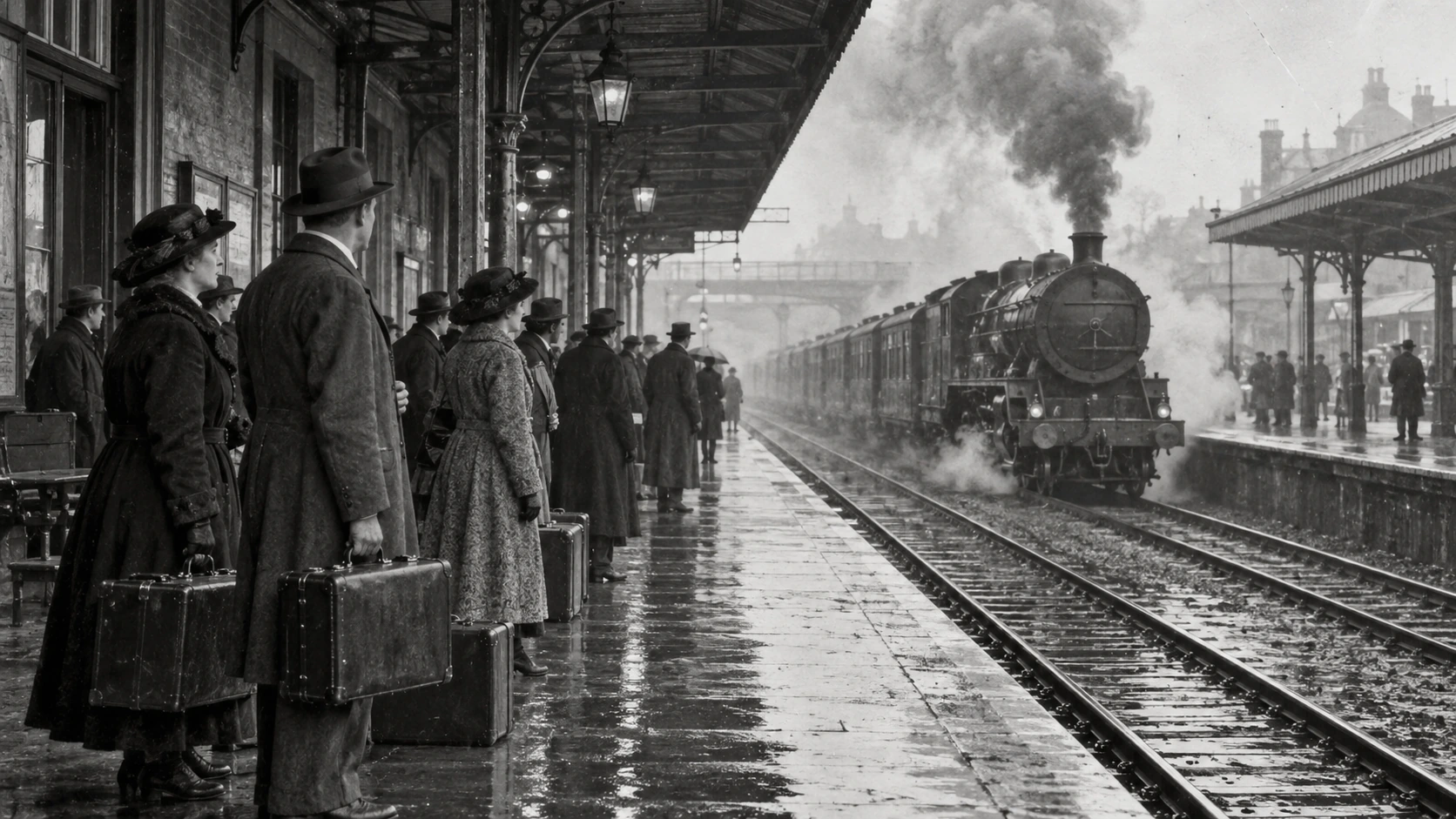
Scene: A monochrome archival railway photograph shows travelers in long coats and hats waiting with suitcases on a rain-dark platform as a steam train approaches. Preserve the canopy, wet pavement, smoke, period clothing, film scratches, and deep perspective while restoring contrast. No readable station signs, logos, modern objects, or watermark. Composition and restoration: Deliver one 16:9 archival-style still. Preserve the original framing, period-specific construction and restrained tonal range; retain monochrome, sepia or faded color as described. Recover modest detail in faces, clothing and architecture without synthetic sharpening. Keep fine grain and authentic aging consistent across the frame; repair damage without replacing historical features. Avoid: warped perspective, malformed anatomy, merged objects, inconsistent shadows, excessive sharpening and watermarks. Follow the scene-specific text and branding restrictions above.
Why grok-imagine-image-pro API
Use one gateway for grok-imagine-image-pro, account controls and the rest of your model catalog.
Keep the grok-imagine-image-pro model id and endpoint explicit while using the same Flatkey key as other workloads.
See the current grok-imagine-image-pro billing dimensions before a request is sent, then confirm the final estimate in your account.
Test a grok-imagine-image-pro prompt in the public playground and carry the same settings into an authenticated integration.
Centralize keys, quotas and routing for grok-imagine-image-pro without changing your application’s provider-facing workflow.
grok-imagine-image-pro API
Use the model id above with /v1/images/generations; keep the request fields and billing unit documented for your route.
curl https://router.flatkey.ai/v1/images/generations \
  -H "Content-Type: application/json" \
  -H "Authorization: Bearer sk-***" \
  -d '{"model":"grok-imagine-image-pro","prompt":"Create a high-quality product image with grok-imagine-image-pro: clean composition, precise lighting, strong subject focus, and realistic detail.","n":1,"resolution":"1k","quality":"medium","aspect_ratio":"auto","response_format":"url"}'
FAQ
Answers about grok-imagine-image-pro pricing, capabilities, endpoint access and catalog limits.