

2026-09-26
Cinematic character and storyboard direction
A reviewed Grok Imagine Image model-page prompt paired with its real output.
grok-imagine-imageImageComic dramaShort drama
Explore verified prompts for Seedance 2.5, GPT Image 2, MiniMax H3, and more. Filter by generation type and use case, then continue in the matching Playground.
12 prompts found
A reviewed Grok Imagine Image model-page prompt paired with its real output.
A reviewed Grok Imagine Video model-page prompt paired with its real output.
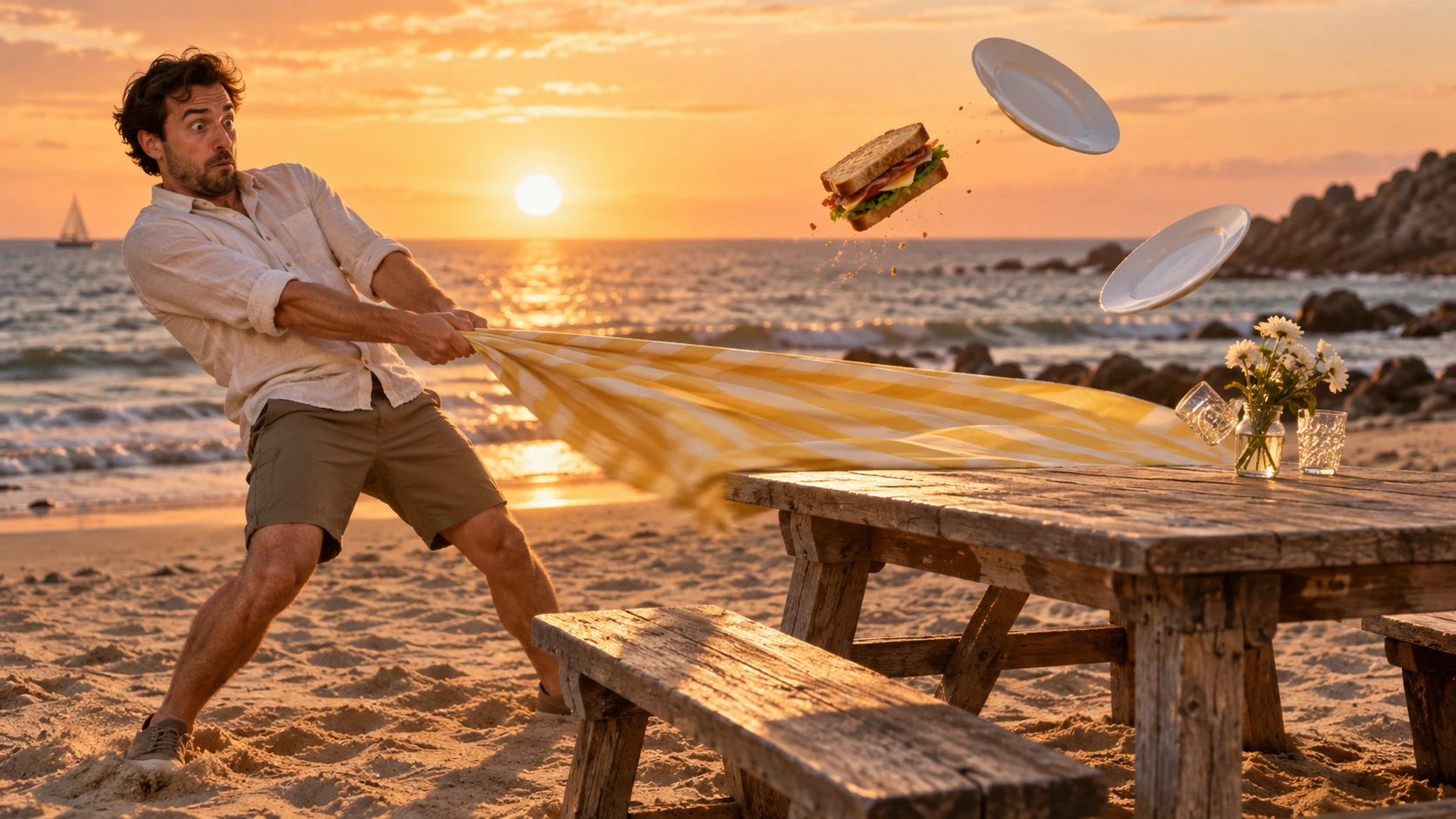
A reviewed Grok Imagine Image model-page prompt paired with its real output.
A reviewed Grok Imagine Video model-page prompt paired with its real output.
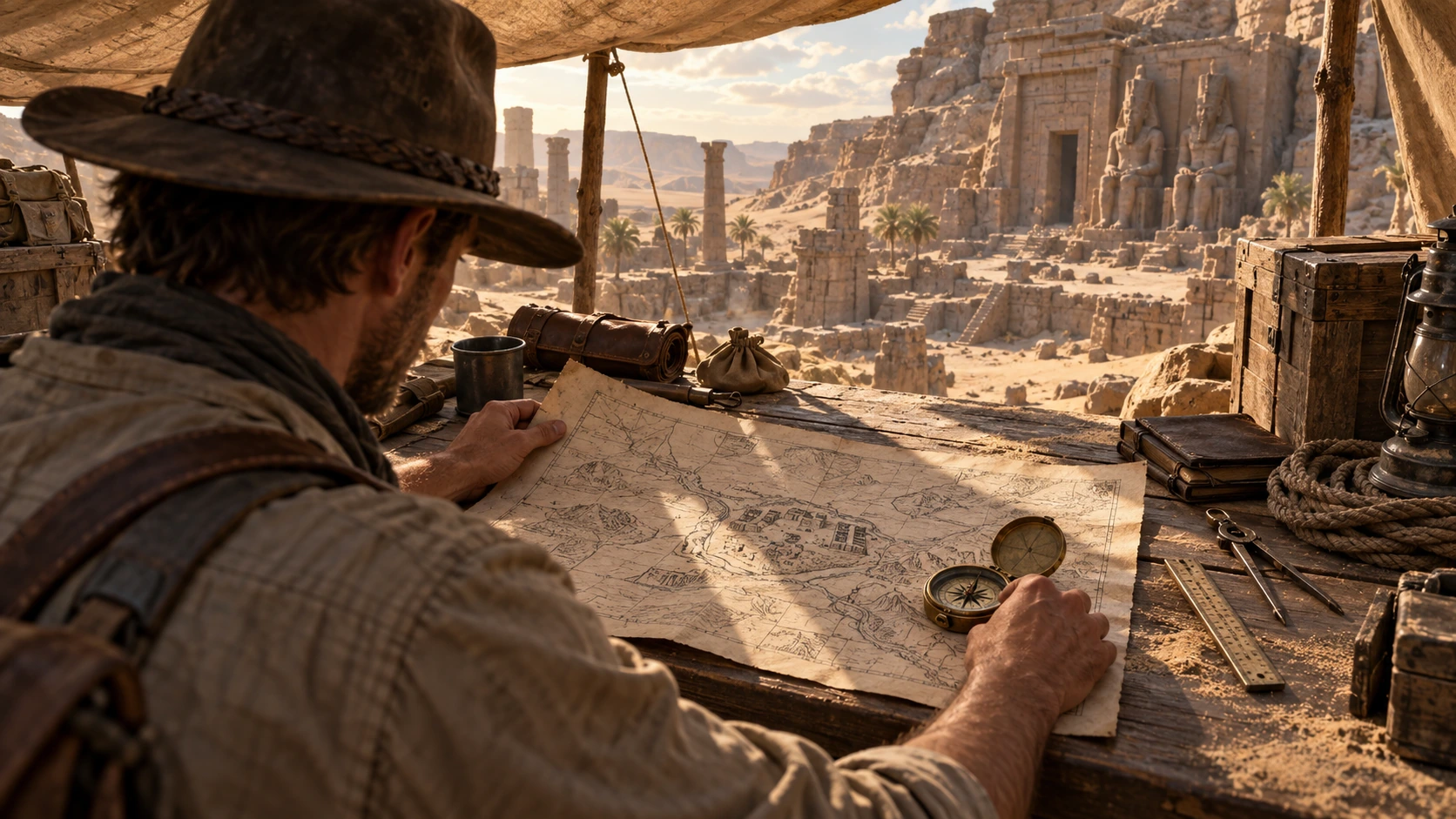
A reviewed Grok Imagine Image Pro model-page prompt paired with its real output.
A reviewed Grok Imagine Video model-page prompt paired with its real output.

A reviewed Grok Imagine Image Pro model-page prompt paired with its real output.
A reviewed Grok Imagine Video 1 5 model-page prompt paired with its real output.

A reviewed Grok Imagine Image Quality model-page prompt paired with its real output.
A reviewed Grok Imagine Video 1 5 model-page prompt paired with its real output.
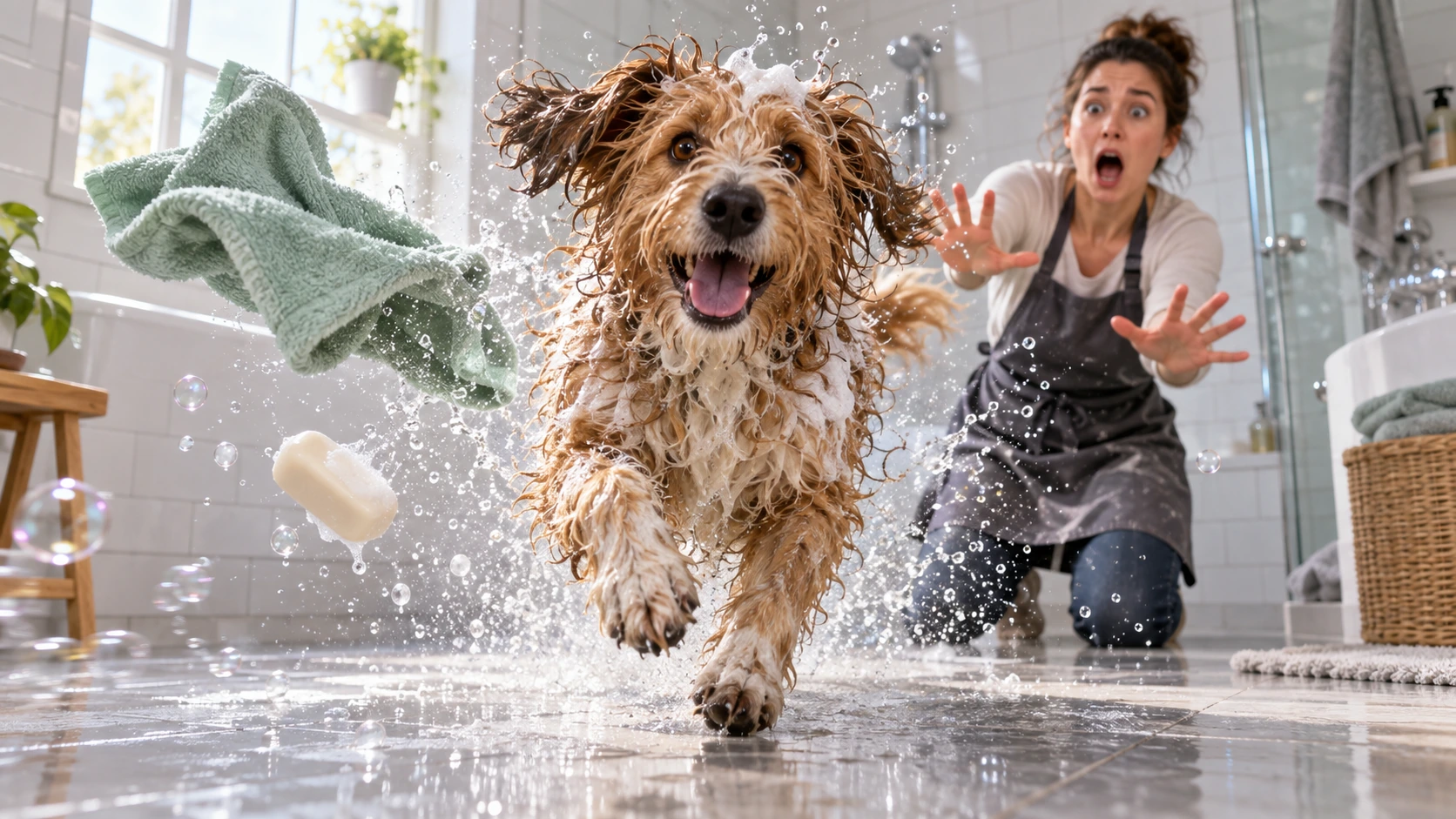
A reviewed Grok Imagine Image Quality model-page prompt paired with its real output.
A reviewed Grok Imagine Video 1 5 model-page prompt paired with its real output.
Yes. You can browse and copy every prompt for free. Generating a new result in Playground is billed at the current price of the model you select.
Describe the subject and action first, then the scene, shot sequence, camera movement, timing, sound, and anything that must remain unchanged. Use a clear chronological order instead of a list of vague style words.
Text-to-video defines the whole scene in words. Image-to-video focuses on motion and camera changes while preserving the source image. Multimodal-reference prompts assign a specific role to each image, video, or audio reference.
Specify the subject, composition, camera angle, lighting, materials or visual style, required text and layout, then add constraints such as no logos, watermarks, or distorted hands.
Yes. Open any example to load its prompt, model, and output into the matching Playground, where you can edit variables and generate your own version.
The output lets you judge whether the prompt structure and model fit your goal before spending time or credits on a new generation.
Free prompt library
Open a verified image or video prompt in the matching Flatkey Playground, then adjust the model and settings for your own result.