AI API Checklist for Faster Decisions
Picking an AI API is not a leaderboard exercise. It is a production decision about whether a route can complete the actual job, under the actual traffic, with acceptable cost and failure behavior.
This checklist gives you a fast way to compare routes before you commit. Use it for new builds, provider switches, or gateway rollouts when the real question is not "which model is best" but "which route is good enough to trust."
Start With The Decision, Not The Model
A useful AI API checklist starts by naming the workflow.
Ask four questions first:
- What exact task is the route supposed to complete?
- What output shape must it return?
- What failure is acceptable, and what is not?
- What cost or latency ceiling makes the route a non-starter?
If those are not written down, the rest of the evaluation turns into taste.
The Fastest Useful Checklist
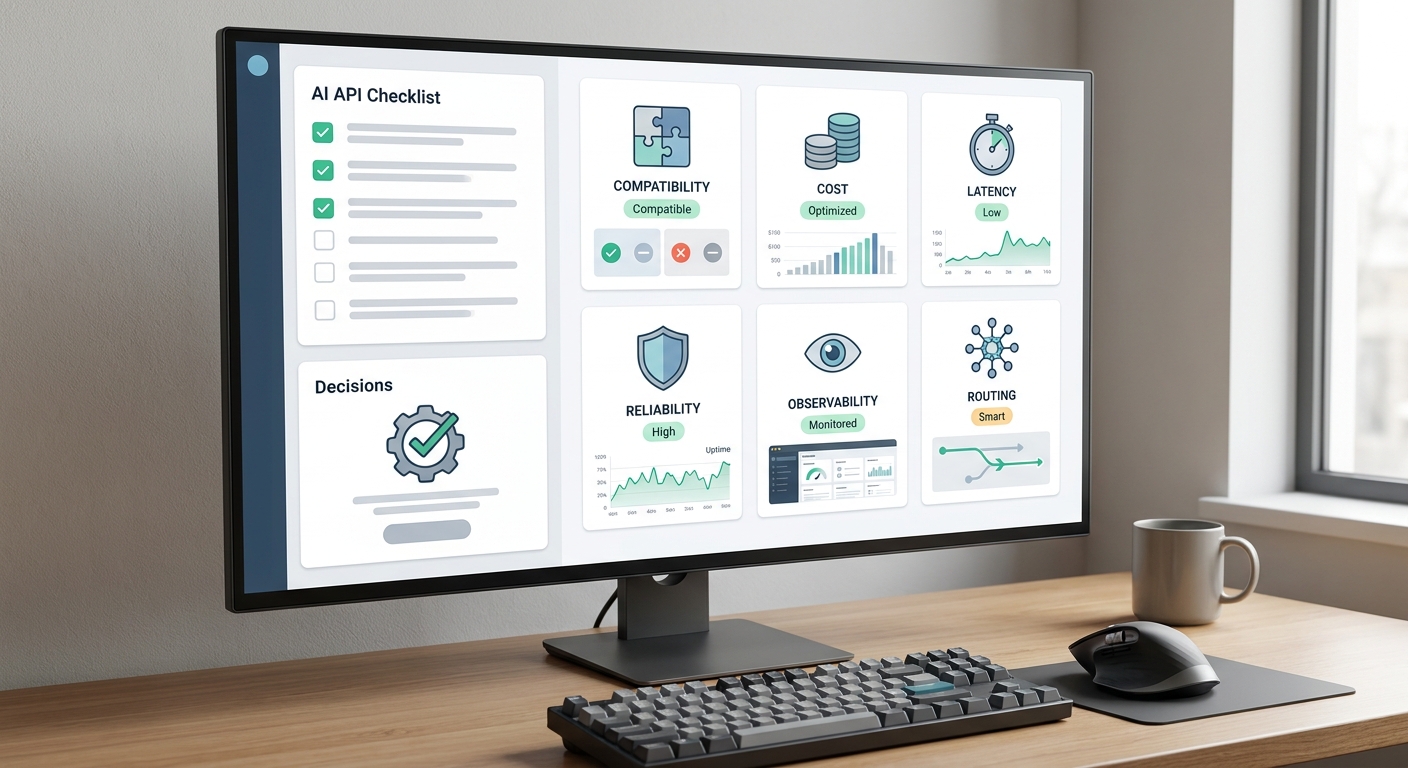
Use this order when you need a decision quickly:
- Compatibility: Can the SDK, base URL, tool calls, and schema work without a rewrite?
- Task success: Does the route complete the real task on representative inputs?
- Reliability: What happens under retries, timeouts, and rate limits?
- Cost: What does one accepted result cost after retries and fallback traffic?
- Observability: Can you see usage, errors, and route-level behavior clearly?
- Governance: Can the team control keys, quotas, and access safely?
That order matters. A cheap route that breaks the workflow is not cheap.
Compatibility Checks
Before comparing model quality, confirm the route behaves like your app expects.
| Check | What to verify |
|---|---|
| Base URL | Your client can point at the gateway or provider endpoint without code churn |
| Authentication | Keys, headers, and environment handling are stable |
| Structured output | JSON or schema output validates in your app |
| Tool calls | Arguments, call order, and retries behave predictably |
| Streaming | The client can reconstruct partial responses cleanly |
| Multimodal input | Image, file, audio, or video support matches the workflow |
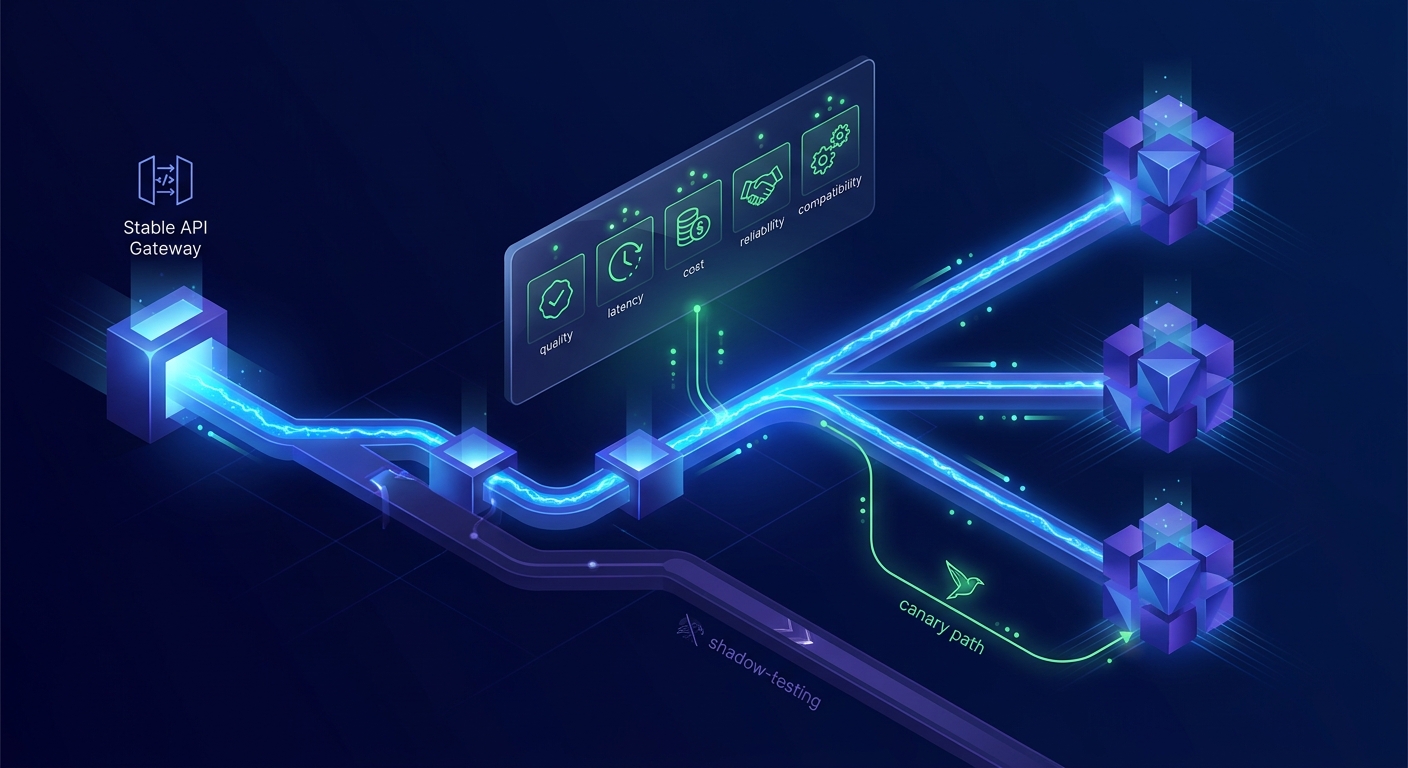
Flatkey’s current docs describe an OpenAI-compatible base URL, usage visibility, and model routing across 300+ models and 1000+ tools, which is the kind of access surface this check is meant to validate.
Task Success Checks
The model that looks smartest is not always the one that ships best.
Score the route on the task itself:
- extraction accuracy for forms and documents;
- schema validity for structured outputs;
- tool selection for agent workflows;
- acceptance rate for drafts, summaries, or recommendations;
- human correction time when the output is wrong.
Use real inputs, not toy prompts. A route should earn trust on production-shaped cases, including edge cases and multilingual inputs if your product needs them.
Cost Checks
Do not compare only list price.
A production cost check should include:
- input, cached input, and output usage;
- retries and fallback calls;
- long outputs that increase spend;
- batch or async discounts when relevant;
- human review time when the output is borderline.
Flatkey’s pricing page currently shows all 100+ models under one subscription surface, with separate tools credits and enterprise routing options. That makes it easier to compare routes, but the route still has to earn its cost.
Reliability Checks
A route is only useful if it survives normal failure.
Watch for:
- 429s under burst traffic;
- 5xx upstream errors;
- timeouts on long prompts;
- malformed JSON after retries;
- fallback loops that amplify traffic;
- latency that breaks the product experience.
A route that works in one request and fails in volume is a planning error, not a model win.
Observability Checks
If you cannot inspect the route, you cannot manage it.
Minimum telemetry:
- request ID;
- model or route label;
- latency;
- input and output units;
- retry count;
- fallback count;
- status class;
- user or workspace join key.
Flatkey’s docs and pricing pages support that operating model: one key, one base URL, one place to review usage and cost.
Governance Checks
For team use, the checklist is incomplete without controls.
Confirm that you can:
- rotate keys safely;
- cap spend or usage;
- restrict models by workspace or environment;
- separate test traffic from production traffic;
- review invoices or usage with the same route labels you use in the app.
If the governance layer is weak, the cheapest route can become the most expensive operationally.
A Simple Decision Rule
When you need a fast answer, use this rule:
Pick the route that passes compatibility, meets task success, stays inside cost and latency guardrails, and gives you enough visibility to operate it.
If more than one route passes, choose the one that is easiest to observe and switch later.
Practical Next Step
Use Flatkey as the comparison surface when you want one key, one route layer, and one usage view across models and tools. Then run the checklist against your real workflow before you lock the default.
FAQ
Is the cheapest AI API always the best choice?
No. Cheapest on paper often becomes more expensive once retries, failures, and manual review are included.
Should I compare model quality before cost?
Yes. Cost only matters after the route can actually complete the task.
What is the smallest useful checklist?
Compatibility, task success, reliability, cost, observability, and governance. That is enough to avoid most bad decisions.