What Is an AI Factory? GPU Clusters, Data, Models, and Operations
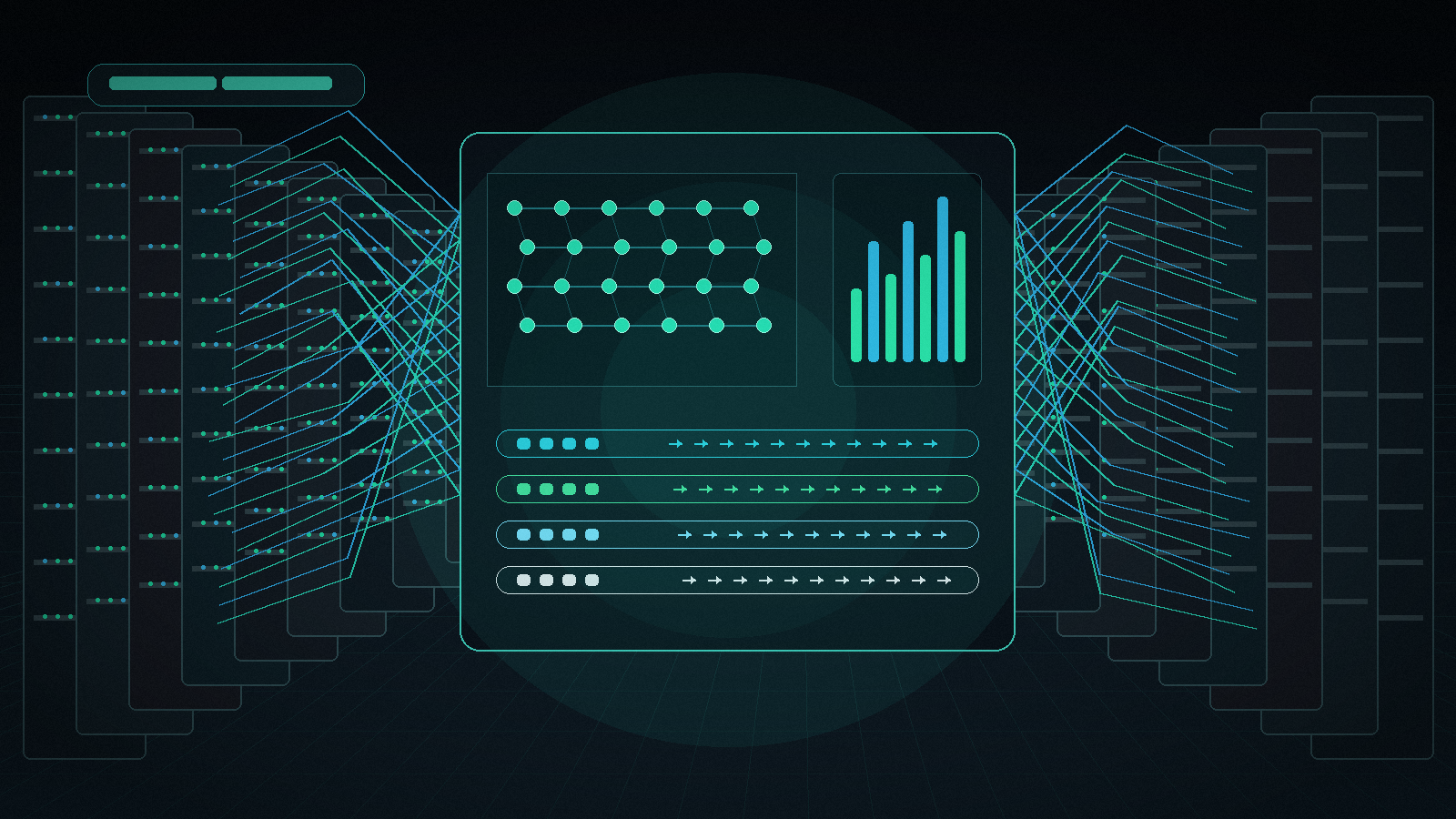
What is an AI factory? An AI factory is the operating system around enterprise AI: GPU capacity, data pipelines, model training or fine-tuning, inference serving, evaluation, governance, and cost operations working as one repeatable production loop.
The metaphor matters because AI is not produced by GPUs alone. A GPU cluster is the engine room, but an AI factory also needs curated data, schedulers, storage, networking, model registries, deployment workflows, observability, security controls, and a financial model for deciding when to rent GPUs, reserve clusters, use managed APIs, or combine all three.
NVIDIA popularized the term around infrastructure that turns data into intelligence, and vendors such as Dell Technologies and HPE now use "AI factory" to describe full-stack enterprise AI platforms. For builders, the useful question is less "who owns the phrase?" and more practical: what pieces must exist before your AI workload becomes a factory instead of a one-off experiment?
This guide defines what is an AI factory, explains how an AI factory works, maps the core platform layers, and shows where Flatkey fits when a team wants model/API access without operating every layer of GPU infrastructure itself.
The quick definition: what is an AI factory?
An AI factory is a production environment that converts raw data, prompts, models, compute, and operational feedback into usable AI outputs. In business terms, it is a repeatable system for creating, deploying, measuring, and improving AI capabilities.
A simple way to think about it:
| Factory layer | What it does | Common owner |
|---|---|---|
| GPU and accelerator capacity | Runs training, fine-tuning, batch inference, or real-time inference workloads | Infrastructure, platform, ML systems |
| Network and storage | Moves datasets, checkpoints, embeddings, logs, and model artifacts without bottlenecks | Infrastructure, SRE, data platform |
| Data pipelines | Ingests, cleans, labels, filters, and refreshes data used by models and applications | Data engineering, ML platform |
| Model lifecycle | Selects foundation models, fine-tunes, evaluates, versions, and rolls them out | ML engineering, AI product |
| Serving and routing | Delivers model outputs through APIs, batch jobs, agents, or applications | Backend, platform, AI engineering |
| Operations | Monitors latency, errors, utilization, cost, safety, access, and quality drift | SRE, FinOps, security, governance |
So when someone asks "what is an AI factory?", the best answer is: it is the full production stack for AI, not just a room full of GPUs.
How does an AI factory work?
An AI factory works by turning four inputs into a managed output loop:
- Data enters through customer events, documents, code, logs, media, synthetic data, public datasets, or tool calls.
- Compute runs the data through training jobs, fine-tuning runs, retrieval pipelines, embedding jobs, batch inference, or real-time inference.
- Models produce outputs through checkpoints, hosted APIs, model routers, or domain-specific agents.
- Operations measure whether the outputs are reliable, affordable, governed, and useful enough to keep in production.
That loop repeats. A mature AI factory collects feedback from users and systems, turns that feedback into evaluation data, improves prompts or models, and ships the next version through controlled deployment.
This is why the AI factory conversation includes both data center design and product operations. A cluster can train or serve a model, but the factory only exists when the team can repeatedly answer:
- Which workloads require direct GPU control?
- Which workloads can use a managed model API?
- Which data is allowed to reach which model?
- Which outputs pass evaluation?
- Which failures should retry, fail over, or stop?
- Which team, customer, product, or environment created the cost?
AI factory vs GPU cluster
A GPU cluster is a compute resource. An AI factory is a production system that uses compute resources.
The distinction matters because many expensive AI programs fail at the layer above the cluster. The team buys capacity, then discovers that data movement, checkpoint storage, model serving, observability, access control, and cost attribution are the real blockers.
Use a GPU cluster rental guide when you need to compare multi-node GPU capacity, topology, networking, and acceptance tests. Use an AI factory model when you need to decide how compute, data, model deployment, and operations become a durable AI capability.
| Question | GPU cluster answer | AI factory answer |
|---|---|---|
| What are we buying? | Nodes, GPUs, network fabric, storage, support | A repeatable AI production system |
| What is optimized? | Throughput, utilization, availability, job completion | Business output, quality, cost, governance, iteration speed |
| Who operates it? | Infra, platform, SRE, ML systems | Infra plus data, ML, product, security, finance |
| What can go wrong? | Saturated network, failed jobs, idle GPUs, queue contention | Wrong model, weak data, unsafe output, runaway cost, missing governance |
| What is the unit economics question? | Cost per GPU hour or job | Cost per accepted output, feature, customer, or workflow |
For cost modeling, pair this article with the GPU cluster TCO worksheet. An AI factory budget should include the cluster, but also storage, egress, engineering time, failures, evaluation, observability, and governance.
AI factory platform layers
What is an AI factory platform? It is the software and infrastructure layer that lets teams run the factory as a product rather than a collection of scripts.
In practice, an AI factory platform usually includes seven layers.
1. Capacity and hardware
This layer includes GPUs or accelerators, CPU hosts, memory, local storage, rack design, power, cooling, and the data center or cloud region where the workload runs.
For training and large batch inference, teams care about multi-node performance, network fabric, checkpoint speed, and scheduler behavior. For real-time inference, teams care about queueing, cold starts, latency tails, autoscaling, and uptime. The right capacity model may be on-demand GPU rental, reserved GPU capacity, a private GPU cloud, serverless GPU, colocation, or an internal cluster.
2. Network and storage
AI workloads are often limited by movement, not raw math. Training jobs move datasets and checkpoints. Retrieval systems move embeddings and source documents. Media generation moves large files. Agent workflows may call tools, databases, and browsers.
That means an AI factory platform needs predictable storage locality, data retention rules, backup plans, and network paths that match the workload. A cluster with fast GPUs and weak storage can still underperform.
3. Data pipelines
Data pipelines decide what the factory is allowed to learn from and respond with. They cover ingestion, filtering, labeling, deduplication, privacy handling, permission boundaries, quality checks, and refresh schedules.
For retrieval-augmented generation, the data pipeline may be more important than model choice. For fine-tuning, small quality issues can turn into repeated downstream failures. For agents, data tools and web tools become part of the factory input surface.
4. Model lifecycle
The model lifecycle covers model selection, prompt design, fine-tuning, evaluation, versioning, regression tests, rollbacks, and release notes. This is where a team decides whether to use a frontier model API, an open-weight model on rented GPUs, a specialized image/video model, or a hybrid route.
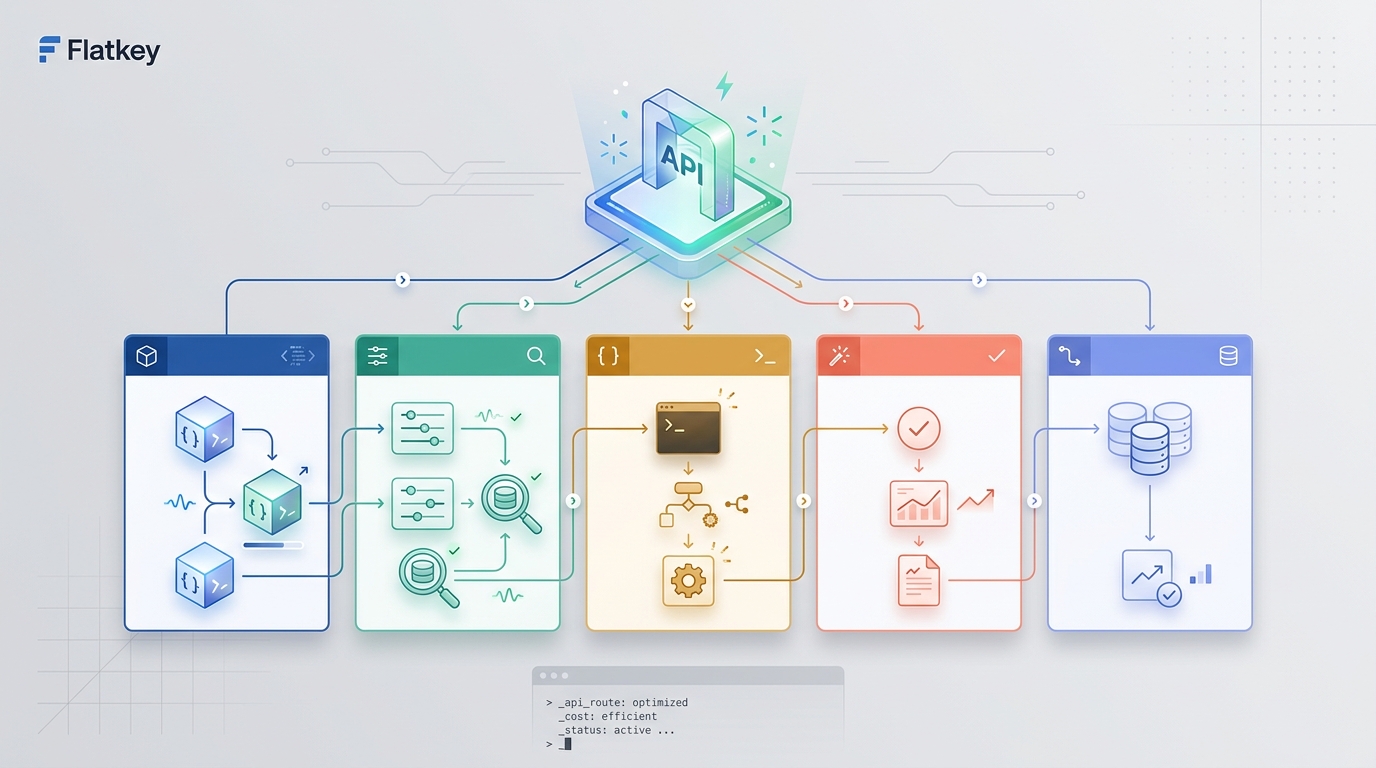
Flatkey is relevant here when a team wants to compare and route across official model APIs without managing many provider keys and separate balances. Flatkey gives developers one key, one balance, and one invoice across hundreds of official models and pay-per-call tools, which can be simpler than turning every workload into owned infrastructure.
5. Serving, routing, and application integration
Serving turns a trained or selected model into a reliable endpoint. Routing decides which model, provider, region, or fallback path should handle each request.
This is where the AI factory meets applications. A coding agent, customer support copilot, image pipeline, video workflow, or internal research tool should not need to know every infrastructure detail. It needs a stable API, predictable latency, traceable cost, and recoverable failure modes.
If your team is deciding whether to own the serving layer, read GPU cloud vs model API. The short version: own GPU serving when hardware control, custom models, data isolation, or unit economics justify the operational load; use model APIs when speed, breadth, failover, and lower platform burden matter more.
6. Observability, evaluation, and governance
An AI factory must measure more than uptime. It should track request volume, latency, errors, retries, cost, model choice, prompt versions, data sources, safety filters, evaluation scores, and accepted outputs.
Governance sits beside observability. Teams need access controls, audit logs, retention rules, vendor approval, customer-data boundaries, and escalation paths for unsafe or low-quality outputs. Without those controls, the factory may scale risk faster than value.
7. FinOps and operating cadence
AI factories turn compute into outputs, but finance teams still need to know what those outputs cost. The operating model should attribute spend by product, environment, customer, team, or workflow.
Useful unit metrics include:
- Cost per accepted output
- Cost per user action completed
- Cost per successful tool call
- GPU utilization by workload class
- Retry and failure waste
- Cache hit rate
- Queue wait time
- Model fallback rate
Flatkey's value is strongest when teams want model and tool usage on a shared ledger instead of fragmented provider accounts. That does not replace a GPU cluster for custom infrastructure, but it can reduce complexity for model/API workloads that do not require direct hardware control.
What is an AI factory in NVIDIA terms?
What is an AI factory NVIDIA discussion usually about? NVIDIA uses the term to describe infrastructure that turns enterprise data into intelligence, with GPUs, accelerated networking, software, and deployment patterns working together. NVIDIA's AI factory materials and enterprise reference architecture focus on full-stack design, not just individual accelerators.
That framing is useful, but it can also bias readers toward the hardware view. The practical buyer should translate the NVIDIA concept into an operating checklist:
- Which workloads need NVIDIA GPUs directly?
- Which models are trained, fine-tuned, or served on those GPUs?
- Which data sources feed the models?
- Which software stack schedules and observes jobs?
- Which applications consume the outputs?
- Which team owns reliability, security, and cost?
Jensen Huang often frames AI factories as the next generation of data centers because they manufacture tokens or intelligence from data and energy. Treat that as the macro narrative. Your implementation still needs workload sizing, governance, service-level design, and a cost model.
What is an AI factory in business context?
In business context, an AI factory is an organizational capability. It gives teams a repeatable way to ship AI features, agent workflows, internal copilots, data products, and automated operations.
The factory should answer business questions in operational terms:
| Business question | AI factory translation |
|---|---|
| Can we launch this AI feature safely? | Data permissions, model evaluation, fallback, audit logs |
| Can we scale without surprise cost? | Budgets, rate limits, usage ledger, model routing, GPU utilization |
| Can we improve quality over time? | Feedback loops, eval sets, regression tests, prompt/model versioning |
| Can teams reuse the platform? | Shared APIs, templates, observability, access controls |
| Can we switch models or providers? | Abstraction layer, OpenAI-compatible routes, model benchmarks |
This is also why an AI factory is not automatically the right investment for every team. If the product only needs standard text, image, video, search, browser, enrichment, or agent tool calls, a managed model and tool gateway may reach production faster. If the product needs custom model weights, private data-plane control, high-volume inference, or specialized media pipelines, a GPU-backed factory may be justified.
Build, rent, or use model APIs?
The right AI factory strategy is usually hybrid.
Build or reserve GPU capacity when:
- You run steady, high-volume inference and can keep GPUs utilized.
- You need custom model weights, private model serving, or specialized kernels.
- You can operate storage, networking, scheduling, security, and incident response.
- The workload's cost per accepted output is lower after including all hidden costs.
Rent GPU clusters when:
- You need bursts of training, fine-tuning, evaluation, or batch inference.
- You want to validate workload shape before buying or reserving capacity.
- You need specific accelerators, regions, or topologies for a defined project.
- You can tolerate setup and acceptance testing work.
Use model APIs or a gateway when:
- You need fast access to many models and modalities.
- The workload changes often.
- Provider failover matters more than raw hardware control.
- Your team wants one API key, one bill, and usage controls instead of scattered provider accounts.
- You need tools such as search, browser automation, data enrichment, or media APIs in the same workflow.
For many teams, the AI factory is not a single place. It is an operating model that spans rented GPUs, managed APIs, internal services, and agent tools.
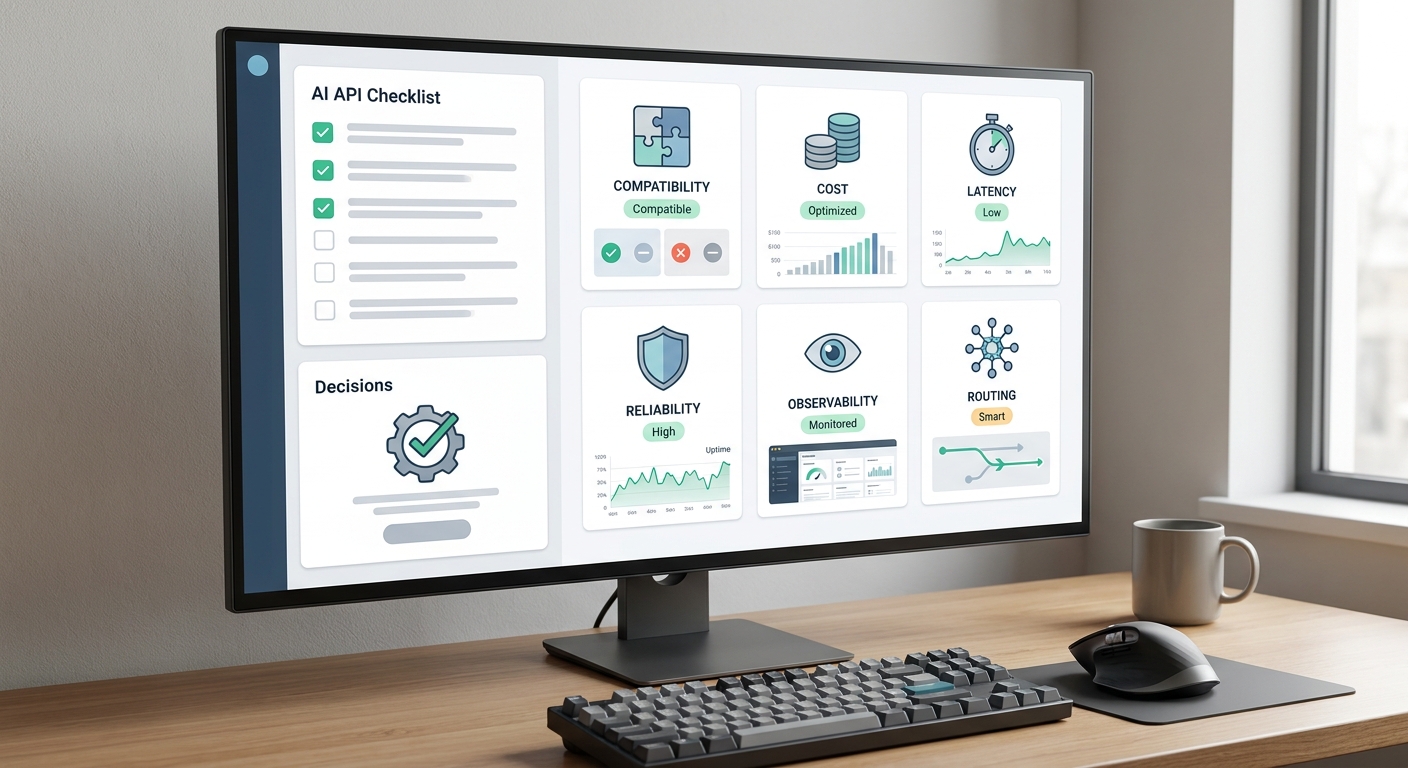
AI factory evaluation checklist
Before investing in an AI factory platform, ask these questions:
- Workload: Are we training, fine-tuning, embedding, serving, generating media, running agents, or doing all of them?
- Latency: Which workloads are real time, batch, asynchronous, or human-in-the-loop?
- Data: Which datasets, documents, logs, and tool outputs feed the system, and who can access them?
- Model strategy: Which models are owned, rented, open-weight, frontier API, multimodal, or specialized?
- Serving: Do applications need a stable internal endpoint, an OpenAI-compatible API, or direct cluster access?
- Reliability: What happens when a model, provider, GPU node, storage path, or queue fails?
- Cost: What is the cost per accepted output after retries, idle time, storage, egress, engineering, and support?
- Governance: How are prompts, outputs, data sources, users, and model versions audited?
- Portability: Can the workload move between providers, regions, model families, or GPU types?
- Ownership: Which team owns the factory after launch?
If your team cannot answer those questions, start smaller. Use managed APIs for the first production path, measure real usage, then move the workloads that clearly justify direct GPU control into a more formal AI factory platform.
Common mistakes
The first mistake is treating an AI factory as a procurement project. Buying GPUs is not the same as building an AI production system.
The second mistake is ignoring data operations. Poor data quality, unclear permissions, weak retrieval pipelines, and missing evaluation sets create more downstream risk than model choice alone.
The third mistake is measuring only hourly GPU price. For production AI, measure completed useful work. GPU rental prices are only one input; queue time, retries, failed jobs, storage, data movement, and staff time also matter.
The fourth mistake is building a custom factory for workloads that should use APIs. If a managed official model route is good enough, the opportunity cost of running infrastructure may exceed the savings.
The fifth mistake is skipping failure design. AI systems fail through overload, model drift, provider incidents, policy rejections, bad retrieval, tool errors, and runaway retries. The factory needs controls before traffic arrives.
Frequently asked questions
What is an AI factory and how does it work?
An AI factory is a production system that turns data, models, compute, and operational feedback into AI outputs. It works by combining GPU or API capacity, data pipelines, model lifecycle management, serving, observability, governance, and cost operations into a repeatable loop.
What is an AI factory platform?
An AI factory platform is the infrastructure and software stack used to run that loop. It may include GPU clusters, storage, networking, schedulers, data pipelines, model registries, serving endpoints, monitoring, governance, cost controls, and model/API gateways.
What is an AI factory NVIDIA?
In NVIDIA's framing, an AI factory is accelerated infrastructure that turns enterprise data into intelligence using GPUs, networking, software, and reference architectures. The useful takeaway is that an AI factory needs a full stack around the GPUs: data, models, deployment, observability, and operations.
What is an AI factory NVIDIA Jensen Huang?
When Jensen Huang talks about AI factories, he is usually describing the shift from traditional data centers that store and serve information to accelerated data centers that produce tokens, predictions, or intelligence. For operators, that vision still has to be translated into workload sizing, data governance, model serving, and cost controls.
What is an AI factory in business context?
In business context, an AI factory is a repeatable capability for shipping and improving AI features. It gives teams a controlled way to transform company data and external model capacity into useful workflows, while tracking quality, cost, risk, and ownership.
Bottom line
What is an AI factory? It is the production system that turns AI from isolated experiments into an operating capability. GPU clusters are important, but they are only one layer. The factory also needs data pipelines, model lifecycle management, serving, routing, evaluation, governance, and financial controls.
For workloads that require custom models or direct hardware control, plan the full AI factory stack before buying capacity. For workloads that can use official model APIs and tools, Flatkey can provide a simpler path: one key, one balance, one invoice, and routing across models and pay-per-call tools while your team learns which workloads truly need their own factory.
Sources and further reading
- NVIDIA: AI Factory
- NVIDIA Docs: AI Factory Design Overview
- Dell Technologies: Dell AI Factory with NVIDIA
- HPE: What is an AI factory?
- Flatkey: GPU cluster TCO
- Flatkey: GPU cloud vs model API