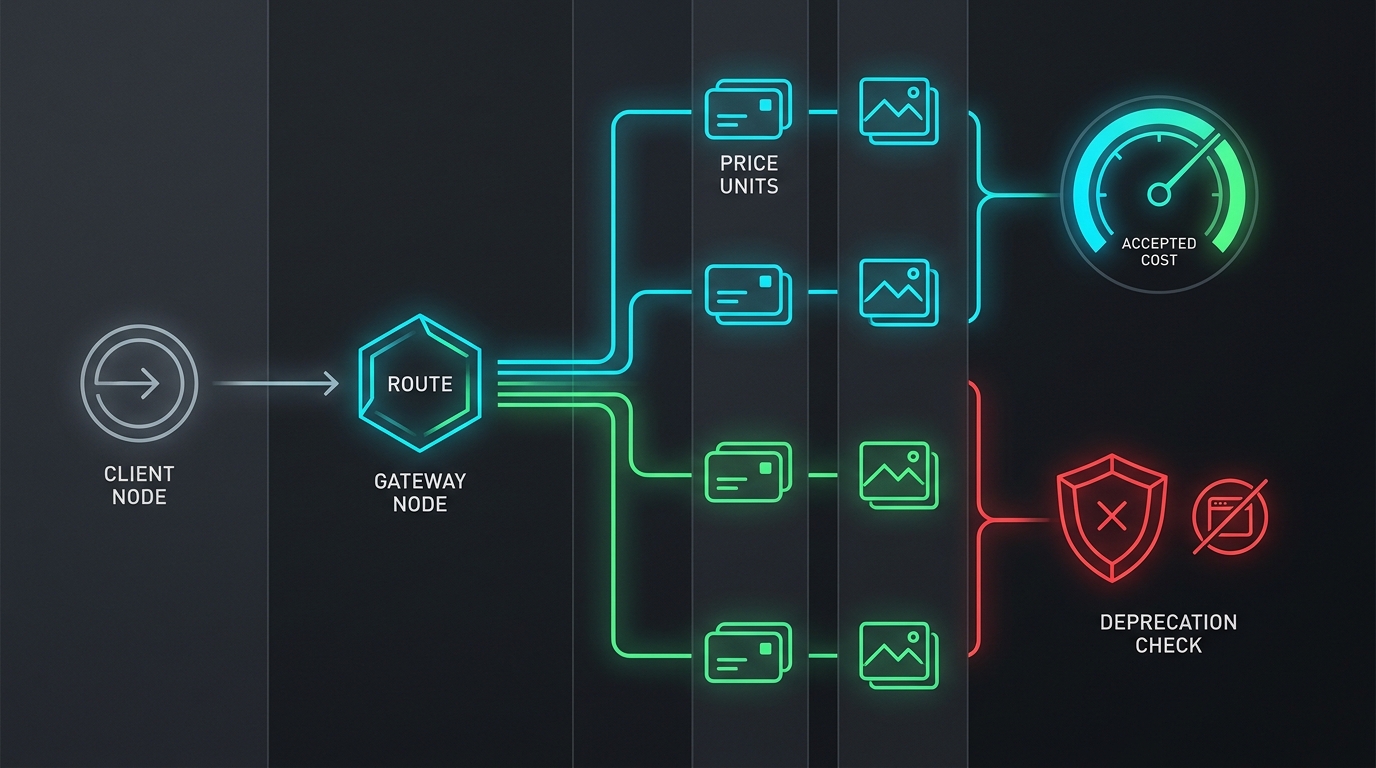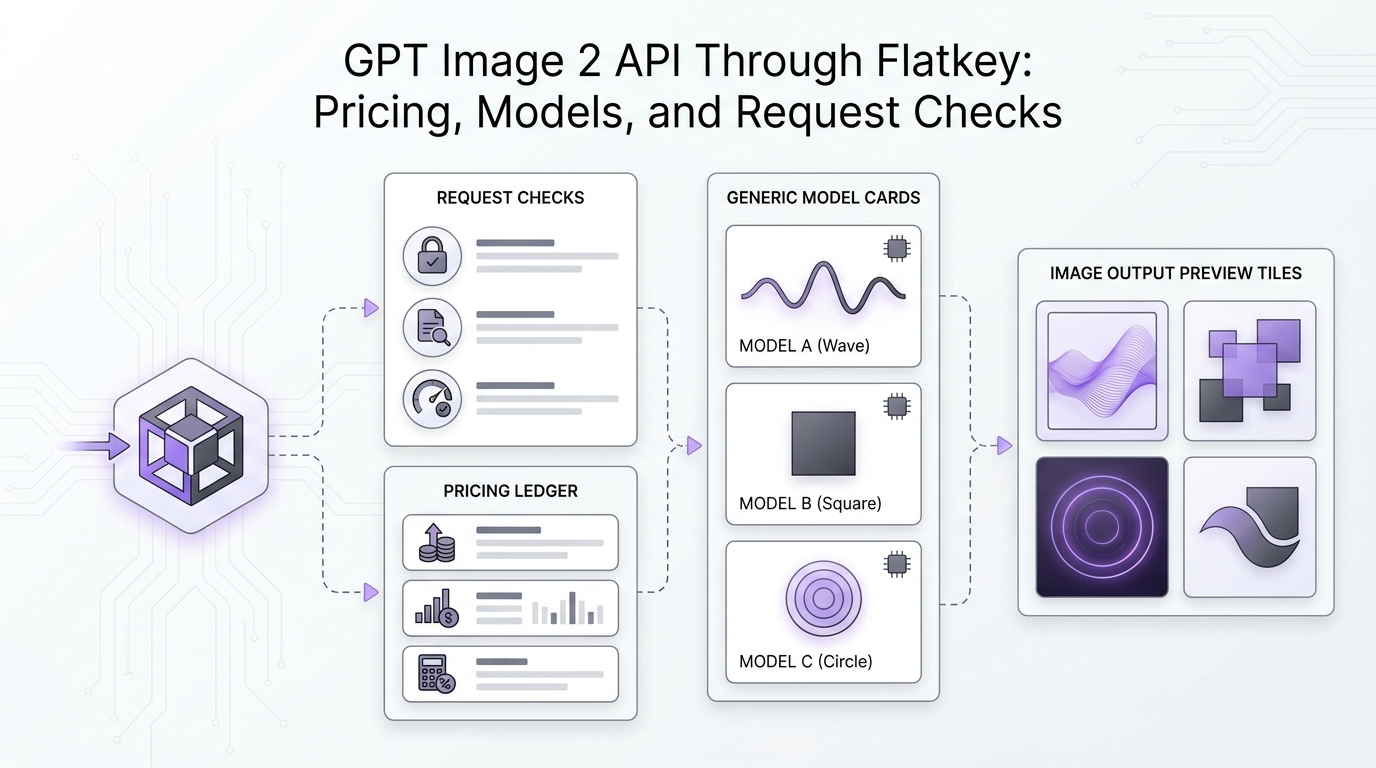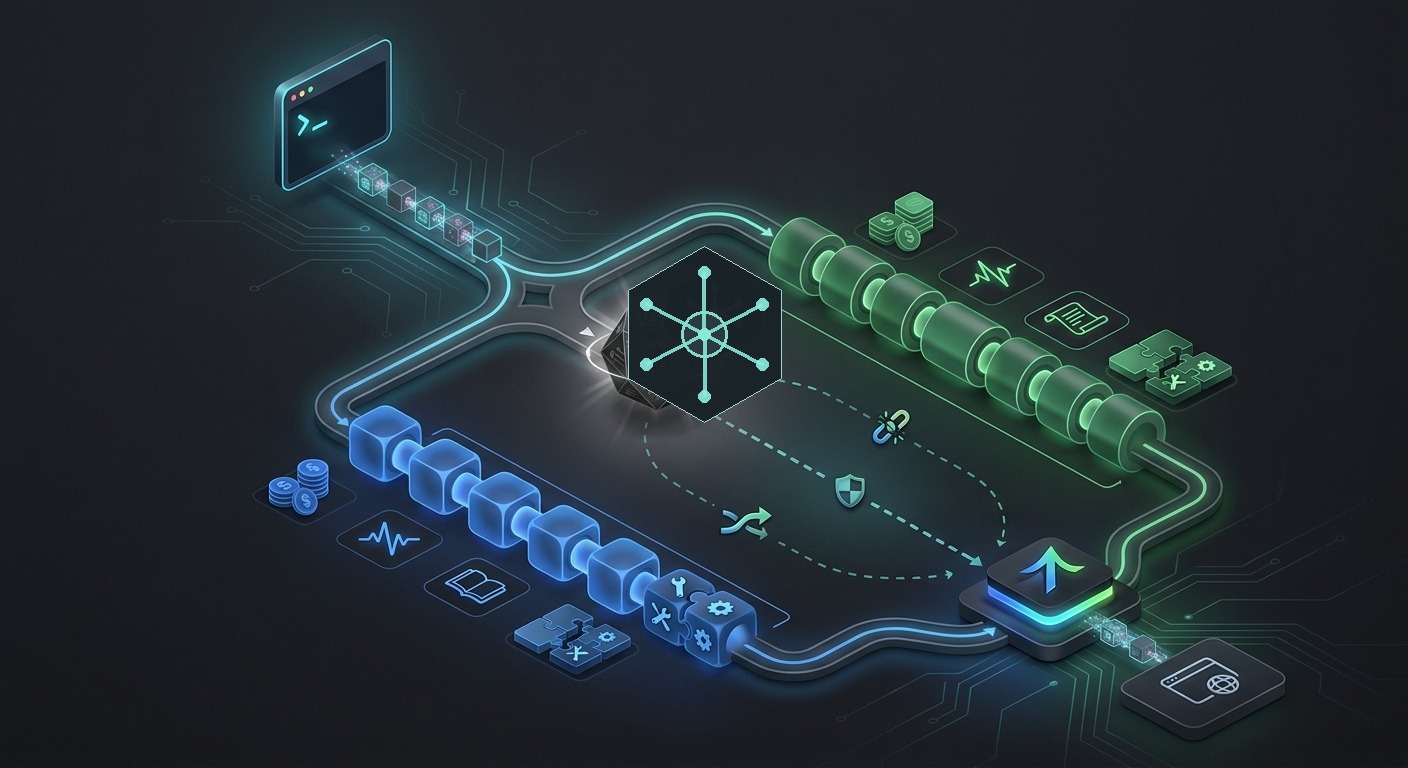
Veo API access looks simple if you only read the model name. In production, it is a video workflow with model lifecycle checks, per-second pricing, async operations, resolution choices, retry costs, and route-level observability. If your team is comparing Veo with Seedance, Sora-style routes, or another video model behind one gateway, treat access as a checklist instead of a one-line API swap.
This guide was checked on June 17, 2026 Asia/Shanghai against Google's Gemini API Veo video documentation, Google's Veo 3.1 pricing table, a fresh Ahrefs MCP run, and a live Flatkey pricing-catalog snapshot. The goal is not to claim that every route is ready for production today. The goal is to show exactly what to verify before you send billable video jobs through a multi-provider router.
Quick Answer: What To Check For Veo API Access
Before approving Veo API access for production traffic, confirm these seven items:
- Official model ID: decide whether the workflow needs
veo-3.1-generate-preview,veo-3.1-fast-generate-preview, orveo-3.1-lite-generate-preview. - Lifecycle status: avoid older Veo 3.0 and Veo 2.0 IDs unless you are handling a short migration, because Google lists them for June 30, 2026 shutdown.
- Pricing unit: normalize Veo by seconds, resolution, and variant before comparing it with token/resource-pack video providers.
- Async job path: log the operation name, polling status, final video count, duration, resolution, retry count, and failure reason.
- Flatkey catalog row: verify the exact model row, endpoint family, group, price label, and availability status on the day you route traffic.
- Fallback rule: decide when a failed Veo job may switch to another route, and when it must fail closed for quality or budget reasons.
- Usage proof: run a small test and confirm the dashboard shows the selected model, route, status, billable unit, and cost owner.
That is the practical version of Veo API access: not just "can I call Veo," but "can I prove which video route ran, what it cost, and what happens when it fails."
Veo API Access Checklist
| Checklist Item | Why It Matters | Evidence To Save |
|---|---|---|
| Model ID | Veo variants are not interchangeable for cost, latency, resolution, or route support. | Official Google model ID plus the matching Flatkey row. |
| Endpoint family | A video route may not behave like a chat completion, even if the gateway exposes an OpenAI-compatible surface. | Endpoint type, request template, accepted parameters, and response shape. |
| Pricing unit | Veo is listed per second, while other video providers may use tokens, generated media, or resource packs. | Variant, resolution, expected seconds, retry policy, and price source date. |
| Async operation logging | Veo generation uses a submit-and-poll flow, so one user action can create multiple internal events. | Operation ID, poll attempts, final status, generated video metadata, and retry count. |
| Availability status | A catalog row is not the same as a successful production route. | Dashboard status, last check time, test response, and usage-log entry. |
| Fallback boundary | Switching video models can change style, duration, quality, policy behavior, and cost. | Approved fallback matrix and fail-closed conditions. |
Confirm The Official Veo Model And Lifecycle
Google's Gemini API documentation currently uses veo-3.1-generate-preview in Veo generation examples. The pricing table lists three Veo 3.1 preview IDs: veo-3.1-generate-preview, veo-3.1-fast-generate-preview, and veo-3.1-lite-generate-preview. This is the first place to start a Veo API access review, because a gateway catalog can contain older IDs, aliases, and provider-specific labels at the same time.
Lifecycle is just as important as the current ID. Google's pricing page checked for this article warns that Veo 3 models veo-3.0-generate-001 and veo-3.0-fast-generate-001 are deprecated and scheduled to shut down on June 30, 2026. It also says Veo 2 veo-2.0-generate-001 is deprecated and scheduled for the same June 30, 2026 shutdown. If an older code sample, saved route, or dashboard favorite still points there, treat it as a migration task, not a green-light access path.
Normalize Veo API Pricing Before You Compare Routes
For Veo API access, headline pricing is only useful after you normalize the request. Google's current Veo 3.1 paid-tier pricing is listed per second in USD, with different rows for Standard, Fast, and Lite variants.
| Veo 3.1 Variant | Official Model ID | Pricing Checked | Planning Note |
|---|---|---|---|
| Standard | veo-3.1-generate-preview |
$0.40/sec at 720p or 1080p; $0.60/sec at 4K. | Use when quality requirements justify the higher default row. |
| Fast | veo-3.1-fast-generate-preview |
$0.10/sec at 720p; $0.12/sec at 1080p; $0.30/sec at 4K. | Test output quality and latency before routing user-facing jobs here. |
| Lite | veo-3.1-lite-generate-preview |
$0.05/sec at 720p; $0.08/sec at 1080p; 4K not supported. | Useful for lower-cost drafts when 4K is not required. |
Google's pricing page also notes that you are charged only if the video is successfully generated. That does not remove the need to log retries. A failed operation, a changed prompt, or a user-requested rerun can still create another billable job later. Your Veo API access checklist should include duration, resolution, variant, success status, and retry count for every request.
If you are comparing Veo with other providers, use the broader AI video generation API pricing comparison as the normalization hub. Do not compare a Veo per-second row directly against a token/resource-pack provider without translating the actual request shape.
Treat Veo Generation As A Long-Running Operation
Google's Veo guide shows a long-running operation flow: submit the generation request, poll the operation until it is done, then retrieve the generated video. That makes Veo API access different from a normal one-response text request. Your router and dashboard need to preserve job state across polling, not just capture the first HTTP call.
A production-ready log should answer these questions:
- Which application, team key, environment, and workflow created the video job?
- Which Veo model ID, aspect ratio, resolution, prompt type, and input media were used?
- What operation ID or equivalent async handle was returned?
- How many poll attempts ran before completion or failure?
- Was the job successful, failed, cancelled, retried, or routed elsewhere?
- How many generated videos were returned, and where was the output stored?
- Which usage record and cost record can finance reconcile later?
This is also where endpoint compatibility needs a real test. A gateway can expose an OpenAI-compatible base URL for many model families, but video generation often has provider-specific fields and async semantics. Keep code snippets as templates until you have tested a current Flatkey key, a current Veo model row, and the exact request body your application will use.
Verify Flatkey Catalog Rows Before Production
Flatkey's public pricing catalog was checked for this article on June 17, 2026 Asia/Shanghai. The response contained 638 model rows and pricing version a42d372ccf0b5dd13ecf71203521f9d2. Veo-related rows were present, including Google-style IDs and aliases such as veo-3.1-generate-preview, veo-3.1-fast-generate-preview, veo-3.1-lite-generate-preview, veo3.1, veo3.1-fast, and veo3.1-pro.
The important caveat: every Veo row checked in that snapshot showed unknown_failure availability status. That means the article can use the rows as dated catalog evidence, but it should not claim live production readiness. The right Veo API access workflow is to open the current Flatkey pricing page, confirm the exact row, verify the dashboard label, check the endpoint family, and run a small smoke test before sending production traffic.
| Flatkey Row Checked | Endpoint Types Seen | Pricing Fields Seen | Status In Snapshot |
|---|---|---|---|
veo-3.1-generate-preview |
gemini, openai |
quota_type: 1, model_price: 0.4 |
unknown_failure |
veo-3.1-fast-generate-preview |
gemini, openai |
quota_type: 1, model_price: 0.15 |
unknown_failure |
veo-3.1-lite-generate-preview |
gemini, openai |
model_ratio: 37.5, completion_ratio: 1 |
unknown_failure |
veo3.1, veo3.1-fast, veo3.1-pro |
openai |
model_ratio: 37.5, completion_ratio: 1 |
unknown_failure |
Flatkey's public product copy supports a careful routing story: one API key, clear pricing, unified billing, a dashboard for keys, usage, and routing, and automatic switching/load balancing language. Keep the implementation proof narrower than the marketing promise. For Veo API access, the acceptance test should be a real dashboard-backed request record, not only a catalog row.
Set Multi-Provider Video Routing Rules
Video failover is more sensitive than text failover. If a Veo job fails, switching to another provider can change duration, visual style, prompt interpretation, content filters, output format, and price. A Veo API access plan should define when automatic fallback is safe and when the workflow should stop for human review.
| Situation | Suggested Routing Decision | Reason |
|---|---|---|
| Transient provider error or timeout | Retry once or switch to an approved equivalent route if the workflow allows it. | Protects the user experience without hiding repeated failures. |
| Deprecated model ID | Block the route and migrate to a current model before production traffic. | Prevents silent dependence on a route with a fixed shutdown date. |
| Unsupported request parameter | Fail closed and fix the client request. | Blind fallback usually repeats the same bad request elsewhere. |
| High-resolution final render | Require explicit approval for fallback to a more expensive route. | Resolution and duration multiply video cost quickly. |
| Draft or internal creative iteration | Allow lower-cost fallback only if output differences are acceptable. | Draft workflows can tolerate more variation than customer-facing output. |
The reliability side of this decision is covered in more depth in the AI API load balancing and failover playbook. For video, add cost and creative-output constraints to every fallback ladder.
Run This Smoke Test Before Launch
A responsible Veo API access smoke test should be small, controlled, and easy to inspect:
- Create or select a non-production Flatkey key.
- Choose one current Veo row from the live pricing page and record its exact model label.
- Confirm the endpoint family and request template with the product/docs owner.
- Run one low-risk video job with known duration and resolution settings.
- Capture the operation ID, status polling path, final result, billable unit, and usage-log entry.
- Repeat with one controlled failure where possible, such as a blocked deprecated model or unsupported parameter.
- Decide whether the route can serve production traffic, staging only, or research backlog only.
If any of those checks fail, keep the route out of production. A missing usage log, unclear pricing unit, or unknown_failure availability status is not a paperwork issue for video; it changes cost, support, and customer expectations.
FAQ
How do I get Veo API access?
Start with Google's current Gemini API Veo documentation and billing requirements, then verify the model ID, endpoint, and pricing on the day you build. If you use Flatkey for routing, check the current pricing catalog and dashboard before treating Veo API access as production-ready.
Which Veo model ID should I use?
Google's current Veo 3.1 pricing table lists veo-3.1-generate-preview, veo-3.1-fast-generate-preview, and veo-3.1-lite-generate-preview. Avoid older Veo 3.0 and Veo 2.0 IDs for new production work because Google lists them for June 30, 2026 shutdown.
How is Veo API pricing calculated?
Google lists Veo 3.1 paid-tier pricing per second, with different rates by variant and resolution. For Veo API access, normalize expected seconds, resolution, success policy, and retries before comparing the route with token-based or resource-pack video providers.
Can Veo be routed with other video generation models?
Yes, but only after you define the route contract. A fallback from Veo to another video model can change visual quality, duration, output format, moderation behavior, and cost. Use approved fallback rules rather than generic automatic retries.
What should Flatkey users verify before production?
Verify the current model row, endpoint family, dashboard label, availability status, price label, usage-log fields, and a real smoke-test result. In the June 17, 2026 snapshot used for this article, Veo rows existed but showed unknown_failure, so production use requires fresh confirmation.
Final Takeaway
Veo API access is a production decision, not just a provider checkbox. Confirm the official model, normalize seconds and resolution, handle async jobs, verify Flatkey's current row and dashboard evidence, and document fallback boundaries before the first customer-facing video request.
To evaluate Veo alongside the rest of your video model stack, start with the current Flatkey pricing catalog and use the checklist above to decide which routes are ready for staging, which need a smoke test, and which should stay in research backlog.