Kimi API Pricing (October 2026): Kimi K3, K2.7 Code, and K2.6 Costs, Plus K3 API Setup
Kimi API pricing in October 2026 is $3 per million input tokens and $15 per million output tokens for Kimi K3, with cached input at $0.30, according to Moonshot's official pricing page checked October 22, 2026. The cheaper Kimi K2.6 and K2.7 Code models cost $0.95 input and $4 output, with cache hits at $0.16 and $0.19, and the Batch API bills at 60% of standard prices. You can start with a $1 recharge, and Moonshot adds a $5 voucher once you have recharged $5 in total.
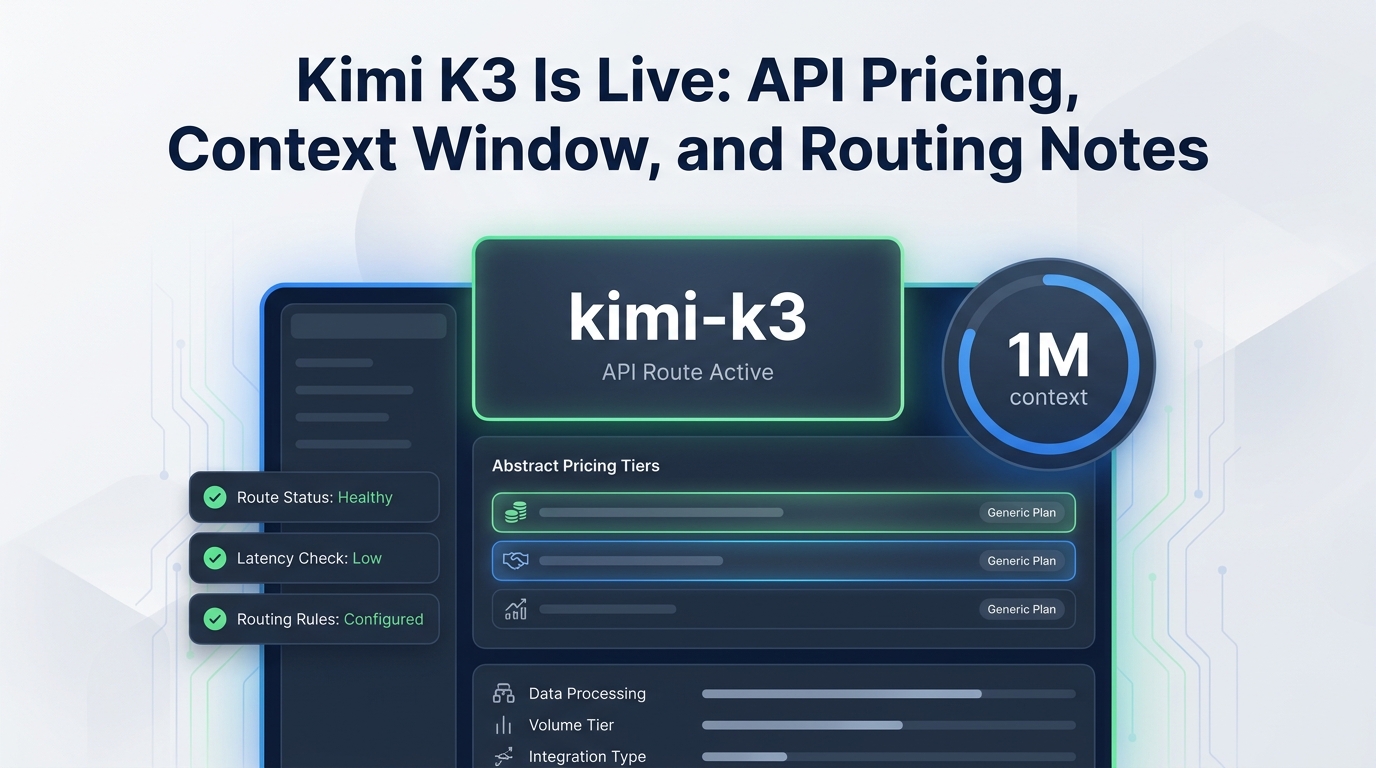
This guide is for indie developers who want to know what Kimi will cost before they wire it in. It covers every current Kimi model's price, caching and batch, tool fees, rate-limit tiers, three worked budgets, and a K3 setup you can copy. Kimi 3 and Kimi K3 are the same model; the API ID is kimi-k3.
Kimi API pricing table
USD per million tokens, from platform.kimi.ai/docs/pricing/chat, checked October 22, 2026.
| Model | Input (cache miss) | Cached input (hit) | Output | Context window |
|---|---|---|---|---|
kimi-k3 |
$3.00 | $0.30 | $15.00 | 1,048,576 |
kimi-k2.7-code |
$0.95 | $0.19 | $4.00 | 262,144 |
kimi-k2.7-code-highspeed |
$1.90 | $0.38 | $8.00 | 262,144 |
kimi-k2.6 |
$0.95 | $0.16 | $4.00 | 262,144 |
Kimi K3 cache writes are priced separately: $3.00 per million tokens for a 5-minute cache write and $6.00 for a 1-hour cache write. A K3 cache read at $0.30 is 10% of the input price, so a 5-minute cache pays for itself on the first reuse.
Which Kimi model to pick
Moonshot's quickstart describes K3 as its flagship for long-horizon coding and knowledge work, with a 1M-token context and native visual understanding. K2.7 Code is the coding-focused model with text, image, and video input; its highspeed variant costs 2x for faster output. K2.6 is the general-purpose model with thinking and non-thinking modes.
| Your job | Model | Why |
|---|---|---|
| Large-repo coding agent, 1M context | kimi-k3 |
Only Kimi model with 1M tokens |
| Code edits where speed matters | kimi-k2.7-code-highspeed |
Faster output, 2x price |
| Everyday coding at the lowest Kimi price | kimi-k2.7-code |
$0.95 / $4 |
| Chat, agents, vision, general reasoning | kimi-k2.6 |
Cheapest cache hits at $0.16 |
Batch API pricing
Kimi's batch pricing is 60% of the standard price, checked October 22, 2026. For example, K2.6 in batch costs $0.10 for cache hits, $0.57 for input, and $2.40 for output per million tokens; K2.7 Code costs $0.114, $0.57, and $2.40. Use batch for evaluations, backfills, and nightly jobs that do not need a real-time answer.
Tool pricing: web search and fetch
Per Kimi's tools pricing, checked October 22, 2026, the standalone REST tools bill per successful call only:
| Tool | Price per call |
|---|---|
Web Search Basic (/v1/tools/search) |
$0.002 |
Web Search Pro (/v1/tools/search_pro) |
$0.003 |
URL Fetch (/v1/tools/fetch) |
$0.002 |
Failed requests and searches with no results are free. Tokens that the results add to your prompt are billed at the model's input rate.
Rate limits and recharge tiers
Your cumulative recharge sets your tier. From Kimi's limits page, checked October 22, 2026:
| Tier | Cumulative recharge | Concurrency | RPM | TPM |
|---|---|---|---|---|
| Tier 0 | $1 | 1 | 3 | 500,000 |
| Tier 1 | $10 | 15 | 100 | 2,000,000 |
| Tier 2 | $20 | 40 | 100 | 3,000,000 |
| Tier 3 | $100 | 50 | 200 | 3,000,000 |
| Tier 4 | $1,000 | 60 | 200 | 4,000,000 |
| Tier 5 | $3,000 | 100 | 300 | 5,000,000 |
Tier 0 also has a 1.5 million tokens-per-day cap. Three requests per minute is too low for anything but a smoke test, so a $10 recharge to reach Tier 1 is the realistic starting cost for development. For retry patterns when you hit 429s, see our rate limits guide.
Three worked Kimi budgets
All at Moonshot list prices on October 22, 2026.
1. Coding agent on K3. 1,000 sessions a month, each 300,000 input tokens (80% cache hits) and 25,000 output tokens. - Cache hits: 240M x $0.30 = $72 - Fresh input: 60M x $3 = $180 - Output: 25M x $15 = $375 - About $627 per month, excluding cache-write charges
2. Same workload on K2.7 Code. - Cache hits: 240M x $0.19 = $45.60 - Fresh input: 60M x $0.95 = $57 - Output: 25M x $4 = $100 - About $202.60 per month, if 262K context is enough
3. Nightly classification on K2.6 batch. 500,000 items, 1,000 input and 100 output tokens each. - Input: 500M x $0.57 = $285 - Output: 50M x $2.40 = $120 - About $405 per month
# Kimi list prices per 1M tokens, checked Oct 22, 2026 (platform.kimi.ai/docs/pricing/chat)
KIMI = {
    "kimi-k3":        {"in": 3.00, "hit": 0.30, "out": 15.00},
    "kimi-k2.7-code": {"in": 0.95, "hit": 0.19, "out": 4.00},
    "kimi-k2.6":      {"in": 0.95, "hit": 0.16, "out": 4.00},
}

def kimi_cost(model, sessions, tokens_in, tokens_out, hit_rate=0.0, batch=False):
    p = KIMI[model]
    m = sessions / 1_000_000
    cost = (tokens_in * (1 - hit_rate) * p["in"] + tokens_in * hit_rate * p["hit"]
            + tokens_out * p["out"]) * m
    return round(cost * (0.6 if batch else 1.0), 2)

print(kimi_cost("kimi-k3", 1_000, 300_000, 25_000, hit_rate=0.8))         # 627.0
print(kimi_cost("kimi-k2.7-code", 1_000, 300_000, 25_000, hit_rate=0.8))  # 202.6
How Kimi compares on price
| Model | Input | Output | Source |
|---|---|---|---|
| Kimi K3 | $3.00 | $15.00 | Moonshot |
| Claude Opus 5.5 | $4.00 | $20.00 | Anthropic |
| Claude Sonnet 5.5 | $2.00 | $10.00 | Anthropic |
| qwen3.8-max | $2.00 | $6.00 | Alibaba Model Studio |
| Kimi K2.6 | $0.95 | $4.00 | Moonshot |
All checked October 22, 2026. K3 sits between Sonnet 5.5 and Opus 5.5 on price. For the full cross-provider picture, see our AI API pricing comparison, Anthropic API pricing, and the Qwen API guide.
How to call the Kimi K3 API
- Sign in to the Kimi API Platform and create a key under API Keys.
- Recharge at least $1 (or $10 for usable rate limits).
- Store the key as
MOONSHOT_API_KEYand use the base URLhttps://api.moonshot.ai/v1.
Python (OpenAI SDK):
import os
from openai import OpenAI

client = OpenAI(api_key=os.environ["MOONSHOT_API_KEY"], base_url="https://api.moonshot.ai/v1")

resp = client.chat.completions.create(
    model="kimi-k3",
    messages=[{"role": "user", "content": "Refactor this function to be pure: def f(x): global y; y += x; return y"}],
    extra_body={"reasoning_effort": "low"},  # "low" | "high" | "max" (default "max")
)
print(resp.choices[0].message.content)
print(resp.usage)
curl:
curl https://api.moonshot.ai/v1/chat/completions \
  -H "Content-Type: application/json" \
  -H "Authorization: Bearer $MOONSHOT_API_KEY" \
  -d '{"model": "kimi-k3", "reasoning_effort": "low",
       "messages": [{"role": "user", "content": "List 3 risks of global state."}]}'
Node.js:
import OpenAI from "openai";

const client = new OpenAI({ apiKey: process.env.MOONSHOT_API_KEY, baseURL: "https://api.moonshot.ai/v1" });
const r = await client.chat.completions.create({
  model: "kimi-k3",
  reasoning_effort: "low",
  messages: [{ role: "user", content: "Explain context caching in one paragraph." }],
});
console.log(r.choices[0].message.content, r.usage);
The reasoning_effort field is a cost lever: K3 defaults to "max", which produces the most reasoning output tokens. Setting "low" for simple steps cuts output spend. Kimi also exposes an OpenAI-compatible Responses API and an Anthropic-compatible Messages API, which lets tools built for the Anthropic SDK (including Claude Code) talk to Kimi; see the Kimi quickstart.
Five ways to lower your Kimi bill
- Keep prompts cache-friendly. Put stable system prompts and repo context first so cache hits ($0.30 on K3, $0.16 on K2.6) replace full-price input.
- Lower
reasoning_efforton K3 for routine steps. - Use K2.7 Code for everyday edits and reserve K3 for tasks that need 1M context.
- Batch offline work for a 40% discount.
- Do not switch models mid-session in long agents; each switch throws away the cache. Our prompt caching ROI guide explains the math.
Kimi through Flatkey
Flatkey serves Kimi models through the same OpenAI- and Anthropic-compatible key it uses for Claude, GPT, Gemini, Qwen, and DeepSeek. On October 22, 2026, the Flatkey model pages listed:
| Model | Moonshot list (in / cache / out) | Flatkey (in / cache / out) |
|---|---|---|
| Kimi K3 | $3.00 / $0.30 / $15.00 | $1.80 / $0.18 / $9.00 |
| Kimi K2.6 | $0.95 / $0.16 / $4.00 | $0.76 / $0.128 / $3.20 |
| Kimi K2.5 | n/a | $0.48 / $0.08 / $2.40 |
Flatkey does not list K2.7 Code. To switch, change the base URL to https://router.flatkey.ai/v1 and the key, keeping model="kimi-k3"; see the Flatkey quickstart. Background on running several vendors behind one key: one API key for multiple models and our Kimi K3 launch notes.
Prefer to run the model yourself? Our Kimi K3 local guide covers hardware, GGUF quants, and vLLM commands.
FAQ
How much does the Kimi API cost?
Kimi K3 costs $3 per million input tokens, $0.30 cached, and $15 output. Kimi K2.6 and K2.7 Code cost $0.95 input and $4 output, per Moonshot's pricing page on October 22, 2026.
Is the Kimi API free?
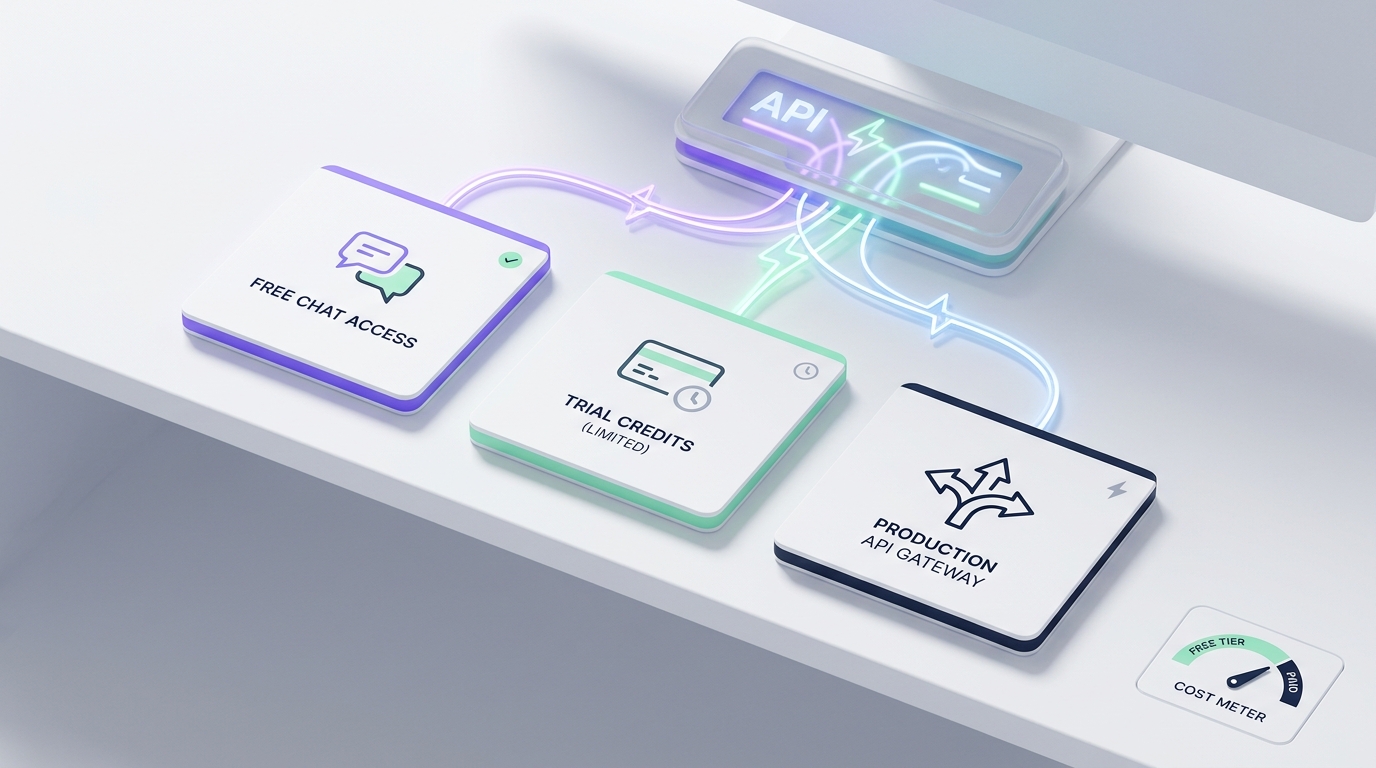
No, but it is cheap to start. The minimum recharge is $1, and Moonshot gives a $5 voucher after $5 of cumulative recharge. Tier 0 is limited to 3 requests per minute.
How much does the Kimi K2.6 API cost?
$0.95 per million input tokens on a cache miss, $0.16 on a cache hit, and $4 per million output tokens, with a 262,144-token context window.
Is Kimi 3 the same as Kimi K3?
Yes. Moonshot's model is Kimi K3, called with the ID kimi-k3.
What is the Kimi K3 context window?
1,048,576 tokens, per Moonshot's pricing table.
Does Kimi have a batch discount?
Yes. Batch requests are billed at 60% of standard prices.
Can I use Kimi with Claude Code?
Yes. Kimi offers an Anthropic Messages-compatible API, so Anthropic-SDK tools can point to it. You can also route Kimi through a gateway; see our Claude Code router setup.
Sources
- Moonshot Kimi: chat pricing, batch pricing, tools pricing, limits, K3 quickstart, checked October 22, 2026
- Anthropic pricing, Alibaba Model Studio pricing, Flatkey models, checked October 22, 2026