AI agent gateway controls are the operating rules that decide what an agent may call, how much it may spend, what evidence must be logged, and when the run must pause, fall back, or stop. Without those controls, an agent gateway becomes a faster way to hide tool sprawl, runaway token spend, and unclear production failures.
The goal is not to wrap every agent in process. The goal is to make agent behavior inspectable before it reaches production users. A support agent that can look up orders, a coding agent that can edit files, and a finance agent that can compare invoices should not share the same tool access, budget, logging, or stop policy.
Use this guide to turn your AI agent gateway rules into something your team can actually check: clear policies, required evidence fields, and acceptance tests. Before rollout, compare those rules against your current Flatkey setup, including model access, routing, usage tracking, and billing details on Flatkey pricing.
AI agent gateway controls start with a policy boundary
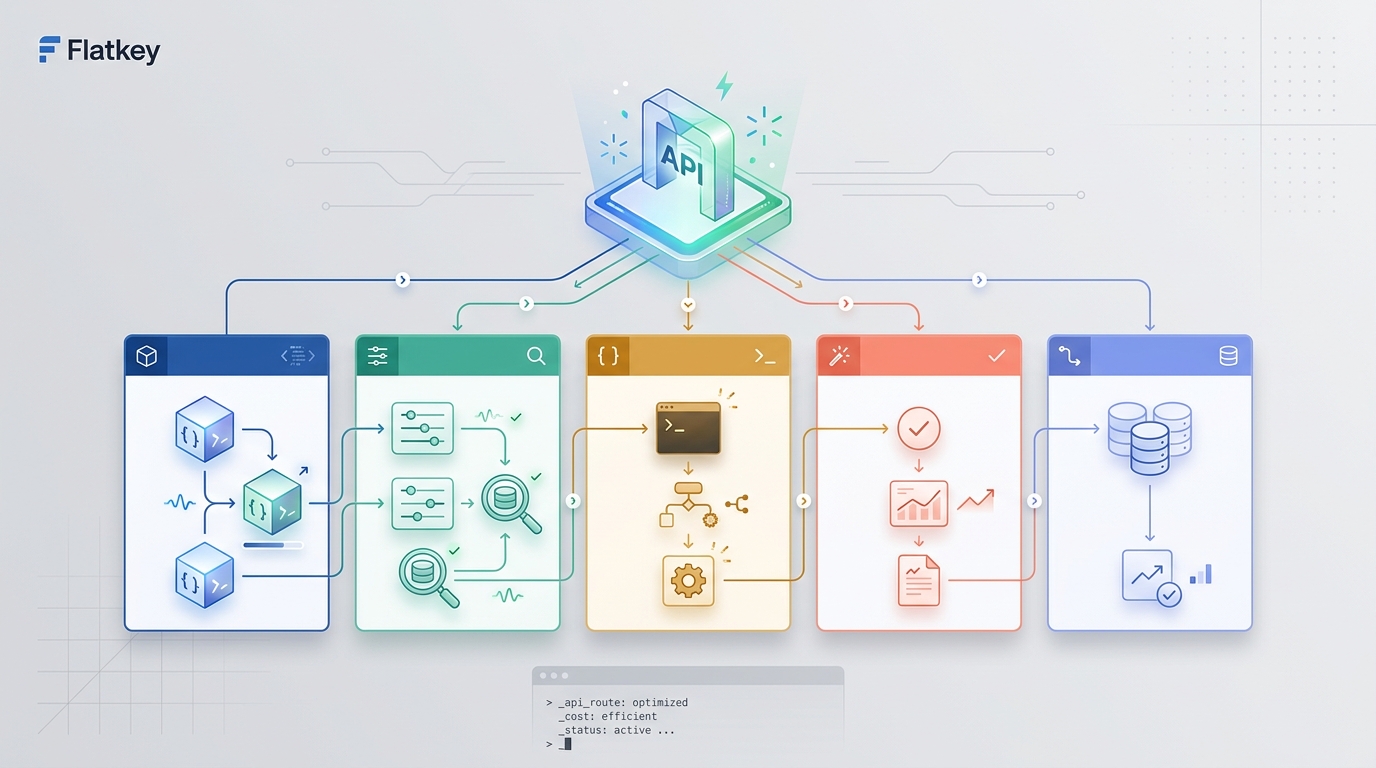
An agent gateway sits between agent runtimes, model APIs, internal tools, and finance review. That makes it a good place to standardize four decisions:
| Control area | Gateway question | Production evidence |
|---|---|---|
| Tool use | Which tools can this workflow call, with which arguments, and under whose approval? | Tool name, schema version, arguments, approval state, result status |
| Budgets | How much input, output, reasoning, tool, retry, and fallback spend is allowed? | Token counts, request cost, owner key, budget result, fallback spend |
| Logs | What happened, which route served it, and what can be reviewed later? | Request ID, workflow, model, route, tool calls, stop reason, error code |
| Stop conditions | When should the run finish, retry, ask for approval, fall back, or fail closed? | Stop condition, fallback reason, reviewer decision, final state |
These AI agent gateway controls should be reviewed like infrastructure policy, not prompt copy. The prompt can explain intent, but the gateway policy should enforce what happens when the model asks for a sensitive tool, exceeds a budget, receives an unexpected tool result, or loops.
Tool use controls: allow fewer tools than the agent knows about
Tool calling is powerful because it connects models to real systems. It is also where an agent crosses from suggestion into action. OpenAI's function-calling documentation describes tool calls as a multi-step flow: the model requests a tool, your application executes it, and the tool output is returned to the model. Anthropic's tool-use documentation similarly has Claude return tool_use blocks, with application code responsible for execution. Google Gemini function calling also depends on declared functions and model-generated function calls.
That common pattern matters for AI agent gateway controls: the model should not execute the tool directly. Your gateway or runtime should decide whether the requested tool is allowed, whether the arguments match policy, whether approval is required, and whether the tool result is safe to send back.
Use a three-layer tool policy:
- Tool catalog: the full set of tools that exist in the organization.
- Workflow allowlist: the smaller set of tools a specific agent route may call.
- Turn-level restriction: the tools available for this request after role, tenant, environment, budget, and risk checks.
For example, a customer support agent may have access to lookup_order, search_policy, and open_ticket in normal mode. It should not receive issue_refund, cancel_contract, or delete_account until the workflow reaches an approved escalation path.
The control should be explicit:
workflow: support_resolution_agent
tool_policy:
  default_mode: deny
  allowed_tools:
    - lookup_order
    - search_policy
    - open_ticket
  approval_required:
    - issue_refund
    - cancel_subscription
  blocked_tools:
    - export_customer_database
schema_rules:
  require_strict_arguments: true
  reject_unknown_fields: true
  log_redacted_arguments: true
on_violation:
  action: stop
  user_message: ask_for_human_review
OpenAI's function-calling guide recommends clear function descriptions, JSON schemas, strict mode where supported, and keeping initially available functions small. That is not just model-performance advice. It is also an agent gateway control: fewer exposed tools means fewer invalid states to review after an incident.
Budget controls: cap the whole run, not only one model call
Agent cost rarely comes from one clean request. It comes from tool schemas, conversation history, retrieval context, reasoning tokens, tool results, retries, fallback models, and repeated attempts after partial failures.
Budget AI agent gateway controls should cover the entire run:
| Budget surface | What to cap | Why it matters |
|---|---|---|
| Request budget | input tokens, output tokens, reasoning tokens, max model calls | Prevent one turn from becoming a surprise spend event |
| Tool budget | number of tool calls, tool result size, external API spend | Prevent tool loops and expensive data pulls |
| Retry budget | retry count, retryable status codes, backoff window | Separate resilience from uncontrolled repetition |
| Fallback budget | fallback model count, fallback cost ceiling, fallback reason | Keep reliability from masking a broken primary route |
| Owner budget | project, team, customer, environment, key, or workflow limit | Make spend reviewable by finance and engineering |
The gateway should fail closed when a hard limit is exceeded. It can summarize, ask for scope reduction, queue a human review, or return a controlled error. It should not silently send a bigger prompt, switch to a more expensive route, or keep retrying.
Use this budget shape:
budget_policy:
  workflow: invoice_reconciliation_agent
  owner_key: finance_ops
  per_request:
    max_input_tokens: 32000
    max_output_tokens: 4000
    max_model_calls: 4
    max_tool_calls: 5
  per_session:
    max_total_tokens: 90000
    max_total_cost_usd: reviewed_threshold
  retry:
    max_attempts: 2
    retryable_statuses: [408, 409, 429, 500, 502, 503, 504]
  fallback:
    max_fallbacks: 1
    require_reason: true
  on_over_budget:
    action: stop_or_request_scope_reduction
Logs: record evidence, not just raw prompts
Agent logs need to answer two questions: what happened at runtime, and who can prove the policy worked?
Vercel's AI Gateway observability docs describe gateway logs for spend, model usage, observability metrics, request summaries, API keys, and request logs. OpenAI's Agents SDK observability docs describe traces that can include model calls, tool calls, handoffs, guardrails, and custom spans. Those examples point to the same operational requirement: agent gateways need logs that connect model behavior to route, tool, budget, and stop decisions.
For AI agent gateway controls, log these fields at minimum:
| Field | Example | Why it matters |
|---|---|---|
request_id |
gateway-generated UUID | Joins model, tool, billing, and support records |
workflow_class |
support_agent, code_agent, finance_agent | Groups policy and acceptance tests |
owner_key |
team, app, customer, environment | Supports spend allocation and abuse review |
requested_model |
model alias or route name | Shows what the app asked for |
served_model |
actual provider/model | Shows what the gateway served |
tool_calls |
name, schema version, redacted args, status | Proves tool policy behavior |
usage |
input, output, reasoning, cache, total tokens | Connects behavior to cost |
budget_result |
allowed, warned, blocked | Proves the cost gate ran |
stop_condition |
completed, max_steps, over_budget, approval_required | Explains how the run ended |
fallback_reason |
timeout, 429, provider_error, quality_gate | Separates recovery from drift |
Do not log everything forever just because it is easy. Customer data, prompts, tool results, and files may carry sensitive information. A durable log design should define redaction, retention, access review, export needs, and incident procedures. The gateway should store enough evidence to debug and reconcile usage without turning every request into an uncontrolled data archive.
Stop conditions: define the end of the run before the model starts
Stop conditions are not just model stop sequences. They are the rules that end an agent run safely.
Provider APIs expose different response and stop surfaces. Anthropic's Messages API exposes stop_reason fields such as tool use, end turn, max tokens, and stop sequences in its documentation. OpenAI's Agents SDK guardrails documentation frames guardrails and human review as controls that decide when a run continues, pauses, or stops. In production, your gateway should normalize those provider-specific states into a workflow state your team understands.
Use a stop matrix:
| Stop condition | Gateway action | User-facing behavior | Evidence required |
|---|---|---|---|
| Completed | Return final answer | Normal response | final model, usage, no unresolved tools |
| Tool approval required | Pause | "This action needs review" | tool call, args, approver, decision |
| Over budget | Stop or ask for scope reduction | "Narrow the request" | budget field, threshold, owner key |
| Max steps reached | Stop | "Unable to complete in this run" | step count, last action, loop signal |
| Tool error | Retry, fallback, or stop | Clear failure path | tool status, error class, retry count |
| Provider timeout | Retry or fallback | Degraded but controlled response | route, timeout, fallback reason |
| Policy violation | Stop | Refuse or route to human | triggered policy, redacted sample |
| Low confidence or missing evidence | Ask follow-up or escalate | "Need more information" | missing field, eval result |
The important point is that every terminal state has a name. If the only states are "success" and "error," teams cannot tell whether the agent respected policy or merely stopped by accident.
A practical AI agent gateway controls template
Use a policy file that engineering, security, finance, and product can review together:
policy_name: ai_agent_gateway_controls_v1
owner:
  team: ai_platform
  reviewers:
    - engineering
    - finance
    - security
workflow_classes:
  support_agent:
    route: balanced_text_tool_route
    allowed_tools: [lookup_order, search_policy, open_ticket]
    approval_tools: [issue_refund, cancel_subscription]
    max_tool_calls: 5
    max_model_calls: 4
  code_agent:
    route: code_review_route
    allowed_tools: [read_repo, search_repo, propose_patch]
    approval_tools: [apply_patch, run_shell_command]
    max_tool_calls: 12
    max_model_calls: 8
budget_rules:
  require_owner_key: true
  block_when_owner_budget_exceeded: true
  require_fallback_reason: true
log_rules:
  capture_request_id: true
  capture_requested_and_served_model: true
  capture_tool_call_status: true
  redact_sensitive_arguments: true
stop_rules:
  max_steps: 12
  max_retries_per_tool: 1
  on_policy_violation: stop
  on_approval_required: pause
acceptance_tests:
  - blocked_tool_is_not_executed
  - over_budget_request_fails_closed
  - approval_tool_pauses_run
  - fallback_records_reason
  - request_log_contains_usage_and_stop_condition
This file does not replace application code. It gives code a contract to enforce and gives reviewers a concrete artifact to inspect.
Acceptance tests before production
Run acceptance tests against each workflow class before traffic goes live:
- Send a normal request and confirm only allowed tools are exposed.
- Ask for a blocked tool and confirm the tool is not executed.
- Ask for an approval-required tool and confirm the run pauses with resumable state.
- Send an oversized prompt and confirm the gateway stops or asks for scope reduction.
- Trigger a tool error and confirm retry count, fallback reason, and final state are logged.
- Force a provider timeout and confirm fallback stays inside the fallback budget.
- Trigger max steps and confirm the run does not loop.
- Confirm request logs show owner key, requested model, served model, usage, tool status, budget result, and stop condition.
- Sample finance reconciliation from request logs to invoice or prepaid balance movement.
- Re-run the same test after changing models, tools, prompts, or route policy.
Pair this article with Flatkey's guides to AI API gateway architecture, LLM API gateway architecture, AI API load balancing and failover, and model routing policy design. The gateway architecture decides where the controls live; the acceptance tests prove they work.
Where Flatkey fits
Flatkey should not be the only place your agent policy exists. Keep the policy in code, configuration, or an internal control repository. Use Flatkey as the gateway surface where teams can centralize model access, route review, usage visibility, request logs, cost controls, prepaid balance, and billing review.
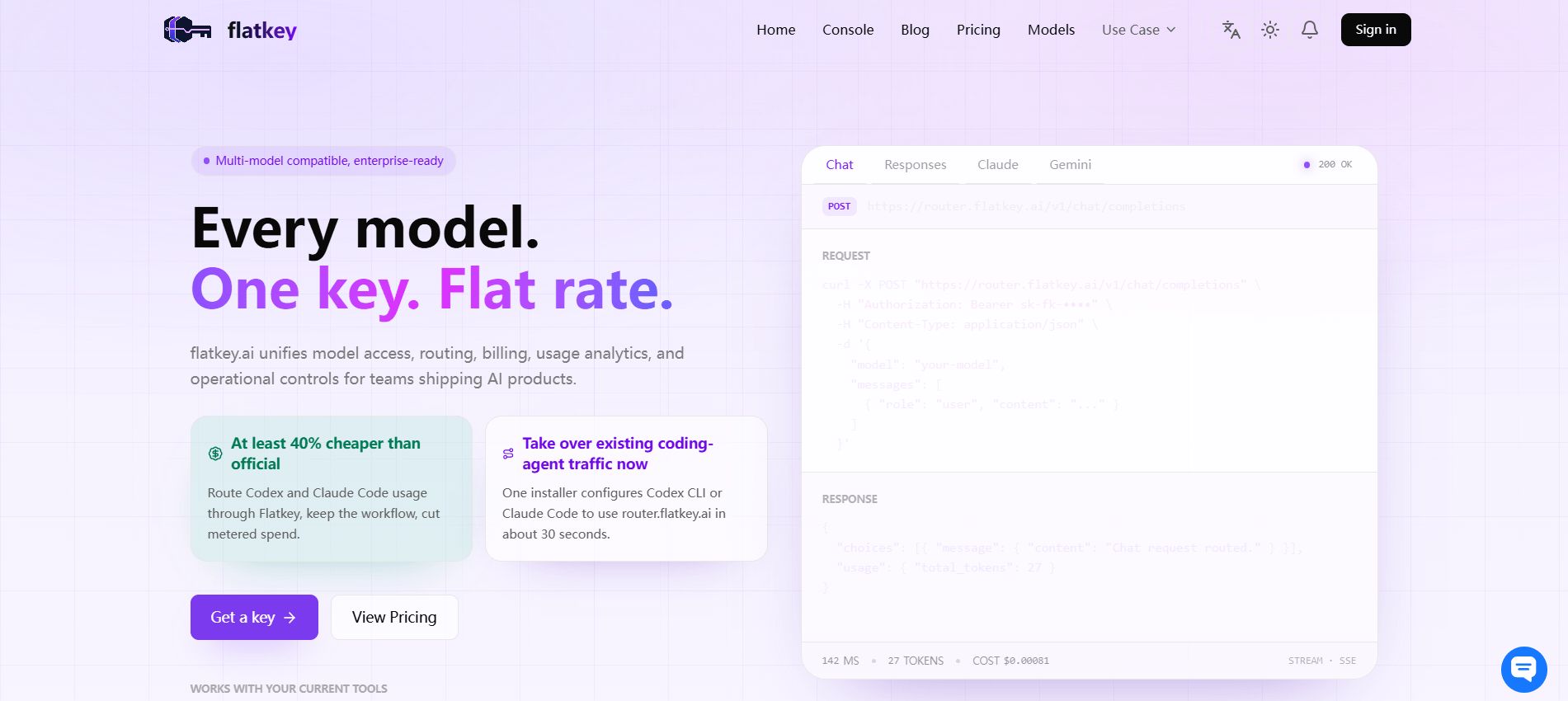
A practical Flatkey rollout looks like this:
- Choose one agent workflow with known tools and owners.
- Define the allowed tools, approval tools, budget ceilings, log fields, and stop conditions.
- Check current model and pricing options on Flatkey pricing.
- Run the acceptance tests with a non-production key.
- Review logs for requested model, served model, usage, route decision, fallback reason, and stop condition.
- Move only the tested workflow to production.
- Add new tools and fallback routes one policy row at a time.
When the proof passes, get a key and keep the first rollout narrow. The strongest AI agent gateway controls are boring in production: every tool call has a reason, every budget decision has a trace, every failure has a named stop condition, and every reviewer can see what happened.
FAQ
What are AI agent gateway controls?
AI agent gateway controls are policies that govern tool access, budgets, logs, fallback behavior, and stop conditions for agent workflows that call models and tools through a gateway.
Are AI agent gateway controls the same as model routing?
No. Model routing decides which model or provider should serve a request. AI agent gateway controls decide whether the agent may call a tool, spend more budget, retry, fall back, pause for approval, or stop.
What should be logged for agent tool use?
Log the request ID, workflow class, owner key, requested model, served model, tool name, schema version, redacted arguments, result status, usage, budget result, fallback reason, and stop condition.
Should sensitive tools be available to the model all the time?
No. Keep the full tool catalog separate from the workflow allowlist. Sensitive tools should require approval, narrower scope, or a separate escalation route.
How should budget overruns be handled?
Hard budget overruns should fail closed. The gateway can ask for scope reduction, summarize, queue review, or return a controlled error, but it should not silently switch to a more expensive route.
How does Flatkey help with AI agent gateway controls?
Flatkey gives teams one gateway surface for model access, routing review, usage visibility, request logs, cost controls, prepaid balance, and billing review. Use that surface alongside policy-as-code and acceptance tests for production agent workflows.