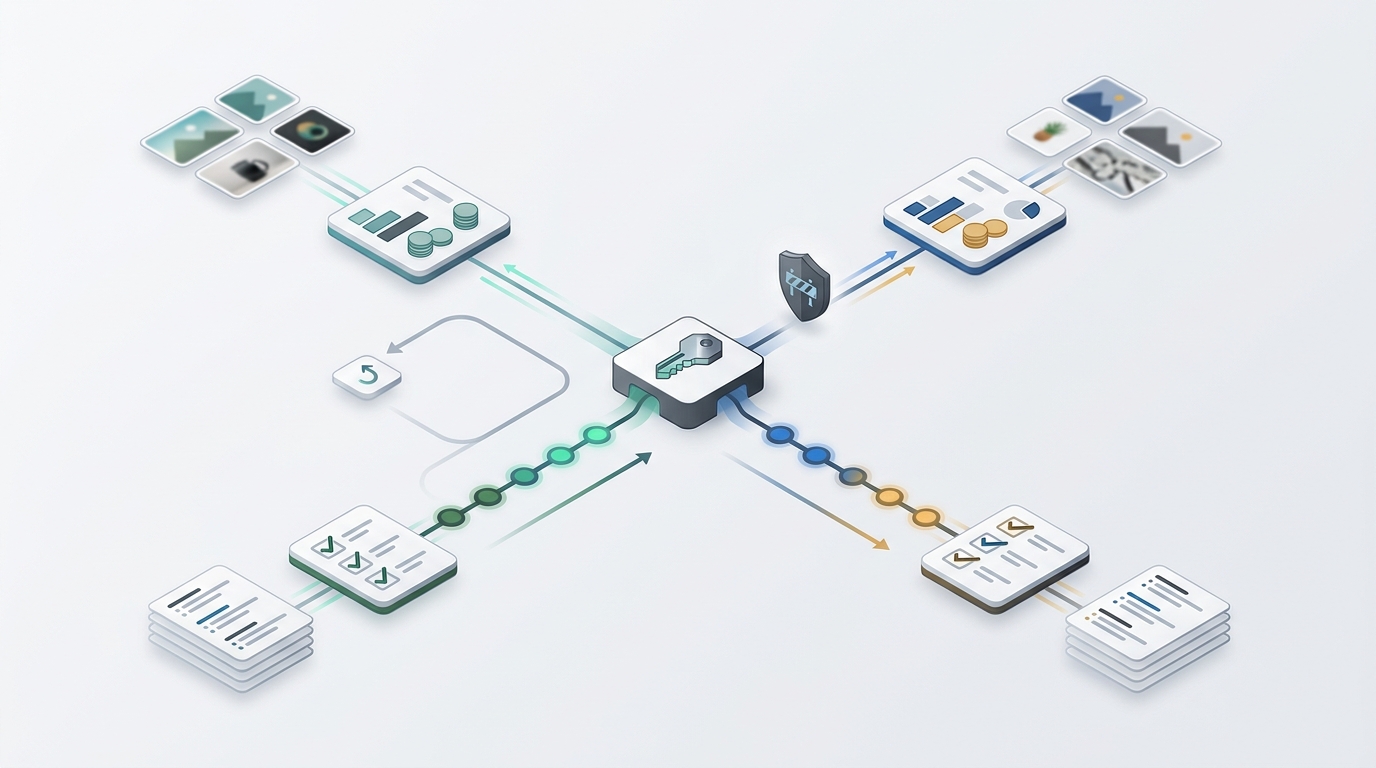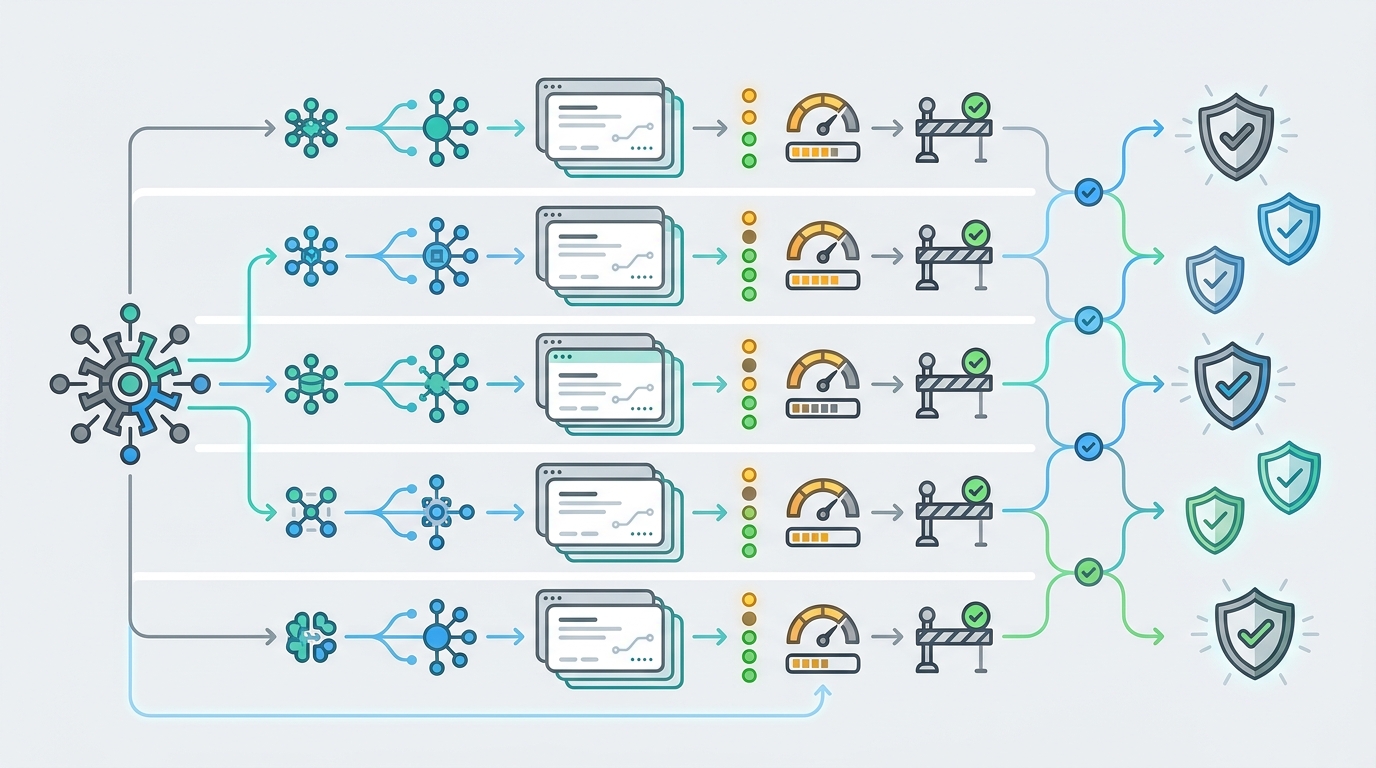
AI API gateway onboarding should not stop at "change one URL." A clean migration gives every developer the same runbook: get a dedicated key, point the SDK at the current gateway base URL, verify the exact model alias, test normal chat, streaming, and tools, then prove that usage and rollback are visible before production traffic moves.
This guide was prepared on June 25, 2026 from Flatkey public homepage and pricing snapshots, the saved Flatkey pricing API response, OpenAI SDK and OpenAPI evidence, and official OpenAI-compatible examples from Google Gemini and DeepSeek. The code below is a template for your environment. No live Flatkey API key was available for this draft, so run the checks with your own key, model, dashboard, and current console base URL.
Flatkey's role in AI API gateway onboarding is operational: one gateway surface for model access, routing, billing, usage analytics, and production controls. The public pricing snapshot checked for this article returned 632 model rows across 23 vendors and endpoint families for OpenAI-style chat, responses, image generation, video generation, Gemini, and Anthropic calls. Treat those rows as dated catalog evidence only. Route status, model support, and account permissions still need a live console check and a smoke test.
Quick Answer: AI API Gateway Onboarding
The fastest safe path for AI API gateway onboarding is: create a purpose-specific gateway key, copy the current base URL from the Flatkey console or current public instructions, move the base URL and model alias into environment variables, run small smoke tests, inspect the usage record, set quota or alert guardrails, and keep one rollback variable that can point traffic back to the previous provider.
| Onboarding Step | Pass Condition | Evidence To Save |
|---|---|---|
| Get a dedicated key | The key belongs to one app, owner, environment, and launch ticket. | Key name, owner, environment, creation date, rotation owner, and allowed models. |
| Change the base URL | The SDK uses the gateway base URL from configuration, not hardcoded provider URLs. | Pull request, env var names, old provider URL, new gateway URL, and rollback URL. |
| Test chat completions | A minimal prompt returns a valid answer, usage fields, model name, and request ID or trace handle. | Request payload, response metadata, model alias, timestamp, and dashboard record. |
| Test streaming | The app receives incremental chunks and handles stream close, timeout, and partial failure behavior. | Chunk count, first-byte time, final status, timeout setting, and fallback behavior. |
| Test tools | The model either returns a valid tool call or a documented unsupported-feature error for that route. | Tool schema, selected model, response shape, and route support decision. |
| Monitor usage | Usage appears under the expected key, owner, model, endpoint, and cost or token fields. | Usage log, billing record, quota state, and reconciliation owner. |
| Rollback | One configuration change can return traffic to the previous provider path. | Rollback env var, test result, owner, and decision threshold. |
Before You Touch Code
A migration is easiest to review when you separate four decisions: the credential, the base URL, the model alias, and the usage owner. Bundling them into a single code change makes the first incident harder to debug.
1. Create A Key For One Job
For AI API gateway onboarding, do not reuse a personal provider key or a shared sandbox key. Create a key for the application and environment that will use it. Give it a human owner, a rotation owner, a budget owner, and a launch ticket. If the console supports model, route, team, or budget restrictions, set the smallest scope that still allows the first smoke test.
The goal is attribution. When a test request appears in usage analytics, finance and platform teams should know whether it came from local development, staging, production, a scheduled job, or a customer-facing workflow.
2. Copy The Current Gateway Base URL
Do not rely on old notes for the gateway URL. The Flatkey public homepage snapshot saved for this article exposed OpenAI-compatible examples using a /v1 base and /v1/chat/completions route, while older internal notes in this project referenced a different router host. That is exactly why the onboarding checklist says: copy the current base URL from the live Flatkey console or current public instruction page on migration day.
Use environment variables so code review can see the migration clearly:
# Template only. Use the current value shown in your Flatkey console.
export FLATKEY_API_KEY="fk_live_or_test_key_here"
export FLATKEY_BASE_URL="https://current-flatkey-base-url.example/v1"
export FLATKEY_MODEL="model-alias-from-current-catalog"

# Keep the previous provider as a rollback switch until onboarding is complete.
export PREVIOUS_AI_BASE_URL="https://previous-provider.example/v1"
Official SDK and provider examples make this pattern familiar. The OpenAI Python SDK supports a base_url override, the OpenAI JavaScript SDK uses baseURL, and official Google Gemini and DeepSeek docs publish OpenAI-compatible examples with their own base URLs. Flatkey onboarding should use that same mechanism, then add gateway-specific usage and billing checks.
Code Templates For The First Smoke Test
The following snippets are AI API gateway onboarding templates, not proof that a specific route is live in your account. Pick one low-cost model alias from the current Flatkey catalog, run the request in staging first, and save the response metadata.
Python Chat Completion Template
import os
from openai import OpenAI

client = OpenAI(
    api_key=os.environ["FLATKEY_API_KEY"],
    base_url=os.environ["FLATKEY_BASE_URL"],
)

response = client.chat.completions.create(
    model=os.environ["FLATKEY_MODEL"],
    messages=[
        {"role": "system", "content": "Return one short sentence."},
        {"role": "user", "content": "Gateway smoke test"},
    ],
)

print(response.choices[0].message.content)
print("model:", response.model)
print("usage:", getattr(response, "usage", None))
Node.js Base URL Template
import OpenAI from "openai";

const client = new OpenAI({
  apiKey: process.env.FLATKEY_API_KEY,
  baseURL: process.env.FLATKEY_BASE_URL,
});

const response = await client.chat.completions.create({
  model: process.env.FLATKEY_MODEL,
  messages: [
    { role: "system", content: "Return one short sentence." },
    { role: "user", content: "Gateway smoke test" },
  ],
});

console.log(response.choices[0]?.message?.content);
console.log({ model: response.model, usage: response.usage });
AI API gateway onboarding smoke tests
A single non-streaming response proves only that one route accepted one request. A production onboarding run should test the features your application actually uses.
| Test | What To Run | What Failure Means |
|---|---|---|
| Basic chat | One short prompt with the production SDK, gateway key, gateway base URL, and exact model alias. | Bad key, wrong base URL, unsupported model, blocked route, or provider/account permission issue. |
| Model alias | Repeat the same prompt against every alias the app may use during rollout. | The alias map is incomplete, stale, or not enabled for the selected key or group. |
| Streaming | Set stream: true and verify incremental chunks, final close, timeout behavior, and usage handling. |
The app may pass non-streaming tests but fail in the UI or worker that depends on SSE behavior. |
| Tools or function calling | Send one simple function schema and verify tools and tool_choice response behavior. |
The model or route may not support the tool shape your agent workflow expects. |
| Errors | Try a known-bad model alias and a purposely tiny timeout in staging. | The app may need better retries, user-facing errors, circuit breaking, or alert routing. |
| Usage record | Open the gateway usage view after each test and match key, model, endpoint, timestamp, and request metadata. | The request may work technically but still be invisible to the billing or operations reviewer. |
Streaming Template
const stream = await client.chat.completions.create({
  model: process.env.FLATKEY_MODEL,
  messages: [{ role: "user", content: "Stream five words." }],
  stream: true,
});

let chunks = 0;
for await (const chunk of stream) {
  chunks += 1;
  process.stdout.write(chunk.choices?.[0]?.delta?.content ?? "");
}

console.log("\nchunks:", chunks);
Tools Template
const response = await client.chat.completions.create({
  model: process.env.FLATKEY_MODEL,
  messages: [{ role: "user", content: "What is the weather review city?" }],
  tools: [
    {
      type: "function",
      function: {
        name: "record_review_city",
        description: "Record a city name for a gateway tool-call smoke test.",
        parameters: {
          type: "object",
          properties: {
            city: { type: "string" }
          },
          required: ["city"]
        }
      }
    }
  ],
  tool_choice: "auto"
});

console.log(JSON.stringify(response.choices?.[0]?.message, null, 2));
OpenAI's public OpenAPI spec describes chat completions as returning either a normal completion object or streamed chunks when the request is streamed, and includes examples for tools and tool_choice. That does not mean every gateway route supports every feature. Your AI API gateway onboarding runbook should record the feature result for each model alias you approve.
Monitor Usage Before Production Traffic
Monitoring is the part most migration snippets skip. A request that succeeds but cannot be attributed is not ready for production. During AI API gateway onboarding, record the expected usage fields before the launch is approved.
| Usage Field | Why It Matters | Launch Question |
|---|---|---|
| Key or credential ID | Lets operations tie spend and incidents to one app or environment. | Can we separate staging from production? |
| Model alias and provider route | Confirms the request used the intended catalog row and endpoint family. | Can a reviewer reproduce the exact route? |
| Endpoint type | Chat, responses, image, video, Gemini, and Anthropic routes have different payload and billing behavior. | Is the endpoint family expected for this workflow? |
| Token, request, or media unit | Different modalities may bill by input tokens, output tokens, request count, seconds, or other units. | Does finance understand the unit? |
| Status and error reason | Failed, retried, unsupported, and timeout requests can change the real cost and reliability picture. | Do alerts include enough context to act? |
| Owner tag or metadata | Connects usage to product area, team, customer, or job type. | Can we review spend without asking engineering to grep logs? |
Provider usage APIs are useful context, but they are not a replacement for gateway-level attribution. For example, OpenAI's usage endpoints can group completion usage by fields such as project, user, API key, model, batch, and service tier when the organization and admin key permit it. In a gateway migration, use provider data to cross-check the source of record, then use the gateway's usage analytics to prove which Flatkey key, model alias, and app workflow created the spend.
Quota, Alert, And Rollback Checks
The last phase of AI API gateway onboarding is deliberately operational. Before production, define the small number of conditions that stop or roll back the launch.
- Quota check: confirm whether the current Flatkey console lets you set the relevant key, team, model, or spend guardrails for this rollout. If a quota is not available for the field you need, document the external limit or alert that covers the gap.
- Alert check: create an alert path for authentication failures, route unsupported errors, elevated latency, stream interruptions, rate limits, and unexpected spend.
- Retry check: keep retries conservative until you know which errors are safe to retry. Retrying a provider timeout may be reasonable; retrying a model-not-found or unsupported-feature error is usually noise.
- Rollback check: keep the previous provider base URL and key available behind configuration until the gateway has passed normal, streaming, tools, usage, and cost reconciliation checks.
Use the OpenAI-compatible API migration guide for the SDK-level cutover pattern, and use the LLM API gateway architecture guide when platform reviewers need to understand routing, keys, logs, and failover boundaries. When you are ready to test with Flatkey, open the current Flatkey pricing catalog and then get a key.
A copyable AI API gateway onboarding ticket
Paste this into your migration ticket so the review does not depend on memory:
| Field | Entry |
|---|---|
| Application and environment | App name, staging or production, team owner, and incident owner. |
| Gateway key | Key name, creation date, rotation owner, allowed models, and budget owner. |
| Base URL | Current Flatkey console URL, previous provider URL, and rollback variable. |
| Model aliases | Every alias the app may call, endpoint family, route status, and source date. |
| Smoke tests | Basic chat, streaming, tools, errors, usage record, and quota or alert behavior. |
| Usage proof | Gateway usage row, request ID or trace ID, model, endpoint, cost unit, and owner tag. |
| Rollback threshold | Error rate, latency, unsupported feature, missing usage record, or unexpected spend condition. |
| Approval | Engineering owner, platform owner, finance or operations reviewer, and date. |
FAQ
What is AI API gateway onboarding?
AI API gateway onboarding is the process of moving an application to a gateway-managed AI API path with a dedicated key, current base URL, model aliases, smoke tests, usage monitoring, quota or alert controls, and rollback proof.
Is changing the base URL enough?
No. Changing the base URL proves only that the SDK can point somewhere else. You still need to verify authentication, model alias support, streaming, tools, usage records, quota behavior, errors, and rollback.
Which base URL should I use for Flatkey?
Use the current base URL shown in your Flatkey console or the current public setup instructions. This article uses the June 25, 2026 public snapshot only as dated evidence and intentionally keeps code snippets on FLATKEY_BASE_URL.
How should I monitor usage after onboarding?
Start with one small request and match the gateway usage record to the key, owner, model alias, endpoint family, timestamp, status, and cost or token fields. Then compare provider usage data only as a cross-check.
When should I roll back?
Roll back if the selected model alias is unsupported, streaming or tools break the production workflow, usage is missing from the expected owner record, errors exceed the launch threshold, or costs cannot be reconciled.
Bottom Line
AI API gateway onboarding is a production readiness workflow, not a code snippet. Get a dedicated key, change the base URL through configuration, verify the model alias, smoke-test chat, streaming, and tools, monitor usage before traffic scales, and keep rollback ready until the gateway evidence is good enough for engineering, operations, and finance.