Updated: September 14, 2026
GPT Image vs Gemini Image API: Routing and Pricing Questions Before You Choose is not a simple model-quality comparison. For a creator platform, media workflow, or product team, the harder decision is usually operational: which endpoint shape fits your app, which pricing unit finance can audit, which model IDs are active, and how quickly you can fall back when a request fails.
Use this article as a production checklist before moving real creative workloads to GPT Image, Gemini image models, or a gateway route through Flatkey. The prices and model states below are point-in-time planning inputs from official provider pages checked on September 14, 2026. Before launch, verify the current provider page, the Flatkey model row, route status, usage logs, and one real smoke test.
Flatkey's role in this workflow is the operational layer: one key for model access, a shared model directory, pricing visibility, route checks, and usage evidence. It does not remove the need to validate provider behavior, safety policy, output quality, and billing units for your exact image workflow.
Quick Answer: GPT Image vs Gemini Image API
Use GPT Image vs Gemini Image API: Routing and Pricing Questions Before You Choose when the team has moved beyond "can this model generate images?" and needs to know which route can be priced, monitored, retried, and rolled back.
| Decision point | GPT Image API path | Gemini Image API path | Flatkey check |
|---|---|---|---|
| Main API shape | OpenAI documents direct image generation through the Images API and image generation as a tool inside the Responses API. | Google documents native Gemini image generation under the Nano Banana family, including Gemini 3.1 Flash Image, Gemini 3.1 Flash Lite Image, and Gemini 3 Pro Image. | Confirm whether your route uses an image-generation endpoint, an OpenAI-compatible path, a Gemini-native path, or a Responses-style tool path. |
| Pricing unit | OpenAI frames image cost around text input tokens, image input tokens, cached image input tokens, and image output tokens. | Google lists token prices and per-image equivalents that differ by Gemini image model, resolution, and processing mode. | Normalize everything to cost per accepted image, not cost per generated attempt. |
| Workflow fit | GPT Image is a strong fit when your application is already built around OpenAI SDKs, Images API calls, or a Responses workflow that can invoke image generation. | Gemini image models are a strong fit when you want Google's current native image route, Nano Banana model options, SynthID watermarking, and explicit aspect ratio or image size controls. | Run the same prompt, reference-image, retry, and accepted-output test through each candidate route. |
| Migration risk | The request shape can change depending on whether you use the Images API or the Responses API image-generation tool. | Older Gemini image rows and Imagen-era workflows need active deprecation checks. | Keep a route status snapshot, current model ID, error handling behavior, and rollback route in the launch doc. |
The practical answer: do not choose between GPT Image and Gemini Image API from a single demo output. Choose after you can show the exact request shape, active model row, pricing unit, safety failure behavior, rate-limit behavior, and accepted-image cost.
What OpenAI's GPT Image Docs Confirm
OpenAI's image generation guide separates the direct Images API from image generation inside the Responses API. That distinction matters because an app that calls an image endpoint directly has a different request, response, and cost surface than an app that asks a mainline model to call the image-generation tool.
For GPT Image vs Gemini Image API: Routing and Pricing Questions Before You Choose, record these OpenAI implementation details:
| OpenAI item | What to verify |
|---|---|
| Model ID | The current docs and pricing pages reference GPT Image 2.5 models such as gpt-image-2.5-sunburst and gpt-image-2.5-flare, plus gpt-image-2 examples. Preserve the exact model ID in your test logs. |
| Endpoint family | Confirm whether your implementation uses /v1/images/generations, an edit/reference-image flow, or the Responses API image-generation tool. |
| Quality and size | OpenAI's guide documents low, medium, high, xhigh, and max quality options for GPT Image 2.5 models, and low, medium, high, and auto for GPT Image 2. |
| Input images | Edit and reference-image workflows add image input tokens. GPT Image 2 processes image inputs at high fidelity automatically. |
| Streaming partials | If you request streamed partial images, each partial image adds image output tokens. |
| Errors | Capture HTTP status, request ID, provider error code, and moderation-block details instead of retrying blindly. |
On the September 14, 2026 source check, OpenAI's GPT Image 2.5 cost section listed both GPT Image 2.5 models at $8 per 1M image input tokens, $2 per 1M cached image input tokens, $30 per 1M image output tokens, $5 per 1M text input tokens, and $1.25 per 1M cached text input tokens. The same guide warns that equal token rates do not mean equal final cost per image, because token consumption can differ by model, quality setting, size, and workflow.
The important operational point is not "OpenAI costs X per image." It is: your app must capture text input tokens, image input tokens, image output tokens, retries, partial outputs, and accepted images for each workflow.
What Google's Gemini Image Docs Confirm
Google's Gemini image docs currently present image generation around the Nano Banana family. The naming is easy to misread, so a GPT Image vs Gemini Image API: Routing and Pricing Questions Before You Choose worksheet should track both the marketing family name and the exact model ID.
| Google image model | Current role in Google's docs | Pricing row checked September 14, 2026 |
|---|---|---|
gemini-3.1-flash-image |
Gemini 3.1 Flash Image, also described as Nano Banana 2. | Standard paid tier: $0.50 per 1M text/image input tokens; image output at $60 per 1M tokens, with listed equivalents of $0.045 per 0.5K image, $0.067 per 1K image, $0.101 per 2K image, and $0.151 per 4K image. |
gemini-3.1-flash-lite-image |
Gemini 3.1 Flash Lite Image, described as Nano Banana 2 Lite. | Standard paid tier: $0.25 per 1M text/image/video input tokens; image output at $30 per 1M tokens, with a listed equivalent of $0.0336 per 1K image. |
gemini-3-pro-image |
Gemini 3 Pro Image, described as Nano Banana Pro. | Standard paid tier: $2.00 per 1M text/image input tokens; image output at $120 per 1M tokens, with listed equivalents of $0.134 per 1K/2K image and $0.24 per 4K image. |
gemini-2.5-flash-image |
Legacy Nano Banana row. | Google lists it as deprecated and scheduled for shutdown on October 2, 2026, with migration guidance toward Gemini 3.1 Flash Image or Gemini 3.1 Flash Lite Image. |
Google also states that generated images include a SynthID watermark. Its docs show aspect_ratio and image_size controls under the image response format, which matters for media teams standardizing placements such as 1:1 marketplace assets, 16:9 editorial assets, and 9:16 social video covers.
The deprecation angle is not academic. Google's image generation guide also says Imagen models were deprecated with an August 17, 2026 shutdown date and recommends Nano Banana models for image generation. If an older workflow or model directory still references Imagen as the default comparison set, update the migration note before using it in a procurement decision.
Routing Questions Before You Choose
The best use of GPT Image vs Gemini Image API: Routing and Pricing Questions Before You Choose is a routing scorecard. Ask these questions before changing production traffic.
| Question | Why it changes the choice | Evidence to save |
|---|---|---|
| Which endpoint family will the app call? | OpenAI Images API, OpenAI Responses image tool, Gemini native generation, and gateway image routes can expose different request and response shapes. | Base URL, endpoint path, SDK method, model ID, request body, response image format, and tested snippet. |
| Is the model active and routable today? | A model name in a blog post is not enough. Provider docs, public catalog rows, and gateway route status can move at different speeds. | Provider source page, Flatkey model row, route status, availability timestamp when visible, and a one-image smoke test. |
| What input types are used? | Text-only generation, image editing, masks, references, and multi-turn edits create different token and latency profiles. | Prompt tokens, image input tokens, number of reference images, mask behavior, and output size. |
| What counts as success? | Creative workflows often reject outputs that technically returned HTTP 200. | Accepted image count, rejection reason, regeneration count, reviewer decision, and final asset ID. |
| How do safety failures behave? | Image prompts can fail before generation or after output moderation. Blind retries increase cost and user friction. | Error code, moderation stage if provided, revised prompt policy, and user-facing copy. |
| What is the fallback path? | A fallback route that changes aspect ratio, watermark behavior, or edit fidelity can break the product even if it returns an image. | Primary route, fallback route, trigger condition, max retries, and quality gate. |
| How will finance audit spend? | Token examples and per-image examples do not show which team, customer, or key caused the bill. | Usage log row, key owner, model ID, billed unit, accepted-image count, and reconciliation date. |
For Flatkey users, the route decision starts with the live model directory and pricing page. Search for the exact model ID, then inspect endpoint type, pricing display, route state, and a real request record before routing production traffic.
Pricing Unit Checklist
A GPT Image vs Gemini Image API: Routing and Pricing Questions Before You Choose spreadsheet should not contain a single "price per image" cell until the workflow is defined. Use separate rows for generation, edit, reference-image, batch, priority, and fallback behavior.
Normalize GPT Image
For GPT Image, start with this structure:
| Cost component | Why it matters |
|---|---|
| Text input tokens | Prompt length, system instructions, and style constraints can vary by template. |
| Image input tokens | Edits and reference-image workflows can be materially different from text-only generation. |
| Cached image input tokens | If caching applies, it should be measured separately from fresh input tokens. |
| Image output tokens | Size and quality settings affect output token consumption and latency. |
| Partial images | Streamed partial images add output tokens and should not be hidden inside retry cost. |
| Mainline model tokens | Responses API image-tool workflows can include mainline model token usage in addition to image generation cost. |
Normalize Gemini Image
For Gemini image models, separate the model row from the processing mode:
| Cost component | Why it matters |
|---|---|
| Model family | Gemini 3.1 Flash Image, Gemini 3.1 Flash Lite Image, Gemini 3 Pro Image, and legacy Gemini 2.5 Flash Image have different pricing rows and lifecycle states. |
| Resolution | Google lists different per-image equivalents for 0.5K, 1K, 2K, and 4K rows where applicable. |
| Batch or standard | Batch rows can differ from standard rows, so do not mix them in one benchmark. |
| Grounding | Search grounding can add request-based charges when enabled. |
| Watermarking | SynthID watermarking may affect downstream review or compliance requirements for generated media. |
Normalize Accepted-Image Cost
Use this formula for both providers:
accepted_image_cost =
  (all generated attempts + retries + fallback attempts + edit attempts + partial-output cost)
  / accepted final images
Then track a second number:
accepted_campaign_cost =
  accepted_image_cost
  + human review cost
  + storage and delivery cost
  + any provider-specific grounding or priority charges
This keeps the comparison honest. A route can look cheaper per generation but become expensive if the acceptance rate is lower, edit retries are higher, or fallback requests are invisible in the dashboard.
Flatkey Verification Path
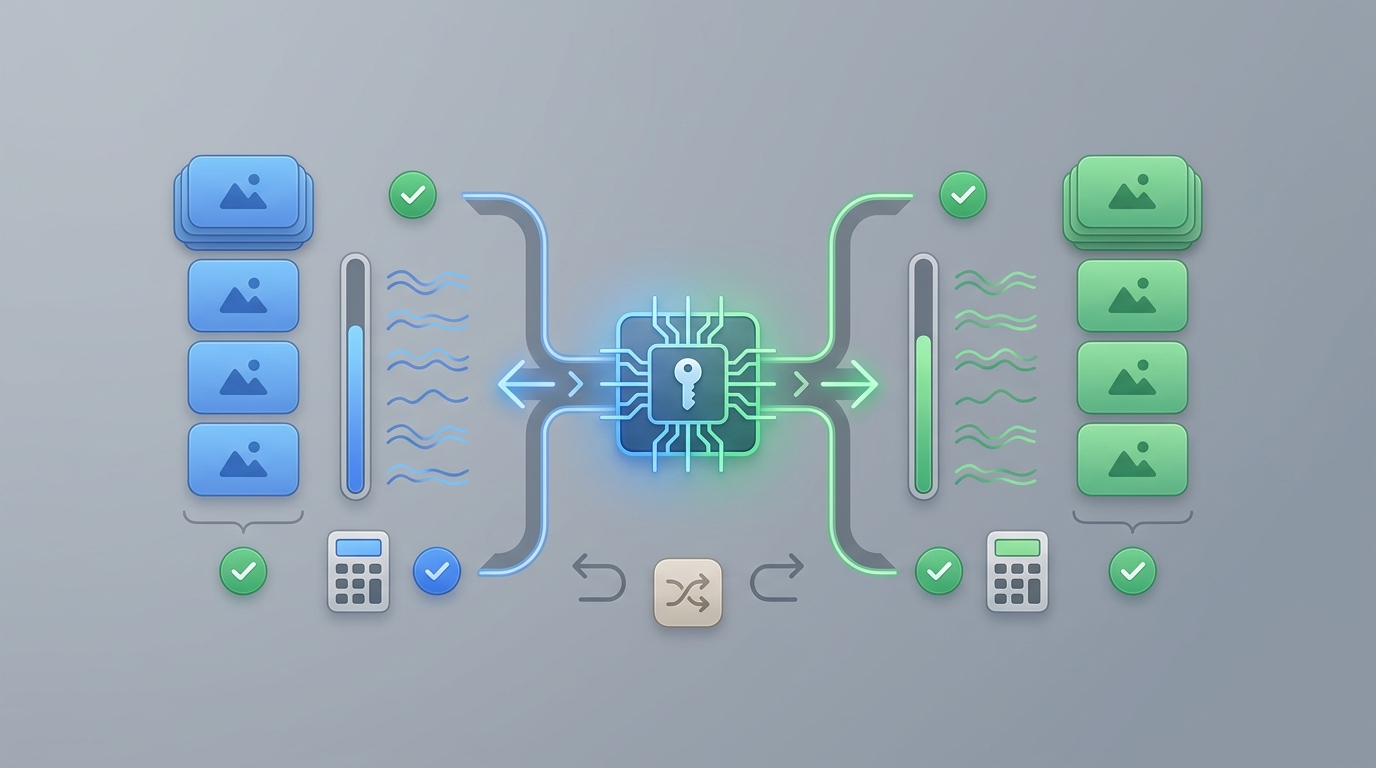
Flatkey is useful in a GPT Image vs Gemini Image API: Routing and Pricing Questions Before You Choose rollout because the team can centralize route checks, model rows, usage evidence, and billing review. Use this path before launch:
- Open the Flatkey model directory and search the exact image model ID.
- Check whether the row exposes an image-generation endpoint, an OpenAI-compatible endpoint, a Gemini endpoint, or more than one endpoint family.
- Open the Flatkey pricing page and capture the current row or pricing expression for the same model.
- Run one low-risk request through the intended route.
- Save the request ID, response format, output size, failure mode, and billed usage unit.
- Inspect Flatkey usage logs to confirm the request appears under the expected key, team, model, and route.
- Repeat with one edit or reference-image case if your product uses references.
- Define rollback: direct provider, alternate Flatkey route, lower-resolution route, or manual queue.
If you are still designing the image workflow, start with the Image Generation API practical guide. If you need a KPI framework, use Image Generation API Metrics That Actually Matter. For broader fallback policy, read multimodal agent routing.
Decision Matrix
| If your priority is... | Lean toward... | But verify... |
|---|---|---|
| Direct OpenAI image endpoint control | GPT Image through the Images API | Current model access, size and quality settings, image input token cost, streaming partials, and moderation behavior. |
| Image generation inside a broader OpenAI agent or response flow | GPT Image through the Responses API image-generation tool | Mainline model token usage, tool support for your model, conversation state, and total request cost. |
| Gemini-native image generation with current Nano Banana model families | Gemini Image API | Exact model ID, image size controls, SynthID implications, grounding charges if enabled, and deprecation state. |
| Lower-cost 1K image throughput | Gemini 3.1 Flash Lite Image or another current efficiency route | Acceptance rate, latency, edit fidelity, batch availability, and whether output quality is sufficient for your use case. |
| High-resolution or premium creative review | GPT Image 2.5 or Gemini 3 Pro Image candidates | Cost per accepted image at the required resolution, edit retries, safety failures, and reviewer acceptance. |
| Gateway-based governance and spend review | Flatkey route after a smoke test | Endpoint support, model row freshness, usage logs, route health, and billing reconciliation. |
The conclusion is deliberately conditional. GPT Image vs Gemini Image API: Routing and Pricing Questions Before You Choose should end with a route policy, not a universal winner.
Launch Checklist
Before you choose a production route, make sure the launch doc answers these items:
- Model ID: exact provider and Flatkey model names.
- Endpoint: direct provider endpoint, OpenAI-compatible route, Gemini route, or Flatkey route.
- Inputs: text-only, edit, reference image, mask, multi-turn, or grounded request.
- Outputs: image size, quality, format, transparency needs, watermark expectations, and storage format.
- Pricing unit: text input, image input, cached input, image output, per-image equivalent, batch, priority, or grounding.
- Rate limits: RPM, TPM, IPM, provider quota, gateway quota, retry policy, and backoff behavior.
- Moderation: blocked prompt handling, blocked output handling, and support escalation.
- Acceptance: review criteria, accepted-image ratio, rejected-image reasons, and fallback triggers.
- Evidence: request ID, usage log, provider price page, Flatkey price row, and review date.
FAQ
Is GPT Image cheaper than Gemini Image API?
Not from a headline comparison. GPT Image pricing is token-based across text input, image input, cached input, and image output. Gemini image pricing includes token rows and per-image equivalents that vary by model, resolution, and mode. Compare cost per accepted image for your workflow.
Is Gemini 2.5 Flash Image still safe to choose?
Treat it as a legacy row. Google's pricing page lists gemini-2.5-flash-image as deprecated with an October 2, 2026 shutdown date. For new work, test current Gemini 3.1 Flash Image or Gemini 3.1 Flash Lite Image candidates instead.
Should I compare Gemini against Imagen instead?
Only if you are maintaining an older Imagen workflow. Google's image generation guide says Imagen models were deprecated with an August 17, 2026 shutdown date and recommends Nano Banana models for image generation tasks. For a new September 2026 decision, Gemini image model rows are the more useful comparison set.
Can Flatkey route both GPT Image and Gemini image models?
Flatkey's public model directory and pricing surface include GPT Image and Gemini image model names, but a model name alone is not enough. Check the exact row, endpoint type, route status, current pricing display, and a real smoke test before production routing.
What should I measure in the first week?
Measure generated attempts, accepted images, retry rate, moderation-block rate, fallback rate, p95 latency, output size mix, input image usage, and cost per accepted image. Add a weekly review that reconciles provider pricing pages with Flatkey usage logs.
What internal links help a team continue from here?
Use GPT Image vs Imagen API for the older comparison context, Gemini API pricing for Gemini cost normalization, Image Generation API: A Practical Guide for Teams for implementation planning, and Image Generation API Metrics That Actually Matter for launch KPIs.
The durable takeaway from GPT Image vs Gemini Image API: Routing and Pricing Questions Before You Choose is simple: pick the route whose request shape, model lifecycle, pricing unit, logs, and fallback behavior you can prove with your own workload.