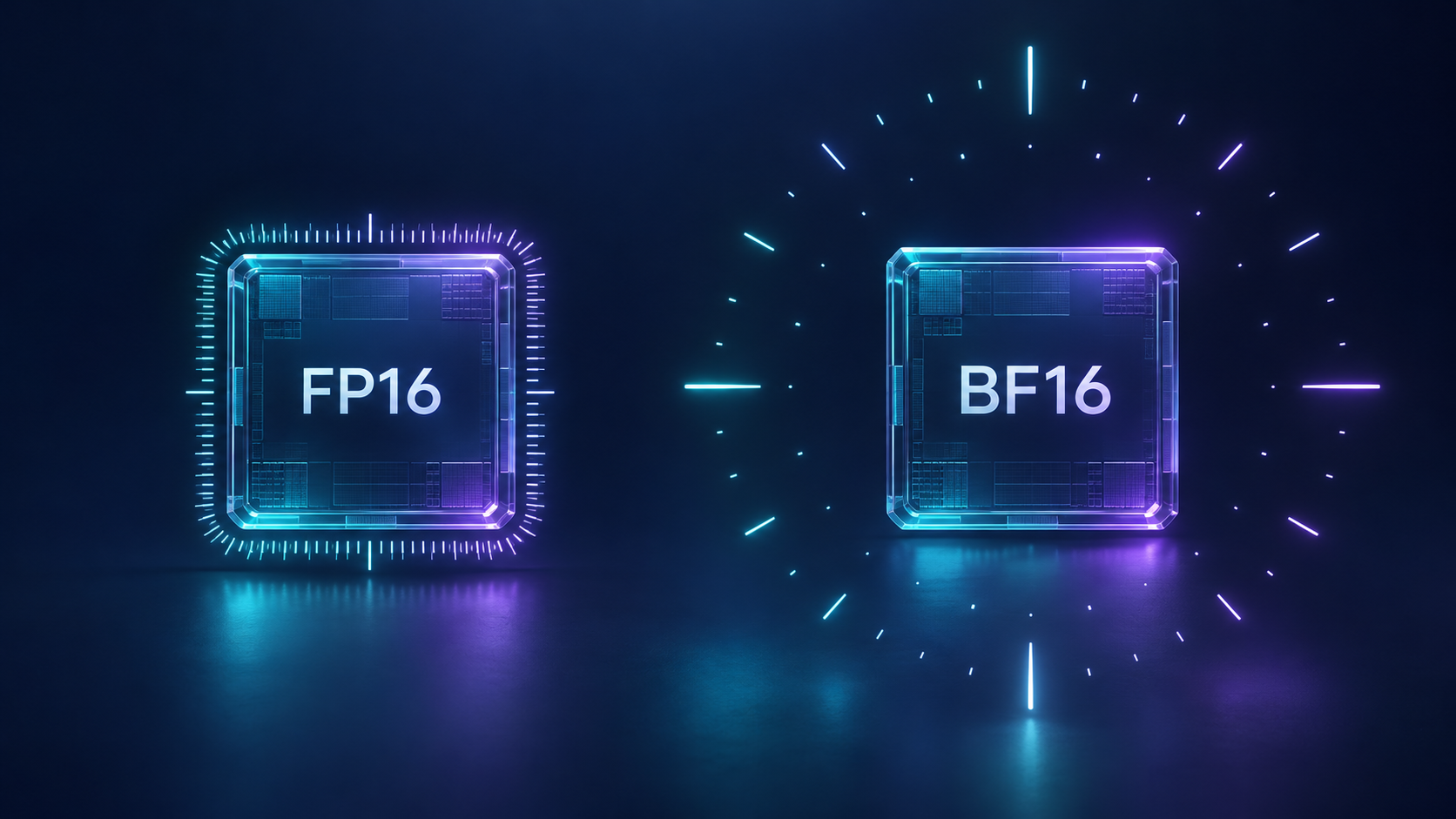
In FP16 vs BF16, the tradeoff is finer precision versus a wider numerical range. Both store each value in 16 bits, or 2 bytes. FP16 has more fraction bits; BF16 has more exponent bits. For training, a supported BF16 path is a sensible starting point when the checkpoint and recipe use BF16. FP16 remains useful when the hardware or software path requires it, with appropriate mixed-precision safeguards.
For inference, start with the checkpoint's documented dtype and the serving engine's supported kernels, then validate output quality and performance. Changing the dtype is not a guaranteed speed improvement or a complete GPU memory plan.
FP16 vs BF16 at a glance
| Property | FP16, also called IEEE binary16 | BF16, or bfloat16 |
|---|---|---|
| Total bits / storage per value | 16 / 2 bytes | 16 / 2 bytes |
| Sign bits | 1 | 1 |
| Exponent bits | 5 | 8 |
| Stored fraction bits | 10 | 7 |
| Significand precision for normal values, including the implicit leading bit | 11 bits | 8 bits |
| Largest finite positive value | 65,504 | About 3.3895 × 10^38 |
| Smallest positive normal value | 2^-14, about 6.1035 × 10^-5 | 2^-126, about 1.1755 × 10^-38 |
| Gap from 1 to the next larger value | 2^-10 = 0.0009765625 | 2^-7 = 0.0078125 |
| Training consideration | Often paired with gradient scaling | Wider range usually avoids the need for FP16-style gradient scaling |
NVIDIA documents the FP16 layout and limits and the BF16 bit allocation. The limits and spacing above follow from those layouts. “Fraction bits” excludes the implicit leading 1 of a normal number; calling both quantities “mantissa bits” can obscure the comparison.
BF16 has FP32's exponent width, but it does not have FP32's precision. Its maximum finite value is also slightly lower than FP32's because its fraction is shorter.
Range and precision answer different questions
For a positive normal binary floating-point value:
value = (1 + fraction / 2^f) × 2^e
Here, f is the number of stored fraction bits and e is the unbiased exponent. In the interval from 1 up to, but excluding, 2, the spacing is 2^-f. FP16 therefore has eight times finer spacing than BF16 in that interval. The absolute gap grows with the exponent; neither format has a fixed number of decimal places.
For example, rounding 1.001 gives 1.0009765625 in FP16 and 1.0 in BF16. FP16 is closer for this particular scalar. But 100,000 exceeds FP16's finite range, while BF16 can represent a nearby finite value. More exponent bits help with overflow and underflow; they do not recover the fraction detail discarded by rounding.
The largest normal finite number is (2 - 2^-f) × 2^emax. Substituting f=10, emax=15 gives 65,504 for FP16. Substituting f=7, emax=127 gives approximately 3.3895 × 10^38 for BF16. These are calculations from the formats, not measured model results.
Subnormal values extend below the normal minimum: binary16's smallest positive subnormal is 2^-24; BF16's format permits 2^-133. Actual handling of subnormals can depend on the device and operation. Do not use a theoretical subnormal limit as a promise that a particular GPU kernel will preserve tiny gradients.
Reproduce the rounding on a CPU
Run this in a Python environment with PyTorch installed. It performs scalar conversions on CPU and prints format metadata; it does not benchmark an accelerator.
import torch

print("PyTorch:", torch.__version__)
values = torch.tensor([1.001, 100000.0, 1e-8], dtype=torch.float64)
for dtype in (torch.float16, torch.bfloat16):
    rounded = values.to(dtype)
    info = torch.finfo(dtype)
    print(str(dtype), "bytes/value:", rounded.element_size())
    print("rounded:", rounded.to(torch.float64).tolist())
    print("max:", info.max, "normal_min:", info.tiny, "eps:", info.eps)

parameters = 7_000_000_000
print("16-bit weight bytes:", parameters * 2)
print("16-bit weight GiB:", parameters * 2 / 2**30)
You should see 2 bytes per value for both dtypes. The 100,000 conversion becomes infinity in FP16 and 99,840 in BF16. The 1e-8 conversion rounds to zero in FP16 and remains nonzero in BF16. PyTorch's finfo reference distinguishes tiny, the smallest positive normal value, from subnormals.
Training: what loss scaling fixes
Mixed-precision training uses different dtypes for different operations. It does not mean every weight, reduction, gradient, and optimizer state is stored or computed in one 16-bit format. PyTorch AMP selects an operation-specific dtype and commonly pairs FP16 training with GradScaler.
Loss scaling multiplies the loss by a scale S, so the chain rule scales its gradients by S too. Before updating parameters, the optimizer must use unscaled gradients. Dynamic scaling adapts to nonfinite gradients and can skip unsafe updates. NVIDIA explains this gradient-scaling procedure.
As a mathematical illustration, a gradient of 1e-8 scaled by 2^16 becomes 0.00065536, which is within FP16's normal range. This does not prove a whole training run is stable. Scaling cannot restore information already lost in an overflowing forward operation. PyTorch specifically warns that BF16-pretrained models can exceed FP16's range.
For BF16, the wider range usually removes the need for this FP16-style scaling step. You still need a sound training recipe and quality checks. Direct updates stored in BF16 can round small changes away; keeping parameters and updates in FP32 addresses a different part of this problem. Either format can encounter nonfinite values from an unstable computation.
A CUDA AMP pattern to adapt
This is an eager-mode training pattern for a current PyTorch CUDA installation, not a complete model script. Supply model, loader, optimizer, and loss_fn; put the model on CUDA with FP32 parameters first. Set use_bf16 only after checking the device, model recipe, and kernels.
import torch

use_bf16 = True
if not torch.cuda.is_available():
    raise RuntimeError("This training pattern requires CUDA")
if use_bf16 and not torch.cuda.is_bf16_supported(including_emulation=False):
    raise RuntimeError("No native BF16 support reported; review the device/stack")

dtype = torch.bfloat16 if use_bf16 else torch.float16
scaler = torch.amp.GradScaler("cuda", enabled=not use_bf16)
for inputs, targets in loader:
    inputs, targets = inputs.cuda(), targets.cuda()
    optimizer.zero_grad(set_to_none=True)
    with torch.amp.autocast("cuda", dtype=dtype):
        loss = loss_fn(model(inputs), targets)
    scaler.scale(loss).backward()
    scaler.unscale_(optimizer)
    torch.nn.utils.clip_grad_norm_(model.parameters(), 1.0)
    scaler.step(optimizer)
    scaler.update()
This follows the ordering in PyTorch's AMP examples: unscale before clipping, then step and update the scaler. With scaling disabled, the scaler calls pass through. Use torch.amp rather than the deprecated torch.cuda.amp forms. Distributed training, gradient accumulation, and compiled training require their own documented handling.
Hardware support: check the actual execution path
NVIDIA's Ampere tuning guide lists FP16 and BF16 Tensor Core inputs on Ampere, including FP32 accumulation for BF16. It lists FP16 Tensor Core inputs on Volta and Turing. That is an architectural capability, not proof that every application operation uses the fastest available kernel.
Record the GPU model, driver, framework version, dtype, and attention/backend configuration. PyTorch's is_bf16_supported includes an emulation option; the explicit including_emulation=False check above avoids treating emulation as native support. Confirm the function signature in your installed version. A successful tensor allocation alone does not establish native BF16 matrix throughput.
For a rental comparison, check the exact GPU and software image you will receive. Use Flatkey Compute to review available configurations, then validate your workload on the selected configuration before committing to a longer run.
Inference: preserve the checkpoint's intended range
Begin with the model card and serving engine documentation. Converting a BF16 checkpoint to FP16 can overflow values that were valid in BF16. Converting FP16 weights to BF16 expands the available range but cannot recreate precision already lost in the original checkpoint.
Evaluate both candidates on the same prompts and decoding settings. Compare task accuracy, structured-output validity, and nonfinite outputs before optimizing latency. For performance, hold the model revision, GPU count, batch/concurrency, input/output lengths, and backend constant. Separate prefill from decode and warm up the engine. Report actual measurements with those conditions; this guide claims no universal FP16/BF16 speed ratio.
FP16 vs BF16 is also a different decision from 4-bit or 8-bit weight quantization. If you need compression beyond 16-bit weights, use the vLLM quantization guide to evaluate the supported format and its quality tradeoffs.
Weight bytes are equal; total memory depends on the recipe
For exactly 7 billion stored parameters, either FP16 or BF16 weights require:
7,000,000,000 × 2 bytes = 14,000,000,000 bytes
14,000,000,000 / 2^30 ≈ 13.04 GiB
That is a weight-only calculation. A checkpoint can contain mixed dtypes and additional tensors. Inference also needs KV cache, temporary buffers, and runtime allocations. Training adds gradients, optimizer states, activations, and any master-weight copies used by the implementation. Sharding and checkpointing change where and when memory is held.
BF16 therefore does not inherently halve weight memory relative to FP16. If two runs use different peak memory, inspect their actual dtypes and allocations before attributing the change to the format. For a full budget, continue with LLM GPU memory requirements.
Which format should you choose?
| Your situation | Starting decision | Validation before scaling up |
|---|---|---|
| BF16 checkpoint/recipe and native BF16 kernels available | Start with BF16 | Finite loss/gradients, convergence, task quality |
| Validated FP16 recipe or a stack that requires FP16 | Use FP16 with its prescribed AMP/scaling setup | Overflow, scaler behavior, skipped steps, quality |
| Inference engine supports both | Start with the model's documented dtype | Same-workload quality, latency, throughput, memory |
| Model does not fit | Build a complete memory budget | Quantization, sharding, context, batch, and GPU capacity |
For FP16 vs BF16, make numerical compatibility the first gate and workload measurements the second. Keep a small FP32 reference where practical, retain the training configuration with each checkpoint, and choose a GPU configuration that supports the validated execution path.
Frequently asked questions
Is BF16 more accurate than FP16?
BF16 has a wider range; FP16 has finer significand precision. Either can produce the better model result depending on the workload. Validate task quality rather than ranking the formats by bit width alone.
Does BF16 always train faster?
No. Kernel support, operation mix, data loading, communication, and numerical behavior affect completed-training time. Neither the format layout nor a peak hardware specification establishes your end-to-end result.
Can loss scaling make every BF16 model work in FP16?
No. It helps preserve small gradients, but cannot generally fix values that overflow during the forward pass or make incompatible model recipes equivalent.
Does BF16 use less VRAM than FP16?
Each stored value uses 2 bytes in either format. Total VRAM may differ between implementations, so inspect all allocations instead of assuming a weight-storage saving.