Tendance des inférences réussiesActivité
Pas encore assez de données

GPT Image 2 est le modèle d'image d'OpenAI exposé dans le flux de génération d'images Flatkey. Utilisez /v1/images/generations et configurez le nombre, la taille, la qualité, le format, l'arrière-plan et la modération avant l'envoi.
Aperçu uniquement. Connectez-vous pour envoyer cette requête à Flatkey.
{
  "model": "gpt-image-2",
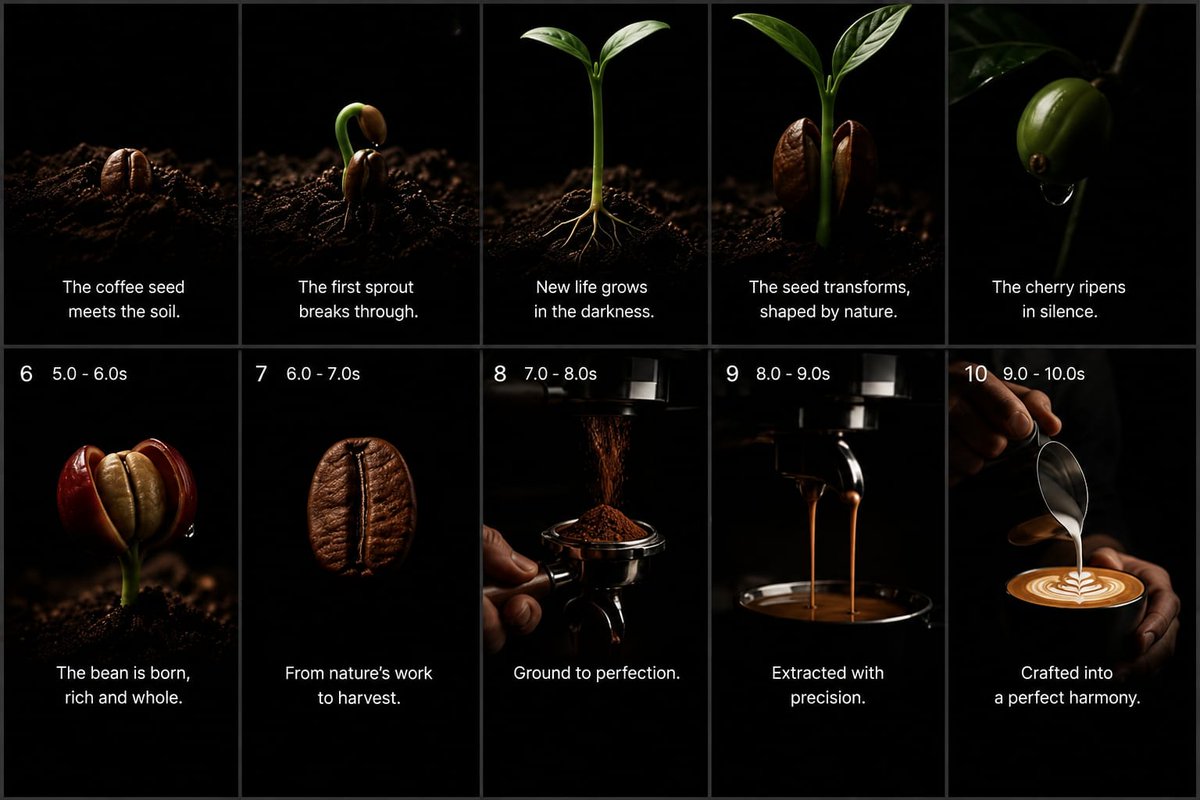
  "prompt": "Goal: Create a premium cinematic coffee commercial storyboard as a single static image, showing the full journey from coffee seed to finished latte. Use a dark minimalist studio look with pure black backgrounds, dramatic low-key lighting, shallow depth of field, macro photography realism, rich brown coffee tones, glossy highlights, and elegant white captions.\n\nCanvas: 16:9 widescreen storyboard sheet, divided into exactly 10 vertical panels arranged in a 2-row by 5-column grid. Use thin dark gray dividers between panels. Each panel should feel like a high-end commercial still frame, with black negative space and a subject lit by a narrow soft spotlight.\n\nLayout: Top row contains panels 1–5 with centered white caption text near the lower third but no visible numbers. Bottom row contains panels 6–10 with small white timing labels at the top left of each panel and centered white caption text near the bottom. Keep all typography clean, modern, sans-serif, white, and unobtrusive.\n\nStoryboard panels, exactly 10:\n1. A roasted-looking coffee seed partly embedded in dark soil, lit from the side, caption: “The coffee seed meets the soil.”\n2. A coffee seed cracking open with a curved green sprout emerging upward from dark soil, caption: “The first sprout breaks through.”\n3. A young coffee seedling with two fresh green leaves and thin pale roots visible in the soil, caption: “New life grows in the darkness.”\n4. A taller green coffee sprout flanked by two split brown seed halves, caption: “The seed transforms, shaped by nature.”\n5. A glossy green coffee cherry hanging from a thin branch in darkness, with a small droplet beneath it, caption: “The cherry ripens in silence.”\n6. Bottom-left panel with top-left label “6   5.0 - 6.0s”; show a ripe red coffee cherry split open to reveal a pale bean inside, growing from dark soil, caption: “The bean is born, rich and whole.”\n7. Top-left label “7   6.0 - 7.0s”; show a single roasted coffee bean floating or isolated against black, very close macro detail, caption: “From nature’s work to harvest.”\n8. Top-left label “8   7.0 - 8.0s”; show finely ground coffee falling from a grinder into a portafilter held by a hand, caption: “Ground to perfection.”\n9. Top-left label “9   8.0 - 9.0s”; show espresso extraction with two thin streams pouring from a portafilter into a dark cup below, caption: “Extracted with precision.”\n10. Top-left label “10   9.0 - 10.0s”; show a barista hand pouring steamed milk from a metal pitcher into a cup of espresso, forming clean latte art, caption: “Crafted into a perfect harmony.”\n\nText customization: Use {argument name=\"brand mood\" default=\"premium cinematic coffee commercial\"} styling. The main caption tone should be poetic and minimal. Optionally replace the final caption with {argument name=\"final caption\" default=\"Crafted into a perfect harmony.\"} while preserving the same placement.\n\nVisual constraints: Keep exactly 10 panels, exactly 5 panels per row, and preserve the numbered timing labels only on panels 6 through 10. Do not add logos, watermarks, extra icons, extra panels, decorative borders, or unrelated text. Maintain realistic coffee textures, dark soil particles, deep blacks, warm highlights, and a luxurious commercial atmosphere.",
  "n": 1,
  "size": "1024x1024",
  "quality": "high",
  "output_format": "png",
  "background": "opaque",
  "moderation": "auto"
}
capacités
La télémétrie des requêtes Flatkey pour GPT Image 2 apparaît lorsque le trafic est suffisant ; aucun benchmark ni score de qualité n’est déduit.
API
Cette section reflète les requêtes réelles Flatkey pour GPT Image 2 et reste sans données tant qu’un trafic suffisant n’est pas réuni.
Tarifs
Le prix GPT-image-2 suit l’unité actuelle du catalogue Flatkey, pas le tarif direct OpenAI. Choisissez taille, qualité et quantité. Pour une retouche, fournissez les références et précisez les éléments à conserver.
Utilisez le même solde et la même clé API Flatkey pour les modèles image, vidéo, audio et texte.
Les champs d'intégration documentés sont présentés ci-dessous ; aucune promesse de benchmark ou de qualité n'est déduite.
Créez de nouvelles images ou retouchez une image via /v1/images/generations et /v1/images/edits.
Utilisez le contexte visuel pour préserver sujets et composition dans les travaux produit et campagne.
Déclinez un brief en formats carré, portrait ou paysage pour chaque emplacement.
Préparez des résultats selon les comportements documentés de qualité, format, fond et modération.
Comparer
Les champs d'intégration documentés sont présentés ci-dessous ; aucune promesse de benchmark ou de qualité n'est déduite.
| Capacité | GPT Image 1 | GPT Image 2 |
|---|---|---|
| Point de terminaison API | Inconnu ici | /v1/images/generations; /v1/images/edits |
| Tailles | Inconnu ici | 1024x1024, 1536x1024, 1024x1536, auto |
| Formats | Inconnu ici | PNG, JPEG, WebP |
| Qualité/arrière-plan/modération | Inconnu ici | Documenté ci-dessus |
| Classement de qualité d'image | Non affirmé | Non affirmé |
Vérifiez les workflows, le coût actuel et le contrat exact des paramètres Flatkey.
Calculée avec les réglages actuels et le tarif du catalogue lorsqu’un prix unitaire fixe existe.
Le montant final dépend de la requête et du groupe de compte ; les tarifs par jetons ou paliers ne donnent pas un montant fixe.
Utilisez uniquement les workflows disponibles. Flatkey conserve un ID public et le corps choisit l’entrée.
Générez une image depuis un texte.
gpt-image-2/v1/images/generationsUtilisez des références pour modifier ou varier une image.
gpt-image-2/v1/images/generationsValeurs issues de la même configuration que le Playground.
nImages1–10
Par défaut: 1sizeTaille1024x1024 · 1536x1024 · 1024x1536 · auto
Par défaut: 1024x1024qualityQualitéauto · high · medium · low
Par défaut: highoutput_formatFormat de sortiepng · jpeg · webp
Par défaut: pngbackgroundArrière-planopaque · auto
Par défaut: opaquemoderationModérationauto · low
Par défaut: autoimageLimite de références4 fichiers
Endpoint: /v1/images/generationsGardez le même contrat dans le Playground et l’API et gérez validation, solde, état et résultat.
Valider modèle, prompt, références et sortie.
Envoyer la requête image.
Lire le résultat ou la tâche asynchrone.
Stocker le fichier et ses métadonnées.
Bloquez les valeurs ou références non prises en charge.
Gérez séparément clés, solde, limites et groupe.
Identifiez le prompt ou le média à remplacer.
Conservez le task ID, limitez les reprises et ne marquez pas un délai comme succès.
Bibliothèque de prompts
Commencez par un sujet, une action, une caméra ou une composition précise et un réglage de sortie explicite ; séparez les champs de requête du prompt.
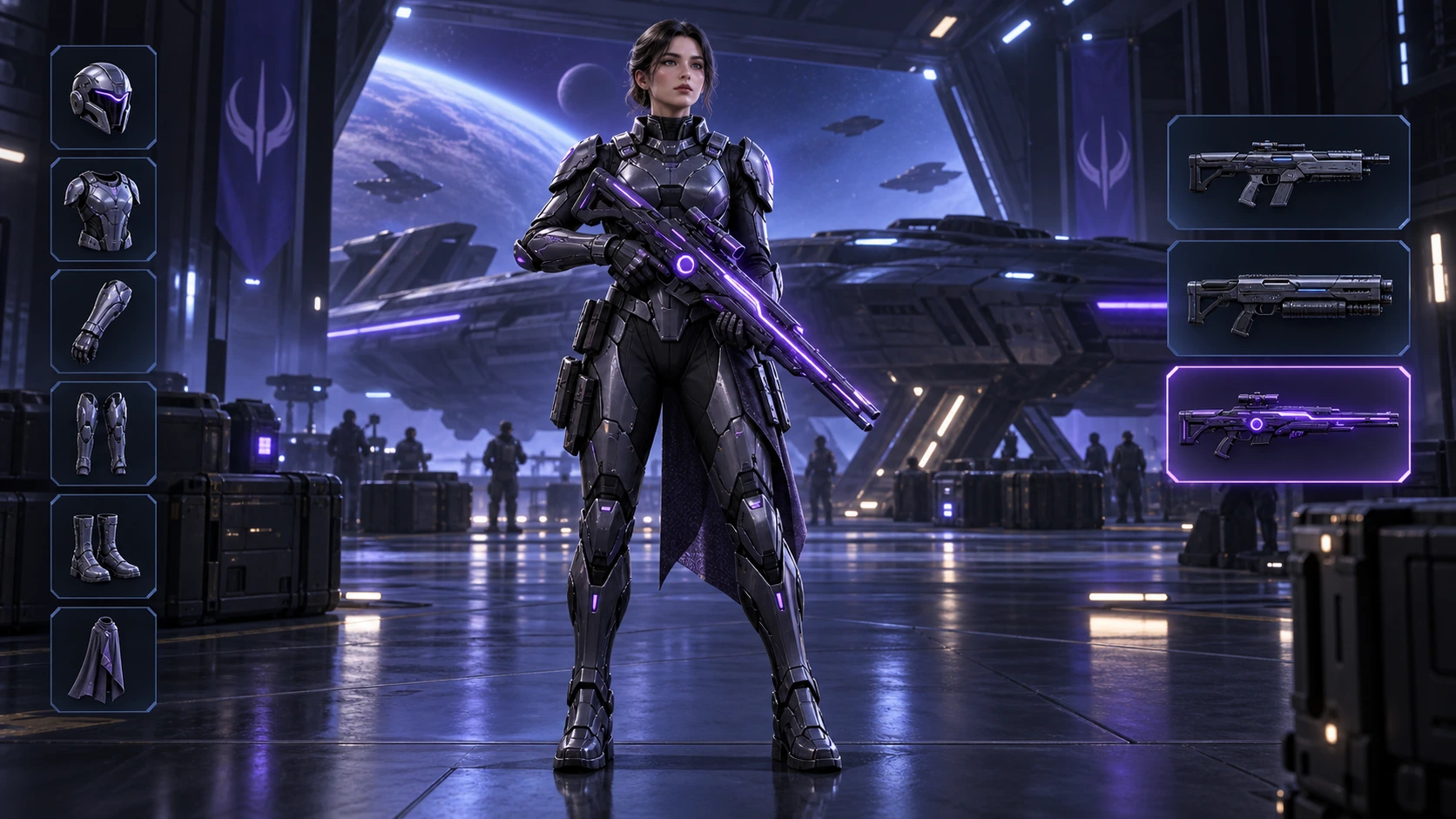
Généré avec Image 2
Scene: A 16:9 sci-fi game loadout screen in a blue-purple spaceship hangar. A female armored character stands centered with a glowing violet rifle; armor slots line the left, three weapon slots line the right, and the lower slot is highlighted. Keep the HUD hierarchy, pose, lighting, and equipment geometry fixed for an exact equipment-switch frame. No readable words, logos, invented stats, or watermark. Composition and rendering: Deliver one 16:9 game-interface keyframe. Separate the character, held equipment and HUD into clear depth layers; keep slot spacing and icon scale consistent, with the selected item visually dominant. Preserve the scene-specific game art style. Let material edges catch the existing light without letting interface glow obscure the silhouette. Keep all equipment fully inside the frame. Avoid: warped perspective, malformed anatomy, merged objects, inconsistent shadows, excessive sharpening and watermarks. Follow the scene-specific text and branding restrictions above.
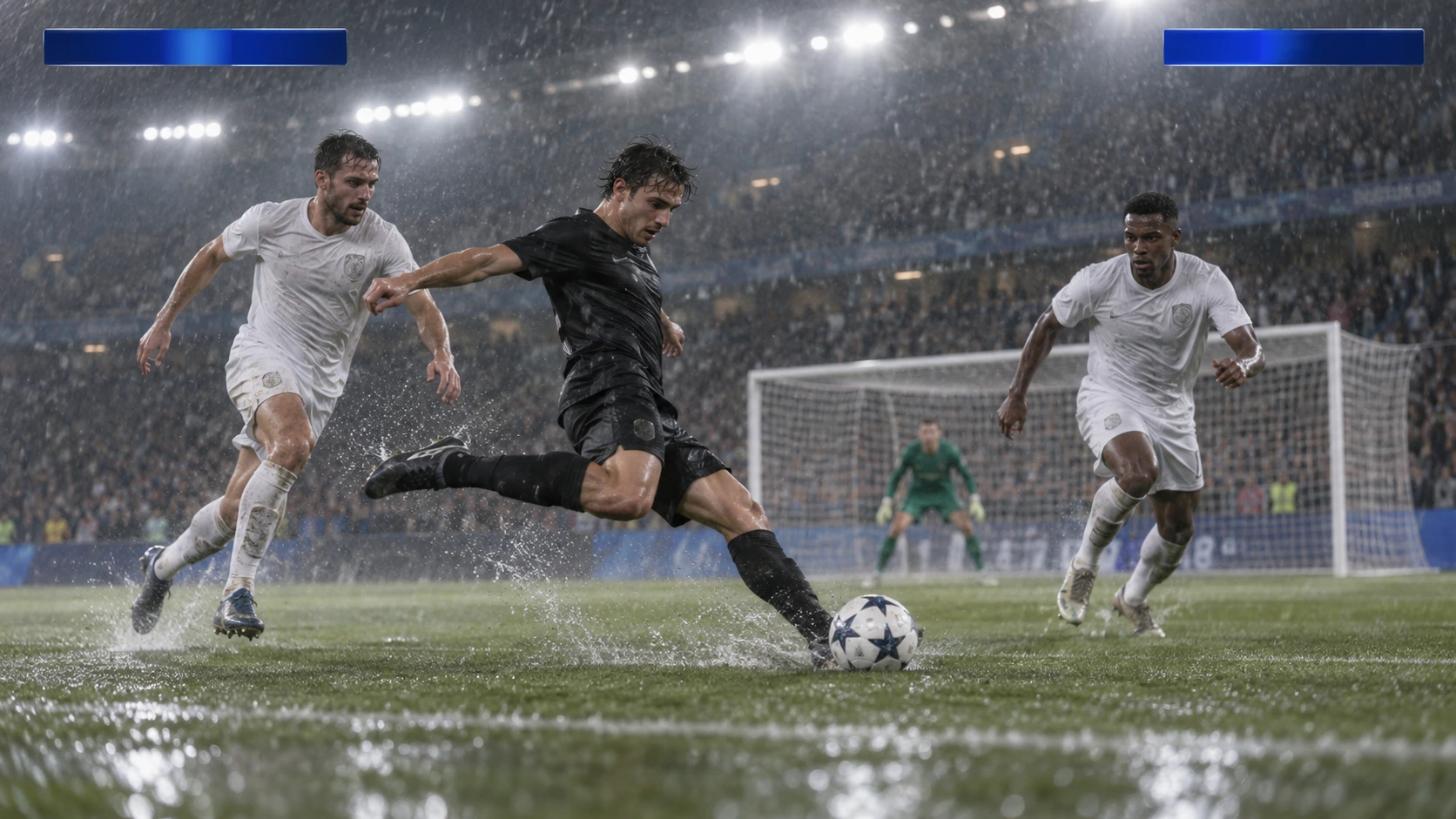
Généré avec Image 2
Scene: A rainy night soccer broadcast frame under bright stadium floodlights. A black-uniform player strikes the ball while two white-uniform defenders close in, with the goal and a blurred crowd behind. Keep the broadcast camera angle, blank blue score bars, spray, and motion blur consistent; leave overlays abstract and text-free. No real teams, athletes, logos, or watermark. Composition and rendering: Deliver one 16:9 broadcast still at the decisive instant. Use coherent perspective for the playing surface and equipment, readable separation between competitors, and a softer crowd behind the action. Keep the principal subject sharp, with directional blur limited to fast extremities and spray. Preserve the specified broadcast angle and reserve overlay areas clear of the action. Avoid: warped perspective, malformed anatomy, merged objects, inconsistent shadows, excessive sharpening and watermarks. Follow the scene-specific text and branding restrictions above.
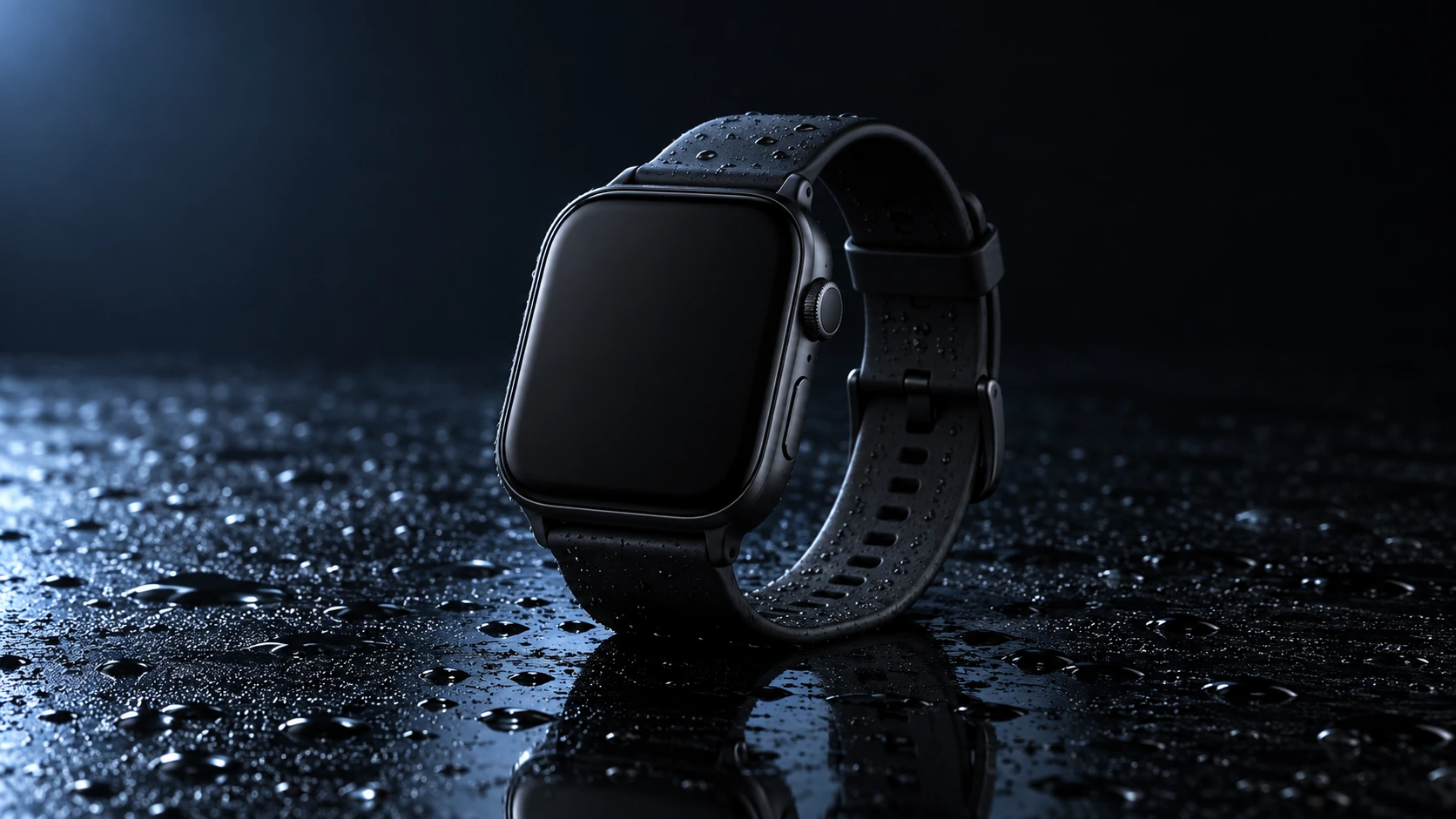
Généré avec Image 2
Scene: A closed matte-black square smartwatch with a black strap rests on a wet glossy black tabletop. Water droplets catch a cool blue rim light and a soft reflection sits beneath the watch. Use a low three-quarter product camera and preserve the case, strap, highlights, and empty dark background. No readable branding, extra products, hands, or watermark. Composition and rendering: Deliver one 16:9 commercial product still. Keep the complete product silhouette inside generous crop-safe margins. Resolve edges, seams and material transitions precisely; shape highlights to describe volume without clipping bright surfaces or crushing dark details. Align reflections with the object and light source. Retain the stated camera angle and existing negative space; add no decorative props. Avoid: warped perspective, malformed anatomy, merged objects, inconsistent shadows, excessive sharpening and watermarks. Follow the scene-specific text and branding restrictions above.
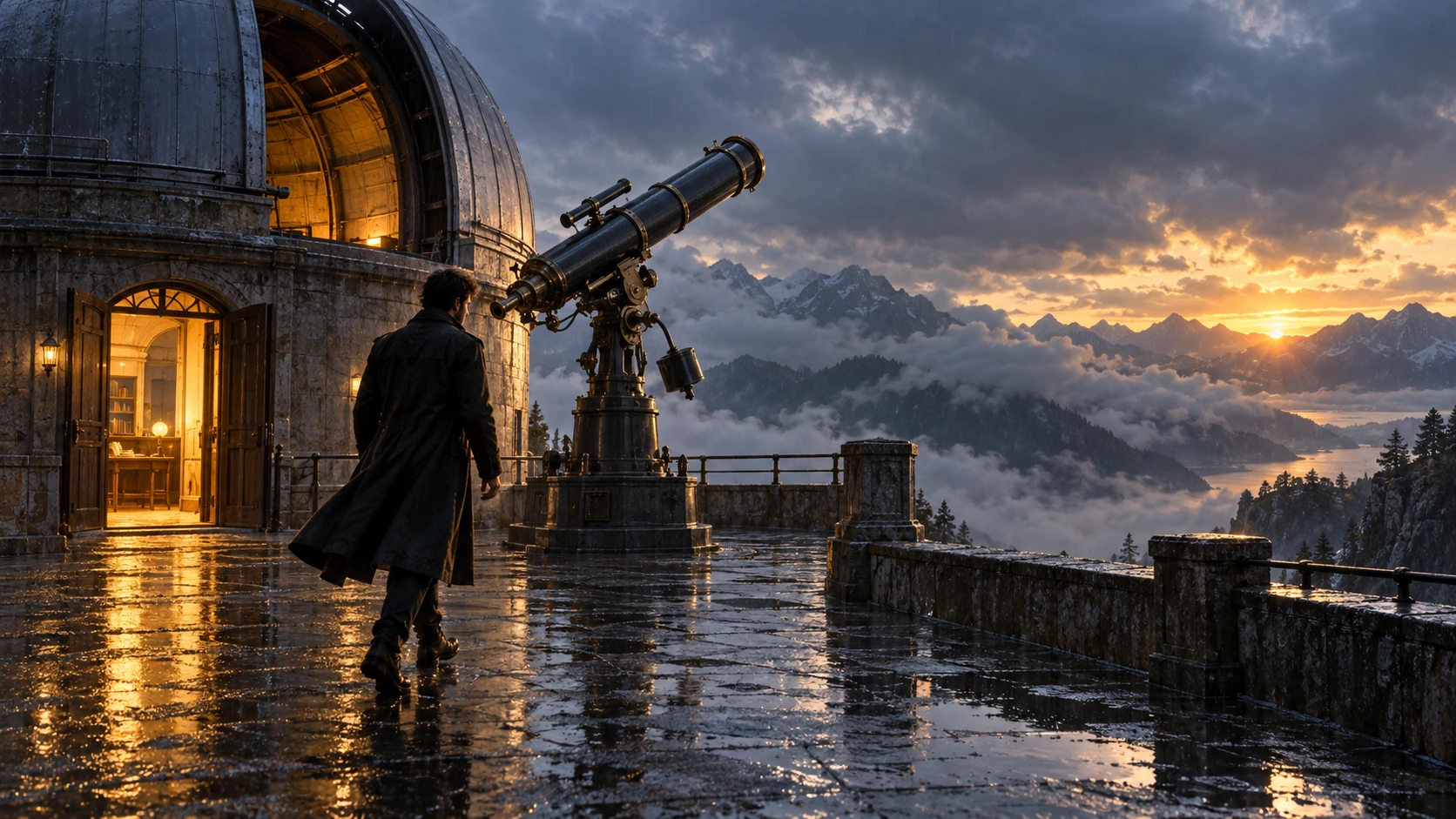
Généré avec Image 2
Scene: On a rain-soaked observatory roof at sunrise, a lone figure in a long dark coat walks toward a large telescope beside an open dome. Wet stone reflects the warm doorway light; cloud-covered mountains sit beyond. Hold the screen direction and end on the telescope and figure in the same wide composition. No readable text, logos, or watermark. Composition and rendering: Deliver one 16:9 storyboard keyframe, not a collage or an action sequence. Separate foreground, character plane and background through the existing light and atmospheric depth. Keep the stated pose and eyelines readable, and retain environmental landmarks for continuity. Match the described photographic, illustrated or puppet medium; give fabric and surfaces texture appropriate to that medium. Avoid: warped perspective, malformed anatomy, merged objects, inconsistent shadows, excessive sharpening and watermarks. Follow the scene-specific text and branding restrictions above.
Généré avec Image 2
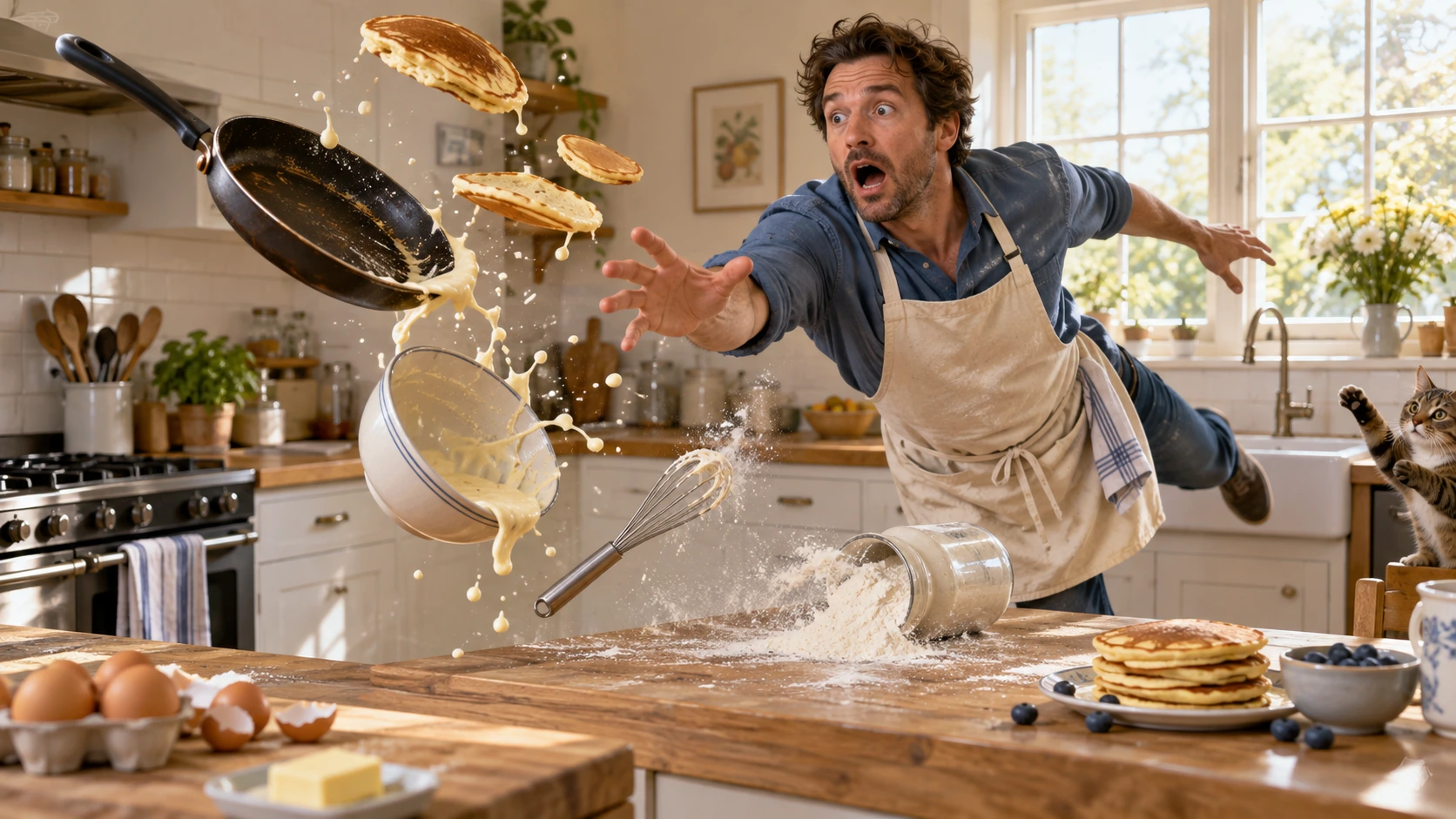
Scene: In a bright home kitchen, a surprised cook in a blue shirt and cream apron reaches toward pancakes, a frying pan, flour, bowl, and whisk suspended midair. Freeze the comic cause-and-effect moment with believable weight, warm daylight, and a clear path for each object. No injury, logos, readable words, or watermark. Composition and rendering: Deliver one 16:9 physical-comedy still at the described instant. Make the cause of the gag readable through body balance, grip and object spacing. Separate the reaction from the airborne props; retain believable gravity and contact points. Keep the face and important props sharp, with only restrained directional blur on fast edges. Preserve the stated lighting and room or stage layout. Avoid: warped perspective, malformed anatomy, merged objects, inconsistent shadows, excessive sharpening and watermarks. Follow the scene-specific text and branding restrictions above.
Généré avec Image 2
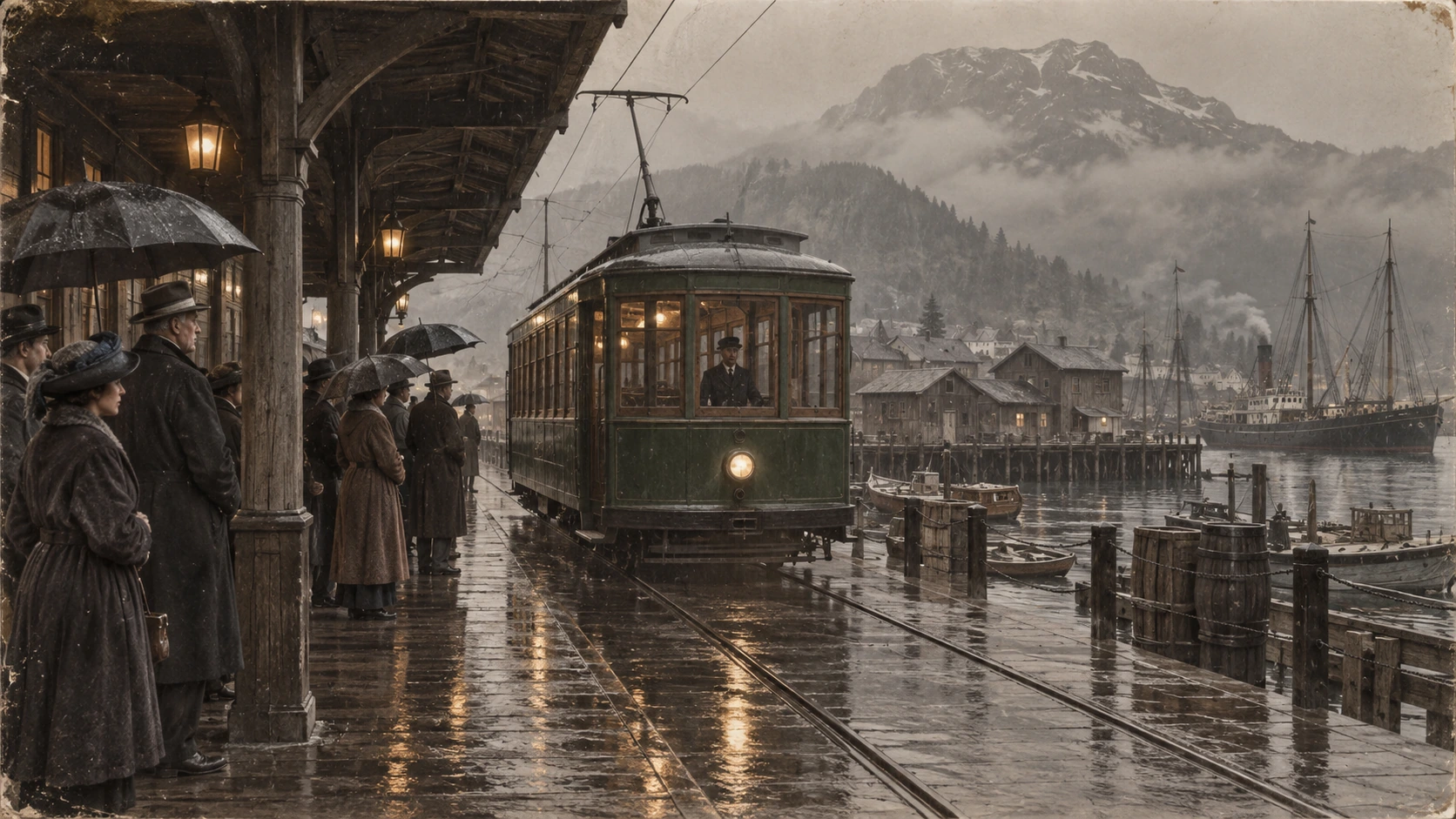
Scene: A rainy period harbor platform shelters people in era-appropriate coats and umbrellas as a vintage green tram arrives on wet tracks. Wooden waterfront buildings and misty mountains sit behind the reflections. Preserve the historical clothing, tram shape, rain direction, and stable wide composition; no readable signage, logos, or watermark. Composition and restoration: Deliver one 16:9 archival-style still. Preserve the original framing, period-specific construction and restrained tonal range; retain monochrome, sepia or faded color as described. Recover modest detail in faces, clothing and architecture without synthetic sharpening. Keep fine grain and authentic aging consistent across the frame; repair damage without replacing historical features. Avoid: warped perspective, malformed anatomy, merged objects, inconsistent shadows, excessive sharpening and watermarks. Follow the scene-specific text and branding restrictions above.
Pourquoi Flatkey
Gardez visibles les faits, les champs de requête et les limites tarifaires de GPT Image 2 du test à la production.
Définissez n, size, quality, output format, background et moderation avant de transmettre la requête à la console.
Examinez chaque dimension documentée d'entrée, de sortie et de cache de GPT Image 2, plutôt qu'un prix unique présenté comme universel.
Utilisez les exemples produit, publicité et storyboard comme prompts modifiables.
La page ne promet ni sortie transparente, ni génération gratuite, ni prix fixe par image lorsque ces faits ne sont pas vérifiés.
API
Quatre méthodes avec la même clé et le même catalogue. Choisissez-en une pour voir un exemple exécutable.
curl https://router.flatkey.ai/v1/images/generations \
  -H "Content-Type: application/json" \
  -H "Authorization: Bearer sk-***" \
  -d '{"model":"gpt-image-2","prompt":"Créez avec GPT-image-2 une image produit de haute qualité : composition nette, lumière précise, sujet mis en valeur et détails réalistes.","n":1,"size":"1024x1024","quality":"high","output_format":"png","background":"opaque","moderation":"auto"}'
Questions fréquentes
Tarifs, compatibilité, limites et détails de requête propres au modèle.