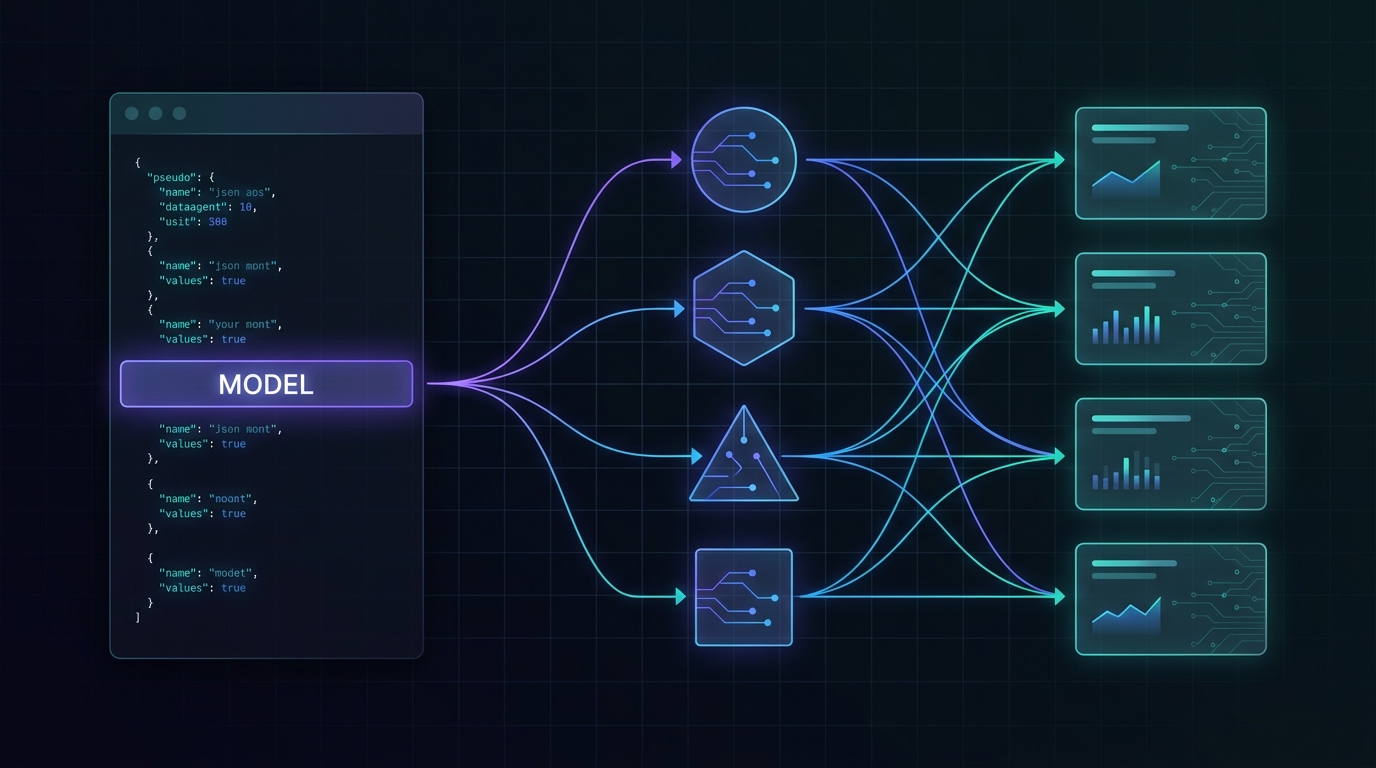
You can learn more about an AI gateway from one terminal command than from a long feature list. If the gateway is genuinely OpenAI-compatible, the same curl request should work across supported model families while the base URL, authorization header, message format, and response parsing stay stable.
This tutorial shows the practical pattern with Flatkey: start with one chat-completions request, move the model name into a variable, and test several current model families without rewriting the integration. It is designed for developers who want to validate an API from a terminal before they add an SDK or commit application code.
Model-selection note: Model catalogs change. The model IDs below reflect Flatkey's public documentation checked on July 24, 2026. Confirm the current model row and availability before using an ID in production.
The shortest working chat-completions cURL request
Create a Flatkey API key, export it in your shell, and send a request to the OpenAI-compatible chat-completions endpoint:
export FLATKEY_API_KEY="your-flatkey-api-key"

curl https://router.flatkey.ai/v1/chat/completions \
  -H "Authorization: Bearer $FLATKEY_API_KEY" \
  -H "Content-Type: application/json" \
  -d '{
    "model": "gpt-4o-mini",
    "messages": [
      {
        "role": "user",
        "content": "Write a one-sentence product description for a waterproof daypack."
      }
    ]
  }'
Four parts matter:
| Request part | What stays stable |
|---|---|
| Base URL | https://router.flatkey.ai/v1 |
| Endpoint | /chat/completions |
| Authentication | Authorization: Bearer $FLATKEY_API_KEY |
| Message shape | An array of role-and-content objects |
For compatible chat models, the main field you switch is model.
Use the same cURL shape across model families
Put the model ID in a shell variable so the request body does not need to change:
export FLATKEY_API_KEY="your-flatkey-api-key"
export MODEL="gpt-4o-mini"

curl -sS https://router.flatkey.ai/v1/chat/completions \
  -H "Authorization: Bearer $FLATKEY_API_KEY" \
  -H "Content-Type: application/json" \
  -d "{
    \"model\": \"$MODEL\",
    \"messages\": [
      {
        \"role\": \"system\",
        \"content\": \"Return concise ecommerce copy.\"
      },
      {
        \"role\": \"user\",
        \"content\": \"Write a product title for a lightweight waterproof daypack.\"
      }
    ],
    \"temperature\": 0.2
  }" | jq -r '.choices[0].message.content'
Now rerun the command with another documented model ID:
export MODEL="claude-sonnet-4-6"
export MODEL="gemini-2.5-flash"
export MODEL="deepseek-v3.1"
The request still uses the same endpoint, headers, messages, and jq parser. That stable call shape is the operational advantage: you can compare supported model families without maintaining a separate terminal script for every provider.
Model-selection note: A shared request shape does not mean every model behaves identically. Supported parameters, context limits, tool behavior, safety behavior, latency, and output style can differ. Treat compatibility as a simpler integration surface, not as proof that models are interchangeable.
Run a small multi-model test loop
For a quick terminal comparison, define a short list and send the same prompt to each model:
#!/usr/bin/env bash
set -euo pipefail

: "${FLATKEY_API_KEY:?Set FLATKEY_API_KEY first}"

MODELS=(
  "gpt-4o-mini"
  "claude-sonnet-4-6"
  "gemini-2.5-flash"
  "deepseek-v3.1"
)

PROMPT="Write three benefit-led bullet points for a waterproof commuter backpack."

for MODEL in "${MODELS[@]}"; do
  echo
  echo "=== $MODEL ==="

  jq -n \
    --arg model "$MODEL" \
    --arg prompt "$PROMPT" \
    '{
      model: $model,
      messages: [
        {role: "system", content: "You write concise ecommerce copy."},
        {role: "user", content: $prompt}
      ],
      temperature: 0.2
    }' |
  curl -sS https://router.flatkey.ai/v1/chat/completions \
    -H "Authorization: Bearer $FLATKEY_API_KEY" \
    -H "Content-Type: application/json" \
    --data-binary @- |
  jq -r '.choices[0].message.content // .error.message'
done
Using jq -n to construct JSON is safer than manually escaping a long shell string. It also makes the script easier to extend with variables, additional messages, or optional parameters.
Save the script as compare-models.sh, make it executable, and run it:
chmod +x compare-models.sh
./compare-models.sh
What to compare in the output
A multi-model test is useful only when the prompt and scoring method are consistent. For an ecommerce copy task, compare:
| Dimension | Terminal-friendly check |
|---|---|
| Instruction following | Did the output return exactly three bullets? |
| Format stability | Can the response be parsed without special cases? |
| Brand fit | Is the tone specific, credible, and free of unsupported claims? |
| Latency | How long did the request take? |
| Token usage | What did the response report in its usage object? |
| Error behavior | Does a failed request return a useful error message? |
Add cURL timing fields when latency matters:
curl -sS -o response.json \
  -w 'status=%{http_code} total=%{time_total}s\n' \
  https://router.flatkey.ai/v1/chat/completions \
  -H "Authorization: Bearer $FLATKEY_API_KEY" \
  -H "Content-Type: application/json" \
  -d '{
    "model": "gemini-2.5-flash",
    "messages": [
      {"role": "user", "content": "Write a five-word product tagline."}
    ]
  }'

jq . response.json
This separates transport measurements from model output. The terminal prints the HTTP status and total request time, while the JSON response remains available for inspection.
Model-selection note: Do not choose a production model from one response. Run a representative prompt set, repeat requests, and score the outputs against the requirements that matter to your application.
Keep the request comparable
Small prompt or parameter changes can make a model test misleading. Use these controls:
- Keep the messages identical. Do not improve the prompt for one model but not the others.
- Use the same temperature. Lower values usually make comparison runs easier to review.
- Capture raw JSON. Store the complete response, not only the rendered text.
- Record the model ID. A display name is not precise enough for reproducible tests.
- Separate errors from bad answers. A transport or availability error is not an output-quality score.
- Check current availability. A documented model can still have changing operational status.
Add basic failure handling
Use --fail-with-body so cURL exits on HTTP errors while preserving the response body:
HTTP_BODY=$(mktemp)

if ! curl --fail-with-body -sS \
  -o "$HTTP_BODY" \
  https://router.flatkey.ai/v1/chat/completions \
  -H "Authorization: Bearer $FLATKEY_API_KEY" \
  -H "Content-Type: application/json" \
  -d '{
    "model": "gpt-4o-mini",
    "messages": [
      {"role": "user", "content": "Return the word ready."}
    ]
  }'; then
  jq -r '.error.message // "Request failed"' "$HTTP_BODY" >&2
  rm -f "$HTTP_BODY"
  exit 1
fi

jq -r '.choices[0].message.content' "$HTTP_BODY"
rm -f "$HTTP_BODY"
In application code, also add explicit timeouts, bounded retries for retryable failures, and logging that does not expose secret keys or sensitive prompt content.
A practical model-selection policy
The simplest policy is to select by workload rather than provider name:
| Workload | First test | What to verify before rollout |
|---|---|---|
| High-volume simple copy | A fast, cost-efficient model | Format compliance and acceptable error rate |
| Nuanced brand writing | A stronger general model | Tone, factual restraint, and revision rate |
| Long-context synthesis | A model with suitable context support | Retrieval quality and truncation behavior |
| Latency-sensitive UI | A low-latency model | Tail latency, not only one fast request |
| Fallback route | A model from another family | Parameter compatibility and output contract |
Start with the smallest model that reliably clears your quality threshold. Escalate to a stronger model when the task needs it. If you add fallback routing, test the fallback with the same response contract rather than assuming it can replace the primary model without application changes.
You can review current model access and pricing on Flatkey's pricing page before selecting the IDs for a production test.
When to move from cURL to an SDK
cURL is ideal for confirming four things quickly:
- the API key works
- the base URL is correct
- the selected model accepts the request
- the response shape matches your parser
Move to an SDK when you need streaming helpers, structured retry logic, typed responses, reusable clients, or application-level observability. Keep the successful cURL request in your runbook: it remains the fastest way to separate gateway access problems from SDK configuration problems.
Final implementation checklist
- Export the API key instead of placing it directly in scripts.
- Use
https://router.flatkey.ai/v1as the base URL. - Send compatible chat requests to
/chat/completions. - Move the model ID into configuration.
- Build JSON with
jqwhen shell escaping becomes complex. - Capture HTTP status, latency, response content, and usage data.
- Compare models with identical prompts and parameters.
- Verify current catalog availability before production rollout.
- Add timeouts, bounded retries, and secret-safe logging in application code.
One stable cURL request gives you a clean starting point. Once it works, changing the model field turns that request into a practical test harness for multiple AI model families—without changing the authentication, base URL, or response parser each time.
Frequently asked questions
Can I use the same chat-completions cURL request for every AI model?
Use it for models that Flatkey exposes through the compatible chat-completions route. Other modalities or protocol-specific features can require different endpoints or request fields.
What is the minimum field set for a chat-completions request?
For a basic request, provide a supported model and a messages array. You also need the bearer authorization header and JSON content type.
Why put the model name in an environment variable?
It keeps the request shape stable, reduces editing mistakes, and makes scripts easier to run across staging, evaluation, and production configurations.
Should I use cURL in production?
cURL is excellent for verification, scripts, and runbooks. Most production applications benefit from an SDK or HTTP client with explicit timeout, retry, telemetry, and type-handling support.
How do I choose among GPT, Claude, Gemini, and DeepSeek models?
Choose with a representative evaluation set. Compare instruction following, output quality, latency, token usage, error behavior, and the specific features your workload requires. Confirm current availability before rollout.