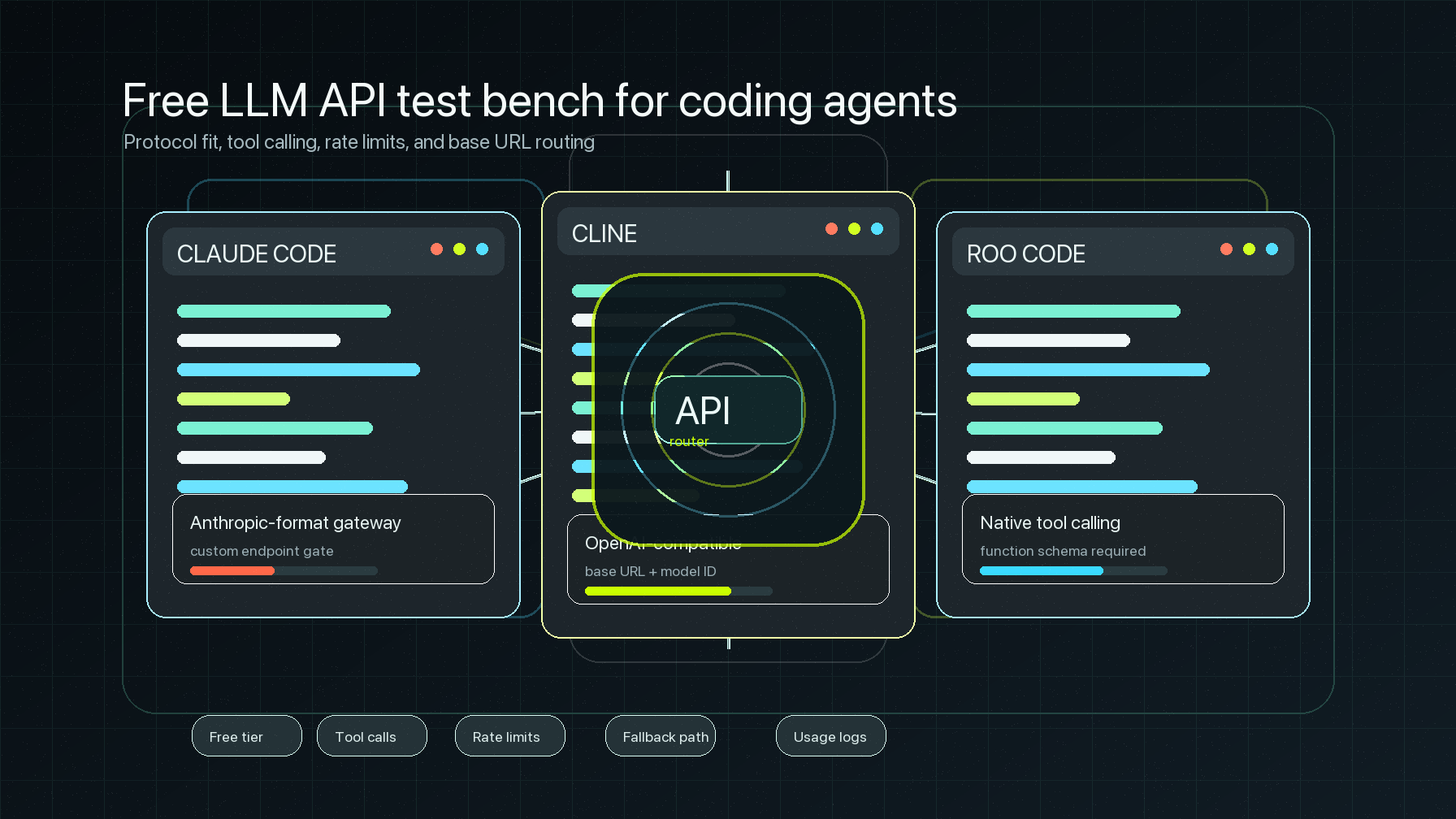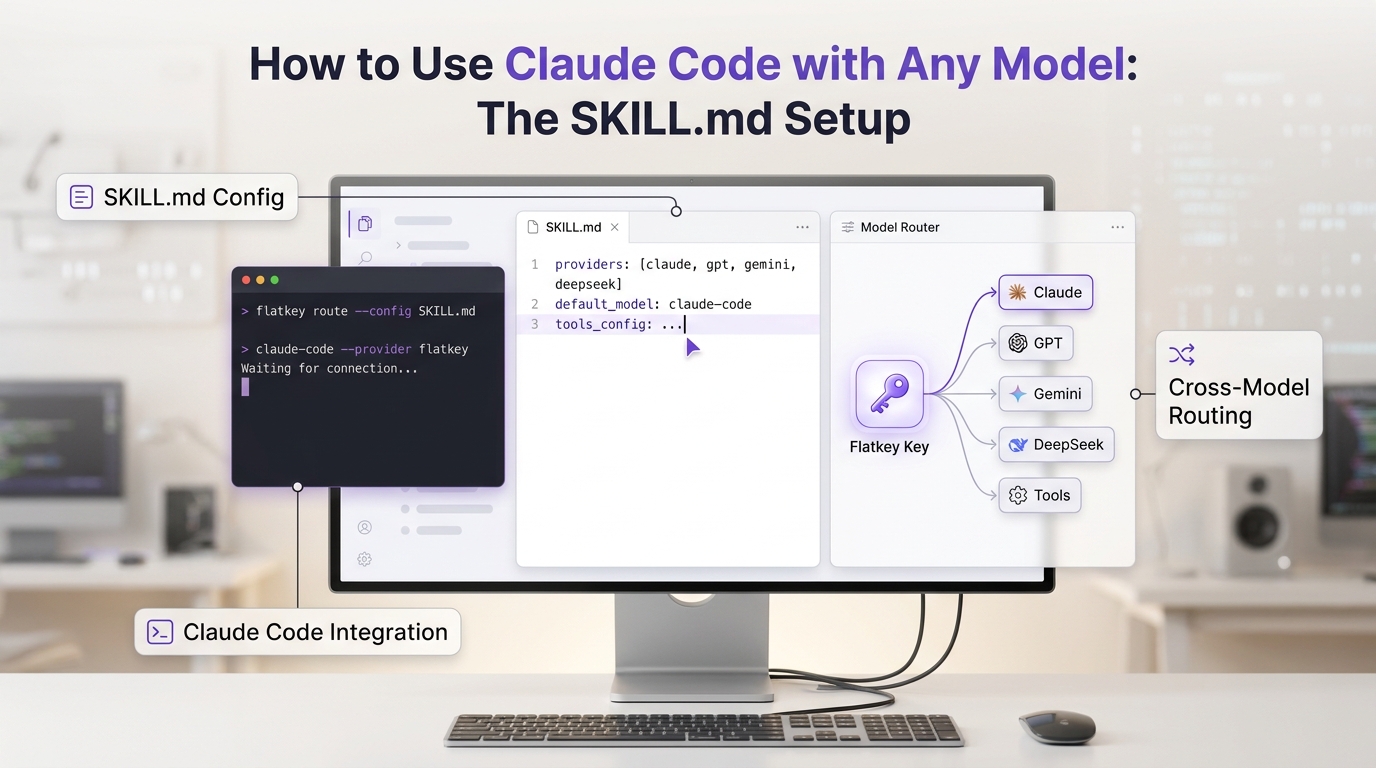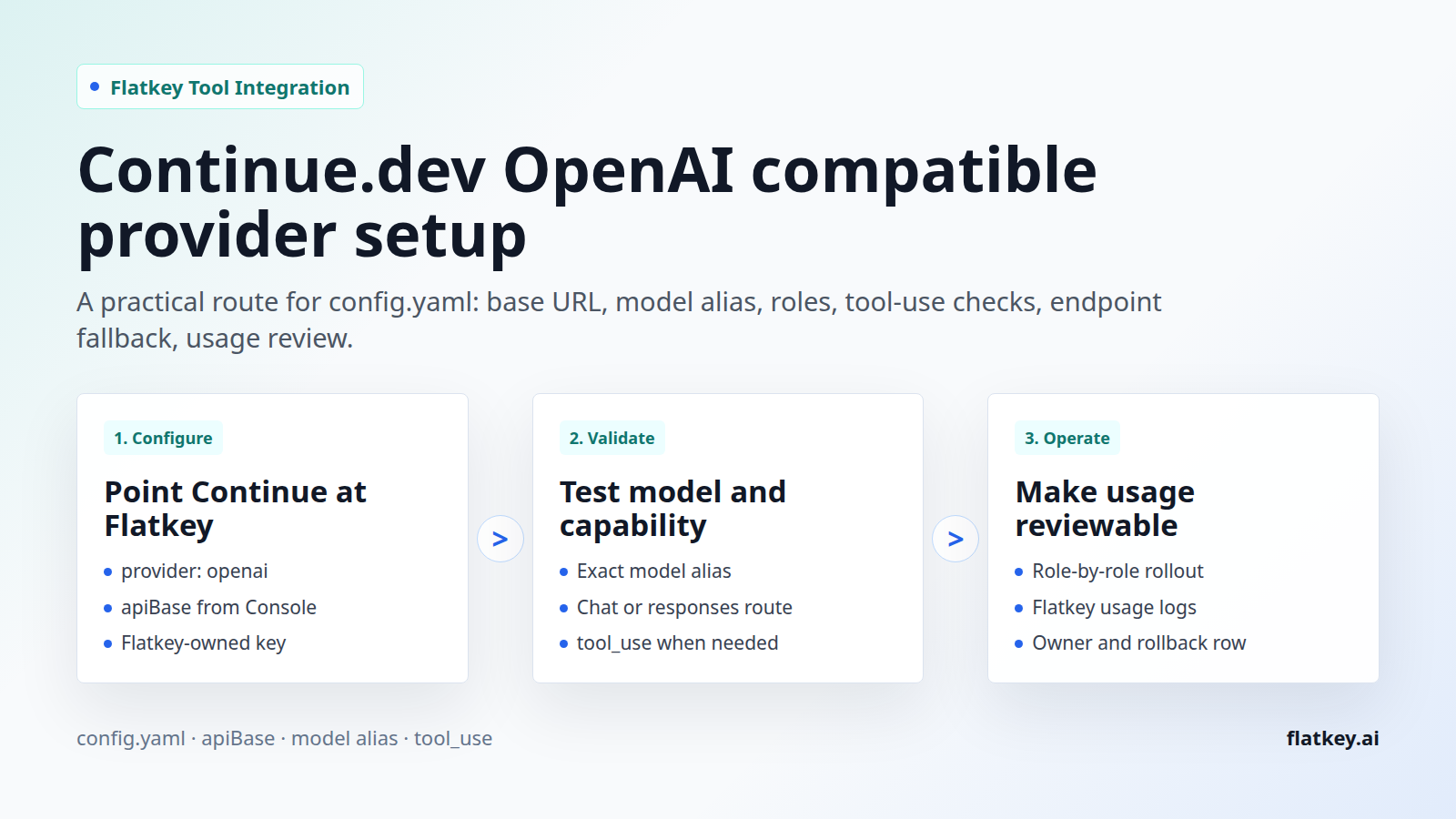
The Continue.dev OpenAI compatible provider setup is not just a model-provider switch. For a coding assistant, the route has to prove four things: Continue is reading the intended config.yaml, Flatkey is the base URL behind the OpenAI provider, the model alias is enabled for your key, and the selected model can support the Continue role you are assigning it.
This guide is written for developers, AI product teams, automation builders, platform engineers, finance operators, and procurement reviewers who want one reviewable OpenAI-compatible route for Continue and the rest of their AI tooling. It covers the current Continue docs, Flatkey base URL checks, model roles, tool-use capability, endpoint fallback, usage visibility, and rollback.
Source note: this was checked on June 29, 2026 against the official Continue homepage, the official Continue OpenAI provider docs, the official Continue config.yaml reference, the official Continue model-capabilities guide, and live Flatkey public pages. Continue's homepage currently says Continue has been acquired by Cursor, so verify your desired Continue extension, CLI, and support path before making a new team-wide rollout decision.
Quick answer: Continue.dev OpenAI compatible provider setup
For a Continue.dev OpenAI compatible provider setup with Flatkey, configure a model in Continue's config.yaml with provider: openai, set apiBase to your current Flatkey provider base URL, use a Flatkey API key, and set model to the exact Flatkey model alias. Then test the same base URL and model alias outside Continue before relying on it in a code workspace.
| Continue field | Flatkey value | Review check |
|---|---|---|
provider |
openai |
Continue's OpenAI provider docs show this provider for OpenAI-compatible endpoints when apiBase is overridden. |
apiBase |
The current Flatkey base URL from your console or docs, such as https://console.flatkey.ai/v1 when verified for your account |
Use the base URL only. Do not paste the full /chat/completions endpoint into apiBase. |
apiKey |
A Flatkey key owned by the right user, team, or environment | Use a secret or environment-variable flow supported by your Continue version. Do not commit a literal key. |
model |
The exact Flatkey model alias enabled for the key | Do not use a vendor family name unless Flatkey exposes that exact alias. |
roles and capabilities |
Assign only the roles the model should serve, and add tool_use only after confirming tool/function support |
Continue's capability docs connect tool_use to tools and functions, which matters for Agent workflows. |
The safe sequence is: copy the current Flatkey base URL, select an account-visible model alias, test the OpenAI-compatible endpoint, add the model to Continue, run one low-risk prompt, and verify usage in Flatkey. The rest of this Continue.dev OpenAI compatible provider guide turns that into a repeatable runbook.
What the current Continue docs confirm
Continue now documents configuration through config.yaml. Its configuration guide says local configuration lives at ~/.continue/config.yaml on macOS/Linux and %USERPROFILE%\.continue\config.yaml on Windows. It also says Continue reloads the configuration when the file is saved, which makes a small provider change easy to test and roll back.
The OpenAI provider page shows the pattern that matters for Flatkey: a model entry can use provider: openai, an OpenAI-compatible model name, an apiBase override, and an API key. That makes the Continue.dev OpenAI compatible provider path a base URL and model-alias configuration task, not a custom provider implementation task.
The config.yaml reference adds the operational details. Continue models can specify roles such as chat, edit, and autocomplete. Continue can also override model capabilities, including tool_use and image_input, when autodetection is not enough. Use those fields deliberately. A model that is fine for autocomplete may be the wrong choice for agent-style tool use.
One more endpoint detail matters: Continue's OpenAI provider docs describe endpoint controls, including legacy completions behavior and disabling the Responses API when a model route needs /chat/completions. Flatkey's public pricing page checked for this article lists endpoint families including /v1/chat/completions and /v1/responses, but your chosen model alias and account permissions still need to be verified.
Flatkey values to confirm before editing Continue
Flatkey's homepage checked on June 29, 2026 has the title One API gateway for production AI teams and describes unified model access, routing, billing, usage analytics, and operational controls. Its public code example currently uses https://console.flatkey.ai/v1/chat/completions, so the matching base URL for a Continue config would be https://console.flatkey.ai/v1 when that is the value your account confirms.
Flatkey's pricing page checked the same day says the site currently has 635 enabled models across 23 providers. It also lists endpoint families for chat completions, responses, messages, images, and video. Those are catalog and public-route facts, not a promise that every key can call every model. Before saving a Continue.dev OpenAI compatible provider route, confirm the model alias is visible to the Flatkey key that Continue will use.
If your team has older Flatkey docs, scripts, or blog posts that mention a different base URL, do not copy them blindly. Treat the Flatkey Console or current account documentation as the source of truth, then run the preflight below from the same machine where Continue will run.
Step-by-step: configure Continue with Flatkey
- Confirm the Continue surface. Decide whether you are configuring the IDE extension, CLI, or an existing local setup. Because Continue's homepage now says it has been acquired by Cursor, verify the support and install path before a new rollout.
- Open the active
config.yaml. Use Continue's config selector and gear icon, or open~/.continue/config.yamlon macOS/Linux or%USERPROFILE%\.continue\config.yamlon Windows. - Record the previous model entry. Save the old provider, model, roles, and endpoint flags so rollback is a copy-and-paste operation.
- Copy the Flatkey base URL. Use the provider base URL, such as
https://console.flatkey.ai/v1when it is verified for your account. Do not include/chat/completionsinapiBase. - Choose one model alias per role. Start with a chat/edit model and add autocomplete only if you have a model tuned for that role.
- Store the Flatkey key safely. Use the secret, environment-variable, or local credential pattern supported by your Continue version. Do not commit a raw key into a shared config.
- Add the model entry. Use
provider: openai, the FlatkeyapiBase, the Flatkey model alias, and narrow roles. - Run the curl preflight. Test the same base URL, key, and model before judging Continue itself.
- Run one safe Continue prompt. Use a disposable branch or non-destructive task, then check Flatkey usage for timestamp, model, tokens, and cost.
- Document ownership. Record who owns the key, who can rotate it, which model alias is approved, and when to revisit the route.
config.yaml template for Flatkey
This is a template, not a universal drop-in. Replace the placeholders with values verified in your Flatkey account and your current Continue version.
name: Flatkey Continue Config
version: 0.0.1
schema: v1

models:
  - name: Flatkey chat and edit
    provider: openai
    model: <flatkey-chat-model-alias>
    apiBase: https://console.flatkey.ai/v1
    apiKey: <load-from-your-continue-secret-or-env-flow>
    roles:
      - chat
      - edit
      - apply
    capabilities:
      - tool_use
    defaultCompletionOptions:
      maxTokens: 2000

  - name: Flatkey autocomplete
    provider: openai
    model: <flatkey-autocomplete-model-alias>
    apiBase: https://console.flatkey.ai/v1
    apiKey: <load-from-your-continue-secret-or-env-flow>
    roles:
      - autocomplete
    autocompleteOptions:
      debounceDelay: 350
      maxPromptTokens: 1024
If your selected model route has trouble with /responses, Continue's OpenAI provider docs describe a useResponsesApi: false option. Use that only after you have evidence that the model, endpoint family, or account route needs /chat/completions for the task.
models:
  - name: Flatkey chat completions only
    provider: openai
    model: <flatkey-model-alias>
    apiBase: https://console.flatkey.ai/v1
    apiKey: <load-from-your-continue-secret-or-env-flow>
    useResponsesApi: false
    roles:
      - chat
      - edit
Preflight the route outside Continue
A small curl test separates Flatkey routing issues from Continue configuration issues. Use the same base URL, key, and model alias you plan to put in config.yaml.
export FLATKEY_API_KEY="fk_replace_me"
export FLATKEY_BASE_URL="https://console.flatkey.ai/v1"
export FLATKEY_CONTINUE_MODEL="replace-with-flatkey-model-alias"

curl "$FLATKEY_BASE_URL/chat/completions" \
  -H "Authorization: Bearer $FLATKEY_API_KEY" \
  -H "Content-Type: application/json" \
  -d '{
    "model": "'"$FLATKEY_CONTINUE_MODEL"'",
    "messages": [
      {
        "role": "user",
        "content": "Return the word ok."
      }
    ],
    "max_tokens": 16
  }'
For an agent-style Continue.dev OpenAI compatible provider route, add a second preflight with a tool schema if your selected Continue role needs tool use. A plain chat response proves transport, but it does not prove function/tool behavior.
curl "$FLATKEY_BASE_URL/chat/completions" \
  -H "Authorization: Bearer $FLATKEY_API_KEY" \
  -H "Content-Type: application/json" \
  -d '{
    "model": "'"$FLATKEY_CONTINUE_MODEL"'",
    "messages": [
      {
        "role": "user",
        "content": "Call route_check with status ok and no prose."
      }
    ],
    "tools": [
      {
        "type": "function",
        "function": {
          "name": "route_check",
          "description": "Return the route status.",
          "parameters": {
            "type": "object",
            "properties": {
              "status": { "type": "string" }
            },
            "required": ["status"]
          }
        }
      }
    ],
    "tool_choice": {
      "type": "function",
      "function": { "name": "route_check" }
    },
    "max_tokens": 64
  }'
A healthy tool-use response should include an OpenAI-style tool_calls structure. If this request fails, fix the Flatkey key, base URL, model alias, endpoint family, or model capability before changing Continue again.
Capability, role, and endpoint checklist
| Decision | What to verify | Why it matters |
|---|---|---|
| Chat/edit model | Model alias can answer code questions through the selected Flatkey endpoint. | This is the minimum proof for developer-facing chat and edit roles. |
| Tool use | Model returns OpenAI-style tool calls in a curl preflight. | Continue's model-capability docs tie tool_use to tools and functions. |
| Autocomplete | Separate role, shorter prompts, latency acceptable from the developer machine. | Autocomplete has different UX expectations than chat. |
| Responses API | Selected model route supports the endpoint Continue is calling. | Some model and gateway combinations need useResponsesApi: false. |
| Usage review | Flatkey shows the request under the expected key, timestamp, model, and cost. | Finance and platform owners need one place to reconcile usage. |
Failure modes to debug first
Most Continue.dev OpenAI compatible provider failures come from a small set of mismatches. Check these before assuming Continue or Flatkey is down.
| Symptom | Likely cause | Fix |
|---|---|---|
| Config does not load | Wrong file, YAML indentation error, or a stale config selected inside the IDE. | Open the config through Continue's selector, validate YAML, save, and watch for reload. |
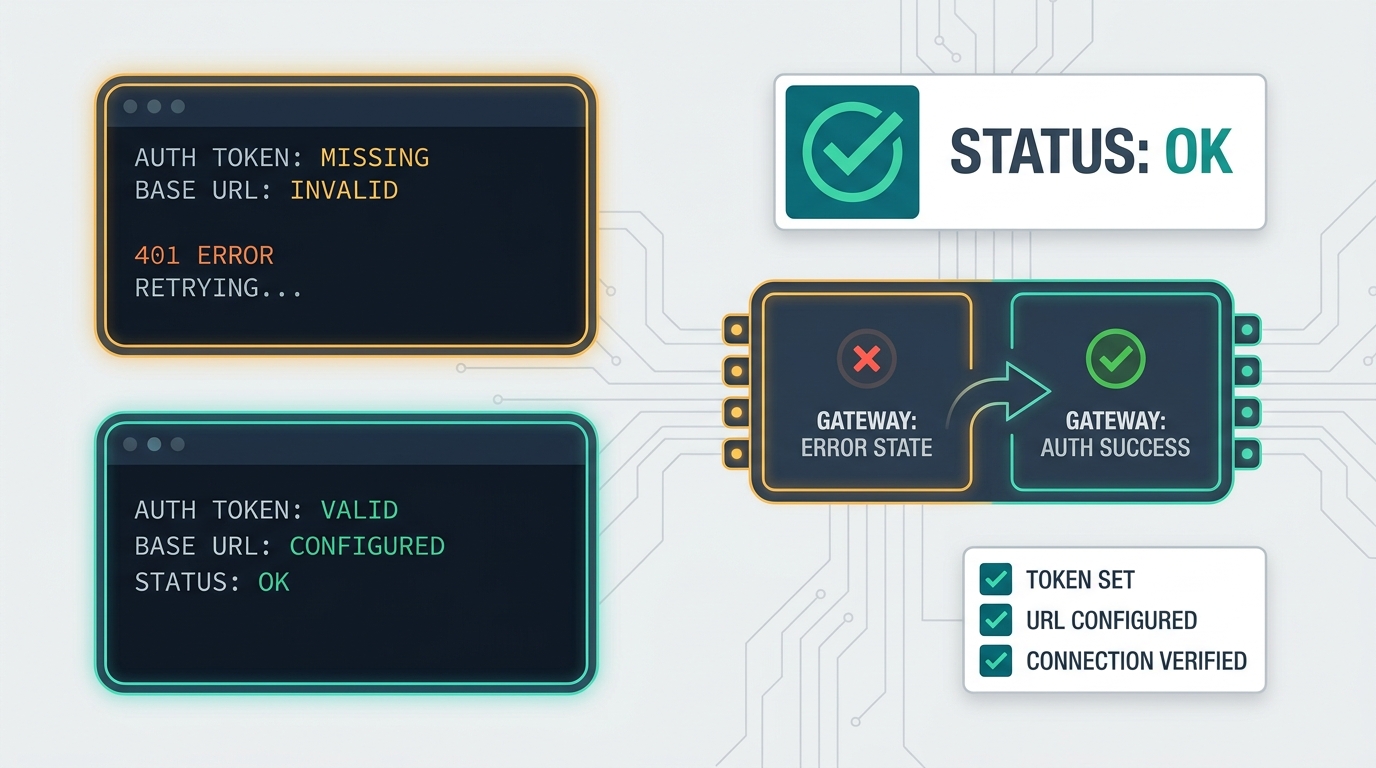
| Invalid API key | The key was copied incorrectly, rotated, scoped to another environment, or belongs to an upstream provider. | Generate or select the correct Flatkey key and retest with curl before updating Continue. |
| Connection error | apiBase includes the full endpoint path, uses an old base URL, or the machine cannot reach the route. |
Use the current provider base URL only and test from the same machine. |
| Model not found | The Continue model value does not match a Flatkey alias enabled for the key. |
Copy the exact model alias from Flatkey pricing, catalog, or account-visible model list. |
| Tools or Agent mode fail | The selected model cannot produce the tool/function behavior that the role expects. | Use a tool-capable model and rerun the tool-call preflight before setting tool_use. |
| Endpoint-specific errors | Continue is calling /responses while the selected route should use chat completions, or the reverse. |
Check Flatkey endpoint support and use Continue's endpoint flags only when needed. |
| Usage cannot be reconciled | The team did not record key owner, model alias, developer, environment, or timestamp. | Add a runbook row before expanding the setup to more developers. |
Production runbook for Continue plus Flatkey
Before more developers use the Continue.dev OpenAI compatible provider route, write down the operational facts that make support and cost review possible.
| Runbook field | Record this |
|---|---|
| Owner | Team, developer group, and person who can rotate the Flatkey key. |
| Continue surface | IDE extension or CLI, version if available, and config location. |
| Flatkey base URL | Current account-approved base URL and date checked. |
| Model aliases | One alias per role: chat/edit, apply, autocomplete, or tool-use agent path. |
| Endpoint policy | Whether the route should use responses, chat completions, or a documented fallback. |
| Cost review | Where usage, token count, request status, and cost will be reviewed in Flatkey. |
| Rollback | Previous provider entry, old model alias, and owner approval to revert. |
Where this fits in a Flatkey tool cluster
If your team already routes other tools through Flatkey, keep the same operating pattern for Continue. The Cherry Studio API setup guide is useful for simple desktop-client base URL checks. The CC Switch Claude Code Flatkey guide is useful for developer-tool routing discipline. The broader OpenAI-compatible API migration playbook is the place to standardize base URL changes, model alias verification, and rollback.
The value of a unified router is not only fewer provider keys. It is the ability to see which tool, model, key owner, and workflow created usage. That is why a Continue.dev OpenAI compatible provider migration should finish with a Flatkey usage check, not just a working prompt.
FAQ
Does Continue still support OpenAI-compatible routing?
Continue's current OpenAI provider docs show an OpenAI-compatible configuration pattern using provider: openai, model, apiBase, and apiKey. Its homepage also says Continue has been acquired by Cursor, so verify your exact extension, CLI, and support path before a new rollout.
What Flatkey base URL should I use?
Use the current provider base URL from your Flatkey account. The public homepage checked for this article showed https://console.flatkey.ai/v1/chat/completions, which maps to https://console.flatkey.ai/v1 as the base URL. Your account documentation or console should win if it differs.
Should one model handle every Continue role?
Not automatically. Chat, edit, apply, autocomplete, and agent-style tool use can have different latency, context, and capability needs. Start with the narrowest role assignment and add more roles after testing.
Do I need tool_use?
Only when the role needs tool/function behavior and the selected model can actually return OpenAI-style tool calls. Continue can autodetect many capabilities, but its docs allow overrides for custom deployments or cases where autodetection is not working.
How should I handle the API key?
Keep the Flatkey key out of repository files, screenshots, and shared issue comments. Use the local secret or environment-variable pattern supported by your Continue version, then record who owns and can rotate the key.
Final checklist
- Current Continue surface verified after the Cursor acquisition notice.
- Active
config.yamllocated and backed up. - Flatkey base URL copied from the current account source.
- Model alias confirmed for the Flatkey key.
- Chat completions or responses endpoint behavior tested.
- Tool-use preflight run when the role needs tools.
- Usage reviewed in Flatkey after the first safe Continue prompt.
- Rollback owner and previous config recorded.
When those checks are complete, the Continue.dev OpenAI compatible provider route becomes a manageable Flatkey integration instead of another unmanaged developer credential. If you are standardizing more tools, compare model aliases and usage policy on Flatkey pricing, then get a key for the workspace that will own the first rollout.