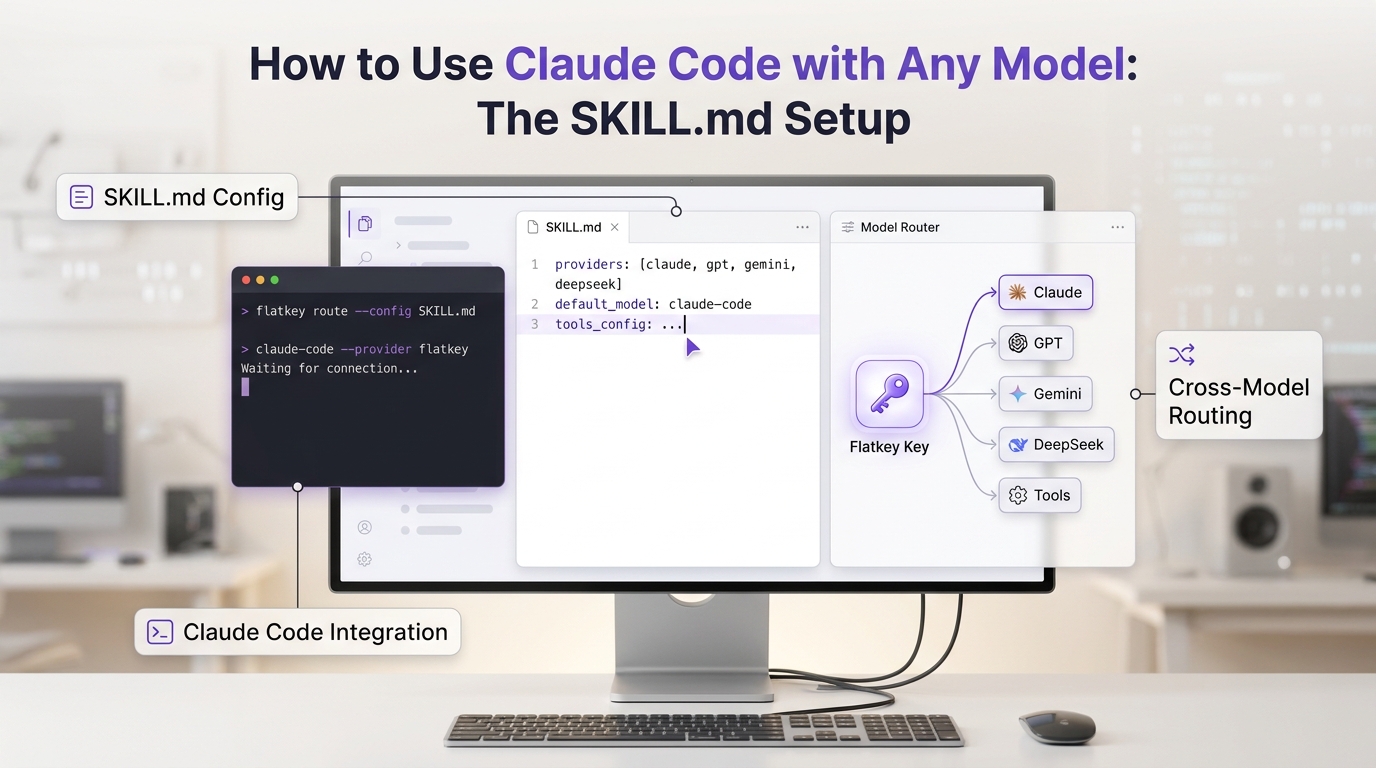
Claude Code can become much more useful when it knows how your AI routing layer works. The SKILL.md setup is the clean way to teach it that workflow: where Flatkey's router lives, how to discover live model IDs, how to call supported models and tools, and which safety rules to follow before spending balance or touching production systems.
There is one important caveat up front. Claude Code's own reasoning loop still runs on Claude. Anthropic's gateway documentation says Claude Code can connect to an LLM gateway, but it does not support routing Claude Code itself to non-Claude models through a gateway. Use this guide for the practical version of How to Use Claude Code with Any Model: The SKILL.md Setup: keep Claude Code as your coding agent, then give it a Flatkey skill so it can discover and call any Flatkey-supported model or metered tool from your project when the task calls for it.
Flatkey's public SKILL.md is built for that job. It tells agents to use https://router.flatkey.ai, the OpenAI-compatible base URL https://router.flatkey.ai/v1, the live model catalog, the tools marketplace, small first calls, request IDs, and approval gates for writes, sends, purchases, deletes, publishing, or permission changes.
If you are new to the router itself, keep the Flatkey API quickstart open beside this guide. If you are comparing this with a broader provider migration, the OpenAI API alternative and unified AI API workflow guides explain the base URL pattern in more detail.
The quick answer
Use this setup when you want Claude Code to operate Flatkey from inside your repo:
- Create a Flatkey API key in the Flatkey Console.
- Install the Flatkey skill into Claude Code as
~/.claude/skills/flatkey/SKILL.mdor.claude/skills/flatkey/SKILL.md. - Store
FLATKEY_API_KEYin your shell or local secret manager, not in a committed file. - Ask Claude Code to use the Flatkey skill, fetch the live model catalog, and run a tiny smoke call through
https://router.flatkey.ai/v1. - Check Flatkey Usage Logs for model, token count, latency, status, and cost.
If you want Claude Code's Claude-family traffic to go through Flatkey, use Flatkey's Claude Code guide instead of the OpenAI-compatible /v1 base URL:
export ANTHROPIC_BASE_URL="https://router.flatkey.ai"
export ANTHROPIC_API_KEY="$FLATKEY_API_KEY"
That path is for Claude Code gateway routing. The SKILL.md path is for teaching Claude Code how to use Flatkey models and tools from the project.
What SKILL.md changes in Claude Code
A Claude Code skill is a directory with a SKILL.md file. Claude Code loads skill metadata at startup, then reads the skill body only when the task matches or when you invoke the skill directly. That makes a skill a better home than CLAUDE.md for repeatable procedures such as "discover Flatkey models, select a supported route, run a small call, and verify Usage Logs."
With Flatkey, the skill should make Claude Code do five things consistently:
| Step | What Claude Code should do | Why it matters |
|---|---|---|
| Read setup rules | Load the Flatkey SKILL.md before calling the router |
Avoids guessed model IDs, guessed tool inputs, and secret leaks |
| Use the live catalog | Call /v1/models before selecting a model |
The model list changes, so static examples can go stale |
| Keep secrets local | Use FLATKEY_API_KEY without printing or committing it |
Prevents credential exposure in chat, logs, and git |
| Start small | Run a tiny smoke call before expensive work | Confirms auth, base URL, route, and response shape |
| Verify the ledger | Check Usage Logs or request output after a call | Gives the team evidence of model, latency, tokens, and charge |
That is the practical core of How to Use Claude Code with Any Model: The SKILL.md Setup. Claude Code remains the orchestrator. Flatkey becomes the model and tool layer it can operate deliberately.
Step 1: Choose personal or project installation
Install the skill globally if you want it available in every repo:
mkdir -p ~/.claude/skills/flatkey
curl -fsSL https://flatkey.ai/SKILL.md \
  -o ~/.claude/skills/flatkey/SKILL.md
Install it inside a repo if you want the team to share the same Flatkey workflow:
mkdir -p .claude/skills/flatkey
curl -fsSL https://flatkey.ai/SKILL.md \
  -o .claude/skills/flatkey/SKILL.md
For a shared project skill, review the file before committing it:
sed -n '1,200p' .claude/skills/flatkey/SKILL.md
Do not turn the install command into an auto-running shell script. A skill is instruction content. Treat it like adding any other development procedure to your repo: fetch it, review it, then commit it only if the team agrees.
Step 2: Set the Flatkey key safely
Use an environment variable:
export FLATKEY_API_KEY="sk-fk-your-key"
If you need the variable to persist, put it in your shell profile, your secret manager, or a local environment file that is ignored by git. Do not place the key in .claude/settings.json, CLAUDE.md, a committed SKILL.md, or a prompt you paste into a shared thread.
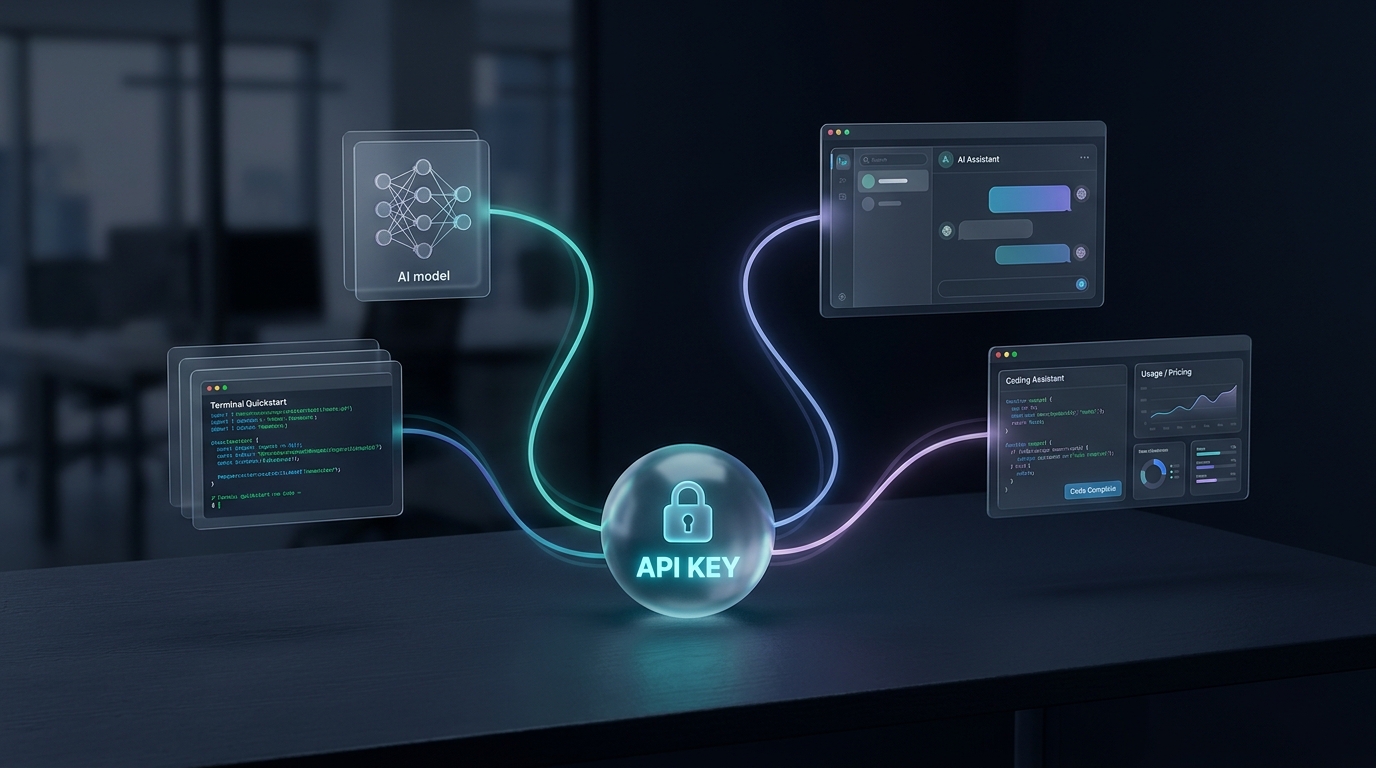
The Flatkey skill's own rule is simple: use an existing FLATKEY_API_KEY when one is already configured, and never print, log, commit, or send that key anywhere except router.flatkey.ai or the authenticated Flatkey Console.
Step 3: Confirm Claude Code sees the skill
Start Claude Code from the repo or terminal where the skill is available:
claude
Then check the available skills:
/skills
You should see flatkey in the skill list. If you installed the skill during a running Claude Code session and it does not appear, restart Claude Code. Claude Code can detect many skill edits during a session, but restarting is the simplest way to remove ambiguity during setup.
Now ask for a harmless first task:
Use the flatkey skill. Verify that FLATKEY_API_KEY is available without printing it, fetch the live model catalog from Flatkey, and summarize the first five text-capable model IDs you see. Do not run a generation yet.
This tests discovery without spending generation budget.
Step 4: Fetch the live model catalog
The Flatkey skill tells Claude Code to fetch the live model catalog before selecting a model. The direct command is:
curl -fsS https://router.flatkey.ai/v1/models \
  -H "Authorization: Bearer $FLATKEY_API_KEY"
For a real workflow, ask Claude Code to choose only from returned IDs:
Use the flatkey skill. Fetch the live model catalog, choose one low-cost text model returned by the catalog for a one-sentence smoke test, and explain why you chose it before running the request.
This avoids a common agent error: using a model name from memory or from an old article. The catalog is the source of truth for what your key can call at that moment.
Step 5: Run a tiny OpenAI-compatible smoke call
Once the catalog returns, run a small request through Flatkey's OpenAI-compatible API:
curl https://router.flatkey.ai/v1/chat/completions \
  -H "Authorization: Bearer $FLATKEY_API_KEY" \
  -H "Content-Type: application/json" \
  -d '{
    "model": "replace-with-a-model-id-from-the-live-catalog",
    "messages": [
      {
        "role": "user",
        "content": "Reply with one sentence: Flatkey smoke test passed."
      }
    ],
    "max_tokens": 40
  }'
Keep the first call boring. You are testing authentication, model ID, base URL, response shape, and ledger visibility. Save long-context prompts, tool calls, image generation, and batch jobs until the basic path works.
Step 6: Let Claude Code call any supported model from a task
After the smoke test passes, you can ask Claude Code to route work to a model that fits the task.
For example:
Use the flatkey skill. I need a second-model review of this function. Fetch the live catalog, select a coding-capable model returned by the catalog, run a small review request through Flatkey, and report the model ID, request result, and any request ID or usage fields returned. Do not print secrets.
Or:
Use the flatkey skill. Compare two Flatkey-supported text models on this prompt. Keep both calls under 200 output tokens. Show the outputs side by side and tell me which one I should use for this low-risk internal summarization task.
That is the "any model" pattern that works well with Claude Code: Claude Code coordinates the task, reads files, applies repo context, and uses Flatkey as a controlled external model route when a second model or a different model family is useful.
For production model choice, pair this with the AI model catalog guide so Claude Code reviews endpoint type, pricing unit, availability, and verification status before it recommends a route.
Step 7: Use Flatkey Tools only after inspection
Flatkey's SKILL.md also covers metered tools. The important rule is that Claude Code should inspect a tool before running it. It should not invent tool IDs, required fields, prices, provider names, or billing units.
A good first prompt is:
Use the flatkey skill. Open the Flatkey tools marketplace in the browser, inspect the search-related tools available to my account, and summarize the required fields and billing unit for one candidate tool. Do not execute the tool yet.
Then, when you are ready:
Use the flatkey skill. Run the inspected tool with a small limit and an idempotency key. Before execution, repeat the exact tool, required fields, expected billing unit, and maximum budget for my approval.
This keeps Claude Code useful without letting an agent drift into uncontrolled paid calls.
Step 8: Route Claude Code's Claude traffic through Flatkey when needed
The SKILL.md setup is not the same as routing Claude Code itself through a gateway. If your goal is to run Claude Code's Claude-family requests through Flatkey, configure Claude Code as an Anthropic-format gateway client:
export ANTHROPIC_BASE_URL="https://router.flatkey.ai"
export ANTHROPIC_API_KEY="$FLATKEY_API_KEY"
Use no trailing /v1 for this path. Claude Code and the Anthropic SDK append the required route. After setting the variables, start Claude Code from the same shell and run:
/status
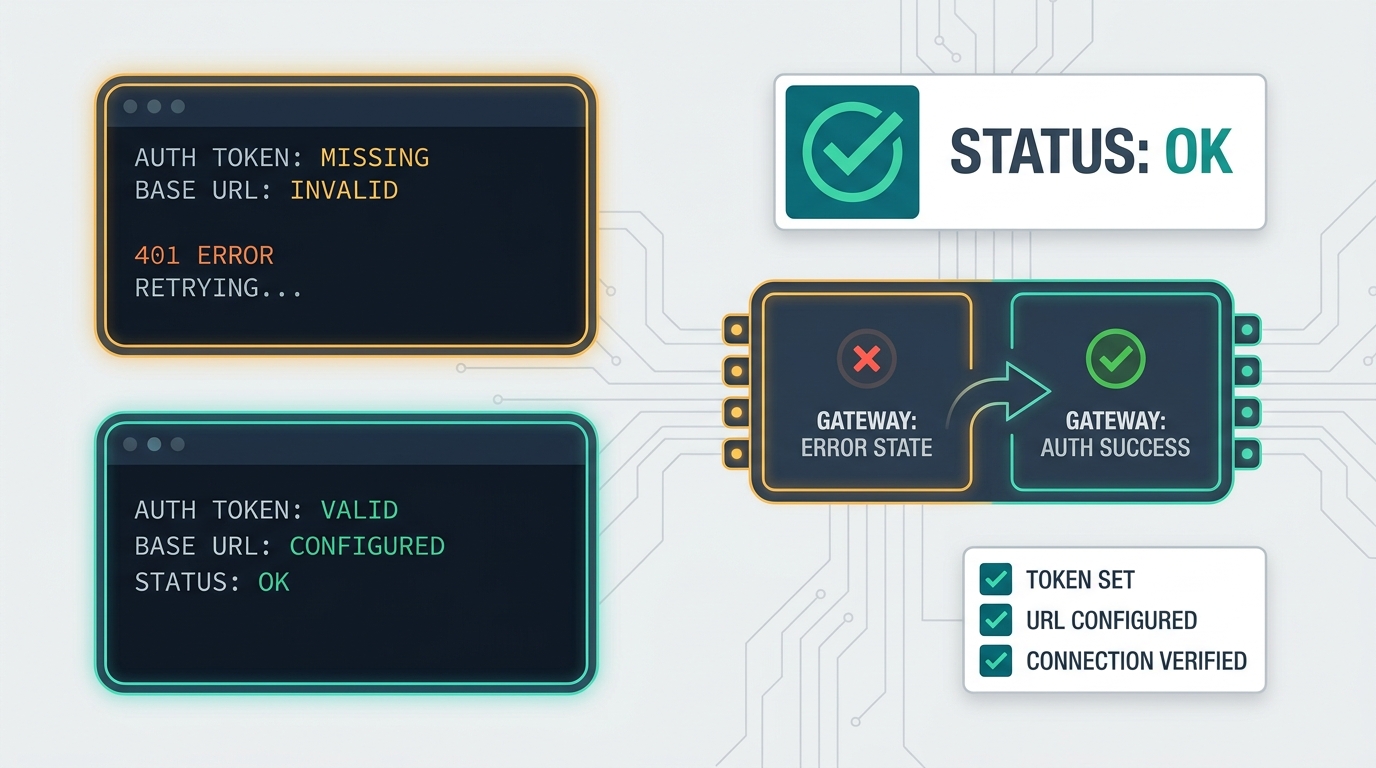
Look for the Anthropic base URL and credential source. Then send a short prompt and check Flatkey Usage Logs. If the base URL does not appear, Claude Code did not receive the environment variable.
Use this path when you want Claude Code's Claude usage to land in Flatkey's balance and ledger. Use the skill path when you want Claude Code to call Flatkey-supported models and tools from your repo.
For adjacent routing decisions, see Claude vs GPT API routing. If your use case is an agent that calls external tools, the Gemini API for AI agents checklist is useful even when the model family changes, because the controls are similar: exact model IDs, bounded retries, tool validation, and usage review.
Common mistakes
Mistake 1: Assuming SKILL.md changes Claude Code's brain
It does not. A skill gives Claude Code reusable instructions and procedures. It does not turn Claude Code's own agent loop into GPT, Gemini, DeepSeek, Qwen, or another model.
Mistake 2: Using /v1 with ANTHROPIC_BASE_URL
Flatkey's OpenAI-compatible base URL is:
https://router.flatkey.ai/v1
Claude Code gateway routing uses:
https://router.flatkey.ai
Keep those separate.
Mistake 3: Committing credentials in Claude settings
Project .claude/settings.json is usually shared with the repo. Do not put keys there. Use shell exports, a vault, or .claude/settings.local.json only if your repo ignores it and your team accepts that local workflow.
Mistake 4: Letting the agent guess model IDs
Always fetch /v1/models first. If a model ID is not in the live catalog response for your key, do not use it.
Mistake 5: Running paid tools before inspecting them
For Flatkey Tools, inspect required fields, examples, billing unit, and exact price first. Then use an idempotency key and ask for approval before execution.
A copyable setup checklist
Use this checklist for one developer machine:
# 1. Install the Flatkey skill for Claude Code
mkdir -p ~/.claude/skills/flatkey
curl -fsSL https://flatkey.ai/SKILL.md \
  -o ~/.claude/skills/flatkey/SKILL.md

# 2. Review it
sed -n '1,200p' ~/.claude/skills/flatkey/SKILL.md

# 3. Export your Flatkey key
export FLATKEY_API_KEY="sk-fk-your-key"

# 4. Start Claude Code
claude
Then prompt:
Use the flatkey skill. Confirm the Flatkey skill is loaded, verify that FLATKEY_API_KEY is available without printing it, fetch the live model catalog, and run one tiny chat-completions smoke test through https://router.flatkey.ai/v1 using a model ID returned by the catalog.
After the call, open Flatkey Usage Logs and confirm the request appears with the expected model, status, token counts, latency, and cost.
FAQ
Can Claude Code use any model through SKILL.md?
Claude Code itself still runs on Claude. The SKILL.md setup lets Claude Code discover and call Flatkey-supported models and tools from your project, so a task can use other models through Flatkey's API when appropriate.
Is this the same as changing ANTHROPIC_BASE_URL?
No. ANTHROPIC_BASE_URL=https://router.flatkey.ai routes Claude Code's Claude-family traffic through a gateway. Installing https://flatkey.ai/SKILL.md teaches Claude Code how to operate Flatkey APIs and tools during a task.
Should I install the Flatkey skill globally or in the repo?
Use ~/.claude/skills/flatkey/ for personal use across projects. Use .claude/skills/flatkey/ when the repo should carry a shared team workflow. Commit only the reviewed skill file, never a credential.
Why does the guide fetch /v1/models first?
Because model availability changes. The live Flatkey catalog is safer than a model name copied from memory, a chat answer, or an old document.
What should I verify after setup?
Verify three things: Claude Code sees the skill, the Flatkey catalog request succeeds, and Usage Logs show the smoke request with model, status, tokens, latency, and cost.
Official references
- Flatkey SKILL.md: https://flatkey.ai/SKILL.md
- Flatkey quickstart: https://docs.flatkey.ai/quickstart.md
- Flatkey Claude Code guide: https://docs.flatkey.ai/guides/claude-code.md
- Flatkey OpenAI SDK guide: https://docs.flatkey.ai/guides/openai-sdk.md
- Anthropic Claude Code skills: https://code.claude.com/docs/en/skills
- Anthropic Claude Code gateway docs: https://docs.anthropic.com/en/docs/claude-code/llm-gateway.md
- Anthropic gateway connection guide: https://docs.anthropic.com/en/docs/claude-code/llm-gateway-connect.md
- Anthropic Agent Skills overview: https://platform.claude.com/docs/en/agents-and-tools/agent-skills/overview