H200 GPU: Architecture, Performance, and Cloud Deployment Guide
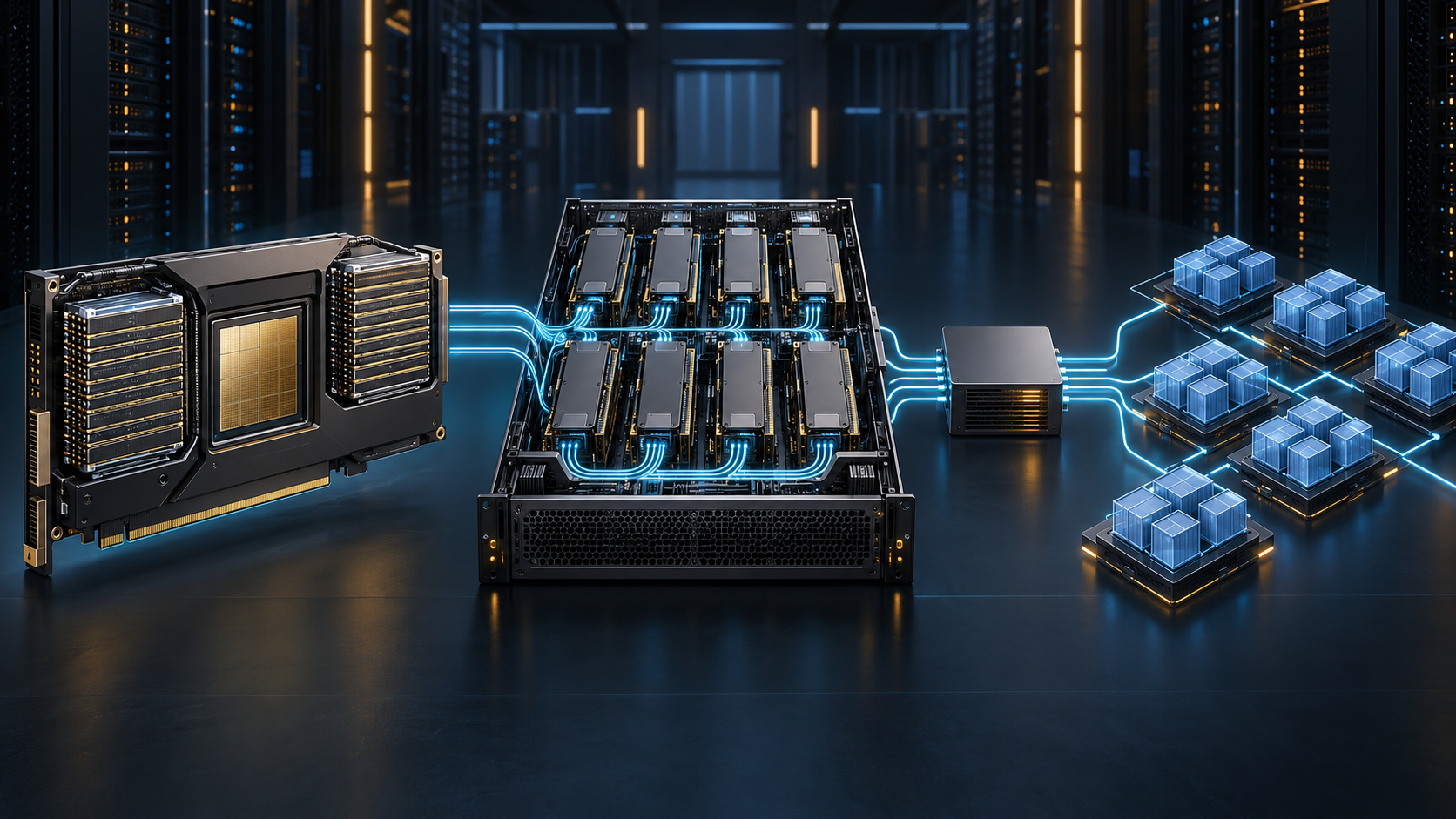
The NVIDIA H200 GPU is a Hopper-generation data-center accelerator whose defining deployment feature is memory: 141 GB of HBM3e and 4.8 TB/s of memory bandwidth per GPU. That changes how you plan long-context inference, large batches, and memory-bound HPC jobs—but it does not make capacity planning or cloud validation optional.
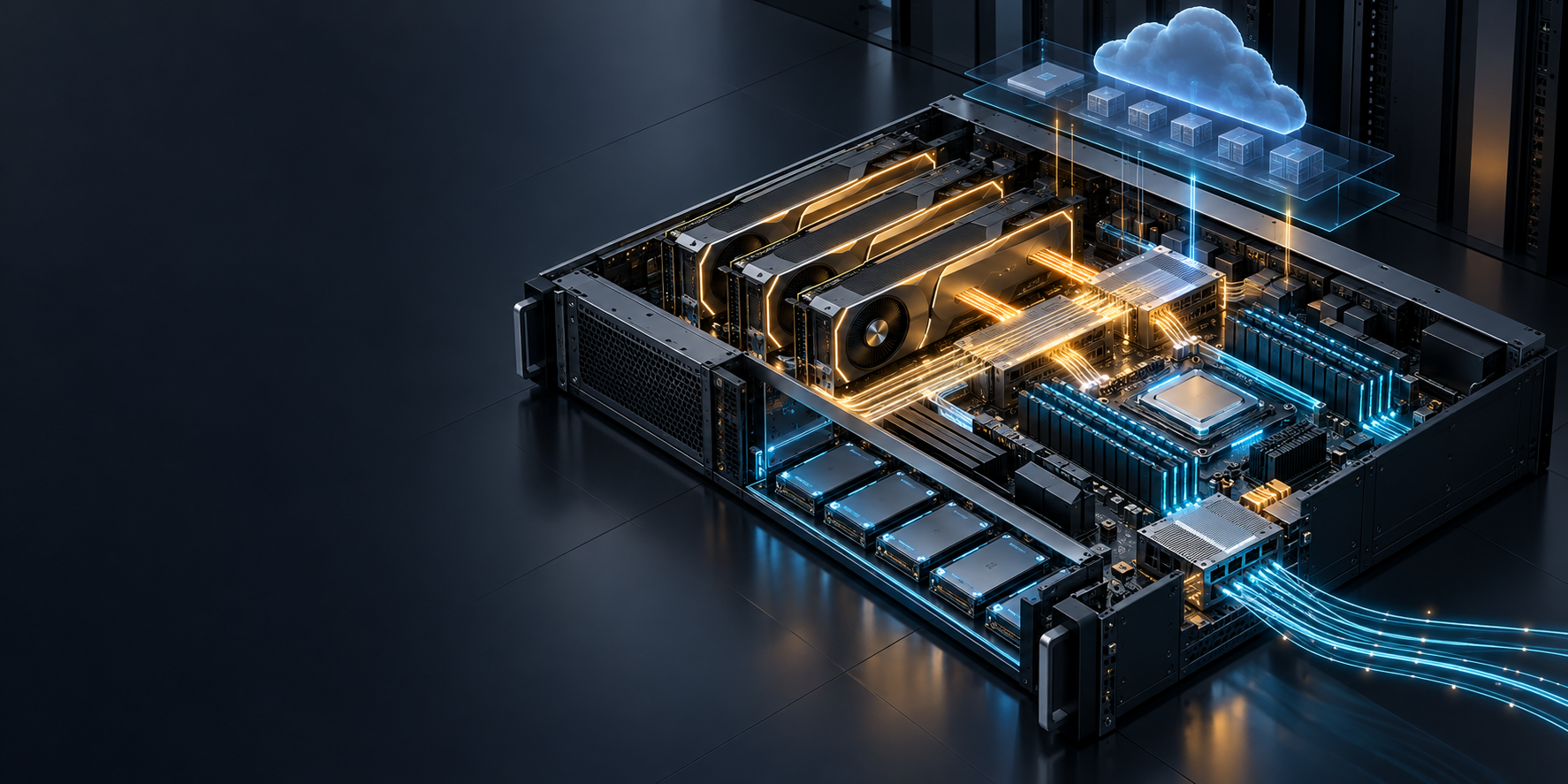
This guide explains what the H200 GPU is, how H200 SXM and H200 NVL differ, when it fits a workload, and how to validate a cloud deployment before committing to a larger fleet. It deliberately avoids volatile provider price snapshots. Use the checklist below with the exact region, machine type, topology, and contract available to you.
The short answer
Choose an H200 GPU when your workload is constrained by GPU memory capacity or bandwidth, and when you can validate the surrounding system—not just the accelerator. For a single-GPU model server, that means proving the model weights, runtime workspace, and KV cache fit with headroom. For multi-GPU training or serving, it means proving the GPU-to-GPU fabric and, where applicable, the network between nodes.
The H200 GPU is not a universal upgrade. If requests are short, batch sizes are low, or the workload is CPU-, storage-, or network-bound, its extra memory may not change the outcome that matters. Start with a workload brief, then test a representative trace.
H200 GPU specifications: what changes your deployment plan
NVIDIA lists the H200 as a Hopper-architecture GPU with 141 GB of HBM3e memory and 4.8 TB/s of memory bandwidth. It is available as H200 SXM and H200 NVL, with the same headline memory figures but different form factors, power envelopes, and scaling options. NVIDIA’s published Tensor Core peak numbers are useful for comparing product configurations, but they are not a promise of application throughput: the figures include stated test conditions and sparsity assumptions. Review the current H200 product specifications before selecting a SKU.
| Deployment-relevant spec | H200 SXM | H200 NVL | Why it matters |
|---|---|---|---|
| Architecture | Hopper | Hopper | Software compatibility and supported features begin with the platform, not a model name. |
| GPU memory | 141 GB HBM3e | 141 GB HBM3e | More room for weights, KV cache, activations, and runtime headroom. |
| Memory bandwidth | 4.8 TB/s | 4.8 TB/s | Important for workloads that repeatedly move large working sets through memory. |
| Form factor | SXM | Dual-slot, air-cooled PCIe | Determines which server designs and fabric choices are available. |
| Maximum listed TDP | Up to 700 W, configurable | Up to 600 W, configurable | Affects host power, cooling, rack, and cloud instance choices. |
| GPU interconnect | NVLink, listed at 900 GB/s | 2- or 4-way NVLink bridge, listed at 900 GB/s per GPU; PCIe Gen5 | Topology must be checked before assuming multi-GPU collective performance. |
| Partitioning | Up to seven MIGs at 18 GB each | Up to seven MIGs at 16.5 GB each | Enables controlled sharing, but changes the resource and observability model. |
These are vendor-published figures, and NVIDIA labels them preliminary on its product page. Treat them as a configuration baseline, then verify the exact cloud SKU and its topology in the environment you will run.
Why HBM3e matters for LLM inference
For LLM serving, GPU memory is consumed by more than model weights. A useful first-pass capacity equation is:
required GPU memory = weights + runtime workspace + KV cache at p95 context and concurrency + operational headroom
The H200 GPU can be attractive when the KV cache becomes the limiting term: longer prompts, more simultaneous sequences, or a larger batch can all raise it. The extra HBM does not eliminate out-of-memory risk, because cache policy, allocator behavior, quantization, model parallelism, and traffic shape still matter. For long-context deployments, pair this decision with a KV cache offload and tiering plan rather than assuming that more local memory is the whole answer.
H200 SXM or H200 NVL: choose the topology, not just the card
The form factor is a deployment choice.
- H200 SXM fits HGX H200 and NVIDIA-Certified system designs with four or eight GPUs. It is usually the right starting point when one workload needs a tightly coupled multi-GPU system and the application will exchange data frequently across GPUs.
- H200 NVL is a dual-slot, air-cooled PCIe design. NVIDIA lists 2- or 4-way NVLink bridge configurations, while partner and certified systems can contain up to eight GPUs. Do not infer that every eight-GPU server provides the same direct GPU-to-GPU path; inspect the actual topology and benchmark the collectives your runtime uses.
- Independent replicas do not automatically need the most tightly coupled fabric. If each replica serves its own requests, prioritize capacity, availability, host resources, and a clean scheduling boundary before paying for a topology the workload will not use.
| Workload pattern | Starting H200 design question | What to validate first |
|---|---|---|
| One model server on one accelerator | Does the p95 memory budget fit with safe headroom? | Allocation stability, TTFT, inter-token latency, and memory watermark. |
| One model split across GPUs | Does the model parallelism strategy match the actual NVLink/NVSwitch topology? | nvidia-smi topo -m, collective behavior, and end-to-end latency. |
| Multiple serving replicas | Are replicas independent or sharing a bottlenecked host or network? | Throughput per replica, queueing, noisy-neighbor behavior, and host I/O. |
| Distributed training or fine-tuning | Is the fabric and inter-node network matched to the collective pattern? | NCCL startup, collective bandwidth, checkpoint I/O, and straggler rate. |
| Multi-tenant inference | Is a full GPU, MIG instance, or time-sliced resource the correct isolation level? | Memory isolation, fault isolation, chargeback, and per-tenant observability. |
NVIDIA documents H200 MIG capacity, but do not treat GPU sharing modes as interchangeable. In Kubernetes, MIG creates hardware-isolated GPU instances, while time slicing interleaves work and does not provide memory or fault isolation between replicas. The GPU Operator sharing guide explains the tradeoff and its monitoring limits.
For a deeper buying comparison, see H200 vs. H100. That comparison is useful for the decision; this page is the deployment playbook once H200 is the candidate.
When an H200 GPU is the right fit
An H200 GPU is generally worth testing when one of these constraints is real in production:
- Memory-bound LLM inference. Your p95 context length or concurrency exhausts the practical memory budget before compute is fully used.
- Bandwidth-sensitive AI or HPC. Profiling shows the job spends material time waiting on memory movement rather than simply saturating Tensor Core math.
- A larger memory-resident working set. You need more room for a model, retrieval context, batch, cache, or scientific data structure without immediately adding another GPU.
- Tightly coupled multi-GPU work. You can use an H200 SXM/HGX-style system and have evidence that the application benefits from its fabric.
- A controlled partitioning requirement. You have a clear reason to use the listed MIG configurations, plus a scheduler and chargeback model that match them.
Do not make the H200 GPU selection from a model parameter count alone. A parameter count says little about precision, runtime workspace, KV-cache policy, maximum context, batch shape, and availability margin. It also says nothing about the host CPU, RAM, storage, or network bottleneck that can dominate a cloud workload.
Build an H200 capacity plan before you rent a cloud GPU
Use this one-page brief before creating an instance or requesting a cluster node pool.
| Input | Record | Why it changes the result |
|---|---|---|
| Model and precision | Exact model revision, weight format, quantization, and runtime | Determines the base memory floor and compatible software stack. |
| Request distribution | p50/p95 prompt tokens, output tokens, arrival rate, and concurrency | Averages hide the cache and queueing conditions that break latency SLOs. |
| Service objective | p95 time to first token, p95 inter-token latency, error budget, and recovery target | Defines whether you need replicas, warm capacity, or a faster fabric. |
| Parallelism plan | Single GPU, tensor parallel, pipeline parallel, data parallel, or independent replicas | Determines whether local memory, NVLink, or the network is the critical path. |
| Deployment surface | Single VM, managed node pool, or Kubernetes cluster | Changes driver ownership, scheduling, observability, and upgrade responsibility. |
| Data path | Model artifact source, checkpoint store, vector index, egress path, and network policy | Prevents a fast accelerator from waiting on storage or networking. |
| Financial unit | Accepted request, completed batch, job epoch, or million accepted tokens | Keeps an hourly GPU quote from becoming the only cost metric. |
The value of this brief is that it makes a bad fit visible early. For example, a one-GPU configuration can fail because of p95 context and cache pressure even when a synthetic short-prompt test looks excellent. Conversely, a multi-GPU configuration can underperform if it is split across a fabric the runtime does not use efficiently.
Cloud deployment: a staged H200 GPU runbook
1. Confirm the exact cloud shape
Ask the provider or platform team for the exact accelerator form factor, GPU count, CPU/RAM allocation, local and persistent storage, network characteristics, and GPU topology. Record the answer in the deployment ticket. “H200” alone is not enough information for a multi-GPU performance expectation.
Before reserving capacity, validate these details in a short-lived pilot:
- H200 SXM or H200 NVL
- GPU count and the output of
nvidia-smi topo -m - whether the instance is exclusive, partitioned, or time-sliced
- driver, CUDA, container-runtime, and framework versions
- available host RAM, CPU cores, storage throughput, and network path
- image pull, model download, checkpoint, and restart timings
2. Install a supported software path
For a Kubernetes deployment, NVIDIA’s GPU Operator can manage the NVIDIA driver, container toolkit, device plugin, GPU Feature Discovery, DCGM-based monitoring, and related components. The official installation guide calls out node operating-system consistency when the Operator manages drivers, as well as container runtime and namespace security prerequisites. Follow the current GPU Operator installation guidance rather than copying a stale chart version.
An initial install follows this pattern; replace the version with one you have validated against your cluster and driver policy:
helm install --wait gpu-operator \
  -n gpu-operator --create-namespace \
  oci://nvcr.io/nvidia/cloud-native-charts/gpu-operator \
  --version=<validated-operator-version>
After installation, validate the Operator pods and the ClusterPolicy state before submitting the first workload. The Operator guide also shows how to confirm that nodes report an allocatable nvidia.com/gpu resource.
3. Make scheduling explicit
Start with an exclusive full-GPU request unless you have deliberately designed for a sharing mode:
resources:
  limits:
    nvidia.com/gpu: 1
Use a platform-owned node-pool label or cloud selector to target verified H200 nodes; do not hard-code a product label from an example cluster. Kubernetes documents GPU scheduling through device plugins and extended resources, including the resource-limit pattern above. See the Kubernetes GPU scheduling documentation for the current contract.
If you enable MIG, drain or cordon the relevant nodes first. NVIDIA notes that changing MIG mode or geometry requires user workloads to be off the GPUs and can require a reboot in some cloud environments. Review the GPU Operator MIG procedure before treating partition changes as an online operation.
4. Prove a simple workload, then your real workload
Run three gates in order:
- Platform gate: Driver and CUDA load; the scheduler sees the expected number of GPUs; the container can create a CUDA context.
- Fabric gate: The topology matches the ordered design; multi-GPU runtimes initialize and complete a representative collective test.
- Application gate: A replay of representative prompts, batch sizes, context lengths, checkpoint patterns, or simulation inputs reaches the required latency, throughput, and error target.
The third gate is the decision gate. A generic benchmark can tell you that the GPU works; it cannot tell you whether your traffic distribution, model server, and cache policy work.
Validate performance before scaling
Build acceptance tests around the bottleneck you expect, then inspect the result that can disprove the assumption.
| Assumption | Test | Success signal | Failure to investigate |
|---|---|---|---|
| The model fits | Run the p95 context/concurrency trace with a memory watermark | Stable allocation with explicit headroom | OOM, eviction thrash, or latency spikes as cache grows. |
| The fabric is sufficient | Run the exact parallelism mode and a relevant collective test | No hangs; stable collective and end-to-end timing | NCCL initialization errors, uneven ranks, or slow peers. |
| The service meets its SLO | Measure p50/p95 TTFT, inter-token latency, end-to-end latency, and completed requests | Objectives hold under representative load | Queueing, long-tail latency, or retry growth. |
| The node is healthy | Check passive telemetry and active diagnostics in a maintenance window | No actionable hardware, fabric, or deployment findings | ECC/Xid events, thermal/power limits, PCIe/NVLink findings. |
| The economics hold | Divide fully loaded time by completed useful work | Cost is within the launch threshold | Idle capacity, failed work, or unpriced storage/network overhead. |
NVIDIA DCGM separates passive health monitoring from active diagnostics. Its diagnostic workflows can exercise deployment, memory, PCIe, NVLink, compute, power, thermal, and communication paths, but they consume resources and can conflict with production work. Drain or schedule a maintenance window before an invasive diagnostic run. Use DCGM’s current diagnostics guidance to select the appropriate test level.
For LLM services, track both application and infrastructure signals:
- p50/p95 time to first token and inter-token latency
- accepted output tokens per second and completed requests per second
- queue depth, cancellations, retries, and error rate
- allocated versus reserved GPU memory, GPU utilization, power, and temperature
- cache hit/offload behavior and cache-related failures
- host CPU saturation, RAM pressure, model/checkpoint I/O, and network latency
If one metric gets better while another gets worse, do not scale yet. A higher token rate with rising p95 latency or retries can be a regression for the customer-facing service.
Optimize cost by completed work, not hourly GPU time
Cloud H200 GPU rates vary by region, reservation term, host configuration, and supply, so a static price table becomes stale quickly. Instead, use a workload unit that exposes idle time and failed work:
fully loaded hourly cost = accelerator + attached CPU/RAM + storage + network + licenses + operating overhead

cost per completed request = fully loaded hourly cost / completed requests per hour

cost per million accepted output tokens = fully loaded hourly cost / accepted output tokens per hour × 1,000,000
Calculate this at the traffic mix you expect to launch, not a maximum-throughput demo. Include capacity held for failover, model loading, checkpoints, and maintenance. For a more detailed model, see Self-Hosted LLM Cost per Million Tokens.
There is also a boundary question: do you need to operate the runtime, or do you need reliable access to model outputs? If you need custom kernels, a specific runtime, dedicated data locality, or controlled hardware experimentation, a cloud H200 GPU pilot may be justified. If you primarily need a model API, compare the operating burden against the API path before committing to infrastructure. The GPU server deployment guide and Kubernetes GPU cluster guide can help make that boundary explicit.
H200 GPU deployment checklist
Before calling an H200 deployment ready, verify all of the following:
- [ ] Exact H200 form factor, GPU count, and topology recorded
- [ ] Memory budget tested at p95 context and expected concurrency
- [ ] Driver, CUDA, framework, and container image compatibility validated
- [ ] GPU Operator/device plugin health confirmed where Kubernetes is used
- [ ] Scheduler exposes the expected
nvidia.com/gpucapacity - [ ] Multi-GPU collective test passes on the production topology
- [ ] Representative load test meets TTFT, latency, throughput, and error targets
- [ ] DCGM health and appropriate maintenance-window diagnostics are part of the runbook
- [ ] Storage, network, model-load, checkpoint, and restart paths are measured
- [ ] Cost is calculated per completed useful unit, including idle and recovery capacity
Frequently asked questions
How much memory does an H200 GPU have?
NVIDIA lists 141 GB of HBM3e memory and 4.8 TB/s of memory bandwidth for both H200 SXM and H200 NVL. Confirm the exact SKU and system configuration with the provider, because the card form factor and interconnect differ. NVIDIA’s H200 specifications are the source of the figures in this guide.
Is an H200 GPU better than an H100 for LLM inference?
It can be, especially when memory capacity or memory bandwidth limits the workload. The practical answer depends on model precision, context length, KV-cache behavior, concurrency, serving runtime, and the system topology. Compare the workload with a representative trace; do not treat a vendor benchmark as a substitute for your service SLO. See the H200 vs. H100 comparison for the hardware decision framework.
Should I choose H200 SXM or H200 NVL?
Choose from the topology outward. H200 SXM is a fit for tightly coupled HGX-style multi-GPU configurations. H200 NVL is a PCIe, air-cooled option with 2- or 4-way NVLink bridge configurations. Verify the topology, host, and workload’s communication pattern rather than choosing on memory alone.
Does the H200 GPU support MIG?
NVIDIA lists up to seven MIG instances for H200 SXM and H200 NVL, with different listed per-instance memory sizes. Use MIG when you need hardware-backed memory and fault isolation. Do not substitute time slicing when those isolation properties are required.
How many H200 GPUs do I need?
Start with the smallest configuration that passes a representative memory, latency, throughput, and recovery test. Add GPUs only when the memory budget, replica count, or validated parallelism plan requires them. A larger GPU count without a fabric-aware workload can add cost and operational surface without helping the customer-facing result.
Start with a validated H200 GPU pilot
The right H200 GPU deployment is a measured system: accelerator memory, topology, scheduler, runtime, data path, observability, and workload economics all need to agree. Start with an instrumented pilot, replay realistic traffic, document the failure modes, and scale only after the evidence supports the next capacity step.