Nvidia H200 GPU: Architecture, Performance, and Cloud Deployment Guide
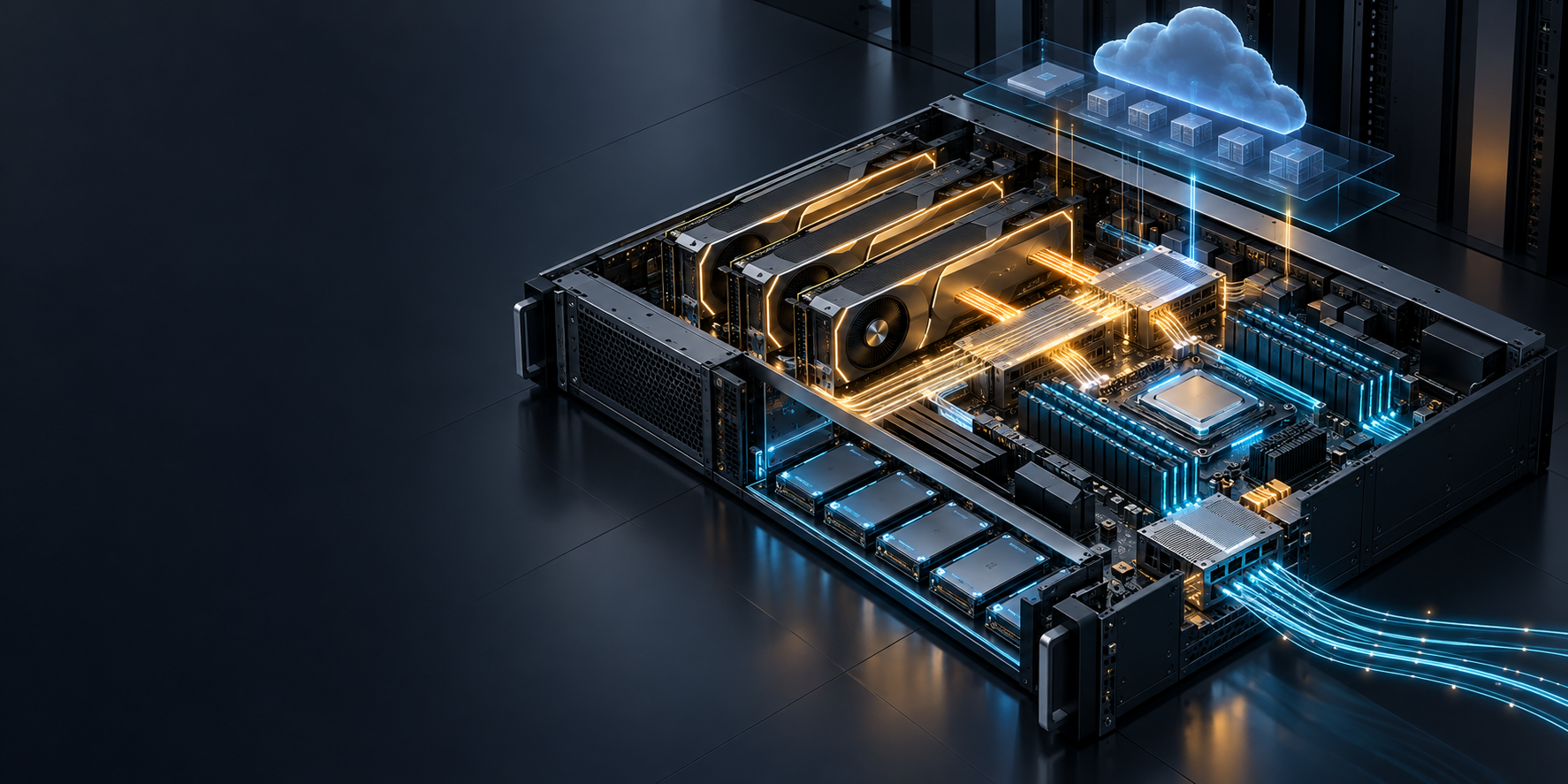
The Nvidia H200 GPU is a Hopper-generation accelerator built for AI and HPC workloads where memory capacity, memory bandwidth, and multi-GPU topology materially affect the outcome. NVIDIA documents 141 GB of HBM3e memory and 4.8 TB/s of memory bandwidth per H200. Those are important starting points—but they do not, on their own, tell you whether an H200 deployment will meet a latency target, fit a model plus KV cache, or scale efficiently across a cloud node. NVIDIA’s H200 specifications are the hardware reference; this guide turns them into a deployment process.
For AI developers and ML infrastructure teams, the practical decision is usually this: can a model, its peak active context, and runtime overhead fit with enough headroom on one GPU? If not, can the workload stay inside a high-bandwidth H200 node before it has to cross the network? The answer should determine the form factor, parallelism plan, and acceptance tests—not a peak-TFLOPS headline.
This is an architecture and deployment guide, not a price list. If you are comparing quotes or cloud hourly rates, start with our H200 GPU price guide. If the decision is specifically H200 versus H100, see the H200 vs. H100 comparison.
The quick answer: when an Nvidia H200 GPU is a good fit
Choose an Nvidia H200 GPU when all or most of the following are true:
- Your workload is constrained by model memory, KV-cache growth, or memory bandwidth rather than only arithmetic throughput.
- You need more room for long-context inference or concurrent requests without immediately splitting the model across nodes.
- You can validate the actual cloud topology—SXM or PCIe/NVL form factor, number of GPUs per node, and available interconnect—rather than treating “H200” as a complete deployment specification.
- You are prepared to measure time to first token, output-token throughput, tail latency, GPU memory, and queueing at the same request shape you expect in production.
- You need enough control over serving software, model weights, batching, or data locality to justify operating GPU capacity directly.
An H200 is not automatically the best answer for every generative-AI application. If a smaller accelerator comfortably fits the model and its active context, or if your product needs to switch among many hosted models without maintaining GPU operations, a managed model API can be the simpler operating baseline. The important comparison is completed workload cost and reliability at your own traffic shape, not a raw hardware figure.
Nvidia H200 GPU architecture: the specifications that change deployment choices
The H200 uses NVIDIA’s Hopper architecture. Hopper includes the Transformer Engine and fourth-generation NVLink; NVIDIA positions those features for mixed-precision transformer work and multi-GPU communication. Its Hopper architecture overview also explains why server topology matters as workloads extend beyond one accelerator.
| Deployment-relevant attribute | H200 reference specification | What to validate in a cloud deployment |
|---|---|---|
| Architecture | NVIDIA Hopper | Your CUDA, framework, driver, and container compatibility matrix |
| GPU memory | 141 GB HBM3e per GPU | Model weights, peak KV cache, runtime workspaces, fragmentation margin, and any colocated services |
| Memory bandwidth | 4.8 TB/s per GPU | Prefill/decode behavior under your input length, output length, and concurrency mix |
| Form factors | H200 SXM and H200 NVL | The exact accelerator form factor offered by the provider—not only the instance family name |
| Intra-node connectivity | NVIDIA documents 900 GB/s NVLink for H200 SXM; H200 NVL has 2- or 4-way NVLink bridge options | nvidia-smi topo -m, peer-to-peer connectivity, and measured GPU-to-GPU bandwidth |
| Multi-instance option | Up to seven MIG instances, with slice sizes varying by form factor | Whether isolation helps your service mix more than a full-GPU serving plan |
| Thermal envelope | Up to 700 W configurable for SXM; up to 600 W configurable for NVL | Provider power and cooling policy, because it affects what form factors are available |
Source: NVIDIA H200 specifications. NVIDIA notes that some published performance figures use sparsity; use those figures as a capability reference, not as a production throughput promise.
Memory capacity is a deployment variable, not a marketing number
For LLM serving, plan HBM around the full working set:
required GPU memory ≈ model weights
                    + peak active KV cache
                    + runtime workspaces
                    + fragmentation and safety margin
The model checkpoint is only the first term. A configuration that loads successfully may still have too little room for the active context window and concurrent sequences you intend to serve. That is why the H200’s 141 GB of HBM3e can be useful even when a model technically fits on an H100-class configuration: it gives the deployment more room to trade batch size, context length, and concurrency against latency.
Before reserving capacity, write down these workload inputs:
- Model, weight format, and any quantization or precision mode.
- Maximum input tokens and maximum generated tokens for a real request.
- Expected concurrent active sequences—not just requests per second.
- Latency SLOs, including time to first token and tail latency.
- Whether the application needs a single full GPU, an isolated slice, or a multi-GPU model replica.
Run the first sizing exercise with deliberately difficult prompts. A short prompt test that looks healthy can hide the KV-cache pressure that appears at production context lengths.
Bandwidth and topology are separate checks
Memory bandwidth can matter at least as much as compute for autoregressive decode and memory-heavy workloads. Inter-GPU bandwidth matters once the model is sharded. Do not assume that eight H200 GPUs have a single shared 1,128 GB memory pool: distributed serving software has to place tensors and exchange activations across the actual links available to it.
NVIDIA describes fourth-generation NVLink as providing 900 GB/s bidirectional bandwidth per GPU in DGX and HGX systems, while NVSwitch supports the eight-GPU domain. That is why a one-node topology deserves separate evaluation from a multi-node cluster. NVIDIA’s Hopper architecture reference is the source for the interconnect capability; the cloud provider’s instance documentation is the source for the topology you actually receive.
H200 SXM vs. H200 NVL: select the deployment shape before you select the instance
“H200” does not identify a single server design. Two common deployment shapes have different operational implications.
| Option | What it is optimized for | What to ask the provider | Typical deployment implication |
|---|---|---|---|
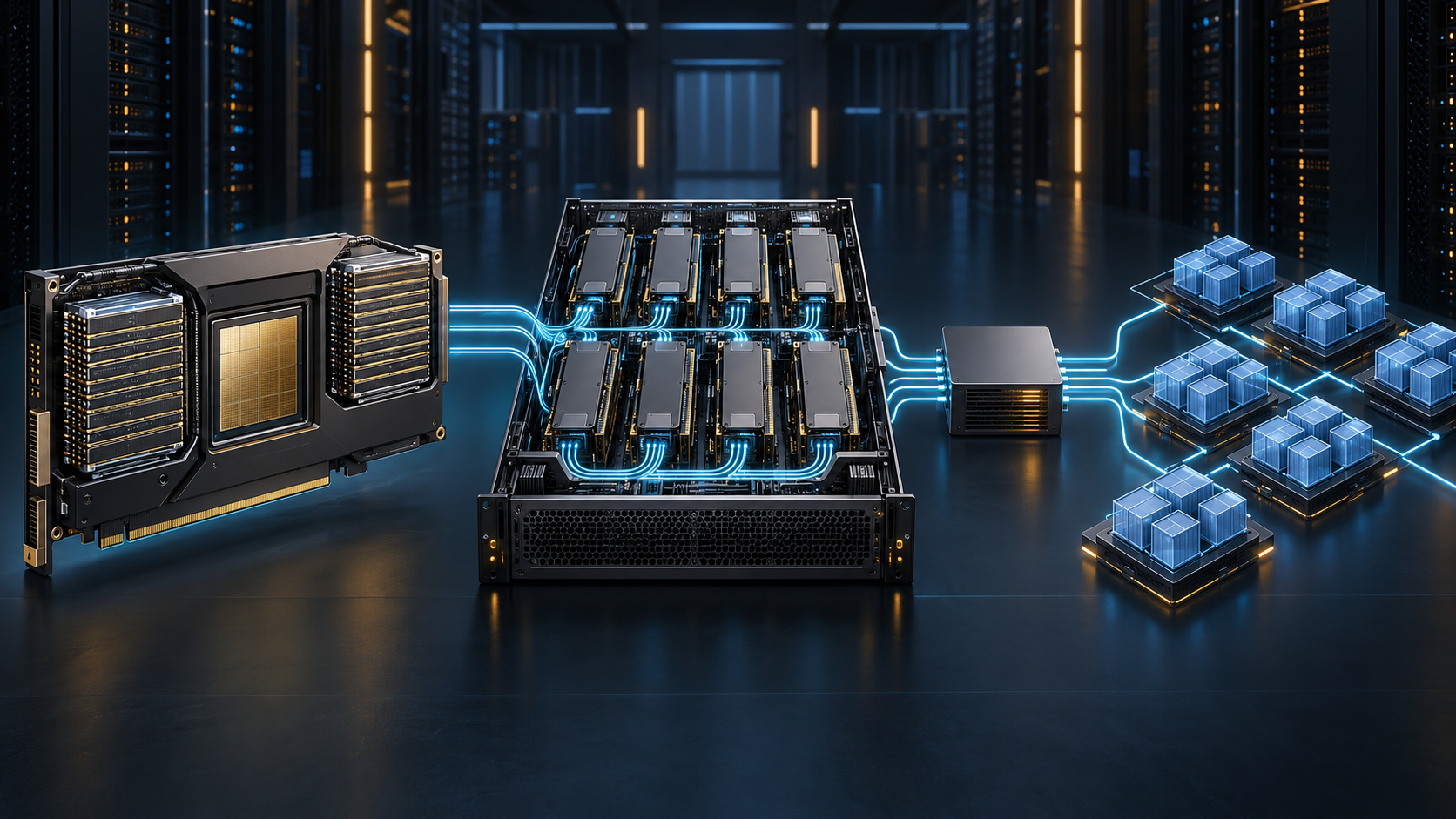
| H200 SXM in an HGX-style node | Dense 4- or 8-GPU systems with high-bandwidth NVLink/NVSwitch connectivity | GPU count, NVLink/NVSwitch topology, host CPU/RAM, network fabric, local storage, and tenant isolation | Strong default for a model that needs several GPUs but can remain inside one node |
| H200 NVL in an MGX or certified system | PCIe, dual-slot, air-cooled deployments with documented 2- or 4-way NVLink bridge options | Bridge topology, number of GPUs with peer access, PCIe layout, and whether the cloud VM exposes the expected topology | Useful where the node design and tenancy model match your workload; do not infer SXM-like behavior from the H200 name |
Both form factors list 141 GB HBM3e and 4.8 TB/s memory bandwidth in NVIDIA’s specification table. The differentiator for a multi-GPU workload is often the server and link topology around that memory. Treat the provider’s topology diagram and an in-instance topology check as required procurement artifacts.
A workload-to-topology decision matrix
Use this matrix to decide the first deployment experiment. It is a starting hypothesis, not a substitute for a benchmark.
| Workload signal | First H200 configuration to test | Why | Acceptance evidence |
|---|---|---|---|
| A model and peak cache fit with headroom on one GPU | One H200 GPU, one replica | Simplifies serving, isolates failures, and avoids sharding communication | Memory remains below the configured guardrail during a long-context load test; latency SLO passes |
| One model needs several GPUs but fits inside an 8-GPU server | One H200 node with tensor parallelism | Keeps the high-frequency model communication inside the node | Topology shows expected peer paths; collective bandwidth and end-to-end throughput scale acceptably |
| Model or target concurrency exceeds one node | Multi-node cluster with a documented network fabric | Adds aggregate capacity, but makes the network and collective behavior part of the serving design | Cross-node collectives, recovery behavior, and tail latency meet the production test plan |
| Many smaller, isolated workloads | Evaluate MIG only after validating slice memory and software support | Can improve isolation or utilization, but does not make one large model fit | Per-slice memory, scheduling, telemetry attribution, and blast radius are understood |
| Burst traffic with little need for hardware control | Compare a managed model API baseline | Avoids committing to low-level capacity before the control advantage is clear | Cost, latency, reliability, and model flexibility are compared at the same workload shape |
For distributed inference, vLLM’s documentation frames the same basic progression: use one GPU when the model fits, use tensor parallelism when it fits across one node, and add pipeline parallelism when it must cross nodes. The exact flags and supported strategies depend on the vLLM version and model architecture, so validate against your installed release. See the vLLM distributed inference documentation.
Cloud deployment playbook for Nvidia H200 GPU workloads
The safest rollout is staged. Each stage answers one question before you add another source of variability.
1. Write a workload contract
Define the test traffic before provisioning. Include model version, precision, input and output token distributions, concurrency, service-level objectives, geographic placement, data requirements, and a cost baseline. Keep a small fixed regression set plus a realistic replay set.
This prevents a common mistake: comparing hardware on a synthetic throughput test, then discovering that the chosen configuration fails on the long prompts or tail-latency conditions that matter to the application.
2. Verify the node before deploying the model server
After the instance boots, identify the physical arrangement rather than relying on its product name:
nvidia-smi topo -m
nvidia-smi topo -p2p n
NVIDIA recommends these checks when diagnosing topology and NVLink behavior. Its NCCL performance and tuning guidance also points to nvbandwidth or nvloom for checking whether measured GPU-to-GPU bandwidth matches the expected hardware path.
Record the topology output in the deployment runbook. It makes a later performance regression auditable: you can distinguish an application change from a different PCIe, NVLink, or network placement.
3. Install a supported GPU software stack
For Kubernetes, the cluster needs the NVIDIA driver, a container runtime path, and a vendor device plugin before workloads can request a GPU. Kubernetes exposes GPUs as custom schedulable resources after the device plugin is installed. Kubernetes’ GPU scheduling guide explains the resource model and the use of labels or affinity for mixed accelerator fleets.
NVIDIA’s GPU Operator can manage the driver, NVIDIA Container Toolkit, device plugin, DCGM Exporter, and MIG Manager as a coordinated stack on GPU worker nodes. Use the current GPU Operator installation documentation and confirm that its validator and operator pods are healthy before you introduce a model server.
A minimal resource request is conceptually simple:
resources:
  limits:
    nvidia.com/gpu: 4
In Kubernetes, GPUs are normally specified in limits; if you also specify a GPU request, it must equal the limit. Add node labels, affinity, taints, and workload-class labels so a latency-sensitive H200 service is not scheduled onto an unintended accelerator pool.
4. Start with a one-variable serving test
Bring up one model replica with the smallest topology that can hold the workload. For a single-node multi-GPU vLLM deployment, the tensor-parallel size should match the number of GPUs assigned to the replica. For example:
vllm serve <model-identifier> \
  --tensor-parallel-size 4
This is intentionally a topology example, not a copy-and-run production command. Pin the container image, driver/CUDA compatibility, model revision, tokenizer, and serving-engine version in your own deployment manifest. Then change one variable at a time: tensor-parallel size, maximum active sequences, cache allocation policy, or replica count.
5. Test prefill and decode separately
Token throughput can hide the latency path your user experiences. Measure at least:
- Time to first token for short and long input prompts.
- Output-token throughput after the first token.
- P50, P95, and P99 end-to-end latency.
- GPU memory used, cache pressure, and out-of-memory events.
- Queue time, request cancellations, retries, and error rate.
The Nvidia H200 GPU may improve a constrained deployment because its larger, faster memory creates more scheduling room, but only the measured request mix can show whether that room becomes useful user-facing capacity.
6. Add replicas before adding nodes where possible
If one H200 node fits the model and meets latency targets, adding replicas can be operationally simpler than introducing a second node. Once you cross nodes, test the network and collective path first. For multi-node inference, keep environment and model artifacts consistent across nodes; a mismatch in container, driver, model revision, or tokenizer can look like a hardware problem.
Do not force NCCL algorithm settings before collecting a topology baseline. NVIDIA’s NCCL documentation says the default selection is topology-aware; manual settings are a response to measured behavior, not a replacement for measurement.
7. Instrument capacity before traffic is at risk
DCGM Exporter can expose GPU telemetry to a Kubernetes monitoring stack. NVIDIA documents it as part of the GPU Operator-managed stack and provides installation guidance for Prometheus environments in its DCGM Exporter documentation.
Build dashboards that connect infrastructure health to service outcomes:
| Signal | Why it matters | Alerting question |
|---|---|---|
| GPU memory and utilization | Reveals whether headroom is turning into useful work or cache pressure | Are long-context workloads approaching the memory guardrail? |
| GPU temperature and power behavior | Helps isolate host or provider-level instability | Does throttling coincide with latency or throughput regressions? |
| Time to first token and tail latency | Captures the application experience better than a peak throughput score | Did queueing, cache pressure, or a topology change hurt the SLO? |
| Queue depth and active sequences | Shows whether capacity is a replica problem or a per-replica configuration problem | Do we need another replica, smaller admission control, or a different batch policy? |
| Completed workload cost | Keeps the hardware choice tied to the business outcome | Is the capacity commitment justified by completed requests at the required SLO? |
8. Plan failure and maintenance behavior
An H200 deployment is production-ready only when it has a recovery story. Test a replica restart, node drain, model reload, cache cold start, and upstream network interruption. Define what happens when capacity is temporarily unavailable: queue, shed, route to a smaller model, or use a managed API fallback. The best option depends on the product’s correctness and latency requirements.
Performance: benchmark the workload, not the brochure
NVIDIA publishes capability and benchmark material for the H200, including a claim of higher LLM inference performance in selected comparisons. Those results are useful for understanding what the accelerator can enable, but they are not a promise for a particular model, context length, quantization, serving stack, or cloud topology. The H200 datasheet should be read alongside its test conditions and footnotes.
For an actionable H200 comparison, hold these variables constant:
- Model revision, tokenizer, precision, and quantization.
- Prompt and output-token distribution.
- Concurrency and admission-control policy.
- Tensor/pipeline parallel layout and actual hardware topology.
- Serving-engine and CUDA/NCCL versions.
- SLA measurement method, including warm-up and cache state.
- Cloud pricing unit and non-GPU costs such as storage, egress, CPU, and operations.
That test plan is more valuable than a generic “tokens per second” comparison because it tells you whether the Nvidia H200 GPU changes a customer-facing SLO or the cost per completed request.
H200 deployment checklist
Use this checklist as the publish gate for a new H200 workload.
- [ ] Record the model, precision, peak context length, output length, and target concurrency.
- [ ] Calculate a memory budget for weights, KV cache, runtime workspace, and a safety margin.
- [ ] Confirm whether the allocated H200 is SXM or NVL and capture
nvidia-smi topo -m. - [ ] Verify driver, CUDA, container, framework, and serving-engine compatibility.
- [ ] Request the intended GPU count with placement constraints in the orchestrator.
- [ ] Run a CUDA/operator health test before loading the model.
- [ ] Run topology and collective-bandwidth validation before accepting a multi-GPU result.
- [ ] Measure short-context and long-context traffic separately.
- [ ] Track TTFT, output-token throughput, P95/P99 latency, queue time, errors, and GPU memory.
- [ ] Test a restart, node drain, and capacity-reduction scenario.
- [ ] Compare the result with a managed model API baseline at the same workload and SLO.
- [ ] Save the topology, benchmark configuration, and cost assumptions with the deployment decision.
When a model API is the better cloud deployment choice
Operating the Nvidia H200 GPU directly gives you control over model weights, serving configuration, data placement, and capacity. It also adds capacity planning, topology validation, observability, and recovery work. If those controls do not create a meaningful product advantage, keep the comparison honest: evaluate a managed model API on the same quality, latency, availability, and completed-workload metrics.
Flatkey can be one such baseline for teams that need to test or route across official model APIs without maintaining separate provider integrations. Its product overview describes one API key and balance across models and tools; the right choice is the one that meets your workload requirements with the least unnecessary operational surface area. Explore Flatkey’s model catalog or get an API key when a routed API fits the workload better than dedicated GPU capacity.
Frequently asked questions
What is the memory capacity of an Nvidia H200 GPU?
NVIDIA lists 141 GB of HBM3e memory per H200 GPU, with 4.8 TB/s of memory bandwidth. That is per accelerator, so you still need a distributed serving plan if the model and active cache exceed a single GPU’s usable headroom.
Is H200 mainly an inference GPU or a training GPU?
The H200 is positioned for both AI and HPC workloads. For deployment planning, distinguish the workload rather than the label: long-context LLM serving, fine-tuning, distributed training, and scientific computing stress memory, communication, and scheduling differently. Benchmark the framework and topology you will actually operate.
What is the difference between H200 SXM and H200 NVL?
They are different H200 form factors and server integration paths. NVIDIA lists SXM systems with NVLink connectivity in HGX-style 4- or 8-GPU configurations, while H200 NVL is a dual-slot PCIe form factor with documented bridge options. Confirm the cloud provider’s actual topology before assuming equivalent multi-GPU behavior.
Can I run an H200 workload on Kubernetes?
Yes, provided the cluster has a compatible NVIDIA driver, container runtime path, and device plugin. Kubernetes schedules GPUs as extended resources, and the NVIDIA GPU Operator can manage the GPU software stack and telemetry components. Validate the node labels, GPU resource request, operator health, and application-level SLOs before sending production traffic.
Should I choose H200 over H100?
Choose based on the bottleneck. The H200’s larger HBM3e capacity and higher documented memory bandwidth can be valuable for memory-constrained serving, but an H100 may still satisfy a smaller workload at a better operational or commercial fit. Compare identical form factors and run the same workload through both configurations. Our H200 vs. H100 guide gives the decision framework.
Keep the deployment decision reproducible
The H200’s architecture is compelling when memory and topology are the real constraints. Make the Nvidia H200 GPU decision reproducible by saving the workload contract, memory plan, hardware topology, software versions, and load-test results together. That record lets the next engineer explain why the deployment works—and identify what changed if it stops working.
For the next planning steps, read the GPU cluster architecture guide for compute, network, storage, and control-plane design, then use the vLLM multi-GPU inference guide for tensor and pipeline parallel setup.