LoRA and QLoRA both train low-rank adapters on top of frozen model weights. In a typical LoRA run, you load the base model in BF16 or FP16. QLoRA loads a 4-bit base and computes gradients through it into the adapters. Choose between them by checking whether each run fits and whether it reliably improves the output you care about.
Start with the frozen weights
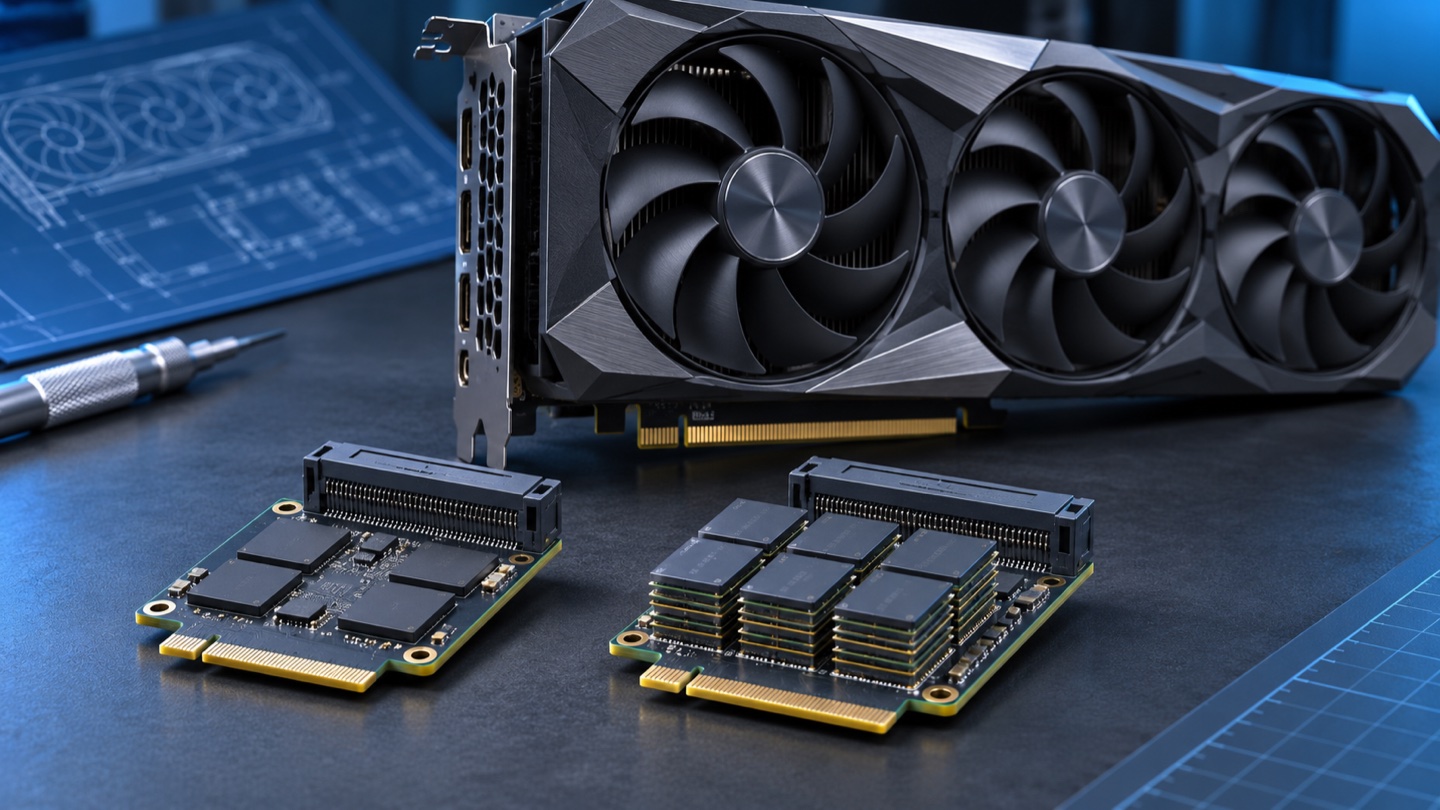
For an illustrative 8-billion-parameter dense model, BF16 weights take about 16 GB in decimal units. Four bits per parameter gives a raw lower bound of 4 GB. Neither number includes activations, adapter weights and gradients, optimizer state, allocator overhead, or the storage overhead of quantization. A real peak-memory reading can therefore be substantially higher.
| Same model and task | BF16-base LoRA | 4-bit-base QLoRA |
|---|---|---|
| Frozen base weight arithmetic | 8B × 2 bytes = 16 GB | 8B × 0.5 bytes = 4 GB before overhead |
| Trainable parameters at the same rank and modules | Same adapter shapes | Same adapter shapes |
| What to inspect if memory spikes | Sequence length, activations, batch, allocator | Those same factors plus quantization and dequantization behavior |
| What to validate before deployment | Quality, adapter loading, runtime compatibility | Quality, adapter loading, quantized runtime compatibility |
The original QLoRA paper describes NF4, double quantization, and paged optimizers. Their presence does not establish the speed or accuracy of your run. Use the PEFT quantization guide to check support for your model and software stack.
Make the comparison fair
Use one revision of the base model and one data split. Pin sequence length, tokenization, adapter rank, target modules, training steps, and evaluation settings. If both methods fit, start with the same effective batch size. Record any changes you make to fit either method. Otherwise you will be comparing settings as well as weight formats.
Use a short pilot before the full run. Record peak allocated GPU memory, the number of examples completed per minute after warm-up, and whether the adapter can be reloaded. Evaluate the base model and both tuned variants on examples withheld from training. For structured extraction, record schema-valid outputs and correct fields separately. A model can produce parseable JSON while extracting the wrong information.
Decide based on the bottleneck
If BF16-base LoRA fits with room for the production sequence length and meets quality targets, it offers a baseline with fewer quantization variables. If memory prevents the comparable run, test QLoRA at the same adapter rank and evaluate its quality and throughput. If the 4-bit configuration still runs out of memory, shorten or group sequences, reduce the microbatch, or test gradient checkpointing while logging the runtime cost.
An adapter trained in one setup may later be served in another. Before deployment, load the exact adapter into your intended inference stack and rerun the held-out checks. Use Flatkey's VRAM planning guide to account separately for inference memory and training memory.