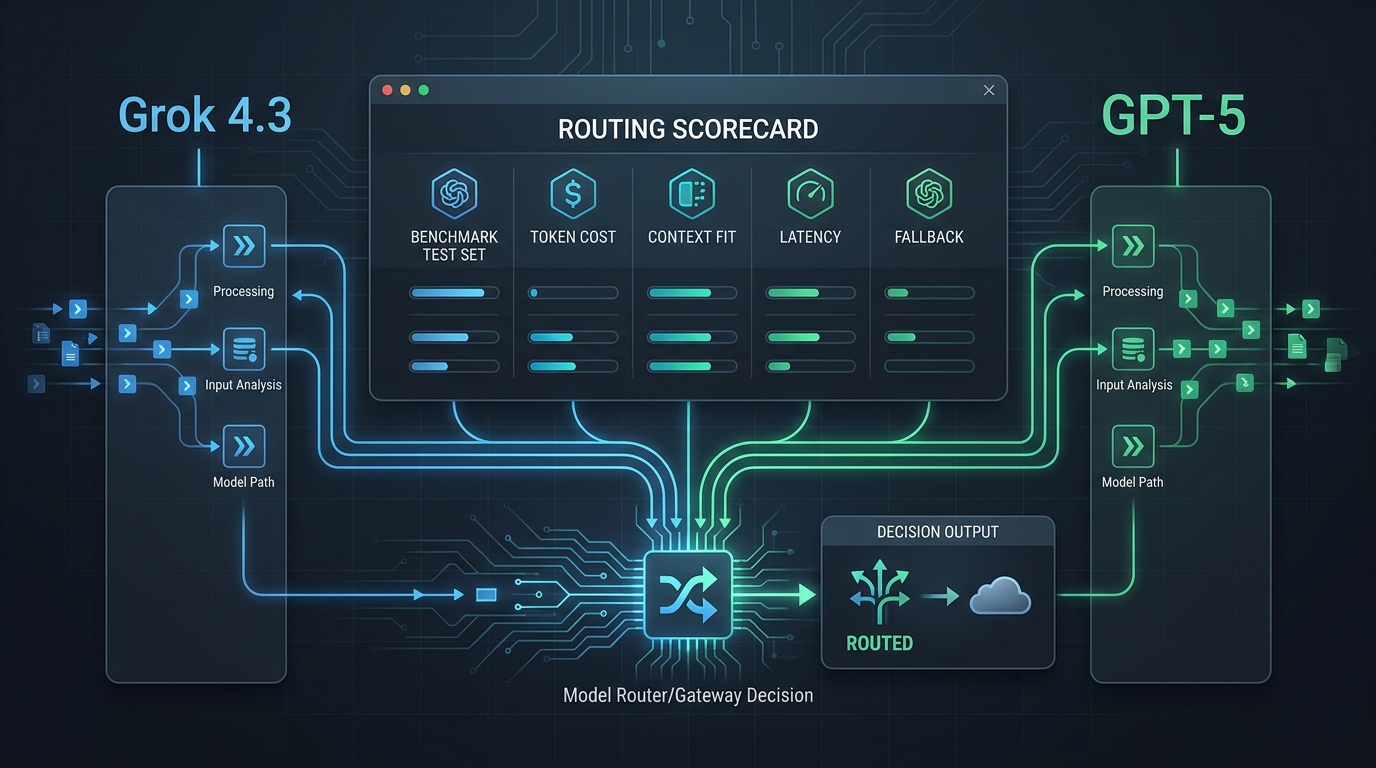
OpenRouter vs LiteLLM is not just a model-catalog comparison. The practical choice is whether your team wants a hosted router, a self-hosted or highly configurable proxy, or a managed one-key gateway that reduces provider-account and billing work.
This comparison was checked on July 1, 2026 against Flatkey public pages, Flatkey's live pricing API snapshot, and official OpenRouter and LiteLLM documentation. Treat provider routing behavior, model rows, rate limits, pricing units, and product wording as point-in-time evidence. Before production rollout, verify the current provider console, gateway dashboard, request logs, quotas, and billing export for your own account.
OpenRouter vs LiteLLM vs Flatkey: Quick Decision
If you need the short version of OpenRouter vs LiteLLM: OpenRouter is strongest when you want hosted access to many models with provider routing controls and a choice between OpenRouter credits and BYOK. LiteLLM is strongest when your platform team wants to operate a proxy layer, own configuration, and wire budgets, virtual keys, callbacks, and provider credentials into your infrastructure. Flatkey belongs on the shortlist when the problem is less about building a proxy and more about getting one key, unified usage evidence, request logs, quota controls, and a billing path that finance can review.
| Choice | Best Fit | Main Tradeoff To Validate |
|---|---|---|
| OpenRouter | Teams that want a hosted model router, provider preferences, fallback models, OpenRouter credits, or bring-your-own provider keys. | Which account owns rate limits, cost, provider selection, fallback behavior, and data-policy preferences for each request. |
| LiteLLM | Platform teams that want an OpenAI-compatible proxy/gateway they can configure, self-host, and integrate with internal budget, key, and logging systems. | Who will operate the proxy, database or Redis state, provider secrets, logging retention, upgrades, and incident response. |
| Flatkey | Developers, AI product teams, automation builders, and finance operators who want one API key, model access, usage analytics, request logs, quotas, and consolidated billing review. | Whether the current Flatkey model rows, endpoint families, quota behavior, and request logs match your production workflow. |
The Core Difference: Hosted Router, Proxy, Or One-Key Gateway
An OpenRouter vs LiteLLM decision usually starts with routing, but it should end with ownership. Hosted routing, self-hosted proxying, and one-key gateway access solve different organizational problems.
OpenRouter's official provider routing docs describe request-level provider preferences such as provider order, allowed providers, ignored providers, fallback permission, sorting by price, throughput, or latency, and max-price filtering. Its model fallback docs describe fallback models when the selected model returns an error, including rate limits, downtime, moderation flags, and context-length validation errors. Its BYOK docs also separate OpenRouter credits from provider keys: OpenRouter manages provider rate limits for credits, while provider keys give direct control over rate limits and costs through the provider account.
LiteLLM's official docs describe a proxy server, or LLM gateway, as a self-hosted OpenAI-compatible gateway. The same docs describe router behavior for retry, fallback, and load balancing; virtual keys with per-key, team, or user budgets; centralized logging, guardrails, and caching; and an admin UI for monitoring. LiteLLM's architecture docs say requests pass through checks for virtual keys, rate limiting, and the LiteLLM router, which handles load balancing, fallbacks, and retries for LLM API deployments.
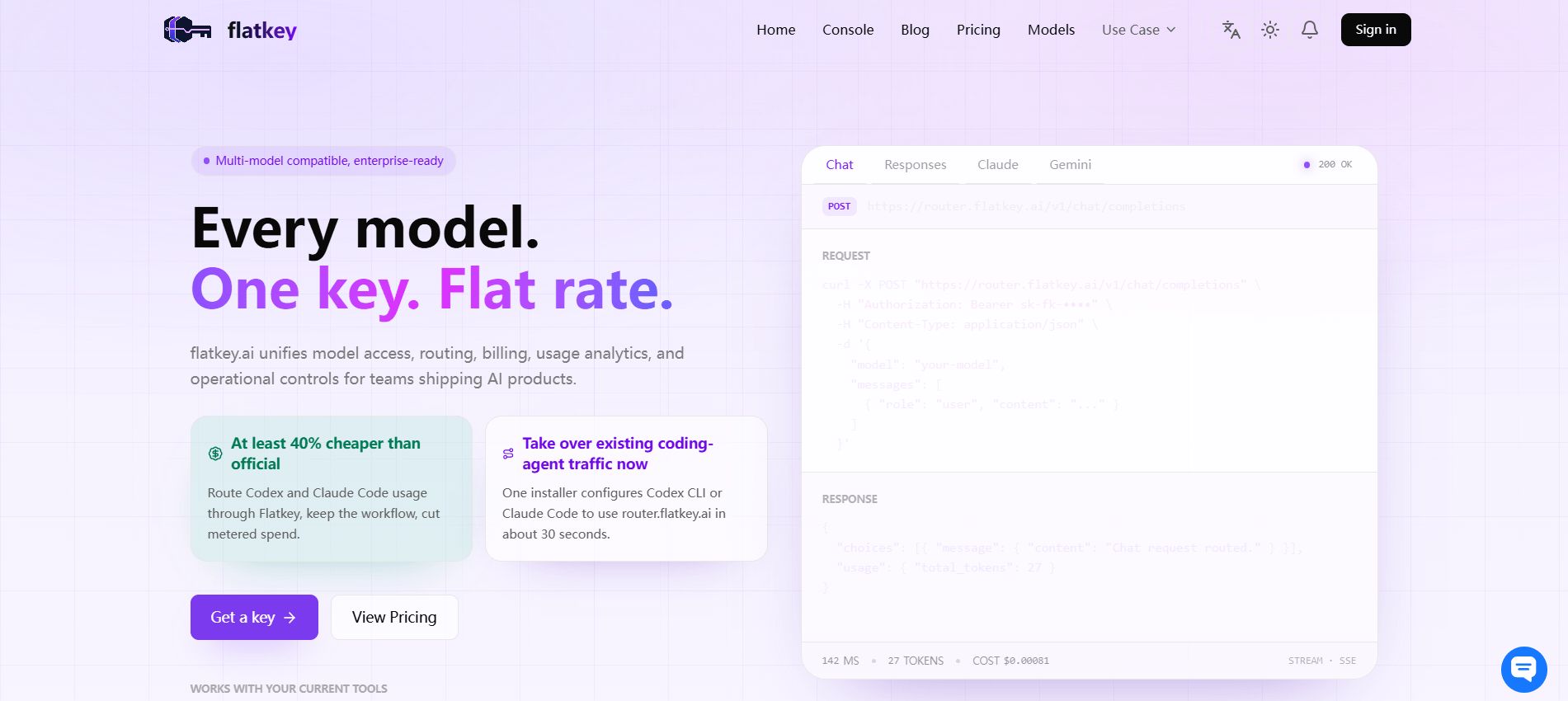
Flatkey's current home page describes Flatkey as one API gateway for production AI teams that unifies model access, routing, billing, usage analytics, and operational controls. It says teams can get one API key for connected AI models without applying for each provider separately, route across multiple upstream accounts with automatic switching and load balancing, bill by actual usage, set quota limits, and keep team consumption clear. The pricing page also describes prepaid balance, usage metered by model, token type, and request logs, usage analytics, cost controls, enterprise invoicing, procurement support, and one invoice across providers.
Comparison Matrix
Use this OpenRouter vs LiteLLM matrix as a buying checklist. It is not a ranking, because the right answer depends on whether your team prioritizes hosted access, infrastructure control, or consolidated operations.
| Decision Area | OpenRouter | LiteLLM | Flatkey |
|---|---|---|---|
| Operating model | Hosted router with provider and model routing controls documented by OpenRouter. | Self-hosted or configurable OpenAI-compatible proxy/gateway operated by your team. | Managed one-key gateway for teams that want access, routing, usage, quotas, and billing in one place. |
| Provider account ownership | Can use OpenRouter credits or BYOK. Provider keys keep rate-limit and cost control tied to the provider account. | Your team generally owns provider credentials and proxy configuration. | Designed to reduce separate provider-account work for connected models; validate exact account and support boundaries for your workflow. |
| Billing review | Depends on credits vs BYOK and the model/provider ultimately used. | Depends on how you wire provider bills, cost tracking, and internal chargeback around the proxy. | Public pages describe prepaid balance, usage-based billing, cost controls, enterprise invoicing, procurement support, and one invoice across providers. |
| Routing and fallback | Provider routing, backup providers, sorted providers, max price, and model fallback controls are documented. | Router docs describe load balancing, fallbacks, retries, and rate-limit-aware infrastructure patterns. | Public pages describe routing across upstream accounts with automatic switching and load balancing; confirm exact fallback evidence in request logs. |
| Logs and quotas | Validate response attribution, usage limits, credits remaining, and BYOK request behavior for your account. | Docs describe virtual keys, budgets, RPM/TPM limits, logging, callbacks, and spend tracking. | Public pages describe request logs, usage analytics, quota limits, and clear team consumption. |
| Migration effort | Usually starts with base URL/API integration and provider routing rules. | Requires proxy deployment, config, secrets, data store decisions, monitoring, and upgrade ownership. | Usually starts with one key, pricing/model-row validation, and a scoped request-log proof run. |
Account Ownership: Start With Who Controls The Key
The most important OpenRouter vs LiteLLM question is not "Which one supports the model?" It is "Who owns the account, the provider key, the rate limit, and the bill?"
OpenRouter makes that boundary explicit in its BYOK docs. With OpenRouter credits, provider rate limits are managed by OpenRouter. With provider keys, users get direct control over rate limits and costs through the provider account. OpenRouter also documents key priority and fallback sections, including provider keys tried before or after OpenRouter endpoints. That is useful when platform teams need provider-account control but still want a hosted routing layer.
LiteLLM shifts more ownership to your team. Its docs describe LiteLLM Proxy as a self-hosted OpenAI-compatible gateway. That can be the right architecture when you want to control provider credentials, routing configuration, internal policies, databases, Redis, callbacks, and observability. The tradeoff is operational: someone must own deployment, upgrades, secrets, logs, scaling, and incident response.
Flatkey takes a different posture. Flatkey public pages emphasize one API key, reduced separate provider accounts, unified routing, request logs, usage analytics, quota controls, and billing visibility. That makes it relevant when the buyer wants the gateway to reduce account sprawl instead of adding a proxy project to the platform roadmap.
Billing: Compare Credits, Provider Accounts, And One Invoice
Billing is where OpenRouter vs LiteLLM can become a finance decision. Hosted credits, BYOK provider billing, self-hosted proxy chargeback, and managed gateway invoicing create different review trails.
For OpenRouter, the practical split is credits versus BYOK. OpenRouter's BYOK docs say provider keys enable direct control over rate limits and costs through your provider account, while OpenRouter credits keep provider rate limits managed by OpenRouter. Its model fallback docs say requests are priced using the model ultimately used and that the model is returned in the response body. That means billing review should trace the requested model, the served model, and the route that actually handled the request.
For LiteLLM, billing depends on how your team configures tracking. LiteLLM docs describe spend tracking, budgets, virtual keys, teams, users, and callbacks. That can support internal chargeback, but it does not remove the need to reconcile direct provider bills, proxy logs, and your own accounting model.
For Flatkey, the public pricing page says self-serve plans are prepaid top-ups and that balance is consumed only when API requests use models. It also describes usage metered by model, token type, and request logs, plus usage analytics, cost controls, enterprise invoicing, procurement support, and one invoice across providers.
> In this article's July 1, 2026 pricing API snapshot, Flatkey returned success: true, 214 model rows, 30 unique vendors, and endpoint families including anthropic, gemini, image-generation, and openai. Treat that as a dated evidence snapshot, not a promise that every row or price unit will remain unchanged.
Routing And Fallbacks: Define The Trigger
Fallback is the part of an OpenRouter vs LiteLLM comparison that most often needs a live test. A fallback can improve recovery, but it can also change the served model, provider, behavior, price unit, tool support, data-handling posture, or response shape.
OpenRouter's provider routing docs describe provider sorting and fallback behavior, including the default price-based load-balancing strategy and backup providers when a primary route is unavailable. Its model fallback docs say any error can trigger fallback by default, including context-length validation errors, moderation flags, rate limiting, and downtime. They also state that fallback lists have limitations, so do not assume an unlimited recovery chain.
LiteLLM docs describe the router handling load balancing, fallbacks, and retries for LLM API deployments. Its docs also point to rate-limit and budget checks across virtual keys, users, teams, and global server limits. For production, that means fallback behavior should be tested against the same Redis, database, rate-limit, and provider-key setup you plan to operate.
Flatkey is designed to make multi-account routing easier, but production teams should still verify the route they plan to use. Run one real request before rollout, then check the log: where did the request go first, what served the final response, did it succeed, how much usage was counted, and what changed in the balance or cost record?
Logs, Quotas, And Rate Limits
A useful OpenRouter vs LiteLLM evaluation should include a deliberate quota failure. Without that test, teams often confuse provider RPM/TPM, gateway rate limits, app-key budgets, prepaid balance, and model availability.
| Proof Field | Why It Matters | What To Ask The Router To Show |
|---|---|---|
| Requested and served model | Fallback and provider routing can change the route that actually served the request. | Requested model, served model, provider, endpoint family, and response attribution. |
| Credential source | Credits, BYOK, provider account, and managed gateway balance create different ownership paths. | Which key, account, workspace, project, or balance authorized the request. |
| Quota source | The failing limit might be app, team, gateway, provider, balance, or model specific. | Error type, limit name, reset behavior, and whether fallback is attempted after the failure. |
| Usage units | Text, image, audio, video, cache, and request units may be metered differently. | Input/output tokens or modality-specific units in the same record as the status. |
| Billing evidence | Finance needs the same request trace developers use for debugging. | Cost, balance deduction, credit usage, provider-account charge, invoice grouping, or export row. |
OpenRouter's limits docs describe a key endpoint for checking credits and usage, and its BYOK docs distinguish external BYOK usage from account usage. LiteLLM docs describe budgets across proxy, users, teams, customers, keys, models, tags, and agents, plus RPM and TPM controls on generated keys. Flatkey public pages describe request logs, quota limits, and usage analytics. The right test is to set a small limit, hit it on purpose, and confirm which system explains the failure.
Migration Checklist For OpenRouter vs LiteLLM vs Flatkey
Many teams reduce OpenRouter vs LiteLLM migration to a base URL change. That is only the first step. A router migration should prove behavior, evidence, and rollback before production traffic moves.
- Choose one workflow: pick one model route, prompt type, endpoint family, and expected response shape.
- Document ownership: record who owns provider accounts, gateway keys, billing, support, and incident response.
- Map request fields: requested model, served model, provider, endpoint, user or app key, and fallback candidates.
- Run normal requests: include non-streaming, streaming, and tool or structured-output calls if your app uses them.
- Run failure requests: trigger a quota failure, provider failure, or invalid model route in a controlled way.
- Compare logs: verify status, route, usage units, fallback attempt, final model, and cost evidence.
- Review billing: trace those same requests to credits, provider account, prepaid balance, invoice, or internal chargeback.
- Write rollback: define how to pin a route, disable fallback, switch gateway, or return to direct provider access.
- Set a monitoring threshold: decide which latency, error, spend, or quota signal stops rollout.
For more operational context, compare this article with OpenRouter alternatives, LiteLLM alternatives, and the enterprise AI API gateway checklist.
When To Choose OpenRouter
Choose OpenRouter when the OpenRouter vs LiteLLM decision leans toward hosted routing, fast access to provider/model options, provider selection controls, and a credit or BYOK model your team can accept. It is especially relevant when developers want routing controls without operating proxy infrastructure.
Before approving OpenRouter for production, verify whether the workflow uses OpenRouter credits or provider keys, how rate limits apply, how fallback is triggered, how the final served model appears in the response, and how finance will reconcile the actual model/provider used.
When To Choose LiteLLM
Choose LiteLLM when the OpenRouter vs LiteLLM decision leans toward infrastructure ownership. LiteLLM is a strong fit for platform teams that want an OpenAI-compatible proxy, provider credential control, configurable routing, virtual keys, budgets, callbacks, logging, and enterprise governance options.
Before approving LiteLLM, verify who will own deployment, database and Redis choices, provider secret storage, upgrade cadence, observability, spend reconciliation, retention, and on-call response. The more control you take, the more operating responsibility you also take.
When To Put Flatkey On The Shortlist
Put Flatkey on the shortlist when the OpenRouter vs LiteLLM choice exposes a third problem: the team does not want to operate a proxy, and finance does not want scattered provider accounts. Flatkey's public pages support a one-key gateway story: one API key for connected models, model access, routing, billing, usage analytics, operational controls, request logs, quota limits, prepaid balance, cost controls, procurement support, and one invoice across providers.
Flatkey is not a replacement for proof. Use the current Flatkey pricing page to confirm the model row and endpoint family, then get a key and run the migration checklist above. The decision should be based on request logs, quota behavior, billing evidence, and rollback confidence for your own workflow.
Decision Record Template
Use this template before approving an OpenRouter vs LiteLLM decision or adding Flatkey as the one-key gateway path.
| Field | Record |
|---|---|
| Workflow owner | Team, app, environment, and business owner. |
| Chosen pattern | Hosted router, self-hosted proxy, or managed one-key gateway. |
| Credential owner | Router credits, BYOK provider account, self-hosted provider secrets, or Flatkey key. |
| Billing path | Credits, direct provider invoice, prepaid balance, one invoice, or internal chargeback. |
| Routing policy | Provider order, allowed providers, fallback model list, load-balancing rule, or pinned route. |
| Quota source | App key, team budget, global server limit, provider RPM/TPM, balance, or model-specific limit. |
| Required evidence | Request log, final served model, usage units, cost/balance record, fallback trace, and billing export. |
| Rollback rule | How to disable fallback, pin a provider, switch gateway, or return to direct provider access. |
FAQ
What is the main difference in OpenRouter vs LiteLLM?
The main difference in OpenRouter vs LiteLLM is operating model. OpenRouter is a hosted router with provider and model routing controls. LiteLLM is commonly evaluated as an OpenAI-compatible proxy/gateway that your team can self-host or configure deeply.
Is LiteLLM open source?
LiteLLM's official enterprise docs distinguish LiteLLM OSS from enterprise features and say LiteLLM OSS covers an OpenAI-compatible gateway, virtual keys, spend tracking, budgets, fallbacks, and request/response logging. Check the current LiteLLM docs and repository before basing procurement on license or feature assumptions.
Does OpenRouter support BYOK?
Yes. OpenRouter's BYOK docs describe using your own provider keys. They say provider keys enable direct control over rate limits and costs through your provider account, while OpenRouter credits have provider rate limits managed by OpenRouter.
Why include Flatkey in an OpenRouter vs LiteLLM comparison?
Flatkey answers a different buyer question. If the team wants fewer provider accounts, one key, request logs, usage analytics, quota controls, prepaid balance, and invoice review across providers, Flatkey may be the more practical proof path than a hosted marketplace router or a self-hosted proxy.
How should we test fallback before choosing?
Trigger a controlled failure and inspect the trace. Confirm the trigger, attempt order, final served model, provider, status, usage units, cost or balance impact, and whether the response shape still matches your app.
What should finance review before approving a router?
Finance should review who owns the account, how requests are metered, where cost appears, whether fallback changes the model or provider charged, how invoices or credits are grouped, and whether logs can reconcile request-level usage to billing records.
Get a key: start with Flatkey pricing, confirm the current model row for your workflow, then get a key and run a small proof that checks logs, quotas, billing, and fallback behavior before production rollout.