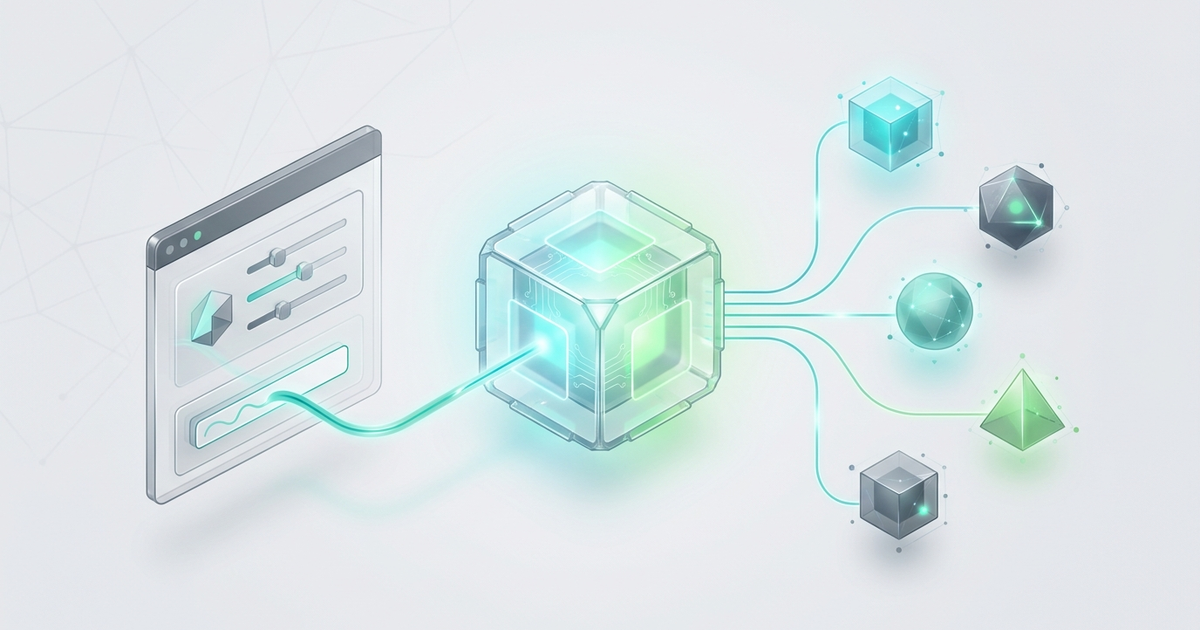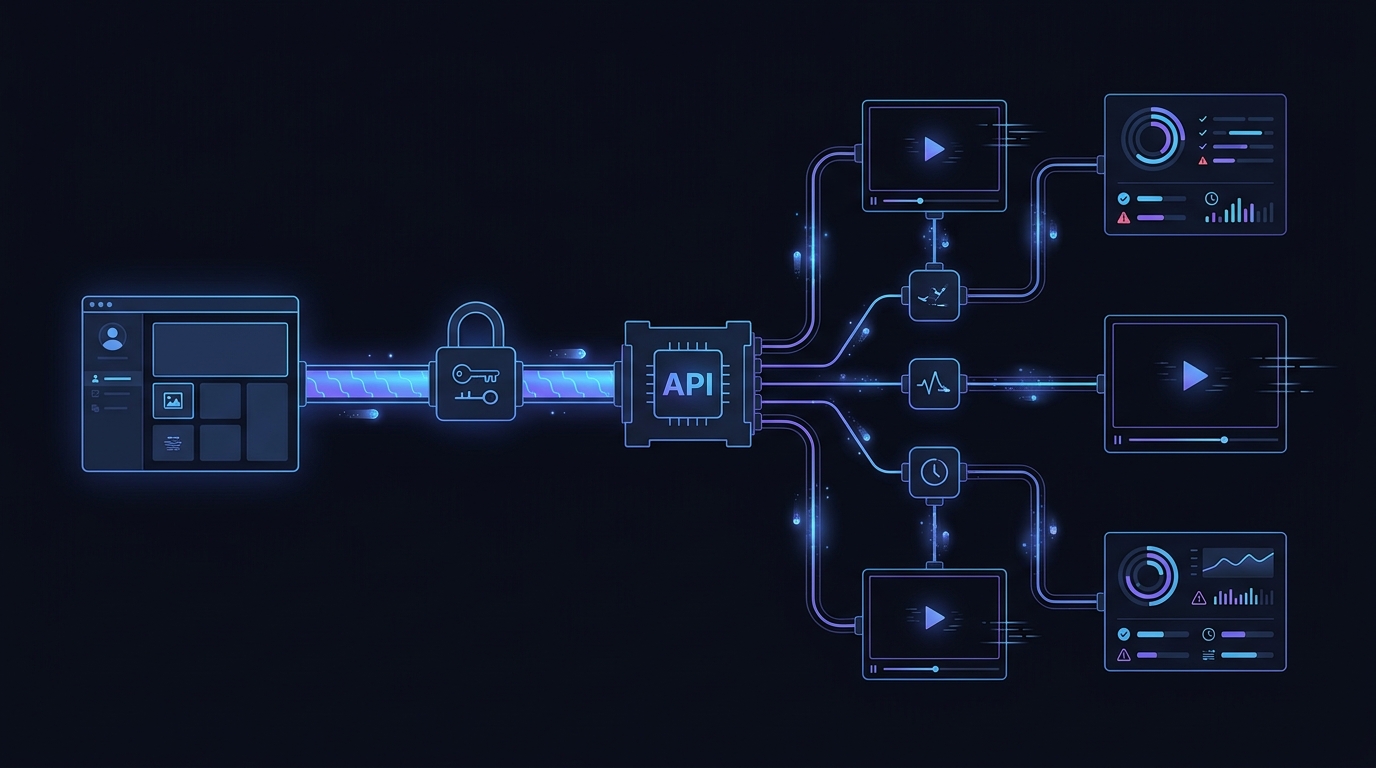
Moving a text-to-video product from one provider setup to another should not require a rewrite of every authentication helper, environment variable, retry rule, and observability hook. The safer pattern is to separate the parts of your integration that can remain stable from the parts that are specific to video generation.
For teams already using an OpenAI-style client, Flatkey provides a practical starting point: create one API key, set the client base URL to https://router.flatkey.ai/v1, run a small compatible request, and confirm the request in Usage Logs. That proves the shared connection layer before you attach a Seedance-specific asynchronous video workflow.
This guide shows how to make that migration controlled, reversible, and easy to inspect.
Quick answer
A stable OpenAI-compatible base URL can reduce migration work for the shared parts of an AI integration:
- API-key injection
- environment configuration
- client initialization
- request correlation
- retry and timeout policy
- usage and cost monitoring
It does not mean every text-to-video provider uses the same request body or the same endpoint. Video generation commonly needs a separate asynchronous flow: create a job, store the job ID, poll or receive a webhook, and retrieve the final asset.
The implementation goal is therefore not “force Seedance through a chat-completions shape.” It is “keep the gateway connection stable, then isolate the video-specific job adapter behind a small interface.”
Why base URL stability matters for text-to-video products
Provider migrations usually fail in the seams around the model call, not in the single line that names a model. A production application may have API keys in a secrets manager, HTTP clients in several services, queue workers, webhook handlers, audit logs, spend alerts, and rollback settings.
If each provider is wired directly into all of those layers, adding a new video model becomes a broad infrastructure change. A stable gateway boundary limits the blast radius.
| Layer | Keep stable | Change only when required |
|---|---|---|
| Credentials | Secret name and injection pattern | Key value and rotation record |
| Client | Shared HTTP or OpenAI-style client initialization | Video adapter used for the selected route |
| Base URL | One environment-controlled gateway URL | Only during an intentional gateway rollback |
| Observability | Correlation IDs, logs, latency, cost review | Provider-specific job status fields |
| Reliability | Timeout budgets, retry ownership, circuit-breaker policy | Polling interval and terminal video states |
| Product logic | User request, entitlement, quota, asset lifecycle | Seedance prompt and video parameters |
The result is a smaller migration surface. Your product code continues to depend on a stable internal interface while the adapter handles differences in video APIs.
The safest migration sequence
Use two separate checks instead of trying to validate the entire video path in one request.
- Connection smoke test: verify authentication, the OpenAI-compatible base URL, network access, and Usage Logs.
- Video workflow test: verify the current Seedance route, accepted parameters, asynchronous status transitions, asset delivery, and billing behavior.
This separation makes failures easier to classify. If the smoke test fails, the problem is likely in credentials, base URL configuration, networking, or shared request handling. If the smoke test passes but the video job fails, focus on the model route and the video adapter.
Step 1: move the base URL into configuration
Do not hardcode a provider URL in application logic. Put the gateway connection in environment variables so deployment and rollback do not require code changes.
FLATKEY_API_KEY=sk-fk-replace-me
AI_BASE_URL=https://router.flatkey.ai/v1
AI_SMOKE_TEST_MODEL=gpt-4o-mini
VIDEO_PROVIDER=flatkey
VIDEO_MODEL=replace-with-current-seedance-route
Treat the video model value as a deploy-time setting. Model aliases and supported capabilities can change, so confirm the current route in Flatkey before rollout rather than copying an old identifier from a blog post.
Step 2: initialize the existing OpenAI-style client once
If your application already uses the OpenAI Python SDK, the shared connection change is intentionally small.
import os
from openai import OpenAI


client = OpenAI(
    api_key=os.environ["FLATKEY_API_KEY"],
    base_url=os.getenv("AI_BASE_URL", "https://router.flatkey.ai/v1"),
)
The equivalent TypeScript configuration keeps the same boundary:
import OpenAI from "openai";

export const aiClient = new OpenAI({
  apiKey: process.env.FLATKEY_API_KEY,
  baseURL: process.env.AI_BASE_URL ?? "https://router.flatkey.ai/v1",
});
The important design choice is that services import a configured client instead of constructing their own provider-specific clients throughout the codebase.
Step 3: run a connection smoke test before touching video jobs
Flatkey's quickstart uses an OpenAI-compatible chat-completions request and then asks you to verify the call in Usage Logs. Use that small test to prove the shared integration layer.
import os

from app.ai_client import client


def verify_gateway_connection() -> dict:
    response = client.chat.completions.create(
        model=os.getenv("AI_SMOKE_TEST_MODEL", "gpt-4o-mini"),
        messages=[
            {"role": "user", "content": "Reply with: gateway connection verified"}
        ],
        max_tokens=20,
    )

    return {
        "request_model": response.model,
        "finish_reason": response.choices[0].finish_reason,
        "usage": response.usage.model_dump() if response.usage else None,
    }
This request does not test Seedance video generation. It verifies four prerequisites that both workflows depend on:
- the key is present and accepted
- the base URL is correct
- the application can reach the router
- the request appears in the dashboard with usage data
For a detailed first-request walkthrough, use the Seedance API quickstart for product teams.
Step 4: keep Seedance behind an asynchronous video adapter
Text-to-video generation usually takes longer than a normal synchronous API request. The public Seedance API flow describes task creation followed by status checks or webhook delivery. Model that lifecycle explicitly.
export type VideoJobState =
  | "queued"
  | "running"
  | "succeeded"
  | "failed"
  | "cancelled";

export interface VideoJob {
  id: string;
  state: VideoJobState;
  outputUrl?: string;
  errorCode?: string;
}

export interface TextToVideoAdapter {
  createJob(input: {
    prompt: string;
    model: string;
    idempotencyKey: string;
  }): Promise<VideoJob>;

  getJob(jobId: string): Promise<VideoJob>;
}
The adapter should translate your product's stable internal fields into the current video endpoint's required payload. Keep provider-only parameters inside that adapter rather than leaking them into controllers, UI code, or queue schemas.
Do not assume the video endpoint is /chat/completions, and do not assume a chat response proves that the selected Seedance route is available. Confirm the current endpoint, model alias, parameters, and status values in the product documentation or dashboard at implementation time.
Step 5: make polling safe and bounded
A video worker needs different reliability rules from a chat request. Polling forever is not a retry strategy.
import random
import time


TERMINAL_STATES = {"succeeded", "failed", "cancelled"}


def wait_for_video(adapter, job_id: str, deadline_seconds: int = 600):
    started_at = time.monotonic()
    attempt = 0

    while time.monotonic() - started_at < deadline_seconds:
        job = adapter.get_job(job_id)
        if job.state in TERMINAL_STATES:
            return job

        attempt += 1
        delay = min(30, 2 ** min(attempt, 4))
        time.sleep(delay + random.uniform(0, 1))

    raise TimeoutError(f"Video job {job_id} exceeded its processing deadline")
Production polling should also respect provider guidance and any Retry-After header. Store the external job ID before polling so a worker restart does not create a duplicate video.
If webhooks are available, verify signatures, acknowledge quickly, and make the handler idempotent. A webhook can be delivered more than once or arrive after a polling worker has already completed the job.
Step 6: add observability at both layers
Monitor the gateway request and the product-level video job separately.
Gateway fields
- environment and service name
- internal request ID
- route or model alias
- HTTP status
- latency
- retry count
- usage or cost data visible in the dashboard
Video job fields
- external job ID
- user or workspace ID
- prompt version, without logging sensitive prompt content by default
- model and capability mode
- queue, start, and completion timestamps
- terminal state and normalized error code
- output asset location and retention policy
The dashboard is the shared operational checkpoint. After the smoke test and the first controlled video job, compare application logs with Flatkey usage records. Investigate missing records, duplicate jobs, unexpected model names, or cost changes before expanding traffic.
Step 7: use a reversible rollout plan
Changing one base URL is simple. Rolling out safely still needs controls.
- Run the smoke test from a developer environment.
- Run one non-sensitive Seedance evaluation job.
- Confirm job status handling, asset retrieval, and usage visibility.
- Enable the route for an internal account or a small percentage of traffic.
- Compare success rate, end-to-end latency, and cost per completed asset.
- Increase traffic only after the error budget remains acceptable.
- Keep the previous provider configuration available until rollback criteria expire.
Define rollback triggers before launch. Examples include repeated authentication errors, an elevated failed-job rate, jobs stuck beyond the processing deadline, missing usage records, or output retrieval failures.
Migration checklist
| Check | Pass condition |
|---|---|
| Key ownership | A named owner can rotate and revoke the Flatkey key |
| Secret handling | The key is server-side and absent from source control and browser bundles |
| Stable base URL | All shared clients read AI_BASE_URL from configuration |
| Connection test | The OpenAI-compatible smoke test succeeds |
| Dashboard verification | The smoke-test request appears in Usage Logs |
| Current Seedance route | The model alias and capability are confirmed at rollout time |
| Async lifecycle | Create, poll or webhook, terminal state, and asset retrieval are tested |
| Idempotency | Retries cannot create unintended duplicate videos |
| Timeout budget | Workers stop and escalate jobs that exceed the deadline |
| Observability | Gateway requests and video jobs share a correlation ID |
| Rollback | The previous configuration and decision owner are documented |
Common migration mistakes
Treating OpenAI compatibility as universal endpoint compatibility
An OpenAI-compatible client can simplify authentication and supported request families. It does not guarantee that every multimodal or video operation has the same schema. Keep the video adapter explicit.
Changing the key, base URL, model, and worker logic in one release
That makes failures difficult to isolate. Prove the gateway connection first, then change the video path.
Retrying job creation without an idempotency strategy
A network timeout can happen after the provider accepted the job. Blindly creating another job may produce and bill for a duplicate asset.
Using the HTTP request timeout as the video deadline
The create-job request and the video-processing lifecycle are different timers. Keep the first request short, then track the asynchronous deadline in durable job state.
Skipping dashboard verification
A successful application response is not the complete operational check. Confirm that usage, model, latency, and cost information appear where the team expects to monitor them.
FAQ
Can I integrate Seedance by changing only the OpenAI base URL?
Changing the base URL can simplify the shared connection layer for supported OpenAI-compatible requests. Seedance video generation may still require a dedicated asynchronous endpoint and provider-specific parameters. Verify the current route before implementation.
What should stay unchanged during the migration?
Keep secret injection, environment naming, correlation IDs, logging, alerting, and the product-facing video interface stable. Limit provider-specific changes to configuration and the video adapter.
Why run a chat smoke test for a video product?
The smoke test quickly isolates gateway authentication, base URL, network, and Usage Logs from the longer video workflow. It is a connection test, not a video-capability test.
Should I poll or use webhooks for video completion?
Use the mechanism supported by the current video API and your infrastructure. Polling is simpler but must be bounded and back off. Webhooks reduce polling but require signature verification, idempotency, and reconciliation for missed events.
How do I prevent duplicate video jobs?
Create and persist an idempotency key for the product request, store the external job ID immediately, and make retries resume the existing job whenever possible.
Where should I compare cost before rollout?
Review the current Flatkey pricing page, then compare cost per completed video rather than only price per request or per second. Include failed and duplicated jobs in the calculation.
Build the stable boundary first
The fastest migration is not the one with the fewest lines changed on day one. It is the one that reduces future provider changes to a controlled configuration update and a small adapter.
Start with one Flatkey key, move the shared client to the stable base URL, verify the connection in Usage Logs, and then test the current Seedance workflow as an asynchronous job system. When the checks pass, get a key and roll out with explicit metrics and rollback triggers.