成功した推論の推移アクティビティ
まだ十分なデータがありません

GPT Image 2 は Flatkey の画像生成フローで提供される OpenAI の画像モデルです。/v1/images/generations を使い、送信前に枚数、サイズ、品質、形式、背景、モデレーションを設定します。
プレビューのみです。Flatkey に送信するにはログインしてください。
{
  "model": "gpt-image-2",
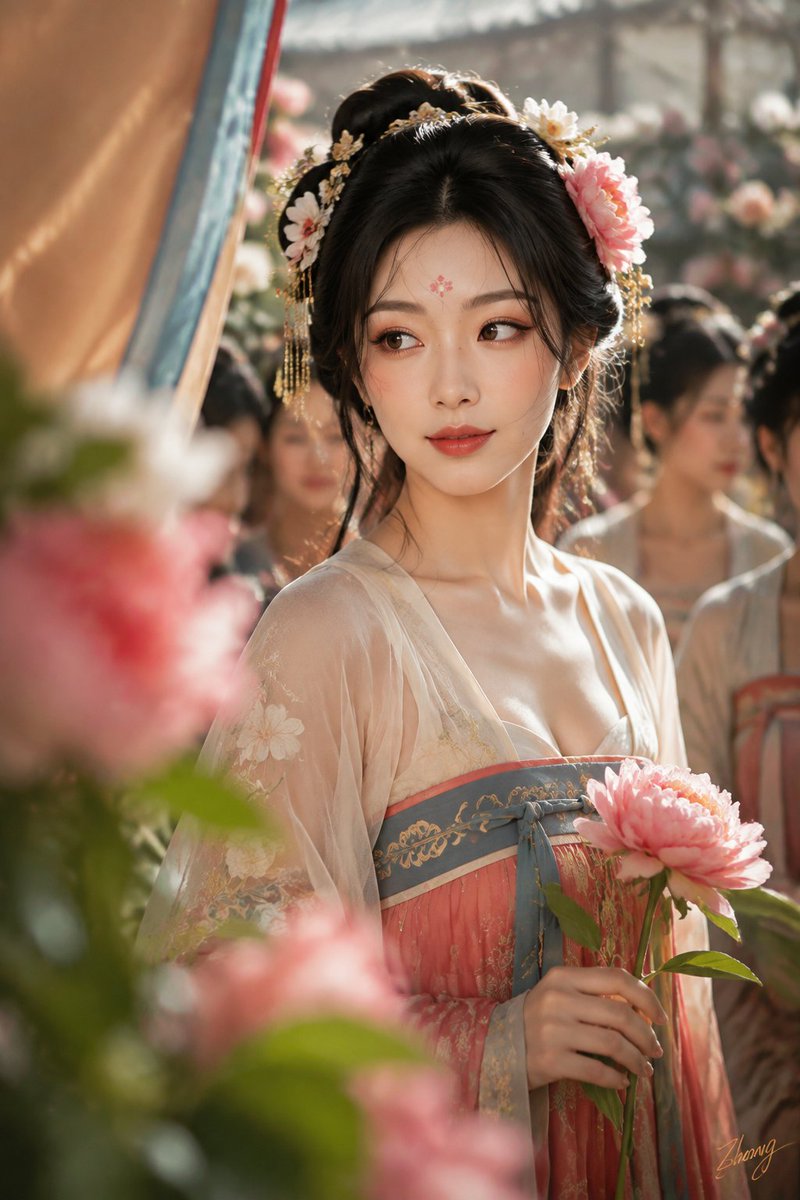
  "prompt": "面部身份:\n使用附带的面部身份作为唯一面部参考。四张照片始终匹配相同的五官比例、肤色、年龄感与整体身份。\n\n身体:\n{argument name=\"人物年龄\" default=\"20岁出头的成年女性\"}。使用附带的身体参考作为唯一身体比例参考,保持真实解剖结构、自然曲线与皮肤纹理。\n主题:\n{argument name=\"主题场景\" default=\"盛唐娱乐四景\"}:曲江斗花、长安酒肆、乐坊舞毕、马球赛后。\n\n主体:\n分别生成四张独立的纵向2:3彩色写实照片,不要拼图。四张保持同一人物,但根据活动更换符合盛唐审美的发型、服装、表情和摄影语言。\n\n第一张「花隙里的胜负揭晓」:\n曲江斗花会刚揭晓结果。镜头隔着牡丹与彩幄拍摄人物大特写。她梳盛唐半翻髻,佩戴不对称簪花,穿浅杏白、石青与牡丹红组成的现代审美唐风齐胸襦裙。她循声转向朋友,眉梢轻抬,笑意刚刚出现。采用100–135mm远距观察、前景遮挡和低反差彩色负片质感。\n\n第二张「长安酒肆第七轮」:\n人物坐在胡姬酒肆的低案旁,刚放下鎏金耳杯便被同席朋友逗笑。乌发梳成乌蛮髻,穿孔雀蓝织锦内层、朱红半臂衣与深绯罗裙。采用35mm同席纪实视角,桌缘、胡瓶与宾客肩背自然进入前景。暖灯完整覆盖五官,背景人物分别投筹、交谈与听乐,不统一看镜头。\n\n第三张「乐坊舞毕后的彩色余息」:\n最后一支舞结束,人物在乐坊侧室罗帘旁停步调整呼吸。头发梳成唐代舞后高髻,一束发丝略微松散。暗红与孔雀绿舞衣采用不透明内层,披帛和袖缘保留轻盈层次。她循声望向帘外,嘴唇轻启,疲惫、满足与意外同时存在。采用50mm后台近景、柔雾彩色负片、暗红与灰蓝空间分层。\n\n第四张「马球越线后的回身」:\n盛唐女骑手下马后快步走向休息区,听见同伴呼喊便在步伐中回身。头发梳成左右清晰的双螺骑装髻,穿暗红内层、石青窄袖袍、深色分裁裙裤与皮革长靴。仅保留一只手握住从画面下缘进入的球杖杆身,另一只手不入镜。采用135mm长焦、约1/40秒彩色慢门追随,主体脸部清楚,马匹、旗幡与扬尘形成方向性色带。\n\n光线:\n四张均以宽面自然光或有罩室内灯连续照亮五官。环境色和灯笼只服务空间层次,不在脸部形成圆形光斑、碎光、花影或局部漂白。\n\n质感:\n真实彩色摄影,保留毛孔、细绒毛、自然血色、衣料重量和轻微胶片颗粒。借鉴经典彩色纪实、柔雾时装与运动摄影的画面组织方法,但不复制具体作品。拒绝黑白、近黑白和统一暖金商业滤镜。\n画面右下角加入低调小号手写签名「{argument name=\"签名\" default=\"Zhong\"}」。\n\n负面提示:\n拼图,多分镜,人物身份漂移,现代马尾,泛古风头冠,廉价影楼古装,统一摆拍表情,背景人物动作重复,复杂手势,双手承担多个动作,多余手臂,多余手指,错误手指,脸部光斑,彩色投影,塑料皮肤,黑白照片,现代场景,乱码文字,其他签名。",
  "n": 1,
  "size": "1024x1024",
  "quality": "high",
  "output_format": "png",
  "background": "opaque",
  "moderation": "auto"
}
機能
Flatkey の GPT Image 2 に関するリクエストテレメトリは、十分なトラフィックがある場合に表示されます。ベンチマークや品質スコアを推測するものではありません。
API
このセクションは GPT Image 2 への Flatkey の実際のリクエストを反映します。十分なトラフィックが集まるまでデータは報告されません。
料金
GPT-image-2 の料金は Flatkey の現行カタログ単位に従い、OpenAI の直接利用料金を流用しません。サイズ、品質、枚数を選び、編集時は参照画像と維持したい要素を指定してください。
以下は文書化された統合項目です。ベンチマークや品質の約束は推測していません。
/v1/images/generations で新しい画像を生成し、/v1/images/edits で既存画像を編集できます。
画像コンテキストを使い、商品・編集・キャンペーンの主題と構図を保ちます。
1つの企画から正方形・縦長・横長の素材を各チャネル向けに展開します。
記録された品質、形式、背景、モデレーションの挙動に沿って成果物を整えます。
比較
以下は文書化された統合項目です。ベンチマークや品質の約束は推測していません。
| 機能 | GPT Image 1 | GPT Image 2 |
|---|---|---|
| エンドポイント | ここでは不明 | /v1/images/generations; /v1/images/edits |
| サイズ | ここでは不明 | 1024x1024, 1536x1024, 1024x1536, auto |
| 形式 | ここでは不明 | PNG, JPEG, WebP |
| 品質/背景/モデレーション | ここでは不明 | 上記に記載 |
| 画像品質の順位 | 主張なし | 主張なし |
対応ワークフロー、現在の費用、Flatkey の正確なパラメータ契約を確認します。
固定単価がある場合、現在の設定とライブ料金から計算します。
最終料金は送信内容とアカウントグループに従います。トークン・段階料金は固定額にできません。
利用可能なものだけを使用します。公開モデル ID は共通で、入力方式はリクエスト本文で選択します。
テキストから新しい画像を生成します。
gpt-image-2/v1/images/generations参照画像で編集やバリエーションを作ります。
gpt-image-2/v1/images/generationsPlayground と同じモデル設定に基づく値です。
n画像数1–10
既定値: 1sizeサイズ1024x1024 · 1536x1024 · 1024x1536 · auto
既定値: 1024x1024quality品質auto · high · medium · low
既定値: highoutput_format出力形式png · jpeg · webp
既定値: pngbackground背景opaque · auto
既定値: opaquemoderationモデレーションauto · low
既定値: autoimage参照上限4 ファイル
エンドポイント: /v1/images/generationsPlayground と API で同じ契約を使い、検証、残高、状態、結果取得を明示的に処理します。
モデル、プロンプト、参照、出力を検証。
画像リクエストを送信。
結果または非同期タスクを取得。
ファイルとメタデータを保存。
非対応の値や参照数を送信前に拒否します。
キー、残高、制限、グループ料金を分けて処理します。
交換すべきプロンプトや素材を明示します。
task ID を保持し、再試行を制限し、成功扱いしません。
プロンプトライブラリ
具体的な被写体、動作、カメラまたは構図と出力設定から始め、リクエスト項目はプロンプトとは別に指定します。
Image 2 で生成
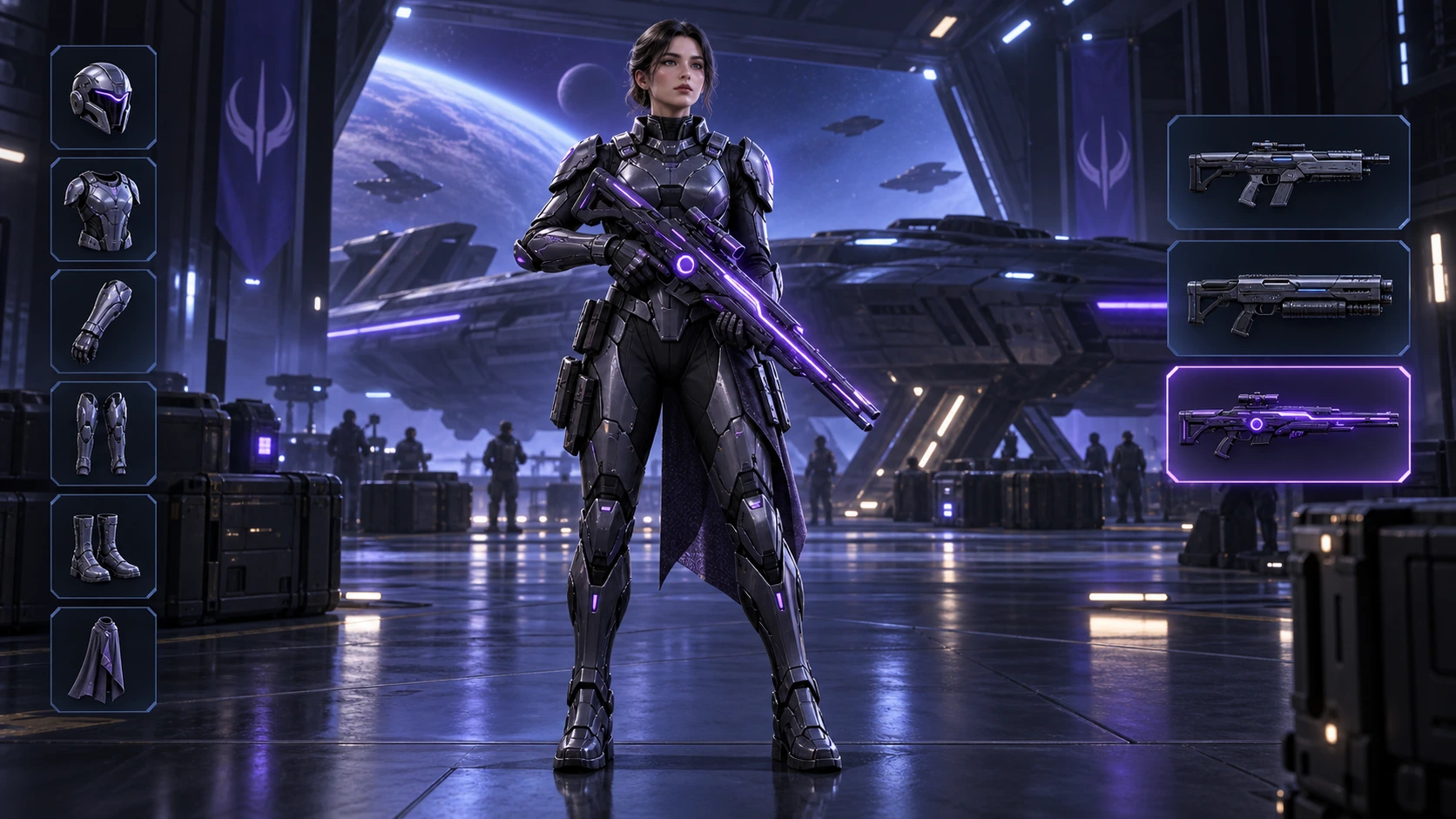
Scene: A 16:9 sci-fi game loadout screen in a blue-purple spaceship hangar. A female armored character stands centered with a glowing violet rifle; armor slots line the left, three weapon slots line the right, and the lower slot is highlighted. Keep the HUD hierarchy, pose, lighting, and equipment geometry fixed for an exact equipment-switch frame. No readable words, logos, invented stats, or watermark. Composition and rendering: Deliver one 16:9 game-interface keyframe. Separate the character, held equipment and HUD into clear depth layers; keep slot spacing and icon scale consistent, with the selected item visually dominant. Preserve the scene-specific game art style. Let material edges catch the existing light without letting interface glow obscure the silhouette. Keep all equipment fully inside the frame. Avoid: warped perspective, malformed anatomy, merged objects, inconsistent shadows, excessive sharpening and watermarks. Follow the scene-specific text and branding restrictions above.
Image 2 で生成
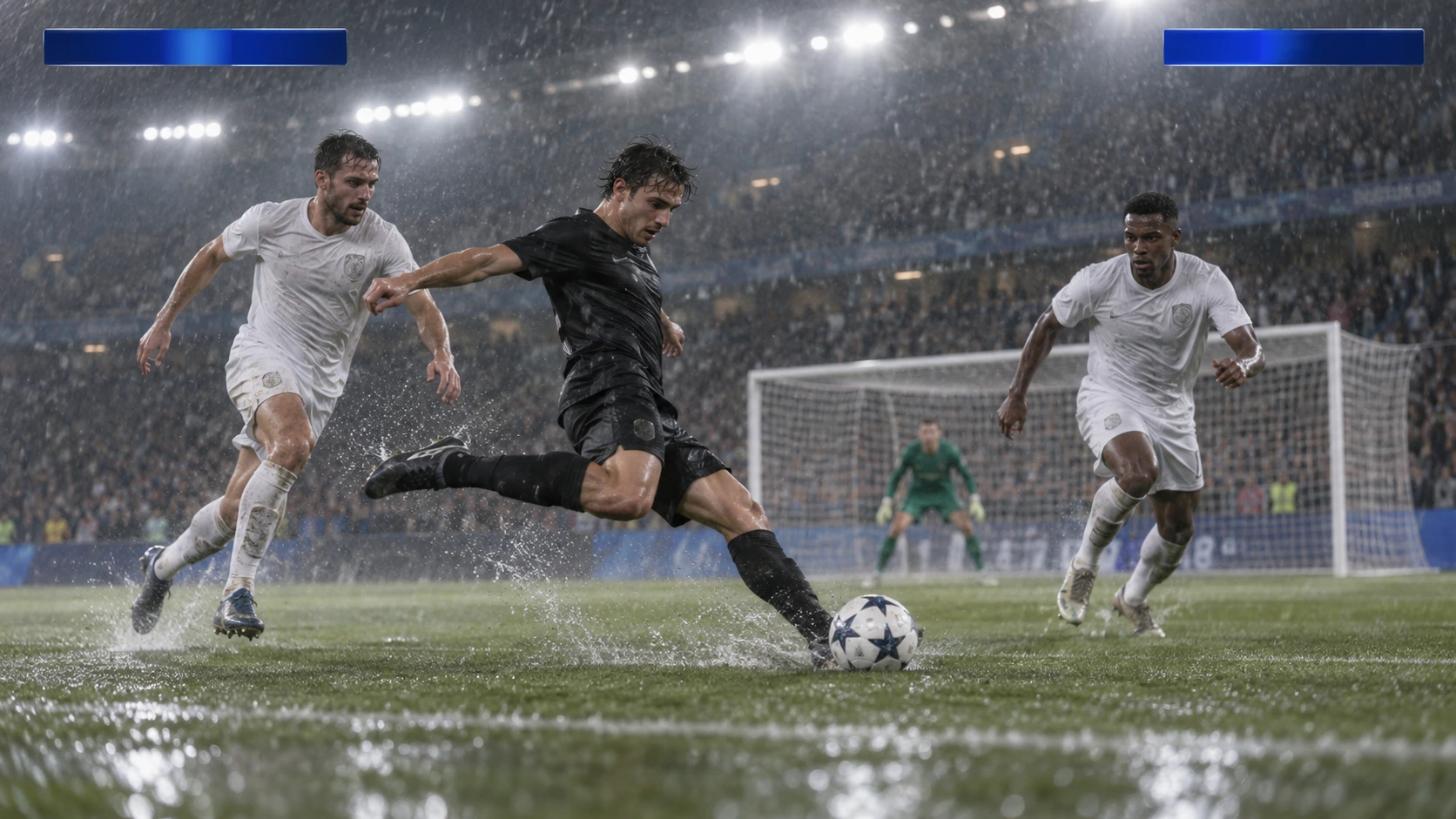
Scene: A rainy night soccer broadcast frame under bright stadium floodlights. A black-uniform player strikes the ball while two white-uniform defenders close in, with the goal and a blurred crowd behind. Keep the broadcast camera angle, blank blue score bars, spray, and motion blur consistent; leave overlays abstract and text-free. No real teams, athletes, logos, or watermark. Composition and rendering: Deliver one 16:9 broadcast still at the decisive instant. Use coherent perspective for the playing surface and equipment, readable separation between competitors, and a softer crowd behind the action. Keep the principal subject sharp, with directional blur limited to fast extremities and spray. Preserve the specified broadcast angle and reserve overlay areas clear of the action. Avoid: warped perspective, malformed anatomy, merged objects, inconsistent shadows, excessive sharpening and watermarks. Follow the scene-specific text and branding restrictions above.
Image 2 で生成
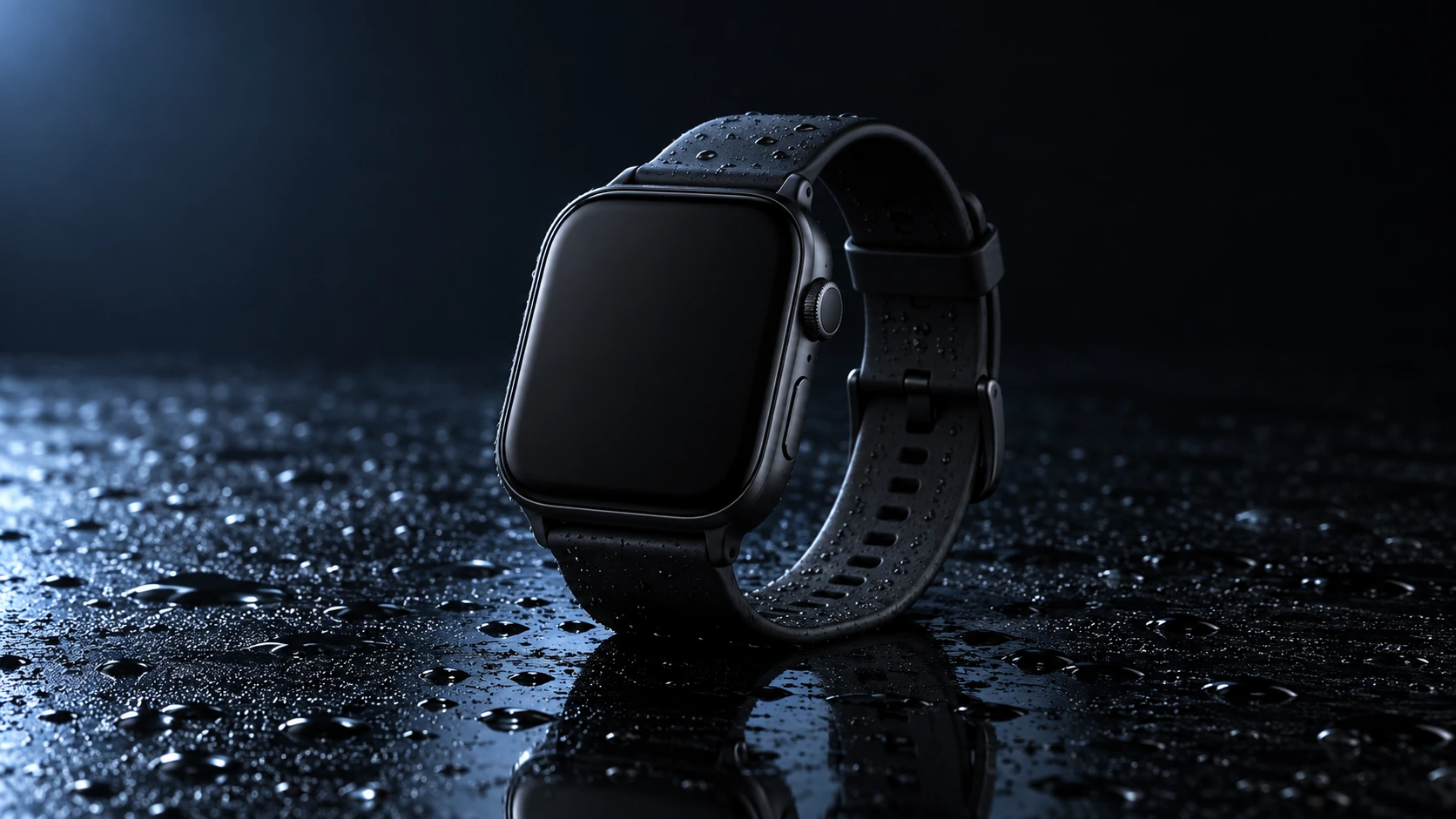
Scene: A closed matte-black square smartwatch with a black strap rests on a wet glossy black tabletop. Water droplets catch a cool blue rim light and a soft reflection sits beneath the watch. Use a low three-quarter product camera and preserve the case, strap, highlights, and empty dark background. No readable branding, extra products, hands, or watermark. Composition and rendering: Deliver one 16:9 commercial product still. Keep the complete product silhouette inside generous crop-safe margins. Resolve edges, seams and material transitions precisely; shape highlights to describe volume without clipping bright surfaces or crushing dark details. Align reflections with the object and light source. Retain the stated camera angle and existing negative space; add no decorative props. Avoid: warped perspective, malformed anatomy, merged objects, inconsistent shadows, excessive sharpening and watermarks. Follow the scene-specific text and branding restrictions above.
Image 2 で生成
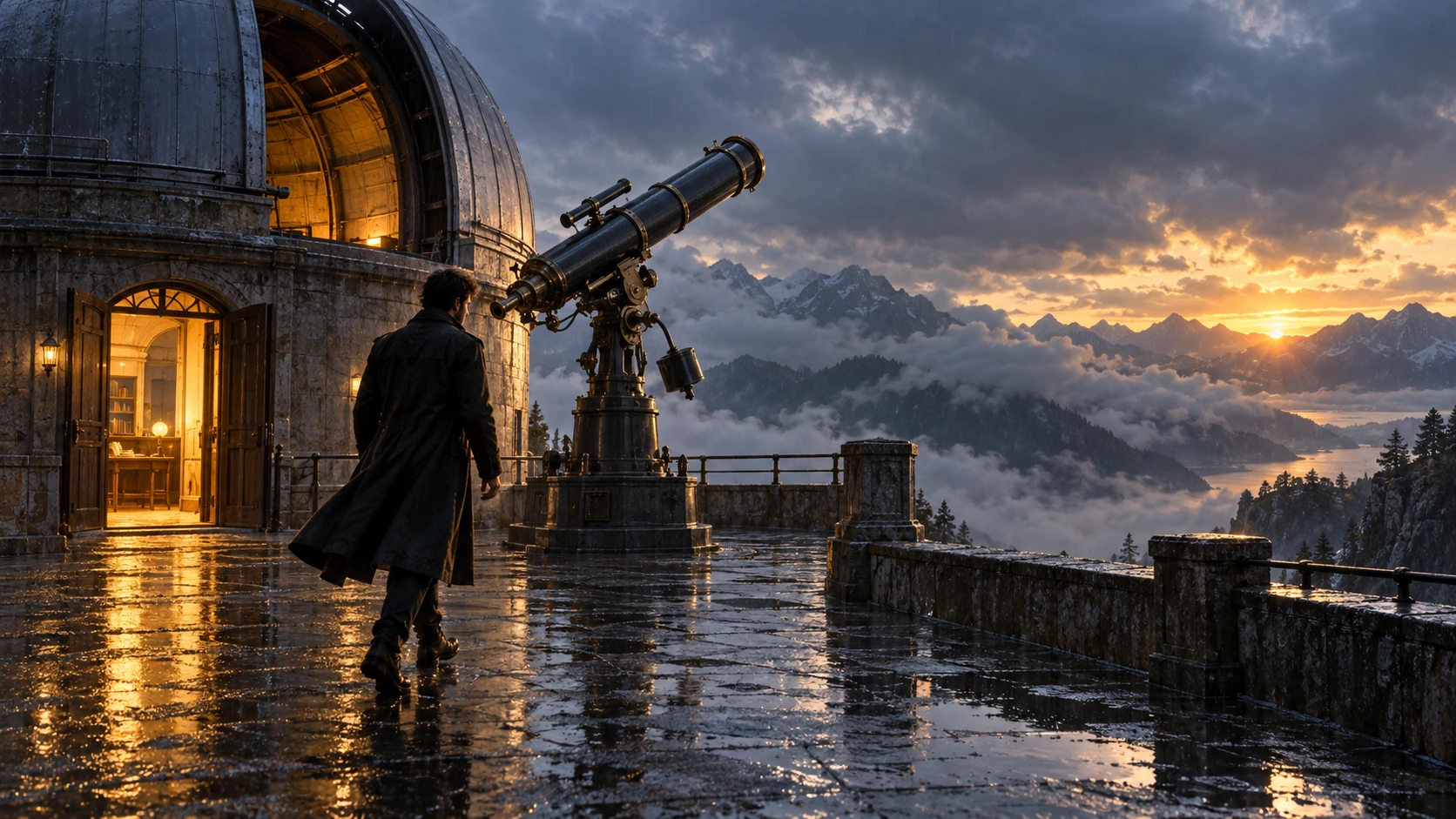
Scene: On a rain-soaked observatory roof at sunrise, a lone figure in a long dark coat walks toward a large telescope beside an open dome. Wet stone reflects the warm doorway light; cloud-covered mountains sit beyond. Hold the screen direction and end on the telescope and figure in the same wide composition. No readable text, logos, or watermark. Composition and rendering: Deliver one 16:9 storyboard keyframe, not a collage or an action sequence. Separate foreground, character plane and background through the existing light and atmospheric depth. Keep the stated pose and eyelines readable, and retain environmental landmarks for continuity. Match the described photographic, illustrated or puppet medium; give fabric and surfaces texture appropriate to that medium. Avoid: warped perspective, malformed anatomy, merged objects, inconsistent shadows, excessive sharpening and watermarks. Follow the scene-specific text and branding restrictions above.
Image 2 で生成
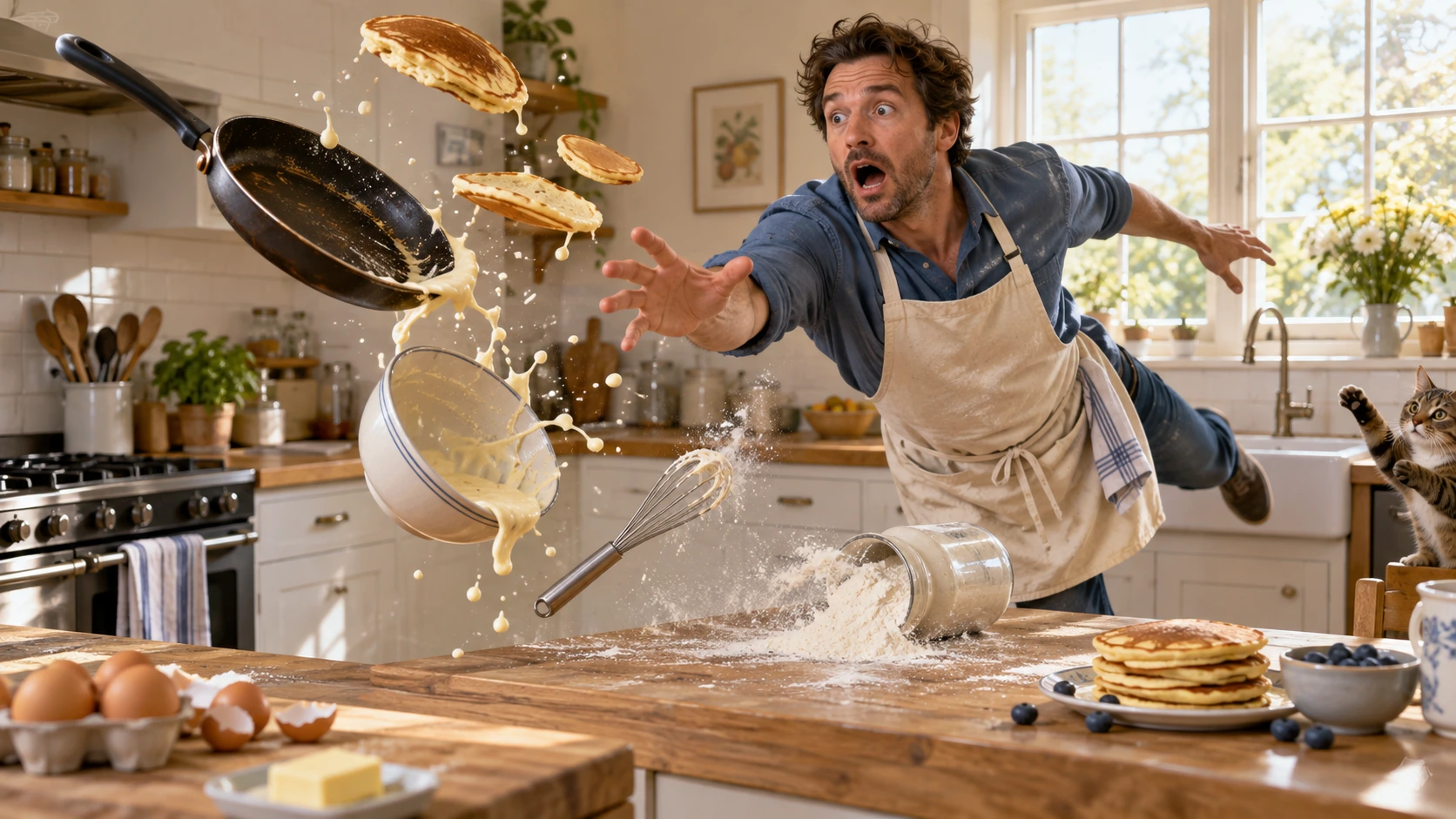
Scene: In a bright home kitchen, a surprised cook in a blue shirt and cream apron reaches toward pancakes, a frying pan, flour, bowl, and whisk suspended midair. Freeze the comic cause-and-effect moment with believable weight, warm daylight, and a clear path for each object. No injury, logos, readable words, or watermark. Composition and rendering: Deliver one 16:9 physical-comedy still at the described instant. Make the cause of the gag readable through body balance, grip and object spacing. Separate the reaction from the airborne props; retain believable gravity and contact points. Keep the face and important props sharp, with only restrained directional blur on fast edges. Preserve the stated lighting and room or stage layout. Avoid: warped perspective, malformed anatomy, merged objects, inconsistent shadows, excessive sharpening and watermarks. Follow the scene-specific text and branding restrictions above.
Image 2 で生成
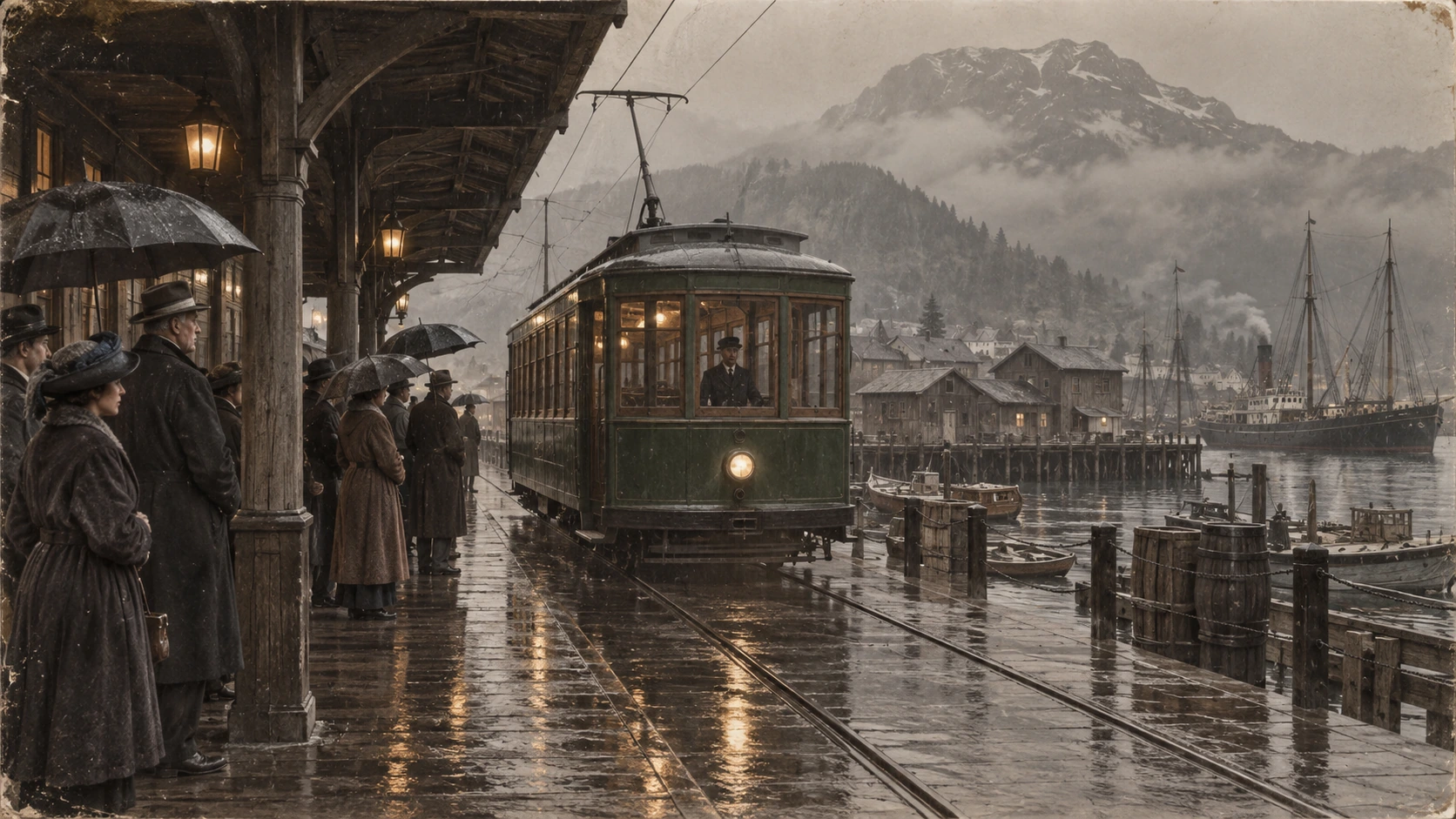
Scene: A rainy period harbor platform shelters people in era-appropriate coats and umbrellas as a vintage green tram arrives on wet tracks. Wooden waterfront buildings and misty mountains sit behind the reflections. Preserve the historical clothing, tram shape, rain direction, and stable wide composition; no readable signage, logos, or watermark. Composition and restoration: Deliver one 16:9 archival-style still. Preserve the original framing, period-specific construction and restrained tonal range; retain monochrome, sepia or faded color as described. Recover modest detail in faces, clothing and architecture without synthetic sharpening. Keep fine grain and authentic aging consistent across the frame; repair damage without replacing historical features. Avoid: warped perspective, malformed anatomy, merged objects, inconsistent shadows, excessive sharpening and watermarks. Follow the scene-specific text and branding restrictions above.
Flatkey を選ぶ理由
テストから本番へ移行する間も、GPT Image 2 の事実、リクエスト項目、料金の境界を確認できます。
コンソールに渡す前に n、size、quality、output format、background、moderation を設定します。
GPT Image 2 の入力・出力・キャッシュの各項目を確認し、見出しの価格を一律料金とみなさないでください。
商品、広告、絵コンテの例を編集可能なプロンプトの出発点として使います。
確認されていない事実について、透明な出力、無料生成、固定の画像単価を約束しません。
API
同じキーとモデルカタログで4つの方法から選べます。実行可能な例を確認してください。
curl https://router.flatkey.ai/v1/images/generations \
  -H "Content-Type: application/json" \
  -H "Authorization: Bearer sk-***" \
  -d '{"model":"gpt-image-2","prompt":"GPT-image-2で高品質な商品画像を作成:整理された構図、正確な照明、被写体への強いフォーカス、リアルなディテール。","n":1,"size":"1024x1024","quality":"high","output_format":"png","background":"opaque","moderation":"auto"}'
よくある質問
料金、互換性、制限、モデル固有のリクエスト情報。