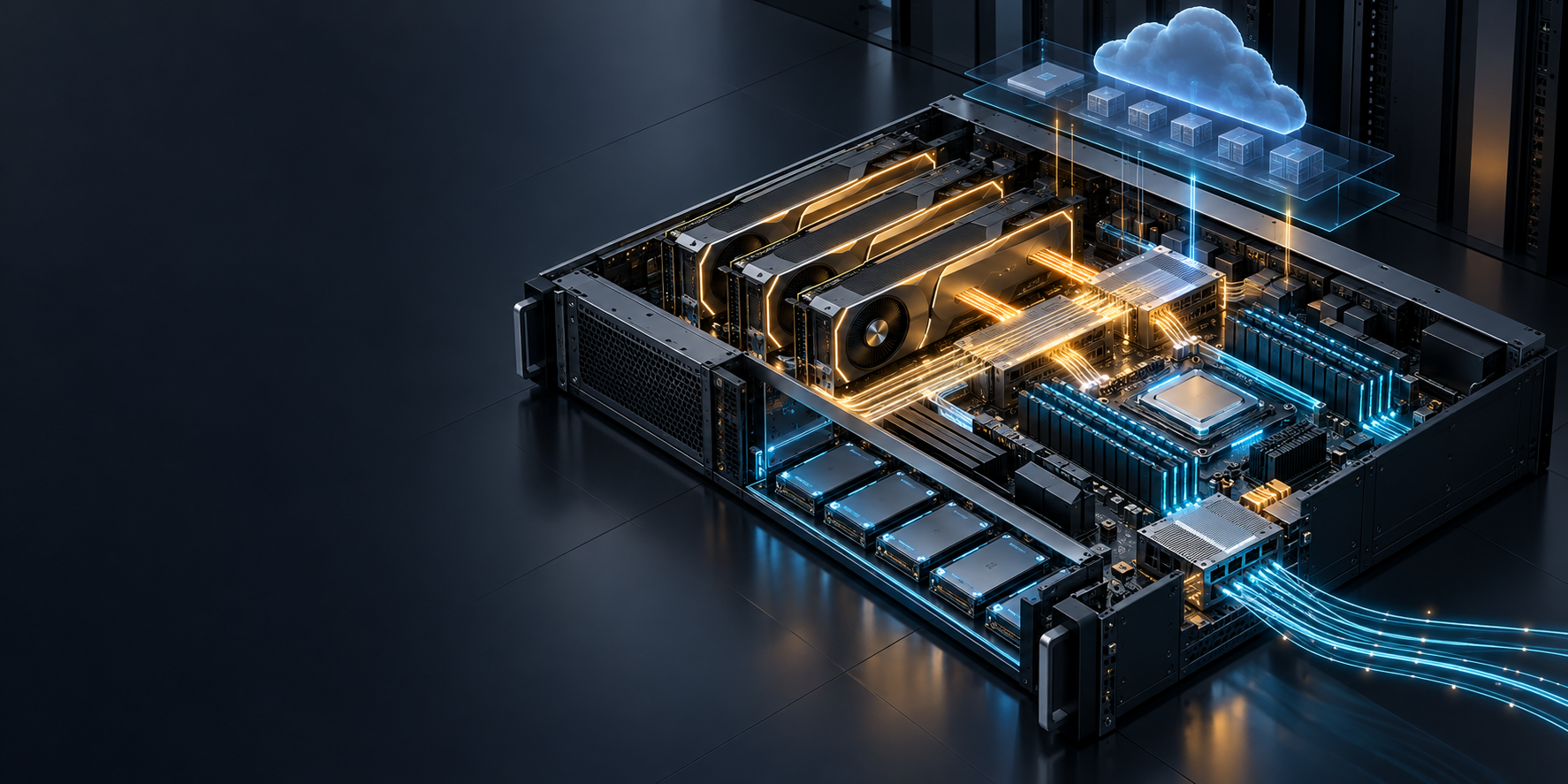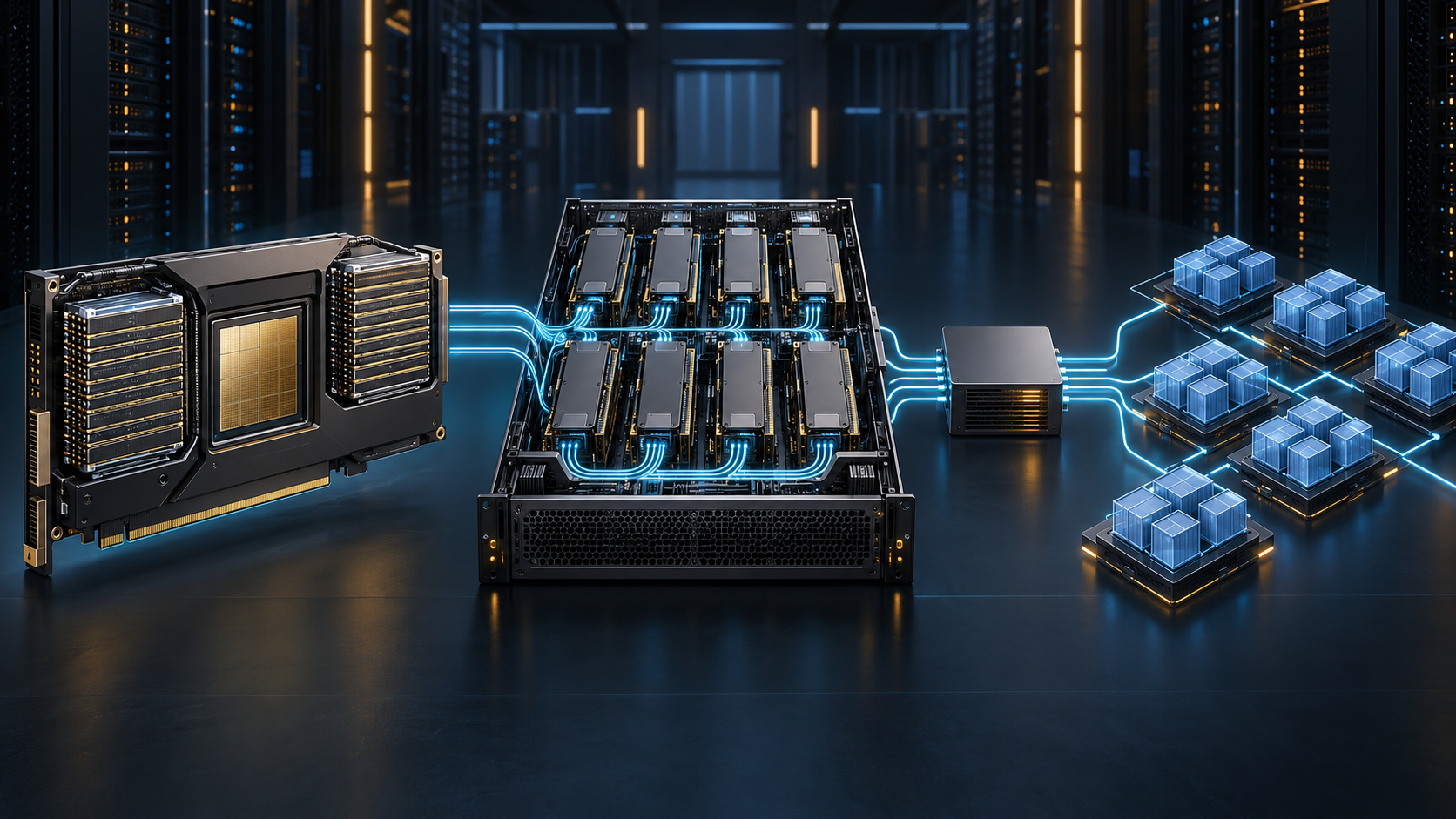
A GPU server rack is not just a cabinet full of accelerators. It is a deployment boundary where GPU topology, network fabric, storage, management, power, cooling, and scheduling either work together—or create expensive bottlenecks.
For AI developers and ML infrastructure engineers, the useful question is not “How many GPUs fit in a rack?” It is: can this rack deliver the communication, data-path, and recovery behavior that the workload needs? This guide turns that question into an architecture checklist and a cloud acceptance plan.
What is a GPU server rack?
A GPU server rack is a physical rack or a provider-managed rack-scale allocation containing one or more GPU servers plus the network, power, cooling, and management components needed to operate them. In a cloud deployment, you may not control the cabinet itself, but you should still ask which parts of the topology are guaranteed: GPUs per host, intra-host interconnect, host-to-host fabric, storage path, maintenance domain, and placement policy.
A single GPU server is a node. A GPU server rack is the system around several nodes. A GPU cluster may span one or more racks. Those distinctions matter because an inference service can be limited by a single host's GPU memory and PCIe/NVLink path, while distributed training or large-scale inference can become limited by the network and storage paths between hosts.
NVIDIA's BasePOD reference architecture illustrates the difference: it separates an InfiniBand compute network, an Ethernet management-and-storage fabric, and an out-of-band management network. Your design does not have to copy that reference architecture, but it should make the equivalent paths explicit before you commit capacity. NVIDIA DGX BasePOD reference architecture
GPU server rack architecture: the six things to map
Start with a rack diagram that shows physical placement and logical paths. If a provider cannot disclose every component, record what is guaranteed and test the rest during the acceptance window.
| Layer | What to document | Why it changes results |
|---|---|---|
| Compute nodes | GPU model, GPU count per host, CPU/RAM, local NVMe, replacement domain | Defines memory capacity, host-side preprocessing capacity, and the blast radius of a node failure. |
| Intra-node topology | PCIe layout, NVLink/NVSwitch availability, GPU-to-NIC affinity | Determines whether GPUs on one host can exchange data efficiently. |
| Inter-node fabric | Network type, NIC count and speed, switch tier, oversubscription policy, same-rack placement | Determines collective-communication behavior once the job leaves one server. |
| Storage path | Local cache, shared filesystem or object store, checkpoint destination, network path | Keeps data loading and checkpointing from stealing time from compute. |
| Management and control | BMC/out-of-band access, inventory, scheduler, metrics, change control | Makes a rack operable when a host or driver fails. |
| Facility envelope | Rack power allocation, PDU redundancy, airflow or liquid-cooling design, service access | Constrains sustainable density and maintenance—not just what fits mechanically. |
1. Treat topology as a workload input
The number of GPUs is an incomplete capacity description. For one host, inspect how GPUs connect to each other and to NICs. Across hosts, identify whether a job will stay on one server, in one rack, or cross racks. Record the expected placement rule in the workload spec rather than assuming that “eight GPUs” describes the same machine everywhere.
NCCL uses direct peer-to-peer paths when CUDA reports that the relevant GPUs can access each other's memory. NVIDIA documents nvidia-smi topo -p2p as a way to inspect peer-to-peer status; use it as a validation input, not as a substitute for a workload benchmark. NCCL GPU troubleshooting guidance
2. Separate compute, data, and management traffic
A GPU server rack needs more than a fast training network. Management traffic, artifact pulls, telemetry, shared storage, and user access can interfere with workload traffic when they share an undersized path. Use separate logical or physical paths where your architecture calls for it, then define which path carries each of the following:
- collective communication and GPU-direct traffic;
- image pulls, model weights, datasets, and checkpoints;
- Kubernetes, SSH, BMC, logging, and monitoring traffic;
- egress to APIs, object storage, or downstream services.
This is particularly important in cloud capacity: ask whether bandwidth numbers describe host-to-host bandwidth, rack uplink, storage throughput, or a best-effort aggregate. They are not interchangeable.
3. Design power and cooling as capacity constraints
Do not size a GPU server rack from rack units alone. A configuration that fits mechanically may be constrained by facility power, PDU redundancy, airflow direction, liquid-cooling requirements, cable bend radius, or service clearance. NVIDIA notes that rack layouts vary with local maximum power and cooling infrastructure; use your server vendor's and colocation provider's current documents for the actual allocation. NVIDIA DGX SuperPOD FAQ
Before deploying, request a written answer to these questions:
- What is the sustained rack power envelope and what redundancy assumption is included?
- Is the cooling design air, direct-to-chip liquid, rear-door heat exchange, or a combination?
- Which component triggers throttling or a maintenance event first: the host, PDU, network switch, or facility loop?
- Can a technician service a node, cable, or rear-door component without disrupting adjacent capacity?
If the deployment is cloud-only, translate the same questions into provider terms: dedicated host placement, maintenance domain, host replacement policy, and whether the allocation can change topology after provisioning.
4. Give the scheduler rack awareness only when it is useful
Rack labels are valuable when the workload cares about locality or fault domains. A distributed training job may prefer a single-rack placement before it expands across racks. A highly available inference service may deliberately spread replicas across racks or hosts. Start with a small, auditable label set, such as topology.rack, topology.host-class, topology.fabric, and topology.failure-domain, then verify that scheduler placement follows it.
For Kubernetes, validate the entire GPU software stack against its supported operating system, Kubernetes, driver, runtime, and deployment option—not just the cluster version. NVIDIA's GPU Operator support matrix distinguishes bare metal, GPU-passthrough VMs, and vGPU deployments, and publishes compatibility details for supported environments. NVIDIA GPU Operator platform support
How to choose a GPU server rack for your workload
Use the workload brief to decide whether you need a single high-density host, one rack, or a multi-rack cluster.
| Workload pattern | Usually prioritize | Ask the provider or platform team |
|---|---|---|
| Single-node fine-tuning or inference | GPU memory, intra-node topology, local storage, reliable host replacement | Which GPUs and interconnects are attached to one host? Can all required GPUs be allocated together? |
| Distributed training | Same-rack placement, network fabric, NIC affinity, checkpoint throughput | What is guaranteed for host-to-host networking? How is cross-rack placement exposed or avoided? |
| Multi-node inference | Tail latency, model-shard communication, rollout safety, observability | Can replicas be spread by failure domain while model-parallel ranks remain topology-aware? |
| Batch or render workloads | Queue behavior, local cache, interruption handling, image/data staging | What is the placement guarantee, and how are interrupted jobs recovered? |
| Shared internal platform | Isolation, quota, scheduler policy, capacity visibility, change control | How are GPU partitions, tenant boundaries, drivers, and upgrades governed? |
For a new deployment, compare the rack decision with a simpler alternative. If the work does not require control over topology, data locality, or a custom serving stack, a managed model API may have a lower operational burden. Use this GPU cloud vs. model API comparison as part of the decision, rather than treating a GPU server rack as the default answer.
How to evaluate GPU server rack performance
Do not accept a GPU server rack on a peak accelerator number alone. Build a short acceptance test that separates the main performance paths.
Step 1: Capture an inventory and topology baseline
For each allocated host, collect GPU identity, driver and CUDA versions, GPU-to-GPU topology, GPU-to-NIC affinity, CPU NUMA layout, local storage, and network interfaces. Keep this record with the deployment revision. It gives you a comparison point when performance changes after an image, firmware, driver, or host replacement.
nvidia-smi -L
nvidia-smi topo -m
nvidia-smi topo -p2p p
nvidia-smi topo -p2p n
Do not change kernel, BIOS, IOMMU, or PCIe access-control settings from a generic checklist. NVIDIA documents configuration-sensitive peer-to-peer behavior on Linux bare-metal systems; use the supported settings for the server and cloud platform you actually operate. NCCL topology and peer-to-peer troubleshooting
Step 2: Test at the boundaries that matter
Run representative tests at three scopes:
- Single node to validate GPU visibility and the local NVLink/NVSwitch or PCIe path.
- Same rack to validate host-to-host placement and the local fabric.
- Cross rack to understand the path your scheduler will use when capacity expands or fails over.
NVIDIA's NCCL test guidance explicitly uses single-node, single-rack, and multi-rack runs to validate GPU visibility, intra-node interconnect, inter-node fabric, and placement. Capture latency and bandwidth alongside the test command, container image digest, node list, and placement labels so a result can be reproduced. NCCL validation tutorial
Step 3: Measure the real application path
Then run the workload you intend to serve. For training, report time per step, data wait, collective-communication time, checkpoint time, and recovery behavior. For inference, report time to first token, output throughput, tail latency, queue delay, cache behavior, and error or restart rates. Keep the same model, batch/concurrency profile, context length, and cache state while comparing placements.
This is how you distinguish a GPU problem from a data, network, scheduler, or configuration problem.
Step 4: Test a planned failure
An operational GPU server rack needs a recovery path. Before production traffic, verify what happens when a worker is drained, a node becomes unavailable, a job is preempted, or a checkpoint needs to resume elsewhere. Confirm that persistent data is separate from replaceable compute and that credentials, images, and observability still work on the replacement path.
Deploy a GPU server rack in the cloud: a practical sequence
Cloud deployment changes the control boundary, not the engineering work. You still need to make the hardware and placement assumptions visible.
- Write the workload contract. Specify model size, GPU count, memory requirement, latency or throughput SLO, networking sensitivity, data source, checkpoint location, availability target, and budget guardrail.
- Choose the topology boundary. Decide whether the job must stay inside one host, one rack, or a defined multi-rack fabric. Treat this as a requirement in the provider request, not an informal preference.
- Ask for an allocation sheet. Request host class, GPU count, GPU interconnect, NICs, network fabric, storage options, placement guarantee, maintenance policy, and any topology metadata exposed to your scheduler.
- Pin the software contract. Record the operating system, kernel, NVIDIA driver, CUDA, container runtime, Kubernetes version, GPU Operator version, framework image, and application image digest. Validate the combination against the supported matrix before rollout.
- Create a narrow acceptance window. Run inventory, topology, same-node/same-rack/cross-rack communication, storage, application, and recovery tests before moving sustained traffic.
- Instrument each layer. Alert separately on GPU health, fabric errors, storage wait, scheduler wait, thermal or throttling events, and application SLOs. A single utilization metric cannot explain a rack-scale incident.
- Keep exit and recovery options. Maintain image definitions, infrastructure configuration, persistent data locations, checkpoints, and a rollback plan independent of a particular allocation.
For the host-level portions of this sequence, see the GPU server deployment guide. For the multi-node control-plane and fabric perspective, see the GPU cluster architecture guide.
GPU server rack acceptance checklist
Use this checklist before you accept a new GPU server rack, dedicated cloud allocation, or colocation build.
- [ ] The workload contract names a topology boundary: one host, same rack, or multi-rack.
- [ ] The allocation sheet identifies GPU count per host, accelerator interconnect, NICs, network fabric, and storage path.
- [ ] Power, cooling, PDU redundancy, airflow or liquid-cooling requirements, and service clearance have an owner.
- [ ] GPU, driver, CUDA, kernel, container runtime, and orchestration versions are recorded.
- [ ] The scheduler exposes and honors placement or failure-domain labels where the workload needs them.
- [ ] Inventory and
nvidia-smitopology outputs are stored for every host class. - [ ] Communication tests cover single-node, same-rack, and cross-rack placements that the production scheduler can create.
- [ ] The application test uses a representative data source and workload profile.
- [ ] Checkpoint, host drain, replacement, and rollback paths are exercised.
- [ ] Cost reporting separates productive GPU time from idle, retry, data, and support costs without counting the same time twice. For the broader cost model, start with this GPU rental guide.
Frequently asked questions
Is a GPU server rack the same as a GPU cluster?
No. A GPU server rack describes a physical or provider-managed rack-scale deployment boundary. A GPU cluster is a logical group of nodes that can span part of one rack, a full rack, or several racks. The difference matters when networking, storage, failure domains, and scheduling cross physical boundaries.
How many GPU servers fit in a GPU server rack?
There is no useful universal number. Server depth and rack units are only the first constraint. The practical answer depends on the server's power draw, cooling design, PDU capacity and redundancy, cable routing, service access, and the facility's approved density. Validate the answer against the exact host, rack, and data-center design you will use.
Does every GPU server rack need InfiniBand?
No. The appropriate fabric depends on the workload and topology. Single-host workloads may not need an inter-node high-performance fabric at all. Distributed workloads should be tested on the network path they will actually use, including same-rack and cross-rack placement. Avoid selecting a fabric from a marketing specification alone.
What should I test before accepting cloud GPU rack capacity?
Test the allocation you received: hardware inventory, topology, GPU-to-NIC affinity, local and shared storage behavior, single-node communication, same-rack communication, cross-rack communication if it is possible in production, representative application behavior, and recovery from a planned failure.
When should I avoid operating a GPU server rack?
Avoid rack-scale operations when your workload does not need the control they provide. If a managed model API can meet the model, latency, availability, privacy, and cost requirements, it can remove hardware, fabric, driver, scheduler, and capacity-management work. Make that comparison deliberately before committing to a GPU server rack.
Build the rack around the workload
A GPU server rack succeeds when its physical design and cloud allocation match the communication, data, and recovery paths of the workload. Make topology explicit, separate the traffic classes that can interfere with one another, validate performance at single-node, same-rack, and cross-rack scopes, and accept capacity only after the real application and a failure path have been tested.
If rack-level control is not required, compare a model API path before you take on the operating burden. If it is required, use this guide with the GPU server guide, GPU cluster architecture guide, and GPU cloud cost checklist to turn capacity into a verifiable deployment.