AI API key rotation is easy when one script uses one provider key. It is harder when production apps call many AI models through one router key, because a bad cutover can break chat, embeddings, image generation, tool calls, batch jobs, and internal copilots at the same time.
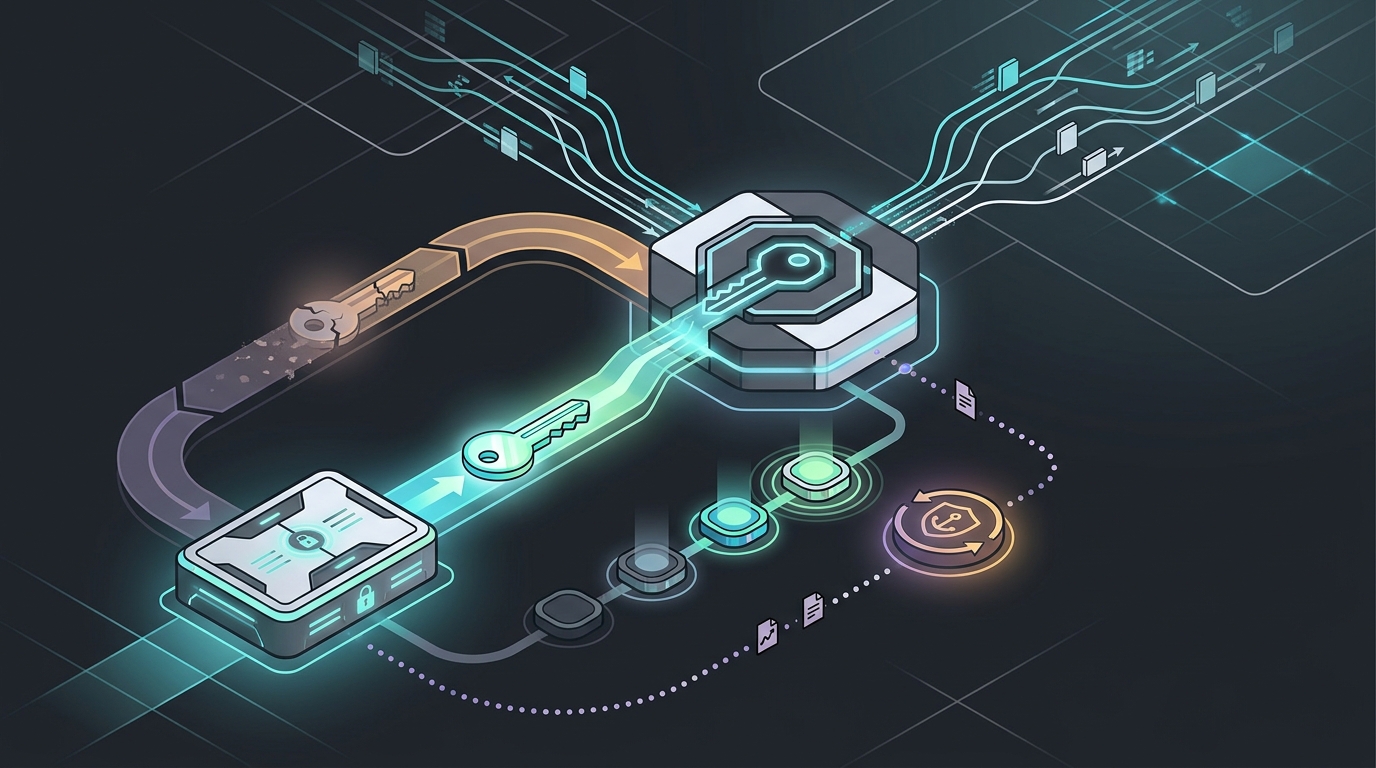
The safe pattern is to treat AI API key rotation like a deployment. Create the replacement credential, load it into the same secret path your apps already trust, canary real traffic, keep a rollback window, revoke the old key only after logs show the new key is serving production, and archive evidence for the next security review.
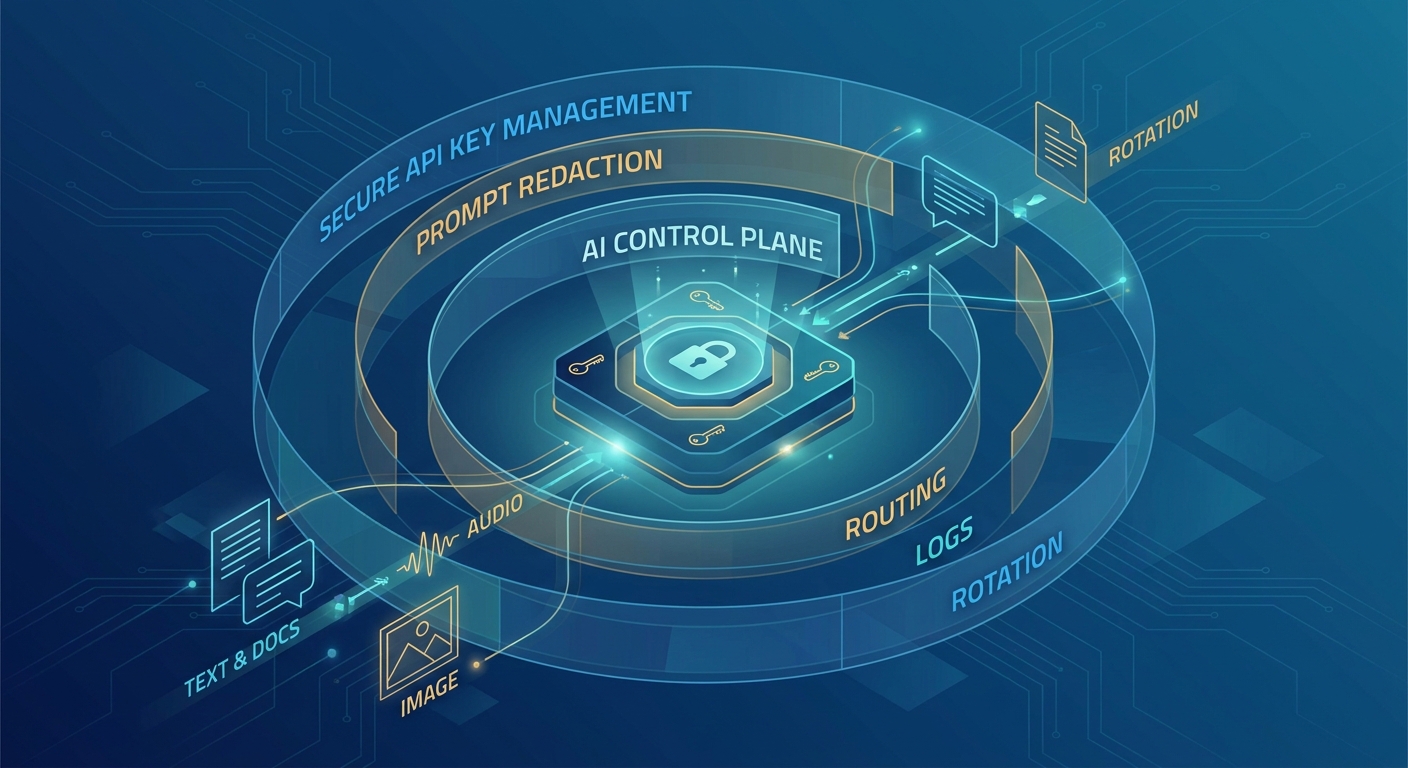
Flatkey is relevant because flatkey.ai publicly positions the product around one API gateway for production AI teams, model access, routing, billing, usage analytics, operational controls, a console, model pricing, and a router base URL at https://router.flatkey.ai/v1. That central control point can make AI API key rotation easier to govern, but it also makes the runbook more important: one router key should not become one untested failure point.
Quick Answer: AI API Key Rotation Without App Downtime
A low-risk AI API key rotation uses overlap, canary traffic, and an explicit rollback window. Do not revoke the old router key the moment the new key is created.
| Phase | Owner | Action | Pass Condition | Rollback |
|---|---|---|---|---|
| Prepare | Platform or security | Create or request the replacement router key, scope it, and store it in the approved secret manager. | The new secret exists, access is restricted, and the old key remains valid. | Do nothing; production still uses the old key. |
| Canary | App owner | Route a small staging or internal production workflow through the new key. | Auth succeeds, model routing works, usage logs show the expected owner, and no cost or quota anomaly appears. | Return the canary workflow to the old secret version. |
| Flip | Release owner | Promote the new secret version to production through normal config rollout. | Error rate, latency, token usage, and spend stay within the normal band. | Pin the app back to the old secret version or revert the config release. |
| Hold | On-call | Keep both keys available for a short observation window when your gateway policy allows overlap. | No traffic uses the old key after the planned drain period. | Re-enable old-key traffic if the new key fails and the old key is still approved. |
| Revoke | Security | Disable or delete the old key, then run a negative auth check. | Old key is rejected, new key works, and evidence is stored. | Create an emergency replacement key only through the incident process. |
Why Gateway Key Rotation Is Different From Provider Key Rotation
Provider key rotation usually affects one upstream account. Gateway key rotation can affect every app that points to the gateway, every model behind the gateway, and every team that relies on central usage records. That is why AI API key rotation needs a route-aware checklist instead of a generic "change the environment variable" step.
| Rotation Surface | What Can Break | What To Verify |
|---|---|---|
| Application secret | Pods, workers, serverless functions, CLI tools, and scheduled jobs may read different secret versions. | Every runtime has refreshed config, and no long-lived worker still uses the old key. |
| Gateway auth | Requests may fail before they reach routing, fallback, or provider health checks. | 401/403 errors stay flat after the flip, and logs identify the new key or owner correctly. |
| Routing policy | A key may be tied to an environment, project, team, quota, model group, or policy boundary. | The new key has the same intended route permissions, budget controls, and data boundary. |
| Observability | Cost and usage attribution can split across old and new credentials during the overlap window. | Dashboards show both keys during the cutover and roll up to the same app, owner, or cost center. |
| Rollback | Revoking the old key too early can turn a minor release issue into an outage. | The old key remains available until the new key has passed canary and production observation checks. |
Google's API key guidance includes the same basic safety idea: restrict keys, monitor usage, and rotate them so old credentials are not left exposed indefinitely. OWASP's secrets-management guidance also treats rotation, access control, auditability, and automation as parts of the same secret lifecycle. For AI gateways, the missing piece is the production cutover plan.
Pre-Rotation Checklist For AI API Gateways
Before you start AI API key rotation, write down the current state. If you cannot name every app that uses the router key, you are not ready to revoke anything.
| Check | Question To Answer | Evidence To Save |
|---|---|---|
| Inventory | Which services, jobs, notebooks, tools, and environments use this router key? | Service list, owner, environment, deploy system, and secret path. |
| Scope | What should the replacement key be allowed to do? | Project, team, model family, route group, quota, and policy notes. |
| Storage | Where will the new key live, and who can read or update it? | Secret manager path, access list, approval ticket, and version number. |
| Refresh behavior | Do apps reload secrets dynamically, on deploy, on pod restart, or only on process start? | Reload method and required restart/redeploy command. |
| Canary workflow | Which low-risk request proves auth, routing, streaming, tools, and logging? | Request ID, model, endpoint, owner, token usage, latency, and status. |
| Rollback | How quickly can production return to the old key if the replacement fails? | Rollback command, approver, old-key expiry time, and on-call owner. |
| Comms | Who needs to know the rotation window and who approves revocation? | Change ticket, security reviewer, app owner, finance owner, and support note. |
If you are already using Flatkey, connect this checklist to live Flatkey pages before the change: verify the route base URL, key owner, usage dashboard, pricing page, and any quota or routing controls that apply to the app. The public product page supports a one-key gateway, routing, billing, usage analytics, and operational-control story, but the production runbook should still be verified against your current console on rotation day.
The AI API Key Rotation Runbook
This runbook assumes the gateway can issue a replacement key while the old key remains valid for a short window. If your current setup cannot support overlap, shorten the maintenance window, communicate the risk, and run the same checks in staging before production.
- Create the replacement router key. Assign the same intended application owner, environment, route policy, quota boundary, and billing/cost center. Do not broaden permissions just because this is a rotation.
- Store the new key as a new secret version. Keep the application-facing secret path stable. The app should not need a code change just to complete AI API key rotation.
- Run a staging smoke test. Call the same gateway base URL, model family, endpoint type, request shape, streaming mode, tool-call path, and structured-output format used by production.
- Canary one production workflow. Use an internal user, low-risk customer, or low-volume job first. Record request IDs and compare them against normal auth, route, token, latency, and cost patterns.
- Promote the new secret version. Deploy with your standard release system. Avoid ad hoc shell updates that leave some hosts on the old key and some on the new key without an audit trail.
- Watch the gateway and app logs together. Track 401/403 auth errors, 429 quota or rate-limit errors, 5xx provider errors, route selection, request volume, token usage, latency, retries, and spend.
- Drain old-key traffic. Keep the old key valid only long enough to confirm no app, worker, notebook, or scheduled job still uses it.
- Revoke the old key. Disable or delete it, then run a negative test to confirm old-key requests fail and new-key requests still succeed.
- Archive the rotation record. Save who approved the change, when each phase happened, what traffic was tested, what was revoked, and where the logs live.
Cloud secret-manager docs support this staged mindset. AWS Secrets Manager documents rotation as a managed process with tested secret versions before a version becomes current. Azure Key Vault documents rotation policy as part of key lifecycle management. You do not need to copy those cloud designs exactly for a router key, but you should copy the discipline: new credential, tested version, promotion, and retirement.
Rollback Checks Before You Revoke The Old Key
The dangerous moment in AI API key rotation is not creating the new key. It is deleting the old key before every app is actually using the replacement. Make revocation a separate gate.
| Signal | Green | Do Not Revoke If |
|---|---|---|
| Authentication | New-key requests return expected success codes, and old-key usage has dropped to zero. | Any production service still emits old-key request IDs or new 401/403 errors. |
| Routing | The new key reaches the same intended models, providers, endpoint families, and route groups. | Fallbacks, route denials, or unsupported-model errors appear only after the flip. |
| Usage attribution | Usage rolls up to the same app, owner, team, customer, or cost center. | Spend moves to an unknown owner or disappears from normal dashboards. |
| Quota and budget | Quota counters and spend limits match the old key's intended policy. | The new key has no limit, the wrong limit, or a different billing group. |
| Runtime coverage | All pods, workers, functions, cron jobs, notebooks, and integrations have refreshed the secret. | Long-lived processes were not restarted and cannot reload credentials dynamically. |
| Support readiness | Support, on-call, and security know the old key is about to be revoked. | No owner can approve an emergency replacement if revocation exposes a missed dependency. |
OpenAI's workload identity guidance is useful here even when you are not using workload identity directly. It warns that signing-key rotation needs old and new public keys available during the rotation window or a provider configuration update before issuing tokens with a new key ID. It also recommends dedicated service accounts and monitoring token exchange failures. The same operational lesson applies to AI API key rotation: overlap, scope, and observe before you cut away the old trust path.
Audit Evidence Security Reviewers Expect
Enterprise buyers rarely ask only whether you can rotate a key. They ask whether AI API key rotation is controlled, repeatable, logged, and tied to ownership. Your evidence should be specific enough for SOC 2, ISO 27001, GDPR vendor review, and internal incident review without exposing the key itself.
| Evidence | Why It Matters | Safe Example |
|---|---|---|
| Change ticket | Shows approval, owner, timing, and scope. | Rotation window, app list, approver, rollback owner, and final status. |
| Secret version history | Shows the new key was promoted through a controlled path. | Secret path, version IDs, activation time, and retirement time. |
| Gateway logs | Shows production traffic moved to the new key without breaking routing. | Request IDs, status codes, model, route group, owner, latency, token usage, and cost. |
| Negative test | Shows the old credential no longer works. | Old-key request rejected after revocation, with secret value redacted. |
| Exception list | Shows which services could not rotate immediately and when they will be remediated. | Temporary extension, compensating control, expiry date, and owner. |
| Post-change review | Shows no hidden impact to reliability or cost. | Auth errors, request volume, usage, spend, and support tickets before and after rotation. |
For Flatkey teams, this evidence pairs naturally with usage and billing visibility. The companion guide on per-key AI usage tracking explains why owner and environment fields matter, while the enterprise AI API gateway checklist covers broader procurement controls.
Secret Storage Pattern For Router Keys
Do not bake gateway keys into source code, container images, notebook files, client apps, or public build logs. Store the router key in a secret manager, reference it through a stable path, and rotate by changing the secret version behind that path.
| Pattern | Good For | Rotation Risk |
|---|---|---|
| Stable secret path with version promotion | Most server-side apps and workers. | Low, if runtimes refresh or redeploy predictably. |
| Separate old and new secret names | Explicit dual-key canaries. | Medium, because cleanup can leave stale names behind. |
| Environment variable only | Simple apps with clear deployment automation. | Medium to high, because long-lived processes may not reload. |
| Local developer config | Developer testing only. | High, because local copies are hard to inventory and revoke. |
| Frontend or mobile app bundle | Usually not appropriate for a privileged router key. | Critical, because shipped clients can expose the key. |
Good AI API key rotation also separates keys by environment. Development, staging, production, demos, and customer-specific workloads should not all share one credential. A staging key should be able to prove the route works without granting production billing and data access.
Flatkey Rotation Notes
Use Flatkey as the routing and visibility layer, not as an excuse to skip application hygiene. On rotation day, verify the current console labels and permissions directly before production traffic moves.
- Use the public Flatkey routing pattern as the stable application target:
https://router.flatkey.ai/v1. - Keep app code pointed at the gateway while rotating the credential stored in your secret manager.
- Check usage analytics before and after the flip so the new key is tied to the expected app, owner, and cost center.
- Use the Flatkey dashboard to inspect current key and routing context before the change.
- Use model pricing as a dated route/pricing reference, then confirm current model status for production traffic.
- Send new teams through Get a key only after ownership, storage, and rotation policy are clear.
This article does not claim Flatkey has a specific automated key-rotation feature, rotation interval, audit-export field, or compliance scope. It gives a practical AI API key rotation runbook for teams using an AI API gateway and tells reviewers what to verify.
Rotation Policy Template
Use this template in a change ticket or internal runbook. Keep the actual key value out of the ticket.
rotation:
  credential: flatkey-router-key
  owner: platform-ai
  environment: production
  reason: scheduled security rotation
  scope:
    apps:
      - customer-chat-api
      - enrichment-worker
    gateway_base_url: https://router.flatkey.ai/v1
    allowed_routes:
      - chat-completions
      - responses
  pre_checks:
    inventory_confirmed: true
    new_secret_version_created: true
    rollback_secret_version_available: true
    canary_request_id: req_redacted
  cutover:
    deploy_method: standard_config_release
    observation_window_minutes: 60
    revoke_old_key_after_old_key_traffic_zero: true
  evidence:
    auth_error_check: required
    usage_owner_check: required
    cost_anomaly_check: required
    old_key_negative_test: required
When To Rotate Immediately
Scheduled AI API key rotation is not the only case. Rotate immediately when a key appears in source control, logs, screenshots, issue trackers, browser bundles, pasted support transcripts, or any place outside the approved secret store. Also rotate after employee offboarding if the person had access to the key, after a vendor or contractor environment changes, and after any incident where the key's exposure cannot be ruled out.
Emergency rotation is faster but should still keep the same structure: new key, restricted scope, smoke test, app flip, old-key revocation, and evidence. If the old key is believed to be compromised, shorten or skip the overlap window, but document the reliability risk and communicate the possible outage path.
FAQ
How often should teams do AI API key rotation?
Use a schedule that matches your risk model, customer commitments, and security policy. Many teams rotate on a fixed cadence and also rotate immediately after suspected exposure, ownership changes, or vendor-risk events. The important part is that AI API key rotation is tested and logged, not just written in policy.
Can one router key replace all provider keys?
A gateway key can simplify application access, but upstream provider accounts, billing, routing, and policy boundaries still matter. Keep provider-side credentials, gateway credentials, and application secret storage as separate control layers.
Should the old key stay active during rotation?
When your gateway policy allows it and there is no suspected compromise, a short overlap window reduces downtime risk. If the key may be exposed, prioritize revocation and use an emergency change process.
What is the biggest mistake in gateway key rotation?
The biggest mistake is revoking the old key before every runtime has refreshed the new secret. Long-lived workers, scheduled jobs, notebooks, and sidecar services are common misses.
How does Flatkey help with AI API key rotation?
Flatkey gives teams one gateway layer for model access, routing, billing, usage analytics, and operational controls. That central view can make AI API key rotation easier to govern, but teams should still verify current dashboard behavior, key scope, route status, and logs before production cutover.
Final CTA
If your team is still rotating separate AI provider keys app by app, centralize access first. Use Flatkey to route model traffic through one gateway, then apply this AI API key rotation runbook to keep apps online while credentials change. Get a key.