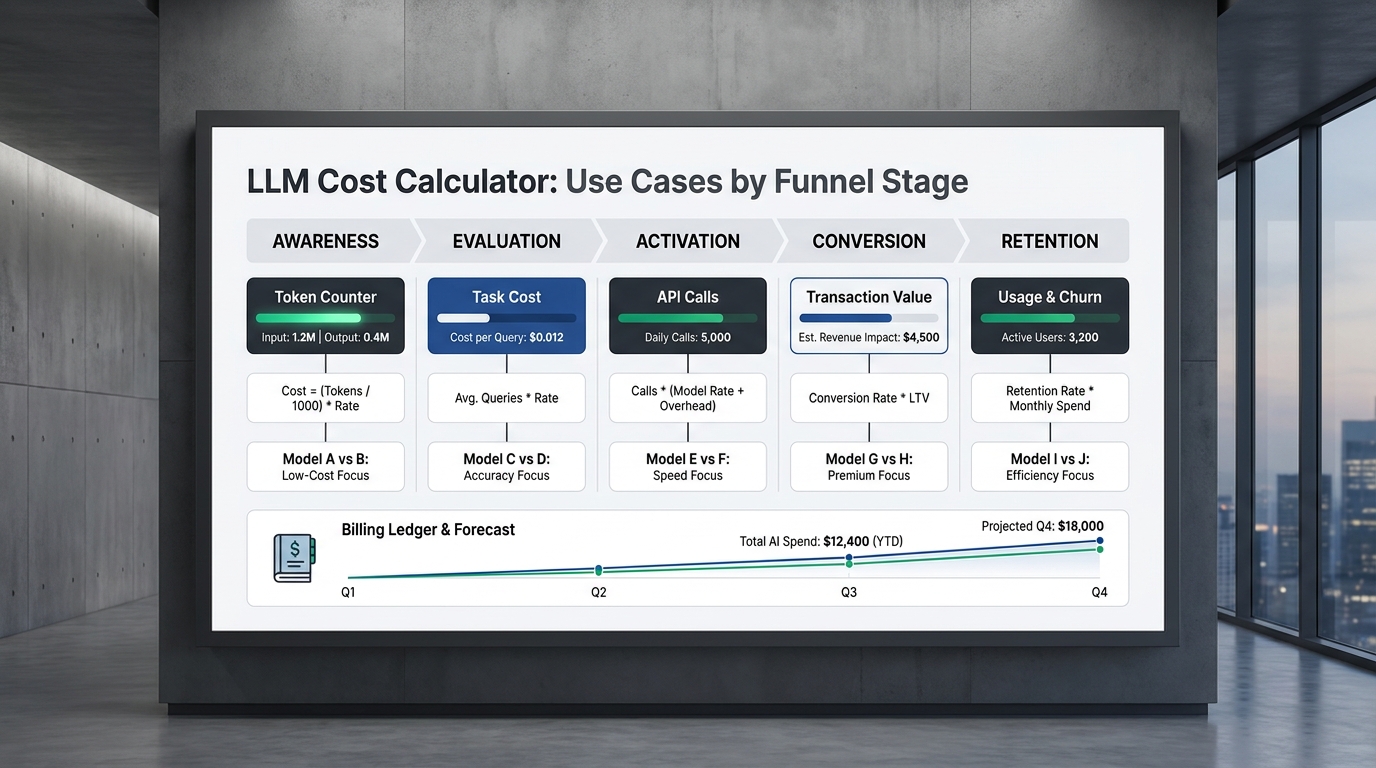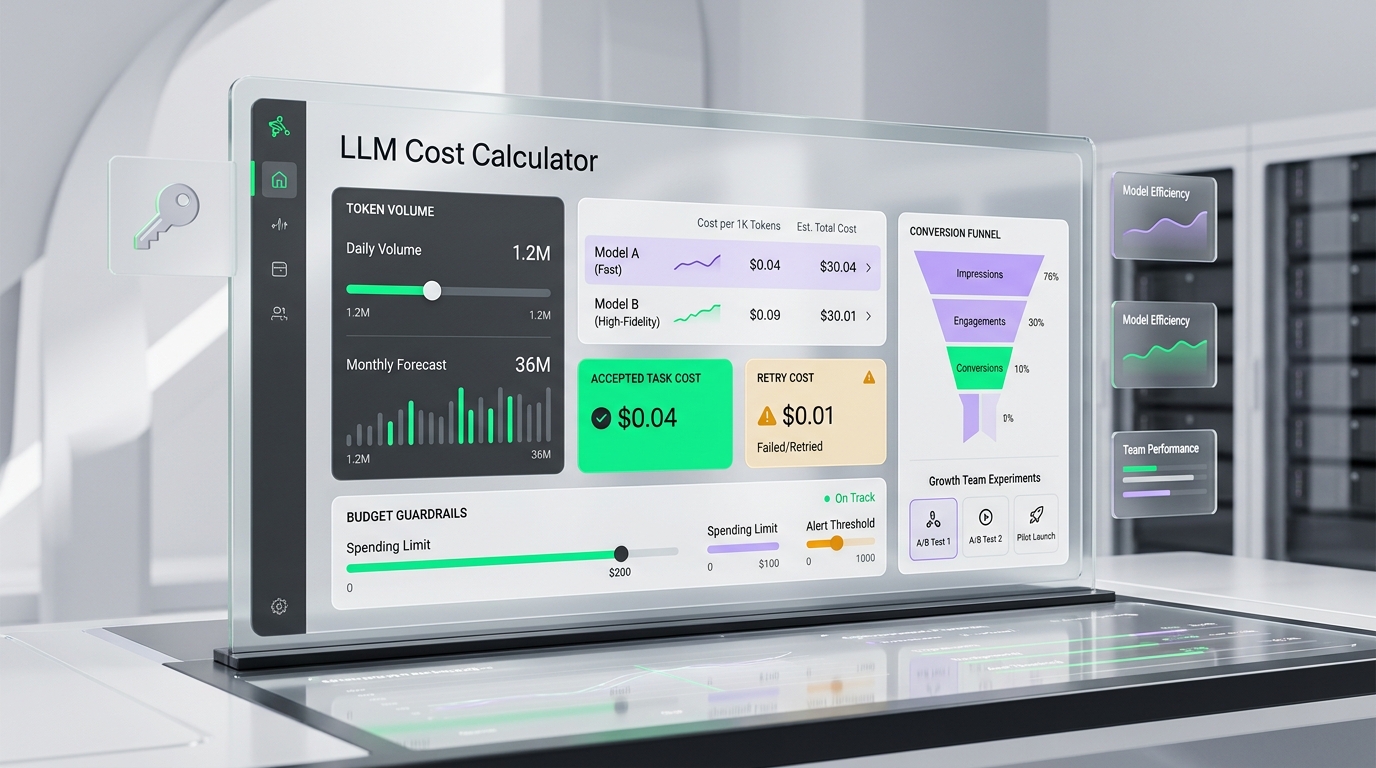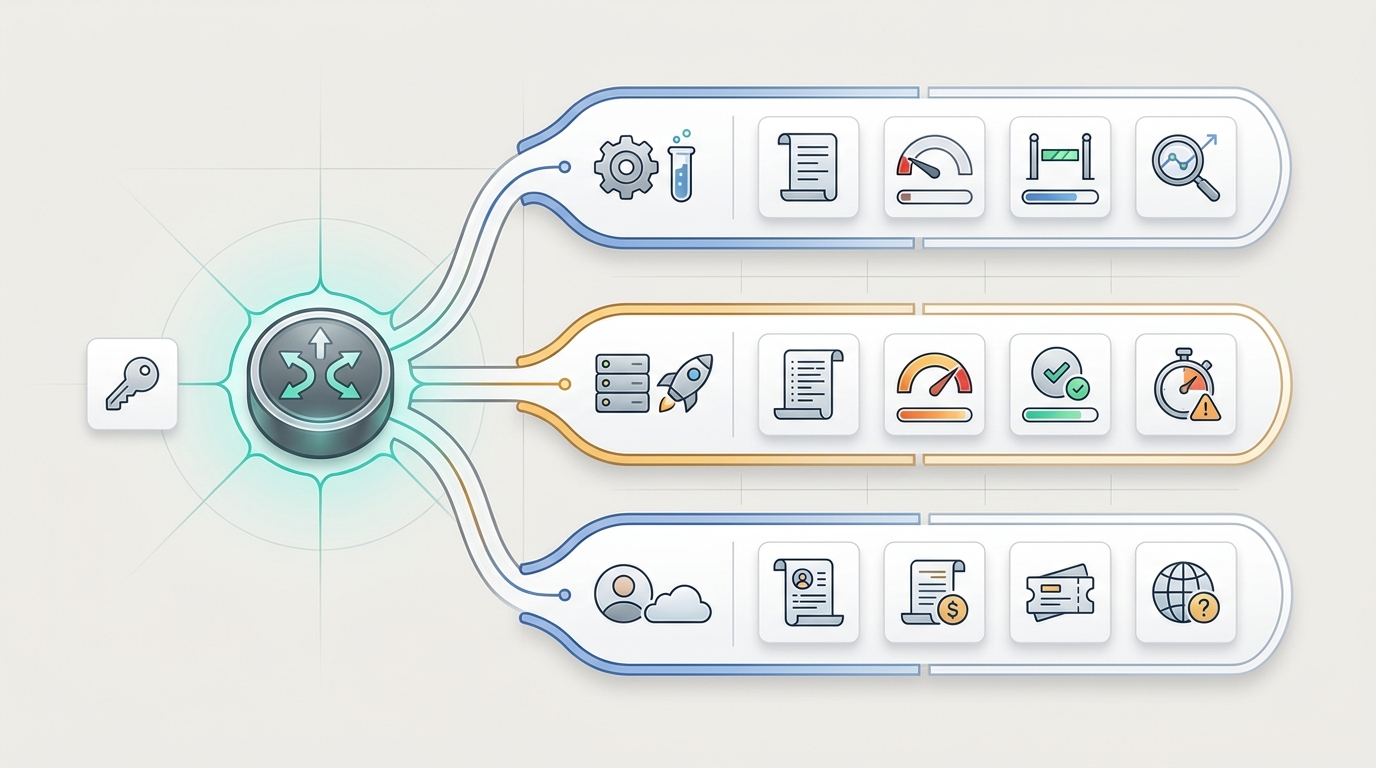
per-key AI usage tracking is the operating practice of assigning each AI API key a clear owner, environment, workflow, and traffic class, then reviewing usage, cost, errors, and quota events by that key. It is the difference between knowing that "the AI account spent more this week" and knowing that staging tests, a production feature, or one customer-facing integration caused the increase.
This guide was checked on June 17, 2026 Asia/Shanghai against official OpenAI usage and cost API guidance, Cloudflare AI Gateway logging and metadata documentation, Vercel AI Gateway observability documentation, and a current Flatkey public pricing and site snapshot. Treat all dashboard labels, model rows, endpoint families, and pricing units as point-in-time evidence; verify the exact row in Flatkey pricing before production traffic.
Quick Answer: What Per-Key AI Usage Tracking Should Prove
Useful per-key AI usage tracking should answer five questions without a spreadsheet archaeology project:
- Who owns the key? Engineering, support, growth, data, a customer workspace, or a service account.
- Where is the key allowed to run? Development, staging, production, batch, evaluation, or customer-facing traffic.
- What is it allowed to call? Approved models, endpoint families, providers, fallback routes, and modality types.
- What did it spend? Requests, tokens, cached tokens, images, video jobs, retries, fallback attempts, and cost.
- What happens when it drifts? Alerts, hard caps, route downgrade, key rotation, customer review, or finance approval.
The practical goal is not to create more keys for their own sake. The goal is to make each key small enough that cost attribution, incident review, quota policy, and customer traffic separation are reviewable.
Why One Shared AI API Key Breaks Cost Attribution
A single shared production key looks simple until the first usage spike. When staging tests, cron jobs, model evaluations, demos, and customer traffic all share one credential, the usage graph can tell you that something happened, but not who caused it or what to do next.
Per-key AI usage tracking fixes that by making the credential boundary match the operating boundary. If a staging script runs too often, staging should show the spike. If one customer segment burns through a premium model budget, that customer-facing key should show it. If a batch job retries through an expensive fallback, the batch key should own the cost and the incident review.
| Shared-Key Problem | Per-Key Tracking Fix | Review Outcome |
|---|---|---|
| Staging tests appear as production spend | Separate non-production keys with small quotas | Finance can ignore test noise when reviewing production cost |
| Customer traffic is mixed with internal automation | Customer-facing keys or metadata by workspace/tier | Support can tie usage to customer behavior and packaging |
| One leaked key requires a broad outage response | Small key scopes and owner labels | Security can disable one key without breaking every route |
| Fallback and retry costs are invisible | Log original key, route, retry count, fallback model, and final status | Engineering can tune recovery behavior without guessing |
| Budget owners dispute monthly spend | Key ownership maps usage to team, feature, customer, or environment | Finance can reconcile usage before the invoice review |
Key Taxonomy Matrix For Staging, Production, And Customer Traffic
Use this matrix as the value asset for a per-key AI usage tracking rollout. The exact key names should fit your system, but each key should have one owner, one purpose, one reset window, and one escalation path.
| Key Scope | Allowed Traffic | Usage Fields To Review | Quota Policy | Incident Question |
|---|---|---|---|---|
| Development key | Local experiments, low-volume feature work, model smoke tests | Owner, model, endpoint, request count, status, token count, cost | Very small hard cap; no premium models unless approved | Did a local script or notebook run longer than expected? |
| Staging key | Pre-production QA, load tests with approved limits, release validation | Environment, release, workflow, model, latency, tokens, errors, retries | Separate cap from production; alert on load-test windows | Did staging usage accidentally resemble production traffic? |
| Production app key | Live customer features and approved fallback routes | Feature, customer segment, accepted result, route, usage unit, final cost | Higher quota with soft alerts and owner approval for increases | Which feature or segment caused the spend or error spike? |
| Batch key | Backfills, enrichment jobs, evaluations, scheduled automations | Job ID, input size, output size, retry count, accepted records, cost per record | Job-level approval, concurrency cap, and stop condition | Did retries or rejected outputs multiply the effective cost? |
| Customer workspace key | Dedicated enterprise workspace, high-volume customer, or reseller route | Workspace, plan tier, model, quota state, overage, error, usage unit | Tier-specific cap with support and finance visibility | Is the customer hitting normal growth, abuse, or packaging mismatch? |
| Evaluation key | Model benchmarks, prompt tests, provider comparisons, preview routes | Experiment ID, model, dataset, tokens, cache status, output acceptance, cost | Short reset window; approval before preview or premium model tests | Did a benchmark create cost that should not be charged to production? |
What To Log For Each API Key
Per-key AI usage tracking works only when the key is present in a log record that includes enough cost and context fields. The minimum record should be readable by engineering, finance, and support.
| Field Group | Recommended Fields | Why It Matters |
|---|---|---|
| Identity | API key ID, owner, team, environment, workflow, customer or workspace tag | Gives every request a budget and support owner |
| Route | Provider, model row, endpoint family, route group, fallback route, service tier | Shows whether traffic moved to a more expensive or risky path |
| Usage | Request count, input tokens, output tokens, cached tokens, images, video jobs, job duration | Prevents request-only tracking from hiding long-context or multimodal cost |
| Cost | Estimated cost, final cost, pricing unit, currency, reset window, budget owner | Connects model use to finance review and customer packaging |
| Reliability | Status, error class, latency, time to first token, retries, fallback attempts, accepted output | Separates healthy growth from failed loops and expensive recoveries |
| Governance | Quota state, alert threshold, approval ticket, rotation date, retention policy | Makes policy changes auditable after a spend or security incident |
Official provider and gateway docs point in the same direction. OpenAI's usage API supports API-key filters and usage grouping by fields such as project, user, API key, model, batch, and service tier, while the costs API supports API-key filters and cost grouping by project, line item, and API key. Cloudflare AI Gateway documents request logs with provider, timestamp, status, token usage, cost, duration, user agent, and custom metadata. Vercel AI Gateway observability documents request summaries by project and API key, plus detailed request logs with token types and cost. Use these as source-backed design patterns, then verify the exact fields and retention behavior in the platform you operate.
Per-Key AI Usage Tracking Starts With Separate Key Scopes
A quota attached to one shared key is still a shared quota. If production and staging use the same key, a staging load test can consume the headroom that production needs. If customer traffic and internal batch jobs share a key, support may blame a customer for spend that an internal automation created.
For per-key AI usage tracking, create the key taxonomy before quota tuning:
- Start with environments: development, staging, production, and evaluation should not share one production key.
- Split by workflow risk: batch jobs, agents, image/video generation, and fallback-heavy routes deserve their own keys or metadata tags.
- Split by owner: a team, customer, service account, or cost center should own each high-volume key.
- Attach quotas after ownership is clear: set hard caps for non-production and risky routes; use soft alerts for normal production growth.
- Document the over-limit path: decide whether the app blocks, degrades, changes route, asks for approval, or alerts an owner.
The exact split depends on traffic volume. A small team may start with development, staging, production, and batch keys. A larger team may add customer-workspace keys, model-evaluation keys, support automation keys, and separate keys for high-cost image or video routes. The test for per-key AI usage tracking is simple: if two traffic classes need different owners, quotas, or incident actions, they probably should not be hidden behind the same key.
How Per-Key Usage Helps Incident Review
When a usage spike happens, the first question should not be "who has the API key?" It should be "which scoped key changed?" That is why per-key AI usage tracking belongs in incident review, not only finance reporting.
| Incident Signal | What Per-Key Review Should Show | Likely Action |
|---|---|---|
| Spend spike | Key, owner, model, unit, route, customer/workflow, and reset window | Raise alert, lower quota, move route, or approve planned usage |
| Token spike | Input/output split, prompt size, cache behavior, accepted result rate | Cap input size, shorten output, improve cache strategy, or change prompt |
| Retry loop | Original error, retry count, fallback route, final status, cost per accepted output | Add stop condition, backoff, non-retryable error class, or fallback cap |
| Customer complaint | Workspace key, quota state, recent usage, failed request pattern, model route | Adjust customer quota, debug route, explain plan limit, or escalate support |
| Possible key leak | Key owner, source environment, request origin, unexpected model or endpoint | Disable or rotate one scoped key and preserve unaffected traffic |
How To Test Per-Key AI Usage Tracking In Flatkey
Flatkey's public site positions the platform as one API gateway for production AI teams, with model access, routing, billing, usage analytics, and operational controls. The public pricing page checked for this article rendered 638 AI models across 23 providers, with endpoint families including /v1/chat/completions, /v1/responses, /v1/images/generations, /v1/video/generations, Anthropic Messages, and Gemini generateContent. Use that as a dated June 17, 2026 snapshot, not as a permanent availability guarantee. For per-key AI usage tracking, the useful proof is not just catalog size; it is whether your current key, model row, endpoint family, and usage log can be reviewed together after a request.
A practical Flatkey validation plan for per-key AI usage tracking should look like this:
- Open Flatkey pricing and confirm the exact model row, provider, endpoint family, availability status, and pricing unit you plan to use.
- Create or select separate keys for staging, production, batch, and customer-facing traffic. If your dashboard labels differ, record the current labels in the rollout note.
- Run one low-risk smoke test per key through the intended endpoint and model route.
- Review Flatkey dashboard usage and billing visibility after each request. Confirm the key, model, status, usage unit, and cost fields that your team will use for review.
- Set a deliberately low staging quota and test the over-limit behavior before exposing a route to users.
- Document the escalation path for each key: owner, alert threshold, quota approver, rotation owner, and rollback route.
- Repeat the test for any text, image, video, batch, or fallback route because request count alone is not enough for multimodal cost review.
This test plan avoids assuming exact enforcement semantics. Verify the current dashboard labels, current model row, current pricing unit, log fields, quota behavior, and API response before relying on a route for production controls.
Template: Per-Key Usage Record
Keep a compact record for every production or customer-facing key. The record turns per-key AI usage tracking into an operating habit instead of a one-time dashboard review.
Per-key AI usage tracking record
Key ID or label: non-secret identifier only
Owner: team, service account, customer workspace, or budget owner
Environment: development, staging, production, batch, evaluation, or customer-facing
Allowed routes: provider, model row, endpoint family, fallback route, and modality
Usage fields: requests, input tokens, output tokens, cached tokens, images, video jobs, duration
Cost fields: estimated cost, final cost, pricing unit, currency, reset window
Quota policy: hard cap, soft alert, approval owner, and over-limit product behavior
Incident fields: status, error class, retries, fallback attempts, accepted-output rate
Review cadence: launch-day, weekly operations, monthly finance, or customer success review
Rotation plan: owner, date, trigger, and rollback path
Do not store real API secrets in this record. Use a non-secret key label or dashboard ID so the record can be shared with finance, support, and incident responders.
Common Mistakes
- Using one production key everywhere: staging, demos, cron jobs, and customer traffic need separate attribution.
- Tracking requests but not units: long prompts, cached tokens, image generations, and video jobs have different cost shapes.
- Skipping owner labels: a key without a team, customer, or service owner becomes unreviewable during incidents.
- Putting quotas before taxonomy: quotas are harder to tune when the key scope is unclear.
- Ignoring retry and fallback cost: the accepted output may be much more expensive than the first attempted request.
- Assuming dashboard labels are permanent: verify current fields, exports, retention, and pricing units before writing runbooks.
- Embedding secrets in runbooks: document non-secret key labels and ownership, not raw API keys.
FAQ
What is per-key AI usage tracking?
Per-key AI usage tracking is the practice of reviewing AI API usage, cost, quota state, errors, and ownership by API key. It helps teams separate staging, production, batch, evaluation, and customer-facing traffic instead of treating all AI spend as one account-level total.
Why should staging and production use separate AI API keys?
Staging and production should use separate AI API keys because they have different owners, risk levels, quotas, and incident responses. A staging load test should not consume production headroom or make finance think live customer traffic became more expensive.
What should I track for LLM usage by API key?
For LLM usage by API key, track owner, environment, workflow, model, provider, endpoint, request count, input tokens, output tokens, cached tokens, status, latency, retries, fallback route, quota state, and final cost. For multimodal routes, add image, video, audio, or job-duration units.
Can API key usage tracking help with customer cost attribution?
Yes, API key usage tracking can help with customer cost attribution when the key or metadata identifies the customer workspace, plan tier, or route owner. It is especially useful for enterprise customers, reseller routes, high-volume workspaces, and support investigations.
How does per-key AI usage tracking relate to quota management?
Per-key AI usage tracking shows who used the budget and which route caused the cost. AI API quota management decides what limit, alert, approval, or block should apply to that key. Use tracking first to understand the scope, then set quotas for that scope.
Final Review Step
Before you scale an AI feature, review every key that can reach the route. Each key should have an owner, environment, allowed models, quota policy, usage record, incident path, and rotation plan. That is the core of per-key AI usage tracking: staging, production, batch, and customer traffic stay separate enough that cost, billing, and incidents can be handled by the right owner.
For the broader operating stack, pair this guide with the AI API quota management guide, the AI model pricing comparison, and the enterprise AI API gateway checklist.
View Pricing: use Flatkey pricing to verify current model rows, endpoint families, and pricing units before assigning production, staging, or customer-facing keys.