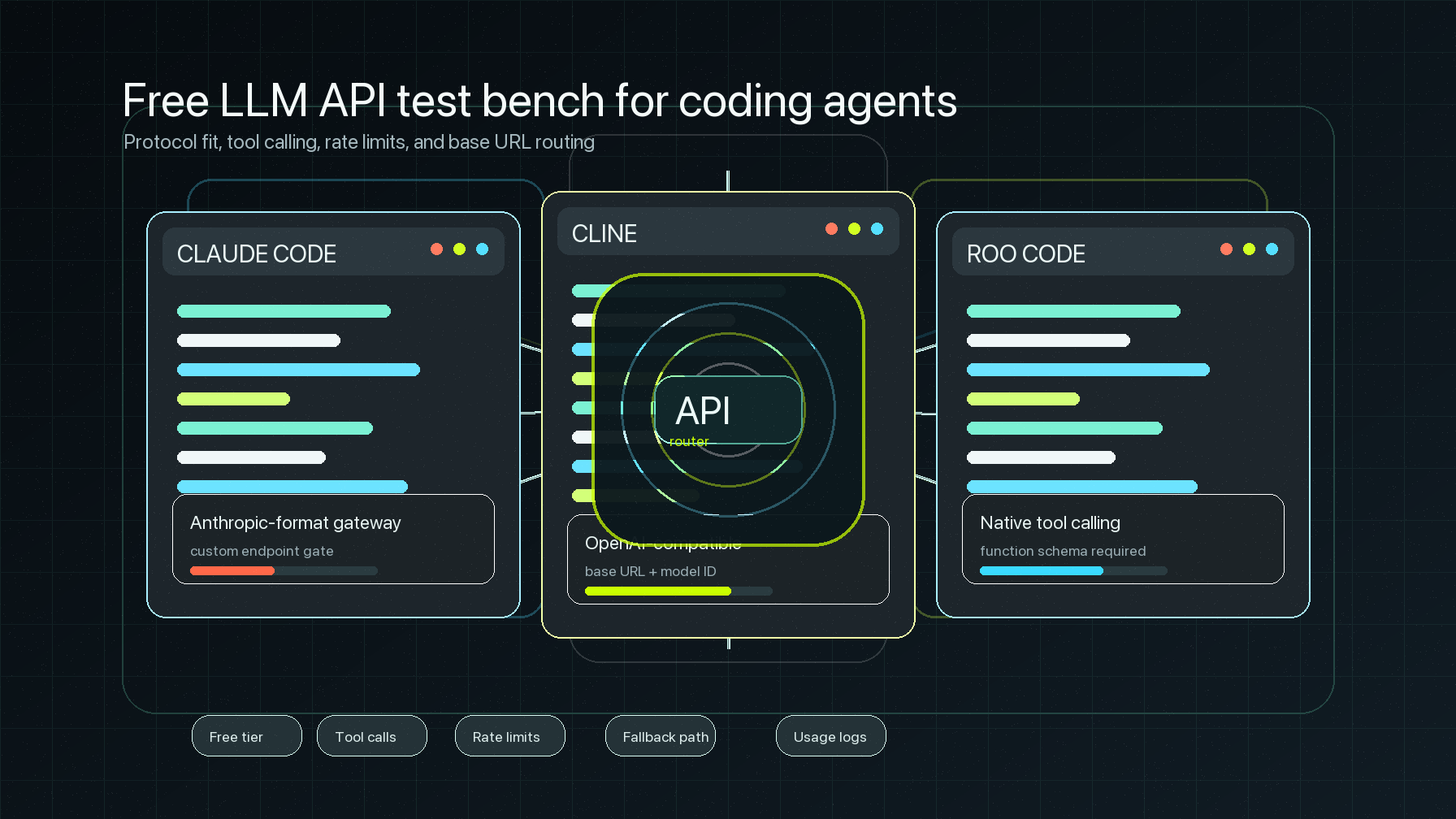
An OpenCode OpenAI compatible provider setup is useful when you want OpenCode to talk to a model route that behaves like the OpenAI Chat Completions API, while your team keeps key ownership, model routing, and usage review in one gateway.
The important part is that OpenCode has a documented custom-provider path. In the OpenCode provider docs checked on July 8, 2026, the flow is: add a credential with /connect, choose Other for a provider that is not already listed, give that provider a memorable ID, configure the provider in opencode.json, then run /models to select from the configured models.
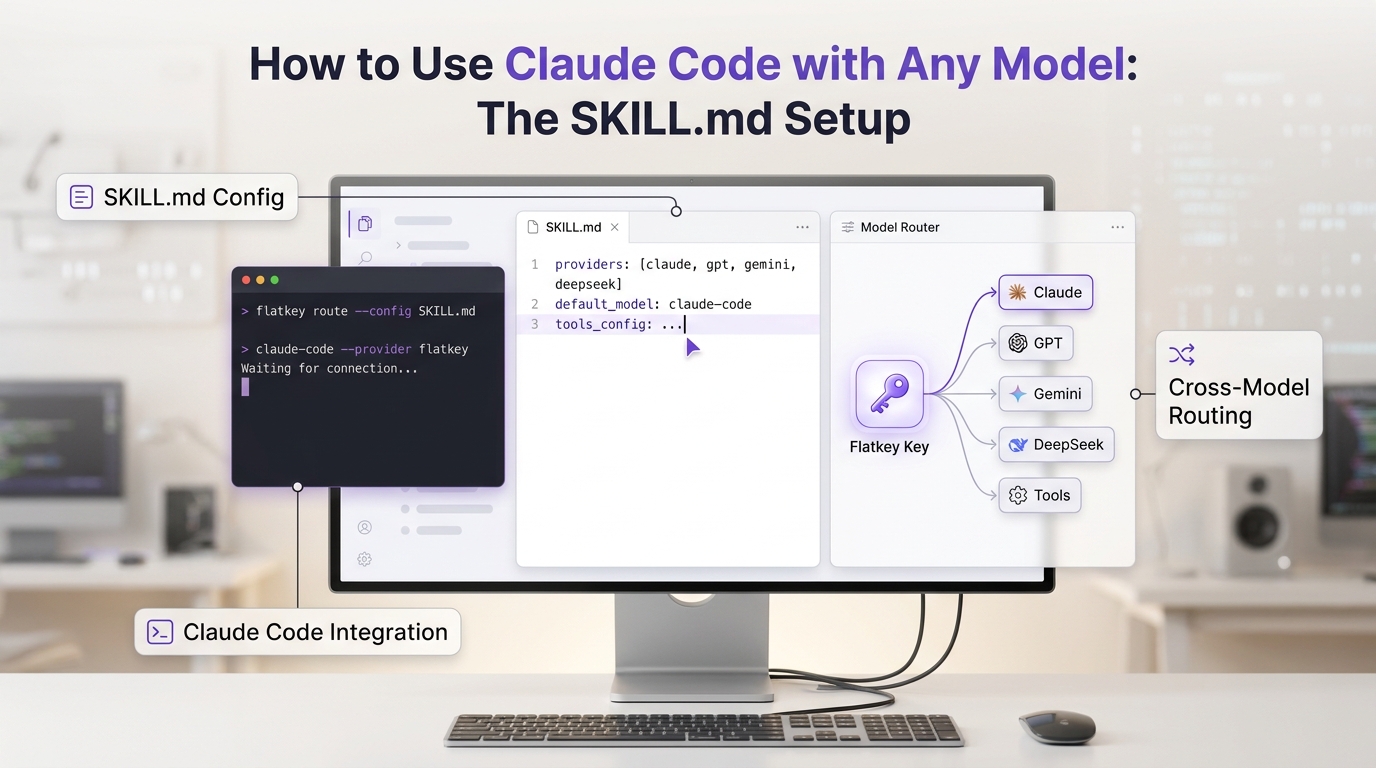
Flatkey fits that pattern as the gateway behind the provider. You keep OpenCode as the coding agent, point the provider at the Flatkey OpenAI-compatible API base URL, and verify that OpenCode model traffic appears in Flatkey usage or request logs before you make it the default route.
Quick answer for OpenCode OpenAI compatible provider setup
Use this setup shape when the model endpoint is Chat Completions-compatible.
| Decision | Recommended value | Why it matters |
|---|---|---|
| Provider ID | flatkey |
The ID must match between /connect, opencode.json, and selected models. |
| NPM package | @ai-sdk/openai-compatible |
OpenCode docs specify this package for OpenAI-compatible providers that use /v1/chat/completions. |
| OpenCode API base URL | https://router.flatkey.ai/v1 |
Flatkey's public site points OpenAI-compatible clients at this API root. |
| Model IDs | Current Flatkey model aliases available to your key | OpenCode uses configured model IDs in the /models picker. |
| Verification | OpenCode response plus Flatkey request or usage log | This proves the coding-agent request used the intended gateway route. |
| Rollback | Keep the prior model value and previous provider config |
A provider change should be reversible without refactoring your prompts or agent workflow. |
This OpenCode OpenAI compatible provider guide uses templates. Validate the exact model aliases and endpoint family against your Flatkey account before routing production coding-agent work.
What OpenCode requires
OpenCode has two separate pieces of state for a custom provider.
| OpenCode layer | What you configure | Source behavior to respect |
|---|---|---|
| Credential | API key entered through /connect under Other |
The provider ID you enter here must match the provider ID in config. |
| Provider config | provider.<id> in opencode.json |
The config names the AI SDK package, base URL, models, and optional headers or API key references. |
| Model selection | /models picker or default model value |
Configured provider models appear after the provider is configured. |
| Runtime defaults | model and optional small_model |
OpenCode config supports provider/model defaults for normal and lightweight tasks. |
OpenCode config can be JSON or JSONC. You can place it globally at ~/.config/opencode/opencode.json, or in a project root as opencode.json. Project config has higher standard precedence, so use a project file when you want one repository to test Flatkey without changing every OpenCode workspace.
Step 1: Create a Flatkey key for OpenCode
Create a Flatkey key for this workload and record three values outside source control.
FLATKEY_API_KEY=sk-fk-your-key
FLATKEY_BASE_URL=https://router.flatkey.ai/v1
FLATKEY_MODEL=your-current-flatkey-model-alias
Keep the API root separate from the endpoint path. The OpenCode provider config should use https://router.flatkey.ai/v1 as options.baseURL; direct HTTP smoke tests add /chat/completions.
Before wiring OpenCode, run a direct test against the same Flatkey key and model alias.
curl "$FLATKEY_BASE_URL/chat/completions" \
  -H "Authorization: Bearer $FLATKEY_API_KEY" \
  -H "Content-Type: application/json" \
  -d '{
    "model": "'"$FLATKEY_MODEL"'",
    "messages": [
      { "role": "user", "content": "Reply with exactly: flatkey route ok" }
    ]
  }'
If this direct request fails, fix the Flatkey key, model alias, endpoint family, or account route before debugging OpenCode. An OpenCode OpenAI compatible provider cannot compensate for a model alias that the gateway account cannot call.
Step 2: Add the Flatkey credential in OpenCode
OpenCode stores provider credentials through /connect. In the OpenCode TUI:
/connect
Choose Other, enter a provider ID such as flatkey, then paste the Flatkey API key. Do not paste the base URL in the credential prompt. The key proves identity; the base URL belongs in opencode.json.
Use a boring provider ID. flatkey is better than flatkey-prod-openai-compatible-gateway-v2 because you will type it in model IDs and rollback notes.
Step 3: Add the OpenCode provider config
Create or update opencode.json in the project root you want to test.
{
  "$schema": "https://opencode.ai/config.json",
  "provider": {
    "flatkey": {
      "npm": "@ai-sdk/openai-compatible",
      "name": "Flatkey",
      "options": {
        "baseURL": "https://router.flatkey.ai/v1"
      },
      "models": {
        "your-current-flatkey-model-alias": {
          "name": "Flatkey primary model"
        }
      }
    }
  },
  "model": "flatkey/your-current-flatkey-model-alias"
}
This is the smallest OpenCode OpenAI compatible provider config. It gives OpenCode a provider named flatkey, tells OpenCode to use the OpenAI-compatible AI SDK package, and exposes one model alias in the model picker.
If you want OpenCode to use a smaller route for lightweight work, add small_model only after the primary route works.
{
  "$schema": "https://opencode.ai/config.json",
  "provider": {
    "flatkey": {
      "npm": "@ai-sdk/openai-compatible",
      "name": "Flatkey",
      "options": {
        "baseURL": "https://router.flatkey.ai/v1"
      },
      "models": {
        "primary-flatkey-model-alias": {
          "name": "Flatkey primary"
        },
        "lighter-flatkey-model-alias": {
          "name": "Flatkey lightweight"
        }
      }
    }
  },
  "model": "flatkey/primary-flatkey-model-alias",
  "small_model": "flatkey/lighter-flatkey-model-alias"
}
Use the model aliases your Flatkey key can actually call. If your account exposes an authenticated /v1/models route, compare the configured model IDs to that response. Otherwise, copy aliases from the current Flatkey dashboard or model directory and verify them with a real request.
Step 4: Select and test the model in OpenCode
After saving the config, open the model picker.
/models
Select the Flatkey provider model. Then run a tiny prompt in OpenCode:
Reply with exactly: opencode flatkey route ok
Do not move a whole coding workflow yet. First save a compact verification packet.
| Check | Pass condition | Evidence to keep |
|---|---|---|
| Provider appears | /models shows the configured Flatkey model |
Screenshot or terminal note with selected model ID. |
| Auth works | OpenCode receives a normal model response, not 401 or 403 |
Redacted key owner, response time, and request timestamp. |
| Base URL is clean | No duplicate /v1/v1, no missing /chat/completions behavior |
Final options.baseURL and direct curl endpoint. |
| Flatkey sees it | The request appears in Flatkey usage or request logs | Request timestamp, model alias, token or unit fields, key/workload label. |
| Rollback exists | You can return to the previous provider/model in one config edit | Previous model, previous provider ID, and previous key owner. |
This turns an OpenCode OpenAI compatible provider migration into a small operational change instead of a blind provider swap.
Step 5: Keep Chat Completions and Responses separate
OpenCode's custom-provider docs call out a package boundary: use @ai-sdk/openai-compatible for OpenAI-compatible providers that use /v1/chat/completions; if a provider or model uses /v1/responses, use @ai-sdk/openai.
That means the first Flatkey route should be a Chat Completions-style model unless you have current evidence that your selected model and client path use a different endpoint family.
Use this decision table before adding more models.
| Model route | OpenCode package direction | What to test |
|---|---|---|
| Chat Completions-compatible | @ai-sdk/openai-compatible |
Plain chat, streaming, tool-call behavior if needed. |
| Responses-style route | @ai-sdk/openai per OpenCode docs |
Response creation, tool handling, and output parsing. |
| Mixed routes under one provider | Per-model package override if your config uses it | One model at a time, with separate logs. |
For most setup work, start with one Chat Completions route. Add streaming, tool calls, and secondary model aliases after the first OpenCode OpenAI compatible provider smoke test is visible in Flatkey.
Step 6: Add team controls after the route works
Once OpenCode can call Flatkey, make the route observable.
| Control | Why it helps |
|---|---|
| Key naming | Label the key for OpenCode, environment, team, or repository. |
| Model approval | Limit the first config to approved aliases before adding broad model choice. |
| Usage review | Check Flatkey request or usage logs by timestamp after each OpenCode test. |
| Cost review | Match model, token, and key usage to the budget owner. |
| Timeout policy | Use OpenCode provider options only after you know the base route works. |
| Rollback note | Save the prior provider and model values before making Flatkey default. |
This is where Flatkey becomes more than a base URL. A working OpenCode OpenAI compatible provider should also give platform, finance, and operations teams a place to review model usage and change the route without asking every developer to manage separate provider accounts.
For broader migration planning, pair this guide with the Flatkey OpenAI-compatible API migration guide. If you are comparing adjacent coding tools, see the Continue.dev OpenAI-compatible provider guide and the Roo Code OpenAI-compatible setup guide.
Troubleshooting an OpenCode OpenAI compatible provider
| Symptom | Likely cause | What to check |
|---|---|---|
Provider does not appear in /models |
Provider ID mismatch or config not loaded | Confirm the /connect ID and provider key are both flatkey; confirm the config file is in the project root or global config path you expect. |
401 or 403 |
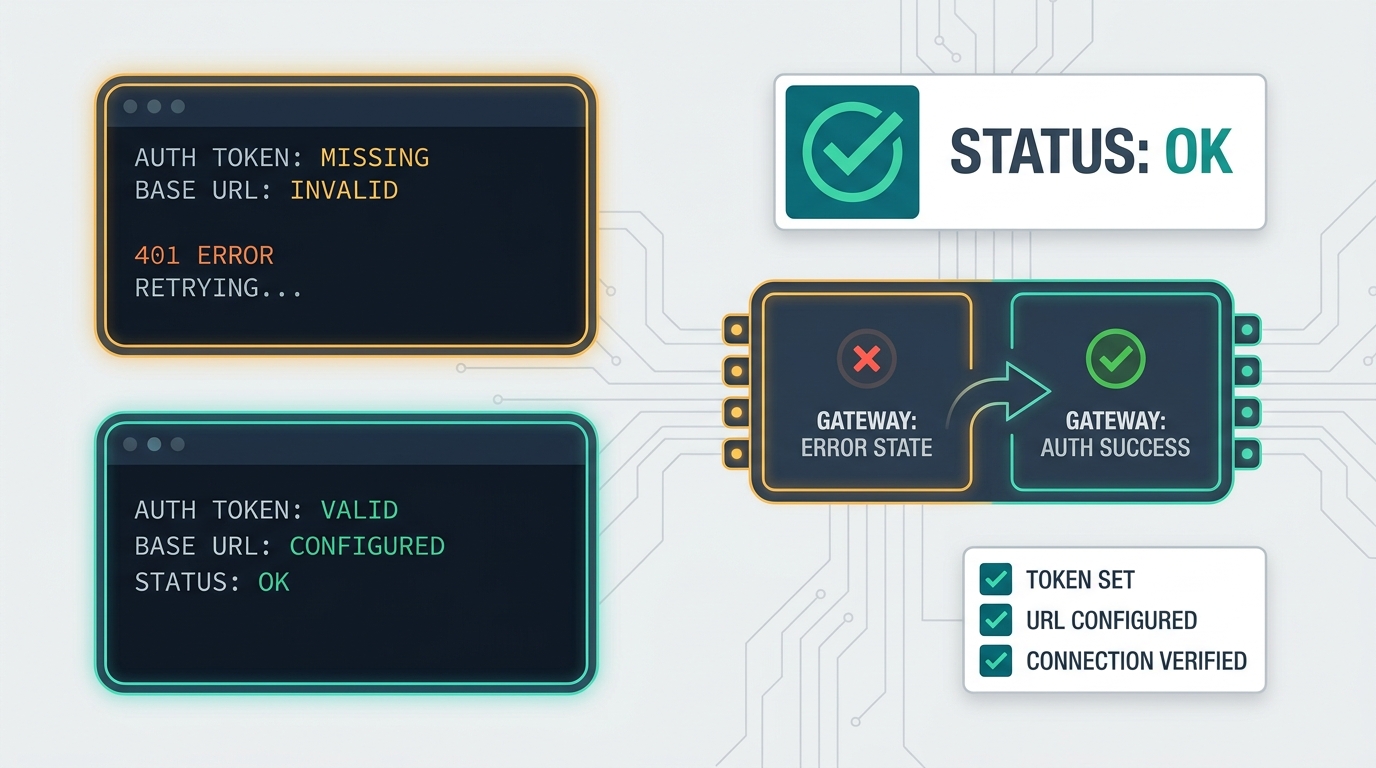
Missing, revoked, or wrong Flatkey key | Re-enter the credential with /connect; never print the full key in logs. |
404 |
Wrong API root or endpoint family | options.baseURL should be the API root, not a full /chat/completions URL. |
| Model not found | Alias is not available for the key or endpoint family | Verify the model alias in Flatkey and test one direct request. |
| Streaming hangs | Route capability, model support, or chunk timeout issue | Prove non-streaming chat first, then tune OpenCode chunkTimeout only if needed. |
| Usage is missing in Flatkey | Request did not go through Flatkey or logs are filtered | Search by timestamp, key label, model alias, and environment. |
| Responses features fail | Wrong package for endpoint family | Recheck whether the selected route uses /v1/chat/completions or /v1/responses. |
If the first request fails, do not change prompts, agents, permissions, or repository code yet. Keep the OpenCode OpenAI compatible provider debugging surface small: credential, provider ID, base URL, package, model alias, and one plain chat request.
Final checklist
Before using Flatkey as the default OpenCode route, confirm:
/connecthas a Flatkey credential under the same provider ID used inopencode.json.provider.flatkey.npmis@ai-sdk/openai-compatiblefor the Chat Completions route.provider.flatkey.options.baseURLishttps://router.flatkey.ai/v1.modelpoints to a configuredflatkey/<model-alias>value./modelsshows the configured Flatkey model.- A one-line OpenCode prompt returns successfully.
- Flatkey usage or request logs show the OpenCode test request.
- The prior provider/model route is documented for rollback.
An OpenCode OpenAI compatible provider setup is complete when the provider is configured, selectable, verified in Flatkey logs, and reversible. When you are ready to route coding-agent model traffic through one key, get a Flatkey key and start with a single low-risk OpenCode prompt.