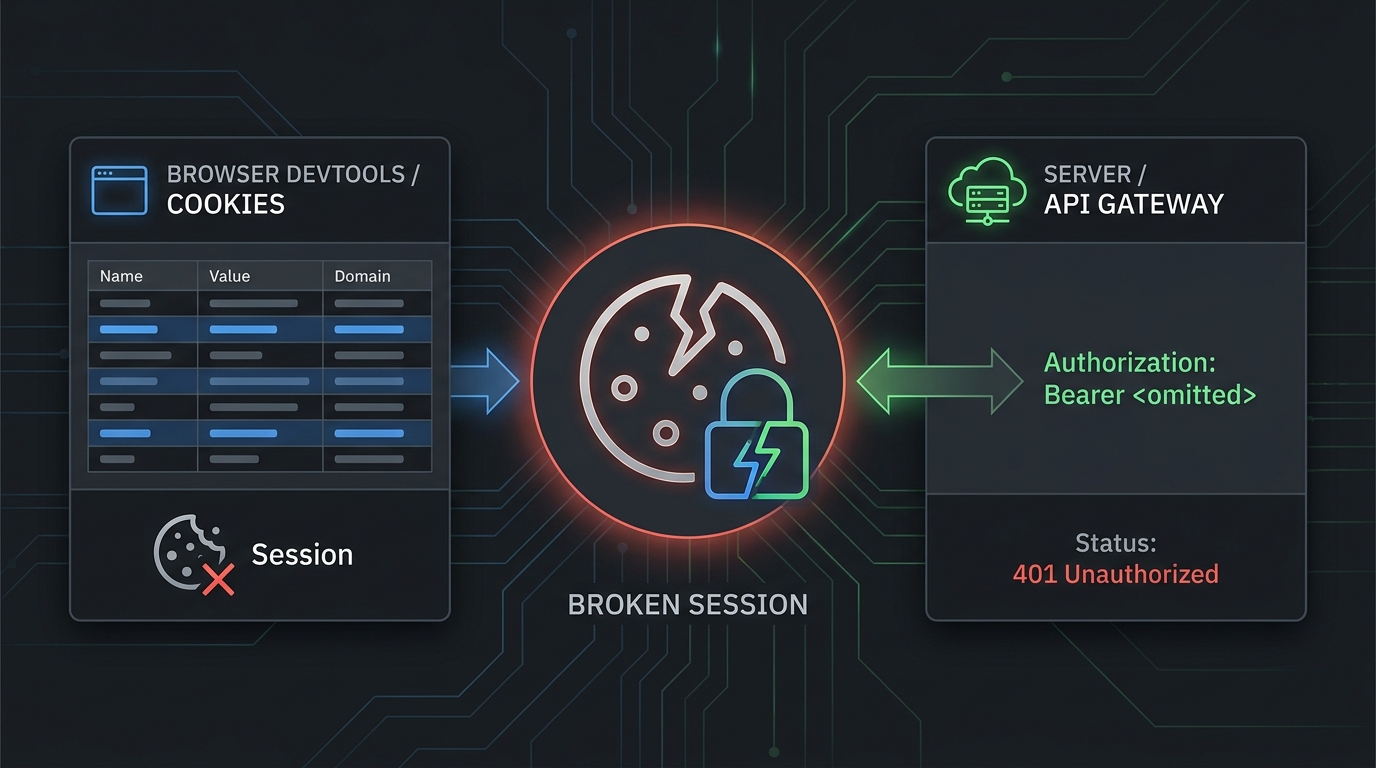
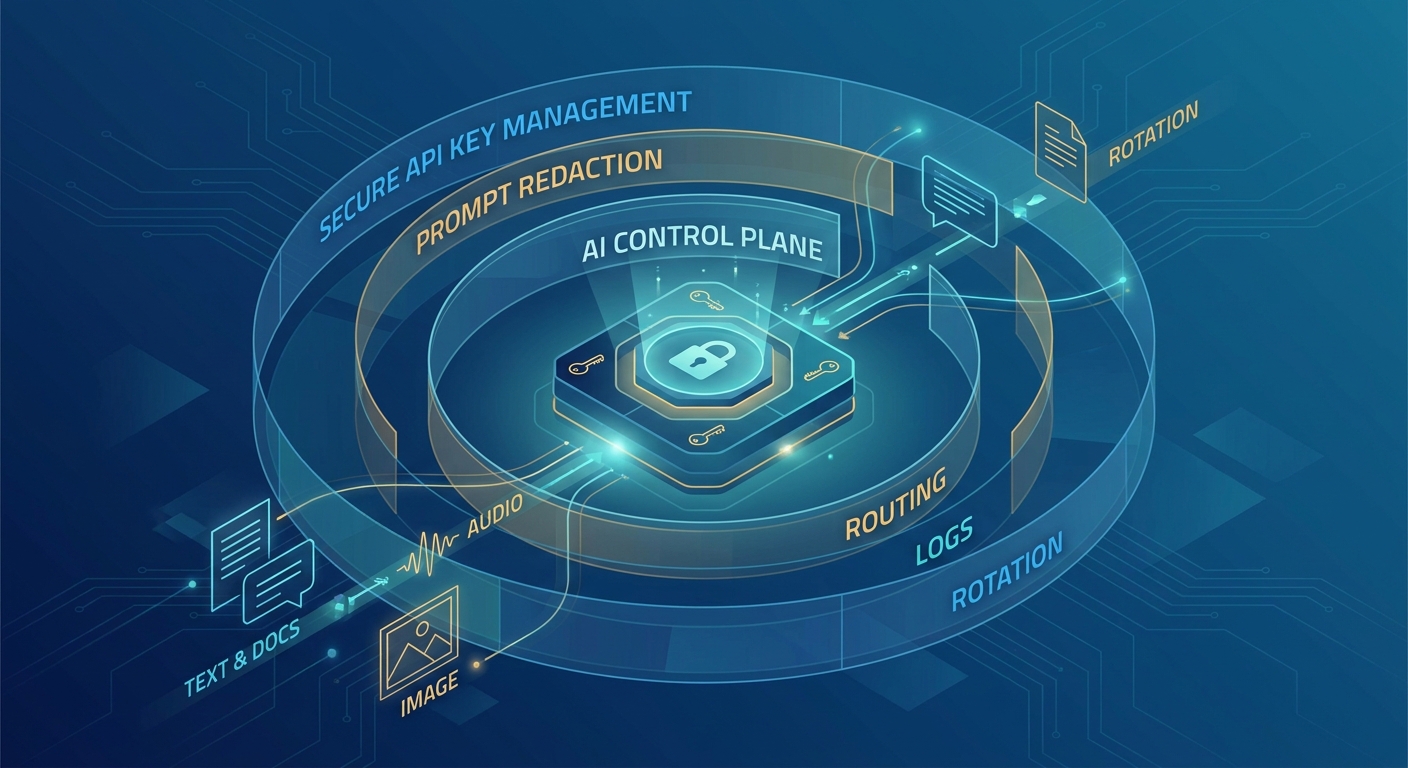
AI API secret scanning should find provider keys before they become an incident ticket, a surprise bill, or a production outage. For AI teams, that means scanning more than source code. Provider keys can drift into notebooks, prompt test fixtures, CI variables, runbooks, support transcripts, Docker layers, browser automations, and copied examples from internal chat.
The prevention plan is simple: scan where AI work happens, map each finding to an owner, prove whether the key is live, rotate the right scope, and keep evidence that procurement, finance, platform engineering, and security can all read.
Flatkey is useful in this workflow because the current public site positions flatkey.ai around one API key for official GPT, Claude, Gemini, DeepSeek, image, audio, and video model access, with dashboard visibility into usage, cost, routing, and errors. That can reduce direct-provider key sprawl, but it does not remove the need for AI API secret scanning. Treat every Flatkey, OpenAI, Anthropic, Gemini, and other provider credential as a secret that needs scanning, ownership, scope, and rotation evidence.
For the rotation path, pair this guide with the AI API key rotation gateway checklist, the AI API access review workflow, the AI API redaction policy, and the AI API payload logging checklist.
AI API Secret Scanning Workflow
Most teams already know they should not commit API keys. The harder problem is operating a workflow that catches the key early and still tells the incident owner what to do next.
| Stage | What to scan | Decision to make | Evidence to keep |
|---|---|---|---|
| Pre-commit | Local files, notebooks, config, fixtures | Can the commit proceed? | Scanner name, rule set version, blocked path, developer owner |
| Pull request | Diff, added files, generated assets | Should the PR be blocked or reviewed? | Finding ID, secret family, path, reviewer, resolution |
| CI pipeline | Full repository and build context | Did anything enter the branch after local checks? | CI job, commit SHA, scanner output, allowlist change |
| Registry and artifact store | Containers, packages, build logs | Did a key leave source control? | Artifact digest, layer/file path, revocation status |
| Runtime and support systems | Logs, traces, runbooks, tickets, transcripts | Did a key become observable outside engineering? | Log index, ticket ID, retention status, redaction ticket |
| Post-rotation | Usage dashboard, provider audit records, gateway logs | Did the old key stop working and did the new key stay scoped? | Old key disabled, new key owner, smoke test, usage review |
This is the core rule for AI API secret scanning: a finding is not closed when a pattern matches. It is closed when the team knows whether the credential was valid, where it was exposed, who owned it, what was rotated, and which records prove the old key no longer matters.
Start With Provider Key Coverage
Do not rely on one generic "API key" regex. AI teams usually touch several providers, gateways, and tools, each with different key shapes and permission models.
Build a provider inventory before tuning rules:
| Credential family | Where it usually appears | Scanning requirement |
|---|---|---|
| OpenAI keys and service-account credentials | Backend services, notebooks, eval harnesses, AI SDK examples | Detect likely key strings, project/service-account context, organization/project mismatch, and old revoked keys in local caches |
| Anthropic keys | Agent tools, server-side wrappers, notebook tests, Claude-specific SDK examples | Detect direct keys and separate them from workspace IDs, admin tokens, and harmless examples |
| Gemini or Google API keys | Client prototypes, notebooks, env files, mobile/web examples | Detect API keys and check whether restrictions, rotation, and deletion are documented |
| Gateway keys such as Flatkey keys | Shared model router code, base URL migration examples, CI smoke tests | Scan and rotate the gateway key just like a direct provider key |
| Scanner exceptions | Test fixtures, docs, examples, hashed values | Keep allowlists narrow, reviewed, expiring, and path-specific |
Official scanner documentation supports this layered approach. GitHub secret scanning covers supported secret patterns, push protection, and custom patterns. GitLab secret detection can run in pipelines. Gitleaks and TruffleHog are common repository/history scanners. Provider docs then tell you how to treat the affected key family after detection.
Put Scanning In Every Place AI Keys Move
An AI API key can leak without ever being committed to main.
Use this minimum placement checklist:
- Run a local pre-commit scanner for source,
.envfiles, notebooks, generated fixtures, and prompt examples. - Enable repository-hosted secret scanning and push protection where the platform supports it.
- Run CI secret detection on pull requests and protected branches.
- Scan Git history before publishing SDK examples, public templates, or internal starter repositories.
- Scan container images and package artifacts before release.
- Scan support runbooks, incident notes, and exported troubleshooting bundles for copied secrets.
- Review logs and traces for accidental prompt, header, or environment dumps.
The first pass of AI API secret scanning should be broad. The second pass should be precise: tune allowlists, add custom patterns for gateway keys or internal wrappers, and keep false positives from training the team to ignore alerts.
Map Every Finding To An Owner
Secret scanning without ownership becomes a queue of scary strings. Before you rotate, record the operating scope.
| Field | Why it matters |
|---|---|
| Non-secret key label | Lets teams discuss the key without copying the secret |
| Provider or gateway | Determines where to revoke, rotate, and inspect usage |
| Owner | Names the team or service account responsible for the key |
| Environment | Separates development, staging, production, batch, evaluation, and support automation |
| Allowed models and endpoints | Shows whether the key can reach text, image, video, batch, or admin surfaces |
| Data class | Clarifies whether prompts may contain customer text, regulated data, secrets, or internal-only data |
| Recent usage | Helps decide whether the key was abused or simply exposed |
| Rotation owner | Names who can create the replacement and update deployments |
| Finance owner | Helps explain cost spikes from leaked, retried, or high-token traffic |
Flatkey can help this review when your team routes approved model traffic through one OpenAI-compatible gateway and reviews current usage, cost, routing, and errors from the product dashboard. Keep that claim narrow: verify the exact current dashboard fields, pricing row, model route, log visibility, and key labels in your account before relying on them for incident evidence.
Triage Validity Before Rotation Scope
Not every match is a live incident. Some findings are test values, truncated snippets, examples, or already-revoked keys. Triage should still be fast and conservative.
Use this triage table:
| Signal | What it means | Action |
|---|---|---|
| Full-length likely secret in source, logs, or ticket | Assume exposure until proven otherwise | Revoke or rotate immediately, then investigate usage |
| Partial key, masked value, or screenshot blur | May still reveal account or prefix context | Review manually and redact if useful to attackers |
| Public repository exposure | Potential external access | Rotate, preserve evidence, check provider usage, notify owners |
| Internal-only branch exposure | Lower external risk, still unsafe | Rotate based on environment and privilege |
| Scanner allowlist hit | Possible false positive or accepted test fixture | Require reviewer, expiry, and exact path |
| Unexpected usage after exposure | Possible abuse or automation drift | Disable key, collect logs, escalate incident workflow |
If the finding is a production AI provider key, rotate first and argue later. AI workloads can create real cost, data, and reliability exposure in minutes.
Rotate Small Scopes, Not Whole Accounts
Good AI API secret scanning is easier when keys are scoped before they leak. One shared production key forces a broad response. Separate keys by owner, environment, workload, and route let you rotate one blast radius.
For AI API keys, the rotation plan should say:
| Rotation question | Review answer |
|---|---|
| What exactly leaked? | Provider or gateway, non-secret key label, path, commit, artifact, log, or ticket |
| What can it do? | Models, endpoint families, admin actions, budget, project, organization, and route |
| Who owns the replacement? | Team, service account, platform owner, finance owner |
| How will deployments update? | Secret manager path, CI variable, runtime config, fallback plan |
| How will old usage be detected? | Provider usage, gateway logs, request IDs, cost dashboard, alert |
| What proof closes the incident? | Revocation record, new key smoke test, no post-revoke usage, redaction ticket |
OpenAI platform documentation currently separates project API key permissions, project administration, service accounts, usage dashboards, and model request permissions. Anthropic documents API-key authentication and admin/API management concepts. Google Cloud API key guidance emphasizes restrictions, rotation, deletion, and avoiding keys in client-side or public code. Use those provider-specific controls instead of writing a provider-neutral rotation step that nobody can execute.
Add Gateway Keys To The Scanner
When a team adopts an AI gateway, direct provider keys should become rarer in application code. That is good. But the gateway key becomes important.
For Flatkey, current public pages checked on July 11, 2026 show positioning around one key, an OpenAI-compatible gateway base URL, usage analytics, cost controls, request logs, one invoice across providers, and one balance across model families. Use that as dated public evidence, not as a permanent account guarantee.
Your scanner should still treat the gateway key as a production secret:
- Add custom patterns for any documented or account-confirmed gateway key format.
- Label keys by owner, environment, route, and budget owner.
- Keep direct provider keys out of app repositories once a gateway route is approved.
- Scan migration docs and examples for copied old provider keys.
- Review the gateway usage dashboard after a finding to see whether unexpected routes, models, or spend appeared.
- Store the gateway key in the same secret manager and rotation workflow as direct provider credentials.
This keeps the benefit of consolidation without turning one gateway credential into an unreviewed shared super-key.
Control False Positives Without Hiding Risk
False positives are inevitable. Treat the allowlist as a security control, not a junk drawer.
| Allowlist rule | Required control |
|---|---|
| Test fixture | Use obviously fake values and keep them under a test-only path |
| Documentation example | Use provider-approved placeholder style, never a real prefix plus realistic entropy |
| Historical finding | Link to the rotation ticket and removal decision |
| Generated file | Regenerate without secret-like strings or exclude the generation path with review |
| Vendor sample | Keep a source link and prove it cannot authenticate |
| Temporary exception | Add owner, expiry date, and renewal review |
If developers are repeatedly allowlisting real-looking examples, fix the templates. Better examples reduce alert fatigue and lower the chance that a real LLM API key leak looks ordinary.
Build The Evidence Packet
The output of AI API secret scanning should be a small evidence packet that survives handoff between engineering, security, procurement, and finance.
AI API secret scanning evidence record
Finding ID:
Scanner and rule version:
Provider or gateway:
Non-secret key label:
Repository, artifact, log, or ticket:
Commit SHA or artifact digest:
Owner:
Environment:
Allowed route and endpoint family:
Data class:
Was the key valid:
Was there post-exposure usage:
Rotation action:
Old key disabled at:
Replacement deployed at:
Smoke test request ID:
Cost or usage review:
Redaction/removal ticket:
Reviewer:
Renewal trigger:
Do not paste the raw key into this record. Use a non-secret label, key ID, provider dashboard reference, or hashed identifier approved by security.
Procurement Questions To Ask
For decision-stage buyers, AI API secret scanning belongs in the vendor and operating review. Ask:
| Question | Why it matters |
|---|---|
| How many direct provider keys are in application repositories today? | Measures key sprawl before gateway consolidation |
| Which tools block secrets before push and in CI? | Shows whether prevention exists before incident response |
| Are provider and gateway key formats covered? | Prevents scanner blind spots |
| Who owns each production AI API key? | Makes rotation actionable |
| Are keys separated by environment and workload? | Reduces blast radius |
| Can usage be reviewed by key, route, model, and cost? | Supports abuse and finance review |
| What is the emergency rotation runbook? | Proves the team can act without waiting for a postmortem |
| How are scanner exceptions reviewed? | Prevents allowlist drift |
If you are evaluating Flatkey, add one Flatkey-specific proof step: create a test key, run a low-risk request through the intended model route, and verify the current usage, cost, routing, and key-review evidence your team will rely on. Then decide whether direct provider keys can be removed from app-level configuration.
FAQ
What is AI API secret scanning?
AI API secret scanning is the practice of finding AI provider and gateway API keys in source code, Git history, CI variables, artifacts, logs, runbooks, support tickets, and other workflow surfaces before the exposed credential causes cost, data, or reliability impact.
Is AI API secret scanning different from normal secret scanning?
The scanning mechanics overlap, but AI keys need additional review for model access, endpoint families, prompt and output exposure, token cost, fallback routes, and provider-specific rotation evidence. A leaked AI key can create both security risk and fast usage spend.
Should I scan for gateway keys as well as direct provider keys?
Yes. A gateway can reduce direct provider-key sprawl, but the gateway key still authorizes model access. Scan for it, store it in a secret manager, assign an owner, separate environments, and rotate it when exposed.
What should close an AI API key leak finding?
A finding should close only after the raw secret is removed or redacted, the key is revoked or rotated, post-exposure usage is reviewed, owners are notified, the replacement is smoke-tested, and evidence is attached to the incident or access-review record.
Does Flatkey provide AI API secret scanning?
Do not assume that from public pages. Flatkey public pages support one-key model access, OpenAI-compatible routing, usage analytics, cost controls, request logs, and billing visibility. Use your repository, CI, artifact, and log scanners to find secrets, then use Flatkey account evidence where relevant to review gateway-key usage and rotation.
Bottom Line
AI API secret scanning should be a prevention workflow, not a post-leak grep. Scan code, history, CI, artifacts, logs, tickets, and runbooks. Cover direct provider keys and gateway keys. Map every finding to an owner and scope. Rotate the smallest safe blast radius. Save evidence that proves the old key is gone and the new route is controlled.
If you want to reduce direct provider-key sprawl while keeping model access, routing, usage, and cost review in one place, get a key, then add the Flatkey key to the same AI API secret scanning and rotation workflow you use for every provider credential.