Cursor OpenAI compatible API setup looks simple if you only think about three fields: API key, base URL, and model name. In practice, Cursor is a higher-level coding tool with its own model picker, usage accounting, team controls, and prompt-building path, so the safer setup is a verification workflow rather than a blind copy-paste.
As of the current public Cursor API key docs checked on July 8, 2026, Cursor documents Bring Your Own API Key for named providers in Cursor Settings > Models. It documents OpenAI, Anthropic, Google, Azure OpenAI, and AWS Bedrock keys; it also says custom API keys work with chat models only, Tab completion keeps using Cursor built-in models, and own-key requests still pass through Cursor servers for final prompt building. The public docs do not document a general arbitrary OpenAI-compatible base URL field.
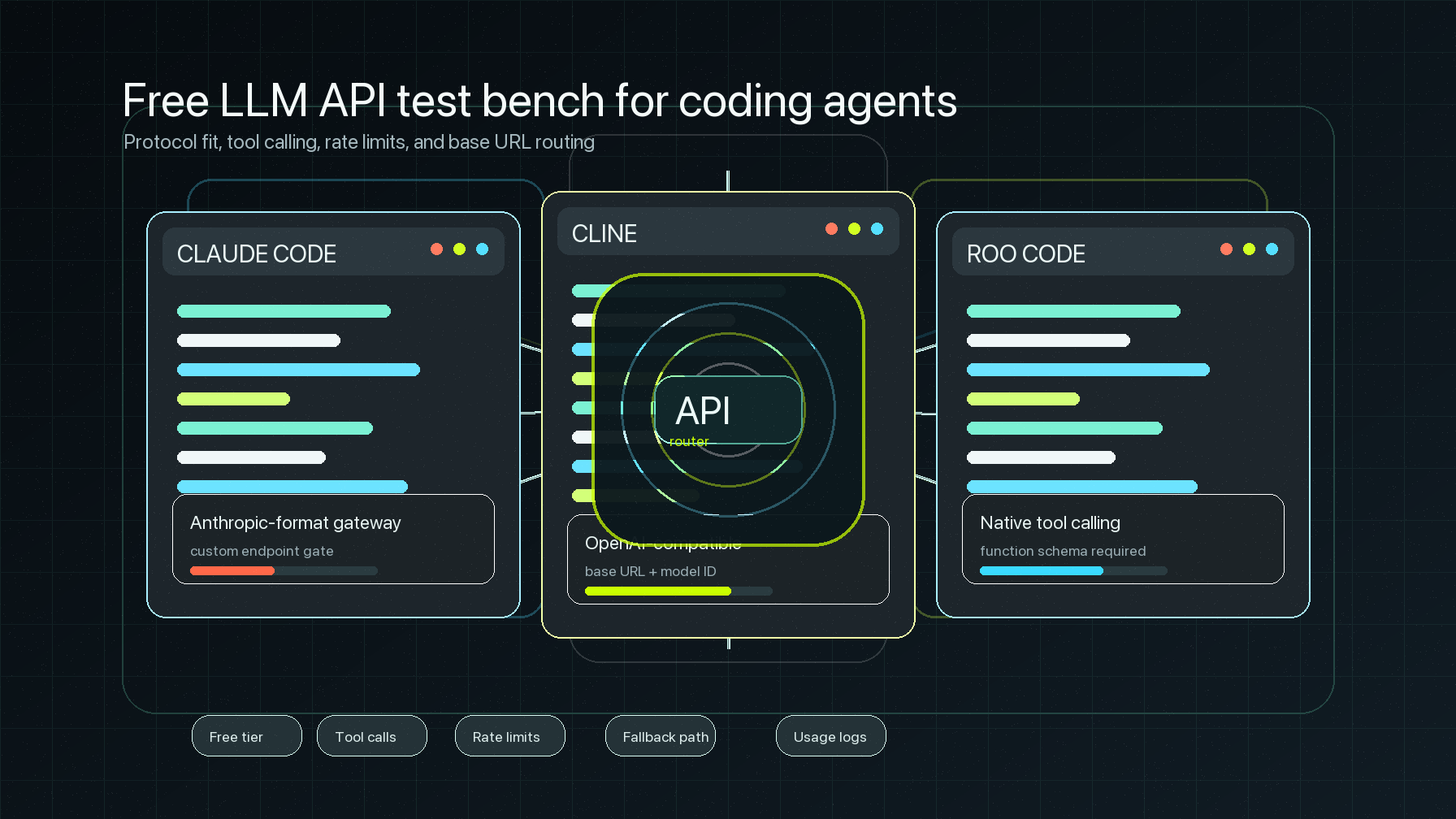
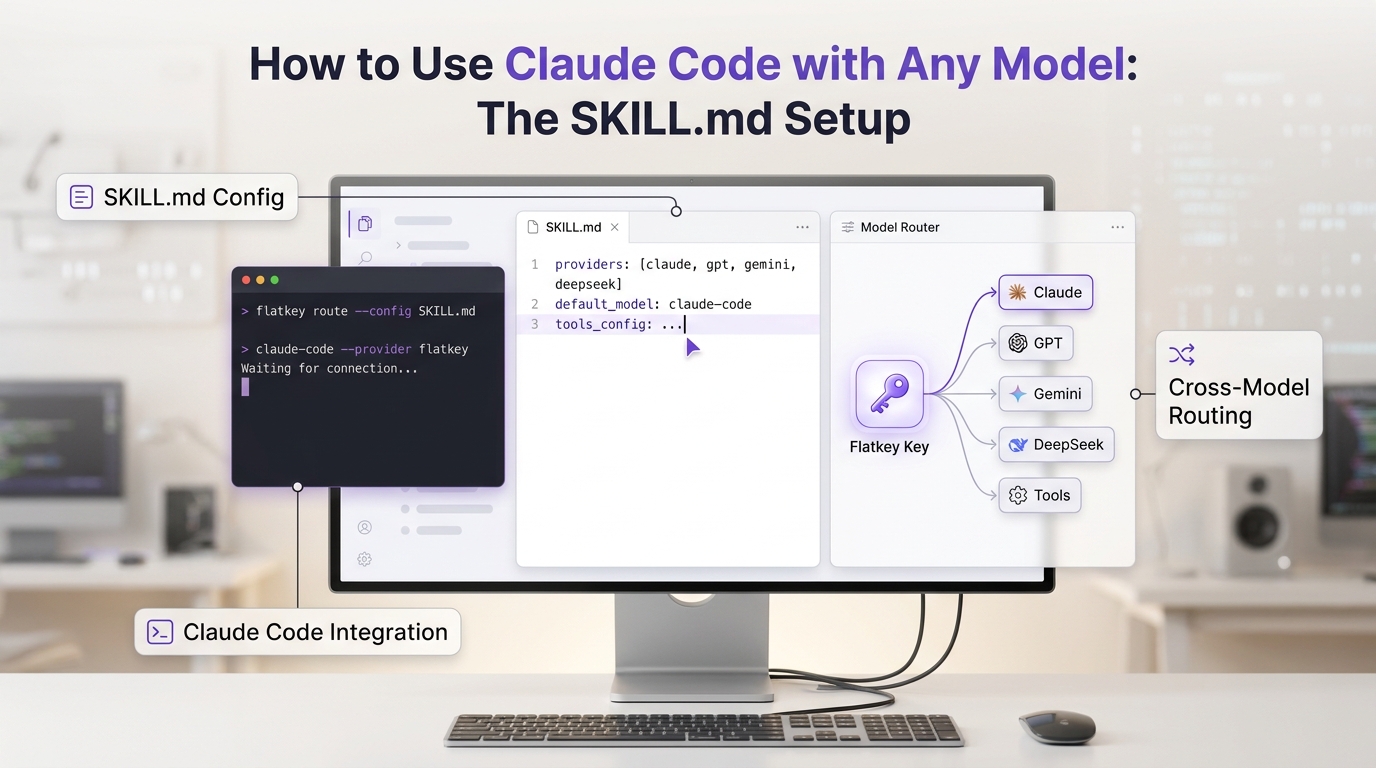
That matters for Flatkey users. Flatkey gives teams one key, an OpenAI-compatible gateway at https://router.flatkey.ai/v1, model access across providers, and usage and cost review in one place. If your Cursor build, admin policy, or provider configuration exposes a custom OpenAI base URL field, use this guide to validate the setup. If your Cursor UI only supports provider-owned API keys, use the same checks to decide when to keep Cursor on its documented provider flow and use Flatkey in tools that explicitly expose a custom base URL, such as Cline or Claude Code router workflows.
The goal is not to force every Cursor request through a gateway. The goal is to make every Cursor OpenAI compatible API decision inspectable: who owns the key, which base URL is actually used, which model name is selected, where usage appears, and how to roll back.
Cursor OpenAI compatible API setup: what to verify first
Start with a short decision table before changing any setting.
| Setup surface | What Cursor publicly documents | What you must verify in your workspace |
|---|---|---|
| Provider API key | Add a key in Cursor Settings > Models for supported providers. | Which provider row you are editing, who owns the key, and whether team policy allows BYOK. |
| Custom base URL | Cursor public docs checked on July 8, 2026 do not document a general arbitrary OpenAI-compatible base URL path. | Whether your installed Cursor version or enterprise configuration exposes a base URL override. |
| Model names | Cursor models appear in the model picker; availability depends on plan, provider, and region. | Whether the selected model name is a Cursor model, a provider model, or a gateway model alias. |
| Usage logs | Cursor usage dashboard shows usage, allowance, on-demand charges, cost, and model selection for Cursor usage. | Whether a request also appears in Flatkey logs, provider logs, or only Cursor usage. |
| Privacy mode | Cursor says Zero Data Retention does not apply when you use your own API keys. | Whether your security review accepts Cursor prompt-building plus the chosen provider or gateway path. |
This is the first rule of Cursor OpenAI compatible API setup: do not treat an API key field as proof of a gateway route. A key field proves credential entry. A base URL field, request log, and usage record prove routing.
The values to collect before touching Cursor
Put the setup values in a small worksheet. Share this with the person who owns billing or security, not just the developer doing the UI change.
| Field | Flatkey example | Why it matters |
|---|---|---|
| API key owner | A dedicated Flatkey key for Cursor evaluation | Separates IDE traffic from app traffic and makes rollback clean. |
| Base URL | https://router.flatkey.ai/v1 | Avoids duplicate /v1/v1 paths and keeps the route OpenAI-compatible. |
| Endpoint family | Chat Completions first | Cursor BYOK docs say custom API keys work with chat models only. |
| Model name | Current Flatkey catalog alias selected by the team | Gateway aliases can differ from Cursor model-picker names. |
| Test prompt | One low-risk Agent or chat prompt | Keeps the first request easy to find in logs. |
| Usage owner | Cursor usage page, Flatkey usage/logs, finance owner | Prevents surprise billing disputes after the test. |
| Rollback value | Previous Cursor model/key setting | Lets the team revert without deleting evidence. |
For a Cursor OpenAI compatible API test, the most common mistake is using a model display name from one system in another system. Cursor model names, provider model IDs, and Flatkey route aliases are not automatically interchangeable. Pick the model name from the place that will receive the request.
Run an external smoke test first
Before testing inside Cursor, validate the gateway values outside Cursor. These snippets are templates only; replace the key and model with values from your current Flatkey account and catalog.
export FLATKEY_API_KEY="sk-fk-..."
export FLATKEY_MODEL="your-current-model-alias"

curl -sS https://router.flatkey.ai/v1/models \
  -H "Authorization: Bearer $FLATKEY_API_KEY"
Use the models response to confirm the exact model ID or alias. Then test the chat path:
curl -sS https://router.flatkey.ai/v1/chat/completions \
  -H "Authorization: Bearer $FLATKEY_API_KEY" \
  -H "Content-Type: application/json" \
  -d '{
    "model": "'"$FLATKEY_MODEL"'",
    "messages": [
      {
        "role": "user",
        "content": "Reply with exactly: cursor route probe ok"
      }
    ]
  }'
Save the request timestamp, model name, HTTP status, response body, and usage object if the response includes one. OpenAI's Chat Completions API shape is built around model and messages, and successful responses can include token usage. OpenAI's models endpoint lists currently available models for an account. Those two facts make this smoke test useful before you involve Cursor.
If this external test fails, do not continue to Cursor. Fix the key, model alias, quota, or endpoint family first. A failed external test will not become easier to debug after Cursor adds its own model picker, prompt building, and request path.
Configure Cursor only after the route is proven
Now open Cursor and inspect the actual settings available to your account.
- Open Cursor Settings > Models.
- Check whether your organization allows personal API keys. Enterprise admins can restrict BYOK usage.
- If you are using Cursor's documented BYOK path, choose the provider row Cursor supports and enter that provider's key.
- If your Cursor environment exposes a custom OpenAI-compatible base URL field, enter only the base URL root, for example
https://router.flatkey.ai/v1, not the full/chat/completionspath. - Enter or select the model name from the receiving system. For Flatkey, use the model alias confirmed in the Flatkey catalog or
/v1/modelssmoke test. - Save the setting, then select the target model in the Cursor model picker if Cursor exposes it there.
This is where the article title can mislead teams: Cursor OpenAI compatible API setup is not complete when the settings page saves. It is complete only when the request you send from Cursor appears in the expected usage trail.
A model-name checklist for Cursor model routing
Use this table when someone asks, "Which model name should I type?"
| Question | Good evidence | Bad shortcut |
|---|---|---|
| Does Cursor expose the model in its picker? | The active model is visible in the chat or Agent panel. | Assuming a provider ID appears because the key was saved. |
| Does the gateway know the model alias? | /v1/models or the Flatkey catalog shows the alias for your account. | Copying a marketing model name from a blog post. |
| Does the endpoint family match? | Chat Completions route is selected for chat-model traffic. | Sending a native-only model through the wrong OpenAI-compatible path. |
| Does the model support your feature? | A saved test for plain chat, streaming, and tool calls if needed. | Treating plain text completion as proof of all features. |
| Can finance find it later? | Usage entry includes enough route/model context for review. | Relying only on a successful answer in the editor. |
For a Cursor OpenAI compatible API rollout, start with plain chat. Do not use a large codebase refactor, tool-heavy Agent run, or long Max Mode session as the first test. Make the first prompt boring enough that the usage record is the main result.
Verify usage logs in three places
A gateway setup that returns text but leaves no usage trail is not production-ready. Check three layers after the first request.
| Layer | What to check | Owner |
|---|---|---|
| Cursor usage | Cursor dashboard usage, model selection, allowance, and on-demand charges. | Cursor seat owner or team admin. |
| Flatkey usage/logs | Request timestamp, key, model alias, endpoint family, token usage, cost context, and errors where available. | Platform or operations owner. |
| Provider or gateway response | HTTP status, response usage, model field, and any request ID or error code. | Developer doing the smoke test. |
The important ownership detail is that Cursor's own docs say your API key is sent to Cursor's backend with every own-key request for final prompt building. That means a Cursor OpenAI compatible API test should be reviewed as a tool-plus-gateway path, not as a direct local call from your laptop to the provider.
If your team relies on Cursor Zero Data Retention, read the Cursor BYOK privacy note before using your own key. Cursor states that its Zero Data Retention policy does not apply when using your own API keys; data handling follows the chosen provider's policy. If you route through Flatkey, add Flatkey's current policy, dashboard, and retention evidence to the same review packet.
Troubleshooting base URL, key, and model failures
Most failures fall into a small set of causes.
| Symptom | Likely cause | Fix |
|---|---|---|
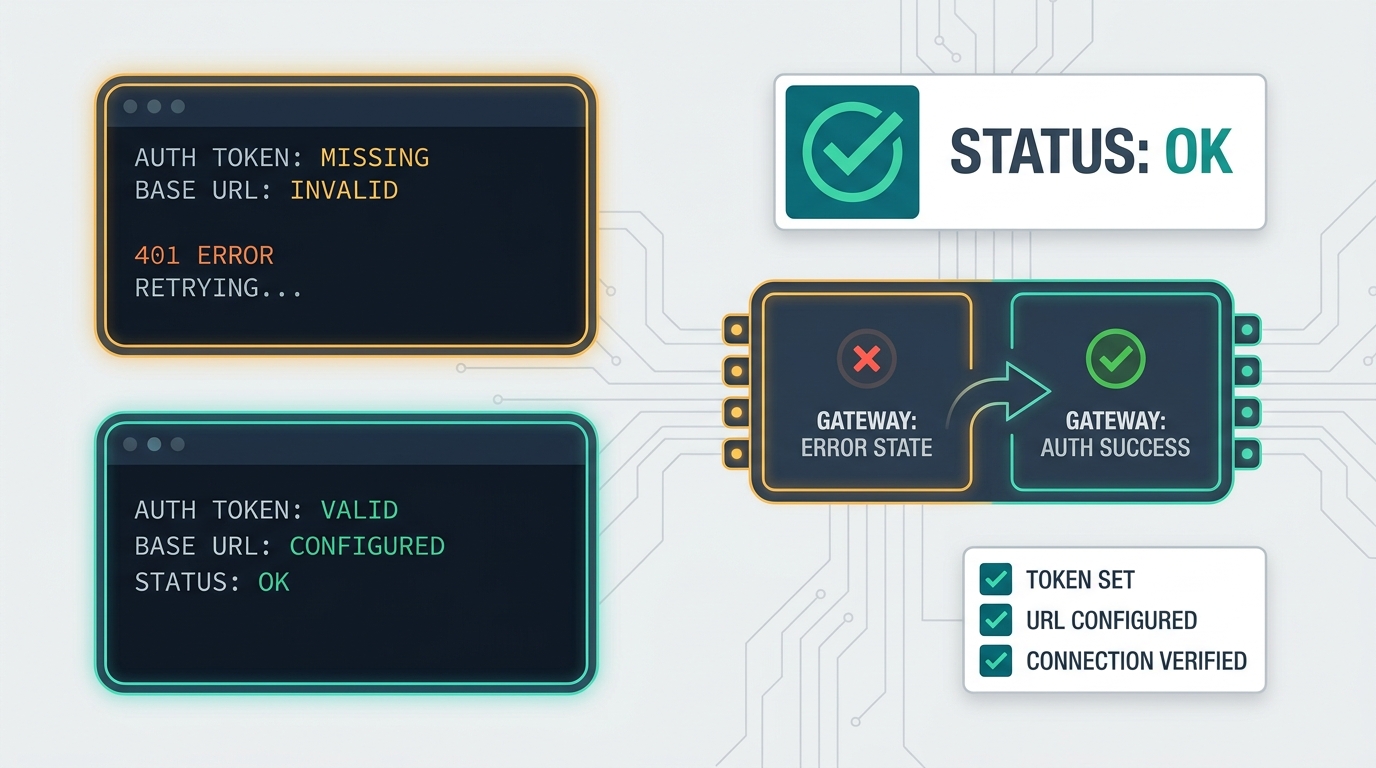
401 or authentication error | Wrong key, copied whitespace, revoked key, or key not allowed for the route. | Recopy the key, use a dedicated test key, and retry the external curl first. |
403 or permission error | Team policy, provider entitlement, region, or gateway permission blocks the request. | Check Cursor BYOK policy, Flatkey account access, and provider availability. |
404 or model not found | Model name is not valid for the receiving system. | Use the model picker, /v1/models, or the current Flatkey catalog as the source of truth. |
429 or quota error | Cursor plan allowance, provider quota, Flatkey quota, or request rate was exceeded. | Lower test volume, check limits, and assign an owner for quota increases. |
| Text returns but no Flatkey log appears | Request did not route through Flatkey. | Recheck whether Cursor accepted a custom base URL or only a provider key. |
| Cursor Tab behavior unchanged | Cursor documents that custom API keys only work with chat models. | Do not use Tab completion as the verification signal. |
OpenAI's own error guide treats authentication, rate limit, quota, and overloaded service errors as different owner actions. Keep that separation in your Cursor runbook. A retry policy will not fix a wrong model name, and a new model name will not fix a BYOK policy block.
When not to use Flatkey for Cursor
There are times when the best Cursor OpenAI compatible API decision is to stop.
Do not route Cursor through Flatkey if your current Cursor build does not expose a base URL override and your workflow requires a true custom endpoint. Do not route Cursor through Flatkey if your enterprise admin has disabled personal API keys. Do not route Cursor through Flatkey if your security review depends on Cursor built-in-model privacy controls that do not apply to own-key traffic.
In those cases, keep Cursor on the documented provider path and use Flatkey where the client explicitly supports OpenAI-compatible base URLs: application SDKs, internal tools, evaluation scripts, Cline, Open WebUI, LangChain, LlamaIndex, or other integration surfaces. If you need the general migration pattern, start with the OpenAI-compatible API migration guide. For coding-agent router patterns, compare the Claude Code API router setup and the Cline OpenAI-compatible API setup.
Production checklist
Before calling the Cursor OpenAI compatible API setup complete, save this evidence:
| Evidence | Complete when |
|---|---|
| Cursor setting | Screenshot or admin note shows the provider/key/base URL path used, with secrets hidden. |
| Model proof | The model name is sourced from Cursor's model picker, Flatkey catalog, or /v1/models, not a guess. |
| External smoke test | https://router.flatkey.ai/v1/chat/completions returns a plain response with the chosen model. |
| Cursor request proof | A small Cursor prompt used the intended model and did not rely on Tab completion. |
| Usage proof | Cursor usage and Flatkey usage/log evidence are saved with timestamps. |
| Error map | 401, 403, 404, 429, and 5xx owner actions are documented. |
| Rollback | The previous Cursor model/key path is recorded and can be restored without deleting logs. |
Cursor OpenAI compatible API setup is valuable when it turns coding-tool traffic into governed, reviewable model usage. Keep the base URL, model name, and usage-log proof together. When you need one gateway key and one place to review model traffic, get a Flatkey key, test a low-risk chat request first, and move only after the logs prove the route.