If you searched for a Windsurf OpenAI compatible API setup, you probably mean one of two different things:
- You want to change the model that Windsurf or Devin Desktop uses inside Cascade.
- You want the code, scripts, tools, or local app that Windsurf helps you build to send OpenAI-compatible API traffic through one shared gateway key.
Those are not the same setup. The public Windsurf and Devin Desktop docs checked on 2026-07-08 document Cascade model selection, Devin Local, usage/credit accounting, and MCP servers for tools. They do not document a native "custom OpenAI-compatible provider" screen where you paste a third-party LLM base URL for Cascade itself.
That matters because the safe Flatkey pattern is not to pretend Windsurf has a native provider field that the docs do not show. Use Flatkey for the OpenAI-compatible SDK and app traffic around a Windsurf-driven project: test scripts, agent tools, backend services, CLI workflows, and application code that already call a Chat Completions-style endpoint.
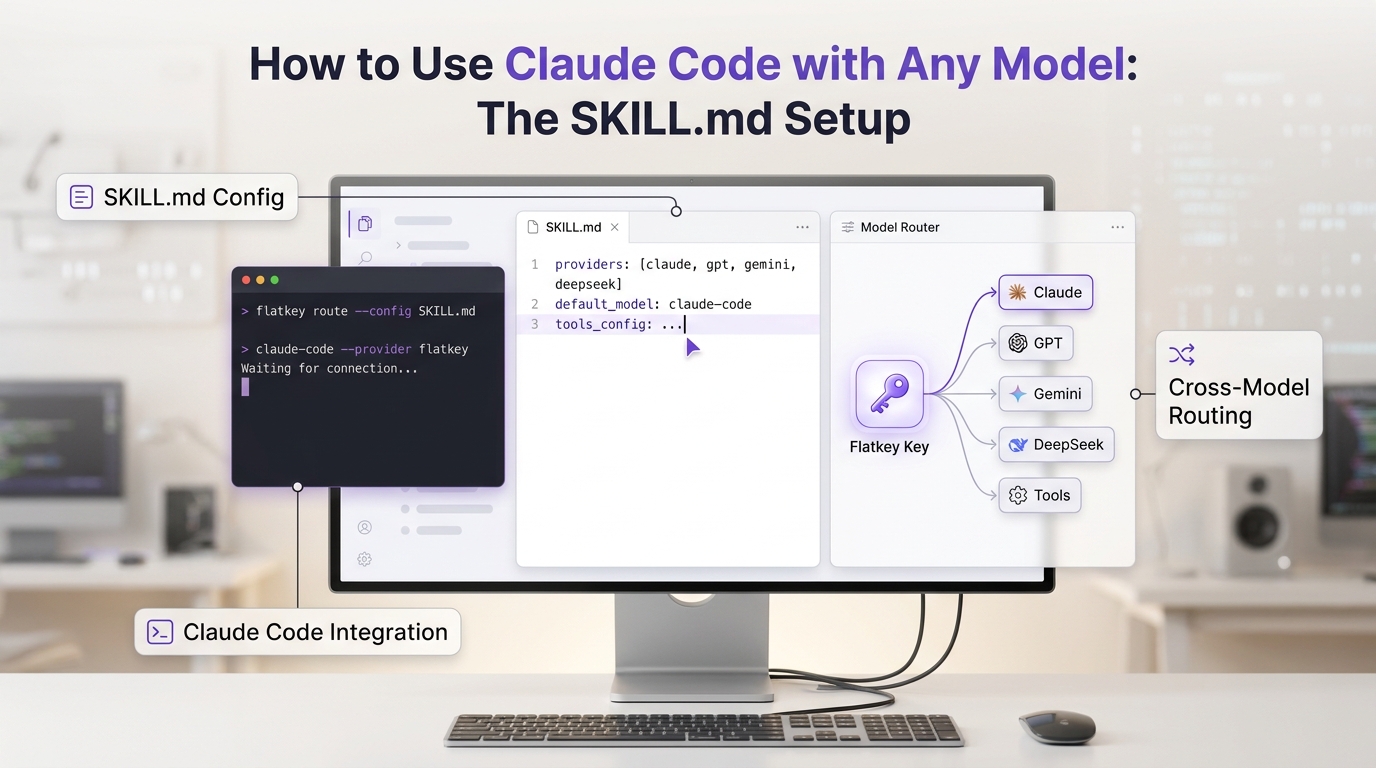
Flatkey gives that traffic one key, an OpenAI-compatible base URL, model routing, usage visibility, and billing review. Windsurf remains the coding environment; Flatkey becomes the API route your project code uses.
Quick answer for Windsurf OpenAI compatible API setup
Use this decision table before touching configuration.
| Goal | Where to configure it | What not to confuse it with |
|---|---|---|
| Change the model used by Cascade | Use Windsurf or Devin Desktop model selection. | Do not paste a Flatkey LLM base URL into an MCP server field. |
| Route your app's OpenAI-shaped requests | Configure your app, CLI, test script, or SDK client with a Flatkey key and base URL. | This changes app traffic, not Cascade's internal model picker. |
| Add external tools to Cascade | Configure MCP servers in Windsurf settings or mcp_config.json. | MCP serverUrl is a tool-server URL, not the LLM Chat Completions base URL. |
| Prove usage and cost for coding-agent workloads | Save Flatkey request logs/usage plus Windsurf or Devin usage records separately. | Do not assume Windsurf ACUs or credits equal external API usage. |
The practical Windsurf OpenAI compatible API path is: let Windsurf help edit the code, but route the code's model calls through Flatkey. That keeps the Windsurf OpenAI compatible API setup auditable because the coding environment, API key, and production route each have a clear owner.
What the official Windsurf and Devin docs actually support
Current public docs support three facts that shape this guide.
| Official-doc area | What it means for this setup |
|---|---|
| Cascade model selection | Cascade has its own model selector. Use that for the assistant inside Windsurf or Devin Desktop. |
| Usage and credits | Windsurf/Devin usage accounting covers local agents such as Cascade, Devin CLI, and Devin Local. That is separate from calls your own app sends to Flatkey. |
| MCP servers | Cascade can use MCP servers over stdio, HTTP, or SSE. Remote HTTP MCPs use a serverUrl or url field. That field is for tool servers, not for replacing the LLM provider behind Cascade. |
So a Windsurf OpenAI compatible API article should not say, "Open Windsurf settings and add Flatkey as a custom OpenAI provider," unless the live docs or product UI you are using clearly shows that capability. A safer production guide is to configure the code and tools that Windsurf produces.
Step 1: Create a Flatkey key and choose the route
In Flatkey, create a key for this workload and choose a model alias that matches the endpoint family you plan to call. For a Chat Completions-style route, keep the API root and endpoint separate:
FLATKEY_API_KEY=sk-fk-your-key
FLATKEY_BASE_URL=https://router.flatkey.ai/v1
FLATKEY_MODEL=your-current-flatkey-model-alias
For direct curl calls, add the endpoint path:
curl "$FLATKEY_BASE_URL/chat/completions" \
  -H "Authorization: Bearer $FLATKEY_API_KEY" \
  -H "Content-Type: application/json" \
  -d '{
    "model": "'"$FLATKEY_MODEL"'",
    "messages": [
      { "role": "user", "content": "Reply with exactly: flatkey route ok" }
    ]
  }'
Do not give an SDK both https://router.flatkey.ai/v1 and /chat/completions as the base URL. The SDK base URL should normally stop at /v1; direct curl requests use the full endpoint.
Step 2: Put the route in an SDK client factory
The most useful Windsurf OpenAI compatible API setup is a small client boundary that Windsurf can help edit safely. Keep secrets in environment variables and keep model aliases configurable.
Python template:
import os
from openai import OpenAI


def make_llm_client() -> OpenAI:
    return OpenAI(
        api_key=os.environ["FLATKEY_API_KEY"],
        base_url=os.environ.get("FLATKEY_BASE_URL", "https://router.flatkey.ai/v1"),
    )


client = make_llm_client()

response = client.chat.completions.create(
    model=os.environ["FLATKEY_MODEL"],
    messages=[
        {"role": "user", "content": "Reply with exactly: sdk route ok"}
    ],
)

print(response.choices[0].message.content)
print(response.usage)
Node template:
import OpenAI from "openai";

export function makeLlmClient() {
  return new OpenAI({
    apiKey: process.env.FLATKEY_API_KEY,
    baseURL: process.env.FLATKEY_BASE_URL ?? "https://router.flatkey.ai/v1",
  });
}

const client = makeLlmClient();

const response = await client.chat.completions.create({
  model: process.env.FLATKEY_MODEL!,
  messages: [
    { role: "user", content: "Reply with exactly: sdk route ok" },
  ],
});

console.log(response.choices[0]?.message?.content);
console.log(response.usage);
Treat these snippets as templates until you test them against your installed SDK version, current Flatkey key, current model alias, and endpoint family. If your app already has a base-URL wrapper, update that wrapper instead of scattering Flatkey variables across controllers and scripts.
For SDK-specific migration detail, pair this guide with the Flatkey guides for the Cursor OpenAI-compatible API setup and Claude Code API router setup.
Step 3: Ask Windsurf to make the code change, not hold the secret
Windsurf is useful for applying the migration across a repo, but the prompt should constrain the work.
Update the LLM client setup so all OpenAI-compatible chat requests use:
- FLATKEY_API_KEY for the bearer token
- FLATKEY_BASE_URL as the API root
- FLATKEY_MODEL as the model alias

Do not hardcode secrets.
Do not change prompts, business logic, or retry policy.
Update only the client factory and the smallest test needed to verify the route.
That keeps the Windsurf OpenAI compatible API work scoped to configuration, not a broad refactor.
Step 4: Keep MCP configuration separate
This is the most common setup mistake. Windsurf's MCP config connects Cascade to tools. A remote MCP entry can look like this:
{
  "mcpServers": {
    "internal-docs": {
      "serverUrl": "https://tools.example.com/mcp"
    }
  }
}
That serverUrl is not where you put https://router.flatkey.ai/v1. The MCP server can expose tools to Cascade, and those tools may call Flatkey internally if you build them that way. But MCP transport configuration and OpenAI-compatible model routing are different layers.
Use this split:
| Layer | URL belongs here | Example |
|---|---|---|
| App model traffic | OpenAI-compatible API base URL | https://router.flatkey.ai/v1 |
| Direct endpoint request | Full chat endpoint | $FLATKEY_BASE_URL/chat/completions |
| Cascade tool integration | MCP server URL | https://tools.example.com/mcp |
| Windsurf internal assistant | Built-in model selection | Cascade model menu |
If your MCP server calls a model, put the Flatkey key on the MCP server side, not in the Windsurf client config, unless your security model explicitly allows a local developer credential.
Step 5: Save a verification packet
A Windsurf OpenAI compatible API migration is ready only when you can prove the route works and can be rolled back. The point of a Windsurf OpenAI compatible API verification packet is to make the first route change small enough for engineering, finance, and operations to inspect together.
| Check | Pass condition | Evidence to save |
|---|---|---|
| Authentication | Request returns a model response, not 401 or 403. | Redacted curl command, HTTP status, response ID if present. |
| Base URL | No duplicate /v1/v1 or missing endpoint path. | Final resolved base URL and direct endpoint test. |
| Model alias | The requested alias maps to an available Flatkey route. | Model alias, endpoint family, and account-visible catalog note. |
| Usage | The request appears in Flatkey usage or request logs. | Screenshot/export of usage, model, and token or unit fields. |
| Cost review | Finance or ops can trace spend to the key/workload. | Usage row, balance impact, invoice path, or request log. |
| Rollback | One config change returns traffic to the previous route. | Previous base URL, previous key owner, previous model alias. |
For deeper usage fields, use the token usage dashboard guide after the first smoke test works.
Step 6: Test streaming and tools after plain chat
Do not start with the hardest route. First prove a non-streaming chat request. Then test streaming and tool calls as separate contracts.
Streaming proof:
curl -N "$FLATKEY_BASE_URL/chat/completions" \
  -H "Authorization: Bearer $FLATKEY_API_KEY" \
  -H "Content-Type: application/json" \
  -d '{
    "model": "'"$FLATKEY_MODEL"'",
    "stream": true,
    "messages": [
      { "role": "user", "content": "Count from one to five." }
    ]
  }'
Tool-call proof should use one tiny function schema before you try a production toolset:
{
  "type": "function",
  "function": {
    "name": "lookup_ticket",
    "description": "Return a test ticket status.",
    "parameters": {
      "type": "object",
      "properties": {
        "ticket_id": { "type": "string" }
      },
      "required": ["ticket_id"]
    }
  }
}
If plain chat passes but streaming or tools fail, you are no longer debugging the base URL. You are checking route capability, model support, SDK parsing, or gateway behavior for that feature.
Troubleshooting table
| Symptom | Likely cause | What to check |
|---|---|---|
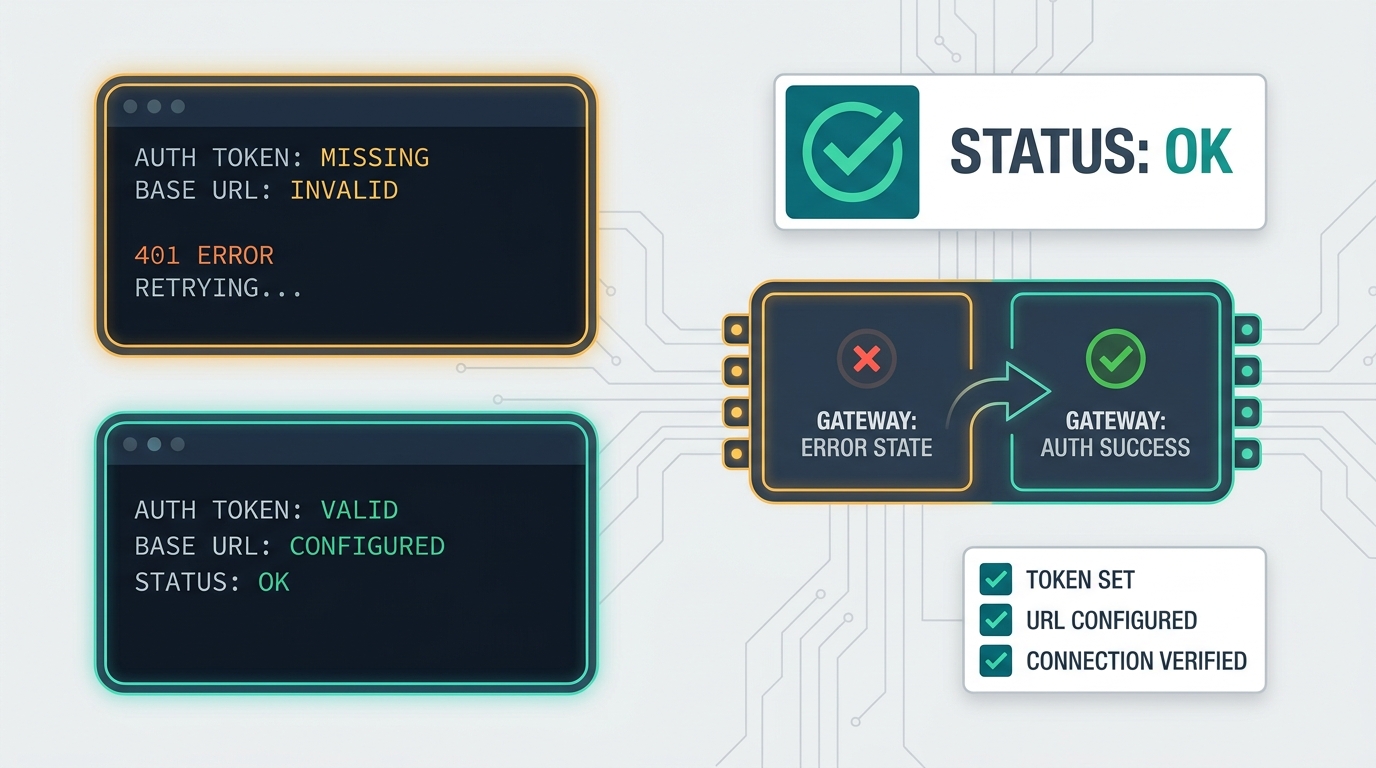
401 or 403 | Wrong key, missing bearer header, revoked key, or wrong environment. | Print which env var is loaded, never print the secret. |
404 | Wrong endpoint path or duplicate base path. | Compare SDK base URL with direct curl endpoint. |
| Model not found | Alias does not exist for this key or endpoint family. | Confirm the model alias in Flatkey's current catalog and your account. |
| Cascade ignores Flatkey | You changed app code, not Cascade's internal model selector. | Decide whether the goal is app traffic or Windsurf's own assistant. |
| MCP works but model calls do not | MCP server URL and LLM API base URL were mixed. | Keep MCP transport config separate from model-call config. |
| Usage is missing | Request bypassed Flatkey or logs are filtered by key/project/date. | Search by timestamp, key, model alias, and environment. |
Final checklist
Before increasing traffic, confirm:
- The goal is app, script, or tool traffic around Windsurf, not an undocumented native Cascade provider setting.
FLATKEY_API_KEY,FLATKEY_BASE_URL, andFLATKEY_MODELare configured outside source control.- Direct curl works against
$FLATKEY_BASE_URL/chat/completions. - The app's SDK factory uses the same key, base URL, and model alias.
- Streaming and tools are tested separately from plain chat.
- Flatkey usage or request logs show the test request.
- Rollback values are written down before production traffic moves.
A Windsurf OpenAI compatible API setup is useful when it is honest about the boundary: Windsurf helps you build and modify the code, while Flatkey routes the OpenAI-compatible calls that code makes. When you are ready to route those calls through one key, get a Flatkey key and start with one low-risk smoke test.