Genspark AI Agent Builder API Custom: Access, Pricing, Integration, and Production Guide
Last checked: October 21, 2026
For: Indie hackers and AI product teams deciding whether Genspark Custom Agents can sit inside a production application
If you searched for Genspark AI Agent Builder API Custom, the important distinction is easy to miss: Genspark documents Custom Agent as a no-code, in-product agent builder—not as a documented REST or SDK surface for creating and invoking an agent from your own backend. Its public Custom Agent guide focuses on creating, testing, updating, sharing, and invoking an agent in Genspark via chat or @ mention. Genspark’s Custom Agent documentation is the source of truth for that product surface.
That does not make Custom Agent unsuitable for real work. It is a good fit when a person uses Genspark as the working interface, an internal team needs a reusable specialist, or a Genspark Workflow can orchestrate a recurring task. It is the wrong assumption to make when a customer-facing application needs a stable, documented endpoint, its own authentication boundary, deterministic request/response handling, and service-level operations.
This guide separates the two paths, explains what Genspark publicly documents today, and gives you a production pattern when an external API is the real requirement.
Genspark AI Agent Builder API Custom: the quick answer
| What you need | Best-documented Genspark path | What to verify before launch |
|---|---|---|
| A reusable no-code specialist for people working in Genspark | Create a Custom Agent, test it in Preview, and share it privately, by link, to an organization, or through the Custom Agent Store. | Instructions, sharing scope, output review, and who is allowed to use it. |
| Recurring internal automation | Build a Workflow, test it with simulated data, then turn it on. Genspark documents schedule and email triggers. | Connected-account permissions, irreversible actions, run history, and human approval points. |
| A connected system inside the Genspark workspace | Use a native connector or an MCP connection where it is available. | OAuth/API-key scope, read vs. write behavior, tenant policy, and a test against a noncritical record. |
| A coding-agent workflow | Use GenCode through its documented workspace or CLI flow. | Account/credit ownership and the live model catalog. |
| A customer-facing API that your app invokes | Treat this as an external service integration, not a Custom Agent API, unless Genspark gives you current written API documentation and contractual access. | Endpoint contract, authentication, rate limits, usage metering, data handling, retries, and support/SLA terms. |
What is publicly documented—and what is not
The current Custom Agent guide says to create an agent in the Custom Agent Store, define its role, functions, and output standards, test it in Preview, update it, and invoke it in Super Agent with @. It also documents sharing controls. It does not publish a public REST endpoint, SDK method, API-key authentication flow, or API reference for programmatically creating or invoking a Custom Agent from an external application. Review the Custom Agent guide before relying on it for product design.
Genspark does document an API-key-related configuration for a different surface: the GenCode CLI can bill usage to the account associated with GSK_API_KEY or GSK_BASE_URL. That is not documentation of a Custom Agent API, so do not extrapolate it into an undocumented endpoint or automation contract. GenCode’s official guide is explicit about that CLI context.
The wording Genspark AI Agent Builder API Custom therefore describes a decision problem more accurately than it describes a public API product name. If a Genspark sales or support contact offers a private, enterprise, beta, or partner interface, ask for its current API reference, acceptable-use terms, data-processing terms, limits, and support commitment in writing before treating it as a production dependency.
Choose the integration shape before you choose a plan
Start with the boundary you need to control.
Path A: Keep the work inside Genspark
Choose this path when the output is for a person or team that already works in Genspark.
- Create a Custom Agent with a narrow role, explicit inputs, output format, and behavioral boundaries.
- Test representative cases in Preview before sharing it.
- Connect only the systems the agent needs. Genspark’s connector guide distinguishes native API calls from MCP tools and says availability depends on the account, organization settings, and provider requirements.
- For recurring work, create a Workflow and run a simulated test before enabling live execution.
- Review the run history and disable the workflow if an output or action is unsafe.
This is a productive, low-code operating model. It is not the same thing as embedding a Genspark agent behind an API in your own product.
Path B: Build an external application service
Choose this path when your software, not a person in the Genspark UI, must call an agent capability. Make the agent workflow a service you own:
Your app → your API → auth + policy → queue/worker → model gateway → model provider
                      ↘ audit log + evaluation + retry policy
This boundary gives your team control over input validation, tenant isolation, cost limits, response schemas, timeout policy, and observability. It also lets you replace a model or gateway without rewriting your customer-facing contract.
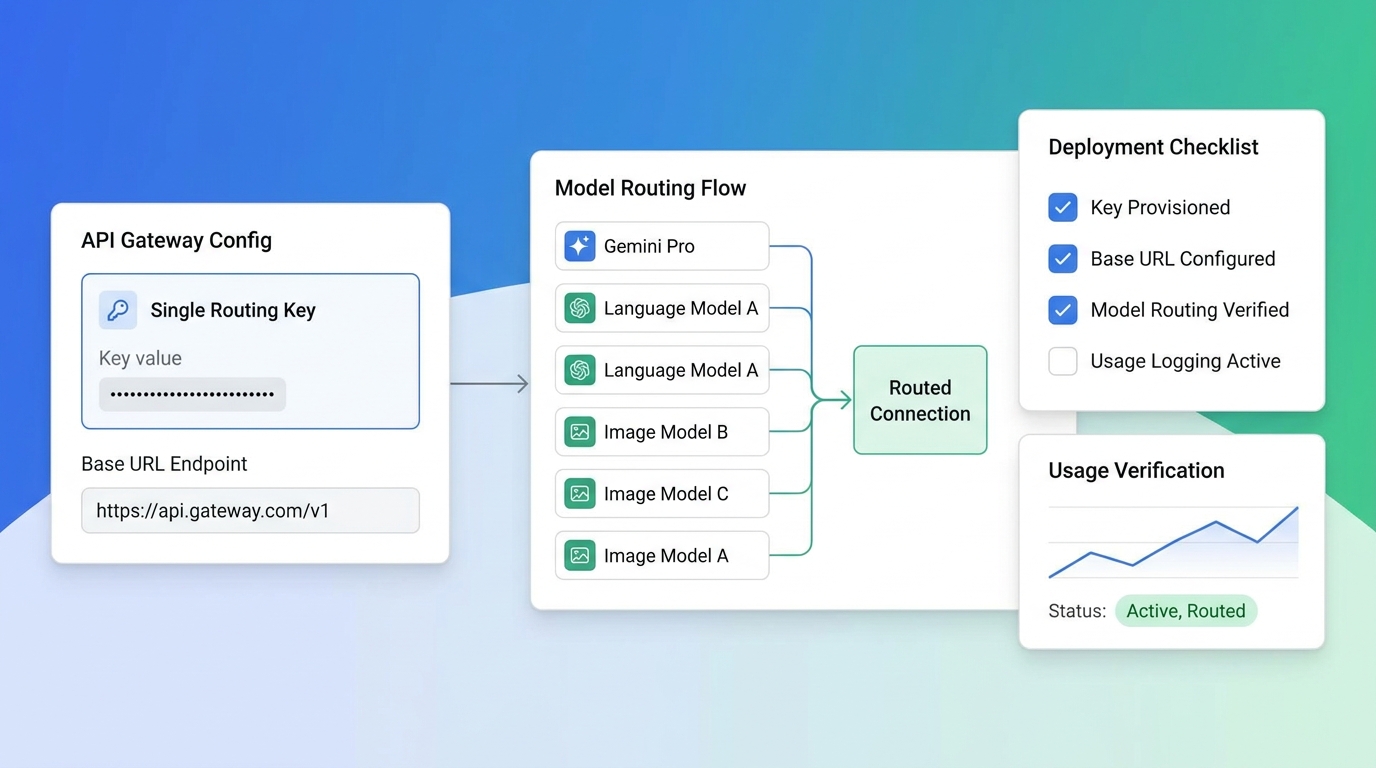
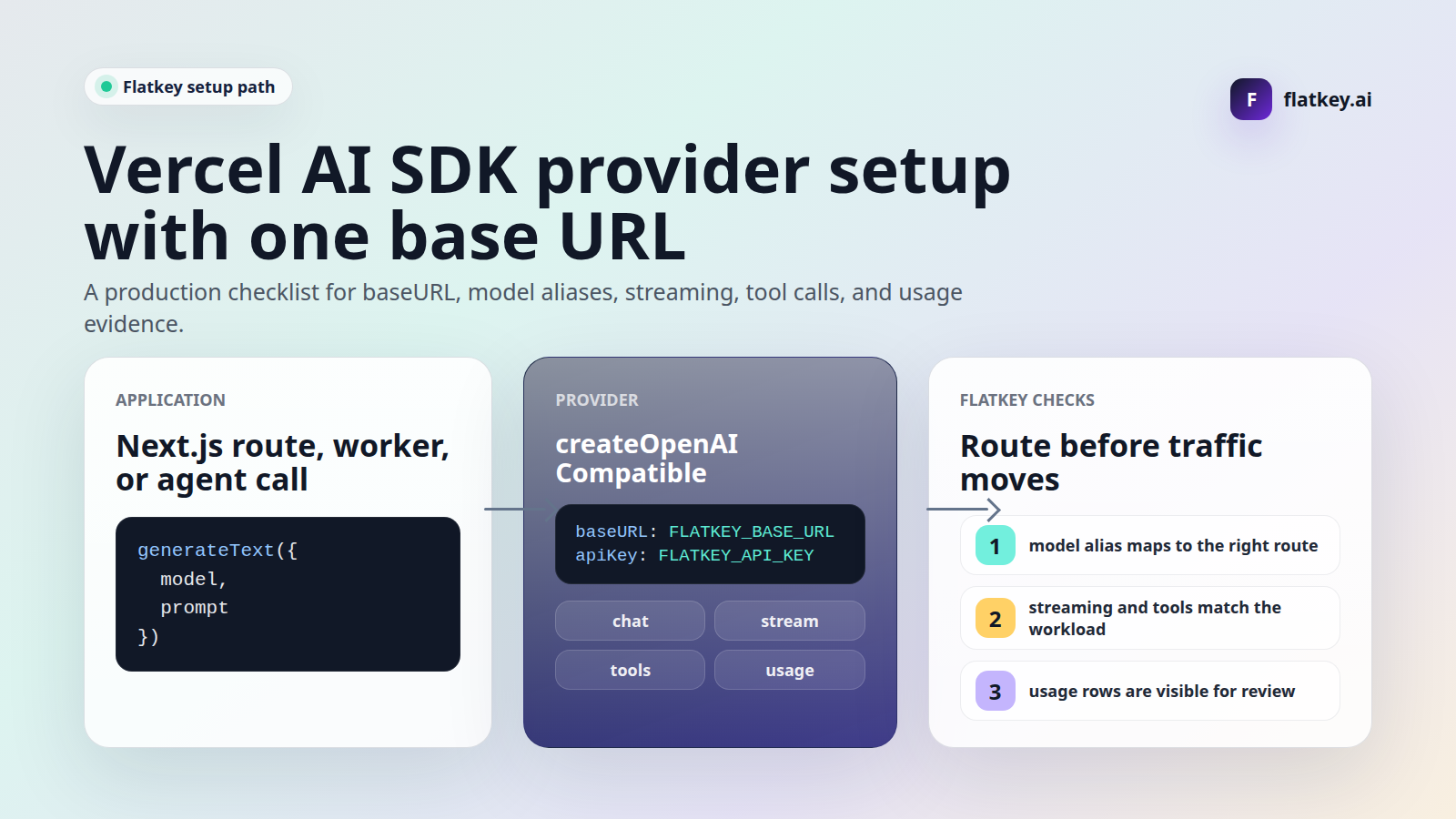
For a multi-model application, an OpenAI-compatible gateway can keep the client integration stable while model choice stays in configuration. Flatkey’s API quickstart documents the https://router.flatkey.ai/v1 base URL and a familiar OpenAI SDK shape; its unified AI API guide explains the rollout pattern of a first request, usage verification, and then controlled routing.
Here is a minimal Node.js service-side call. It is not a call to Genspark Custom Agent; it is an example of a developer-controlled external model service.
import OpenAI from "openai";

const client = new OpenAI({
  apiKey: process.env.FLATKEY_API_KEY,
  baseURL: "https://router.flatkey.ai/v1",
});

export async function draftAccountSummary(accountNotes) {
  const response = await client.chat.completions.create({
    model: process.env.SUMMARY_MODEL,
    temperature: 0,
    messages: [
      {
        role: "system",
        content: "Return JSON with risks, next_actions, and evidence. Do not invent facts.",
      },
      { role: "user", content: accountNotes },
    ],
    response_format: { type: "json_object" },
  });

  return JSON.parse(response.choices[0].message.content);
}
Do not put any provider key in browser code. Put the call behind your server, attach the user and tenant identity to your own audit record, and expose only the response contract your product promises.
Path C: Use Genspark as the operating workspace, not the runtime API
Some teams need both. Keep Genspark for research, internal execution, document creation, or staffed workflows, while keeping customer-facing application requests in a service you own. The handoff can be human-approved (for example, a reviewed report exported from Genspark) rather than an undocumented programmatic connection.
This avoids a fragile design in which an application depends on a browser workflow or a consumer-oriented UI behaving like a public API.
Genspark access and pricing: what the published plans actually say
Genspark’s pricing model is credit and membership based. The public plans page says the following benefits and prices are valid through June 30, 2027; check the live membership plans page before purchase because credits, feature eligibility, and regional tax can change.
| Plan | Published price (USD) | Published credit allocation | Practical reading for Custom Agent evaluation |
|---|---|---|---|
| Free | $0 | 100 credits/day, subject to a lifetime allowance | Useful for a small, hands-on proof of concept; model and agent access are limited. |
| Plus | $24.99 monthly, or $19.99/month billed annually | Starts at 10,000 credits/month | A sensible individual evaluation tier when people will create and iterate on agents. |
| Pro | $249.99 monthly, or $199.99/month billed annually | Starts at 125,000 credits/month | Intended for heavier individual use and larger workloads. |
| Team | $40/seat monthly, or $35/seat/month billed annually | 10,000 credits/seat/month | Adds centralized administration, billing, usage analytics, and connector management. |
| Enterprise | Custom | 20,000 credits/seat/month listed, with pooling and governance features | Appropriate conversation if you need governance, SAML/SCIM, commercial terms, or a vendor-supported integration path. |
Those are plan prices—not a published per-request price for a Custom Agent API. In other words, the answer to a pricing question about Genspark AI Agent Builder API Custom is currently: budget for the Genspark plan and credits used by the documented product surfaces; do not model your application’s unit economics as though a separately documented Custom Agent endpoint exists.
Also treat “free quota” and credits as distinct. Genspark says its weekly Free Quota applies to Standard-mode tasks in named agent products, while credit-backed usage continues when that quota is exhausted. For production planning, measure a representative workflow under the actual model and mode you intend to use rather than forecasting from subscription price alone.
A production checklist for either path
Before enabling any agent that can read connected data or take action, complete this checklist. It matters just as much for a Custom Agent + Workflow as it does for an external API.
| Area | Minimum production bar |
|---|---|
| Scope | One job, documented inputs, documented output schema, and an explicit “do not do” list. |
| Identity | Separate development, staging, and production credentials. Never share a personal connector or API key across environments. |
| Permissions | Grant the least privilege possible; run a read-only test before allowing write actions. Review OAuth and MCP scopes separately. |
| Data | Classify inputs, decide whether secrets/PII are allowed, and get the applicable retention and DPA terms from the vendor before processing regulated data. |
| Safety | Require confirmation before external side effects such as messages, tickets, records, or payments. Make operations idempotent where possible. |
| Evaluation | Build a small, versioned test set with normal, edge, and unsafe cases. Define pass/fail criteria before changing prompts or models. |
| Reliability | Set bounded timeouts, explicit retry rules, and a human escalation path. Never use unbounded automatic retries on side-effecting work. |
| Observability | Log request IDs, workflow/agent version, model route, latency, outcome, and cost—without storing secrets or unnecessary sensitive prompt content. |
| Change control | Version instructions and configuration. Preview/test changes, then use a small rollout before broad enablement. |
| Exit plan | Export the instructions, test cases, and run records you are allowed to retain; document how to pause or replace the workflow. |
Genspark’s connector guide specifically advises starting with a known read task and verifying send/create/update permissions separately. Its Workflow guide distinguishes a simulated Test Run from a live run. Those are good first guardrails—but your organization still owns the operational decision to enable a capability.
A practical 30-minute evaluation plan
You can learn enough to choose a direction without building the whole product twice.
- Write a one-page job definition. State the user, input source, expected output, side effects, success metric, and unacceptable failure.
- Build one Custom Agent. Use the role/function/output-boundary structure Genspark recommends. Test five realistic prompts in Preview.
- Connect one noncritical source. Start read-only when the connector offers that option. Confirm the output against a known record.
- Test the workflow boundary. If you need scheduling or email-triggered work, run a simulated Workflow test. Do not enable external writes yet.
- Run the external-service test if your app needs an API. Create a small endpoint you control, send a fixed prompt through a documented model API, return a JSON response, and log the result.
- Compare operating cost, not only response quality. Include review time, data access, retry behavior, audit trail, model spend, and failure handling.
At the end, make an architectural choice—not a feature comparison:
- Use Custom Agent if a human remains in Genspark and the built-in workflow is enough.
- Use a documented API service if your product or backend must invoke the capability.
- Use both only when the handoff is intentional, documented, and secure.
Common integration mistakes
Treating an API key as proof of a public product API
The GenCode documentation’s GSK_API_KEY reference has a defined CLI and billing context. An API key visible in a product is not, by itself, permission to reverse-engineer browser requests or use private routes in production. Require official endpoint documentation and terms for the exact capability you need.
Automating a UI when you need a service contract
Browser or session automation may work in a demo but creates an operational dependency on UI behavior, account sessions, anti-abuse controls, and undocumented request shapes. It is not a substitute for a supported API.
Treating a connector as an all-purpose data pipe
Connectors and MCP tools have their own authorization, tool set, organization rules, and downstream-provider limitations. Verify every action you rely on, especially writes and actions that affect other people.
Skipping cost and quality baselines
An agent looks impressive on a single prompt. A production decision needs a repeatable set of tasks, a measured acceptance rate, failure examples, p95 latency, review time, and a cost envelope.
FAQ
Does Genspark have a Genspark AI Agent Builder API Custom endpoint?
The public documentation reviewed on October 21, 2026 does not document a public endpoint or SDK for externally creating or invoking Genspark Custom Agents. It documents in-product creation, Preview testing, sharing, and @ invocation. Ask Genspark directly if you need contracted or beta access; do not infer an endpoint from the Custom Agent UI or the GenCode key documentation.
Can I connect a Custom Agent to other tools?
Yes, within the documented product surfaces. Genspark describes native connectors and MCP connections, and Workflows can use Custom Agents alongside the listed tools. Connection availability and permissions depend on your account, organization settings, and the external provider.
Can a Genspark Workflow call my app’s webhook?
Do not assume so from the public Workflow guide. It documents schedule and email triggers plus supported integrations. Verify the exact trigger, action, authentication method, and payload with current Genspark documentation or support before making a webhook part of a production workflow.
Is Genspark free for Custom Agents?
Genspark publishes a Free plan with daily credits and limited model/agent access, plus paid Plus, Pro, Team, and Enterprise plans. Whether a particular agent, model, connector, or organizational control is available to you depends on the plan and current account configuration.
What should I use if I need a multi-model API for my app?
Use a documented API with server-side authentication and an explicit model-routing policy. If you want one OpenAI-compatible integration surface across supported models, start with the Flatkey API quickstart, then follow a controlled rollout with fallback routing and per-environment usage tracking.
The bottom line
The best answer to Genspark AI Agent Builder API Custom is not to force a UI-first agent builder into an undocumented API role. Use Genspark Custom Agent for its documented in-product creation, collaboration, connectors, and workflow paths. When your application needs a callable backend capability, own the service boundary and use a documented API integration with the security, evaluation, cost controls, and observability that production traffic deserves.