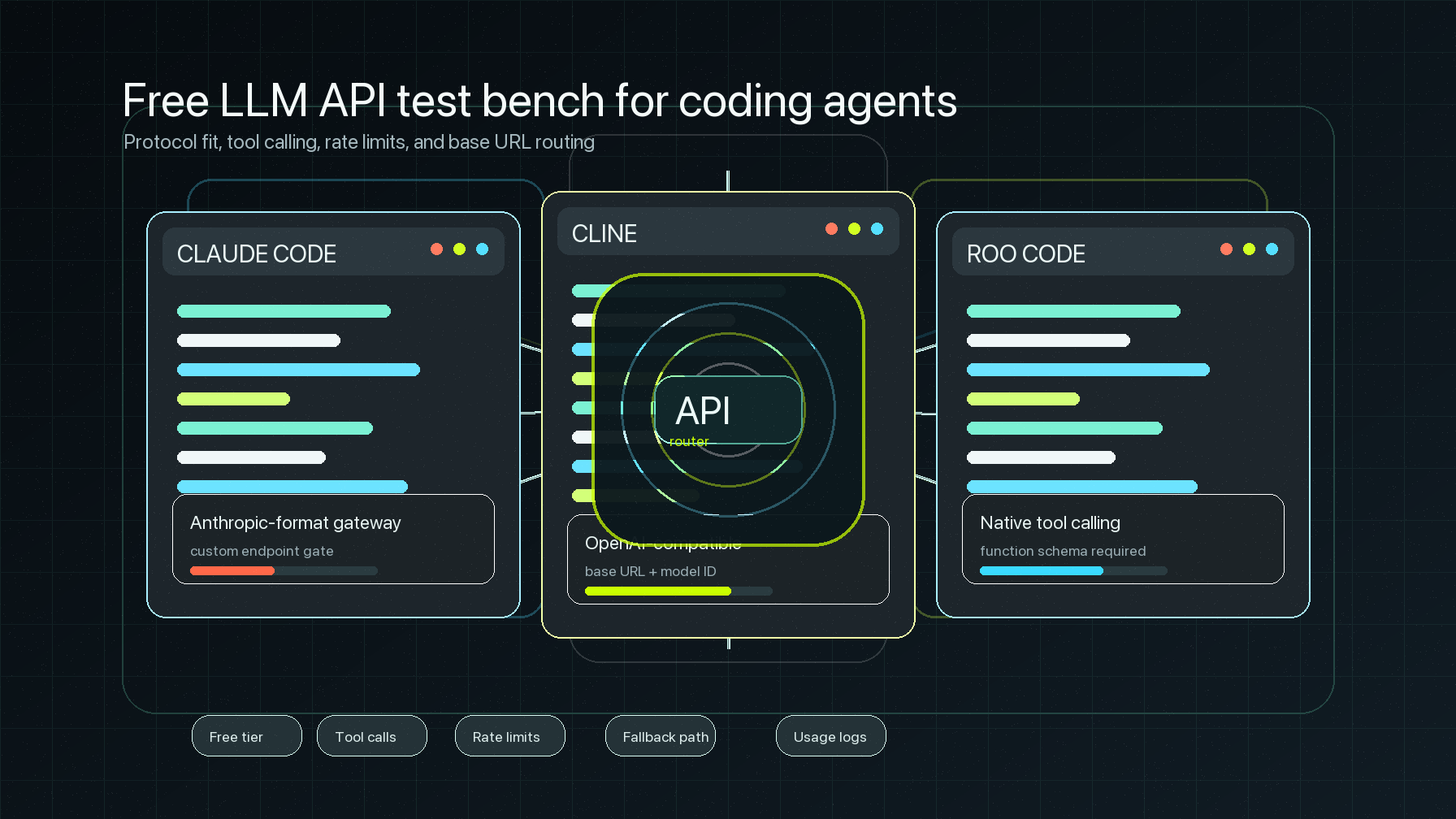
The Open WebUI OpenAI API base URL setting is the small field that decides whether Open WebUI sends chat traffic to one upstream provider, a local model server, or a router such as Flatkey. For a team deployment, that field should not be treated as a copy-paste detail. It should be checked with the API key, model IDs, model discovery behavior, chat completions, streaming, and usage logs.
This guide is written for developers, AI product teams, automation builders, platform engineers, finance operators, and procurement reviewers who want Open WebUI to use Flatkey as an OpenAI-compatible model router. It shows the current Open WebUI connection path, the Flatkey base URL to verify, when to use model filters, how to run a curl preflight, and what to record before rolling the setup out to more users.
Source note: this was checked on June 29, 2026 against the official Open WebUI OpenAI-Compatible documentation, the live Flatkey homepage, and the live Flatkey pricing page. No live Flatkey API key or Open WebUI instance was available in this runtime, so commands below are templates to run with your own key, model alias, and Open WebUI deployment.
Quick answer: Open WebUI OpenAI API base URL for Flatkey
For a Flatkey route, set the Open WebUI OpenAI API base URL to the current Flatkey provider base URL from your account. The public Flatkey homepage checked for this article says to point OpenAI-compatible clients to https://console.flatkey.ai/v1. In Open WebUI, use that base URL, paste a Flatkey API key, add the exact Flatkey model IDs if model discovery is noisy or fails, then save the connection.
| Open WebUI field | Flatkey value | Review check |
|---|---|---|
| URL | https://console.flatkey.ai/v1, unless your Flatkey account shows a newer provider base URL |
Use the base URL only. Do not paste /chat/completions into the URL field. |
| API Key | A Flatkey key owned by the correct workspace, team, or environment | Use a scoped test key first, then rotate or separate keys for production users. |
| Model IDs (Filter) | Exact Flatkey model aliases approved for Open WebUI | Add these manually when /models verification fails, returns too many models, or exposes models you do not want users selecting. |
| Connection toggle | Enabled only after a successful chat preflight | Keep the previous provider available until the Flatkey route is proven. |
The short version is: configure the URL, key, and model filter, then test a chat request and confirm the request appears in Flatkey usage. The rest of this Open WebUI OpenAI API base URL guide turns that into a repeatable setup and troubleshooting checklist.
What the current Open WebUI docs confirm
Open WebUI's official OpenAI-compatible guide says Open WebUI can connect to any server or provider that implements the OpenAI-compatible API. The docs frame the integration around standard protocols, especially the OpenAI Chat Completions protocol, rather than a custom module for every provider. That makes Flatkey a base URL, key, and model-selection configuration task.
The same guide gives the current admin path: open Open WebUI, go to Admin Settings, then Connections, then OpenAI, then click Add Connection. From there, fill in the provider URL and API key. If automatic model discovery does not work, add model IDs to Model IDs (Filter) and save.
One Open WebUI warning is especially important for router setups. When a connection is added, Open WebUI verifies it through the provider's /models endpoint with a standard bearer token. The docs say some providers do not implement /models, use non-standard behavior, or return an unwieldy model list. A model-list error does not automatically mean chat completions are incompatible. It means you may need to add model IDs manually and test the chat endpoint directly.
For full compatibility, Open WebUI lists /v1/models as recommended and /v1/chat/completions as the required core chat endpoint. It also passes common OpenAI parameters such as temperature, top_p, max_tokens or max_completion_tokens, stop, seed, and logit_bias. Tool use is supported when the model and server support tools and tool_choice.
Flatkey values to verify before changing Open WebUI
The Flatkey homepage checked on June 29, 2026 has the title One API gateway for production AI teams and describes unified model access, routing, billing, usage analytics, and operational controls. It also says teams should point an OpenAI-compatible client to https://console.flatkey.ai/v1 and keep the existing SDK or client pattern.
The Flatkey pricing page checked the same day says the public catalog has 633 enabled models across 23 providers. It also exposes endpoint families including /v1/chat/completions, /v1/responses, /v1/messages, /v1/images/generations, and /v1/video/generations. For Open WebUI chat, start with a model that is available through the chat completions path and approved for the key you plan to use.
Do not assume every catalog model is a good Open WebUI model. The Open WebUI OpenAI API base URL points to a router, but the user experience depends on the chosen model alias, endpoint support, latency, context behavior, tool support, and whether the model appears cleanly in Open WebUI's model selector.
Step-by-step: add Flatkey as the OpenAI connection
- Pick the Open WebUI scope. Decide whether this is an admin-wide connection, a test instance, or a self-hosted deployment managed through environment variables.
- Create or select a Flatkey key. Use a dedicated key for the Open WebUI test so usage can be attributed and capped.
- Choose one starting model. Copy the exact model alias from Flatkey pricing, the Flatkey console, or your account-visible model list.
- Open the connection screen. In Open WebUI, go to Admin Settings > Connections > OpenAI > Add Connection.
- Paste the Flatkey URL. Use
https://console.flatkey.ai/v1if your account confirms it. The value should include/v1but not/chat/completions. - Paste the Flatkey key. Use the key created for this Open WebUI deployment, not a personal provider key or an unrelated upstream provider key.
- Add model IDs when needed. If model discovery fails, returns too many options, or exposes models outside policy, add the exact approved aliases to Model IDs (Filter).
- Save and keep the previous route nearby. Open WebUI lets connections be enabled or disabled, so preserve a rollback route while testing.
- Run one low-risk prompt. Use a simple prompt in Open WebUI, then confirm the request in Flatkey usage by timestamp, key, model, token count, and cost.
- Document the owner. Record who owns the key, who can rotate it, which models are approved, and what quota applies before expanding access.
Optional environment-variable template
If your deployment is managed through environment variables, use the names supported by your Open WebUI version and deployment method. Open WebUI's provider examples show OPENAI_API_BASE_URL and OPENAI_API_KEY patterns for OpenAI-compatible backends, but the admin panel can also manage connections. Treat this as a deployment template to verify against your version.
OPENAI_API_BASE_URL=https://console.flatkey.ai/v1
OPENAI_API_KEY=fk_replace_with_flatkey_key
If you also route embeddings, image generation, speech, or other OpenAI-style features through Open WebUI, configure those feature-specific base URL and key variables only after confirming Flatkey and the selected model support that endpoint family. For the first Open WebUI OpenAI API base URL rollout, keep the test focused on chat completions.
Preflight the Flatkey route before blaming Open WebUI
A curl preflight separates router and credential problems from Open WebUI UI problems. Run this from a network location comparable to the Open WebUI server.
export FLATKEY_API_KEY="fk_replace_me"
export FLATKEY_BASE_URL="https://console.flatkey.ai/v1"
export FLATKEY_OPEN_WEBUI_MODEL="replace-with-flatkey-model-alias"

curl "$FLATKEY_BASE_URL/chat/completions" \
  -H "Authorization: Bearer $FLATKEY_API_KEY" \
  -H "Content-Type: application/json" \
  -d '{
    "model": "'"$FLATKEY_OPEN_WEBUI_MODEL"'",
    "messages": [
      {
        "role": "user",
        "content": "Return the word ok."
      }
    ],
    "stream": false,
    "max_tokens": 16
  }'
If that request fails, fix the Flatkey key, URL, model alias, account permission, or network route before changing Open WebUI again. If it succeeds, repeat through Open WebUI and compare the Flatkey usage log.
For a streaming chat experience, test streaming separately. A non-streaming response proves the route can answer. It does not prove that your reverse proxy, Open WebUI deployment, and client browser handle streaming without buffering or timeouts.
curl "$FLATKEY_BASE_URL/chat/completions" \
  -H "Authorization: Bearer $FLATKEY_API_KEY" \
  -H "Content-Type: application/json" \
  -d '{
    "model": "'"$FLATKEY_OPEN_WEBUI_MODEL"'",
    "messages": [
      {
        "role": "user",
        "content": "Stream three short bullet points."
      }
    ],
    "stream": true,
    "max_tokens": 96
  }'
Model discovery and filter checklist
The safest Open WebUI OpenAI API base URL setup uses model filters intentionally. A router can expose many models, and a broad model list is not always what admins want users to see.
| Decision | What to check | Why it matters |
|---|---|---|
| Model alias | Exact Flatkey model ID visible to the key | Open WebUI sends the model string as configured. A display name is not enough. |
/models discovery |
Connection save behavior and model selector output | Open WebUI may show a verification error even when chat completions can work through a manual allowlist. |
| Chat completions | /v1/chat/completions returns a normal answer |
This is the required Open WebUI chat path in the official compatibility table. |
| Streaming | Browser receives incremental output without long buffering | Streaming can fail because of proxy or runtime behavior even when non-streaming chat works. |
| Tools | Model and route support tools and tool_choice when needed |
Open WebUI can pass tool parameters only if the selected backend supports them. |
| Usage visibility | Flatkey shows timestamp, key, model, tokens, status, and cost | Platform and finance teams need proof that the new route is attributable. |
Failure modes to debug first
| Symptom | Likely cause | Fix |
|---|---|---|
| Connection save shows a model-list error | /models discovery failed, returned too many models, or did not match Open WebUI expectations |
Add exact model IDs to Model IDs (Filter), save again, and test chat completions. |
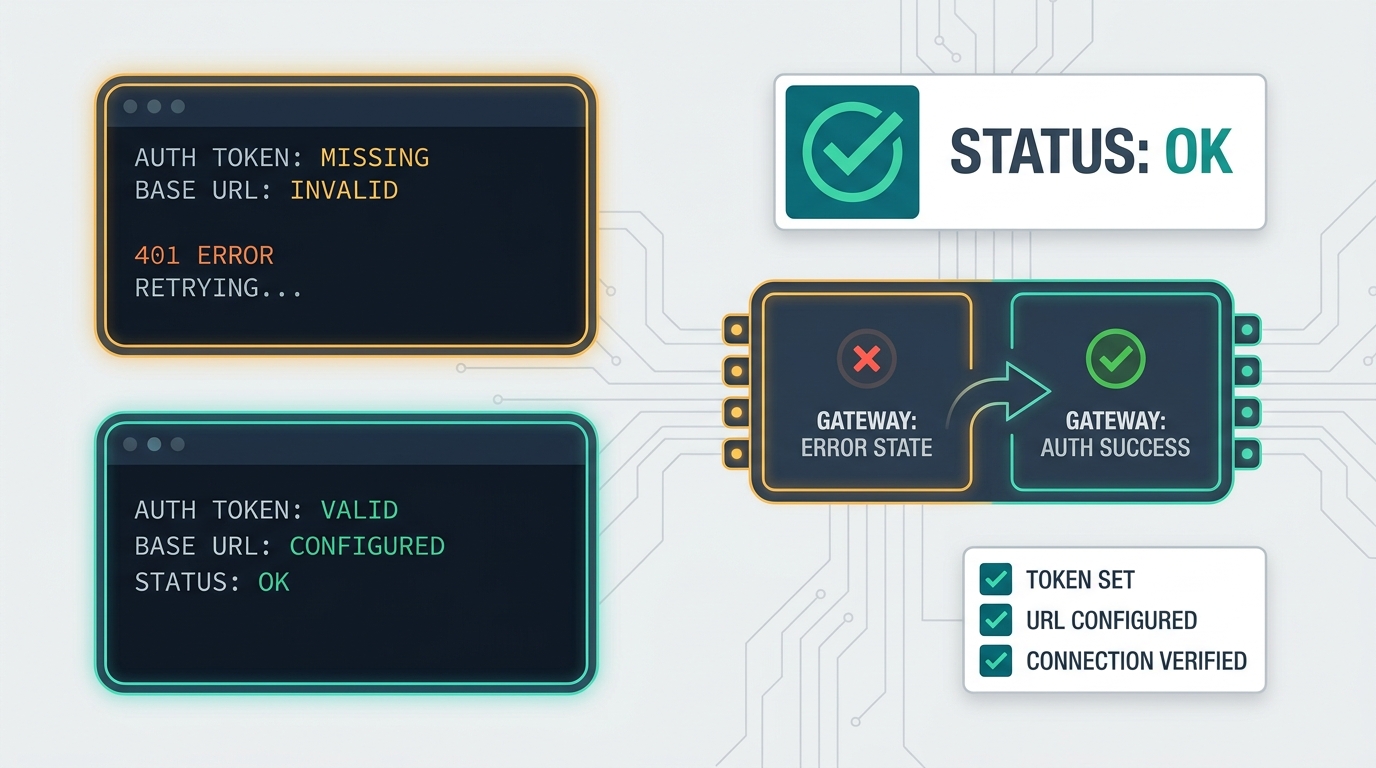
| 401 or invalid key | The key is not a Flatkey key, was copied incorrectly, was rotated, or belongs to the wrong workspace | Generate a dedicated Flatkey key and retest with curl before updating the UI. |
| 404 or route not found | The URL includes the full endpoint or misses the required base path | Use https://console.flatkey.ai/v1 as the base URL when your account confirms it. |
| Model not found | The Open WebUI model value does not match an enabled Flatkey alias | Copy the exact model alias from Flatkey and add it to the model filter. |
| Chat works, but streaming feels stuck | Reverse proxy buffering, server timeout, or browser/network path issue | Test streaming with curl, then inspect Open WebUI server and proxy timeout settings. |
| Spend cannot be reconciled | Shared key, unclear model owner, or no rollout record | Use a dedicated Flatkey key and record owner, environment, model IDs, and quota before expanding access. |
Production runbook for Open WebUI plus Flatkey
Before you make the Open WebUI OpenAI API base URL change for a wider group, write down the operating facts that support ownership, rollback, and cost review.
| Runbook field | Record this |
|---|---|
| Open WebUI deployment | URL, version if known, owner, and whether connections are admin-managed or environment-managed. |
| Flatkey base URL | Current account-approved base URL and date checked. |
| Flatkey key owner | Team, environment, rotation owner, quota, and alert owner. |
| Model allowlist | Exact model aliases exposed to Open WebUI users and the reason each is approved. |
| Endpoint proof | Non-streaming chat, streaming chat, and tool-use checks when relevant. |
| Usage proof | Flatkey usage rows showing expected key, timestamp, model, tokens, request status, and cost. |
| Rollback | Previous connection, disable plan, key revocation path, and owner approval. |
Where this fits in the Flatkey tool-integration cluster
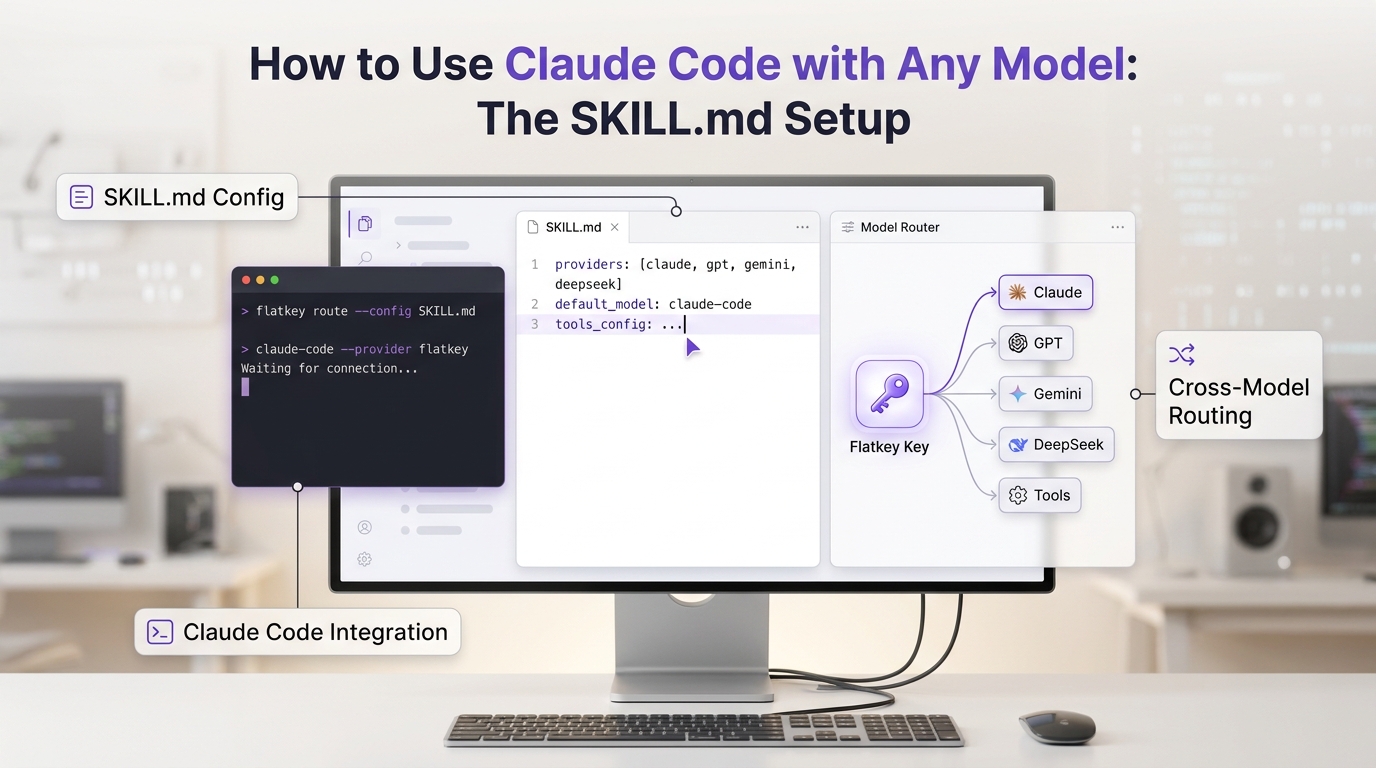
Open WebUI is only one surface that can use an OpenAI-compatible route. If your team is standardizing several tools, use the same pattern across the cluster: one current base URL, one account-owned key per surface, exact model aliases, a small smoke test, usage proof, and rollback notes.
For adjacent setups, see the Cherry Studio API setup guide for desktop-client base URL discipline, the CC Switch Claude Code Flatkey guide for developer-tool routing, and the broader OpenAI-compatible API migration playbook for base URL changes, model alias verification, and rollback. Use Flatkey pricing to review current model and endpoint coverage, then get a key for the workspace that owns the first Open WebUI rollout.
FAQ
What should I put in the Open WebUI OpenAI API base URL field?
Use the current Flatkey provider base URL from your account. The public Flatkey homepage checked on June 29, 2026 points OpenAI-compatible clients to https://console.flatkey.ai/v1. Do not include the full /chat/completions path in the base URL field.
Why does Open WebUI show a model discovery error?
Open WebUI verifies a new OpenAI-compatible connection by calling /models. The official docs warn that some providers do not implement that endpoint, use non-standard behavior, or return very large model lists. If chat completions work, add exact model IDs to the filter and test again.
Can I expose every Flatkey model to Open WebUI?
Technically a router can expose many models, but production admins should start with a narrow allowlist. Choose models that match Open WebUI chat needs, endpoint support, latency expectations, usage policy, and budget controls.
Does Flatkey replace Open WebUI settings?
No. Flatkey supplies the OpenAI-compatible route, key, model access, usage visibility, and billing controls. Open WebUI still controls its own connection settings, model selector, user access, prompt behavior, and deployment-level networking.
How do I know the setup is working?
Run a curl preflight to /chat/completions, save the Open WebUI connection, send one safe prompt, and confirm the request appears in Flatkey usage with the expected key, model, timestamp, tokens, status, and cost.
Final checklist
- Flatkey base URL confirmed from the current account source.
- Dedicated Flatkey key created for the Open WebUI deployment.
- One approved chat model alias selected first.
- Open WebUI OpenAI API base URL set to the provider base URL, not the full endpoint.
- Model IDs added manually when discovery fails or returns too many options.
- Non-streaming and streaming chat tested.
- Flatkey usage row confirmed after the first Open WebUI prompt.
- Owner, quota, model allowlist, and rollback path recorded.
Once those checks pass, the Open WebUI OpenAI API base URL becomes more than a connection field. It becomes a controlled Flatkey route with one key, approved models, usage visibility, and a clear rollback plan.