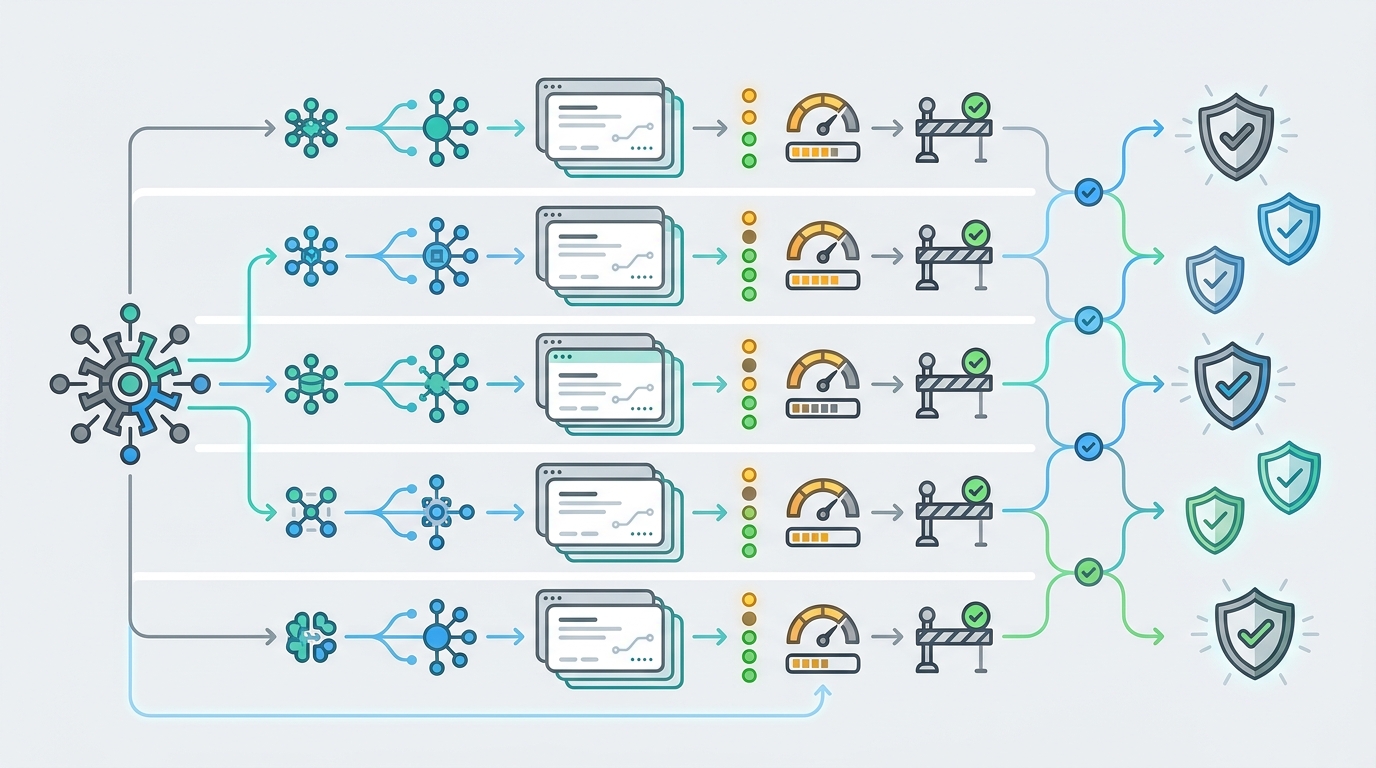
Seedance 2.0 pricing looks simple when a page shows a cost per second. In production, that single number is only one part of the approval. Resolution, duration, endpoint family, input mode, retries, failed jobs, route status, owner attribution, and quota policy can all change the real cost that finance sees.
This checklist was verified on June 24, 2026 against Flatkey public pricing evidence, fal.ai Seedance 2.0 model pages, and the BytePlus ModelArk pricing page context. Treat every price and model row below as a point-in-time planning input. Before production traffic, recheck the current provider page, the live Flatkey pricing catalog, the dashboard row, and a real smoke test.
Flatkey's useful role in a Seedance 2.0 pricing review is operational: one API key, model access, route visibility, billing, usage analytics, quota controls, and owner-level usage records. This article does not claim that every Seedance 2.0 row is available for production through Flatkey today. The public catalog snapshot used for this draft exposed Seedance rows, but those rows needed route-status verification before use.
Quick Answer: Seedance 2.0 Pricing
Use Seedance 2.0 pricing as a checklist, not a single rate card. The team approving spend should know which route is being called, which billing unit applies, how many seconds are generated, which resolution is selected, what happens to retries or failed jobs, and which key or team owns the cost.
| Approval Question | Why It Changes Cost | What To Record |
|---|---|---|
| Which model route is used? | Seedance 2.0 text-to-video, image-to-video, fast routes, and gateway aliases can expose different endpoint and pricing evidence. | Provider URL, Flatkey model ID, endpoint family, group, status, request ID, and test date. |
| Is the quote per second or token formula based? | A per-second teaser can hide resolution and formula assumptions. Token formulas can convert video dimensions and duration into billable units. | Unit source, resolution, duration, frame/formula factor, and forecast equation. |
| What counts as billable output? | Retries, blocked prompts, failed jobs, canceled jobs, and rejected outputs can affect accepted-video cost even when the provider unit is clear. | Status map, retry policy, moderation behavior, and final accepted-output rate. |
| Who owns the spend? | Finance cannot approve a video model by price alone if usage is not tied to product, team, customer, environment, or key. | Flatkey key owner, team, customer tag, environment, quota cap, and review cadence. |
Seedance 2.0 Pricing Units To Normalize
The main mistake in Seedance 2.0 pricing reviews is mixing pricing units from different pages without naming the assumptions. Keep the source, date, model route, and unit together.
| Source Checked On June 24, 2026 | Pricing Or Catalog Evidence | How To Use It |
|---|---|---|
| Flatkey homepage | The public homepage surfaced a Seedance 2.0 teaser at $0.063 / sec. | Use it as discovery evidence only. Confirm the current catalog row, group, route status, and dashboard billing before approving traffic. |
| Flatkey pricing API and pricing page | The public pricing snapshot returned 632 model rows across 23 providers and an endpoint map that included /v1/video/generations. Seedance rows appeared in a Seedance2.0 Official group, but the checked rows showed unknown_failure. |
Treat the catalog as a route and field checklist, not as a production-ready claim. Verify the live row and smoke-test the exact model before launch. |
| fal.ai Seedance 2.0 text-to-video page | The page identified bytedance/seedance-2.0/text-to-video. It surfaced 720p at $0.3034/second, 1080p at $0.682/second, endpoint billing at $0.014 per 1000 tokens, and a 4K note at $0.008 per 1000 tokens. |
Do not compare this to a per-second teaser without matching resolution and formula assumptions. |
| fal.ai Seedance 2.0 fast routes | The fast text-to-video and fast image-to-video pages identified bytedance/seedance-2.0/fast/text-to-video and bytedance/seedance-2.0/fast/image-to-video. The saved pages surfaced $0.2419/second and endpoint billing at $0.0112 per 1000 tokens. |
Record whether your workflow uses text input, image input, or reference/video input. Input mode changes the audit trail and can change formula handling. |
| BytePlus ModelArk pricing context | The public page confirmed a ModelArk pricing surface, but the saved HTML snapshot did not expose a clean exact Seedance 2.0 row for this article. | If BytePlus is the procurement source of record, attach the current console quote, official pricing row, or account-specific terms to the worksheet. |
The Cost Formula Check
A clean Seedance 2.0 pricing forecast separates the source unit from your application behavior. If your source of record is a per-second row, start with generated seconds and resolution. If your source of record is a token formula, start with output dimensions and duration.
| Forecast Type | Use This Logic | Review Risk |
|---|---|---|
| Per-second forecast | generated seconds x source per-second rate x accepted-output factor, then add retry and failure assumptions. |
Wrong if the quote assumes a different resolution, route, region, plan, or provider billing method. |
| Token-formula forecast | (height x width x duration x 24 / 1024) x price per 1000 tokens / 1000, then reconcile with the provider's billing page. |
Wrong if input video duration, reference inputs, 4K handling, or route-specific multipliers are omitted. |
| Accepted-video forecast | total billed generation cost / approved final videos. |
This is the number finance cares about when prompts are blocked, users regenerate clips, or QA rejects outputs. |
The fal.ai pages saved for this article showed a video-token formula based on output height, output width, duration, and a factor of 24, divided by 1024. Some Seedance pages also surfaced duration validation notes such as support for 4 to 15 seconds and messages that duration must not exceed 15 seconds. Those limits are exactly why a Seedance 2.0 pricing worksheet should capture duration boundaries rather than only the final estimated price.
Checklist: Avoid Per-Second Video Cost Mistakes
1. Lock The Exact Route
Start the review with the concrete model route, not the marketing model name. For example, the saved fal.ai pages identified routes such as bytedance/seedance-2.0/text-to-video, bytedance/seedance-2.0/fast/text-to-video, bytedance/seedance-2.0/image-to-video, and bytedance/seedance-2.0/fast/image-to-video. In Flatkey, record the current model ID, provider or group, endpoint type, status, and dashboard request ID.
2. Separate Discovery Prices From Approval Prices
A homepage teaser can help a buyer discover the model, but finance needs the source of record. For Seedance 2.0 pricing, attach the dated provider row, Flatkey pricing row, and any console-specific quote. If the row is behind authentication or rendered in a dashboard, save a screenshot or export with date, account, and reviewer.
3. Normalize Resolution Before Comparing Rates
Do not compare a 720p per-second rate with a 1080p per-second rate, a 4K token note, or a gateway teaser as if they describe the same unit. Write down resolution, aspect ratio when it matters, duration, and output count. If the workflow lets users request multiple variants, forecast by scenario instead of averaging too early.
4. Capture Input Mode
Text-to-video, image-to-video, and reference/video workflows create different audit questions. Image and reference inputs can change request size, moderation behavior, storage handling, and retry patterns. If your app lets users upload a source image or video, include that field in the Seedance 2.0 pricing worksheet.
5. Map Every Status To A Billing Decision
Video generation is asynchronous in many implementations. Your cost review should define what happens to queued, running, completed, failed, canceled, expired, moderated, and user-retried jobs. The useful approval question is not only "what is the price per second?" It is "which statuses generated billable work and how will we prove it?"
6. Put Quotas Close To The Key
Use AI API quota management to keep a test from becoming an open-ended video budget. For Seedance 2.0, set separate limits for sandbox, staging, and production keys. Use lower initial caps until a smoke test confirms route availability, billed units, retry behavior, and log quality.
7. Attribute Spend Per Key And Team
Cost attribution is where a gateway can do more than a static provider page. Use per-key AI usage tracking to connect generated video cost to the team, product surface, customer segment, or environment that created it. Then use AI API cost attribution by team to review budget owners before expanding the route.
8. Run A Small Smoke Test Before Approval
The Flatkey public catalog snapshot for this article showed Seedance rows, endpoint families, ratio fields, and a Seedance2.0 Official group, but the checked Seedance rows showed unknown_failure. That means a production decision needs a live route check, not only a catalog read. Run one small request, capture the request ID, inspect the status, compare expected and billed units, and document the rollback route.
A Seedance 2.0 Pricing Worksheet Finance Can Review
Copy this structure into your launch ticket. It turns Seedance 2.0 pricing from a static number into an auditable operating record.
| Field | Example Entry | Reviewer Question |
|---|---|---|
| Model route | bytedance/seedance-2.0/fast/text-to-video or current Flatkey model ID |
Was this exact route tested today? |
| Pricing source | Provider page URL, Flatkey pricing row, dashboard quote, or signed procurement terms | Is this the source of record for approval? |
| Unit | Per second, per 1000 tokens, per request, or account-specific negotiated unit | Are we mixing units from different pages? |
| Resolution and duration | 720p, 1080p, 4K, expected seconds, maximum allowed seconds | Does the estimate match the product control exposed to users? |
| Input mode | Text-to-video, image-to-video, reference-to-video, or video-to-video | Do input files change cost, moderation, or retention requirements? |
| Retry policy | One retry for provider timeout, no automatic retry for moderation block | Can retries double spend without improving accepted output? |
| Owner | Team, customer, environment, Flatkey key, and budget owner | Can finance reconcile usage without engineering help? |
| Quota | Daily test cap, production cap, recharge threshold, and alert owner | What stops an experiment from crossing the monthly budget? |
| Proof | Provider URL, Flatkey pricing URL, request ID, usage log export, and reviewer date | Can this approval be audited later? |
How Flatkey Fits The Review
Flatkey should not be used to skip provider pricing review. It should be used to make the operational part of Seedance 2.0 pricing reviewable. The static provider page tells you the unit. Flatkey can help you connect that unit to the key, route, usage log, quota, billing owner, and production rollout plan.
For a decision-stage team, the practical sequence is straightforward:
- Check the current provider pricing source for the exact Seedance 2.0 route.
- Open the live Flatkey pricing catalog and confirm the model row, endpoint family, group, and status.
- Create or select a dedicated key for the experiment.
- Set a small quota and alert owner before the first video request.
- Run one smoke test and record request ID, status, duration, resolution, billed unit, and owner.
- Review logs and cost attribution before increasing caps.
If your team wants one key for model access, billing controls, and usage review, get a key and keep the first Seedance 2.0 launch behind a documented quota.
FAQ
What is Seedance 2.0 pricing?
Seedance 2.0 pricing is the cost model for using Seedance 2.0 video generation routes. Depending on the provider and route, the source may expose per-second pricing, per-1000-token billing, resolution-specific notes, or account-specific terms. Always pair the price with the exact route, resolution, duration, and verification date.
Why can per-second Seedance pricing be misleading?
Per-second pricing can be misleading when the reader ignores resolution, duration boundaries, retry behavior, failed jobs, reference inputs, and accepted-output rate. Two workflows with the same listed seconds can produce different finance outcomes if one has more retries or higher-resolution outputs.
Does Flatkey show Seedance 2.0 pricing?
Flatkey's public surfaces checked for this article showed Seedance 2.0 discovery and catalog evidence, including a homepage teaser and Seedance catalog rows. The same catalog snapshot showed Seedance rows with unknown_failure status, so production teams should verify the live row and run a smoke test before treating any route as available.
What fields should finance review before approving Seedance 2.0 usage?
Finance should review model route, source URL, unit type, resolution, duration, input mode, retry policy, billable status map, key owner, team owner, quota cap, recharge policy, usage log proof, and review date.
Should I use per-second or token formula pricing for forecasts?
Use the unit from your source of record. If the provider or gateway quotes per second, forecast by seconds and resolution. If the provider exposes a token formula, forecast from dimensions and duration. If both appear, reconcile them in the worksheet rather than choosing the lower-looking number.
Bottom line: Seedance 2.0 pricing should be approved with a route, source, formula, quota, owner, and usage proof. A per-second number is useful, but it is not enough to ship video generation safely.