Quick answer: To get a DeepSeek API key, sign in to the DeepSeek Platform, create a new API key, copy it once, and store it in a server-side secret such as DEEPSEEK_API_KEY. Use https://api.deepseek.com for direct access. If you want one key and one OpenAI-compatible base URL across DeepSeek and other model families, use a Flatkey key with https://router.flatkey.ai/v1.
How to Get a DeepSeek API Key
- Create or sign in to your DeepSeek Platform account.
- Open the API key page and generate a new key.
- Copy the key immediately and save it in a secret manager or server-side environment variable.
- Make a small test request against the official DeepSeek base URL before adding production traffic.
- Rotate the key if it is ever pasted into client-side code, a public repository, a ticket, or a screenshot.
A DeepSeek API key is a bearer credential: anyone who has it can use the account's API allowance. Never embed it in browser JavaScript or a mobile binary. The official DeepSeek API docs show the current base URL, supported API formats, and model names.
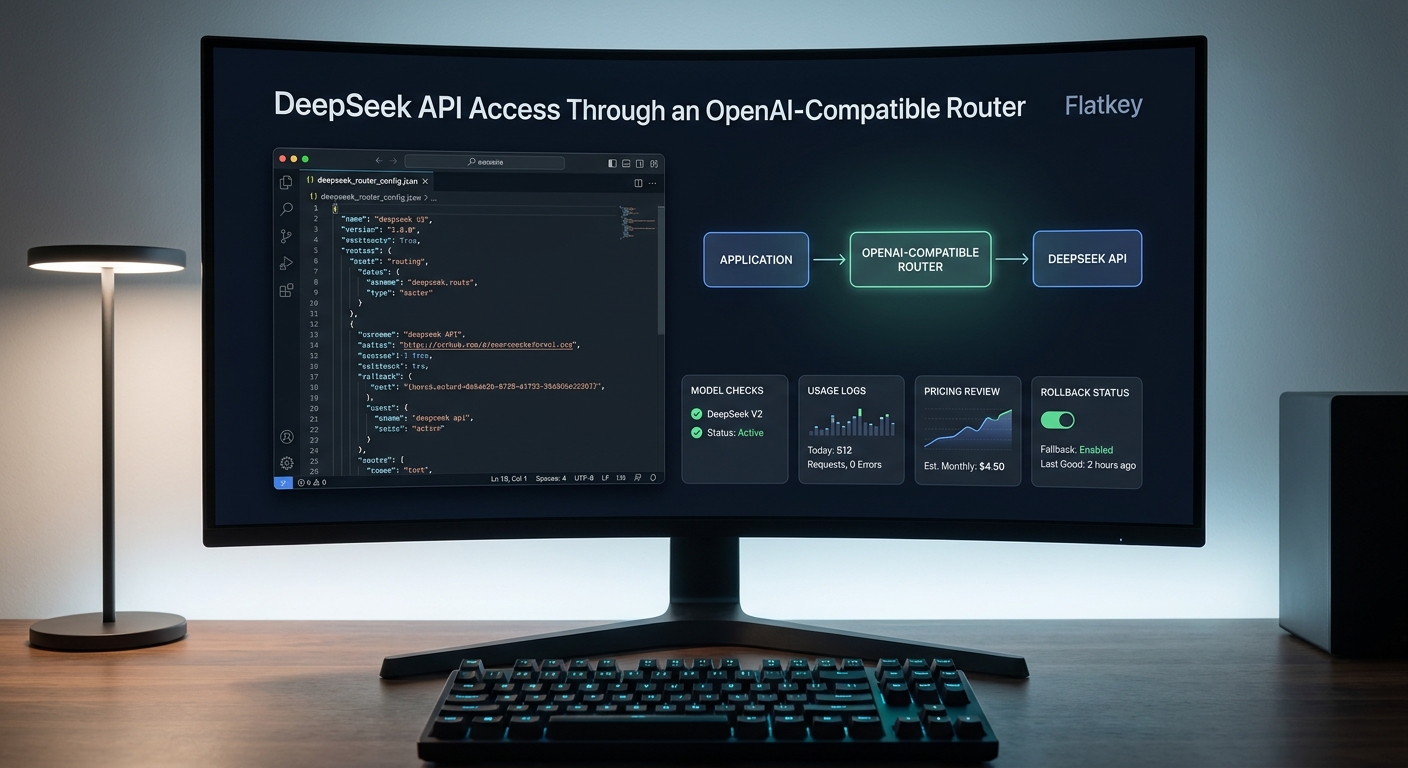
DeepSeek API Access Through an OpenAI-Compatible Router is a practical setup pattern for indie hackers who want DeepSeek models without turning every provider choice into a new SDK integration.
You have two clean paths. The direct DeepSeek path uses a DeepSeek API key, DeepSeek's OpenAI-compatible base URL, and a DeepSeek model name. The router path uses Flatkey's OpenAI-compatible base URL, a Flatkey API key, and the DeepSeek model ID that is available to your account. Both can work. The right choice depends on whether DeepSeek is your only model family or one route inside a multi-model product.
This guide shows how to set up DeepSeek API Access Through an OpenAI-Compatible Router, how to keep the direct provider path debuggable, and what to verify before production traffic moves.
Quick Answer: DeepSeek API Access Through an OpenAI-Compatible Router
For an OpenAI-style application, DeepSeek API access has two practical routes.
| Decision | Direct DeepSeek API | DeepSeek through Flatkey |
|---|---|---|
| API key | DeepSeek API key | Flatkey API key |
| Base URL | https://api.deepseek.com |
https://router.flatkey.ai/v1 |
| Anthropic-format option | https://api.deepseek.com/anthropic |
Use the Flatkey API shape your route supports |
| Current DeepSeek model names to check | deepseek-flash, deepseek-v4-pro |
Account-accessible DeepSeek model IDs from Flatkey /v1/models and the model directory |
| Best fit | A DeepSeek-only prototype or provider-specific integration | A multi-model app that wants one client, one key, one usage review, and easier fallback |
| Operations check | DeepSeek dashboard, provider docs, current pricing table | Flatkey model list, usage logs, pricing page, status page, and rollback manifest |
Use the direct route when DeepSeek is the only model you need and provider-level control matters most. Use Flatkey when DeepSeek belongs beside GPT, Claude, Gemini, Qwen, media models, or coding-agent routes behind the same OpenAI-compatible client.
What DeepSeek Confirms About API Compatibility
DeepSeek's current API docs say the DeepSeek API uses an API format compatible with OpenAI and Anthropic. The OpenAI-format base URL is:
https://api.deepseek.com
DeepSeek also documents an Anthropic-format base URL:
https://api.deepseek.com/anthropic
The same docs list deepseek-flash and deepseek-v4-pro as model options. They also say the older names deepseek-v4-flash and deepseek-v4-flash-vision-exp are still accepted for compatibility, but those requests are served by DeepSeek-V4.1-Flash and billed at the Flash price. For new code, treat the old names as migration risk, not as names to copy into a fresh product.
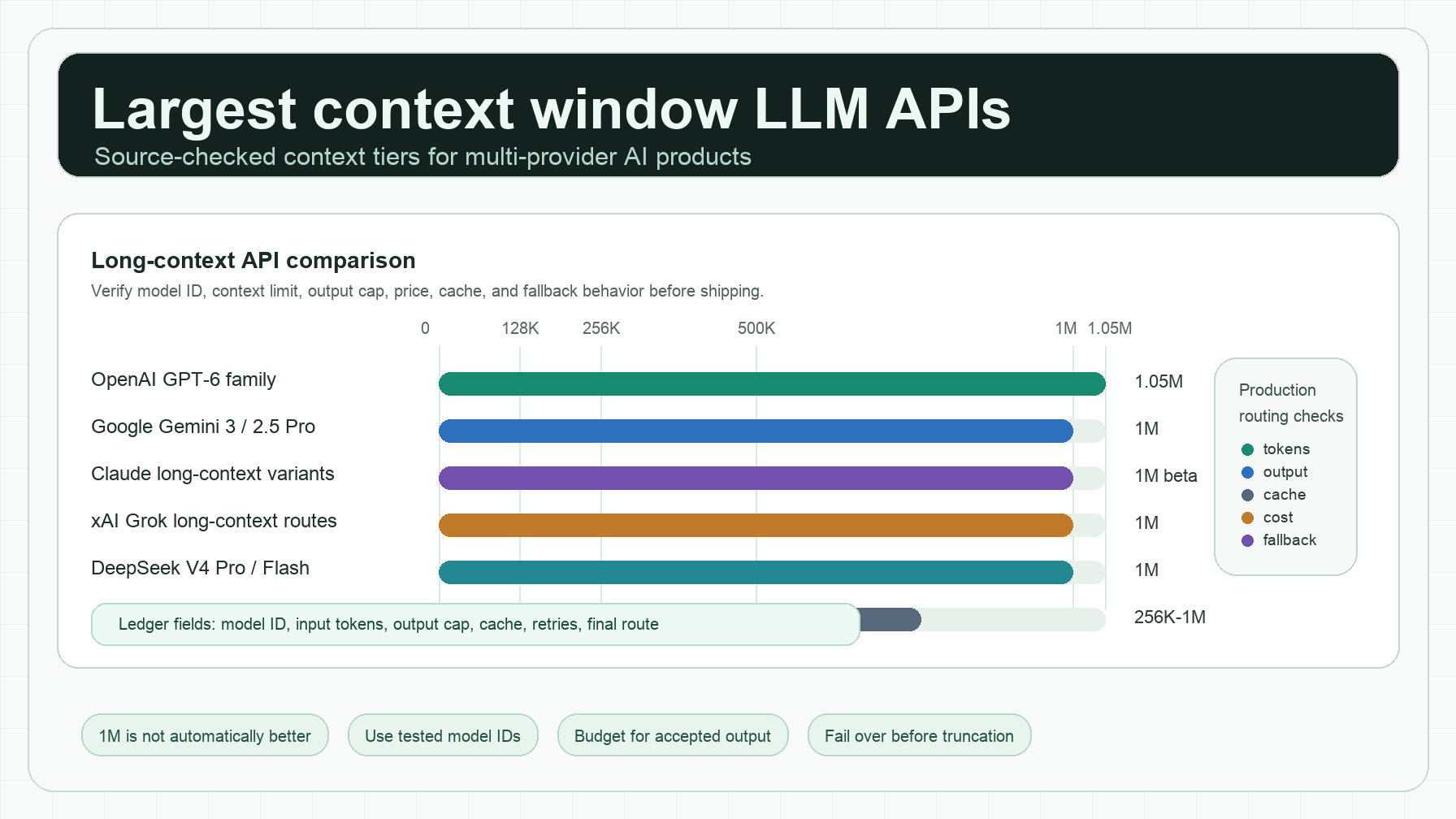
DeepSeek's pricing page currently describes deepseek-flash as DeepSeek-V4.1-Flash and deepseek-v4-pro as DeepSeek-V4-Pro-0813. It also lists a 1M context length and maximum 384K output, with JSON output, tool calls, Responses API, and Anthropic API support shown for both models. Vision support is listed for Flash and not for Pro. Check the live DeepSeek pricing page before publishing exact prices in your own docs because the table uses peak and off-peak token rates.
What Flatkey Changes
Flatkey does not remove the need to choose a valid DeepSeek model ID. It changes where the route is configured and where you verify the result.
Flatkey's quickstart and model API docs use this OpenAI-compatible base URL:
https://router.flatkey.ai/v1
Flatkey's /v1/models endpoint returns the model IDs available to your account in an OpenAI-compatible format. Flatkey's usage docs say each request can be reviewed with the model used, input and output token counts, cost, timestamp, API key, and status. That makes DeepSeek API Access Through an OpenAI-Compatible Router easier to operate when DeepSeek is one candidate among several models.
The router version of the route record should be explicit:
deepseek_route:
  provider_access_layer: flatkey
  base_url: https://router.flatkey.ai/v1
  api_key_source: FLATKEY_API_KEY
  candidate_models:
    - deepseek-flash
    - deepseek-v4-pro
  verify_before_launch:
    - account_accessible_v1_models
    - live_model_directory
    - pricing_page_units
    - usage_log_readback
    - fallback_or_rollback_policy
Do not hide the model name as a string in application code. Put it in a config file or model manifest so a DeepSeek model update is a reviewable change rather than an emergency deploy.
Step 1: Choose Direct DeepSeek or a Router
Start with the operating decision, not the SDK.
| Question | Direct DeepSeek is usually enough when... | A router is usually better when... |
|---|---|---|
| Do you only call DeepSeek? | Yes, the product is DeepSeek-only. | No, DeepSeek is one route beside other providers. |
| Do you need provider-specific controls? | Yes, your team wants DeepSeek-native settings and billing review. | No, your app wants a shared access layer and shared logs. |
| Will users or jobs switch models? | No, one fixed model is enough. | Yes, workloads may move between DeepSeek, Qwen, Gemini, Claude, GPT, or other model families. |
| Who reviews cost and failures? | One developer can check the DeepSeek account. | You need one usage ledger across keys, models, and environments. |
| What happens if the route fails? | You can pause the feature or retry later. | You need fallback, rollback, or staged rollout controls. |
For most indie hackers, the first release can be simple. Direct DeepSeek is fine for a single-model prototype. DeepSeek API Access Through an OpenAI-Compatible Router is cleaner once the product compares models, runs coding agents, serves customers with different latency or cost needs, or needs one place to debug token usage.
Step 2: Set the Flatkey OpenAI Client
If your project already uses the OpenAI SDK, the router setup is mostly a base URL and key change.
Python:
import os
from openai import OpenAI

client = OpenAI(
    api_key=os.environ["FLATKEY_API_KEY"],
    base_url="https://router.flatkey.ai/v1",
)
Node.js:
import OpenAI from "openai";

const client = new OpenAI({
  apiKey: process.env.FLATKEY_API_KEY,
  baseURL: "https://router.flatkey.ai/v1",
});
The direct DeepSeek version uses the same OpenAI-style client shape but points to DeepSeek:
import os
from openai import OpenAI

client = OpenAI(
    api_key=os.environ["DEEPSEEK_API_KEY"],
    base_url="https://api.deepseek.com",
)
Keep both keys in environment variables or secret storage. Never commit FLATKEY_API_KEY, DEEPSEEK_API_KEY, or a staging override into the repository.
Step 3: Verify the Model ID Before the First Request
DeepSeek API Access Through an OpenAI-Compatible Router should start with model discovery, not a copied model string.
For Flatkey, ask the router which model IDs your account can access:
curl https://router.flatkey.ai/v1/models \
  -H "Authorization: Bearer $FLATKEY_API_KEY"
Then confirm the candidate on the live Flatkey model directory and pricing page. For direct DeepSeek, confirm the model name in the DeepSeek docs and pricing page. As of this source check, DeepSeek's docs point new code at deepseek-flash and deepseek-v4-pro, while warning that old V4 Flash aliases are compatibility names.
Create a small manifest:
models:
  deepseek_default:
    id: deepseek-flash
    route: flatkey
    base_url: https://router.flatkey.ai/v1
    use_for:
      - coding_assistant
      - structured_extraction
      - long_context_review
    owner: product_engineering
    rollback: previous_production_model
This is the DeepSeek route review record. It gives you a place to record the model ID, route owner, use case, and rollback target before production traffic depends on the route. Keep it with your release checklist so DeepSeek API Access Through an OpenAI-Compatible Router stays auditable after launch.
Step 4: Make a First Chat Completion
Start with a short deterministic request. This is a route test, not a benchmark.
response = client.chat.completions.create(
    model="deepseek-flash",
    messages=[
        {"role": "system", "content": "Return concise implementation advice."},
        {"role": "user", "content": "Explain why base_url configuration matters in one sentence."},
    ],
    temperature=0.2,
    max_tokens=120,
)

print(response.choices[0].message.content)
If the request fails, check in this order:
| Check | What it catches |
|---|---|
base_url |
Direct-vs-router mixup, missing /v1, wrong provider path |
| API key variable | Empty env var, wrong key type, staging key in production |
| Model ID | Deprecated alias, account does not have access, typo |
| Endpoint shape | Chat Completions vs Responses vs Anthropic Messages mismatch |
| Feature support | Vision, thinking mode, JSON, tools, or streaming assumptions |
| Usage log | Request never reached the router, provider failure, token/cost mismatch |
This order prevents a common debugging mistake: treating configuration failures as model failures.
Step 5: Test the Features Your App Actually Uses
OpenAI-compatible does not mean every provider, model, or router path behaves identically. Test the features that matter for your workload.
| Feature | Smoke test | Pass condition |
|---|---|---|
| Non-streaming chat | One short prompt | Usable message returns with usage data |
| Streaming | Same prompt with streaming enabled | Chunks arrive in order and the UI closes cleanly |
| JSON output | Small extraction task | Output validates against your schema or repair path |
| Tool calls | One simple function schema | Tool-call fields parse without custom hacks |
| Long context | Representative long input | Latency, cost, and quality remain acceptable |
| Vision | Image prompt only when using a vision-capable model | Request succeeds only on a route that supports vision |
| Error handling | Invalid model ID in staging | App logs route failure without exposing keys |
After each Flatkey test, open Usage Logs. The request should show the expected model, token counts, status, timestamp, API key, latency, and cost. If nothing appears, confirm the base URL and key that the request actually used.
Step 6: Normalize Cost by Accepted Output
DeepSeek's published token prices can look attractive, but token price is only one part of production cost. Compare by accepted output.
Use this worksheet:
| Metric | Why it matters |
|---|---|
| Input tokens | Long-context prompts can dominate cost. |
| Output tokens | Agent and coding tasks can produce much longer responses than chat tasks. |
| Cache behavior | Cache-hit and cache-miss input can be priced differently. |
| Retry rate | A cheap route becomes expensive when it needs repeated retries. |
| Rejection rate | Invalid JSON, weak tool calls, or low-quality answers should count against the route. |
| Fallback usage | Fallback traffic must be visible, not treated as a rounding error. |
| Human repair time | Manual cleanup is part of real product cost. |
The practical formula:
accepted_output_cost =
  (successful_request_cost + retry_cost + fallback_cost + human_repair_cost)
  / accepted_outputs
Use DeepSeek's live pricing page for direct provider units. Use Flatkey's live pricing page and your Usage Logs for router-path charges. Do not copy a static price row into app docs without a checked date and a refresh owner.
Step 7: Add a Rollback Policy
DeepSeek API Access Through an OpenAI-Compatible Router should be reversible before users depend on it.
deepseek_rollout:
  environment: production
  default_model: deepseek-flash
  route: flatkey
  start_percentage: 10
  increase_when:
    - accepted_output_rate >= 0.95
    - p95_latency_ms <= 4500
    - error_rate <= 0.02
    - usage_log_present: true
    - accepted_output_cost_within_budget: true
  rollback_when:
    - error_rate > 0.05
    - schema_failures_above_threshold: true
    - usage_log_missing: true
    - unexpected_cost_spike: true
  rollback_action:
    set_model: previous_production_model
    notify: engineering_owner
This policy does not require a platform team. It requires a route owner, one model manifest, one usage review habit, and a staging test before you increase traffic.
Where This Fits in Flatkey
Flatkey is a fit when DeepSeek is part of a broader model-routing workflow:
- You already use OpenAI-compatible SDKs and want one base URL for multiple model families.
- You need separate keys or quotas for development, staging, production, or coding agents.
- You want DeepSeek, Qwen, Gemini, Claude, GPT, and other models reviewed through one model catalog and usage workflow.
- You need a rollback path when a model ID, price unit, feature, or provider route changes.
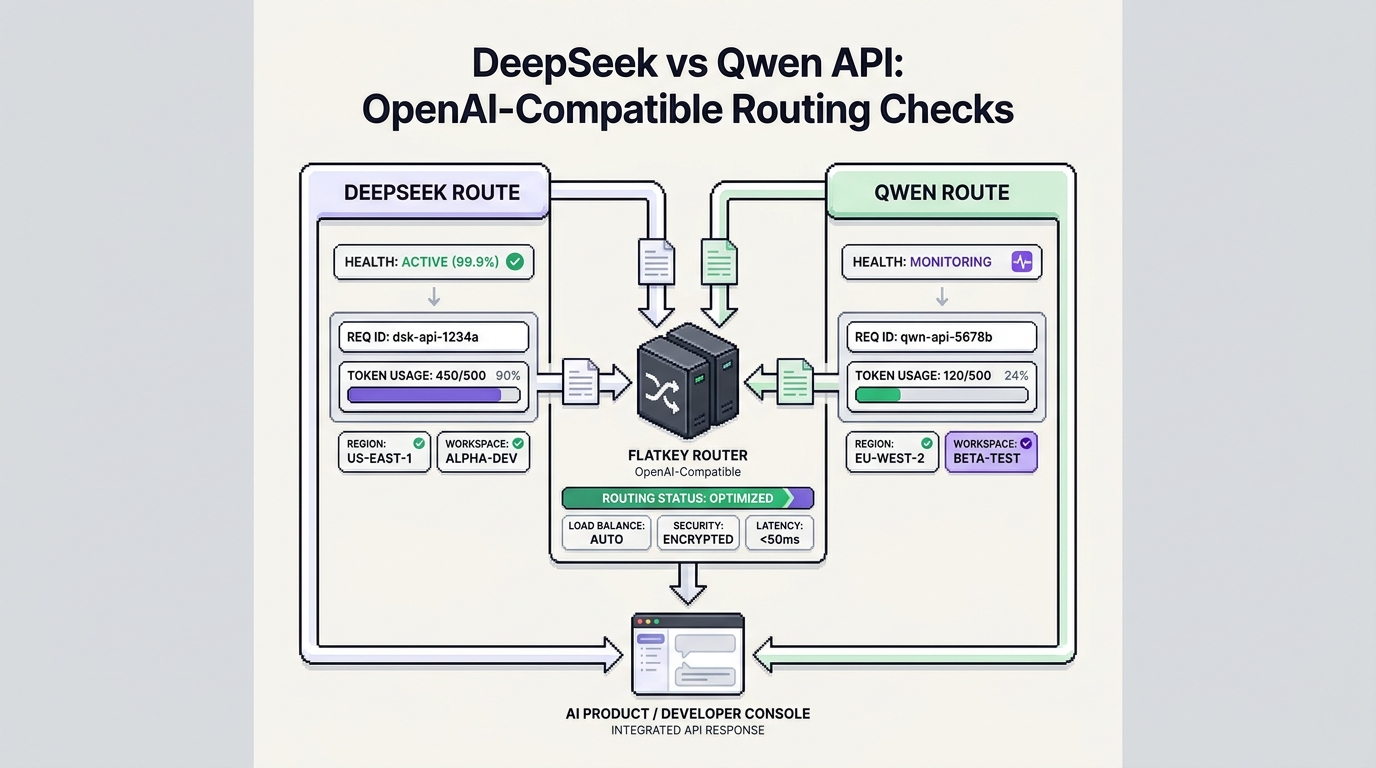
Start with the Flatkey API quickstart, use the OpenAI API alternative migration guide if you are replacing direct provider calls, and pair this checklist with the DeepSeek vs Qwen API routing checks when cost-sensitive workloads compare regional providers.
For production decisions, check the live Flatkey model directory, pricing page, and status page. For DeepSeek model behavior and direct-provider pricing, check DeepSeek's API docs and pricing page on the day you ship.
Final Checklist for DeepSeek API Access Through an OpenAI-Compatible Router
Before shipping DeepSeek API access to users, confirm:
- The model ID is current in DeepSeek docs and in the Flatkey account-accessible model list.
- Direct DeepSeek tests use
https://api.deepseek.comand a DeepSeek API key. - Flatkey router tests use
https://router.flatkey.ai/v1and a Flatkey API key. - You are not using
deepseek-v4-flashordeepseek-v4-flash-vision-expas a fresh production model name. - Chat, streaming, JSON output, tool calls, long context, and vision are tested separately when your app needs them.
- Usage Logs show the expected model ID, status, token counts, timestamp, latency, API key, and cost.
- Cost is normalized by accepted output, not only headline token rate.
- Rollback is a config change, not an emergency code rewrite.
- Provider keys are stored in environment variables or secret storage, never in code.
DeepSeek API Access Through an OpenAI-Compatible Router is a simple integration pattern when the route is explicit. Use direct DeepSeek when you only need DeepSeek. Use Flatkey when DeepSeek belongs inside a multi-model product that needs one client, one base URL, one usage loop, and a clean rollback path.
Frequently Asked Questions
Does DeepSeek support the OpenAI API?
DeepSeek's current docs say the DeepSeek API uses an API format compatible with OpenAI and Anthropic. The OpenAI-format base URL is https://api.deepseek.com.
What is the Flatkey base URL for DeepSeek API access?
Use https://router.flatkey.ai/v1 for Flatkey's OpenAI-compatible API. Then choose a current DeepSeek model ID from your account-accessible /v1/models response and the live Flatkey model directory.
Can I use the same OpenAI SDK for DeepSeek through Flatkey?
Yes. Configure the OpenAI SDK with a Flatkey API key and https://router.flatkey.ai/v1 as the base URL. The request keeps the familiar Chat Completions shape for compatible models.
Which DeepSeek model name should new code use?
Check the live DeepSeek docs before shipping. At this source check, DeepSeek lists deepseek-flash and deepseek-v4-pro; it says older V4 Flash names are accepted for compatibility but served by DeepSeek-V4.1-Flash.
Should I publish exact DeepSeek prices in my own app docs?
Only if you include the checked date and refresh owner. DeepSeek's pricing page uses peak and off-peak token rates, and Flatkey route availability or pricing units should be verified on Flatkey's live pricing and model pages.
Deciding between DeepSeek and OpenAI? Our DeepSeek vs ChatGPT comparison covers features, privacy, and API cost side by side.
If Qwen is your alternative, read DeepSeek vs Qwen: which to use for a side-by-side on price, models, and access.