AI Video Generator API: Access, Pricing, Integration, and Production Guide
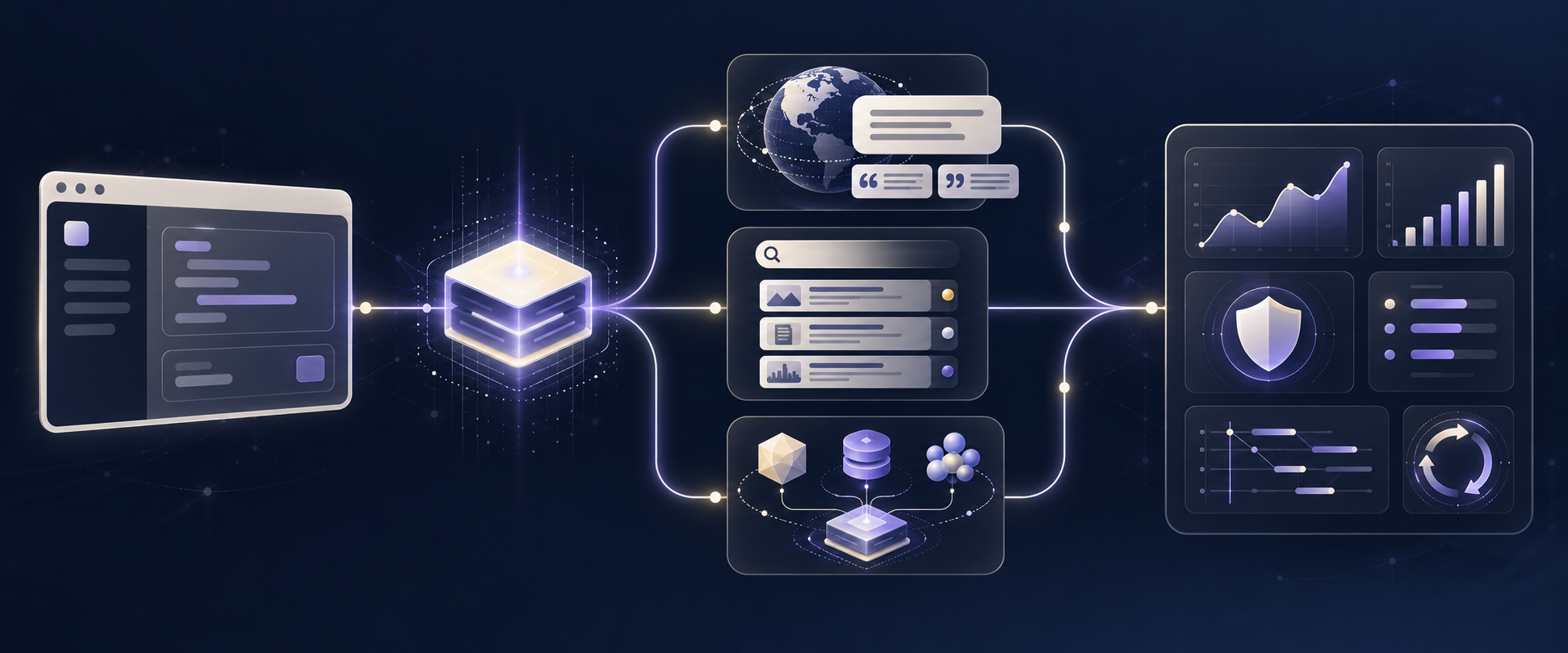
An AI video generator API is a way to create short videos from text, images, audio, or reference video inside a product or workflow. The API call is only the beginning. A production implementation also needs a model-access decision, a budget that reflects accepted outputs rather than just attempted renders, an asynchronous job workflow, and a plan for storing and observing completed assets.
This guide gives product teams a durable way to make those decisions. It uses current public API documentation as examples, but treats model names, parameters, availability, and prices as inputs to verify immediately before launch.
Short answer: Choose the access path that gives you the controls you actually need, normalize cost against the provider's real billing unit, model video generation as an asynchronous job, and test a representative batch before making a production commitment. For most teams, the useful operating metric is cost per accepted clip, not a headline price per second.
What an AI video generator API actually does
Most video APIs create a long-running generation task rather than returning an MP4 in the same HTTP response. The basic lifecycle looks like this:
- Your app sends a prompt and optional reference media.
- The provider or gateway creates a task or operation.
- Your worker polls the task, receives a webhook, or both.
- When the job is terminal, your app retrieves the output, persists the asset metadata, and makes the clip available to the user.
Google's Veo documentation explicitly describes video work as a long-running operation that must be checked until it reports completion. Flatkey's current Seedance 2.5 model page follows the same operational pattern: submit to /v1/videos, keep the task ID, poll status, and fetch completed content. That means an AI video generator API should sit behind a job record in your own system—not inside a request handler that waits for the final asset.
The API may support several kinds of creative input:
| Workflow | What the product supplies | What to validate before launch |
|---|---|---|
| Text to video | A written scene, action, style, camera, and audio direction | Prompt constraints, duration, aspect ratio, resolution, safety behavior |
| Image to video | A first frame, product image, or storyboard image | Supported image formats, crops, character consistency, first/last-frame behavior |
| Reference to video | Multiple images, video, or audio inputs | Input-count limits, asset URL access, order/role semantics, additional billing |
| Video edit or extension | An existing clip | Whether the selected route actually supports it; do not infer support from another model family |
Model capability is not a category-wide promise. For example, the current Flatkey Seedance 2.5 page documents text-to-video, image-to-video, and reference-to-video on its route, while marking video edit and video extend as unavailable there. Treat the live model page or provider API reference as the contract for the exact model ID you will ship.
How to choose access: direct provider or a multi-model gateway
There are two sensible ways to access a video model. Neither is universally better.
| Access pattern | It fits when | Trade-off to plan for |
|---|---|---|
| Direct provider API | One vendor-specific capability is central to the product, or your team needs that provider's newest parameters as soon as they appear | Separate credentials, billing, task schemas, monitoring, and migrations for each provider |
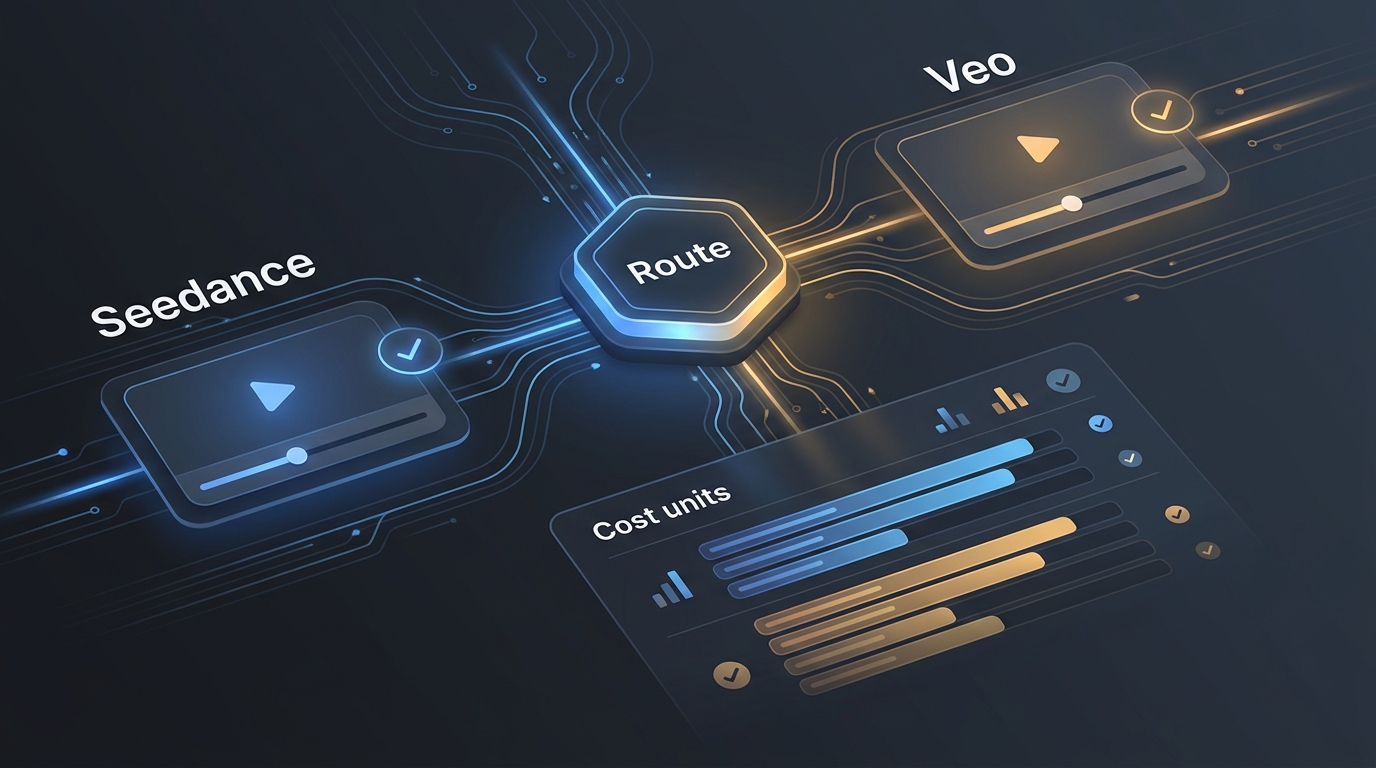
| Multi-model gateway | You are evaluating several models, want one access layer for a broader AI product, or want a shared balance and catalog | You still need to verify the exact route, supported fields, lifecycle, and price for each selected model |
Flatkey is an example of the second pattern. Its documentation describes one OpenAI-compatible base URL for its shared model catalog, while its video-model pages document the video-specific contract that applies to the chosen route. That distinction matters: compatibility at the account and routing layer does not mean every media model uses a chat-completions payload.
For a concrete current route, Flatkey documents Seedance 2.5 at POST /v1/videos with a content[] body. The page lists text, image, video, and audio references; it also lists route-specific output settings and a task-based retrieval flow. Start by reading the live Seedance 2.5 model contract, then make a deliberately small call that uses the same duration, resolution, aspect ratio, and reference-media pattern as your intended product workflow.
A simple access decision
Choose a direct API if your launch depends on a specific provider-only capability and you have the operational capacity to own that integration. Choose an access layer that exposes multiple models if your first problem is model evaluation, route portability, or consolidating credentials and billing across a larger product.
In both cases, keep the provider/model name, request shape, and returned job ID in your own database. That is what makes a later model switch, incident review, or cost reconciliation possible.
AI video generator API pricing: compare billing units before rates
Pricing is easy to misread because video providers do not all bill the same way. One route can be priced per generated second, another can calculate cost from consumed tokens, and a gateway can show live route-specific rates. Those are not interchangeable columns in a spreadsheet.
| Example surface | Public billing basis to verify | A useful planning question |
|---|---|---|
| Google Veo | Paid-tier rows are published per generated second and vary by model variant and resolution | Which variant, resolution, duration, and attempt count match the actual use case? |
| Direct BytePlus ModelArk Seedance | Actual use is tied to the returned completion_tokens; resolution, duration, and input video can affect consumption |
What did the provider report for the representative requests you actually ran? |
| Flatkey Seedance 2.5 | The live catalog displays route-specific per-second prices and a minimum duration | What exact model, output setting, and catalog rate are active in the account before the batch begins? |
The Google Gemini API pricing page lists current Veo paid-tier rates by generated second, model variant, and resolution. The BytePlus ModelArk pricing documentation says actual video consumption is determined by the completion_tokens returned after the call. Flatkey's Seedance 2.5 page exposes current catalog pricing by route and output setting. Use those pages as a launch-day check, not as a permanent price table copied into code.
Use cost per accepted clip
The decision-making metric for an AI video generator API is usually not cost per request. It is the cost of a clip that passes the quality and policy rule for its intended use.
cost per accepted clip = total billable generation spend / accepted clips
For a launch forecast:
estimated spend = planned attempts × estimated cost per attempt
expected accepted clips = planned attempts × observed acceptance rate
estimated cost per accepted clip = estimated spend / expected accepted clips
Run this math after a small representative batch. A low per-second rate can produce a higher cost per accepted clip if the model requires many retries or human rework. Conversely, a higher per-attempt rate can be economical for a workflow with a high acceptance rate and fewer editorial cycles.
Before scaling spend, capture all of these fields for every test job:
- model ID and provider or gateway route;
- requested and delivered duration, resolution, and aspect ratio;
- input type and reference-asset count;
- provider task ID and your own job ID;
- reported usage and billed amount;
- terminal status and retry reason;
- acceptance decision and reason; and
- the campaign, customer, or product feature that owns the job.
For a fuller budgeting worksheet that works across text, image, and video workloads, see how to forecast multi-model AI API spend.
Integrate an AI video generator API as an asynchronous job
Do not make the browser wait for a video provider. Persist a job, enqueue the work, and let a worker own submission and polling. The client receives your job ID immediately and can check your application status endpoint.
| Stage | Your application owns | Provider or gateway owns | Persist before moving on |
|---|---|---|---|
| Intake | User intent, asset authorization, budget guardrail | — | Application job ID and request revision |
| Submission | Validation and request assembly | Task creation | Provider/model route and task ID |
| Running | Queue, polling/webhook handling, timeout policy | Inference execution | Normalized status and retry history |
| Completion | Asset storage, acceptance review, user delivery | Output availability and usage details | Output location, cost, acceptance outcome |
A current Flatkey Seedance request example
The following is a small, route-specific smoke test based on the currently documented Seedance 2.5 request shape. Keep the key on the server. Before using it in production, verify the live route, account availability, and the exact model page again.
curl https://router.flatkey.ai/v1/videos \
  -H "Content-Type: application/json" \
  -H "Authorization: Bearer $FLATKEY_API_KEY" \
  -d '{
    "model": "seedance-2.5",
    "content": [
      {
        "type": "text",
        "text": "A clean product video, natural light, slow camera move."
      }
    ],
    "ratio": "adaptive",
    "resolution": "720p",
    "duration": 5,
    "generate_audio": true
  }'
The response supplies a task identifier. Store the complete response with your application job, then poll the documented task endpoint rather than guessing an end time:
curl "https://router.flatkey.ai/v1/videos/TASK_ID" \
  -H "Authorization: Bearer $FLATKEY_API_KEY"
On a terminal success, retrieve the completed content from the documented content route. Do not assume every provider shares this exact endpoint or response shape. Google, for example, returns a long-running operation that must be checked until done is true before downloading the result. An application-side adapter keeps those differences out of your product code.
type VideoJob = {
  id: string;
  provider: string;
  model: string;
  providerTaskId?: string;
  status: "queued" | "submitted" | "running" | "succeeded" | "failed";
};

async function submitFlatkeySeedance(job: VideoJob, prompt: string) {
  const response = await fetch("https://router.flatkey.ai/v1/videos", {
    method: "POST",
    headers: {
      "content-type": "application/json",
      authorization: `Bearer ${process.env.FLATKEY_API_KEY}`,
    },
    body: JSON.stringify({
      model: "seedance-2.5",
      content: [{ type: "text", text: prompt }],
      ratio: "adaptive",
      resolution: "720p",
      duration: 5,
      generate_audio: true,
    }),
  });

  if (!response.ok) throw new Error(`Video submission failed: ${response.status}`);
  return response.json(); // Persist the returned task identifier with job.id.
}
The adapter above intentionally does not hardcode response fields or terminal-state strings. Store the provider response, map it to your own normalized state machine, and keep that mapping close to the provider integration.
Production controls that prevent expensive surprises
An AI video generator API needs the same engineering discipline as any other metered, asynchronous dependency—plus asset management and human-quality review.
1. Make duplicate submissions impossible
Create an application-level idempotency key from your job ID and the submitted revision. If a worker crashes after the provider accepts a task but before your database update, a safe retry must first determine whether a provider task ID already exists. Do not blindly submit the same creative job twice.
2. Use bounded retries
Retry only errors that your integration classifies as transient. Set a maximum number of attempts, record the previous provider task ID, and stop when the budget or retry limit is reached. A validation error, policy block, or invalid input asset deserves a user-facing explanation—not an automatic resubmission.
3. Keep assets durable and access-controlled
Reference assets need stable, authorized URLs for the duration of the request. After generation, copy or persist the output according to your storage and retention policy rather than relying forever on a temporary provider URL. Record input-asset hashes and output location with the job metadata.
4. Separate creative acceptance from API success
succeeded means the API created an output; it does not mean the output is suitable for a customer, campaign, or product surface. Add a lightweight acceptance outcome—automated, human, or both—and log why a clip was rejected. That is the input to your cost-per-accepted-clip calculation.
5. Watch the model lifecycle
Video-model parameters and availability change quickly. Google’s current Veo documentation distinguishes model lifecycle states and directs developers to model-specific limits; Flatkey's model pages list current route fields and availability. Re-run a smoke test whenever you change model, resolution, audio, reference-media behavior, or provider route.
6. Build a truthful media policy into the workflow
Get the rights to reference assets, give users clear disclosure where required by the destination, and define handling for synthetic people, brands, and sensitive content before launch. Provider acceptance does not replace your product's policy or legal review.
For a detailed operational checklist covering queues, webhooks, retries, storage, and monitoring, read the Seedance API production checklist for text-to-video teams.
A 7-step launch plan
- Write one testable use case. Define audience, aspect ratio, duration, acceptable artifacts, and who approves an output.
- Choose two or three routes to test. Compare the exact model IDs and request shapes, not brand-level assumptions.
- Create a small representative batch. Include the prompts and reference-media conditions users will actually submit.
- Record attempt-level cost and outcomes. Capture usage, task status, duration, retries, and acceptance decisions.
- Pick a budget guardrail. Set a maximum attempts-per-job and a cost-per-accepted-clip threshold.
- Launch behind an async queue. Persist your own job state, provider task ID, and output metadata.
- Schedule a revalidation. Recheck the current model page, price, limits, and lifecycle before raising volume or launching a new creative workflow.
If your product will route across text, image, audio, and video models, also map the fallback and observability plan with this guide to multimodal agent routing.
AI video generator API production checklist
- [ ] Exact model ID, provider/gateway route, and lifecycle state are recorded.
- [ ] The request contract is taken from the active model/API documentation.
- [ ] The job is asynchronous in your application, with a durable provider task ID.
- [ ] Your retry system prevents duplicate paid submissions.
- [ ] The billing unit has been verified against a representative batch.
- [ ] The team tracks cost per accepted clip, not only a headline rate.
- [ ] Reference and output assets have a documented storage and retention path.
- [ ] Output review, safety handling, and user disclosure are defined for the use case.
- [ ] Model/page revalidation is scheduled before expanding traffic.
If Veo is on your shortlist, read Veo 3 pricing (October 2026) for Vertex AI rates and what replaced the Gemini API preview models.
Frequently asked questions
What is an AI video generator API?
An AI video generator API lets software request generated video from text, images, audio, or other reference media. In production it normally works as an asynchronous task: submit the request, retain the task or operation ID, check status, and retrieve the completed result.
How much does an AI video generator API cost?
It depends on the exact route and billing unit. Current public examples include per-generated-second pricing for Google Veo, token-consumption billing for direct BytePlus ModelArk Seedance use, and live per-second catalog prices for Flatkey Seedance routes. Match model, resolution, duration, input media, retries, and acceptance rate before forecasting spend.
Can I use one API for text-to-video and image-to-video?
Some model routes support both, but the details are model-specific. Flatkey's current Seedance 2.5 page documents text-to-video and image-to-video on /v1/videos; verify the supported content roles, limits, and output settings for the live route before implementation.
Should I use polling or webhooks?
Use the mechanism the selected provider documents. Polling is a safe starting point when a task status endpoint exists. Webhooks can reduce polling and speed application updates, but should still be verified, deduplicated, and reconciled against your stored job state.
How do I switch video models safely?
Treat a model switch as a controlled evaluation. Keep your application job schema stable, add a provider adapter for the new route, test the same representative batch, compare cost per accepted clip, and retain the model ID and task metadata for both versions. The model-price comparison workflow is a useful companion before changing providers.
Start with a measurable pilot
The best AI video generator API is not the one with the most impressive demo; it is the route that meets your creative requirement, fits your operational design, and produces accepted clips within the budget you can sustain. Start with one route, one realistic batch, and a complete job record. Then use the outcome data to decide whether to adjust the prompt system, change the model, or add another route.
Explore the current Flatkey model directory, verify the live Seedance 2.5 API and pricing page, and run a small asynchronous pilot before raising production limits.