Claude API Tools: Evaluation Framework for Production Agents
If you are searching for Claude API tools, you are usually not asking for a toy demo. You are trying to decide whether Claude's tool-use stack is good enough for a real workflow: one that calls functions, handles retries, stays within budget, and still behaves well when the output has to drive another system.
That is the right question. Claude's current docs separate client tools, server tools, strict tool use, and parallel tool use. The practical job is to evaluate whether those pieces fit your product before traffic depends on them.
What Claude API tools actually mean
In Anthropic's docs, tool use is the feature that lets Claude call tools you define or Anthropic provides. The model decides when to call a tool from the request, then returns a structured tool_use block that your app executes or that Anthropic executes for server tools.
That means Claude API tools can cover several different things:
- user-defined client tools that run in your application;
- Anthropic-defined client-style tools such as
bashandtext_editor; - server tools such as
web_search,web_fetch,code_execution, andtool_search; - MCP-connected tools when your workflow depends on remote tool systems;
- parallel tool use when one turn may need more than one tool call.
If you do not separate those cases, your evaluation gets muddy fast. A tool set that looks great in a notebook can still fail in production because the execution path, latency profile, or pricing model is different.
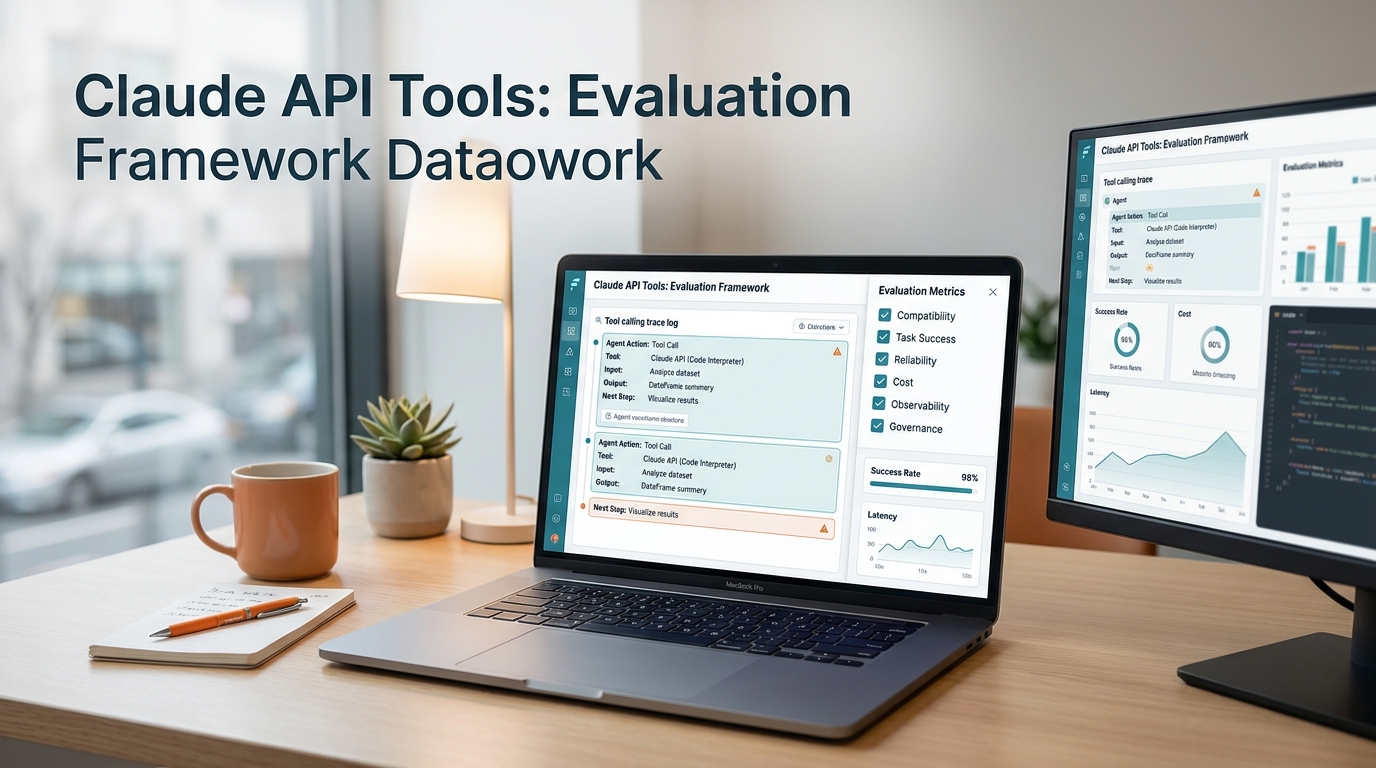
The evaluation framework
Use one scorecard for every Claude API tools rollout.
| Dimension | What to test | Pass looks like |
|---|---|---|
| Compatibility | SDK, base URL, auth, schema, and tool definitions | The app can call the tool without adapter churn |
| Task success | Real prompts against real workflows | The tool result is correct enough to ship |
| Reliability | Retries, timeouts, parallel calls, and fallback behavior | Failures degrade predictably instead of cascading |
| Cost | Tool definitions, tool results, and server-side tool charges | You can estimate spend per successful task |
| Observability | Logs, usage, and cost reporting | You can answer who called what, when, and why |
| Governance | Keys, permissions, write tools, and approval flow | Dangerous actions need explicit control |
The point is not to score Claude abstractly. The point is to decide whether Claude API tools can operate as production infrastructure.
1. Compatibility
Start with the boring stuff.
Your tool definitions should use narrow names, explicit descriptions, and a schema that survives validation in your app. If your workflow depends on strict shapes, test strict tool use early instead of after rollout.
Check these items:
- Does the client send the
toolspayload cleanly? - Does
tool_choicebehave as expected when set toauto? - Do required fields arrive in the shape your code expects?
- Can your app handle
tool_useandtool_resultwithout custom parsing hacks? - If you use MCP or server tools, is the execution boundary still clear?
If this layer is weak, the rest of the evaluation does not matter. Compatibility is the gate that keeps the rest of Claude API tools from becoming a maintenance problem.
2. Task success
Tool use is only useful if it completes the actual job.
Test real tasks, not vanity prompts. A good evaluation set usually includes:
- clean inputs;
- edge-case inputs;
- missing fields;
- ambiguous requests;
- long-context requests;
- multilingual prompts if your product needs them;
- cases that trigger more than one tool.
Score the result on the workflow outcome, not on how fluent the text sounds. For example:
- Did the tool call choose the right function?
- Did the arguments make sense?
- Did the result match the source system?
- Did the model recover cleanly after a bad tool result?
That is the part most Claude API tools pages skip. They stop at capability, but production cares about acceptance rate.
3. Reliability
Tool use creates a second failure surface: the tool itself.
Your test plan should include:
| Failure mode | What to verify |
|---|---|
| Missing parameter | Claude asks for the missing field or makes a sane refusal |
| Slow tool | The workflow respects timeout and retry budgets |
| Tool error | The app handles tool_result failure without looping |
| Parallel tool call | Multiple calls do not corrupt the state machine |
| Server tool failure | The response still degrades in a controlled way |
| Prompt injection | Untrusted tool output does not override policy |
Anthropic's docs also make the boundary clear: client tools run in your app, server tools run on Anthropic infrastructure. That means your failure model should be different for each side. A tool system that is reliable in one mode may not be reliable in the other.
4. Cost
The main cost mistake with Claude API tools is counting only the base model call.
Anthropic's pricing docs say tool use is priced from input tokens, output tokens, and any additional usage-based charges for server-side tools. The tools payload itself also adds tokens, and so do tool_use and tool_result blocks.
That means your actual cost model should include:
- the prompt;
- the tool definitions;
- the tool call round trip;
- retries;
- any server-side tool fees;
- fallback calls after errors.
If you only measure the happy path, you will undercount. If your workflow is tool-heavy, cost per accepted task is a better metric than cost per raw request.
5. Observability
You cannot operate what you cannot see.
At minimum, log:
- request ID;
- model;
- tool name;
- tool arguments;
- latency;
- retry count;
- success or failure state;
- workspace or user key;
- whether the call used a server tool.
Anthropic's Usage and Cost Admin API matters here because it lets orgs review usage and cost programmatically, with grouping by workspace or description. That is the right backstop when Claude API tools move from one developer to a team-wide dependency.
6. Governance
This is where many teams get careless.
Separate read tools from write tools. Put approval around anything that creates, deletes, pays, ships, or sends. Do not let the model decide policy just because it can propose a call.
Minimum governance checklist:
- Who can define tools?
- Who can approve write tools?
- Which tools are read-only?
- Which tools require confirmation?
- Which environments can call production tools?
- How are keys rotated and revoked?
If your team cannot answer those questions, Claude API tools are not ready for broad rollout.
A simple scorecard
Use this 14-point scorecard for each workflow:
| Test | Score |
|---|---|
| Correct tool selected | 0-2 |
| Required arguments present | 0-2 |
| Output accepted by downstream system | 0-2 |
| Recovery after tool error | 0-2 |
| Parallel tool behavior | 0-2 |
| Cost stays inside budget | 0-2 |
| Logs are reviewable | 0-2 |
Ship at 11 or higher. If a workflow falls below that, fix the tool contract or the policy boundary before you increase traffic.
Where Flatkey fits
Flatkey is the useful comparison surface when Claude API tools are part of a larger AI stack.
Current Flatkey pages describe one key, one billing surface, one route layer, and a large catalog of models and tools. That matters when Claude is one part of a broader production system and you want a single place to review spend, routing, and usage across providers.
If you are still deciding whether the route itself is the problem, start with the AI API checklist. If the real issue is keeping one control plane across providers, review the AI API gateway architecture and pricing next. For teams already feeling billing and usage drift, the unified AI billing guide is the next adjacent read.
The decision rule
Use Claude API tools when the workflow is small enough to test, explicit enough to govern, and visible enough to operate. Do not promote tool use into production until compatibility, task success, reliability, cost, observability, and governance all pass together.
That is the evaluation framework that matters. The model is not the product. The tool contract is.
FAQ
Are Claude API tools the same as function calling?
Not exactly. Function calling is the mechanism. Claude API tools include the mechanism plus the surrounding execution, policy, and observability choices.
Should client tools and server tools be tested the same way?
No. Client tools run in your app, while server tools run on Anthropic infrastructure. Test them separately.
When should a team add a gateway?
Add one when you need one route surface, one usage view, or one billing layer across more than one provider or tool family.