Connecting an agent to the Gemini API is easy. Keeping that integration stable while models, tools, traffic, and budgets change is the production problem.
For an agent workflow, the API call is only one step in a longer system. A planner chooses an action, a model produces or validates arguments, tools run, memory is updated, and another model may review the result. A fragile endpoint, silent model change, uncontrolled retry, or missing cost signal can break the entire chain.
This checklist shows how to move a Gemini-powered agent from a successful demo to a production integration. It focuses on three decisions that matter after launch: endpoint stability, controlled model switching, and cost visibility.
Production readiness in one table
| Area | Minimum production rule | Evidence to collect |
|---|---|---|
| Endpoint | Keep the base URL and credentials in environment configuration | A smoke test from the deployed runtime |
| Model selection | Use an allowlist of exact model IDs or approved aliases | A configuration record showing the active model |
| Agent tools | Validate tool arguments before execution | Logs for proposed, accepted, and rejected calls |
| Structured output | Enforce a schema and handle invalid responses | Contract tests with representative prompts |
| Retries | Retry only transient failures with limits and jitter | Retry count, final status, and total latency |
| Fallback | Define when another model may be used | A routing policy and fallback reason in logs |
| Cost | Record tokens, requests, model, and workflow step | Per-run and per-feature cost reporting |
| Security | Keep provider credentials server-side and scoped | Key owner, environment, rotation date, and access policy |
1. Decide whether Gemini is a direct dependency or a routed capability
A direct Gemini integration gives your team the provider's native SDK and feature surface. That can be the right choice when the application depends on a Gemini-specific capability and the team is comfortable maintaining provider-specific code.
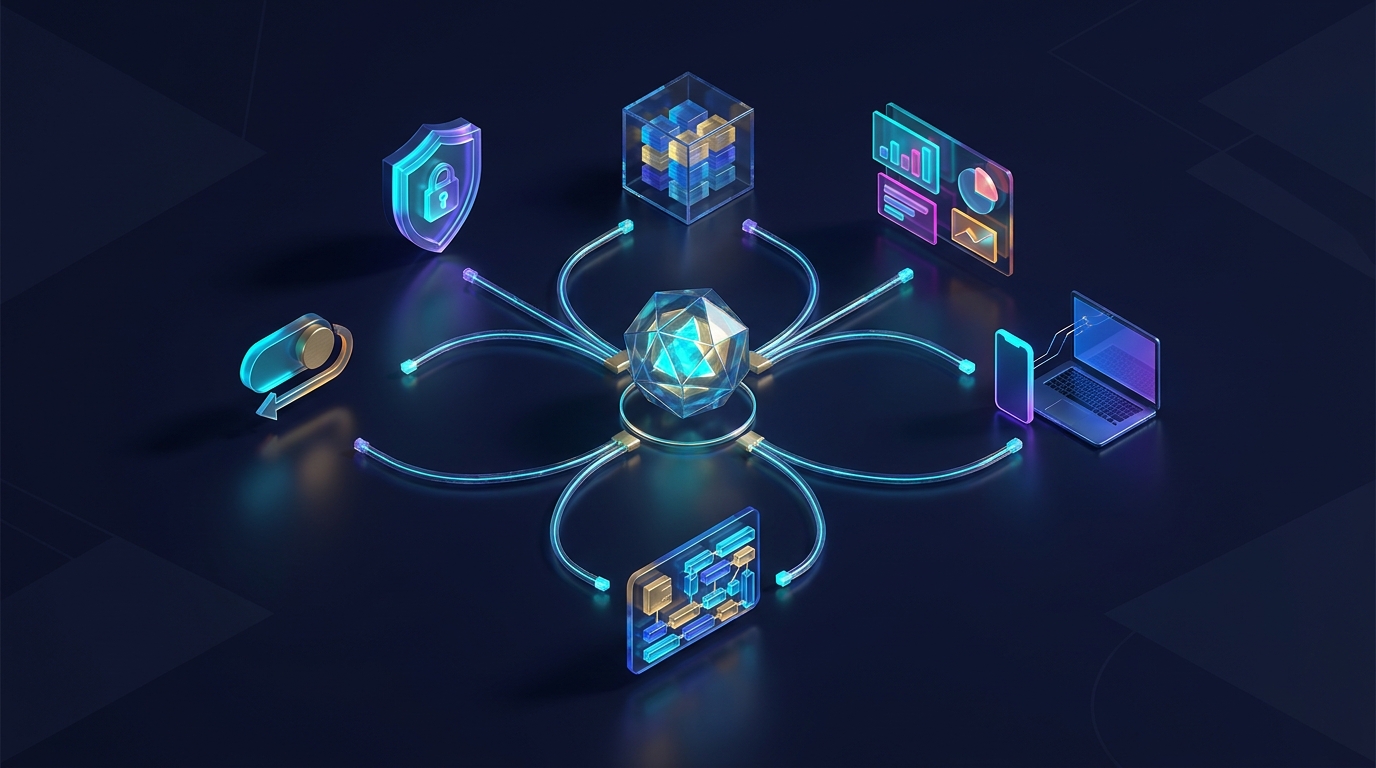
An API gateway is more useful when Gemini is one capability inside a broader agent system. Agent builders often need a fast model for classification, a stronger model for planning, another provider for fallback, and a separate image or video model. If each step owns a different credential, endpoint, response shape, and billing account, operational work expands quickly.
Define the boundary before writing more code:
- Direct provider boundary: application code knows Gemini-specific endpoints, model names, errors, and SDK behavior.
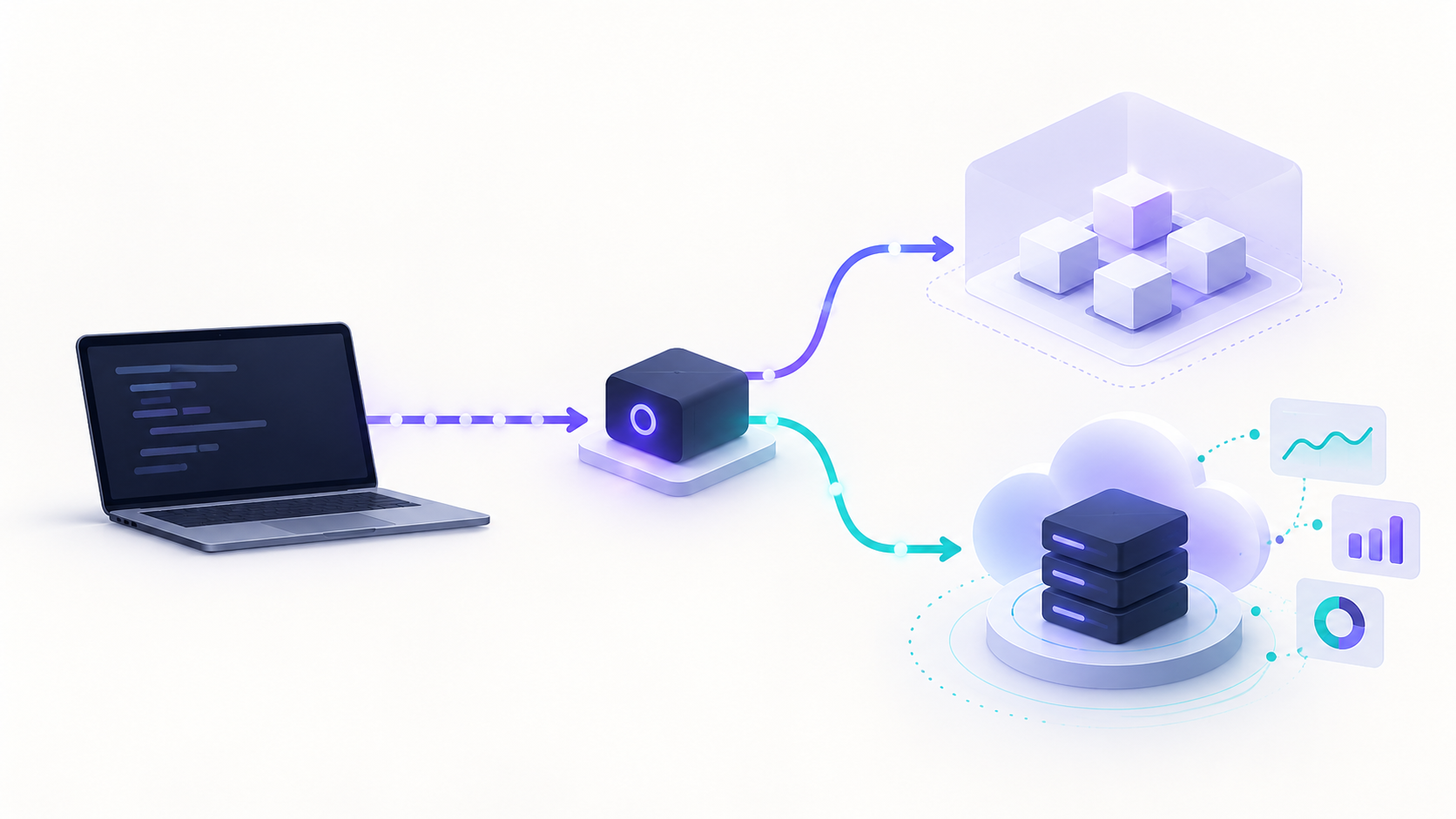
- Gateway boundary: application code calls one stable API surface, while provider selection and model changes stay in routing configuration.
- Hybrid boundary: Gemini-native features use the direct API, while portable chat, tool, and structured-output steps use a gateway.
The goal is not to hide every provider difference. The goal is to keep provider changes from spreading through your agent orchestration code.
If you are comparing the operational tradeoffs, read AI Gateway for Automation Builders and Unified AI API: When One Access Layer Beats Separate Provider Accounts.
2. Put the endpoint and credential outside application logic
Do not hardcode a production endpoint or API key in the agent, tool definition, repository, browser bundle, or prompt configuration. Store them in your deployment environment or secret manager.
For a direct Gemini integration, follow Google's current API key guidance and keep the key on the server. For a routed integration, keep the gateway key and base URL in the same type of protected configuration.
An OpenAI-compatible client can make the transport boundary explicit:
import os
from openai import OpenAI

client = OpenAI(
    api_key=os.environ["AI_GATEWAY_API_KEY"],
    base_url=os.environ["AI_GATEWAY_BASE_URL"],
)
With Flatkey, the OpenAI-compatible base URL is https://router.flatkey.ai/v1. The Flatkey API quickstart walks through the first request and log check.
The production test must run from the deployed environment, not only a laptop. That catches missing secrets, outbound network restrictions, incorrect base URLs, and environment-specific model access.
3. Separate model policy from prompt code
Google's Gemini model documentation distinguishes models and lifecycle stages. Availability and recommended model choices can change, which is why an agent should not scatter model strings across planners, workers, evaluators, and background jobs.
Create one model policy object instead:
{
  "planner": "APPROVED_GEMINI_MODEL",
  "tool_worker": "APPROVED_FAST_MODEL",
  "reviewer": "APPROVED_REVIEW_MODEL",
  "fallbacks": ["APPROVED_FALLBACK_MODEL"],
  "policy_version": "2026-07-27"
}
Use exact model identifiers when reproducibility matters. If you intentionally use an alias that can move to a newer model, treat that as an operational decision: document it, monitor it, and run regression tests when behavior changes.
Your allowlist should answer:
- Which models may receive production data?
- Which workflow roles may use each model?
- Which model features are required?
- What is the maximum acceptable cost and latency per step?
- Who can change the active model policy?
4. Test the capabilities your agent actually uses
A basic text response does not prove that an agent integration is ready. Test the exact combination of capabilities in the workflow.
Tool calling
Gemini supports function calling, but the model's proposed arguments must still pass application-side validation. Treat every tool call as untrusted input.
For each tool:
- Validate required fields, types, ranges, and allowed values.
- Check authorization separately from model intent.
- Add idempotency protection before retrying side effects.
- Log the proposed call, validation result, execution result, and correlation ID.
- Require confirmation for destructive or financially meaningful actions.
Structured output
Use structured output when another system consumes the response. A JSON-looking string is not a contract. Validate the response against your schema, handle refusal or truncation, and define what happens when required fields are missing.
Long context and multimodal input
If the agent sends documents, images, audio, or long histories, test realistic payload sizes. Measure latency, token use, upload behavior, and failure recovery. Do not assume a short prompt benchmark predicts the production path.
5. Design retries around the whole agent run
Retries can improve reliability, but an agent may already contain loops. A model retry inside a tool retry inside a workflow retry can multiply requests and cost.
Use a bounded policy:
- Retry transient transport failures and eligible rate-limit responses.
- Use exponential backoff with jitter.
- Set a maximum attempt count and a maximum elapsed time.
- Do not automatically retry invalid tool arguments or schema failures without changing the input.
- Do not retry a side-effecting tool unless the operation is idempotent or has an idempotency key.
- Record every attempt under one agent-run identifier.
Google documents current Gemini API rate limits. Your application should still protect itself with its own concurrency, queue, and budget limits because provider limits are not a workload strategy.
6. Make model switching explicit and reversible
“Fallback” should not mean “try random models until something returns.” Different models can produce different tool arguments, formats, safety behavior, latency, and cost.
A production fallback policy should specify:
| Decision | Example policy question |
|---|---|
| Trigger | Does fallback run on timeout, rate limit, provider error, or validation failure? |
| Compatibility | Does the fallback support the same tools and output schema? |
| Quality | Has it passed the same agent regression suite? |
| Budget | Can it exceed the primary model's per-run cost? |
| Limit | How many model switches are allowed in one run? |
| Evidence | Is the fallback model and reason visible in logs? |
Roll out model changes with a configuration flag or routing rule, not a rushed code deployment. Start with shadow tests or a small traffic percentage, compare task success and cost, then expand. Keep the previous model policy available for rollback.
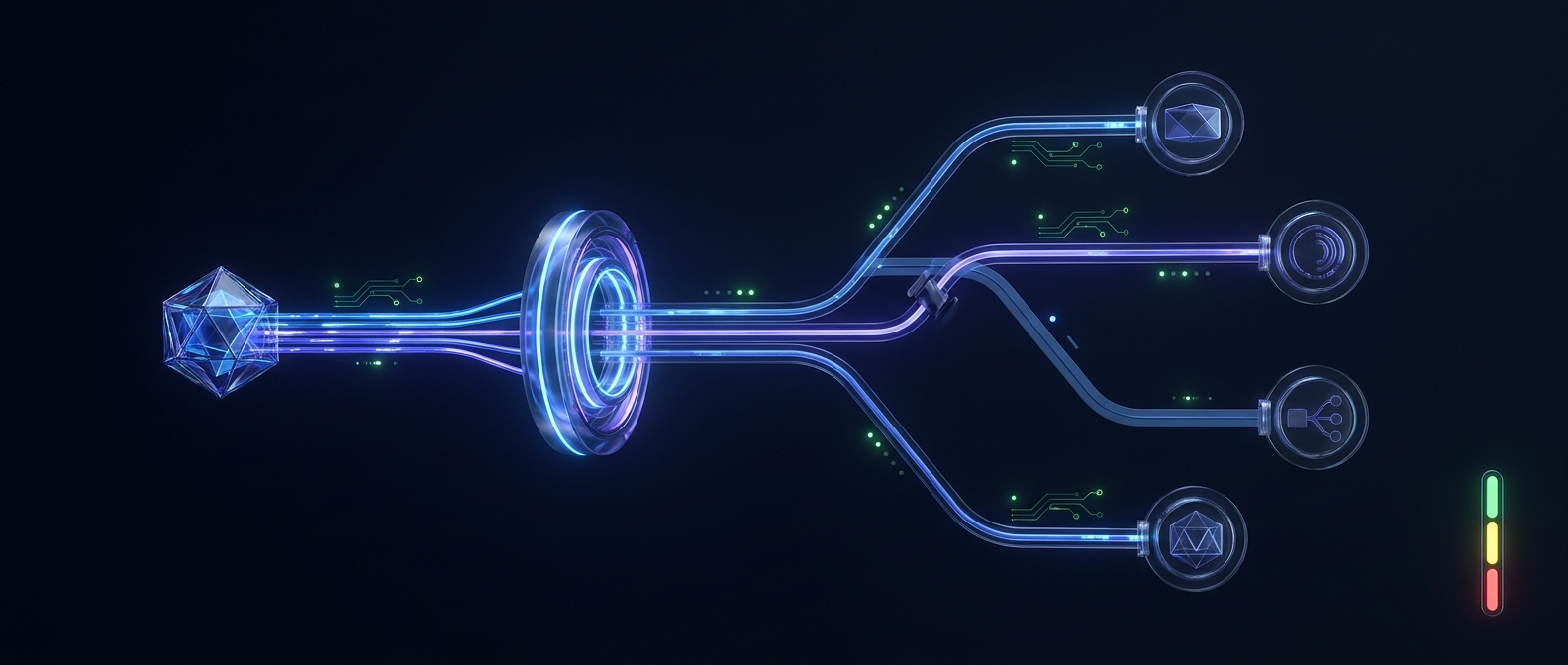
This is where an API gateway architecture can reduce operational risk: the application keeps one access pattern while the approved route changes behind it.
7. Measure cost at the workflow-step level
The invoice total is too late and too coarse. An agent team needs to know which workflow, tenant, feature, model, and retry path created spend.
Capture at least:
- Agent run ID and workflow name.
- Tenant, environment, and feature.
- Model and provider route.
- Input, output, and cached token fields when available.
- Request count, retry count, and fallback count.
- Tool-call count and total end-to-end latency.
- Estimated or recorded cost for each step and the full run.
Gemini responses expose usage information, and Google provides guidance for token counting. Map those fields into one internal usage schema so dashboards do not depend on one provider's naming.
Then add budgets at three levels:
- Per step: stop a single planner or reviewer from consuming an unreasonable amount.
- Per run: cap loops, retries, and fallbacks across the entire agent task.
- Per period: alert or throttle by tenant, team, project, or environment.
Review current model rates before traffic changes. Flatkey's pricing page provides the current catalog and pricing view for models available through the platform.
8. Build a regression suite before switching models
Model switching is a software change even when no application code changes. Create a small evaluation set from real, approved cases.
Include:
- Normal requests with known successful outcomes.
- Ambiguous inputs that require clarification.
- Invalid tool arguments.
- Prompt-injection attempts inside retrieved content.
- Long context and multimodal cases.
- Provider timeouts and simulated rate limits.
- Structured-output edge cases.
- Tasks where the agent must stop rather than act.
Score more than answer quality. Measure tool selection, argument validity, task completion, policy compliance, latency, tokens, cost, and human escalation rate.
Promote a model only when it passes the acceptance thresholds for its assigned role. A faster model that causes more retries or tool mistakes may cost more at the workflow level.
9. Add production observability and ownership
Every failed agent run should be traceable without exposing secrets or sensitive prompt content unnecessarily.
Log structured metadata such as:
{
  "agent_run_id": "run_…",
  "workflow": "support_resolution",
  "step": "tool_worker",
  "model_policy_version": "2026-07-27",
  "model": "APPROVED_GEMINI_MODEL",
  "route": "primary",
  "attempt": 1,
  "status": "success",
  "latency_ms": 0,
  "input_tokens": 0,
  "output_tokens": 0,
  "estimated_cost_usd": 0
}
Assign owners for the endpoint, credential, model policy, prompt, tool permissions, budget, and incident response. Without ownership, a dashboard becomes a record of problems rather than a control system.
10. Run the final launch checklist
Before production traffic reaches the Gemini-powered agent, confirm:
- The deployed runtime can reach the configured endpoint.
- Secrets are server-side, scoped, and rotatable.
- Model IDs live in one versioned policy.
- Every tool validates arguments and authorization.
- Side-effecting tools have idempotency or confirmation controls.
- Structured responses are validated against a schema.
- Retries are bounded across the entire agent run.
- Fallback triggers, compatible models, and limits are documented.
- Usage and cost are attributed to workflow steps.
- Per-step, per-run, and periodic budgets exist.
- Regression tests cover tools, schemas, failures, and stop conditions.
- A rollback path exists for model and routing changes.
- Logs show the model, route, attempts, fallback reason, and policy version.
- The team has checked current Gemini API documentation and current model pricing.
A stable integration is an operating model, not one API call
The best Gemini API integration for an AI agent is not the one with the fewest lines of code. It is the one your team can observe, change, and roll back safely.
Keep the endpoint outside the application, centralize model policy, test real agent capabilities, bound retries, make fallback explicit, and measure cost at the workflow-step level. Those controls let you adopt new models without turning every model update into an application migration.
If your agent roadmap includes several model families, start with the Flatkey API quickstart, compare the pricing, and decide which Gemini-specific features should remain direct versus which portable workloads should run through one stable gateway.
FAQ
Should an AI agent call the Gemini API directly?
It should when the workflow depends on Gemini-native behavior that a gateway does not expose. For portable chat, tool, or structured-output workloads, a gateway can reduce credential, endpoint, routing, and billing complexity.
How should I choose a Gemini model for production?
Start with the required capabilities, quality threshold, latency target, context needs, and budget. Put the chosen model in a centralized allowlist, then validate it with an agent regression suite before rollout.
Should I use a “latest” model alias in production?
Only if you intentionally accept that the underlying model may change. Document the choice, monitor behavior, and keep regression and rollback procedures ready. Use an exact identifier when reproducibility is more important.
What should trigger a fallback model?
Use explicit triggers such as eligible timeouts, rate limits, or provider failures. Confirm the fallback supports the same tools and output contract, limit switches per run, and log the fallback reason.
How do I track Gemini API cost for an agent?
Record usage by agent run and workflow step, including model, tokens, retries, fallbacks, and tool activity. Apply budgets per step, per run, and per tenant or time period rather than relying only on the monthly invoice.