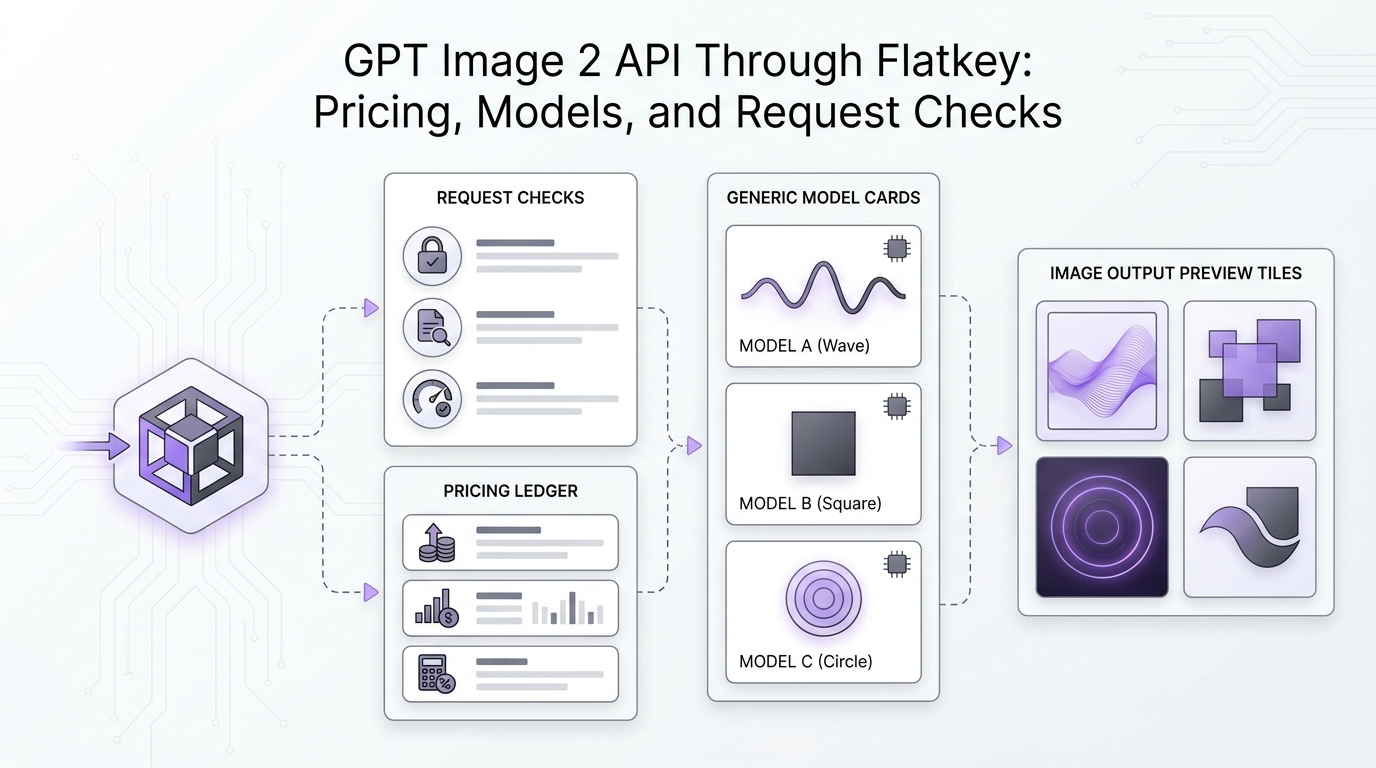
If you are evaluating the GPT Image 2 API Through Flatkey: Pricing, Models, and Request Checks, start with the route and billing evidence before you copy a generation snippet into production. GPT Image 2 is a model choice, but a production image workflow also depends on endpoint support, output settings, retry behavior, storage, moderation policy, and whether your team can explain the final cost per accepted image.
This guide gives media and AI product teams a practical way to review GPT Image 2 API access through Flatkey. It uses a current OpenAI pricing check, a live Flatkey pricing-feed snapshot from September 15, 2026, and the existing Flatkey model and pricing pages as verification points. Treat the code blocks as templates: run your own smoke test with your Flatkey key, your exact model row, and your real asset requirements before moving production traffic.
Quick Answer: GPT Image 2 API Through Flatkey Pricing and Checks
Use the GPT Image 2 API Through Flatkey: Pricing, Models, and Request Checks workflow in this order:
- Confirm the exact model row you plan to call:
gpt-image-2,gpt-image-2.5-flare,gpt-image-2.5-sunburst, or a namespaced row shown in your account. - Confirm the row's supported endpoint types in Flatkey. A model row and a route path are separate facts.
- Compare OpenAI's current image-generation pricing table against Flatkey's current pricing page and usage logs.
- Run a tiny request through the confirmed Flatkey route before you connect a batch creative pipeline.
- Record prompt, input image count, size, quality, format, retry count, latency, status, and cost for every accepted asset.
- Keep the direct provider baseline available until Flatkey route behavior, billing, and storage handling match your production requirements.
That sequence matters because image generation cost is not just a headline model rate. It is the accepted-output cost after invalid prompts, failed requests, retries, human rejections, and storage/export work are included.
What Changed Since Older GPT Image 2 Notes
OpenAI's current image-generation documentation now foregrounds gpt-image-2.5-sunburst in its examples, while OpenAI's pricing page still includes gpt-image-2 and newer GPT image rows. That means the practical question is no longer "does GPT Image 2 exist?" The practical question is which GPT image row your team should route, how it is priced today, and which request settings your app is allowed to change.
Flatkey's live pricing feed on September 15, 2026 showed these GPT image-family rows:
| Flatkey pricing-feed row | Status field | Endpoint types shown | Pricing fields exposed in feed | How to use this evidence |
|---|---|---|---|---|
gpt-image-2 |
available |
image-generation, openai |
no display_pricing object in the public feed |
Treat as an available row, then confirm billing details in the Flatkey pricing UI and usage logs. |
gpt-image-2.5-flare |
blank status field | image-generation, openai |
model_ratio: 2.5, completion_ratio: 6, tagged New release |
Treat as a current candidate row, then verify account access and current visible pricing before production traffic. |
gpt-image-2.5-sunburst |
blank status field | image-generation, openai |
model_ratio: 2.5, completion_ratio: 6, tagged New release |
Treat as a current candidate row, especially because OpenAI docs use this family in examples; still run Flatkey route checks. |
The right conclusion is deliberately narrow: Flatkey currently exposes GPT image rows in the model/pricing surface, but your production decision should be based on the exact row, endpoint path, and current billing label visible to your account.
Pricing Checks Before You Route GPT Image 2 API Traffic
For the GPT Image 2 API Through Flatkey: Pricing, Models, and Request Checks topic, use pricing as a verification workflow, not a static spreadsheet copied once.
OpenAI's pricing page listed GPT image pricing in separate image and text rows when this article was refreshed. The page separated input, cached input, and output pricing, and it also exposed a batch-pricing view for supported rows. That structure matters because image prompts can include text, reference images, edits, and generated output, and those pieces may not map to one simple "price per image" assumption.
Before launch, fill this table with your current values:
| Pricing question | What to record | Where to verify |
|---|---|---|
| Which model row will the app call? | Exact model ID and any namespace shown in Flatkey | Flatkey model directory and pricing page |
| Which endpoint path is used? | /v1/images/generations, /v1/responses, or another confirmed path |
Flatkey endpoint support plus provider docs |
| Which price components apply? | image input, text input, cached input, image output, batch discount, request fee if shown | OpenAI pricing, Flatkey pricing, Flatkey usage logs |
| What is one accepted image worth? | total spend divided by approved assets, not just returned assets | creative QA or production acceptance data |
| What creates hidden cost? | retries, rejected outputs, oversized finals, avoidable reference images, batch reruns | application telemetry and usage dashboard |
The safest budget unit is cost per accepted image:
cost_per_accepted_image =
  (all generation spend + retry spend + review correction spend)
  / accepted_images
This keeps the GPT Image 2 API pricing review tied to the asset your team actually ships.
Model Selection: GPT Image 2, GPT Image 2.5 Flare, or GPT Image 2.5 Sunburst
Do not select a model only because the name is newer. Use a workload test.
| Workload | First model question | Request setting to lock | Pass condition |
|---|---|---|---|
| Blog and social visuals | Does the model follow layout, subject, and brand-safety constraints? | size, quality, output_format |
A reviewer accepts the asset without a full regeneration. |
| Product concept images | Does the model preserve object structure and reduce hallucinated UI detail? | prompt template, reference-image policy | The image communicates the concept without misleading UI claims. |
| Ecommerce creative variants | Does the model create useful variants without drifting away from the product? | input image count, background, format | Accepted variant rate is high enough to beat manual production cost. |
| Editorial diagrams | Does the output stay abstract and readable without fake logos or fake data? | no-logo prompt rules, composition constraints | The visual supports the article without making unsupported claims. |
| Batch refreshes | Does the route stay stable across many small jobs? | batch size, retry policy, timeout | Failure and retry rates remain inside your launch threshold. |
For many teams, gpt-image-2 remains the stable row to evaluate because it is explicit and available in the Flatkey pricing feed. gpt-image-2.5-flare and gpt-image-2.5-sunburst are worth testing when your account shows them and you need current-generation quality. Use the same prompt set across candidates so the comparison is about route performance, accepted output, and cost.
Request Checks for GPT Image 2 API Through Flatkey
Run these checks before you connect production users, scheduled content jobs, or high-volume creative generation.
| Check | Pass condition | Failure mode |
|---|---|---|
| Authentication | The Flatkey key works from the intended environment only. | A local test key leaks into production, or a production key is used in notebooks. |
| Model row | The request model exactly matches the Flatkey row selected for the test. | A legacy row, alias, or different provider row is called by accident. |
| Endpoint support | The row exposes the path your code is calling. | An Images API body is sent to a text endpoint, or a Responses request is sent to an unsupported route. |
| Output handling | Your app decodes, stores, and serves generated images correctly. | The app assumes a long-lived hosted URL when the response returns image bytes. |
| Moderation and policy | Unsafe or off-brief prompts fail gracefully. | A failed generation turns into an expensive retry loop or a broken user state. |
| Size and quality controls | Draft and final settings are separate. | Preview jobs accidentally run at final-render settings. |
| Retry policy | Retries are bounded and logged. | One failed creative job triggers repeated high-cost generations. |
| Usage logging | Model, status, latency, settings, and cost appear in logs. | Finance sees spend but cannot tie it to campaigns, users, or accepted assets. |
These request checks are the core value of using a gateway for image work. A direct provider integration may be simpler for one route, but a gateway becomes useful when image generation sits beside text, video, agent, and tool calls that all need one operational view.
Template: Direct OpenAI Baseline
Use a direct provider baseline to understand expected response behavior before you compare the Flatkey route.
curl https://api.openai.com/v1/images/generations \
  -H "Authorization: Bearer $OPENAI_API_KEY" \
  -H "Content-Type: application/json" \
  -d '{
    "model": "gpt-image-2",
    "prompt": "Create a clean product concept image for a usage dashboard.",
    "size": "1536x1024",
    "quality": "medium",
    "output_format": "png"
  }'
Record response status, latency, output bytes, moderation outcome, and any usage fields. Do not judge Flatkey until the direct baseline and routed test use the same prompt, settings, and acceptance criteria.
Template: Flatkey Route Smoke Test
After your Flatkey account confirms image-generation support for the selected row, run a minimal test through the Flatkey router.
curl https://router.flatkey.ai/v1/images/generations \
  -H "Authorization: Bearer $FLATKEY_API_KEY" \
  -H "Content-Type: application/json" \
  -d '{
    "model": "gpt-image-2",
    "prompt": "Create a clean product concept image for a usage dashboard.",
    "size": "1536x1024",
    "quality": "medium",
    "output_format": "png"
  }'
If your selected row only shows openai support or your account documentation points to another route, ask support or check your dashboard before shipping. Do not infer endpoint support from the model name alone.
For application code, centralize the base URL and model ID:
const FLATKEY_BASE_URL = "https://router.flatkey.ai/v1";

async function generateImage({ apiKey, model, prompt }) {
  const response = await fetch(`${FLATKEY_BASE_URL}/images/generations`, {
    method: "POST",
    headers: {
      Authorization: `Bearer ${apiKey}`,
      "Content-Type": "application/json"
    },
    body: JSON.stringify({
      model,
      prompt,
      size: "1536x1024",
      quality: "medium",
      output_format: "png"
    })
  });

  if (!response.ok) {
    throw new Error(`Image route failed with ${response.status}`);
  }

  return response.json();
}
This keeps the Flatkey route reversible. You can switch the model row, compare direct and routed tests, and avoid scattering image-generation settings across the product.
A Production Scorecard for Media Teams
Use this scorecard after the first smoke test passes.
| Metric | Target question | Why it matters |
|---|---|---|
| Accepted-image rate | How many returned images survive review? | This is the bridge between model quality and actual cost. |
| Cost per accepted image | What did each shipped asset cost after retries and rejects? | It prevents budget optimism. |
| P95 latency | How long does the slowest normal job take? | Creative workflows often block on review loops. |
| Retry rate | How often does the app regenerate due to errors or bad outputs? | Retries can hide the true price of a route. |
| Prompt-template pass rate | Which prompts work without manual repair? | Stable templates scale better than one-off prompting. |
| Storage success rate | Are generated bytes stored, resized, and served correctly? | Image APIs often return assets that your app must persist. |
| Auditability | Can you map spend to user, campaign, workspace, and model? | Finance and operations need a useful ledger. |
Flatkey is a good fit when those metrics need to live next to other model and tool usage. If your team only runs one occasional image workflow and already has direct provider billing under control, direct OpenAI access may be enough.
Where Flatkey Fits
Flatkey's positioning is one key, one balance, one invoice, an OpenAI-compatible router, and access to many official models and tools. For GPT image workloads, that matters when your creative pipeline is part of a broader AI stack:
- image generation for campaign visuals;
- text generation for headlines, captions, and metadata;
- model comparisons across GPT Image, Gemini image models, Imagen-style workflows, and video models;
- usage review by workspace, app, campaign, or environment;
- governance around keys, model allowlists, and budget ownership.
For broader context, keep these internal references open:
- GPT Image vs Imagen API for cross-provider image pricing units and request checks.
- GPT Image vs Gemini Image API for model-selection and routing questions.
- Image Generation API: A Practical Guide for Teams for workflow metrics.
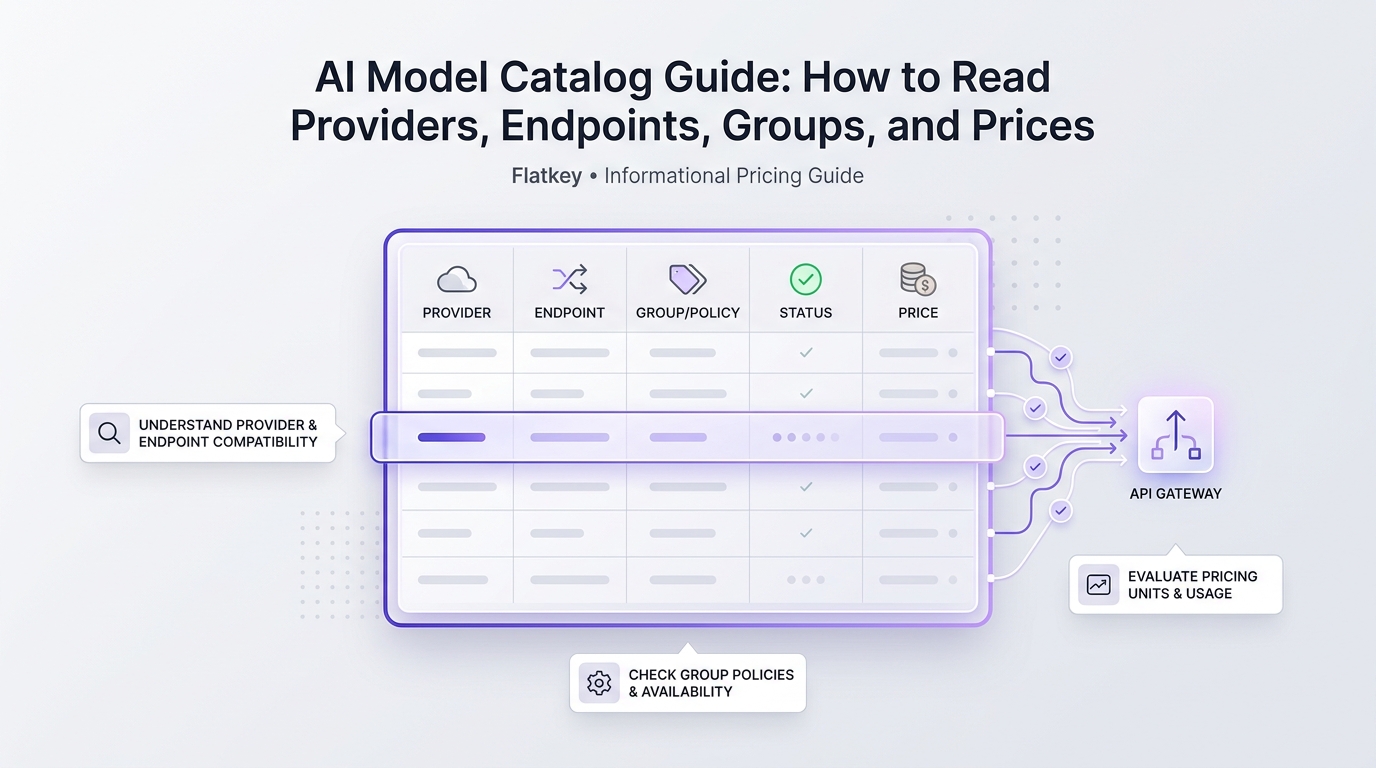
- AI Model Catalog Guide for provider, endpoint, and pricing-field review.
- Flatkey pricing and Flatkey model directory for current platform checks.
Final GPT Image 2 API Checklist
Before you move real traffic through the GPT Image 2 API Through Flatkey: Pricing, Models, and Request Checks workflow, confirm:
- The current Flatkey row exists and is available for your account.
- The row supports the endpoint path your application will call.
- OpenAI's current pricing page and Flatkey's current pricing page have both been reviewed.
- Your budget uses cost per accepted image, not only nominal output price.
- Draft and final-render settings are separated in code.
- Retries have a maximum count and are visible in logs.
- Generated outputs are stored by your application with campaign and model metadata.
- A direct provider baseline remains available until routed behavior is proven.
The GPT Image 2 API Through Flatkey: Pricing, Models, and Request Checks decision should end with a small, measurable rollout, not a theoretical model preference. Pick the row, verify the route, test the request body, and compare accepted-image economics before you scale.
Frequently Asked Questions
Is GPT Image 2 still worth testing if GPT Image 2.5 rows exist?
Yes. GPT Image 2 is still useful to test when it is the row your account exposes clearly and your workflow values predictable routing. GPT Image 2.5 Flare or Sunburst may be better candidates for newer quality tests, but they still need the same Flatkey route, pricing, and usage-log checks.
Can I use the OpenAI SDK with Flatkey for image generation?
Use SDK compatibility only after you confirm the selected Flatkey row and endpoint path. For many workflows, the important setting is the router base URL, but image-generation endpoints and response handling still need a smoke test.
What should finance compare first?
Finance should compare cost per accepted image. The model price is only a component. Rejected outputs, retries, review time, and storage/export work decide the practical cost of a creative pipeline.
Should every GPT Image 2 API request use final quality?
No. Separate draft, preview, and final-render settings. Most teams waste budget when every exploratory prompt uses the same size and quality settings as the final deliverable.
When should I choose Flatkey instead of direct OpenAI access?
Choose Flatkey when GPT image work sits inside a multi-model or multi-tool system that needs one key, shared billing, usage logs, and route checks. Direct access can be simpler when you use one provider, one model, and one billing surface.