Updated September 15, 2026.
Imagen API Pricing and Routing Checks for OpenAI-Compatible Workflows now starts with a migration check, not a price lookup. Google's current image-generation docs say the legacy Imagen models are deprecated and shut down on August 17, 2026, and Google's deprecation table lists imagen-4.0-generate-001, imagen-4.0-ultra-generate-001, and imagen-4.0-fast-generate-001 with gemini-3.1-flash-image as the recommended replacement.
For teams that still search for "Imagen API pricing", the practical question is: which current image model should replace that route, what unit is it billed on, and can your OpenAI-compatible workflow actually call it through the endpoint you plan to use?
Flatkey helps with the operational part: keep one key, one balance, one invoice, and one model directory for current routes. But the routing check still matters. Flatkey's image guide separates OpenAI Images-compatible routes for gpt-image-2 from native Gemini generateContent routes for Gemini image models, and warns that Gemini image models cannot be called through /v1/images/generations or /v1/images/edits.
The quick answer: Imagen is now a migration keyword
If your backlog says "Imagen API", treat it as a legacy label and verify the current Gemini image model before launch. On September 15, 2026, the source-backed checks are:
| Check | What to verify | Why it matters |
|---|---|---|
| Model lifecycle | Imagen 4 model IDs are shut down; gemini-2.5-flash-image is deprecated with shutdown on October 2, 2026. | A stale model ID can pass code review and fail at runtime. |
| Current replacement | Google points Imagen 4 users to gemini-3.1-flash-image; Google also lists gemini-3.1-flash-lite-image and gemini-3-pro-image for different cost and fidelity needs. | The replacement choice changes both cost and quality expectations. |
| Pricing unit | Gemini image output is priced by image output tokens, with per-image examples by resolution. | A per-image planning number can hide prompt, edit, rejected-output, and retry cost. |
| Endpoint family | Flatkey's OpenAI Images-compatible endpoints are for gpt-image-2; Gemini image models use native Gemini generateContent. | "OpenAI-compatible" does not mean every image model belongs on /v1/images/generations. |
| Route status | Confirm the current Flatkey model row, endpoint types, pricing expression, and public status page before release. | Model catalogs and upstream availability move faster than product roadmaps. |
This is the core of Imagen API Pricing and Routing Checks for OpenAI-Compatible Workflows: normalize the price unit, pick the current model, then test the exact route your code will use.
Current Google image model pricing to normalize
Use provider pricing as the source of truth for planning, then compare it with your Flatkey dashboard and usage ledger before committing budget. Google's pricing page lists these current image rows:
| Current model | Google naming | Paid input price | Paid image output price | Google's per-image examples |
|---|---|---|---|---|
gemini-3.1-flash-image | Nano Banana 2 | $0.50 per 1M text/image tokens | $60.00 per 1M image output tokens | $0.045 at 0.5K, $0.067 at 1K, $0.101 at 2K, $0.151 at 4K |
gemini-3.1-flash-lite-image | Nano Banana 2 Lite | $0.25 per 1M text/image/video tokens | $30.00 per 1M image output tokens | $0.0336 per 1K image; batch output $0.0168 per 1K image |
gemini-3-pro-image | Nano Banana Pro | $2.00 per 1M text/image tokens; image input equivalent $0.0011 per image | $120.00 per 1M image output tokens | $0.134 per 1K/2K image; $0.24 per 4K image |
gemini-2.5-flash-image | Nano Banana legacy | Deprecated | Check before use | Google warns it will shut down on October 2, 2026 |
The decision is not "which row is cheapest". Media teams should map each model to a job class:
- Use
gemini-3.1-flash-lite-imagefor high-volume draft generation where latency and cost are the hard constraints. - Use
gemini-3.1-flash-imageas the generalist replacement path when you need stronger text rendering, consistency, and up to 4K output options. - Use
gemini-3-pro-imagefor complex production assets where localization, grounding, brand consistency, and creative control matter enough to justify the higher output-token rate.
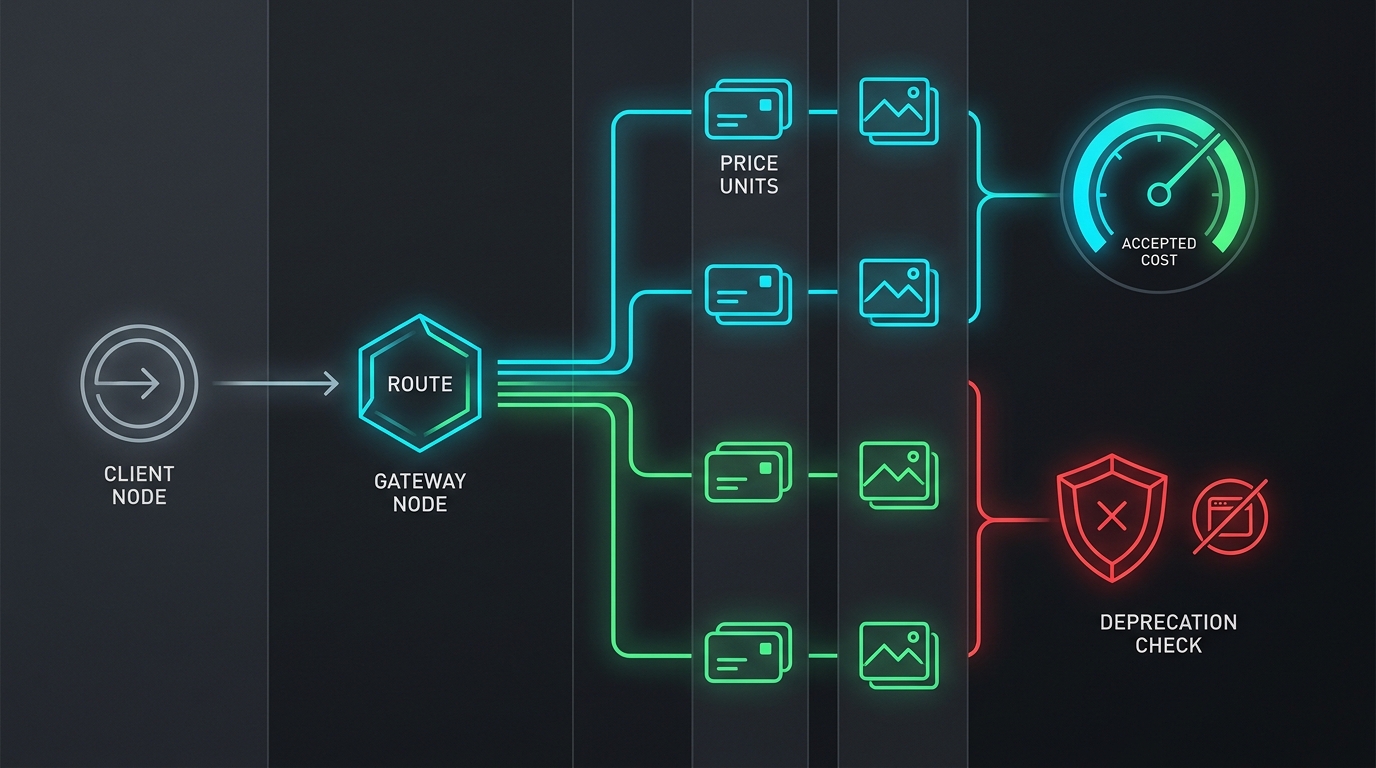
Then run the same prompt set through each candidate and compare accepted-image cost, not only listed output price.
Why listed token price is not accepted-image cost
Image workflows have more hidden cost than text workflows. A prompt may generate one usable image, five rejected images, or no deliverable because of a safety block, route mismatch, timeout, or art-direction failure. Editing workflows also add input-image cost and extra retries.
Use this formula for every candidate route:
accepted_image_cost =
  (successful_request_cost + failed_request_cost + retry_cost + edit_input_cost)
  / accepted_assets
Track the inputs separately:
| Metric | Definition | Where to check |
|---|---|---|
| Successful request cost | Cost of requests that returned at least one image candidate. | Provider bill and Flatkey usage ledger. |
| Failed request cost | Cost of route errors, safety blocks, empty image parts, and client timeouts that still consumed usage. | Error logs, status page, and usage ledger. |
| Retry cost | Cost of regeneration after prompt, seed, size, safety, or brand-review failure. | Creative QA queue and run logs. |
| Edit input cost | Cost of reference images, masks, and previous outputs used in edits. | Request payload logs and model usage. |
| Accepted assets | Images that passed human or automated creative QA and shipped into the campaign, product surface, or asset library. | DAM, CMS, campaign tracker, or review board. |
For production planning, keep two numbers in the launch doc: listed provider cost per planned output, and measured accepted-image cost from your own prompt set.
Routing checks for OpenAI-compatible workflows
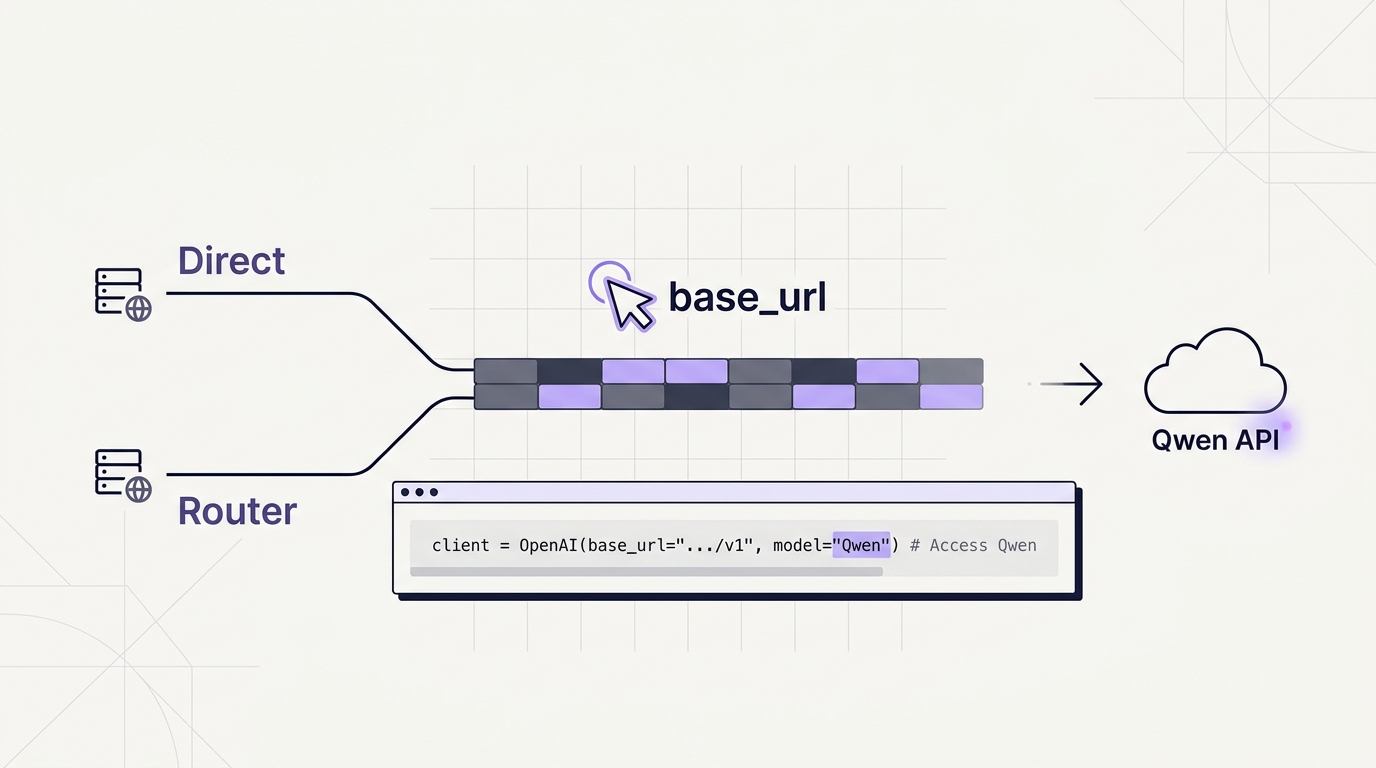
OpenAI-compatible text routing is often a one-line base_url change. Image routing needs one extra gate because image APIs are not interchangeable.
Flatkey's OpenAI Images-compatible API reference documents:
POST https://router.flatkey.ai/v1/images/generations
POST https://router.flatkey.ai/v1/images/edits
Those routes accept OpenAI Images-style request shapes for models exposed on that channel, such as gpt-image-2. Flatkey's Gemini guide documents Gemini image generation through:
POST https://router.flatkey.ai/v1beta/models/{model}:generateContentThe request must include image output in the response configuration, and generated images are returned as inline image data in Gemini response parts. If you send a Gemini image model to the OpenAI Images endpoint, Flatkey's docs warn the request may return get_channel_failed.
Before launch, write the endpoint family into your integration contract:
| Workload | Model family | Flatkey route family | Main verification |
|---|---|---|---|
| OpenAI Images-style generation | gpt-image-2 | /v1/images/generations | Confirm image returns in data[0].b64_json. |
| OpenAI Images-style edits | gpt-image-2 | /v1/images/edits | Confirm multipart image upload, optional mask, and base64 result handling. |
| Gemini image generation or edits | gemini-3.1-flash-image, gemini-3.1-flash-lite-image, gemini-3-pro-image | /v1beta/models/{model}:generateContent | Confirm image modality in the request and inline image data in the response. |
| Legacy Imagen backlog item | Old imagen-* IDs | Do not assume route availability | Replace with a current Gemini/Nano Banana row and smoke test the exact model ID. |
This routing table should sit next to your pricing table. A cost estimate is not launch-ready until the route family is proven.
Flatkey checks before you ship
Use Flatkey as the control plane check, not as a substitute for source verification. A practical release review should include:
- Open the Flatkey model directory and search the exact model ID.
- Confirm the vendor, route status, supported endpoint types, and pricing display.
- Compare Flatkey's current model row with Google's pricing page.
- Check the Flatkey status page for active incidents or degraded routing.
- Run one smoke request from the same environment that production will use.
- Confirm the result format your application expects:
b64_jsonfor OpenAI Images-style output or inline image data for Gemini output. - Record the request ID, model ID, endpoint, latency, output size, and cost in the release ticket.
- Add an allowlist or budget guardrail before the creative batch job runs.
The goal is not to lock your team into one provider. The goal is to make model switching boring: current model rows, explicit endpoint families, a usage ledger, and clear fallback criteria.
A launch checklist for Imagen migration work
Use this checklist when replacing legacy Imagen calls or adding a new Gemini image route to an OpenAI-compatible app.
| Step | Pass condition |
|---|---|
| Lifecycle check | No active code path references imagen-4.0-generate-001, imagen-4.0-ultra-generate-001, or imagen-4.0-fast-generate-001. |
| Replacement check | The release ticket names a current model such as gemini-3.1-flash-image, gemini-3.1-flash-lite-image, or gemini-3-pro-image. |
| Endpoint check | The code uses Flatkey /v1beta/models/{model}:generateContent for Gemini image models, not /v1/images/generations. |
| Pricing check | The budget sheet includes provider output-token price, expected resolution, retry ratio, and accepted-image cost. |
| Rate-limit check | The batch plan accounts for RPM, TPM, RPD, and IPM limits; preview or experimental limits are treated as stricter. |
| Response check | The parser handles text parts, image parts, empty image results, and safety blocks. |
| Watermark check | Stakeholders know Google states Gemini generated images include SynthID watermarking. |
| Fallback check | The fallback route is tested with the same prompt contract and review criteria. |
| Ledger check | Flatkey usage logs are checked after the smoke test and after the first production batch. |
If any row fails, do not treat it as a creative issue. Treat it as a production readiness issue.
How to run Imagen API Pricing and Routing Checks for OpenAI-Compatible Workflows
Run the checks in this order:
- Start with Google's Gemini API pricing, Gemini deprecations, Nano Banana image generation, and rate limits pages.
- Compare those provider facts with the current Flatkey model row for
gemini-3.1-flash-image. - Confirm route behavior in Flatkey's image generation guide and OpenAI Images-compatible API reference.
- Run the smoke test, then compare the cost in your Flatkey usage ledger with your accepted-image count.
That sequence keeps Imagen API Pricing and Routing Checks for OpenAI-Compatible Workflows grounded in official pricing, current model lifecycle, and the actual route your application will call.
Internal links for deeper checks
If you are still comparing model families, start with GPT Image vs Imagen API and GPT Image vs Gemini Image API. If you need the broader operating model, use the Image Generation API practical guide and the image generation API metrics guide.
For teams building agentic media pipelines, pair this checklist with the multimodal agent routing playbook and the AI model catalog guide. Then verify the live Flatkey model directory, pricing page, status page, and Flatkey image generation docs before rollout.
Frequently asked questions
Is the Imagen API still the right route for new work?
Usually no. Google's current docs mark Imagen models as deprecated and say they shut down on August 17, 2026. For new work, start with current Gemini/Nano Banana image models and verify the exact model ID before implementation.
Can I call Gemini image models through an OpenAI Images-compatible endpoint?
Not through Flatkey's /v1/images/generations or /v1/images/edits routes. Flatkey's docs say Gemini image models use native Gemini generateContent; the OpenAI Images-compatible routes are for image models exposed on that endpoint family, such as gpt-image-2.
Which current model should replace Imagen 4?
Google's deprecation table lists gemini-3.1-flash-image as the replacement for Imagen 4 model IDs. In practice, teams should test gemini-3.1-flash-image, gemini-3.1-flash-lite-image, and gemini-3-pro-image against their own prompt set because cost, latency, and creative acceptance rate vary by workload.
What should finance review before approving a batch?
Ask for the provider output-token price, expected resolution, image count, retry ratio, rejected-output ratio, edit/reference-image usage, and measured accepted-image cost. A single per-image number is not enough for a production campaign.
Conclusion
Imagen API Pricing and Routing Checks for OpenAI-Compatible Workflows should end with a route test, not a spreadsheet. Imagen 4 is past its shutdown date, gemini-2.5-flash-image is on a dated deprecation path, and current Gemini image models use a different route family from Flatkey's OpenAI Images-compatible endpoints.
Use Flatkey to keep model access, billing, and usage checks in one place. Then make every image workflow prove four things before launch: current model ID, current pricing unit, correct endpoint family, and measured accepted-image cost.