An LLM router canary release is a controlled way to move model traffic without turning one migration into a production incident. Instead of switching every request from the incumbent route to a new model, provider, or gateway policy at once, you send a small slice first, compare the candidate against the stable path, and promote only when the evidence is boring.
That matters more for AI APIs than for many normal web endpoints. A new model route can change latency, error shape, token usage, refusal behavior, output format, cost per accepted answer, and support workload at the same time. A normal 200 response is not enough. The route has to keep product quality, billing, and incident review intact.
Flatkey's public site positions flatkey.ai as one key for official GPT, Claude, and Gemini traffic, with an OpenAI-compatible base URL at https://router.flatkey.ai/v1, model health context, and dashboard review for usage, cost, routing, and errors. Use those controls as part of your verification loop, but do not assume a canary is safe because the base URL changed cleanly. The safer pattern is to treat the LLM router canary release as an operating runbook with stages, pass metrics, stop conditions, and a rollback owner.
What An LLM Router Canary Release Should Prove
A canary is not just "send 5% to the new model." Official rollout systems use the same pattern in different ways. Argo Rollouts models canary steps with setWeight and pause. Istio demonstrates weighted traffic shifts from an old service version to a new one. AWS API Gateway can split a configured percentage of API traffic into a canary release, and SageMaker canary traffic shifting uses a bake period with alarms and rollback. KServe applies the same idea to inference services by routing a percentage of traffic to a new revision.
For an LLM router canary release, borrow the progressive delivery pattern, then add AI-specific proof. The canary should prove:
- Compatibility: the candidate accepts the same request shape, streaming mode, tool schema, response parser, and timeout budget as the stable route.
- Reliability: error classes, retry volume, timeout rate, and fallback attempts do not rise beyond your stop condition.
- Quality: outputs pass product-specific evals or review checks, not only transport-level success.
- Cost control: token use, cached-token behavior, multimodal units, retries, and cost per accepted output stay inside the agreed envelope.
- Observability: every canary request can be traced by route, model, key, environment, request ID, status, latency, usage, and cost.
- Rollback: the team can return traffic to the stable route quickly, with no schema migration or billing mystery left behind.
Start With A Route Record, Not A Switch
The first mistake in an LLM router canary release is treating the route as one config value. Write the route record before the first live request. It should be readable by platform engineering, product, finance, and support.
| Field | What To Record | Why It Matters |
|---|---|---|
| Stable route | Current provider, model, endpoint family, version, timeout, retry policy, and fallback | Defines the baseline the canary must beat or match |
| Candidate route | New model row, gateway route, policy, key scope, endpoint, and capability flags | Prevents "we changed several things" from hiding the root cause |
| Traffic class | Internal, staging, beta, low-risk production, batch, high-value customer, or all traffic | Limits blast radius and gives support the right expectation |
| Success window | Minimum request count, bake time, representative workflows, and time-zone coverage | Stops a quiet hour from being mistaken for a healthy rollout |
| Owner | Approver, deployer, metric reviewer, rollback owner, finance reviewer, support contact | Makes promotion and rollback fast when the evidence changes |
If the new route changes both model and prompt, split the canary. First prove the route with the existing prompt and parser. Then test the prompt or eval change. A clean LLM router canary release isolates enough variables that a failed stage points to a fixable cause.
A Practical Canary Ladder For Model Traffic
The right percentages depend on traffic volume and risk. A consumer chat app, internal agent, invoice workflow, code assistant, and video generation pipeline do not deserve the same ladder. Use these stages as a default and adjust the request minimums for your own volume.
| Stage | Traffic | Who Gets It | Promotion Gate | Rollback Trigger |
|---|---|---|---|---|
| 0. Shadow or replay | 0% user-visible | Recorded prompts, synthetic tests, internal eval set | Request shape, parser, and eval harness pass | Schema mismatch, missing usage record, unsafe output class |
| 1. Internal canary | 1% | Internal users, staging, or trusted beta traffic | No critical errors; request IDs and route labels visible | Any Sev-1 path, auth failures, missing billing trace |
| 2. Low-risk production | 5% | Low-risk workflows or non-enterprise traffic | Latency, error rate, cost, and quality within thresholds | Error rate or timeout rate exceeds threshold for the bake window |
| 3. Representative slice | 10-25% | Balanced route across normal production segments | Support tickets, fallback rate, and accepted-output rate stay stable | Retry loop, fallback storm, format breakage, cost spike |
| 4. Majority | 50% | Broad production, still reversible | Two bake windows pass, including peak traffic if possible | Regression in p95 latency, cost, quality, or customer impact |
| 5. Full promotion | 100% | All intended traffic | Stable route retained as rollback path until post-launch review | Any post-promotion incident tied to the candidate route |
Pause between stages. Argo's canary docs explicitly model pauses, and SageMaker describes a baking period monitored by alarms. That pause is where the LLM router canary release earns its value. The goal is not to reach 100% quickly. The goal is to detect problems while the affected traffic slice is still small.
The Metrics To Compare Before Promotion
OpenAI's API overview recommends production request ID logging and points to response headers for request IDs and rate-limit details. OpenTelemetry describes metrics as runtime measurements captured by instruments such as counters and histograms, with histograms fitting request latencies. In a model canary, use those ideas to compare the stable and candidate routes in the same window.
| Metric Group | Stable vs Candidate Comparison | Promotion Question |
|---|---|---|
| Transport | HTTP status, provider error class, timeout rate, rate-limit response, retry count | Does the candidate fail less often or at least no more often? |
| Latency | p50, p95, p99, time to first token, full completion time, queue time | Can the product tolerate the candidate at peak traffic? |
| Output quality | Eval pass rate, parser success, hallucination review, refusal rate, tool-call validity | Are accepted outputs as useful as the stable route? |
| Cost | Input tokens, output tokens, cached tokens, multimodal units, retry cost, cost per accepted answer | Is the candidate cheaper, better, or at least inside budget? |
| Operations | Fallback attempts, circuit-breaker trips, queue depth, support tickets, incident mentions | Will the operations team trust this route on call? |
| Auditability | Request ID, client trace ID, key label, user/workspace tag, model, route, cost, final status | Can engineering, finance, and support review the same request later? |
Do not promote an LLM router canary release from aggregate success alone. A candidate can look fine on total requests while failing one workflow, one customer tier, one region, one long-context prompt, or one tool-calling path. Segment the comparison by traffic class before you raise the percentage.
Stop Conditions And Rollback Triggers
Stop conditions should be written before launch. If the team debates rollback while dashboards are red, the canary plan is incomplete.
| Signal | Stop Condition | Rollback Action |
|---|---|---|
| Error rate | Candidate exceeds stable route by the agreed margin for the bake window | Set candidate traffic to 0%, preserve logs, and open a route defect |
| Latency | p95 or time to first token breaks product SLO for the canary slice | Return traffic to stable route and keep candidate for offline replay |
| Quality | Eval pass rate or human review drops below minimum acceptable score | Stop promotion; fix prompt, model, or parser before another canary |
| Cost | Cost per accepted output exceeds budget or token growth is unexplained | Roll back or limit candidate to low-cost traffic only |
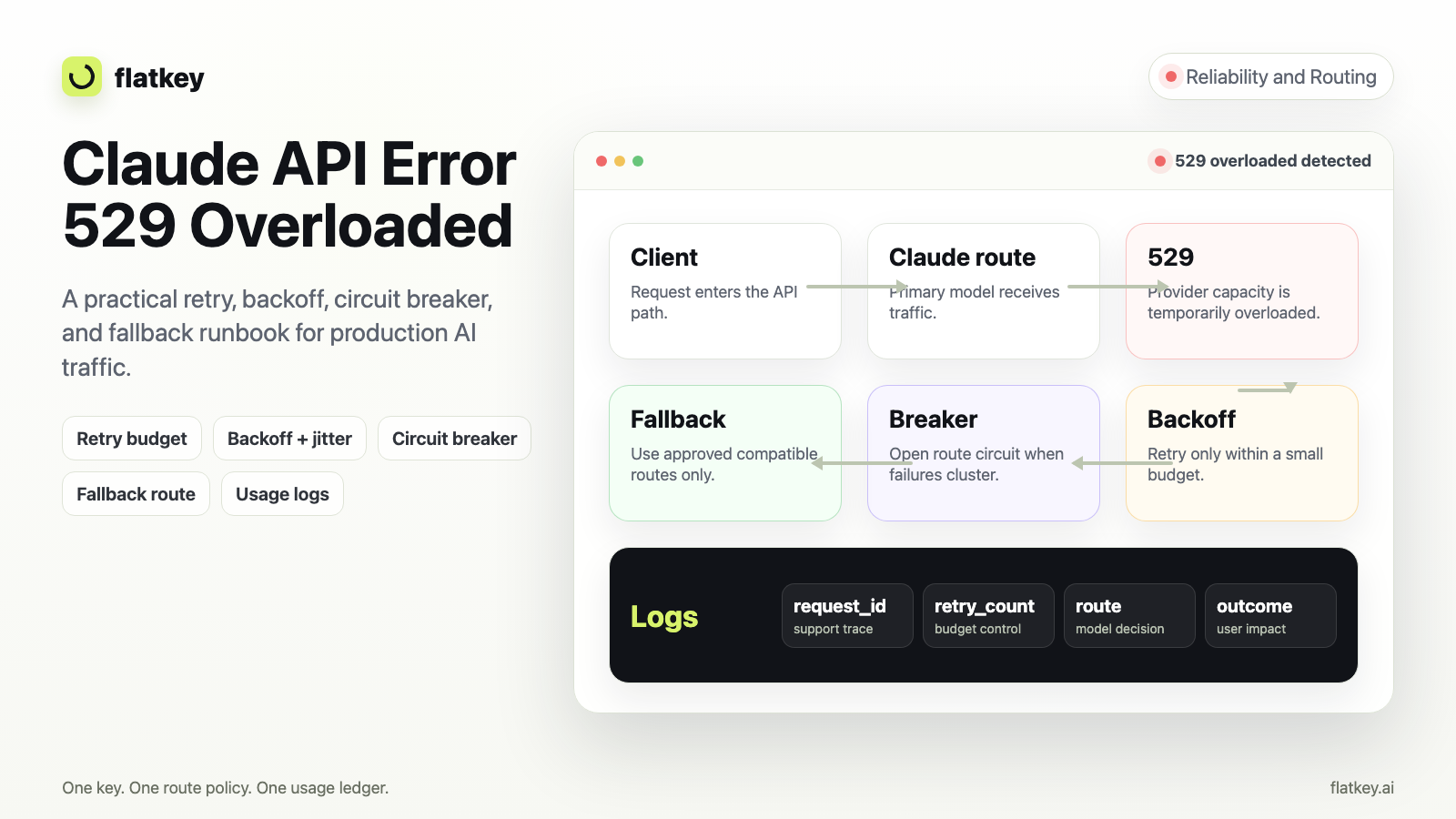
| Fallback loop | Candidate causes repeated retries, fallback attempts, or queue growth | Disable fallback to the candidate and restore stable route policy |
| Missing evidence | Request IDs, usage rows, cost fields, or key labels are missing | Pause rollout even if responses look healthy |
A rollback is not a failure of the LLM router canary release. It is the reason you chose a canary instead of a big-bang cutover. Keep the stable route configured until the post-promotion window passes, then retire it deliberately.
How To Run The Canary Through Flatkey
Flatkey is useful in this workflow because the public site gives teams one OpenAI-compatible router base URL, one key path, model health context, and dashboard review for usage, cost, routing, and errors. The pricing page also says one balance can route across GPT, Claude, Gemini, DeepSeek, image, audio, and video models through one OpenAI-compatible gateway, with usage metered by model, token type, and request logs.
That does not mean every account has the same route labels, export fields, quota controls, model availability, or canary automation. Verify the current dashboard in your own account before relying on it. A safe Flatkey LLM router canary release looks like this:
- Confirm the model row: open Flatkey pricing and verify the current model, provider, modality, price unit, and status you plan to test.
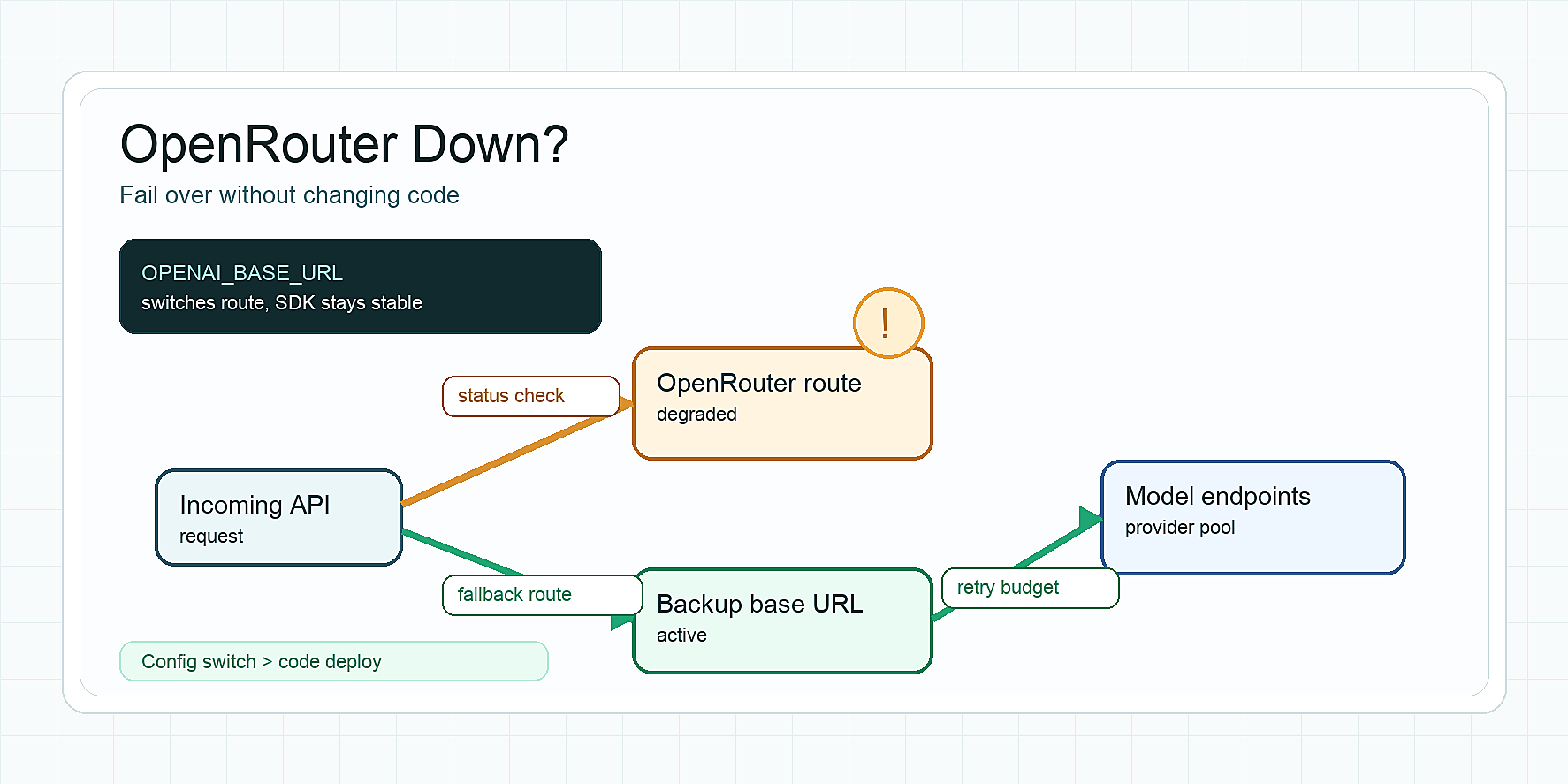
- Keep the base URL stable: point your OpenAI-compatible client to
https://router.flatkey.ai/v1, then change the model route or policy behind the canary rather than rewriting every SDK at once. - Run migration checks first: use the AI API base URL migration tests to prove auth, endpoint, streaming, timeout, parser, and usage visibility before production traffic moves.
- Define the routing policy: pair the canary with the model routing policy design pattern so the candidate route, fallback path, owner, and stop conditions are explicit.
- Watch failures by class: use the OpenAI-compatible API troubleshooting, timeout strategy, and rate-limit handling guides to separate provider errors, app errors, budget limits, and retry loops.
- Promote only from evidence: compare stable and candidate traffic by route, model, status, latency, token usage, cost, fallback count, and accepted-output rate.
- Keep rollback simple: set candidate traffic back to 0%, keep the old route warm, and document exactly which request IDs proved the rollback worked.
Template: LLM Router Canary Release Runbook
Use this template before you move traffic. Replace the example values with your current route names and thresholds.
LLM router canary release record
Change owner:
Stable route:
Candidate route:
Traffic class:
Start time:
Stage ladder: 0%, 1%, 5%, 10%, 25%, 50%, 100%
Bake window per stage:
Minimum requests per stage:

Required proof
- Auth and endpoint smoke test passed:
- Parser and output schema passed:
- Streaming or non-streaming mode tested:
- Request ID and client trace ID visible:
- Usage, token, and cost record visible:
- Timeout and retry behavior reviewed:
- Fallback path tested:
- Product eval pass rate:

Promotion gates
- Error rate threshold:
- p95 latency threshold:
- Cost per accepted output threshold:
- Eval or human review threshold:
- Support-ticket threshold:

Rollback
- Who can roll back:
- Command or config to set candidate to 0%:
- How to verify stable route restored:
- Who receives the incident note:
This record turns an LLM router canary release into a repeatable change instead of a one-off migration. Keep it next to the deployment ticket, not buried in a chat thread.
Common Mistakes
- Skipping the 0% stage: replay and shadow tests catch schema, parser, and eval failures before users see them.
- Promoting on HTTP 200 only: AI output quality, cost, and support impact can regress while transport success stays high.
- Changing model, prompt, parser, and timeout together: too many variables make the canary result hard to interpret.
- Ignoring cost per accepted output: a cheaper model can become more expensive after retries, longer outputs, or fallback loops.
- Forgetting request IDs: without request IDs and route labels, support cannot connect incidents to the canary stage.
- Removing the stable route too early: keep rollback available until the post-promotion review passes.
FAQ
What is an LLM router canary release?
An LLM router canary release is a staged rollout that sends a controlled percentage of model traffic from a stable route to a candidate route, then compares reliability, latency, quality, usage, cost, and support impact before promotion.
How much traffic should a model routing canary start with?
Start with 0% user-visible traffic for replay or shadow checks, then use a very small internal or low-risk slice such as 1% or 5%. Increase only after the bake window passes and the candidate route meets the predefined stop conditions.
What metrics matter most in an AI API canary deployment?
Track error rate, timeout rate, rate-limit responses, p95 latency, time to first token, eval pass rate, parser success, token usage, cost per accepted output, fallback attempts, request IDs, and support impact. The exact thresholds should be set before the canary begins.
When should a model routing canary roll back?
Roll back when the candidate route exceeds error, latency, quality, cost, fallback, or observability thresholds. Missing usage or request trace evidence is also a rollback reason because the team cannot safely investigate production behavior.
Can Flatkey help with an LLM gateway rollout?
Flatkey can support the operating loop by giving teams one OpenAI-compatible base URL, model access, usage and cost review, and dashboard visibility. Validate the current model row, dashboard fields, route labels, and rollback behavior in your own account before moving production traffic.
Final Review Before 100%
Before full promotion, review the canary record with engineering, product, support, and finance. Confirm the stable route is still available, the candidate route has passed peak or representative traffic, usage and cost are visible, and rollback has been tested. That is the practical value of an LLM router canary release: model traffic moves because the evidence is clean, not because the migration calendar says it is time.
Get a key: start from Flatkey sign-up, verify the current model and pricing details in Flatkey pricing, and run the canary checklist before you move production model traffic.