Last verified: October 16, 2026. API catalogues, token rates, availability, and quotas change often. Treat the linked provider pages and the limits shown in your own account as the final source before you send production traffic.
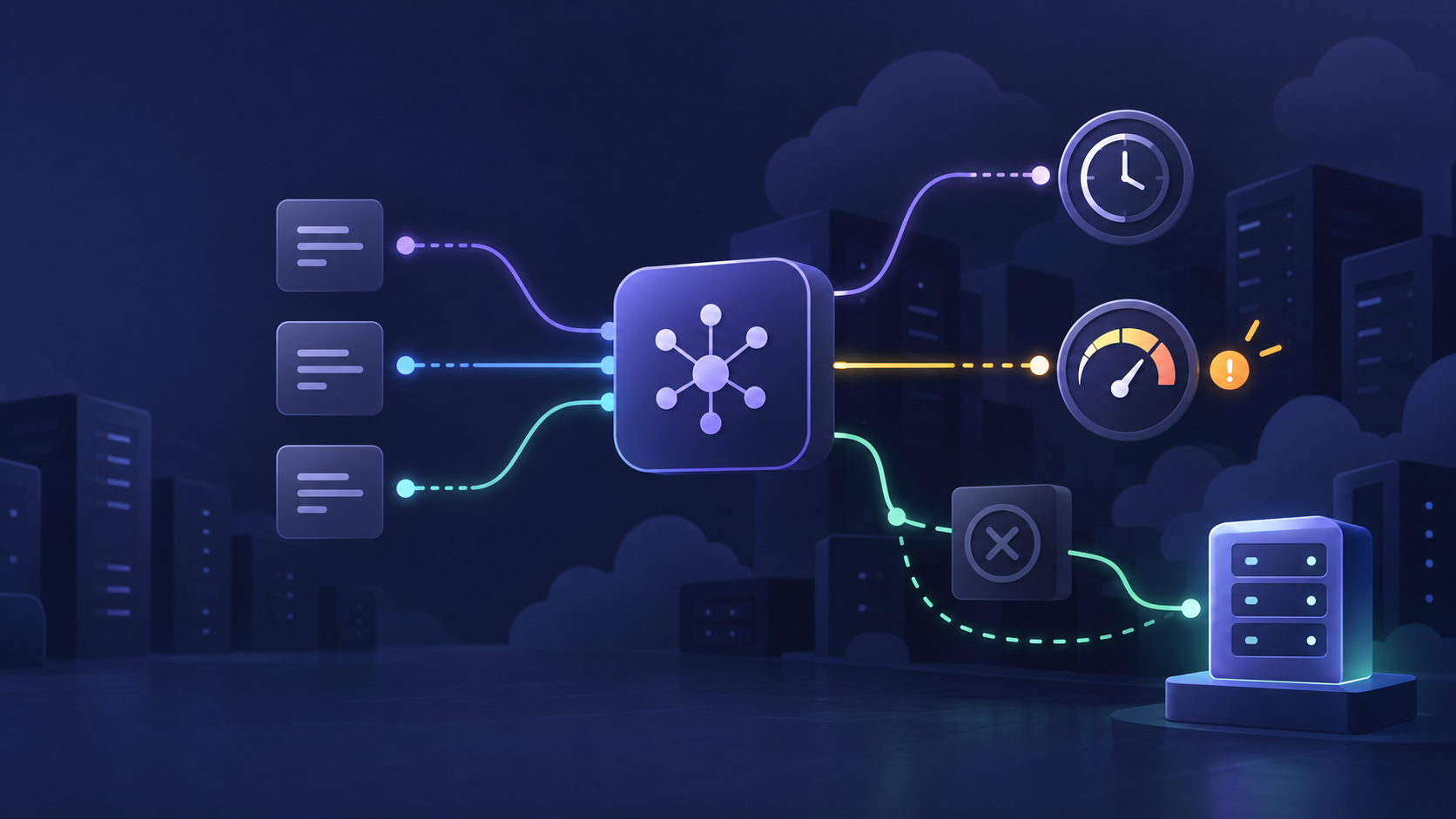
The best AI API providers in 2026 are not a single ordered leaderboard. The right choice depends on whether you need a model maker’s native features, very fast hosted open models, or one access layer for multiple vendors. Price matters, but access mechanics and capacity controls can decide whether a promising prototype survives production.
This guide compares ten practical options across the three questions that should come before a migration: how you get access, how the provider meters cost, and which limits you must test. It deliberately does not crown a universal winner. A direct API may be right for a model-specific workflow; a gateway can be right when routing, billing, and fallback across several models are the actual problem.
The quick answer
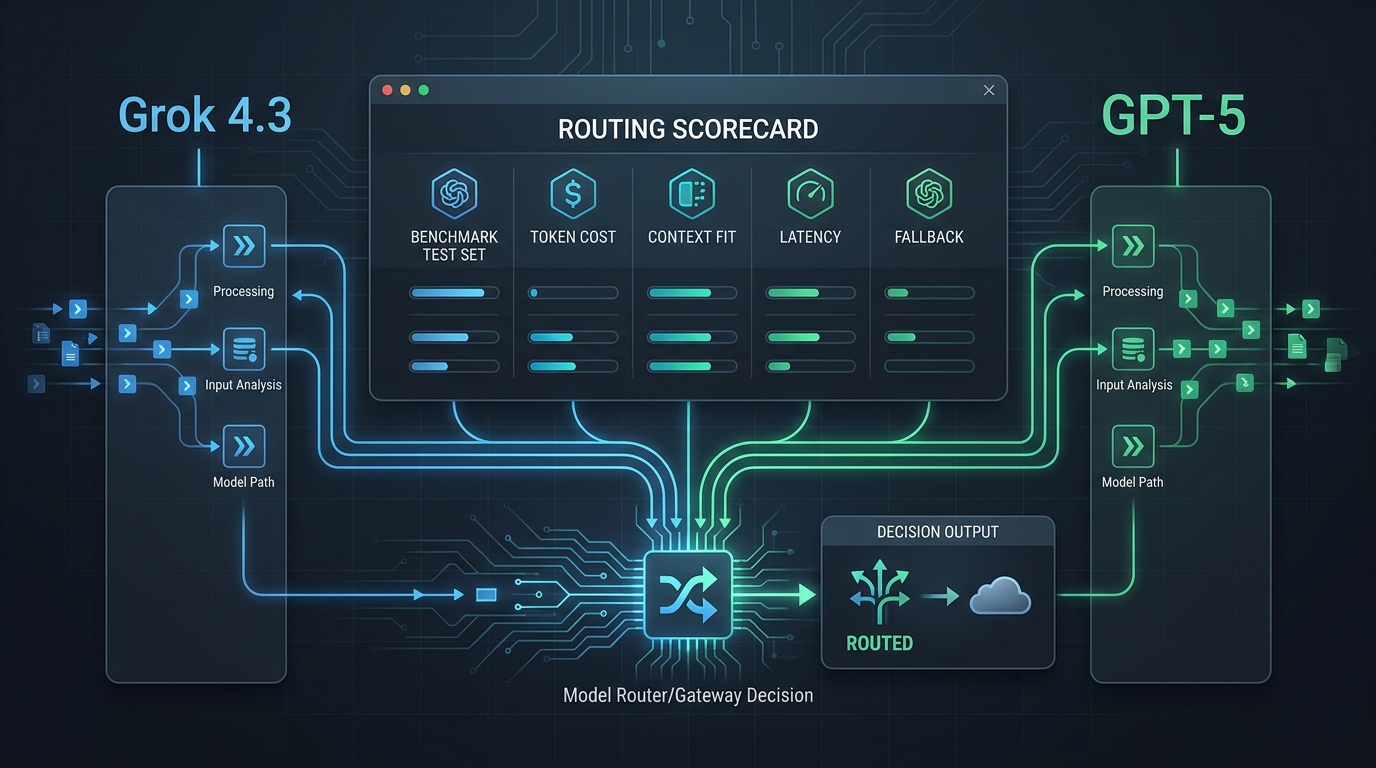
Start with a direct provider when a single model family is a product dependency: OpenAI for GPT-native workflows, Anthropic for Claude-native workflows, Google Gemini for Gemini and Google integrations, xAI for Grok and X-connected tools, DeepSeek for its direct endpoints, or Mistral for its own model and platform stack. Start with Groq or Together AI when managed open-model inference is the priority. Start with Flatkey or OpenRouter when your product needs more than one upstream model behind a consistent access layer.
For every option, calculate a representative workload rather than comparing one headline token number. Include input, output, cached tokens, tool or media calls, batch discounts, platform fees, and the cost of retries. Then run a burst test against the exact model and account tier you plan to use. That is the practical way to compare the best AI API providers in 2026.
Readers evaluating the best AI API providers in 2026 should treat the table below as a shortlist, then validate its assumptions in their own account. Capacity at a free or evaluation tier is not a production commitment.
Best AI API Providers in 2026: pricing, access, and limits at a glance
| Provider | Choose it when | Access pattern | Pricing signal to compare | Limit or access check |
|---|---|---|---|---|
| Flatkey | You want one key across model and tool workflows. | OpenAI-compatible router; keep a familiar client shape. | Plan credits plus per-call model and tool usage. | Key budgets, allowlists, and selected upstream model capacity. |
| OpenAI | You need GPT-native APIs and platform features. | Direct API organization and project setup. | Per-model input, cached-input, output, and tool rates. | Usage tier, model RPM/TPM, and spend caps. |
| Anthropic | Claude-native messages, tools, and cache behavior matter. | Direct Claude Platform organization/workspace access. | Input, output, cache, tool, and session factors. | Organization tier, workspace caps, RPM, ITPM, and OTPM. |
| Google Gemini | You need Gemini through a Google developer workflow. | Project-based Gemini API access through AI Studio/billing. | Free/paid model rates, batch, caching, and grounding charges. | Project RPM, TPM, RPD, and spend-based tier controls. |
| xAI | Grok, X Search, or xAI’s media and tool surfaces are required. | Direct xAI Console key and REST API. | Text tokens plus separately metered media and tools. | Team spend tier and per-model RPS/TPM. |
| DeepSeek | You want DeepSeek’s direct API with familiar request formats. | Direct OpenAI-format or Anthropic-format endpoint. | Per-million input/output tokens, including peak/off-peak rules. | Per-account concurrent connections for the chosen model. |
| Mistral | You want Mistral models, OCR, audio, or its Studio stack. | Direct Mistral Studio/API organization. | Token rates plus workload-specific OCR, audio, and tool units. | Organization RPS/TPM and monthly spending limits. |
| Groq | Low-latency hosted open models are central to the experience. | GroqCloud account and API keys. | Per-model input/output tokens or modality-specific units. | Organization RPM, RPD, TPM, TPD, and plan/model limits. |
| Together AI | You need serverless or dedicated access to a broad open-model set. | Credits-backed account with tiered access. | Per-model tokens, media units, or dedicated infrastructure. | Build tier, model-specific access, and throughput limits. |
| OpenRouter | You want a neutral multi-provider model marketplace and routing. | One API account and credit balance across listed models. | Posted underlying-model rates plus credit-purchase fees where applicable. | Upstream provider capacity for paid models; free-model caps. |
Important: the “pricing signal” column is not a price ranking. A provider that looks inexpensive on a small-model input rate can cost more for long outputs, cache misses, tool calls, media output, or the capacity needed for a real launch. Use the matrix to decide which rate card and limit page to test first.
The best AI API providers in 2026 can therefore look different for a chatbot, a coding agent, a high-volume document pipeline, or a media product. Use “best for” as a workload-specific label rather than an overall score.
The 10 providers, by fit
1. Flatkey — for one key across model and tool workflows
Flatkey is an access layer for teams that would otherwise manage several model accounts and data-tool subscriptions. Its public product pages describe one API surface for 100+ official models and 1,000+ pay-per-call tools, with an OpenAI-compatible route for existing client patterns. The pricing page lists Starter at $10/month, Pro at $30/month, and Max at $100/month, while model and tool consumption still needs to be evaluated for the exact workload.
Choose Flatkey when model switching, shared billing, agent tooling, and policy controls are part of the operating problem—not merely a one-time model evaluation. Before production, test the selected model’s upstream capacity, set sub-key budgets or allowlists, and confirm the retry/failover behavior you intend to rely on. See the Flatkey product overview, pricing, and developer documentation.
2. OpenAI — for direct GPT platform access
OpenAI is the direct choice when your product needs a GPT-specific model, tool, or platform capability and you want the native release path. Its pricing documentation separates model input, cached-input, and output rates, with additional billing dimensions for some tools and hosted capabilities. Rate limits are tied to usage tiers and model-specific request/token limits, so a production estimate needs both the rate card and the organization’s Limits page.
Use it when direct support for a GPT workflow outweighs the value of swapping upstreams. Test realistic prompt size, output length, concurrent calls, and your project’s hard spend settings before launch. Review OpenAI API pricing and OpenAI rate-limit guidance.
3. Anthropic — for direct Claude-native workflows
Anthropic is the natural direct path when a Claude model or Claude-specific API behavior is integral to the product. The official documentation treats input, output, caching, tool usage, and some session-based capabilities as distinct cost dimensions. Its rate limits are organization-level and can be managed with workspace controls; the core measurements include requests per minute, input tokens per minute, and output tokens per minute.
That makes Claude a strong candidate for teams that want native behavior and are willing to operate the provider account directly. The engineering caution is to test input and output throughput separately: a workload can hit one before the other. Check Claude API pricing and Claude rate limits.
4. Google Gemini — for project-based Gemini access and Google integrations
Google Gemini is a direct option for teams using Gemini through the Google developer ecosystem. The Gemini API offers free and paid access modes, with paid features such as higher limits and certain production-oriented capabilities. Google measures standard usage through project-level requests per minute, tokens per minute, and requests per day; it also has spend-based controls that can return a capacity-style error when exceeded.
Choose Gemini when the model family, Google-integrated capabilities, or the project-based billing model are a fit. Treat preview models and free-tier use as evaluation inputs, not production capacity guarantees. Start with the official Gemini pricing page and rate-limit documentation.
5. xAI — for direct Grok and X-connected tool workflows
xAI provides a direct REST API for Grok, with pricing that separates text tokens from media and server-side tool usage. Its public rate-limit model is team- and model-specific: limits are expressed through requests per second and tokens per minute, and increase with the account’s spend tier. This is worth checking early for applications with bursty agent traffic.
Choose xAI when Grok capabilities or X Search are central to the use case—not just because a token price looks competitive. Include tool invocations and long-context pricing thresholds in your cost model. See xAI pricing and xAI rate limits.
6. DeepSeek — for direct, cost-aware API access
DeepSeek’s official API documentation publishes OpenAI-format and Anthropic-format base URLs, which can reduce migration friction for existing clients. Its token rates are published per million input and output tokens, with peak and off-peak rules. The same documentation makes a crucial limit visible: concurrency is counted at the account level, not per API key.
Choose DeepSeek when its direct model family and pricing structure meet the quality bar for your workload. Keep the time-of-day rules and cache treatment in the model comparison, then test the model’s current concurrency limit under your actual request duration. Read DeepSeek model pricing and rate-limit and isolation guidance.
7. Mistral — for Mistral models and a broader Studio stack
Mistral offers direct API access across text, document, audio, and related services. Its pricing guidance explains that most models are billed separately for input and output tokens; batch work can change the economics, while OCR, speech, and tools use their own units. Mistral’s organization controls also expose monthly spending caps and model-level throughput information.
Choose Mistral when its models, document capabilities, or platform surface match the product. Do not reuse a chat-plan allowance as an API capacity assumption: check the API organization’s limits and spend cap independently. Review Mistral pricing and Mistral usage and limits.
8. Groq — for fast hosted open models
GroqCloud is a useful fit when the production requirement is rapid inference on its hosted open-model catalogue. The model documentation shows pricing and Developer-plan capacity by model, while the rate-limit documentation distinguishes requests per minute, requests per day, tokens per minute, tokens per day, and modality-specific limits. Those limits apply at the organization level.
Choose Groq after verifying that a hosted model meets your quality, region, and feature requirements. Benchmark time to first token and sustained throughput on the exact plan—speed claims in a model card are not a substitute for your prompt mix. See Groq supported models and pricing and Groq rate limits.
9. Together AI — for open-model variety, serverless inference, and dedicated paths
Together AI lists serverless pricing for a wide mix of text, image, video, embedding, rerank, and other models, with dedicated infrastructure available as needs change. Account access and throughput are tiered: public documentation describes Build tiers based on spend, model-specific access restrictions for some offerings, and tiered request limits.
Choose Together AI when the work calls for broad open-model choice or a route from serverless experimentation to a dedicated endpoint. Confirm the current credit and Build-tier requirements before you make it a hard production dependency, especially for premium or high-demand models. Check Together AI pricing and Build tiers and rate limits.
10. OpenRouter — for a neutral multi-provider model marketplace
OpenRouter provides a multi-provider API surface and posted model pricing across its catalogue. Its pricing documentation says paid-model capacity normally follows the upstream provider rather than a plan-based OpenRouter limit; free models have their own caps. The same page explains that credit-purchase fees and BYOK rules must be included when you compare a direct-provider bill with a routed bill.
Choose OpenRouter when neutral model access and provider routing are more valuable than a native-vendor relationship. Production test both a preferred provider and the fallback chain, because a gateway does not make a constrained upstream unlimited. Review OpenRouter pricing and rate-limit FAQs.
How to choose among the best AI API providers in 2026
Use this order of operations instead of starting from a “cheapest model” spreadsheet:
- Define the non-negotiable capability. Is it a model’s native tool, a specific modality, data residency, a context window, or an open-model deployment path? That constraint shortens the list faster than price.
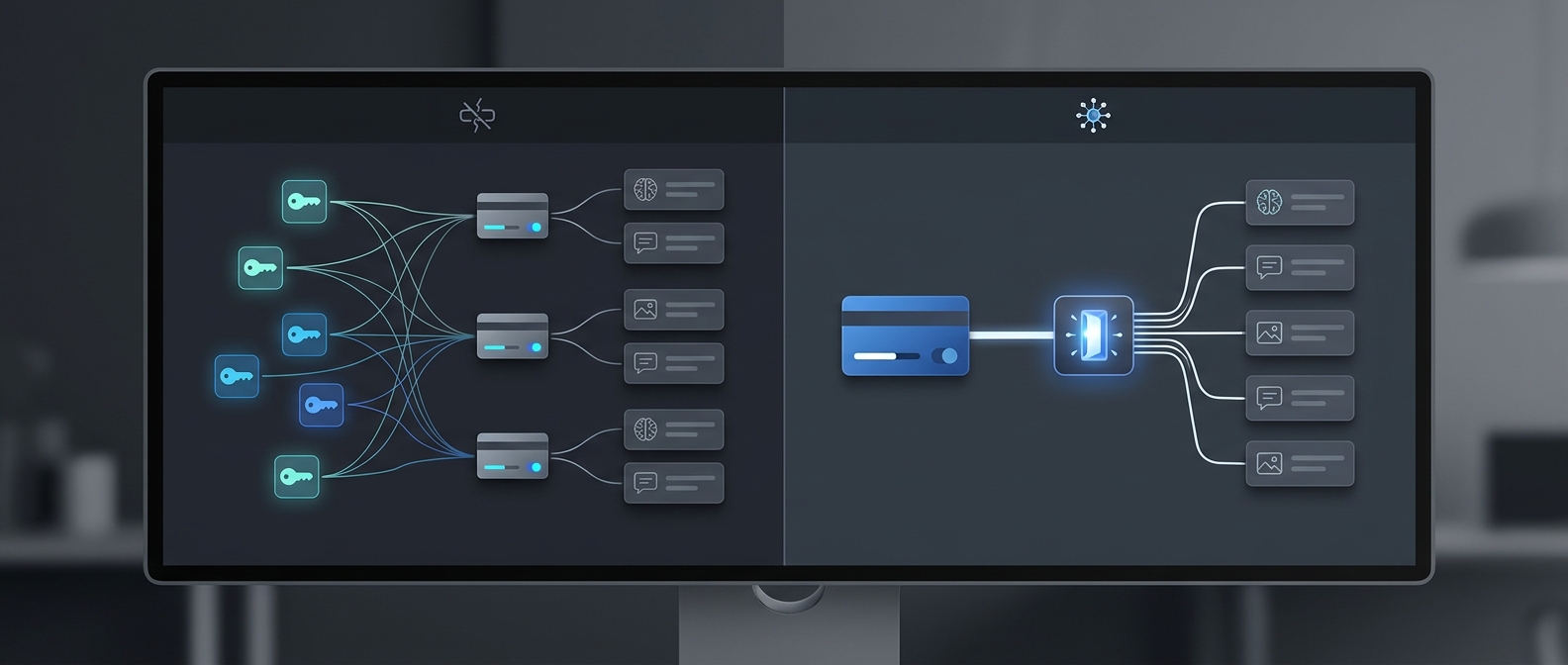
- Choose a direct provider or a gateway deliberately. A direct account gives you the shortest path to a vendor’s native releases. A gateway makes more sense when you need model choice, common billing, or fallback without maintaining many independent integrations.
- Model the whole request. Estimate input, cached input, output, tool calls, media output, and retries. Do not compare an input-only per-million-token number with a workload that produces long answers or videos.
- Test the real constraint. Send a controlled burst, watch rate-limit headers and 429 behavior, and verify concurrent request handling. Test a paid account tier if that is the environment you will ship.
- Choose a failure policy before launch. Decide whether you queue, retry with backoff, use a cheaper model, route to another approved provider, or fail closed. A fallback is a product decision as much as an infrastructure decision.
This is why the best AI API providers in 2026 comparison cannot stop at a token table. For a detailed cost-normalization method, read How to Compare AI Model Prices Before Switching API Providers. For how quotas affect production behavior, see AI API Quota Limits and LLM Rate Limits Explained.
A better pricing comparison: normalize one representative workload
For each finalist, use the same workload definition. For example: 100,000 input tokens, 20,000 output tokens, a known cache-hit ratio, one tool call per ten requests, and a fixed number of retries. Then calculate the total using the provider’s current rate card.
monthly cost =
  (input tokens × input rate)
  + (cached input × cache rate)
  + (output tokens × output rate)
  + (media or tool units × unit rate)
  + platform or credit-purchase fees
  + retry and fallback traffic
Use the formula as a decision aid, not as a promise that two providers will bill identically. Providers meter different capabilities differently. Gemini can add grounding-related charges; xAI can add server-side tool charges; Mistral differentiates token, OCR, speech, and tool units; routing platforms can have separate credit or platform economics. The pricing links in each provider section are the source of truth for the live figures.
If your product needs several upstreams, compare the account-management cost as well: number of keys, invoices, spend caps, observability surfaces, and fallbacks. Flatkey’s AI Gateway Pricing guide explains the operational costs that can sit outside the raw model rate.
What “limits” actually mean
Rate-limit labels are not standardized. You may see RPM, RPS, TPM, input-token and output-token limits, requests per day, concurrent connections, concurrent sessions, budget caps, usage tiers, or model-specific restrictions. The smallest of these can become your real capacity limit.
Before selecting one of the best AI API providers in 2026, get answers to these questions:
- Is the limit applied per API key, per project, per workspace, per team, or per organization?
- Are input and output tokens counted together or separately?
- Do cached tokens count toward throughput, billing, both, or neither?
- Are previews, free tiers, and paid tiers governed by different limits?
- What happens on a 429: is there a
retry-aftervalue, a queue, or an upstream-specific error? - Can you set a hard spend cap without silently blocking a critical production path?
For a multi-model product, add a seventh question: which models are allowed to be fallback targets? A successful retry can still be the wrong business result if it changes output quality, geography, or tool behavior. See AI API Gateway: When to Use One and When Direct Provider Integrations Are Enough for the architectural trade-off.
A 48-hour provider evaluation plan
- Day 1, quality and compatibility: run your real prompts against two direct options and one multi-provider access layer. Record output quality, structured-output validity, tool behavior, latency, and model/version identifiers.
- Day 1, pricing: capture actual usage records for the same test volume, then calculate the full request cost instead of copying a headline token rate.
- Day 2, capacity: run a controlled concurrency ramp. Capture rate-limit headers, retry timing, 429 response bodies, and any account-tier prerequisite.
- Day 2, operations: verify budget caps, separate environment keys, invoice visibility, alerts, and the recovery path for an upstream outage.
- Decision: pick a primary model/provider, name a fallback policy, and document the condition that would trigger a re-evaluation.
The result should be a small, auditable decision record—not a permanent conclusion based on a launch-week leaderboard. For implementation help with one compatible access layer, see the Flatkey API Quickstart.
This evaluation turns a search for the best AI API providers in 2026 into a repeatable operating decision: pick the capabilities, cost envelope, and capacity behavior your product can sustain.
Frequently asked questions
Which AI API provider is the cheapest?
There is no universal cheapest provider. The answer changes with the model, input/output ratio, cache rate, tool use, media output, account tier, and gateway fee. Price one representative workload against the current official pages before deciding.
Should I use a direct provider account or an AI gateway?
Use a direct account when a single provider’s native capabilities and support path are essential. Use a gateway when model choice, a consistent access pattern, routing, shared billing, and fallback are the larger operational problem. Many production teams use both: direct paths for critical vendor-specific features and a gateway for the rest.
What rate limits should I validate before production?
At minimum, validate request rate, input and output token throughput, daily caps, concurrency, spend caps, and the exact 429/retry behavior. Also confirm whether the limit is scoped to a key, project, team, or organization.
Can an OpenAI-compatible client make switching providers easier?
It can reduce integration work, but it does not make all models interchangeable. Test tool calling, structured output, vision/audio inputs, error behavior, and model-specific parameters before switching production traffic.
The right provider is the one your workload can actually operate
The best AI API providers in 2026 are the ones that meet your quality bar, expose a pricing model you can forecast, and give your team enough access and capacity control to ship safely. Start with the capability you cannot compromise, normalize the full workload cost, and test the account limits you will really run under.
If you want to evaluate multiple model families without scattering credentials and billing, start with Flatkey and compare the exact models you need behind one API surface. If a direct provider is the right fit, use its native price and limits pages as the launch checklist—not a static comparison article.