Long prompts are not automatically a long-context problem. Some prompts should be trimmed, some should use retrieval, some should reserve more output space, and some really do need a larger context window. Context window routing is the policy that decides which path a request should take before it burns budget on the wrong model.
The goal is simple: route by the actual prompt size, the required answer shape, and the evidence you need for cost control. A 6,000-token support conversation, a 70,000-token contract review, and a 900,000-token codebase scan should not share one default route just because they all fit behind the same API key.
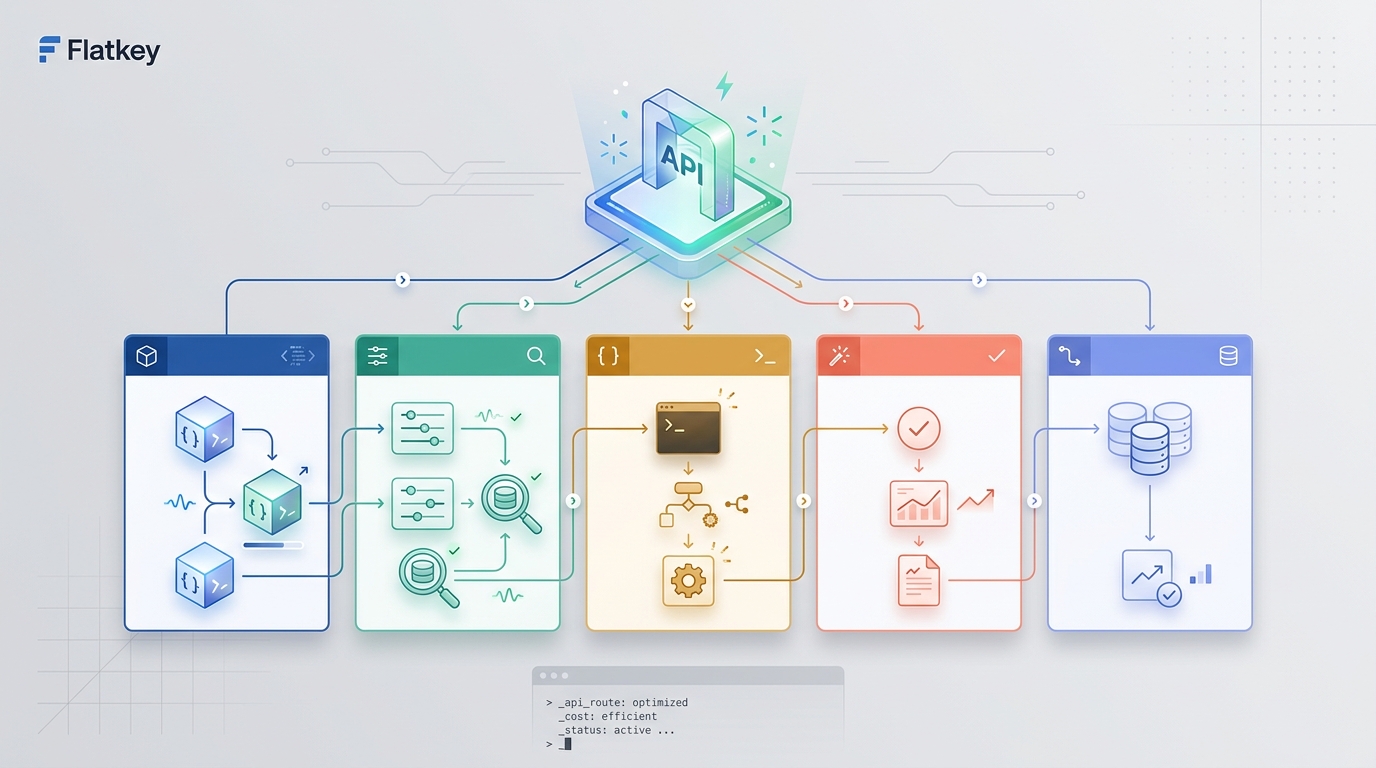
Flatkey is useful in this design because model access, routing, usage review, billing, and operational controls are easier to manage from one gateway surface than from scattered provider accounts.
Use the framework below to design context window routing rules, then validate the current model row, endpoint family, and usage unit on Flatkey pricing before production rollout.
Context window routing starts with a token budget
Start every route decision with a budget, not a model name.
required_context =
  system_and_policy_tokens
+ user_input_tokens
+ retrieved_or_attached_context_tokens
+ tool_schema_and_tool_result_tokens
+ conversation_history_tokens
+ reserved_output_tokens
+ reserved_reasoning_tokens
+ safety_margin_tokens
The route is eligible only if the required context fits the model's usable context window after you reserve output and reasoning space. OpenAI's reasoning model guidance is a good reminder here: when generated tokens reach the context window or max_output_tokens, the response can become incomplete, and teams should leave room for reasoning and output while they calibrate the workload.
That reserve matters for cost control. If a request barely fits the context window, the model may still fail, truncate, or spend heavily on input tokens before returning an unusable answer. Good context window routing protects against that by routing oversized requests to the right path before the call is made.
A practical routing matrix
Use this matrix as the first pass for context window routing. Tune the thresholds against your real token counts, model catalog, latency SLOs, and quality evaluations.
| Prompt class | Typical signal | Recommended route | Cost-control rule | Required evidence |
|---|---|---|---|---|
| Short task | Small prompt, small answer, no long history | Fast low-cost route | Avoid long-context models unless evals require them | Prompt tokens, output tokens, success rate |
| Normal chat | Moderate history, tools, or structured answer | Balanced route with tool and schema support | Cap by conversation or owner | Served model, tool result size, schema-valid rate |
| Long document | Large file, transcript, policy, or contract | Long-context route or retrieval route | Compare full-context cost against retrieval cost | Input tokens, cited spans, answer quality |
| Huge corpus | Many files, codebase, logs, or archive | Retrieval, chunking, compaction, then selective long-context route | Do not stuff the corpus by default | Retrieved chunks, dropped context, cache hit rate |
| Reasoning-heavy prompt | Long task plus planning, tools, or code reasoning | Route with explicit output and reasoning reserve | Reserve output space before sending the prompt | Incomplete rate, reasoning/output tokens, p95 latency |
| Compliance or finance review | Sensitive content and audit requirements | Pinned reviewed route | Block automatic fallback unless approved | Requested model, served model, owner, cost trace |
This is context window routing in operational form: each class has a route, a cost rule, and proof that the route worked.
Do not use the biggest context window as the default
Large context windows are useful. They are not a free replacement for routing.
Google's Gemini long-context docs describe 1M-token context windows and explain how long context can unlock workflows that previously needed summarization, retrieval, or filtering. Anthropic's context-window docs describe context as the working memory that includes request content, tool results, documents, tool definitions, and output. Both points matter: larger windows expand what is possible, but everything you place into the window still needs to be paid for, validated, and logged.
The safest default is not "send everything." The safer default is:
- Keep short prompts on efficient routes.
- Use retrieval when the answer depends on a small slice of a large corpus.
- Use long context when the model must compare many parts of the source at once.
- Reserve output and reasoning budget before calling a reasoning model.
- Log enough usage detail to compare cost per accepted outcome.
That is the cost-control core of context window routing.
When retrieval beats long context
Retrieval is usually better when the task has a narrow evidence need. Examples include "find the renewal clause," "summarize this incident from the three relevant log lines," or "answer from the current API docs." In those cases, sending the entire contract, log archive, or documentation site may increase cost without improving accuracy.
Use retrieval when:
- The answer should cite a small number of passages.
- Most of the corpus is irrelevant to the user question.
- The same corpus is queried repeatedly by many users.
- You need to restrict data exposure by tenant, project, team, or permission.
- The cost of full-context input would dominate the value of the answer.
Context window routing should send the request through retrieval first, then pass only the selected chunks, metadata, and instructions to the model. Log the retrieved source IDs, token count, and answer acceptance result. If the answer fails because too much context was missing, promote that workflow to a larger context route and record the reason.
When long context beats retrieval
Long context is stronger when the task needs broad comparison. Examples include reviewing a full policy set for contradiction, analyzing a complete transcript, comparing sections across a large contract, or using an entire repository as a reference set for a planning task.
Use a long-context route when:
- The task depends on relationships across many distant sections.
- The model needs the whole document structure, not just isolated passages.
- Retrieval quality is hard to verify before generation.
- The source is a single bounded artifact, such as one PDF, one transcript, or one code bundle.
- The expected value of the answer justifies the larger input cost.
Even then, context window routing should not skip cost checks. Measure full input tokens, cached tokens if available, output tokens, latency, retry rate, and accepted-answer rate. The routing policy should prove that the long-context route was better than retrieval, not just easier to implement.
Prompt caching belongs in the route decision
Prompt caching can change the economics of repeated long prompts. OpenAI's prompt caching docs explain that eligible long prompts can benefit when static content appears first and variable content appears later; they also expose cached_tokens in usage details so teams can monitor cache behavior.
Context window routing should treat cacheability as a first-class signal:
| Prompt pattern | Routing implication |
|---|---|
| Stable system policy plus many user questions | Put stable content first and measure cached-token share |
| Repeated large documentation bundle | Consider cache-aware long-context route |
| Highly dynamic user-specific data | Do not assume cache savings |
| Shared tool definitions across many calls | Keep tool schemas stable where possible |
| Short prompt below cache threshold | Optimize route/model first; caching may not help |
Cached tokens may lower cost or latency depending on provider behavior, but they do not make the context window infinite. Anthropic's docs make the important distinction directly: cached prompt prefixes can still occupy the context window. The routing policy should record cache hits as cost evidence, not as permission to ignore token limits.
Reserve output, reasoning, and tool space
Context window routing often fails because teams count only input tokens. The model still needs room to answer.
For each route, define:
- Maximum input tokens: the largest request the route may accept.
- Reserved output tokens: room for the visible answer, JSON, citations, or tool arguments.
- Reserved reasoning tokens: extra room for reasoning models or hard tasks.
- Tool overhead: tool definitions, tool calls, and tool results.
- Safety margin: a buffer for tokenizer variance and prompt growth.
Use a route guard like this:
route: contract_review_long_context
max_context_window_tokens: provider_model_limit
max_input_tokens: 180000
reserved_output_tokens: 12000
reserved_reasoning_tokens: 25000
tool_overhead_tokens: 5000
safety_margin_tokens: 8000
on_over_budget:
  first: summarize_or_retrieve
  second: ask_for_scope_reduction
  blocked: send_anyway
The numbers above are placeholders, not universal limits. The important part is the shape of the guardrail: the route has an input ceiling, answer reserve, reasoning reserve, and explicit over-budget behavior.
Cost controls for context window routing
Do not measure cost only per token. Measure cost per accepted outcome.
| Cost metric | Why it matters |
|---|---|
| Cost per request | Catches oversized single calls |
| Cost per accepted answer | Accounts for retries, bad retrieval, and failed long-context calls |
| Cost per workflow | Shows the true cost of a ticket, review, extraction, or report |
| Cost per owner | Connects usage to app, team, customer, or environment |
| Cache-adjusted input cost | Separates repeated stable prefixes from dynamic context |
| Fallback cost | Shows whether fallback is rescuing reliability or hiding a bad primary route |
A context window routing policy template
Put the rules in a format engineering, finance, and procurement can review.
policy_name: context_window_routing_v1
owner:
  team: ai_platform
  approvers:
    - engineering
    - finance
workflow_classes:
  short_task:
    max_input_tokens: 8000
    route: efficient_text_route
    fallback: retry_same_route_once
  normal_chat:
    max_input_tokens: 32000
    route: balanced_tool_route
    fallback: reviewed_balanced_backup
  long_document_review:
    max_input_tokens: 180000
    route: long_context_route
    fallback: summarize_then_retry
  huge_corpus_question:
    route: retrieval_first_route
    fallback: scoped_long_context_route
budget_rules:
  reserve_output_tokens: required_by_workflow
  reserve_reasoning_tokens: required_by_model_class
  block_when_over_budget: true
  require_cache_metrics_when_prompt_repeats: true
evidence:
  required_fields:
    - workflow_class
    - requested_model
    - served_model
    - endpoint_family
    - input_tokens
    - cached_tokens
    - output_tokens
    - reasoning_tokens
    - route_decision
    - fallback_reason
    - owner_key
    - cost_or_balance_impact
acceptance_tests:
  max_incomplete_rate: agreed_threshold
  max_over_budget_rate: zero_for_production
  min_answer_acceptance_rate: workflow_eval_threshold
  finance_reconciliation_sample: required
This template makes context window routing testable. If the route changes, the owner can see why. If the prompt grows, the guardrail can block it. If the request repeats, cache metrics become part of the review.
Acceptance tests before production
Run these tests before you let context window routing handle production traffic:
- Send a short prompt and confirm it stays off the long-context route.
- Send a normal chat prompt with tools and confirm tool definitions and results are counted.
- Send a long document prompt and verify reserved output space remains available.
- Send an over-budget prompt and confirm the route summarizes, retrieves, or asks for scope reduction instead of sending blindly.
- Trigger a reasoning-heavy task and check incomplete-response handling.
- Repeat a stable long prompt and confirm cached-token metrics are recorded when the provider exposes them.
- Compare retrieval-first and full-context answers on the same evaluation set.
- Review requested model, served model, endpoint family, usage units, fallback reason, and cost or balance impact in logs.
For broader architecture, pair these checks with Flatkey's guides to AI API gateways, LLM API gateway architecture, AI API load balancing and failover, and model routing policy design.
Where Flatkey fits
Flatkey should not be the only place where the policy exists. It should be the place where teams can make the policy easier to run and review.
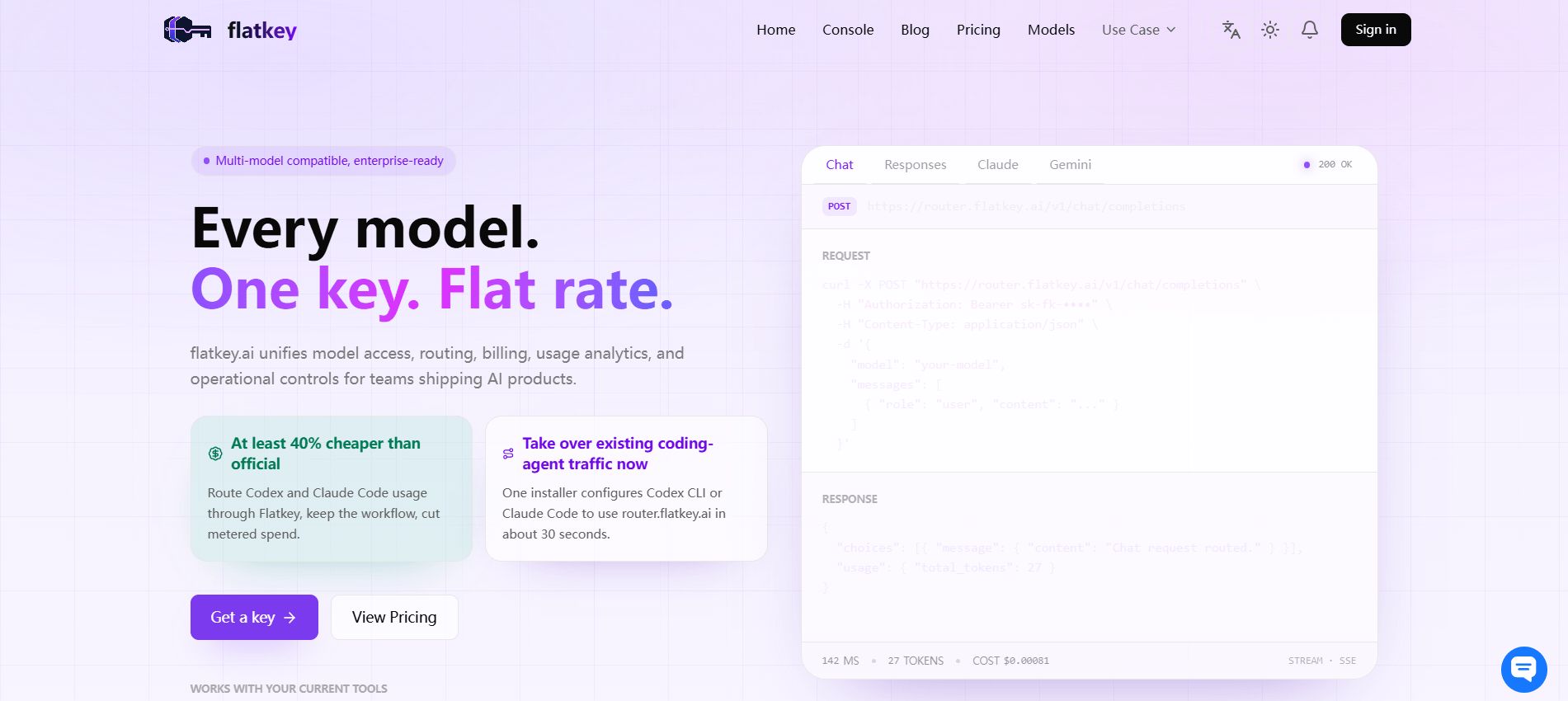
Use Flatkey to centralize model access, route review, current pricing checks, usage visibility, quotas, request logs, and billing review. Then keep the context window routing policy in code or configuration so route decisions are repeatable. The gateway gives finance and operations a clearer place to inspect usage; the policy tells engineering what route is allowed.
A practical Flatkey proof run looks like this:
- Choose one workflow with known prompt-size ranges.
- Check the current model and endpoint options on Flatkey pricing.
- Run short, normal, long, over-budget, and repeated-cacheable prompts.
- Review request logs for route decision, served model, usage, cache fields where available, fallback reason, and owner key.
- Confirm quota and cost-review behavior with the workflow owner.
- Move only the tested routes to production, then expand context window routing row by row.
When the proof passes, get a key and keep the first rollout narrow. The point of context window routing is not to add complexity; it is to stop prompt growth from silently turning into runaway cost, incomplete answers, and unreviewable model choices.
FAQ
What is context window routing?
Context window routing is a policy that chooses the model route, retrieval path, compaction path, or rejection behavior based on prompt size, output reserve, reasoning reserve, tool overhead, cost controls, and required evidence.
How is context window routing different from model routing?
Model routing can choose by quality, price, latency, modality, region, or provider. Context window routing focuses on whether the request fits the usable context budget and whether a smaller, retrieval-first, cached, or long-context route is the right cost-control choice.
When should a team use retrieval instead of a long-context model?
Use retrieval when the answer depends on a small part of a large corpus, when permissions matter, or when repeated full-context input would be expensive. Use long context when the task needs broad comparison across many distant parts of the source.
Why reserve output and reasoning tokens?
A prompt can fit the input side of the context window and still fail because there is not enough room left for reasoning or the visible answer. Reserving output and reasoning tokens reduces incomplete responses and wasted spend.
Does prompt caching remove the need for context window routing?
No. Prompt caching can reduce latency or input cost for repeated prefixes, but cached tokens still need to be considered in the context window. Context window routing should log cached-token metrics while still enforcing budget limits.
How does Flatkey help with context window routing?
Flatkey gives teams one gateway surface for model access, route review, pricing checks, usage analytics, request logs, quotas, and billing review. That makes it easier to validate whether context window routing is controlling prompt size and cost as designed.