Gemini vs Claude vs ChatGPT: quick answer
A fair Gemini vs Claude vs ChatGPT comparison separates the consumer ChatGPT product from the OpenAI API used in software. For API routing, compare Gemini, Claude, and OpenAI models on the same accepted-output test set instead of choosing one global winner.
| Decision factor | Gemini API | Claude API | ChatGPT / OpenAI API |
|---|---|---|---|
| Strong starting point | Google ecosystem and multimodal workloads | Long-context, writing, reasoning, and tool workflows | Broad SDK support, tools, modalities, and OpenAI-compatible ecosystem |
| Cost comparison | Model, context, cache, grounding, and service mode | Model, prompt caching, batch, and output length | Model, context tier, cache reads/writes, service tier, and tools |
| Compatibility check | Structured output, function calls, media, streaming | Tool use, structured output, streaming, prompt caching | Responses or Chat Completions contract, tools, streaming, media |
| Best way to decide | Run representative tasks and score accepted outputs | Run representative tasks and score accepted outputs | Run representative tasks and score accepted outputs |
The best route may differ by workload: one model for interactive chat, another for long-context review, and another for batch extraction. Keep the resolved provider and model visible in logs so the comparison remains auditable after launch.
If you are comparing Gemini and Claude for an API workflow, do not stop at "which model is better." In production, the better question is: which route should receive this request class, what should happen when it fails, and how will you prove the cost and result quality after the call?
That is the practical job of Gemini vs Claude API Routing: Cost, Context, Tools, and Reliability Checks. Gemini and Claude both support serious application workloads, but they make different tradeoffs across price units, context windows, tool calling, structured output, batch processing, caching, rate limits, and operational verification. A route policy should make those tradeoffs explicit before traffic moves.
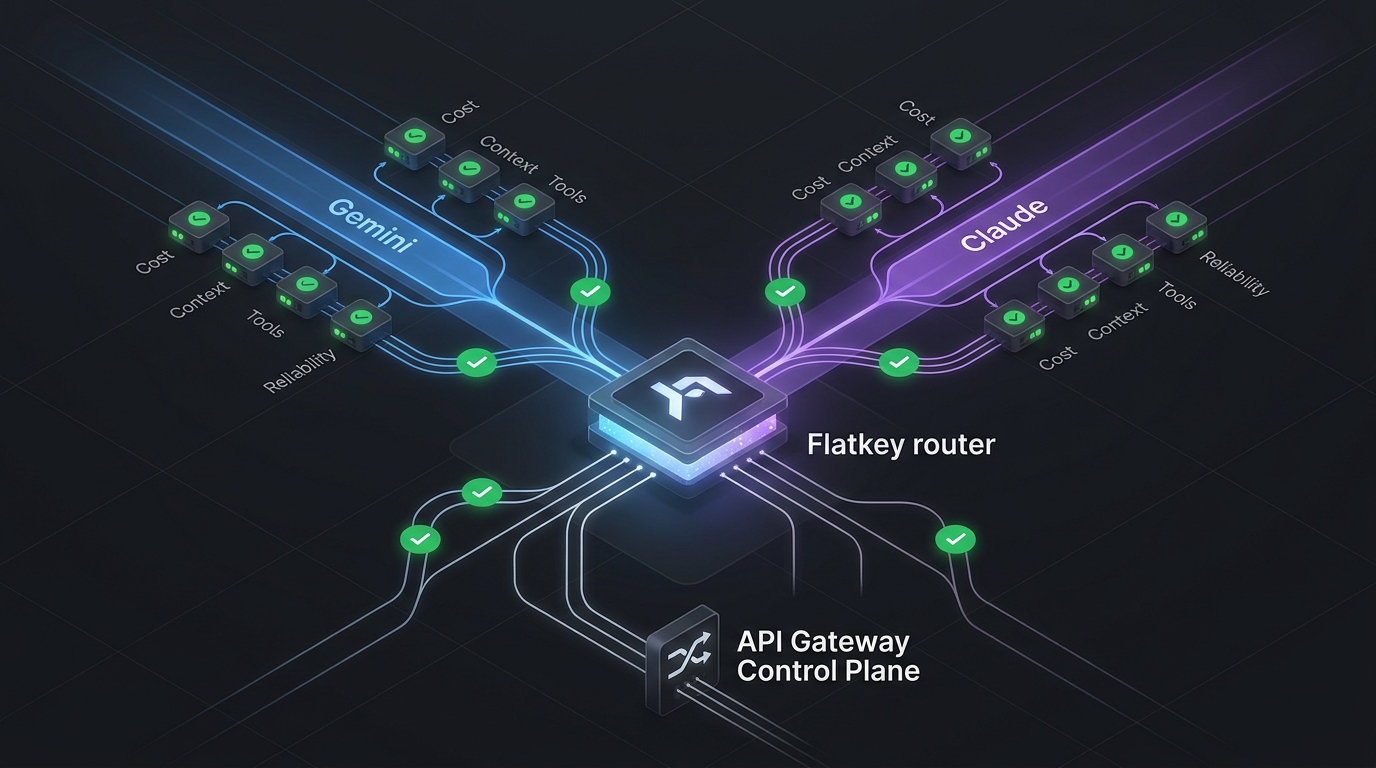
This guide gives teams a source-backed checklist for deciding when to route to Gemini, when to route to Claude, and when to put both behind an OpenAI-compatible gateway such as Flatkey. Use it before a migration, an agent launch, a prompt-cost review, or a fallback rollout.
If you are still choosing the gateway pattern itself, pair this article with Flatkey's guides to using a unified AI API and using an OpenAI API alternative. If the main question is measurement, start with the AI routing API metrics framework first.
The quick answer for Gemini vs Claude API Routing
Use Gemini as the first route when the workload is price-sensitive, large-context, multimodal, or batch-friendly and your evaluation set confirms acceptable output quality. Use Claude as the first route when the workload needs strong long-form reasoning, careful instruction following, high-confidence tool use, or Anthropic-specific agent features. Use a gateway route when the application should switch models without rewriting SDK code, compare usage logs in one place, or keep a tested fallback ready.
| Routing question | Gemini route is usually attractive when... | Claude route is usually attractive when... | Check before production |
|---|---|---|---|
| Cost | The task can use Flash / Flash-Lite style models, batch discounts, or cheaper multimodal input units. | The task justifies higher per-token rates through better acceptance rate, fewer retries, or lower review cost. | Normalize to cost per accepted output, not listed input price. |
| Context | You need broad context for documents, codebases, transcripts, or retrieval packs. | You need long-context reasoning with Claude's current model lineup and output limits. | Test recall, citation discipline, latency, and failure mode at real context sizes. |
| Tools | You need function calling plus Google-native tool ecosystem options. | You need Claude tool use patterns for agents, client tools, server tools, and structured tool calls. | Run the same tool schema and verify arguments, retries, and invalid calls. |
| Structured output | You need JSON Schema adherence for typed app flows. | You need JSON output controls or strict tool-use patterns for schema compliance. | Validate parsed output against your schema, not just visual correctness. |
| Reliability | You can absorb provider rate-limit variability with queueing or fallback. | You can absorb Anthropic limits and tool-token overhead with rollout controls. | Log provider, model, token counts, latency, status, and fallback reason. |
In short: the winner is rarely "Gemini" or "Claude" globally. The winner is the route that passes your workload-specific checks with the lowest accepted-output cost and the least operational surprise.
Normalize cost before comparing model prices
The hardest part of Gemini vs Claude API Routing is that the pricing pages are not shaped the same way. Google lists Gemini prices by model, modality, input/output unit, batch mode, and sometimes context tier. Anthropic lists Claude prices by model family, input/output tokens, prompt caching, batch processing, and feature-specific token overhead.
Start with a cost worksheet instead of a debate:
| Cost field | Why it matters |
|---|---|
| Input tokens | Long prompts, retrieved documents, tool schemas, and system instructions can dominate request cost. |
| Output tokens | Agent plans, code diffs, JSON payloads, and summaries can shift cost toward completion tokens. |
| Cache write and cache read | Claude prompt caching can change economics for repeated context; Gemini context caching should be checked when repeated context is material. |
| Batch discount | Google and Anthropic both document batch processing discounts, but batch only helps when delayed responses are acceptable. |
| Tool overhead | Tool definitions, schemas, and intermediate tool calls add tokens. Anthropic explicitly documents token costs around tool use; Gemini tool payloads also need measured token accounting. |
| Retry rate | A cheaper model can become expensive if validation rejects more outputs. |
| Human review cost | For support, legal, finance, or code-review workflows, acceptance rate may matter more than raw token price. |
For Gemini, keep the Gemini API pricing page open while building the worksheet. As of this source check, Google lists different prices for Gemini Flash, Flash-Lite, Pro, batch, and context-tiered cases, including newer Gemini 3.x and Gemini 2.5 rows. For Claude, use Anthropic's Claude pricing page and account for model tiers, prompt caching, long-context behavior, and batch processing.
For deeper pricing work, use Flatkey's Gemini API pricing guide and Claude API pricing guide as companions, then bring the final numbers back to this routing worksheet.
The routing metric should be:
accepted_output_cost =
  (input_cost + output_cost + cache_write_cost + cache_read_cost + tool_overhead_cost + retry_cost)
  / accepted_outputs
That formula prevents a common mistake: choosing the lower listed input price while ignoring longer outputs, invalid JSON, tool retries, or manual cleanup.
Check context windows with real payloads
Context window claims are useful, but they are not the same as usable context. A model can accept a large context and still miss a buried instruction, lose track of an entity, slow down beyond your SLA, or produce a response that cannot be validated.
Google's Gemini models page documents long-context model options, including Gemini 2.5 Flash with a 1M token context window. Anthropic's Claude models overview documents current Claude model context and output limits, including 1M-token context for several current models and a smaller window for Haiku-class routes. These numbers matter, but the routing decision should come from tests.
Run the same context pack through candidate routes:
- A short prompt with no retrieved context.
- A medium prompt with the typical retrieval pack.
- A p90 prompt with real customer or codebase context.
- A worst-case prompt near your limit.
- A degraded prompt with irrelevant retrieved chunks.
For each run, record:
| Context metric | What to capture |
|---|---|
| Accepted answer rate | Did the answer pass your rubric or downstream validator? |
| Latency at p50 / p90 / p99 | Did the long prompt stay inside the product SLA? |
| Lost-in-context failures | Did the model ignore low-position facts, tool constraints, or final instructions? |
| Output length drift | Did long context cause unnecessary verbosity or truncated output? |
| Cost per accepted output | Did the larger prompt pay for itself? |
If Gemini handles the full context cheaply but needs more retries, route narrower tasks there and keep Claude for high-risk reasoning. If Claude produces higher acceptance on the same long-context pack, its higher raw token price may still be cheaper after review and retry costs.
Compare tool calling and structured outputs directly
Agent workloads usually fail in boring ways: a malformed argument, an invented enum, an extra key in JSON, a tool call made at the wrong time, or a response that looks good but cannot be parsed. That is why Gemini vs Claude API Routing needs tool and schema checks, not only benchmark scores.
Google documents function calling for connecting Gemini models to tools and returning parameters, and structured output for JSON Schema-based responses. Anthropic documents Claude tool use for client and server tools and structured outputs for schema-oriented responses.
Use one shared test harness:
| Test | Passing behavior |
|---|---|
| Required tool call | The model calls the correct tool and does not answer directly. |
| No-tool case | The model refuses to call a tool when enough information is already present. |
| Enum field | The model returns only allowed enum values. |
| Nested object | The model fills required nested fields without adding unsupported fields. |
| Tool error | The model retries, asks for missing data, or fails gracefully according to policy. |
| Streaming | Partial output does not break your parser or user experience. |
| Injection attempt | The model follows the system and tool policy instead of hostile retrieved text. |
Do not grade the natural-language answer first. Parse the output, validate the JSON, inspect tool arguments, then grade the answer. The route that produces the most attractive prose can still be the wrong route for an agent if it causes more invalid actions.
Use batch and caching only where the workflow allows it
Both providers document cost-saving mechanics that can change a routing decision.
Google's Batch API is designed for asynchronous large-volume requests and documents a 50% standard-cost target for eligible batch workloads. Anthropic's Message Batches documentation also describes a 50% cost reduction for batch processing, with most batches finishing in less than one hour and documented request-size limits.
Batch is a strong fit for:
- Offline classification.
- Backfills.
- Dataset labeling.
- Large evaluation runs.
- Weekly report generation.
- Non-urgent summarization.
Batch is a weak fit for:
- Chat turns.
- Realtime support.
- Coding-agent inner loops.
- User-facing retries.
- Any workflow where stale output is costly.
Caching has a different shape. If your prompts repeat a large policy, codebase map, product catalog, or contract template, cache reads can make a higher-quality route economically reasonable. If prompts are mostly unique, caching may not help. For Claude, Anthropic's pricing page includes prompt cache write and read multipliers; for Gemini, check the current context-caching docs and pricing row before assuming the savings apply to your workload.
The routing rule should be simple:
route_policy:
  realtime_user_request:
    primary: low_latency_model_that_passes_schema_tests
    fallback: safest_validated_model
    batch: false
  offline_backfill:
    primary: lowest_accepted_output_cost
    fallback: retry_later_or_second_provider
    batch: true
  repeated_context_agent:
    primary: best_cache_adjusted_acceptance_rate
    fallback: model_with_shorter_context_pack
    batch: false
Reliability checks before a Gemini or Claude route goes live
Provider status and published limits are only starting points. Google documents Gemini rate limits by dimensions such as requests per minute, input tokens per minute, requests per day, and spend-based limits, with limits applied per project and actual capacity not guaranteed. Anthropic's docs describe model pricing, context, tool, caching, and batch constraints that affect how many calls your workflow can safely push.
Before production traffic moves, run a route checklist:
| Check | What to verify |
|---|---|
| Authentication | The direct provider key or gateway key is scoped to the right environment. |
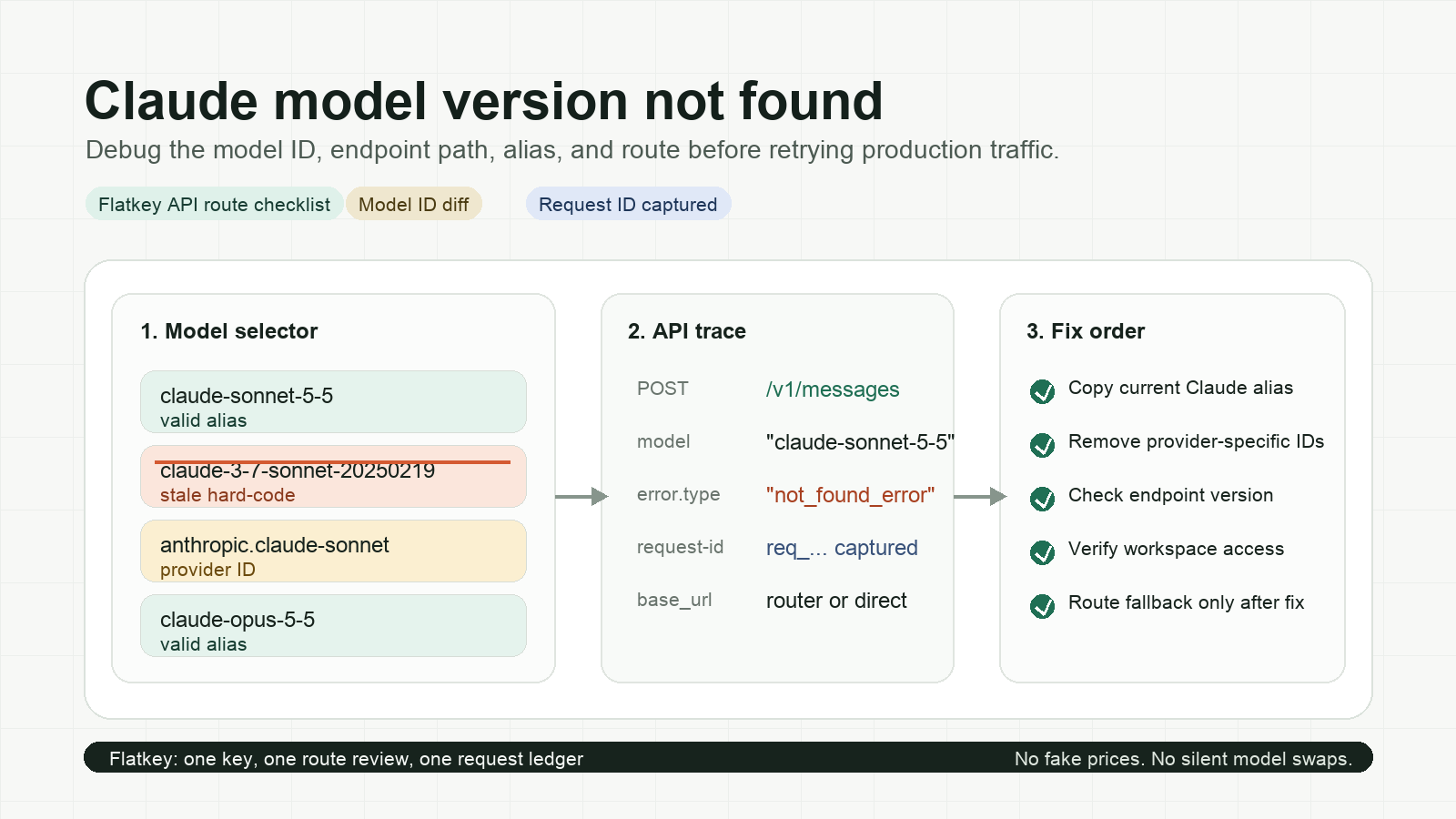
| Model ID | The exact model ID is current and supported by the account route. |
| Request shape | Messages, tools, JSON schema, streaming, and modality fields match the route. |
| Rate limits | The traffic class stays inside RPM, TPM, daily, and spend constraints. |
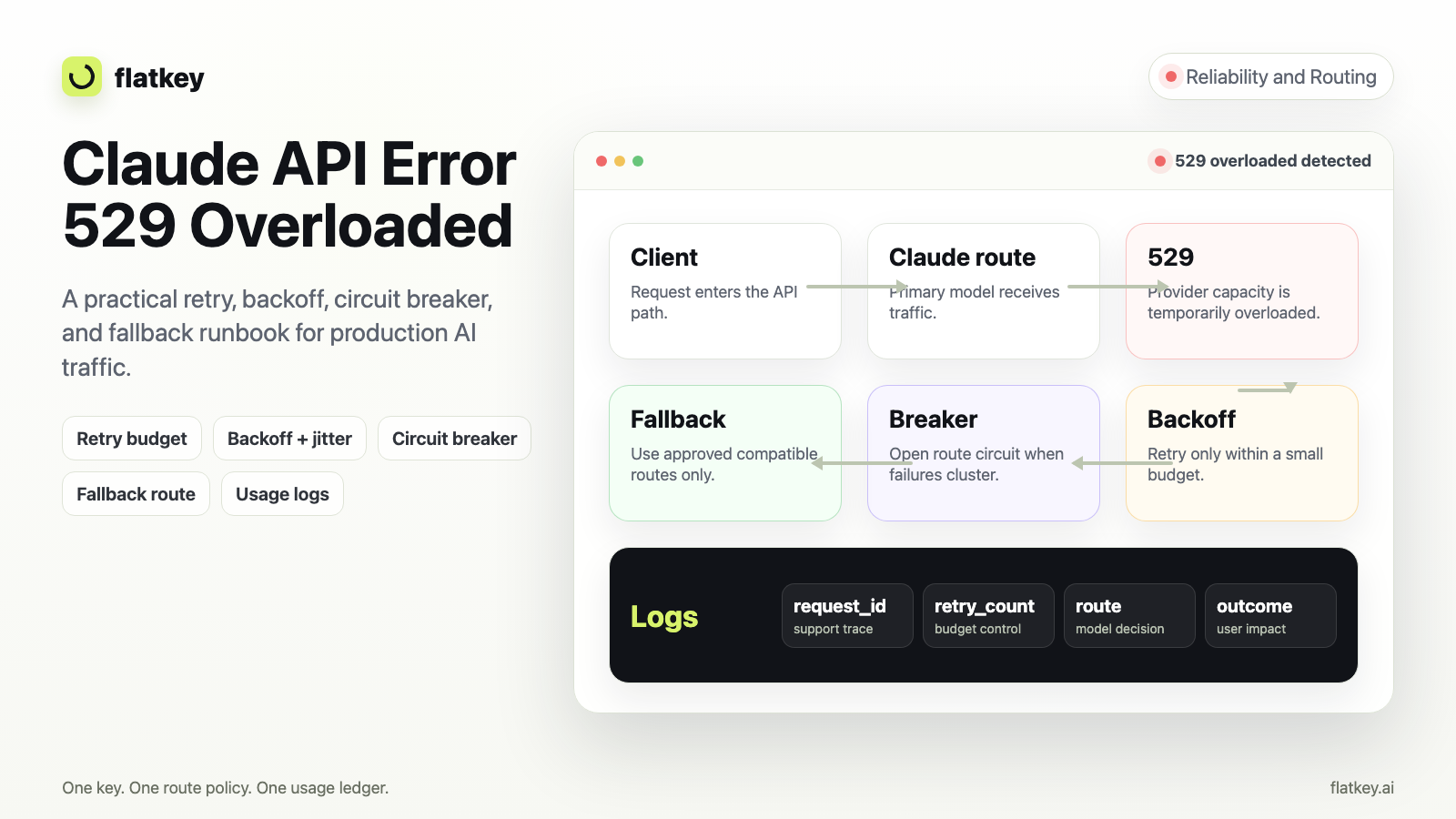
| Error mapping | 400, 401, 403, 429, 5xx, timeout, and provider-overloaded cases map to actionable app behavior. |
| Fallback policy | The app knows when to retry same route, switch provider, queue, or fail closed. |
| Cost log | Every request records model, token counts, cache usage, batch mode, latency, status, and cost. |
| Output validator | The product has a validator for JSON, tool calls, citations, or task-specific correctness. |
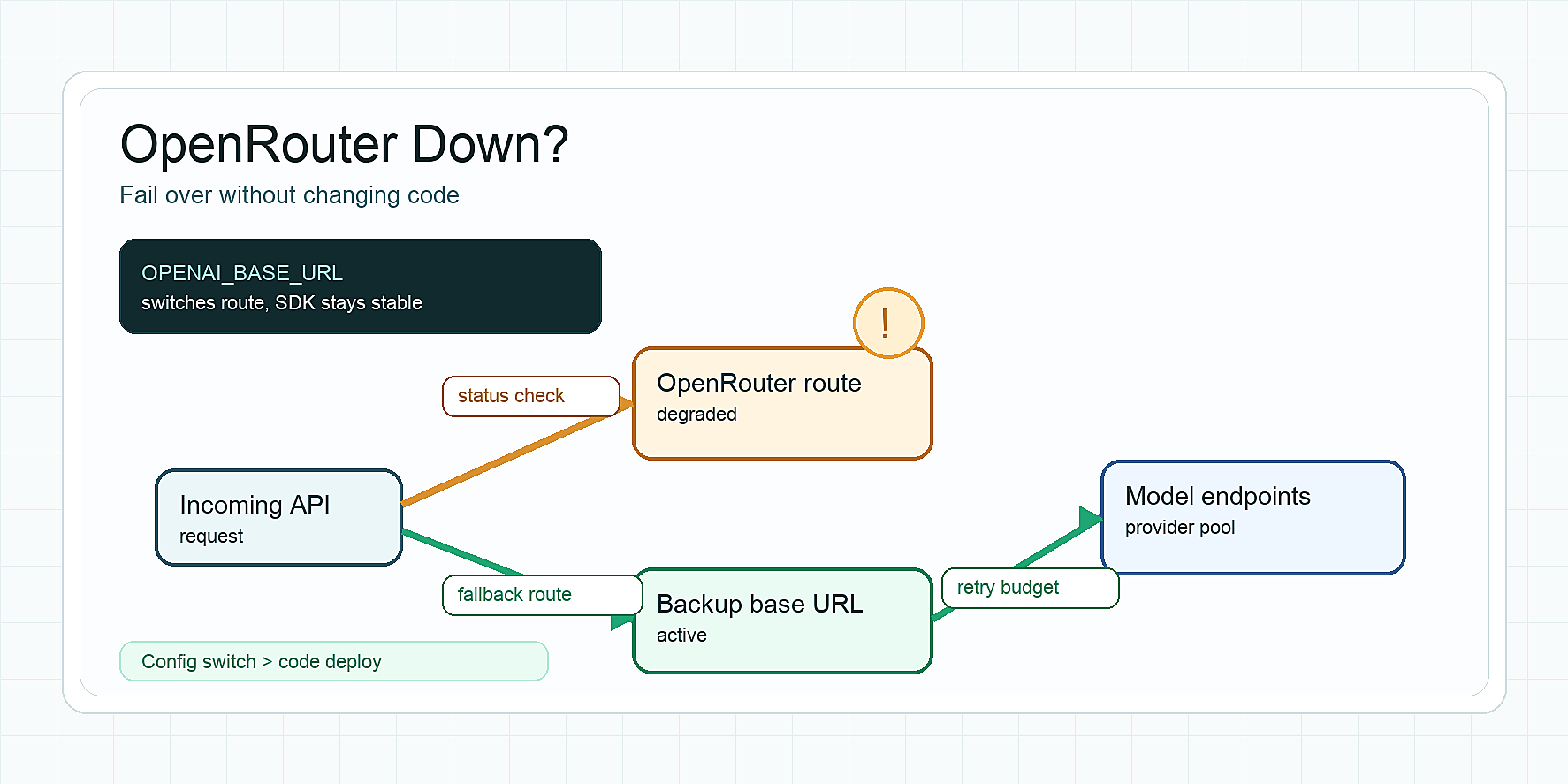
Flatkey's quickstart shows the OpenAI SDK pattern: keep the SDK and change the base_url to https://router.flatkey.ai/v1. The Flatkey REST API overview documents the same OpenAI-compatible base URL, and the Flatkey docs index describes one key, one shared balance, one model catalog, and docs for GPT, Claude, Gemini, DeepSeek, and other models. After the first request, Flatkey's quickstart tells users to check Usage Logs for model, token count, latency, and cost.
That makes Flatkey useful in a routing rollout: you can keep the app's request format stable, compare Gemini and Claude route behavior in usage logs, and promote a tested fallback without scattering provider keys across services.
For adjacent route-planning patterns, compare this workflow with Flatkey's Gemini API for agents checklist and the DeepSeek vs Qwen API routing checks article.
A practical routing scorecard
Use this scorecard for the final decision. Give each row a 1-5 score for Gemini and Claude, then weight by workload.
| Criterion | Weight | Gemini score | Claude score | Notes |
|---|---|---|---|---|
| Accepted-output cost | 25% | Include retries, cache, batch, and tool overhead. | ||
| Schema validity | 15% | Count parser failures and invalid enum values. | ||
| Tool-call precision | 15% | Count wrong tool, missing field, and unnecessary tool use. | ||
| Context reliability | 15% | Test at p50, p90, and worst-case prompt sizes. | ||
| Latency | 10% | Measure streaming and full-response latency. | ||
| Rate-limit headroom | 10% | Check project/account limits before launch. | ||
| Failure recovery | 10% | Verify retry, fallback, and human-review paths. |
For example:
- A background summarization pipeline might weight accepted-output cost and batch support highest.
- A coding agent might weight tool-call precision, latency, and context reliability highest.
- A customer-support workflow might weight schema validity, escalation behavior, and review cost highest.
The output of Gemini vs Claude API Routing should be a policy file, not a meeting note.
routes:
  support_triage:
    primary: gemini-or-claude-route-that-wins-scorecard
    fallback: second-provider-route
    validator: support_ticket_schema_v3
    retry_limit: 1
    fail_closed_when:
      - missing_required_field
      - unsafe_escalation_label
  code_review_agent:
    primary: route-that-wins-tool-and-context-tests
    fallback: route-with-best-safe-summary
    validator: diff_comment_schema_v2
    retry_limit: 0
    fail_closed_when:
      - tool_argument_invalid
      - repository_path_not_in_context
How to run a safe Flatkey comparison
Flatkey is not a substitute for evaluation. It is the control plane that makes evaluation and rollout easier.
- Pick one workload, such as support triage, code-review comments, report summarization, or extraction.
- Build a frozen set of 50-200 real prompts with expected output rules.
- Choose one Gemini route and one Claude route from the current model catalog.
- Send both through the same OpenAI-compatible request format where possible.
- Log token counts, latency, status, provider, model, cost, and validator result.
- Compare cost per accepted output, not price per million tokens.
- Ship the winner as primary and keep the other as a monitored fallback.
- Re-run the test after provider pricing, model IDs, context limits, or route health changes.
This is where a gateway earns its keep. If the application already uses an OpenAI-compatible client, Flatkey can make the first test as small as a base_url change plus a model selection change. If the route fails, you roll back the route policy instead of rewriting application code.
Common mistakes in Gemini vs Claude API Routing
Mistake 1: Comparing only flagship models.
Most production workflows do not need the most expensive model for every request. Compare route classes: fast, cheap, long-context, reasoning-heavy, batch, and fallback.
Mistake 2: Ignoring tool schemas.
Agent prompts often include large tool definitions. Measure those tokens and validate tool arguments.
Mistake 3: Treating context window as answer quality.
A larger context window is useful only when the model reliably uses the right parts of it.
Mistake 4: Forgetting fallback semantics.
A fallback model can be worse than no fallback if it changes output shape, skips required tools, or violates a product policy.
Mistake 5: Publishing a route without usage-log review.
Your logs should show the actual model, token counts, latency, status, cost, and fallback reason. If those fields are missing, you cannot debug the route under load.
FAQ
Is Gemini cheaper than Claude?
Sometimes, but not always after validation. Gemini often has attractive listed rates for Flash-style workloads, while Claude can win when higher acceptance, fewer retries, better tool behavior, or lower review cost offsets higher token rates. Use the provider pricing pages and calculate cost per accepted output.
Is Claude better than Gemini for tool calling?
Not universally. Claude has strong tool-use documentation and agent-oriented patterns, while Gemini supports function calling and structured outputs. The right answer depends on your tool schema, error handling, streaming needs, and validator results.
Should I route every request through one provider first?
Usually no. Split traffic by workload class. A cheap batch route, a realtime chat route, a long-context route, and a fallback route may all use different models.
Do batch APIs make realtime routes cheaper?
No. Batch discounts help delayed workloads. They do not help a user waiting for a chat, support, or coding-agent response.
Why use Flatkey for Gemini vs Claude API Routing?
Use Flatkey when you want one OpenAI-compatible control plane for model selection, usage logs, cost review, and fallback rollout. It is especially useful when an app already uses an OpenAI-style SDK and needs to compare Gemini and Claude without spreading provider keys and billing views across services.
Conclusion
Gemini vs Claude API Routing: Cost, Context, Tools, and Reliability Checks is not a one-time vendor comparison. It is an operating workflow. Start with official pricing and model docs, test context and tool behavior on real prompts, score cost per accepted output, and keep a fallback policy ready before production traffic moves.
If your team wants to compare Gemini and Claude behind one OpenAI-compatible gateway, start with the Flatkey quickstart, pick the route candidates from the current model catalog, and verify the first calls in Usage Logs before expanding traffic.