Kimi K3 vs GPT 5.6 Sol: Pricing, Context, and Which API to Test
If you are comparing Kimi K3 vs GPT 5.6 Sol, do not start with a leaderboard screenshot. Start by choosing the exact model IDs, normalizing reasoning effort, and measuring cost per accepted result on your own tasks.
Both models are built for long-context, agentic work. Kimi's current API documentation positions kimi-k3 as its flagship for long-horizon coding, knowledge work, native visual understanding, and deep reasoning. OpenAI positions gpt-5.6-sol as the flagship tier of the GPT-5.6 family for complex professional work. The practical difference is not simply “which model is smarter?” It is which route gives your product the right quality, tool behavior, latency, and bill for a specific workload.
This guide compares Kimi K3 vs GPT 5.6 Sol using the providers’ current documentation, then gives you a reproducible API evaluation plan. It also includes GPT-5.6 Terra, the lower-cost GPT-5.6 option, because it is often the more useful baseline for a production routing decision.
Short answer: Test Kimi K3 when long-context coding, always-on reasoning, and Kimi’s native vision workflow match your product. Test GPT-5.6 Sol when you need the OpenAI tool surface and a configurable flagship reasoning tier. Keep GPT-5.6 Terra in the test set when unit cost matters. Do not declare a winner before running the same fixtures through each route.
What “GPT-5” means in this comparison
“GPT-5” is an ambiguous search term in October 2026. OpenAI’s GPT-5 model page describes GPT-5 as a previous, deprecated model, while its current deprecation guidance directs several older GPT-5 snapshots to the GPT-5.6 family. In this article, Kimi K3 vs GPT 5.6 Sol means the current public model IDs kimi-k3 and gpt-5.6-sol, not an unspecified legacy GPT-5 alias.
If your application is pinned to an older gpt-5-* snapshot, treat that as a migration project first. Pin the precise replacement, update your tests, and confirm the provider’s shutdown date before comparing model quality.
Kimi K3 vs GPT 5.6 Sol at a glance
| Decision factor | Kimi K3 | GPT-5.6 Sol | GPT-5.6 Terra |
|---|---|---|---|
| API model ID | kimi-k3 |
gpt-5.6-sol |
gpt-5.6-terra |
| Provider positioning | Flagship for long-horizon coding, knowledge work, reasoning, and native visual understanding | Flagship GPT-5.6 tier for complex professional work | GPT-5.6 tier designed to balance intelligence and cost |
| Context window | Up to 1M tokens | 1.05M tokens | 1.05M tokens |
| Reasoning controls | Always enabled; low, high, or max; default max |
none, low, medium, high, xhigh, or max; default medium |
Same documented reasoning-effort choices as Sol |
| Direct list input price | $3.00 / 1M uncached tokens | $4.00 / 1M tokens | $2.00 / 1M tokens |
| Direct list cached-input price | $0.30 / 1M tokens | $0.40 / 1M tokens | $0.20 / 1M tokens |
| Direct list output price | $15.00 / 1M tokens | $20.00 / 1M tokens | $12.00 / 1M tokens |
| Tooling question to test | Kimi-specific request, thinking, vision, and tool-call behavior on your chosen endpoint | OpenAI Responses features and hosted tools needed by your product | Same integration surface, with a lower-priced GPT-5.6 candidate |
The Kimi figures come from Moonshot’s current platform and billing pages. The GPT figures come from OpenAI’s individual model pages. They are direct-provider reference prices, checked October 22, 2026—not a quote for every gateway, region, promotion, tool call, tax treatment, or enterprise agreement.
For Kimi K3 vs GPT 5.6 Sol, the headline context numbers are close enough that “one million tokens” should not decide the result by itself. The meaningful questions are whether your long-context fixtures retain the facts that matter, whether output remains usable, and what the complete request costs after caching and output tokens.
Price comparison: use a workload, not a sticker price
Token prices are inputs to a cost model, not the model-selection result. A simple estimate is:
estimated request cost =
  (uncached input tokens × uncached-input rate) +
  (cached input tokens × cached-input rate) +
  (output tokens × output rate)
Here is the direct-price math for two deliberately simple workloads. It excludes taxes, gateway pricing, tool-call charges, and any long-context premium.
| Example workload | Kimi K3 | GPT-5.6 Sol | GPT-5.6 Terra |
|---|---|---|---|
| 1M uncached input + 250K output | $6.75 | $9.00 | $5.00 |
| 1M cached input + 250K output | $4.05 | $5.40 | $3.20 |
Those calculations show why Kimi K3 vs GPT 5.6 Sol is not a one-dimensional cost comparison. Kimi’s published list rate is lower than Sol’s for this example, while Terra is lower still. But a cheaper call that needs retries, produces more manual review work, or misses a tool contract is not automatically cheaper per accepted task.
There is another long-context wrinkle. OpenAI documents a price multiplier for GPT-5.6 Sol and Terra prompts above 272K input tokens: 2× input and 1.5× output for the full request. Kimi’s K3 billing guide says its K3 price is not tiered by context-length band. Put a real long-document case in your test set and record the invoice-visible usage; do not extrapolate from a short prompt.
For a broader method, use our guide on how to compare AI model prices before switching providers.
Reasoning settings are not interchangeable
Kimi K3 always runs in thinking mode. Its documented reasoning_effort values are low, high, and max, with max as the default. GPT-5.6 Sol and GPT-5.6 Terra document a broader scale that includes none, low, medium, high, xhigh, and max, with medium as the default.
That makes default-versus-default testing misleading. A fair Kimi K3 vs GPT 5.6 Sol experiment should set a compatible shared level such as high where the route supports it, then run a separate budget-oriented comparison using the providers’ documented defaults. Keep those results in separate rows—otherwise you are mixing model choice with reasoning-budget choice.
Also keep provider-specific parameters out of the first cross-model baseline. Kimi’s documentation calls out its own K3 behavior; OpenAI’s Response API exposes a broader hosted-tool surface. Start with a plain structured task and add tool, vision, and multimodal cases only after the basic request/response contract passes.
Tools, APIs, and migration fit
Both providers offer familiar developer surfaces, but “OpenAI-compatible” should be treated as a starting point, not a promise that every field and streamed event is identical.
OpenAI documents Chat Completions and Responses access for GPT-5.6 Sol, along with function calling, structured outputs, and numerous Responses API tools such as web search, file search, image generation, code interpreter, hosted shell, computer use, MCP, and tool search. That can simplify a workflow that already depends on those OpenAI-hosted capabilities.
Kimi documents kimi-k3 for long-horizon coding and knowledge work, and its official material describes OpenAI-compatible and Responses-oriented integrations. K3’s always-on thinking, its allowed reasoning levels, and its vision or tool-call details deserve route-specific smoke tests before you migrate an agent with a complex message history.
If you are already evaluating K3, read the Kimi K3 API access guide for its model-ID, parameter, and direct-provider setup notes. If you need to keep one client while rotating candidates, use an OpenAI-compatible base URL for multi-model prompt testing and preserve each candidate’s exact model ID in your logs.
A 48-hour Kimi K3 vs GPT 5.6 Sol evaluation plan
Do not run a single clever prompt and call the result a benchmark. Use a small but representative fixture set.
- Pin candidates. Start with
kimi-k3,gpt-5.6-sol, andgpt-5.6-terra. Record the date, endpoint, SDK version, model ID, and reasoning setting for every request. - Choose 20–50 real tasks. Include the code changes, documents, schemas, tool calls, images, and failure cases your users actually generate. Redact sensitive inputs before sending them anywhere.
- Define acceptance before running. Examples: tests pass, JSON validates, cited fields are present, a human reviewer accepts the result, or an agent completes the task without an unsafe retry.
- Capture the full operating record. Store input, cached-input, output, and retry token counts; latency; HTTP or tool errors; acceptance result; and reviewer time. Add rate-limit behavior for sustained traffic using an LLM rate-limit planning checklist.
- Score cost per accepted result. Divide total spend for each candidate by accepted tasks, not by raw calls. Keep failure and retry costs in the numerator.
- Roll out with a fallback. Route a small percentage of eligible work to the chosen candidate, keep a tested fallback, and alert on quality, latency, and cost regressions.
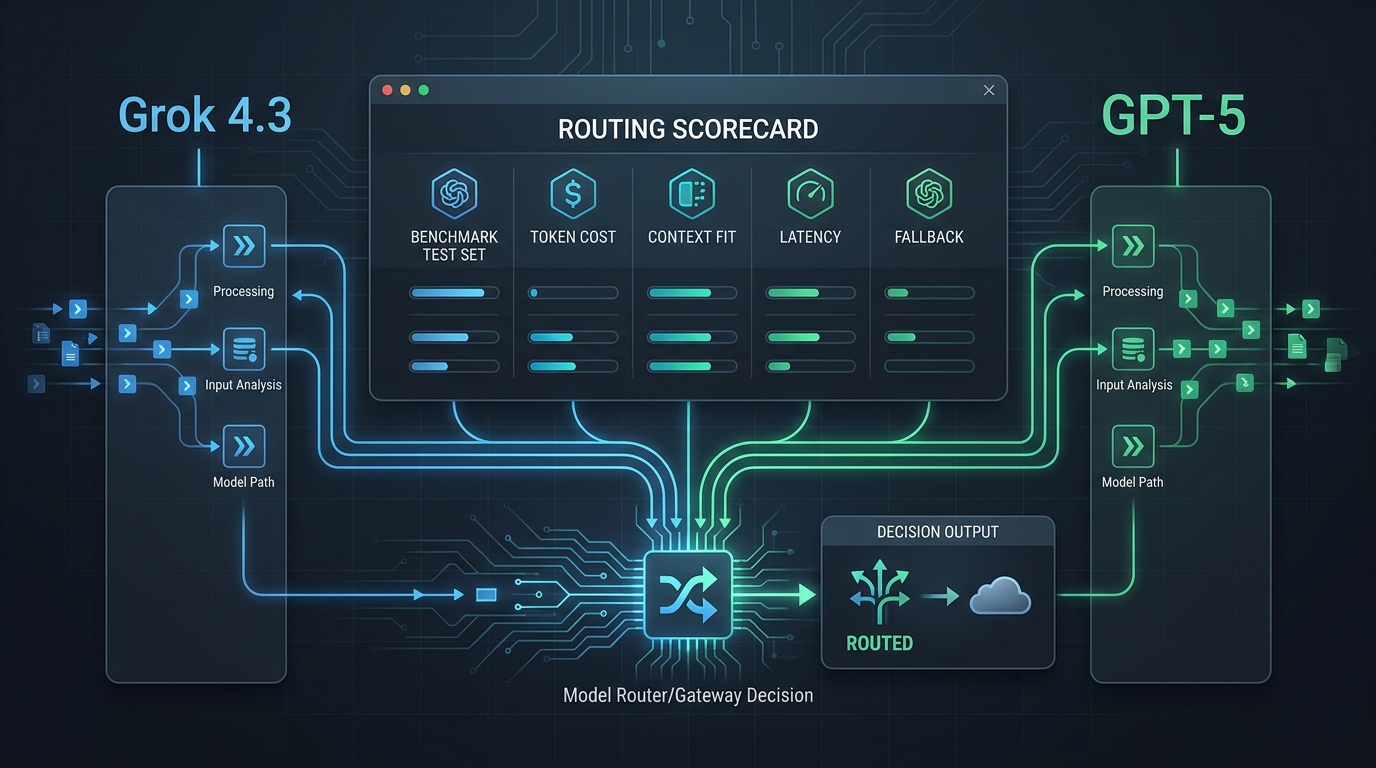
Use a compact scorecard so a team can revisit the decision when a model or price changes:
| Metric | Why it matters | Example acceptance rule |
|---|---|---|
| Task pass rate | Captures user-visible quality | Tests pass or reviewer approves |
| Cost per accepted task | Includes retries and output volume | Stay inside the workload budget |
| P95 latency | Captures tail experience | Meet the interaction or job SLA |
| Structured-output validity | Shows API-contract reliability | Schema validates without repair |
| Tool or agent completion | Tests real workflow behavior | Required tools complete with correct handoff |
| Fallback recovery | Protects production availability | Retry or fallback completes safely |
Test the same request through one routing layer
Using the same client for all candidates removes a source of accidental comparison bias. Flatkey’s public quickstart documents one key and an OpenAI-compatible https://router.flatkey.ai/v1 base URL, while its public pricing metadata listed kimi-k3, gpt-5.6-sol, and gpt-5.6-terra as available when this article was checked. Availability and field support can change, so verify the model contract before a production rollout.
import os
from openai import OpenAI

client = OpenAI(
    api_key=os.environ["FLATKEY_API_KEY"],
    base_url="https://router.flatkey.ai/v1",
)

for model in ("kimi-k3", "gpt-5.6-sol", "gpt-5.6-terra"):
    response = client.chat.completions.create(
        model=model,
        reasoning_effort="high",  # a shared supported baseline to test first
        messages=[
            {"role": "user", "content": "Solve the evaluation fixture and return valid JSON."}
        ],
    )
    print(model, response.choices[0].message.content)
Use that snippet as an evaluation starting point, not as a production contract. In particular, confirm any Kimi-specific fields, tool behavior, streaming events, safety settings, and output schema on the exact endpoint you choose. After each run, inspect request-level usage and outcomes rather than assuming an alias, promotion, or model card will remain unchanged.
Which model should you test first?
Start Kimi K3 vs GPT 5.6 Sol with Kimi K3 if your critical task is long-horizon coding or knowledge work, you want K3’s documented native visual understanding, and you are comfortable validating its K3-specific reasoning and request behavior.
Start with GPT-5.6 Sol if the workflow depends heavily on OpenAI’s current Responses API tooling, or if the broader reasoning_effort controls are part of your product design. Add GPT-5.6 Terra when the same API family and a lower direct token rate are more important than using the flagship tier.
The right production answer can be “all three”: a flagship route for hard tasks, a lower-cost route for repeatable work, and a tested fallback. An AI API gateway is most useful when it helps you enforce that policy without scattering provider keys and model-specific routing rules through product code.
Frequently asked questions
Is Kimi K3 cheaper than GPT-5.6 Sol?
On the direct list prices checked for this article, Kimi K3 is lower for uncached input, cached input, and output than GPT-5.6 Sol. That does not prove it has the lower cost per accepted task. Compare retries, output length, long-context pricing rules, tool charges, gateway prices, and human review work on your own fixtures.
Is GPT-5.6 Terra a better comparison than GPT-5.6 Sol?
It is a useful additional comparison when cost sensitivity is part of the decision. Terra has the same documented 1.05M-token context window and lower direct list rates than Sol, while Sol is OpenAI’s flagship GPT-5.6 tier. Include both when you need to separate a model-family decision from a price-tier decision.
Can I use Kimi K3 and GPT-5.6 Sol with the same OpenAI client?
You can use an OpenAI-style client with a compatible provider or routing layer, but you must validate the exact endpoint and fields. Model compatibility does not make reasoning parameters, tool events, vision inputs, rate limits, or structured-output behavior identical.
Does a larger context window mean a model is better for my codebase?
No. Context capacity does not guarantee retrieval, reasoning, output quality, latency, or a manageable bill. Put a representative repository or document fixture in the evaluation and score the accepted result, not the advertised context number.
Final recommendation
The useful result of a Kimi K3 vs GPT 5.6 Sol comparison is a routing rule you can explain: which candidate handles which task, at what reasoning level, within what latency and cost guardrails, with which fallback. Use the published price and context figures to form the test plan; use your own acceptance data to choose the production default.
Sources
- Kimi API model selection
- Kimi API platform and current K3 price card
- Kimi API billing guidance
- Kimi Open Platform Responses integration guidance
- OpenAI GPT-5.6 Sol model documentation
- OpenAI GPT-5.6 Terra model documentation
- OpenAI GPT-5 and deprecation documentation
- OpenAI model deprecations
- Flatkey quickstart