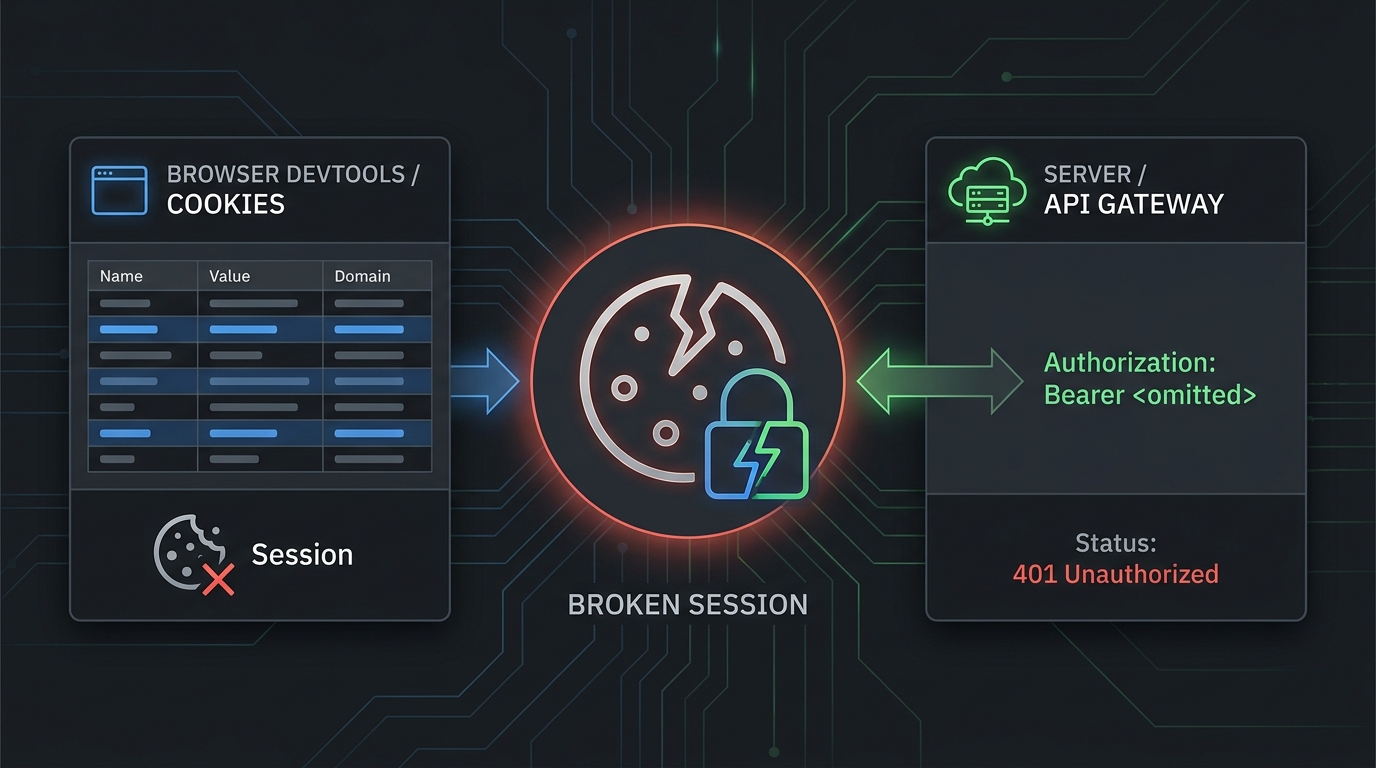
The error "API Key Not Found in Cookies" usually means your app expected an API key or login token to be available through a browser cookie, but the browser did not send it. In Kie.ai workflows, this often shows up during dashboard sessions, test consoles, embedded docs, or frontend experiments. It is different from a clean server-to-server API request, where the key should travel in an Authorization: Bearer header instead of a browser cookie.
Use this guide to fix Error "API Key Not Found in Cookies": 6 Ways to Fix It without leaking a production key into frontend code.
Quick Answer
If you see Error "API Key Not Found in Cookies": 6 Ways to Fix It, check these six things in order:
| Fix | What To Check | Most Likely Owner |
|---|---|---|
| 1 | Whether this is a browser-session problem or an API-request problem | Developer |
| 2 | Login state, workspace selection, and Kie.ai API key creation | Developer |
| 3 | Cookie blocking, SameSite, Secure, Domain, and Path settings | Frontend / platform |
| 4 | Whether production code is wrongly depending on browser cookies | Backend |
| 5 | Environment variables, proxy rules, and stripped auth headers | Backend / DevOps |
| 6 | Exposed, stale, revoked, or rotated keys | Security / platform |
For server-side integrations, do not rely on a cookie. Kie.ai's getting-started docs show API requests with:
Authorization: Bearer <YOUR_API_KEY>
Content-Type: application/json
That is the safer pattern for production code: keep the key on the server, load it from a secret store or environment variable, and send it as a bearer token.
1. Confirm Which Auth Path Is Failing
Start by identifying where the error appears.
If the error appears inside a browser, dashboard, embedded docs page, or API playground, the missing value may be a session cookie. In that case, the browser may have blocked, expired, cleared, or scoped the cookie away from the request.
If the error appears in your backend logs, serverless function, worker, CI job, or app API route, do not debug it as a cookie issue first. A backend integration should normally read the key from a secure server-side source and send it in the Authorization header.
Use this split:
| Symptom | Likely Meaning | First Check |
|---|---|---|
| Error only in browser UI | Login/session cookie missing | Re-authenticate and inspect cookies |
| Error in backend logs | Key was never attached to outbound request | Check environment variable and headers |
| Error after deploy only | Proxy or runtime config changed | Check deployed env vars and gateway rules |
| Error after key rotation | Old key is still running somewhere | Find stale secret references |
| Error in local dev only | Browser storage, localhost domain, or .env mismatch | Compare local and staging configs |
This matters because Error "API Key Not Found in Cookies": 6 Ways to Fix It is often phrased like a cookie problem even when the production fix is to stop using cookies for the API key.
2. Refresh The Kie.ai Session And Verify The API Key Exists
For browser-session failures, clear the simple causes first:
- Sign out of Kie.ai and sign back in.
- Confirm you are in the expected workspace or account.
- Open the current Kie.ai API key page and confirm a key exists.
- If the dashboard or docs console has a key picker, reselect the active key.
- Retry in a clean browser profile or private window.
Kie.ai's public getting-started page points users to create and manage keys at https://kie.ai/api-key, warns not to expose keys in frontend code, and says to treat the API key as a secret. That combination is important: a browser session may help you use a dashboard, but the production API key itself should not be embedded in frontend JavaScript.
If a private window works, your original browser profile probably had stale storage, blocked cookies, a conflicting extension, or a cookie scoped to the wrong account state.
3. Check Browser Cookie Rules: SameSite, Secure, Domain, And Path
If the missing cookie is legitimate session state, inspect the request in browser DevTools.
Open the failing request and check:
- Request URL: Is it the same site that set the cookie?
- Cookie header: Was the expected cookie sent?
- Set-Cookie response: Did the server set the cookie correctly?
- SameSite: Is a cross-site request blocked by
SameSite=LaxorSameSite=Strict? - Secure: Is
SameSite=Nonepaired withSecureover HTTPS? - Domain: Is the cookie available to the requested host or subdomain?
- Path: Does the request path match the cookie path?
- Expiration: Did
ExpiresorMax-Ageremove the cookie?
MDN's Set-Cookie reference documents the key rules behind these failures: SameSite=None requires Secure, Domain controls which host can receive a cookie, and Path controls which URL paths receive it. Those rules explain why the same request can work in one environment and fail in another.
Common fixes:
Dashboard works, embedded docs fail:
  Check third-party cookie blocking and SameSite policy.

Production domain works, staging fails:
  Check Domain and Secure settings for the staging host.

Localhost works, preview deploy fails:
  Check callback URLs, cookie domain, and HTTPS handling.

Only one browser fails:
  Check extensions, privacy mode, and cleared site data.
Do not "fix" Error "API Key Not Found in Cookies": 6 Ways to Fix It by making real API keys readable to frontend JavaScript. That turns a session problem into a secret-exposure problem.
4. Move API-Key Custody Out Of The Browser
For AI product teams, the durable fix is usually architectural: browser users should authenticate to your app, and your backend should call the AI API.
Use this pattern:
flowchart LR
  Browser[Browser session] --> App[Your app backend]
  App --> Secret[Server-side secret store or env var]
  App --> Provider[Kie.ai or model provider API]
  App --> Logs[Redacted request logs]
The browser can hold your app session. The backend holds the provider key. The outbound provider call includes:
Authorization: Bearer ${KIE_API_KEY}
Content-Type: application/json
For a server-side Node route, the shape is:
const response = await fetch("https://example-provider-endpoint/v1/...", {
  method: "POST",
  headers: {
    Authorization: `Bearer ${process.env.KIE_API_KEY}`,
    "Content-Type": "application/json",
  },
  body: JSON.stringify(payload),
});
Keep KIE_API_KEY out of client bundles, browser cookies, analytics events, error trackers, and public repositories. OWASP's secrets-management guidance treats API keys as secrets that need lifecycle controls such as secure storage, rotation, and exposure response.
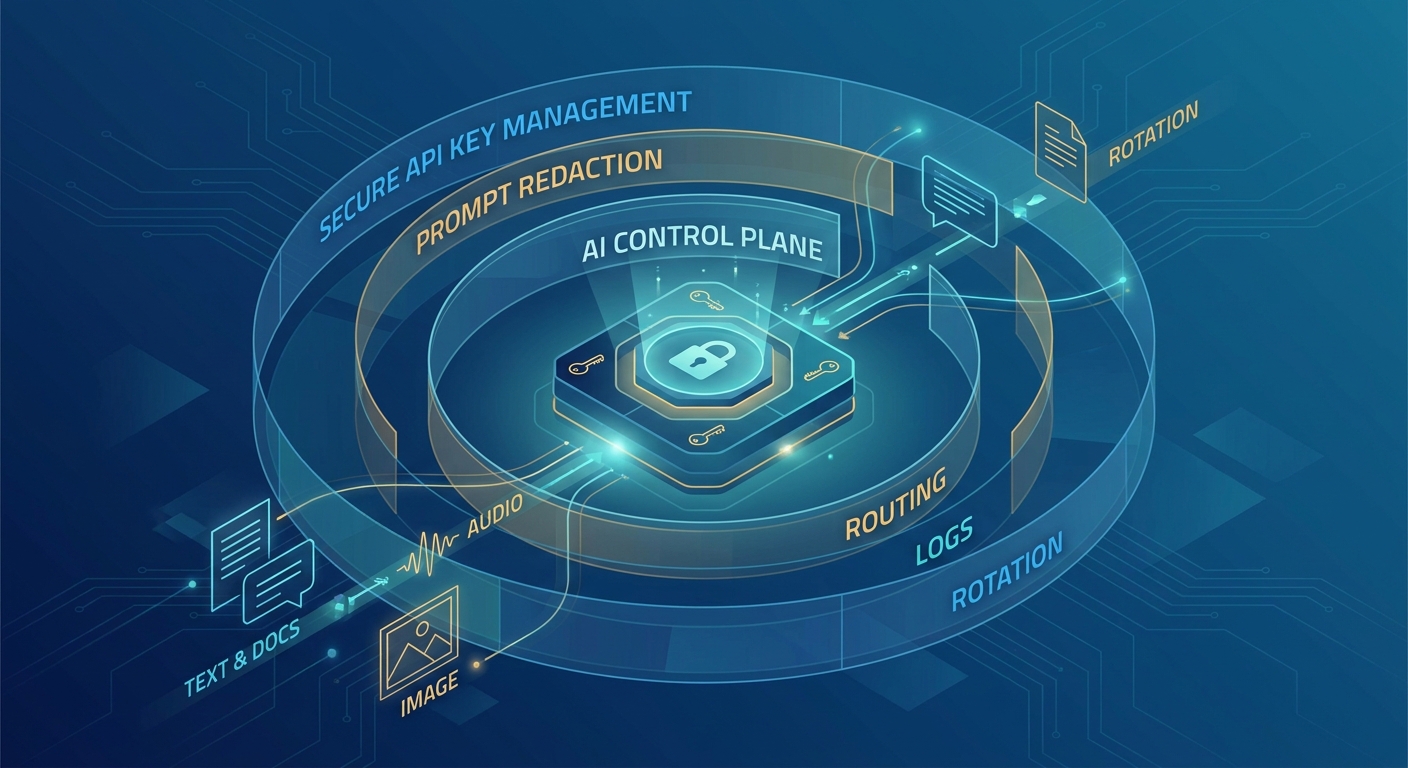
If you are already using multiple model providers, this is also where a gateway can help. Flatkey's API quickstart uses an OpenAI-compatible router base URL, while your application still sends a server-side bearer token. Flatkey will not repair a broken Kie.ai dashboard cookie, but it can help teams standardize supported model routes behind one server-side key pattern.
5. Check Environment Variables, Proxies, And Header Forwarding
If the browser is not the problem, inspect the deployed request path.
Run a local smoke test from a server context:
curl -i "$KIE_TEST_ENDPOINT" \
  -H "Authorization: Bearer $KIE_API_KEY" \
  -H "Content-Type: application/json" \
  --data '{"test":true}'
Then compare local, staging, and production:
| Layer | Failure To Look For | Fix |
|---|---|---|
.env / secret manager | Variable missing or named differently | Standardize the secret name |
| Build system | Secret available at build time but not runtime | Move it to runtime env config |
| Serverless function | Function lacks project or environment secret | Attach the secret to the deployed function |
| Reverse proxy | Authorization header stripped | Allowlist and forward auth headers |
| API gateway | Header overwritten by plugin or middleware | Review auth middleware order |
| Logs | Key accidentally logged | Redact and rotate immediately |
Many teams lose the key at a proxy boundary. The application code sets Authorization, but an edge function, gateway, CORS middleware, or internal fetch wrapper drops it before the provider sees the request.
When debugging Error "API Key Not Found in Cookies": 6 Ways to Fix It, log only safe metadata:
console.info("provider request auth check", {
  hasAuthorizationHeader: Boolean(request.headers.Authorization),
  provider: "kie",
  environment: process.env.NODE_ENV,
});
Do not log the token value.
6. Rotate Exposed Or Stale Keys, Then Retest From A Clean Path
If a real provider key was ever stored in a cookie, frontend variable, mobile app bundle, public repo, or client-side error report, treat it as exposed.
Use this response flow:
- Create a new key.
- Update the server-side secret.
- Deploy and verify the new key from a backend-only smoke test.
- Revoke the old key.
- Search logs, repos, build artifacts, and error trackers for the old key.
- Add a regression check so new frontend bundles do not contain provider keys.
Then retest the original flow:
Browser session works:
  User can sign in and open the dashboard or docs console.

Backend API works:
  Server sends Authorization: Bearer from runtime secrets.

Frontend bundle is clean:
  No provider API key appears in compiled JavaScript.

Logs are safe:
  No provider API key appears in request, response, or error logs.
This turns Error "API Key Not Found in Cookies": 6 Ways to Fix It from a one-off browser cleanup into a production authentication hardening task.
Kie.ai-Specific Debug Checklist
Use this Error "API Key Not Found in Cookies": 6 Ways to Fix It checklist before escalating:
- Confirm the current Kie.ai docs page is the source you are following.
- Confirm the key exists in the Kie.ai API key page.
- Confirm your backend sends
Authorization: Bearer <YOUR_API_KEY>. - Confirm
Content-Type: application/jsonis present when the endpoint expects JSON. - Confirm your frontend does not contain the key.
- Confirm browser cookies are only used for dashboard or app session state.
- Confirm no proxy removes the
Authorizationheader. - Confirm revoked keys are no longer referenced in any environment.
If the same backend request succeeds with curl but fails from the product, inspect your middleware and proxy chain. If it fails in both places, the key, endpoint, account, quota, or provider-side auth state is more likely the issue.
Where Flatkey Fits
Flatkey is useful when your team wants one server-side key pattern for supported models and tools, especially if you are moving away from scattered provider keys in agents, repos, and environments.
Use Flatkey when:
- You want an OpenAI-compatible gateway pattern for supported routes.
- You need a central place to inspect usage and logs.
- You want to reduce the number of provider keys copied across services.
- You are standardizing server-side bearer-token auth for AI calls.
Do not use Flatkey as a workaround for a broken browser login or a missing Kie.ai dashboard cookie. Fix the session problem first, then decide whether your production API architecture should use direct provider keys, a gateway, or a hybrid.
For related implementation details, read Flatkey's secure API key management guide, API quickstart, and AI model catalog guide.
Prevent Error "API Key Not Found in Cookies": 6 Ways to Fix It From Reappearing
The prevention pattern is simple: keep browser cookies for user sessions, keep provider keys on the server, and verify every outbound provider request by header presence rather than by browser storage. That gives product teams a repeatable way to avoid Error "API Key Not Found in Cookies": 6 Ways to Fix It during future releases.
Final Sanity Check
Before you close the incident, answer these questions:
- Did the browser session fail, or did the server-side provider request fail?
- Is any real provider key stored in a cookie or frontend bundle?
- Does the deployed backend send
Authorization: Bearer? - Did a proxy, middleware layer, or gateway strip the header?
- Was any old or exposed key rotated?
- Can you reproduce the fix with a clean browser profile and a backend smoke test?
That is the practical path through Error "API Key Not Found in Cookies": 6 Ways to Fix It: restore the session when the dashboard needs it, move provider-key custody to the backend when production traffic needs it, and verify the actual outbound request before blaming the API provider.
FAQ
What does "API Key Not Found in Cookies" mean?
It means the application expected an API key or session-linked auth value in browser cookies, but the cookie was missing from the request. The cause may be expired login state, blocked cookies, wrong cookie scope, or an app design that incorrectly expects provider API keys in the browser.
Is Error "API Key Not Found in Cookies": 6 Ways to Fix It always a browser problem?
No. Dashboard, docs-console, or browser-only failures point to session cookies. Backend, worker, or serverless failures usually point to a missing Authorization: Bearer header or missing runtime secret.
Should I store a Kie.ai API key in cookies?
No. Kie.ai's docs warn not to expose API keys in frontend code and to treat the API key as a secret. For production, keep the key server-side and send it in the Authorization: Bearer header.
Why does the request work locally but fail in production?
Common causes are missing deployed environment variables, HTTPS-only cookie settings, cookie domain mismatch, third-party cookie blocking in embedded flows, or a production proxy stripping the Authorization header.
Can Flatkey fix "API Key Not Found in Cookies"?
Flatkey cannot fix a missing Kie.ai dashboard cookie. It can help if the underlying problem is scattered server-side AI provider keys and you want a consistent gateway pattern for supported model routes.