
Tool Integrations
Latest articles in Tool Integrations.
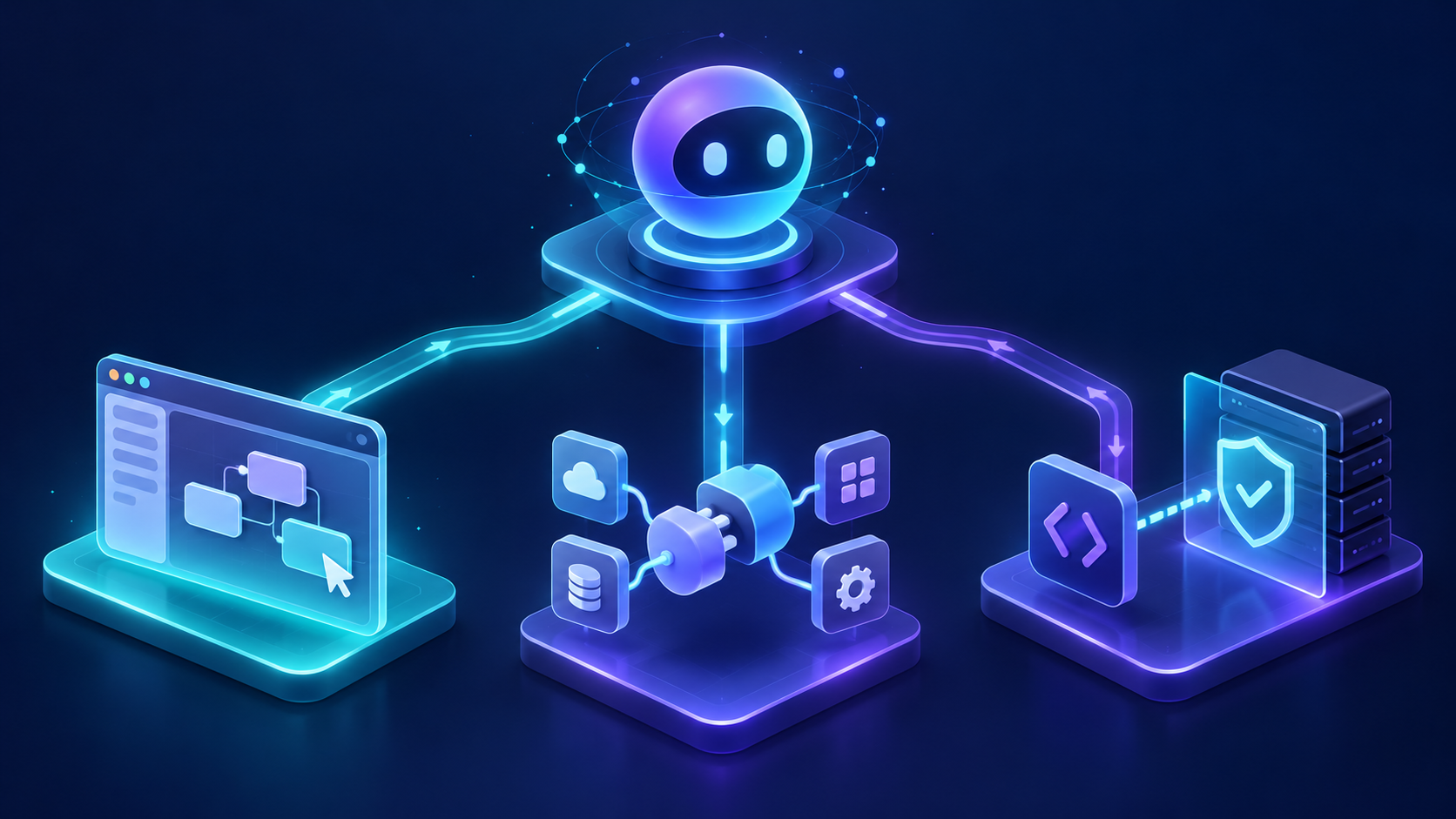
Genspark AI Agent Builder API Custom: Access, Pricing, Integration, and Production Guide
A practical guide to Genspark Custom Agent access, pricing, connectors, and the right production architecture when your app needs a documented API.
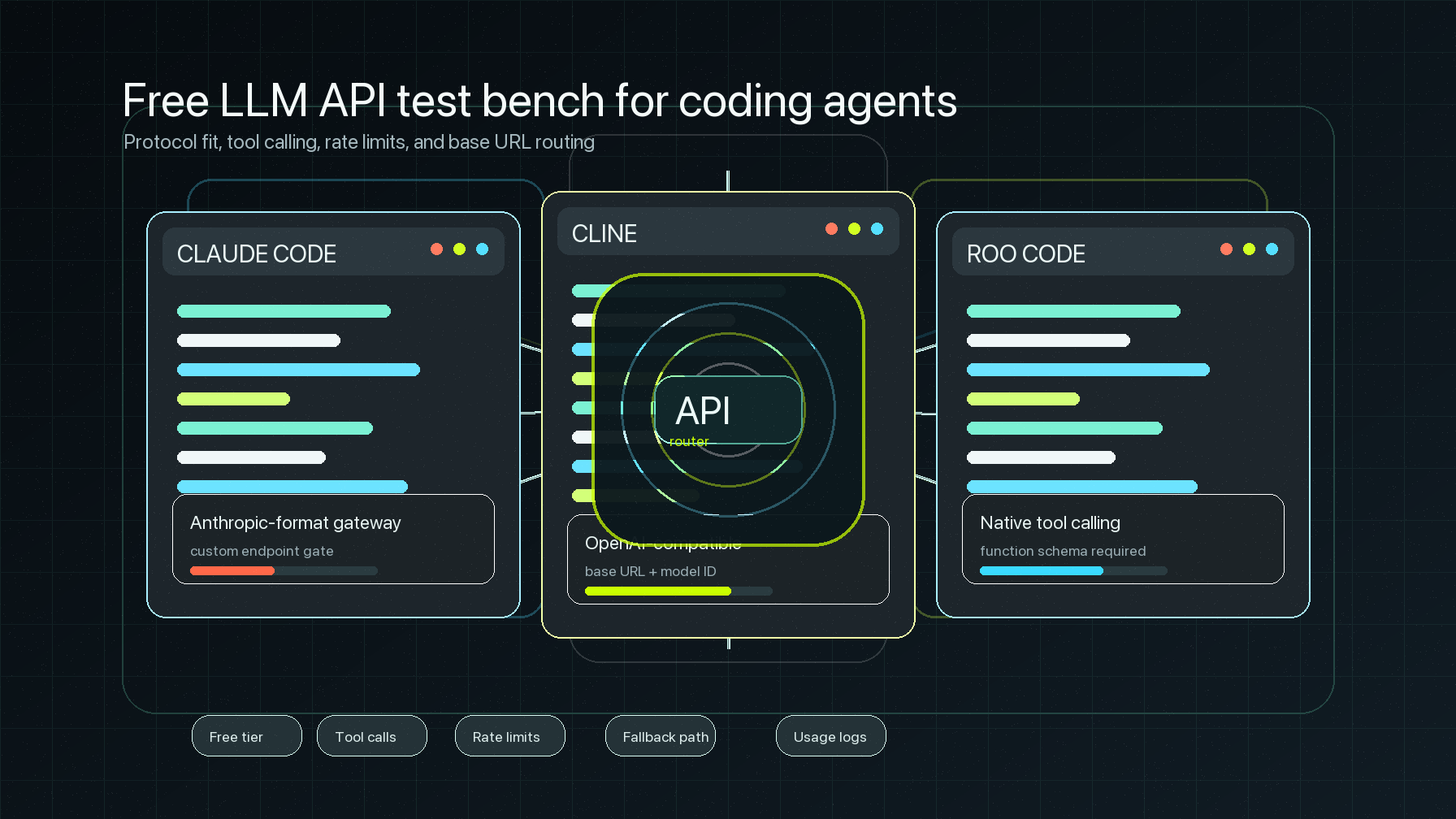
Which Free LLM Is Best for Coding? Tested on Claude Code, Cline, and Roo Code
A practical compatibility guide to free LLM APIs for coding agents, covering Claude Code, Cline, Roo Code, tool calling, base URLs, and quota caveats.
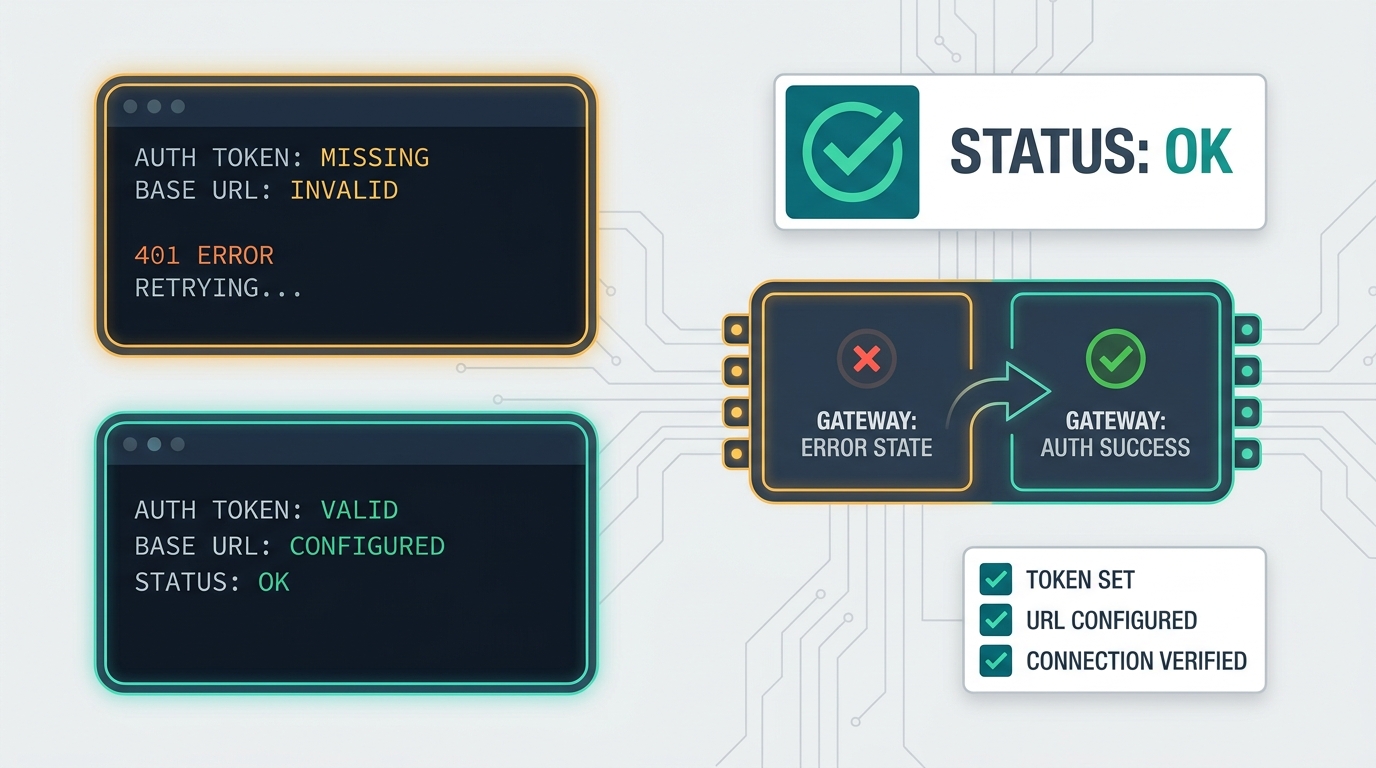
Claude Code ANTHROPIC_AUTH_TOKEN Errors: Complete Configuration Fixes
A complete troubleshooting runbook for Claude Code ANTHROPIC_AUTH_TOKEN, ANTHROPIC_API_KEY, ANTHROPIC_BASE_URL, /status, VS Code, GitHub Actions, and gateway 401 errors.
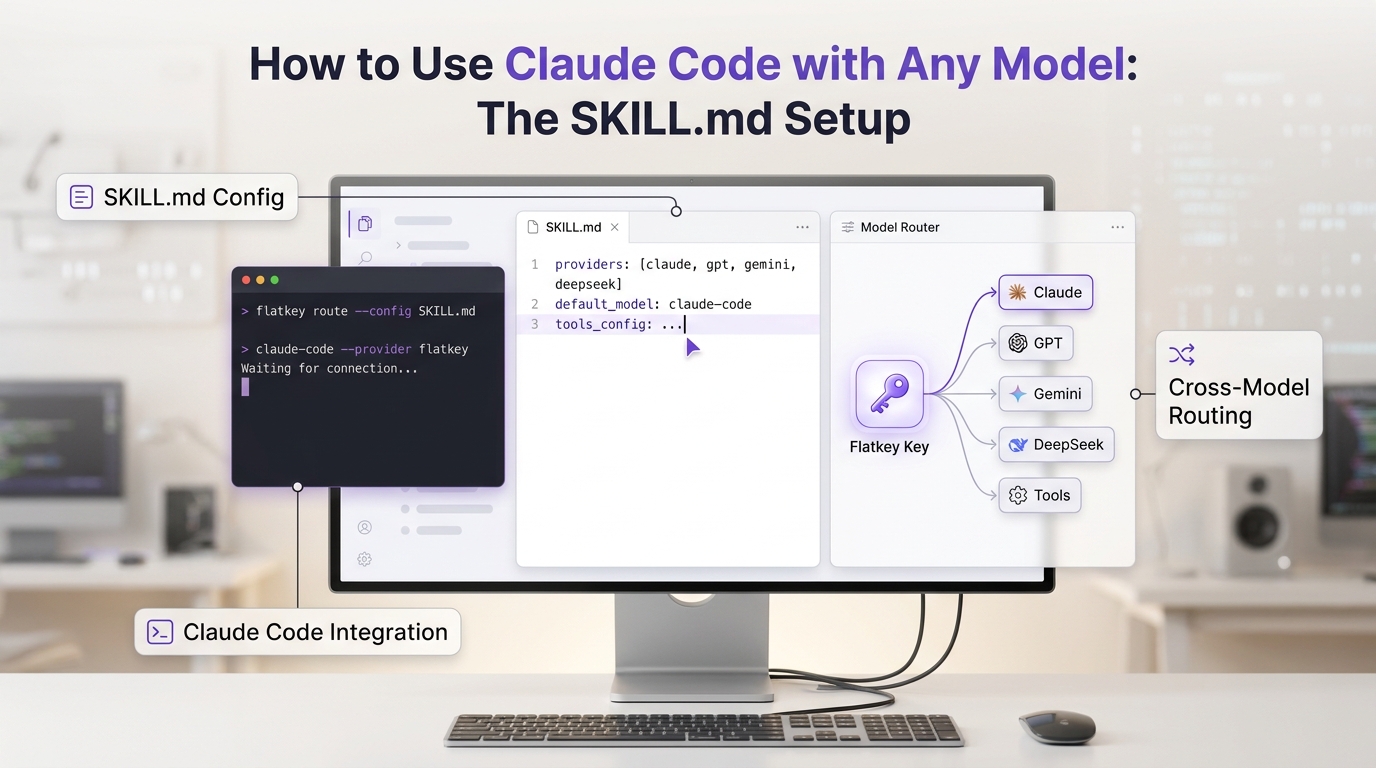
Claude Skills: How to Create and Use SKILL.md (2026 Guide)
Claude skills are folders with a SKILL.md file that Claude loads only when a task matches. Learn the format, where skills work, how to build your first one in Claude Code, and how to use them on the API.
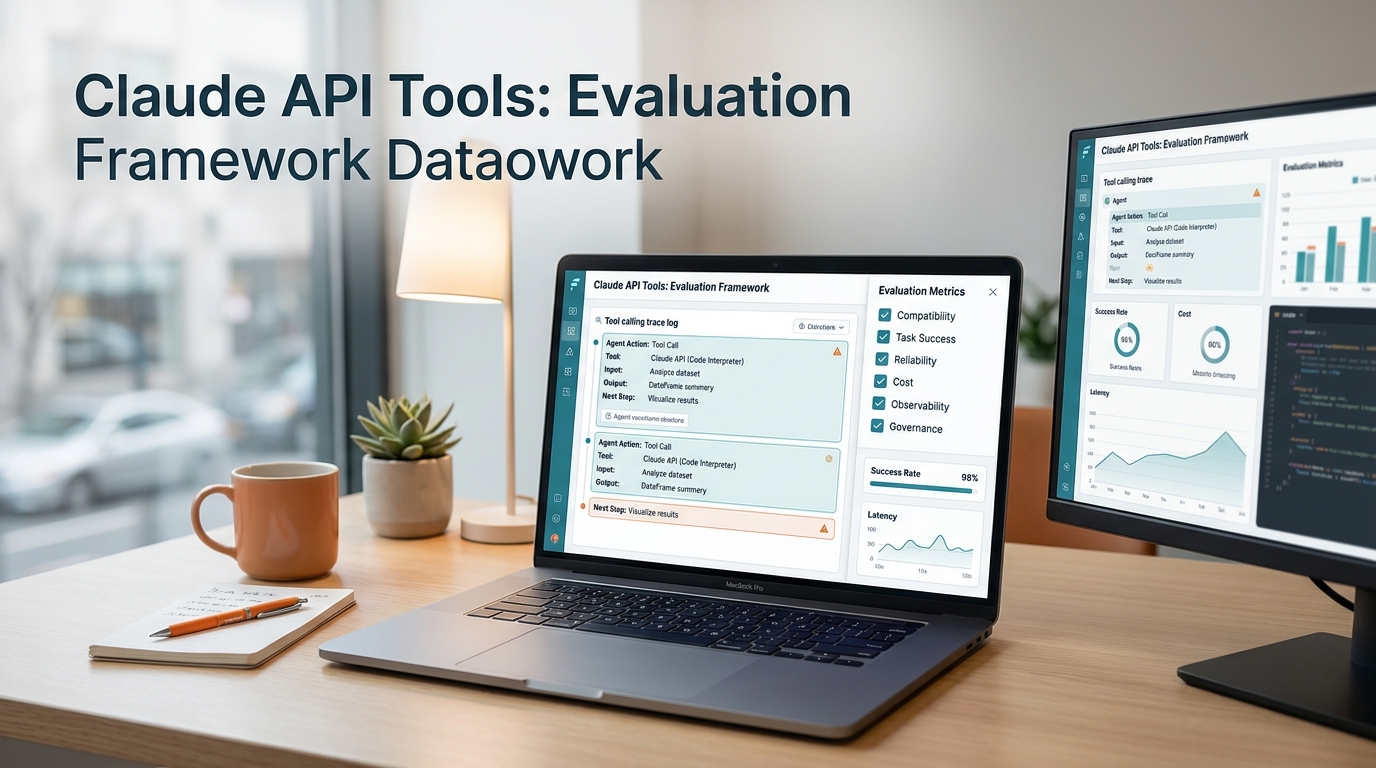
Claude API Tools: Evaluation Framework
A production evaluation framework for Claude API tools covering compatibility, task success, reliability, cost, observability, and governance.
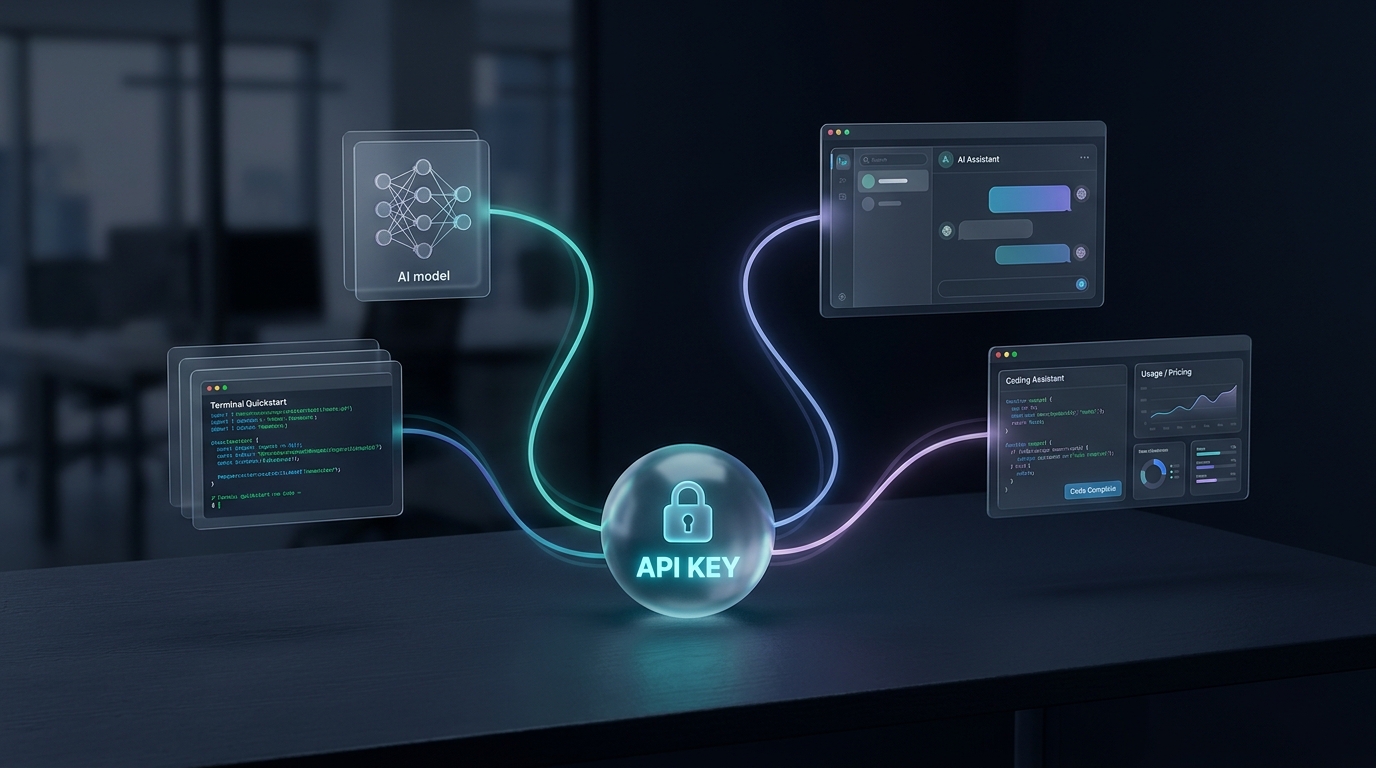
Flatkey Integration Starter: From One Key to Multi-Model Testing
Connect Flatkey to the quickest useful workflow: make a first API call, add Cherry Studio or CC Switch, compare models, and plan the team handoff.

Seedance API for text-to-video product teams
Verify Flatkey auth, base URL, and usage logs with one quickstart request, then swap to the approved Seedance route for async text-to-video evaluation.
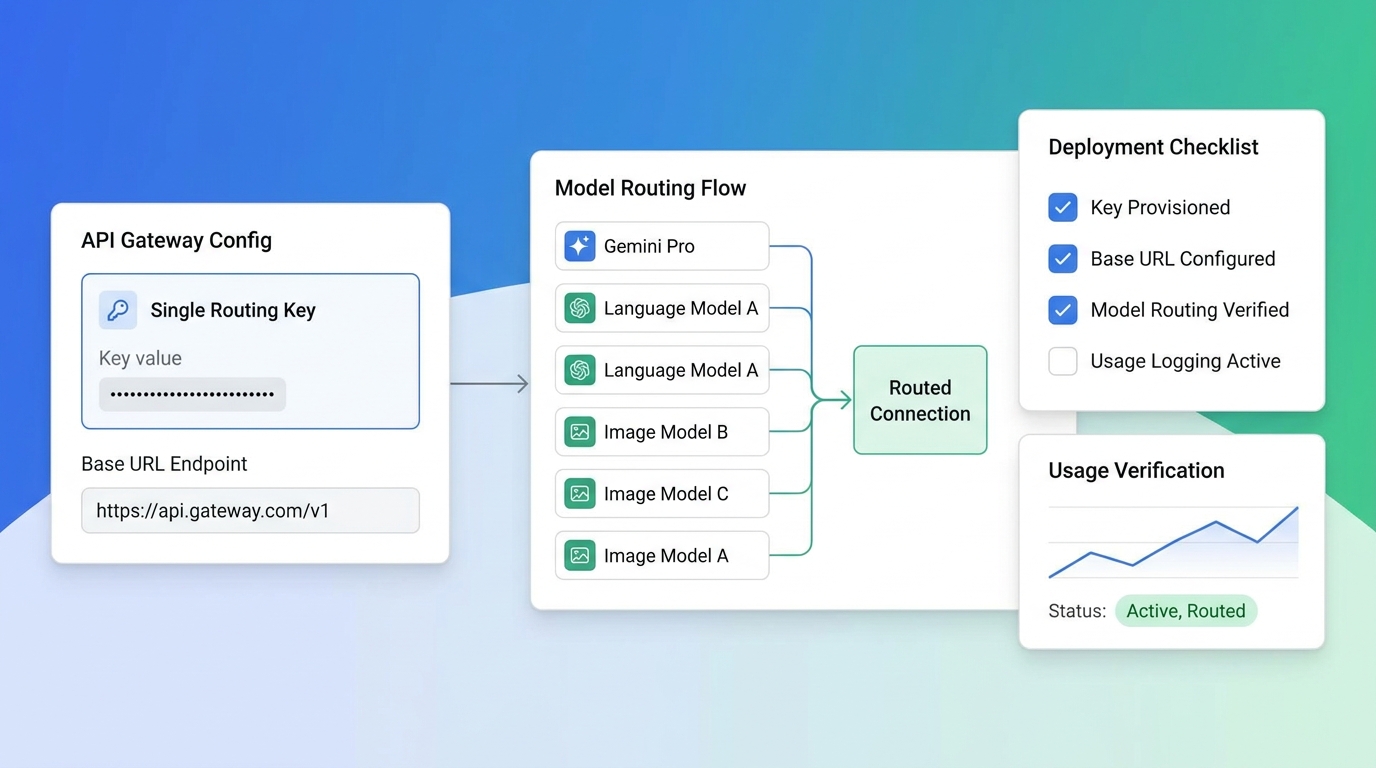
How to Get a Google Gemini API Key (2026): Create It, Test It, and Secure It for Production
Step-by-step: create a Google Gemini API key in AI Studio, set it as an environment variable, make your first call, check free-tier and paid limits, and lock the key down before production.
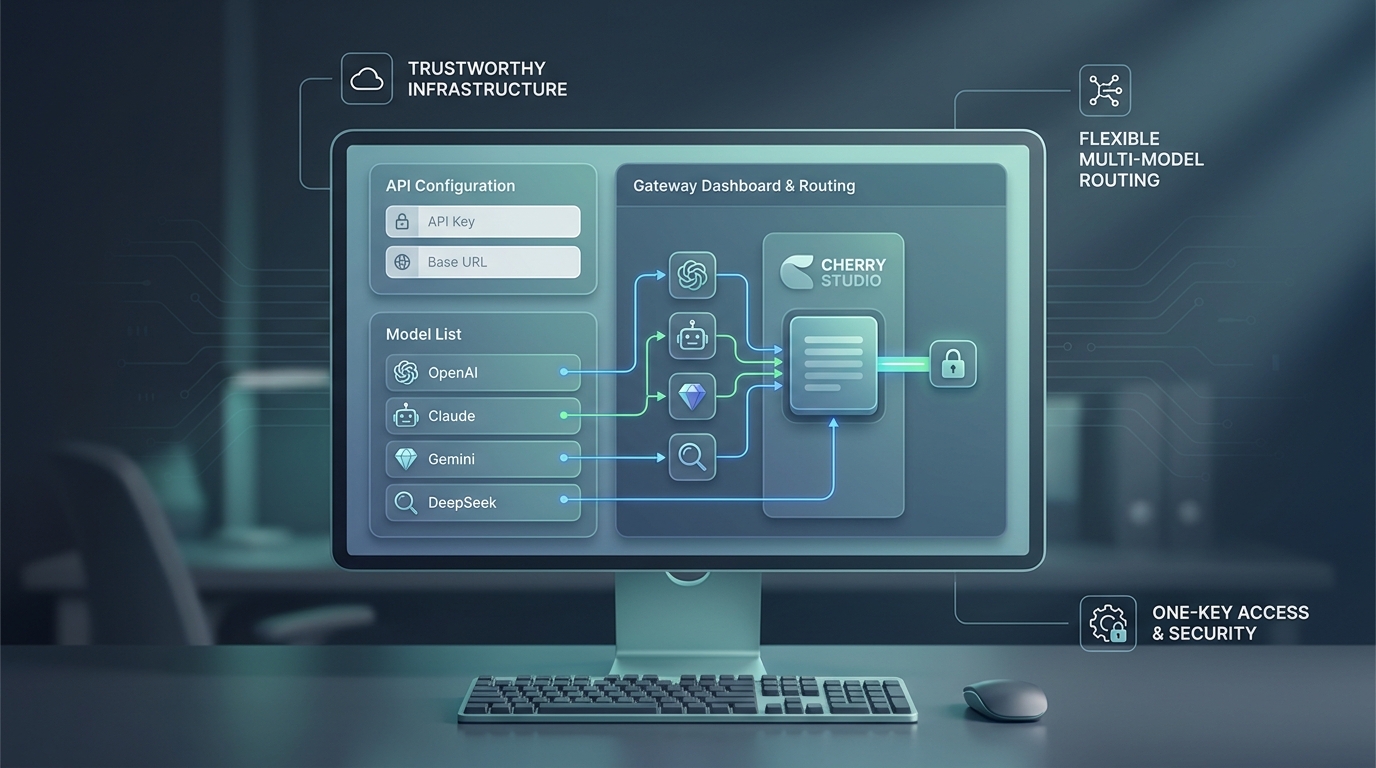
OpenAI API access guide for multi-model products: Cherry Studio setup with one key
Set up Cherry Studio with one OpenAI-compatible gateway so your team can use one key and one base URL instead of separate provider credentials.

CrewAI OpenAI-Compatible Router: One Key for Multi-Agent Workflows
Configure CrewAI with an OpenAI-compatible router through Flatkey, then verify base_url, model routes, tools, logs, costs, and rollback.

LangGraph Multi-Model Routing: Gateway Checks for Agent Workflows
Route LangGraph agent nodes across models through Flatkey, with gateway checks for budgets, tools, retries, logs, and rollback.

OpenCode OpenAI compatible provider setup: Route coding-agent models through Flatkey
Configure OpenCode with a custom OpenAI-compatible provider through Flatkey, then verify the base URL, model selection, logs, and rollback path.

Windsurf OpenAI compatible API setup: Route coding-agent traffic through one key
Route OpenAI-compatible app and SDK calls from Windsurf-driven projects through Flatkey without assuming a native Windsurf provider screen.

Cursor OpenAI Compatible API Setup: Base URL, Model Names, and Usage Logs
Set up a Cursor OpenAI compatible API path carefully: verify base URL support, model names, usage logs, BYOK policy, and rollback before routing traffic.
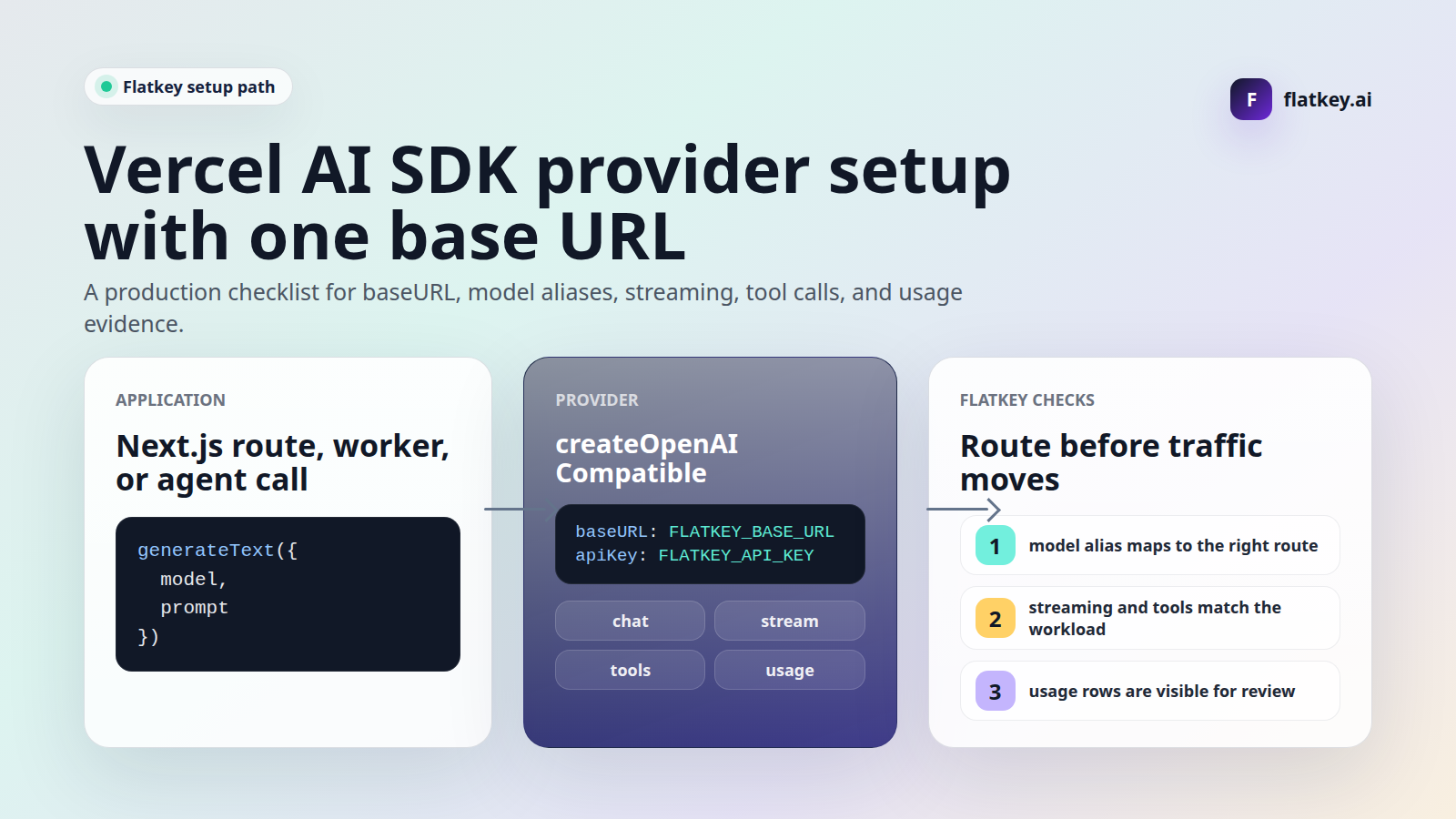
Vercel AI SDK custom provider base URL: Flatkey Setup Notes
Set a Vercel AI SDK custom provider base URL for Flatkey with provider setup, model aliases, streaming checks, tool checks, usage proof, and rollback.
Open WebUI OpenAI API base URL: Flatkey Setup Guide
Configure Open WebUI with Flatkey as an OpenAI-compatible router: base URL, API key, model filters, curl preflights, streaming checks, and usage review.
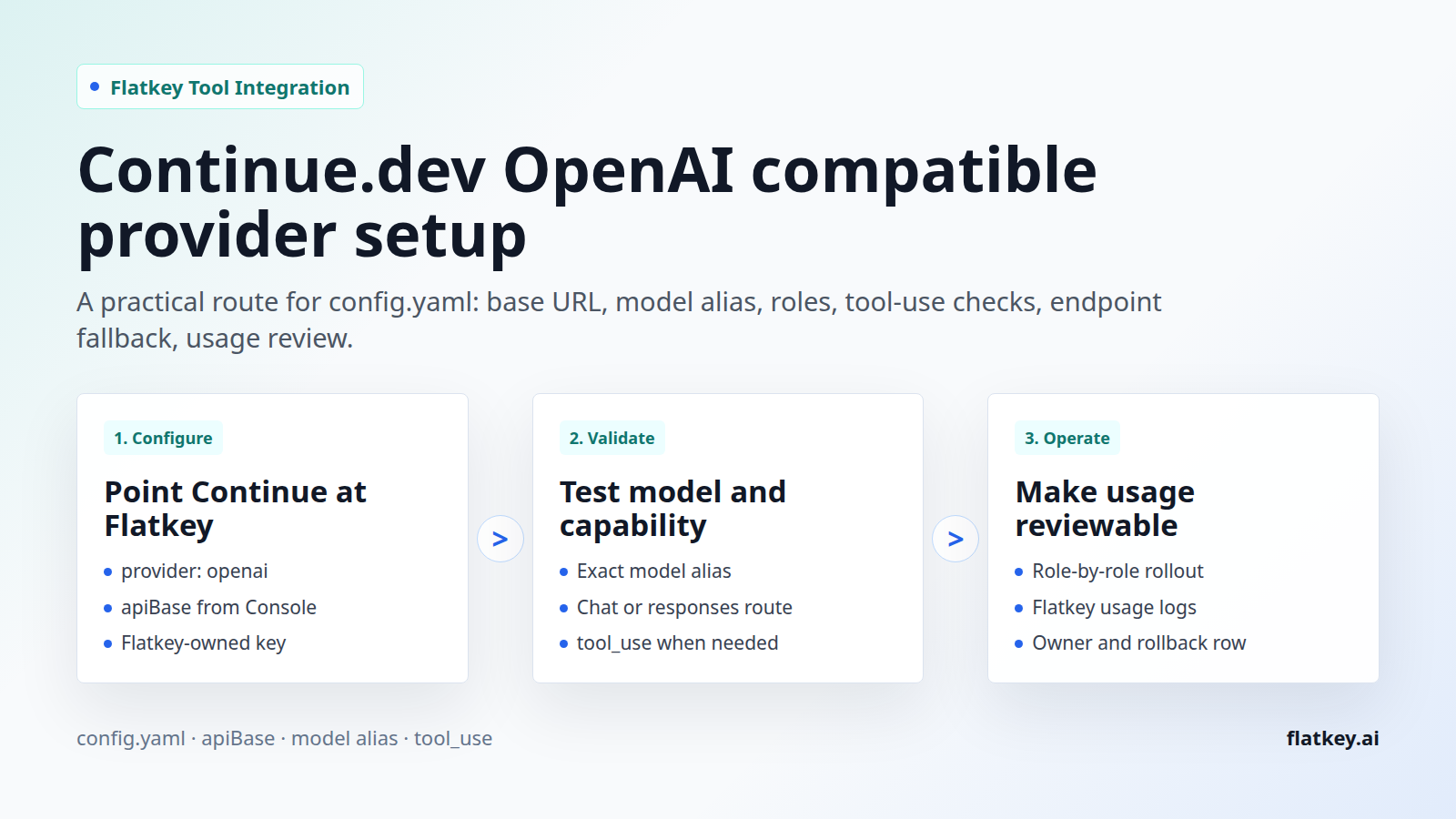
Continue.dev OpenAI compatible provider: Flatkey Setup Guide
Set up Continue.dev with Flatkey as an OpenAI-compatible provider: config.yaml, apiBase, model aliases, roles, tool-use checks, endpoint fallback, and usage review.
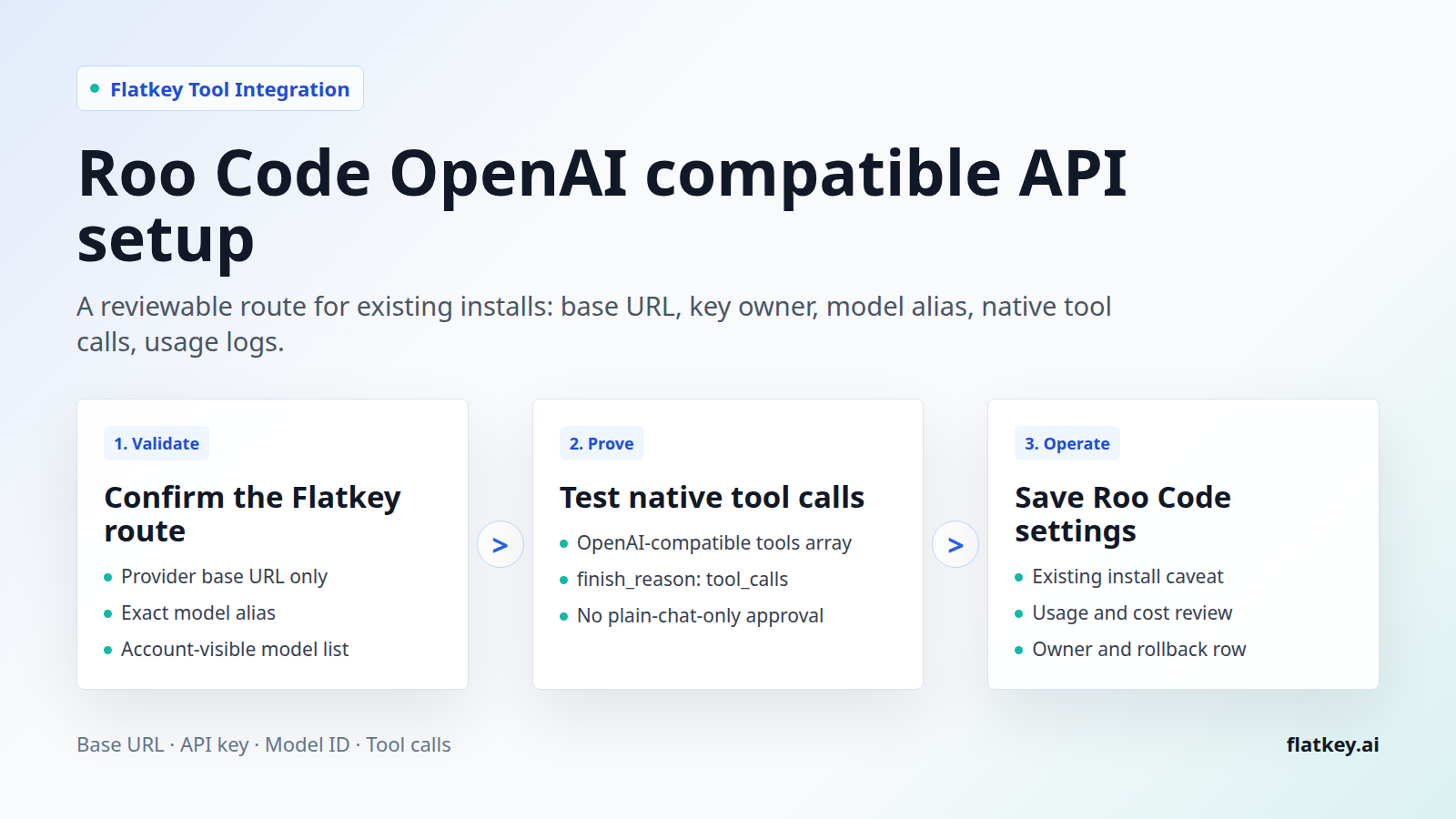
Roo Code OpenAI compatible API: Flatkey Setup Guide
If you still maintain Roo Code installs, the Roo Code OpenAI compatible API route is mostly a configuration surface: provider type, Base URL, API key, and Model ID. The production risk is the part that is easy to miss. Roo Code's provider docs require native O
Build faster with one AI gateway.
Use flatkey.ai to manage models, keys, billing, and observability from one API platform.
Get started